

XBC Tech Replacement 3.5mm Microphone Boom for HyperX Cloud 2 II and HyperX Silver (CLOUD 2)
Product description
What it is
This is a replacement 3.5mm microphone boom designed for the HyperX Cloud 2 II and HyperX Silver (CLOUD 2) headset. It’s marketed as a non-original aftermarket part intended to replace a broken or lost mic, rather than as an official HyperX component.
Fit and compatibility
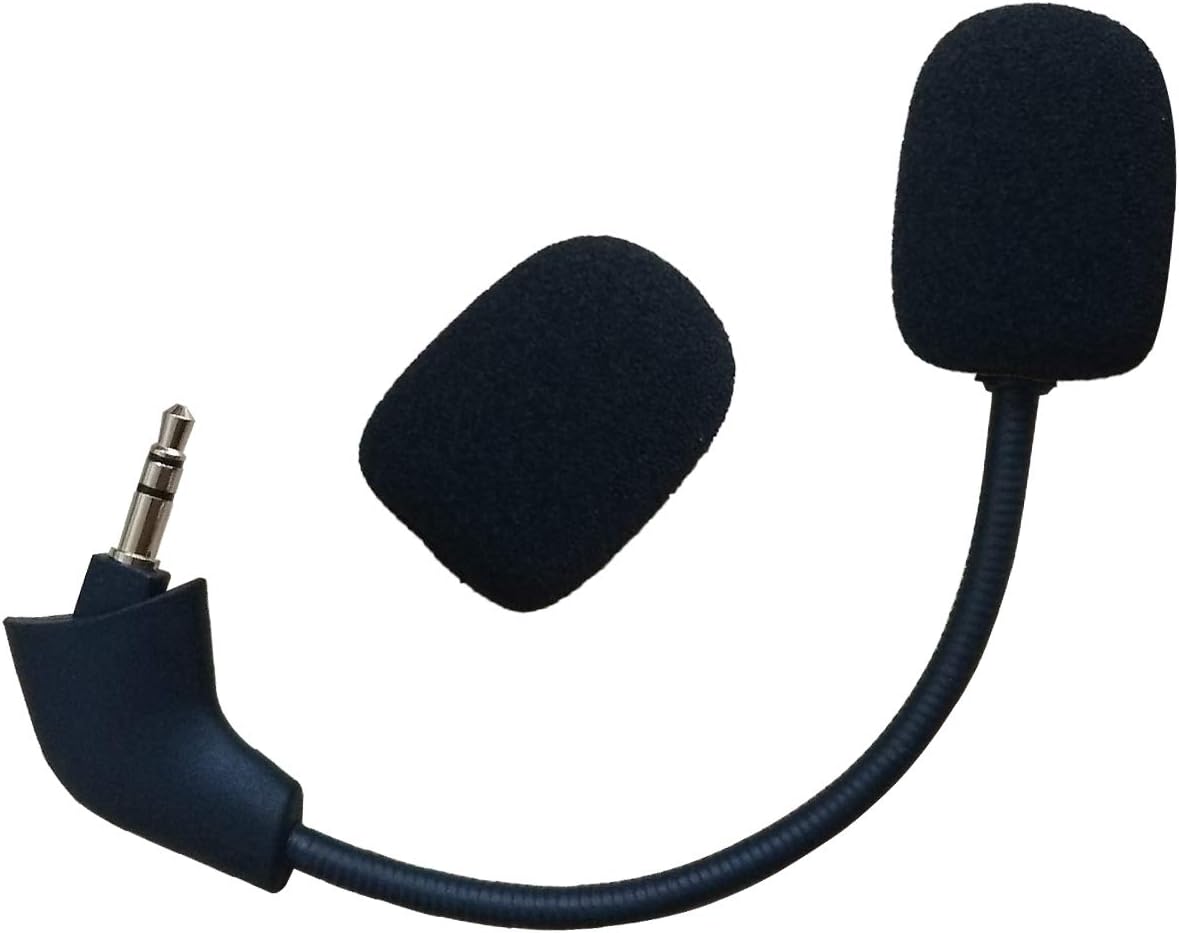
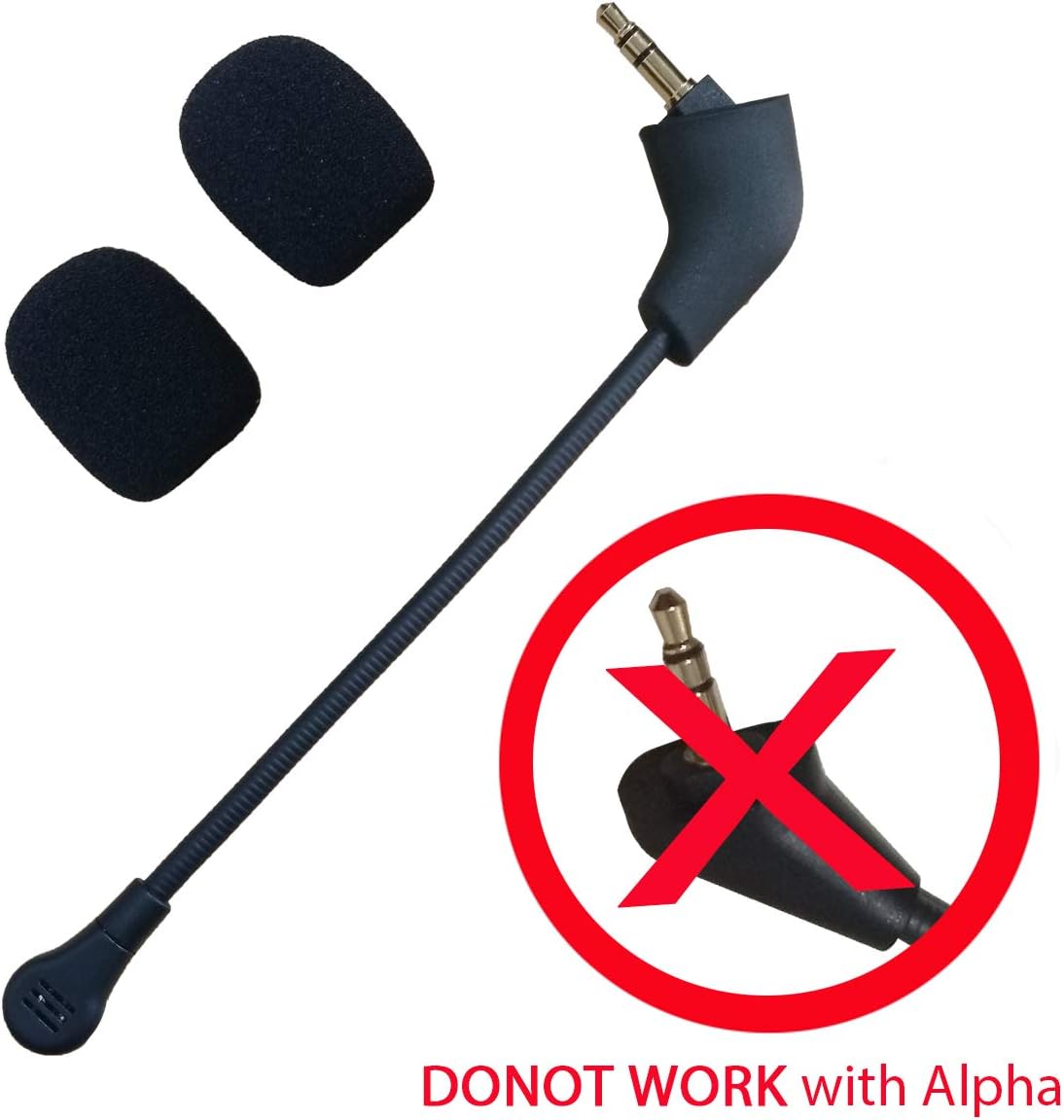
On the surface, it’s built to reach your mouth with a 6.1 inch length and a 360-degree bend, which should help you position the mic for steady, close-up audio. The exact compatibility is framed around HyperX Cloud 2 II and HyperX Silver (CLOUD 2), users should double-check that their headset matches the listed models before purchasing.
Design and build
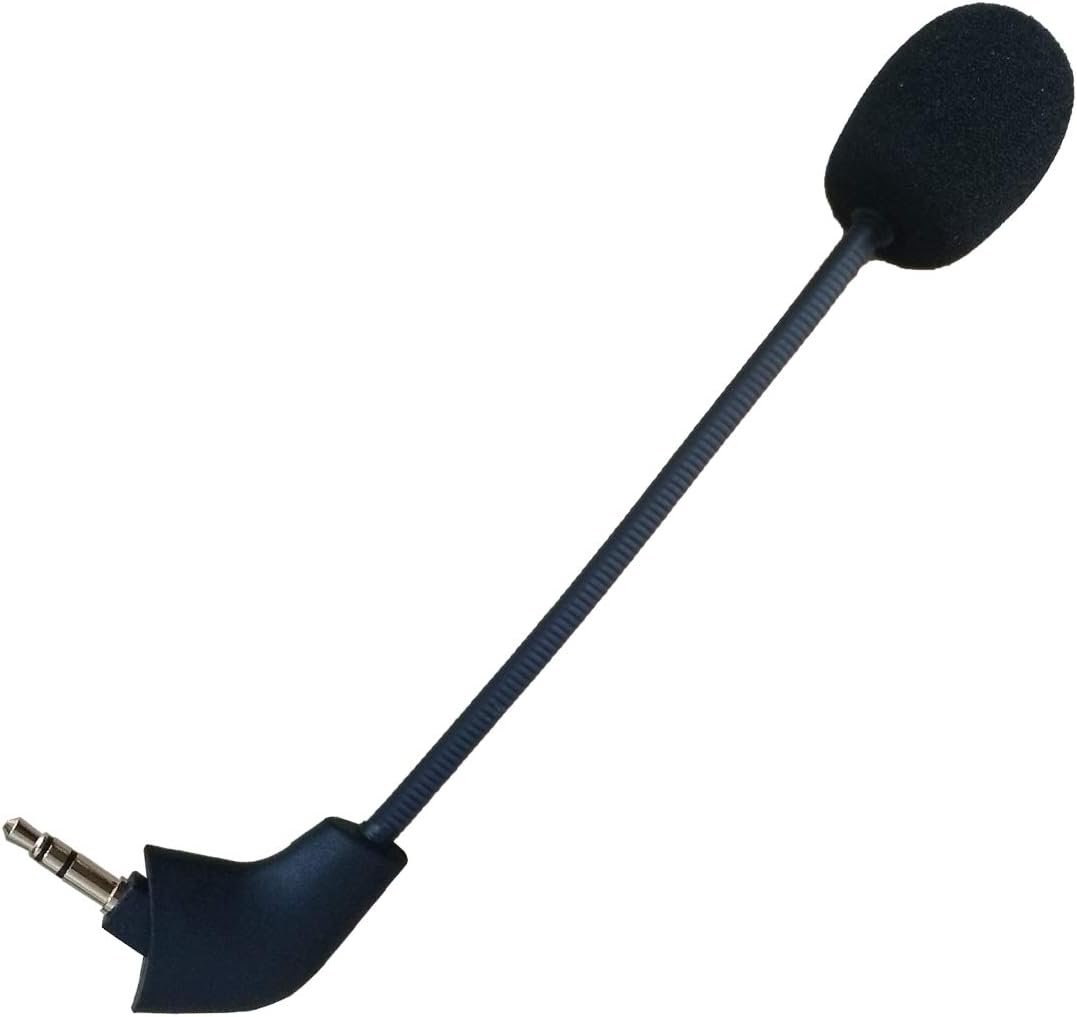
The mic features a gold-plated 3.5mm connector at the end, which is described as durable and aesthetically pleasing. A mic cover foam is included to help with noise cancellation, contributing to clearer voice capture in less-than-ideal environments. Being aftermarket, it’s important to note that the part is not described as original HyperX equipment.
Practical use
If you’re gaming or streaming and your current mic is faulty or missing, this replacement could restore voice capture without replacing the entire headset. The 360-degree articulation offers flexibility for sitting positions and room setups. However, real-world performance can vary with third-party parts, and comfort may depend on how the mic sits relative to your mouth and lips during long sessions.
What stands out and where it may fall short
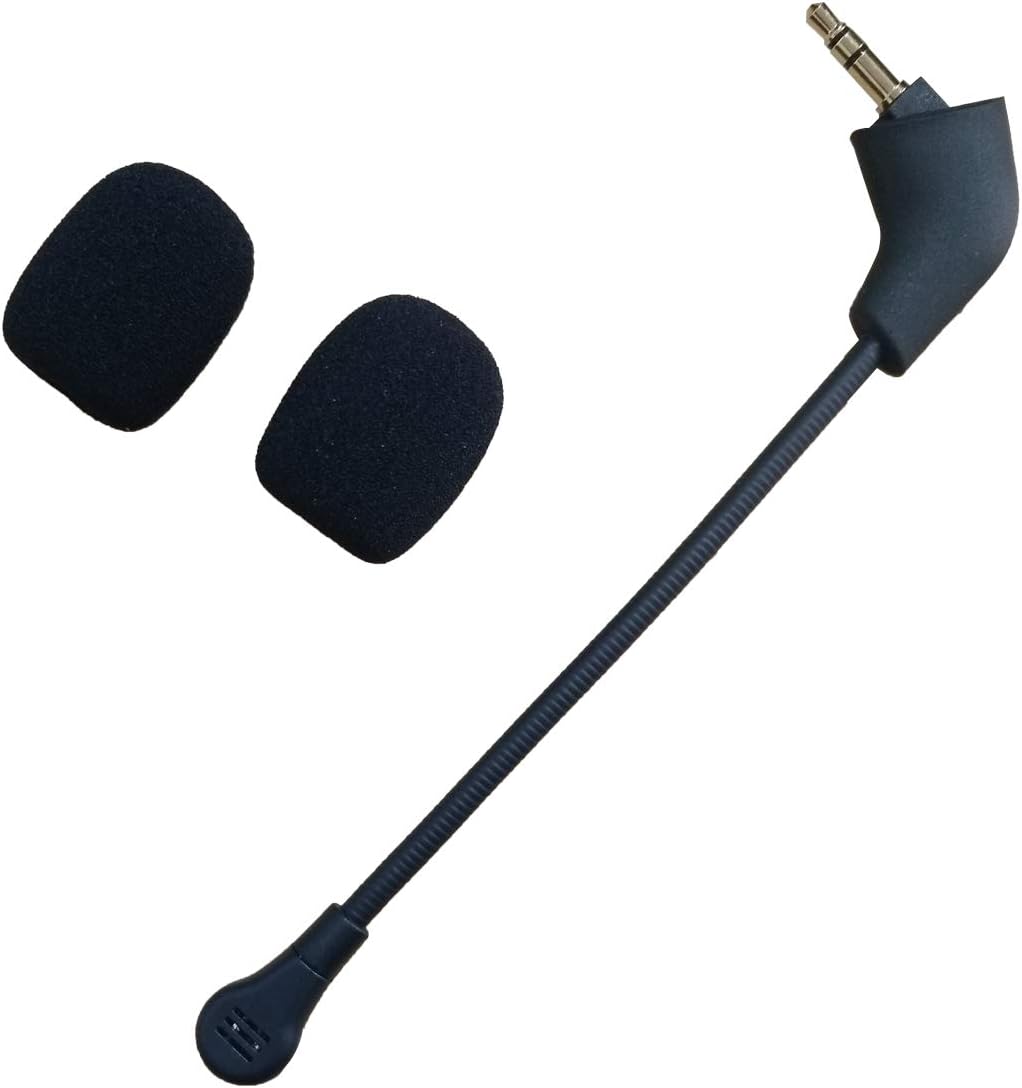
On the plus side: a dedicated replacement mic with a bendable arm and included foam windscreen can simplify setup and potentially improve noise handling compared with a damaged mic. On the other hand: as an aftermarket part, there’s no explicit assurance of long-term durability, consistent audio quality, or perfect compatibility with all Cloud 2 variants.
Who it’s for
It suits users who own HyperX Cloud 2 II or HyperX Silver (CLOUD 2) headsets and need a practical replacement mic without buying a new headset. It may appeal to those comfortable with aftermarket parts and who prioritise getting back to use quickly over guaranteeing official quality marks.
When it makes sense to buy
Consider this replacement if your current microphone is broken, missing, or if you want a detachable mic option to swap out without replacing the whole headset. If you place a high emphasis on original branding or certified compatibility, you might prefer an official accessory or a different replacement route.
What to check before buying
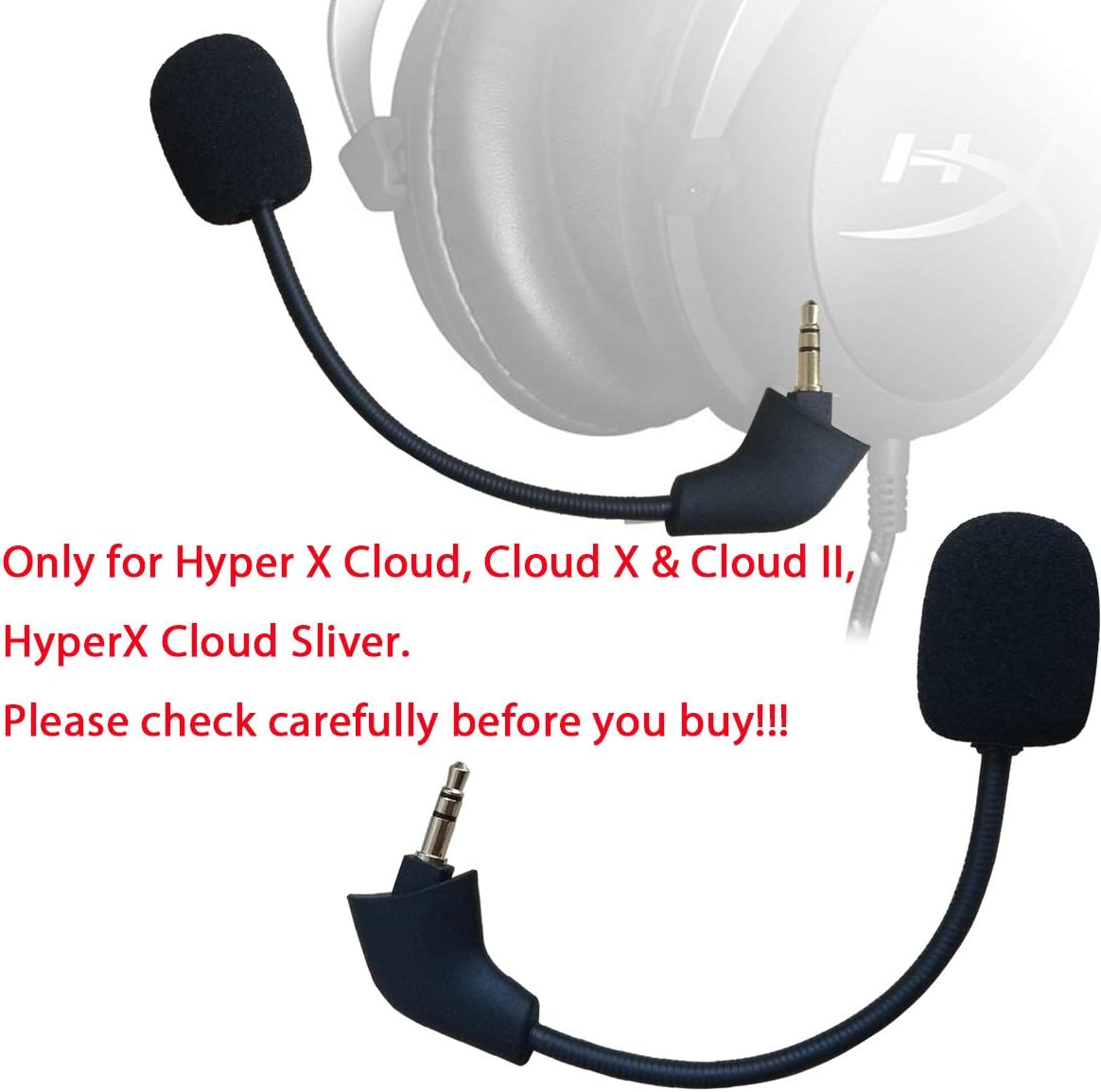
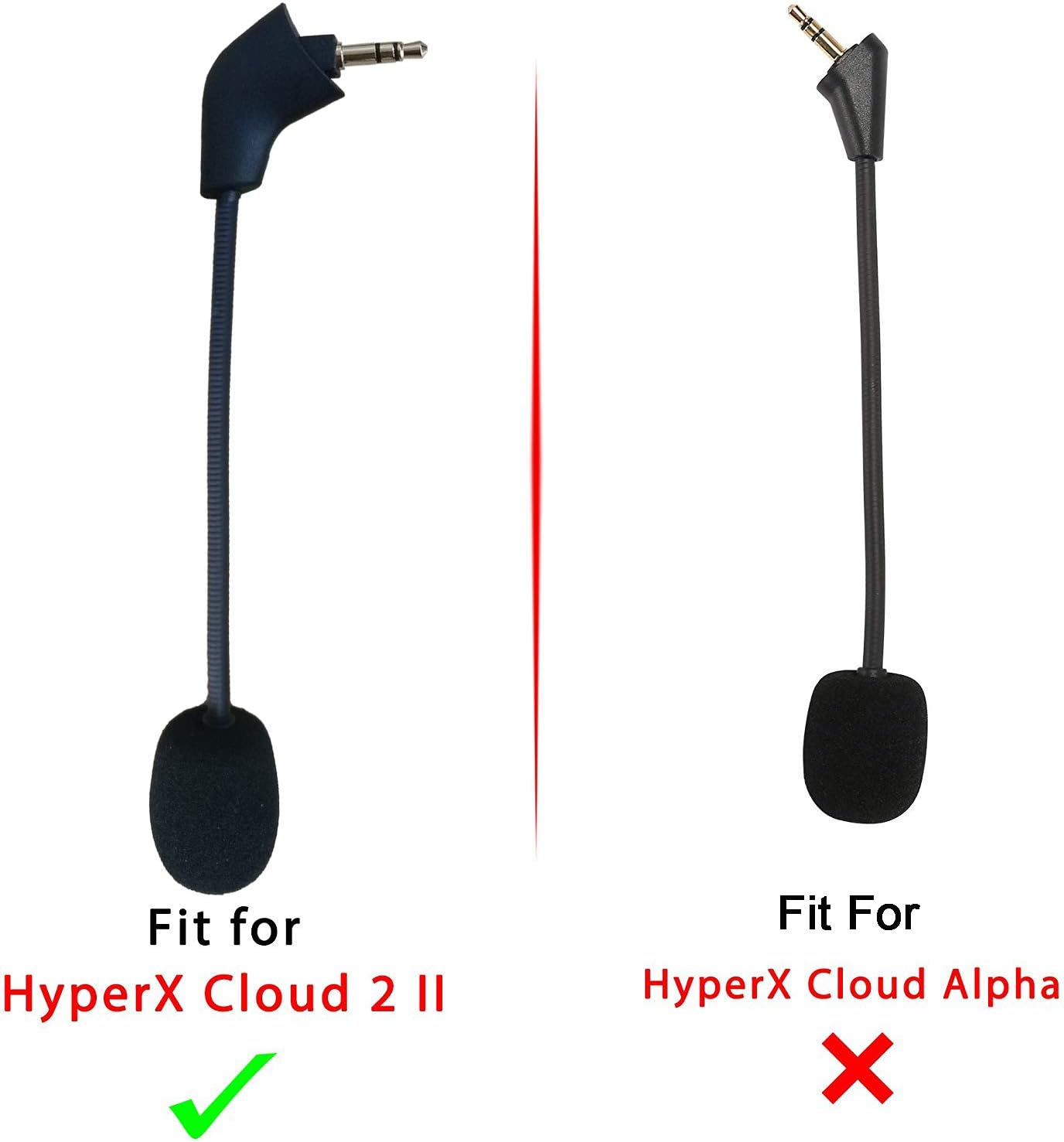
- Confirm model compatibility with your HyperX Cloud 2 variant.
- Be aware this is described as an aftermarket part, not an original HyperX component.
- Check the length (6.1 inches) and bendability to ensure it suits your setup.
- Consider how the windscreen and mic position will behave during long sessions and whether you’ll need extra noise reduction in noisy spaces.
Practical comparison and usage context
If you’re weighing options, you can think of this as a pragmatic alternative to replacing the entire headset or seeking an official spare. It may be a sensible choice for users who prioritise getting audio back quickly and are comfortable with aftermarket parts, provided the headset model alignment is correct. It might not be the best route if you need guaranteed official support or if you frequently adjust mic position during professional broadcasts.
FAQ
- Q: Is this an official HyperX part? A: No, it is described as a non-original aftermarket replacement.
- Q: Will it fit all HyperX Cloud 2 variants? A: The listing specifies HyperX Cloud 2 II and HyperX Silver (CLOUD 2), verify your exact model before purchase.
- Q: Does it include all components needed to replace the mic? A: It includes the replacement mic with a 3.5mm end and a noise-cancelling foam windscreen.
- Q: How easy is the replacement process? A: The description does not provide installation details, you may need basic technical comfort with headset components.
Is it worth it?
It may be a reasonable choice if you want a straightforward fix for a damaged mic and your headset matches the supported models, without paying for official parts. If you prioritise guaranteed original components or have a headset variant not clearly listed, there may be better options.