

Focusrite Scarlett Solo 4th Gen USB Audio Interface for guitar, vocals and home production
Reviews
Price
Product description
The essentials
If you’re trying to record guitar and vocals without turning your setup into a science project, the Focusrite Scarlett Solo 4th Gen is built for exactly that kind of “get it down quickly” workflow. It’s a USB audio interface aimed at musicians, singers and producers who want studio-style results on a compact box, whether you’re tracking ideas at home or capturing proper takes on demand.
On paper, it leans into two things: sound quality you can trust and a software bundle that’s meant to get you moving straight away. The catch, as with most single-channel or entry-focused interfaces, is that it won’t suit every recording style—especially if you need lots of simultaneous inputs or a bigger multi-track setup from day one.
Where it fits in a recording setup
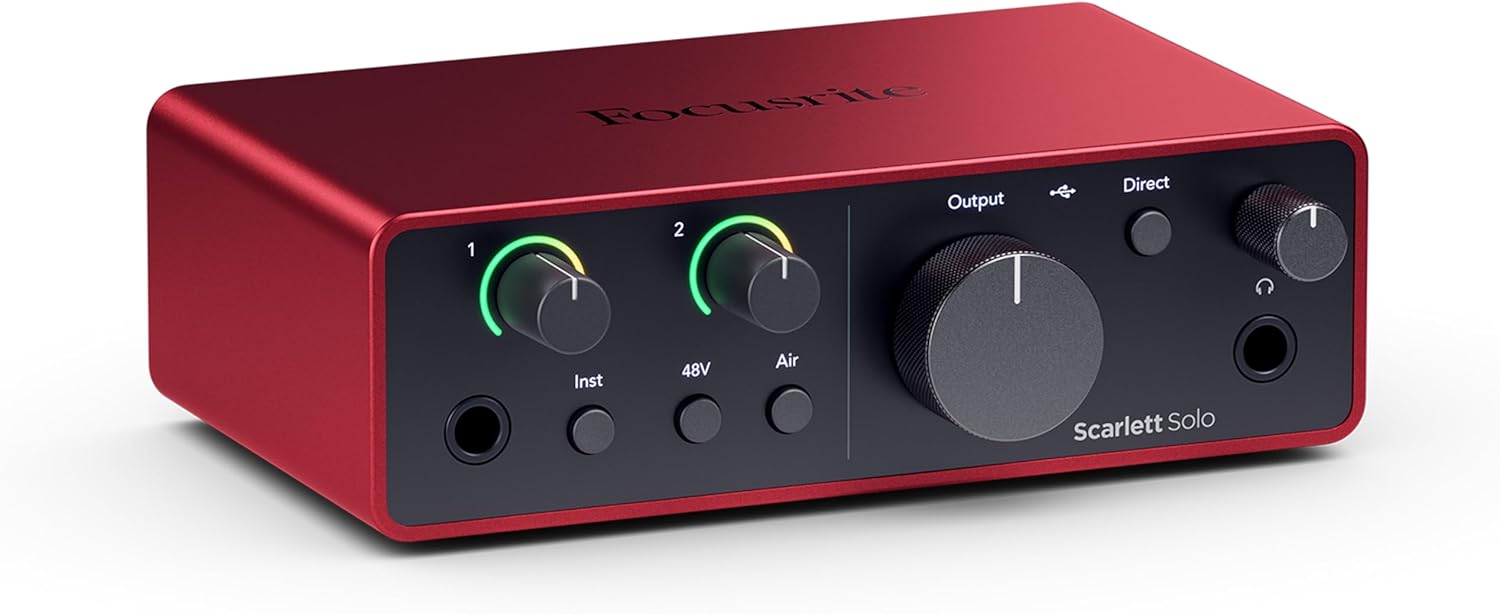
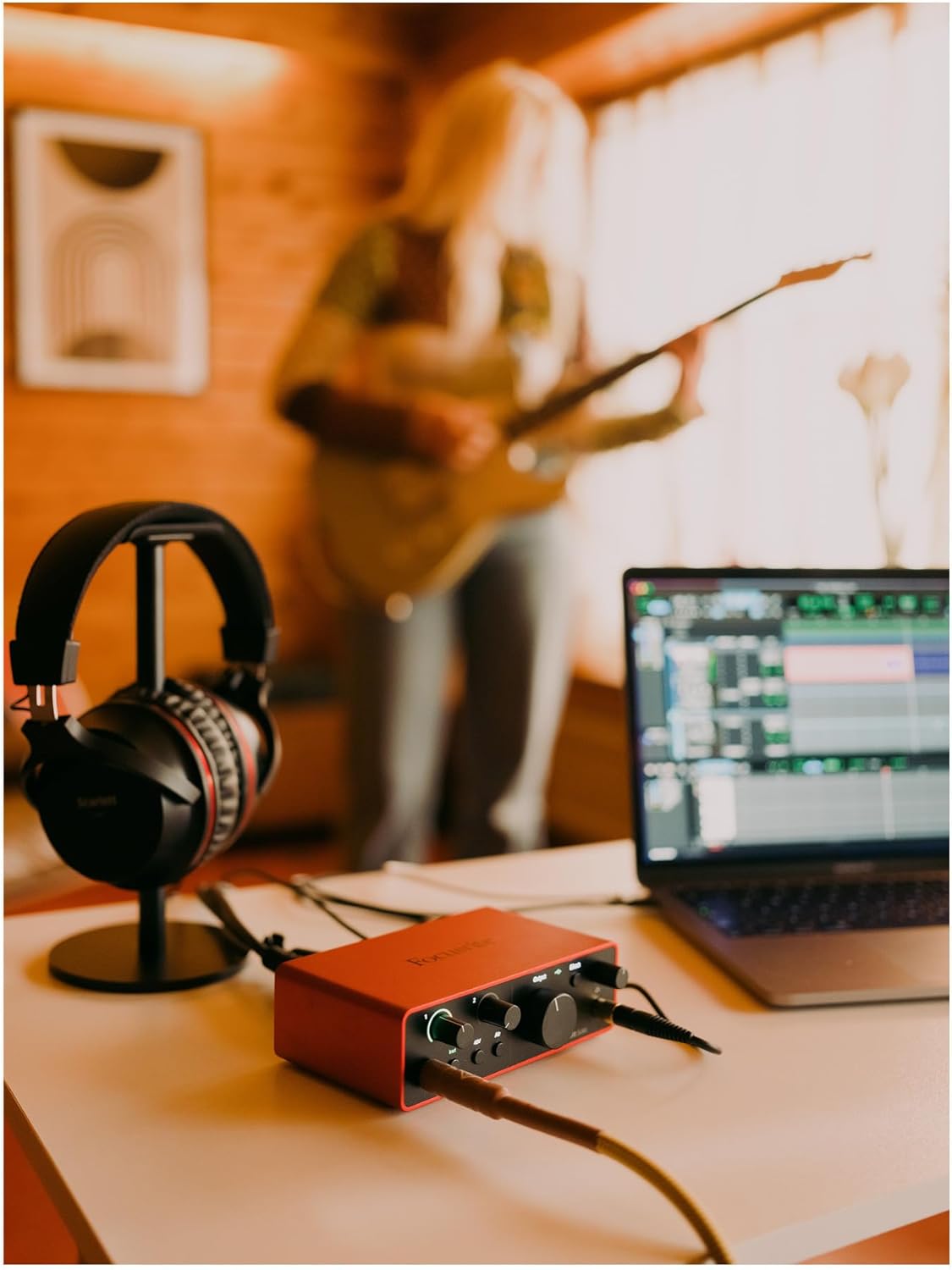
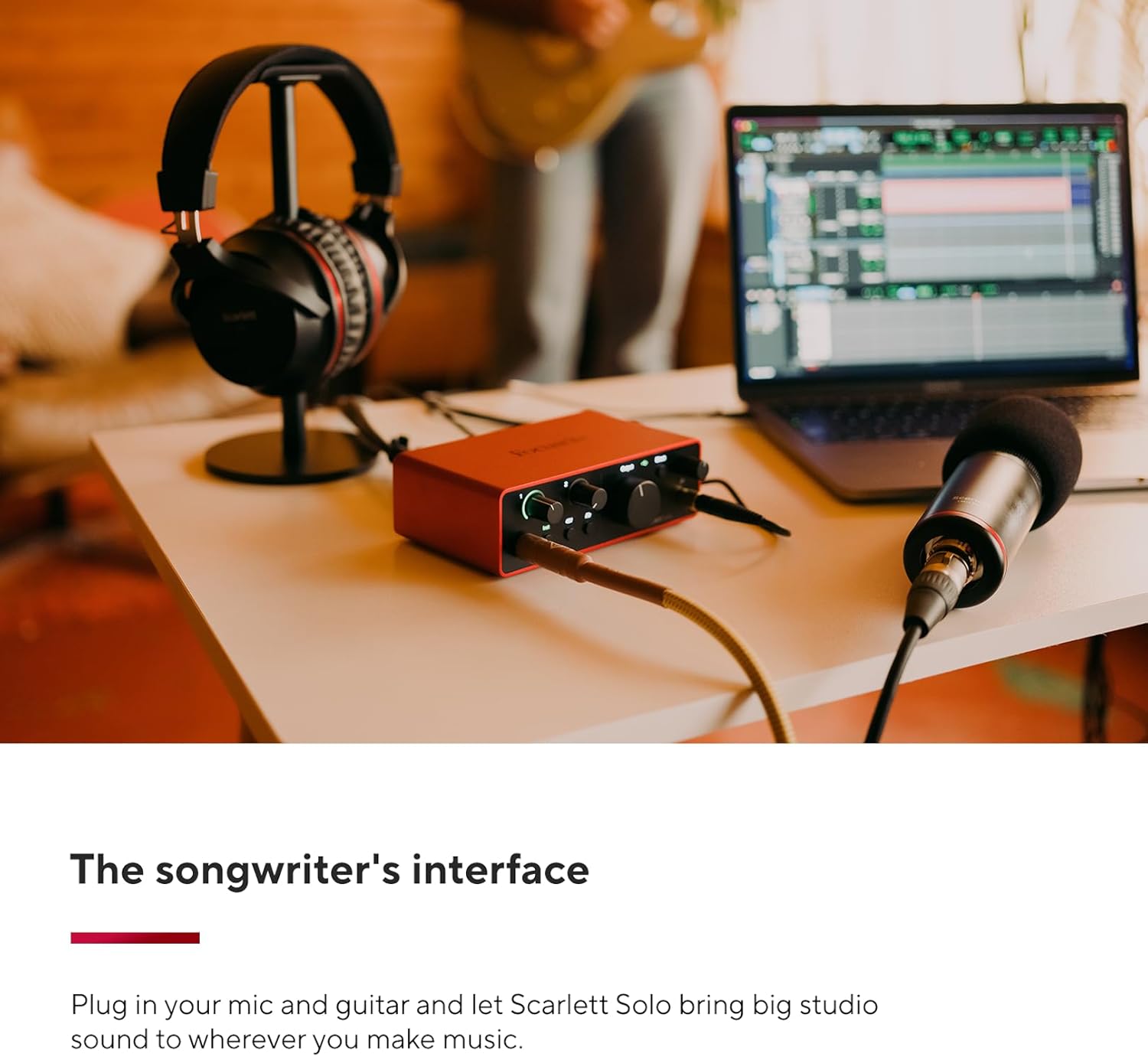
The Scarlett Solo 4th Gen positions itself as a straightforward hub for the guitarist or vocalist. The core pitch is simple: plug in your mic and guitar, then record with a “studio quality” approach, wherever you are. That matters if you travel with your laptop, record in different rooms, or you just don’t want to spend weeks optimising settings.
A practical example: imagine you’ve got a song idea and you want to record a clean vocal take and a guitar part back-to-back. You’d typically set up the interface, run your recording software, and track through the included tools without needing a separate mixer. It’s the kind of setup that helps you move from “I’ve got a rough demo” to “this is actually worth keeping” while the inspiration is still there.
It also helps that Focusrite explicitly frames the device for recording quality “like the best studios” would—whether or not you need that level of headroom every session, it’s reassuring for long-term confidence.
What stands out in the sound
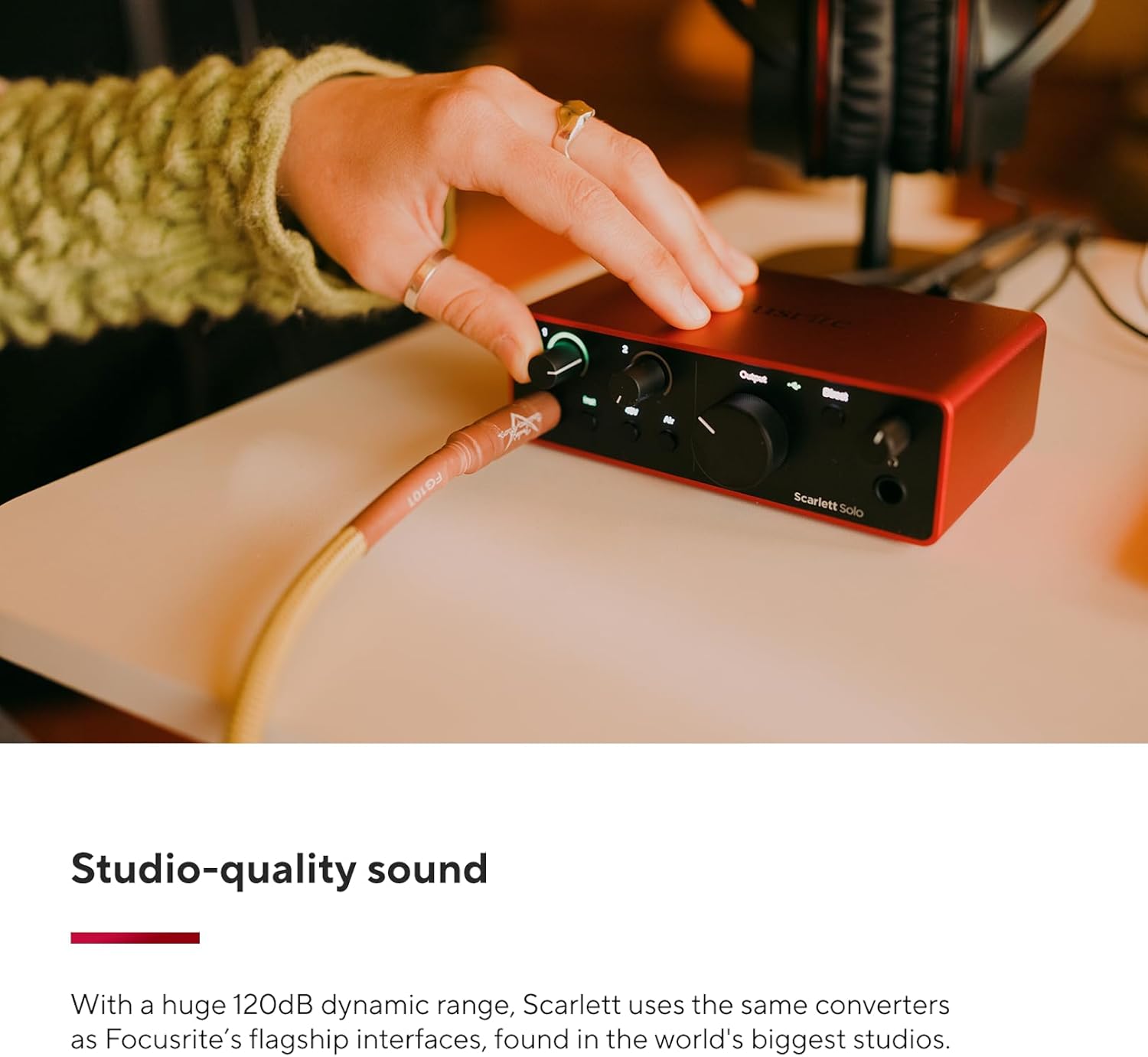
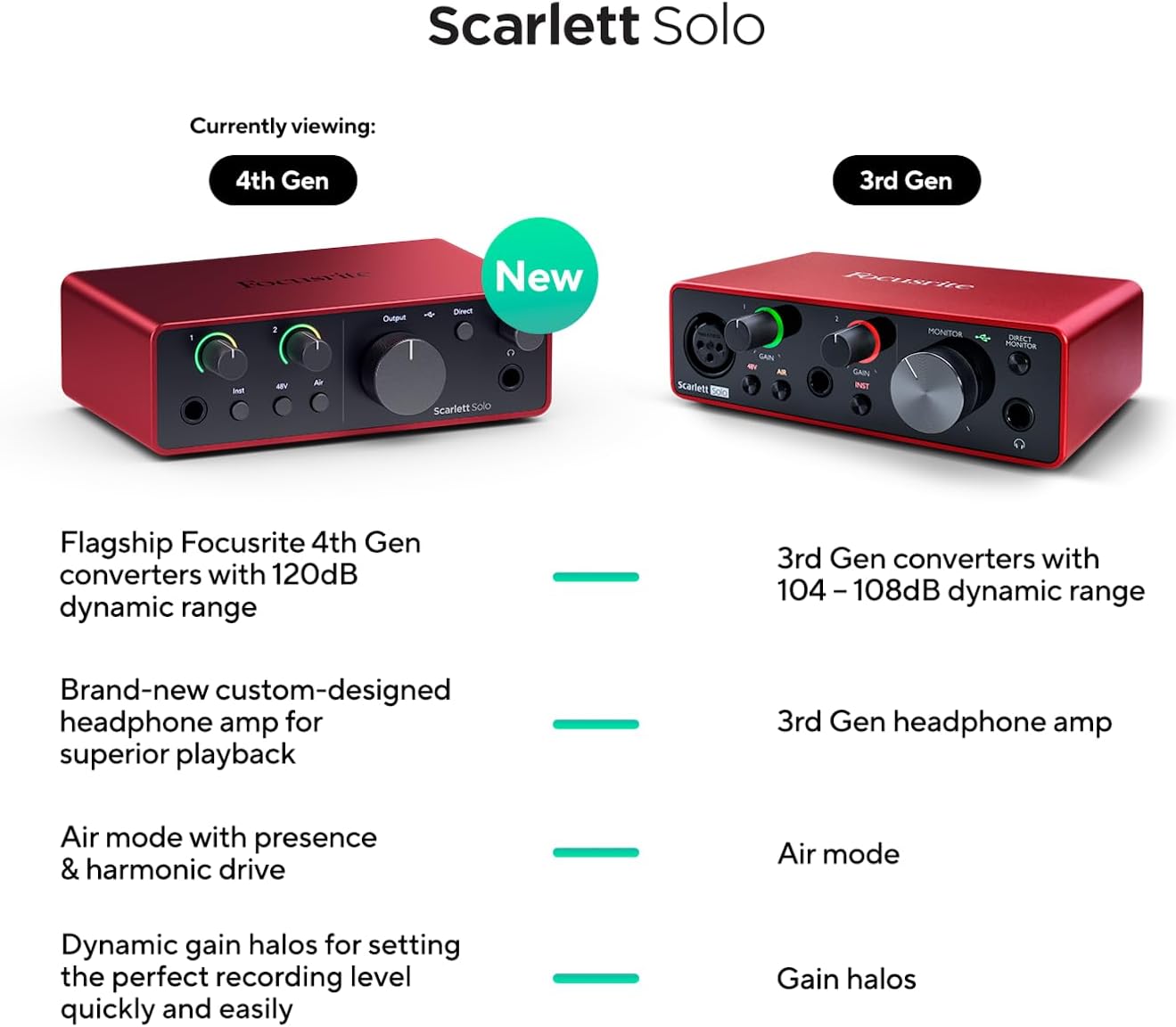
The most concrete technical claim in the provided details is the dynamic range: the interface uses Focusrite converters with 120 dB dynamic range (as stated for Focusrite interfaces that use the same type of conversion). For buyers, that’s often a good sign if you care about capturing quieter details without instantly flattening everything.
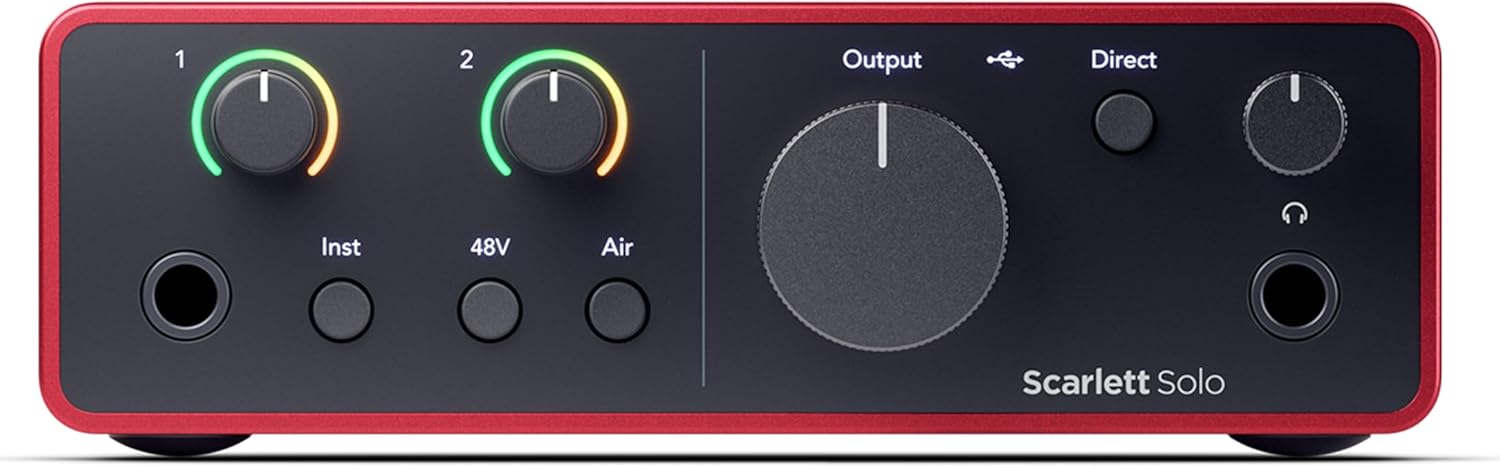
Then there’s the AIR mode. Focusrite describes it as adding musical presence and intense harmony so that vocals and guitars sit out more clearly in the mix. That’s one of those features you’ll either love or you’ll be cautious with—depending on your voice, mic choice, guitar tone and how you tend to produce. If you tend to like your recordings a bit more forward without over-processing, it’s a handy knob to experiment with early.
One limitation to keep in mind: if you’re chasing very specific, heavily sculpted tones, you may still need to do proper EQ and effects later. AIR mode can help, but it’s not a replacement for good recording practice.
The software bundle you actually get
A big part of the value proposition here is that the Scarlett Solo 4th Gen includes software and tools that are meant for recording from day one. The details mention:
- Pro Tools Intro+ for Focusrite
- Ableton Live Lite
- Cubase LE
- Hitmaker Expansion
- and “effects” / tools for mixing and mastering, presented as essential and easy to use.
This matters if you don’t already own a full DAW. Rather than buying an interface and then staring at a blank screen, you get a path into the workflow. That said, the bundle being “the software you need” can be a bit optimistic—depending on your production style, you might still want additional plugins or a different DAW long-term. For new setups, though, it’s a strong head start.
Also worth noting: with multiple DAW options included, it can be easy to waste time downloading and configuring. The simplest approach is to pick one DAW you’ll commit to at first, then grow from there.
Getting started without the fuss
Focusrite talks about a quick start experience, and that’s one of the practical reasons people buy interfaces from this family. If you’ve ever lost an evening to driver installs, routing confusion, or basic I/O setup, you’ll know how quickly a “simple recording session” turns into admin.
Here, the idea is that the interface is designed to let you start creating quickly—so you spend more time recording and less time untangling settings.
If you’re the type who prefers to just plug in, choose inputs, hit record and see what happens, this kind of “quick start” focus can be genuinely useful.
Key specifications
- Type: USB audio interface
- Dynamic range: 120 dB (as stated for converters used by Focusrite interfaces with this conversion)
- Modes/processing: AIR mode for added musical presence
- Included software: Pro Tools Intro+, Ableton Live Lite, Cubase LE, Hitmaker Expansion
Is it worth it?
The Scarlett Solo 4th Gen is a solid buy if you want a USB interface that’s geared toward recording guitar and vocals, with studio-style conversion claims and an AIR mode you can try early to add presence in the mix. It also makes sense if you don’t want to buy a separate bundle of software before you’ve even made your first recordings.
You may want to skip it if your needs are more demanding than a focused single setup—particularly if you expect to record lots of parts at the same time and you’re aiming for a larger, more complex production rig. Also, if you already own a DAW and you don’t care about the included effects/instruments, the bundle value may feel less compelling.
Mini FAQ
Will the AIR mode help vocals and guitar?
It’s designed to add presence and musical intensity, specifically so vocals and guitars stand out more in the mix. Whether you keep it on or use it sparingly will depend on your voice, mic and overall sound.
Do I need to buy a DAW straight away?
The details say the interface includes Pro Tools Intro+, Ableton Live Lite and Cubase LE, plus Hitmaker Expansion. That should cover the basics for getting recording quickly, though advanced production needs may still lead you to add or switch tools later.
Is this interface mainly for guitarists and vocalists?
Yes—Focusrite frames it for recording your micro and guitar and getting studio-quality results with a quick start workflow.
What should I check before buying?
Given the emphasis on “quick start” and software included, it’s worth checking that the included DAW(s) match how you want to work. If you’re sure you’ll need more simultaneous inputs than a simple setup, you may want to look at bigger interfaces instead.