

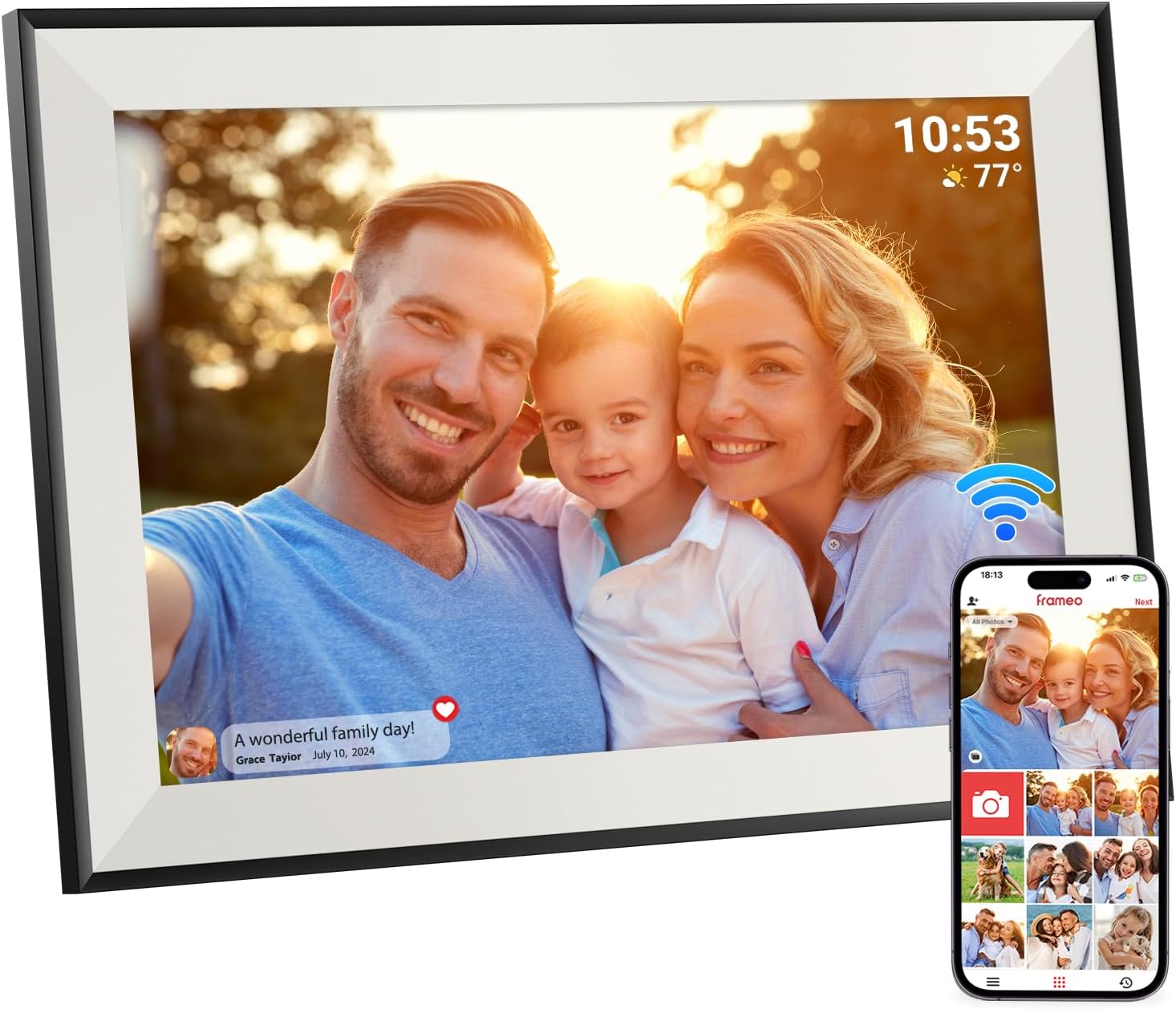
Hesmor 64GB Frameo WiFi Digital Photo Frame (10.1 Inch, 1280x800 IPS Touch) with Auto-Rotate
Product description
If you want an electronic photo frame that feels closer to “sharing moments” than “loading a USB stick”, the Hesmor 64GB Frameo model is built around Wi‑Fi and the Frameo app. On paper, it ticks a lot of practical boxes: touch control, auto-rotate, support for photos and video, and a decent amount of built-in storage.
That said, there are a couple of areas worth thinking about before you buy—mainly how much you’ll rely on its app-based workflow and whether you’re expecting an ultra-responsive, tablet-like experience at every step.
Key takeaways
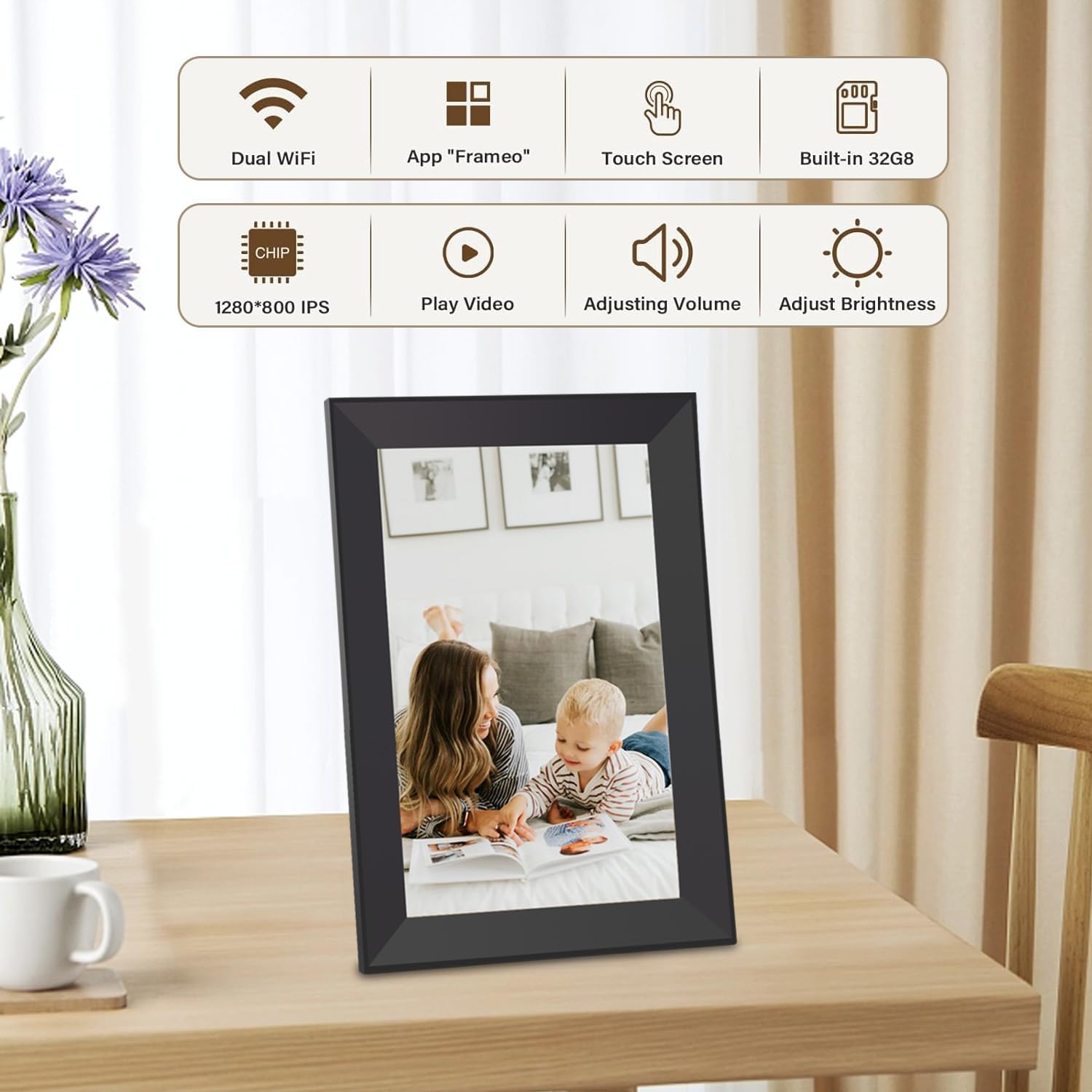
The headline is straightforward: a 10.1 inch IPS touchscreen frame with Wi‑Fi and 64GB internal storage, plus the ability to expand with a microSD card. It’s designed for everyday sharing—upload from your phone, invite family/friends via the Frameo app (up to 512 people, per the product info), and let the frame handle presentation like auto-rotation and adjustable brightness.
It’s also clearly aimed at people who want a “set it up and keep it updated” approach. If your plan is to keep swapping media manually every so often, you may find cheaper, non-Wi‑Fi frames do the job with less effort (even if they’re less convenient once multiple people want to add content).
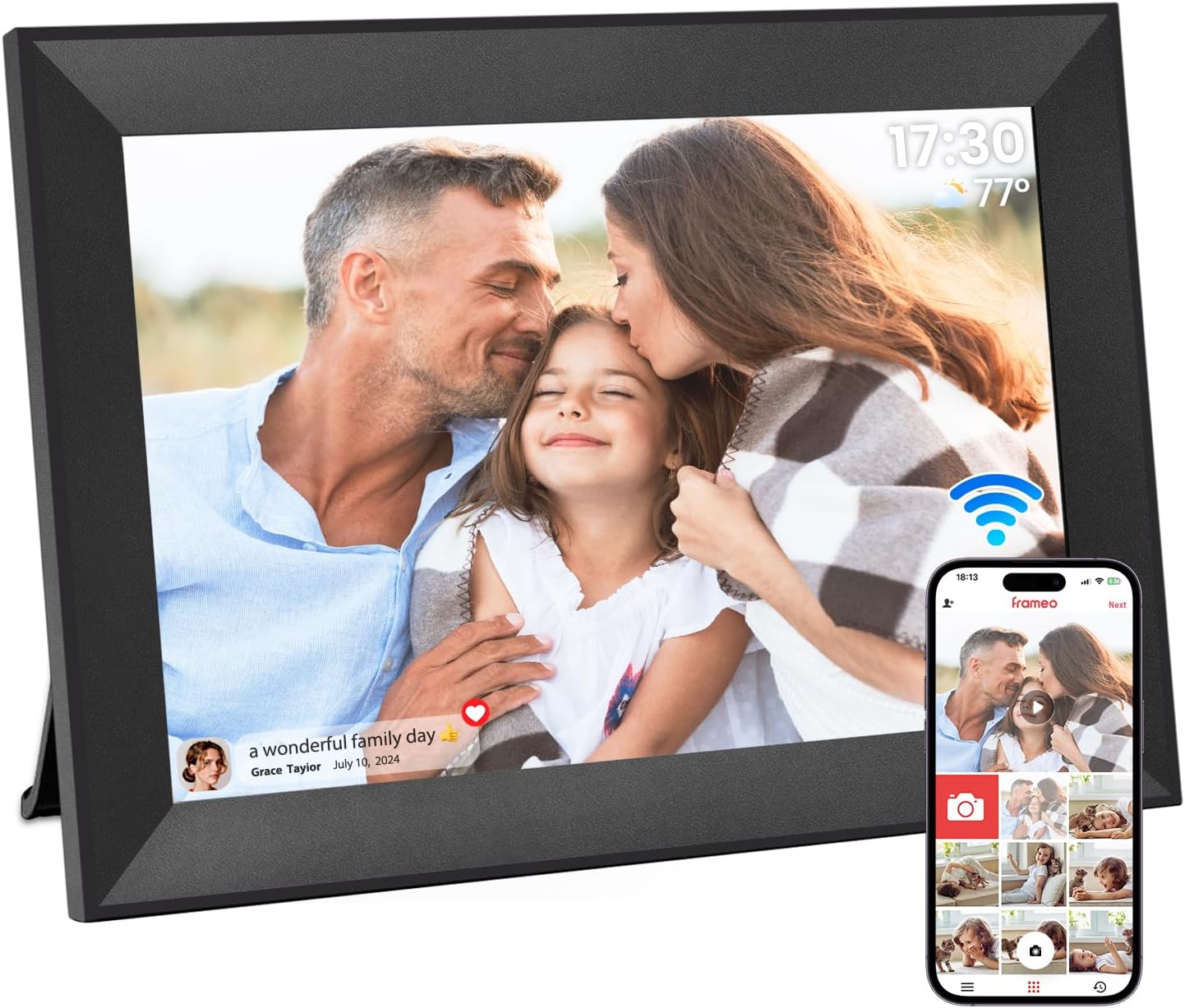
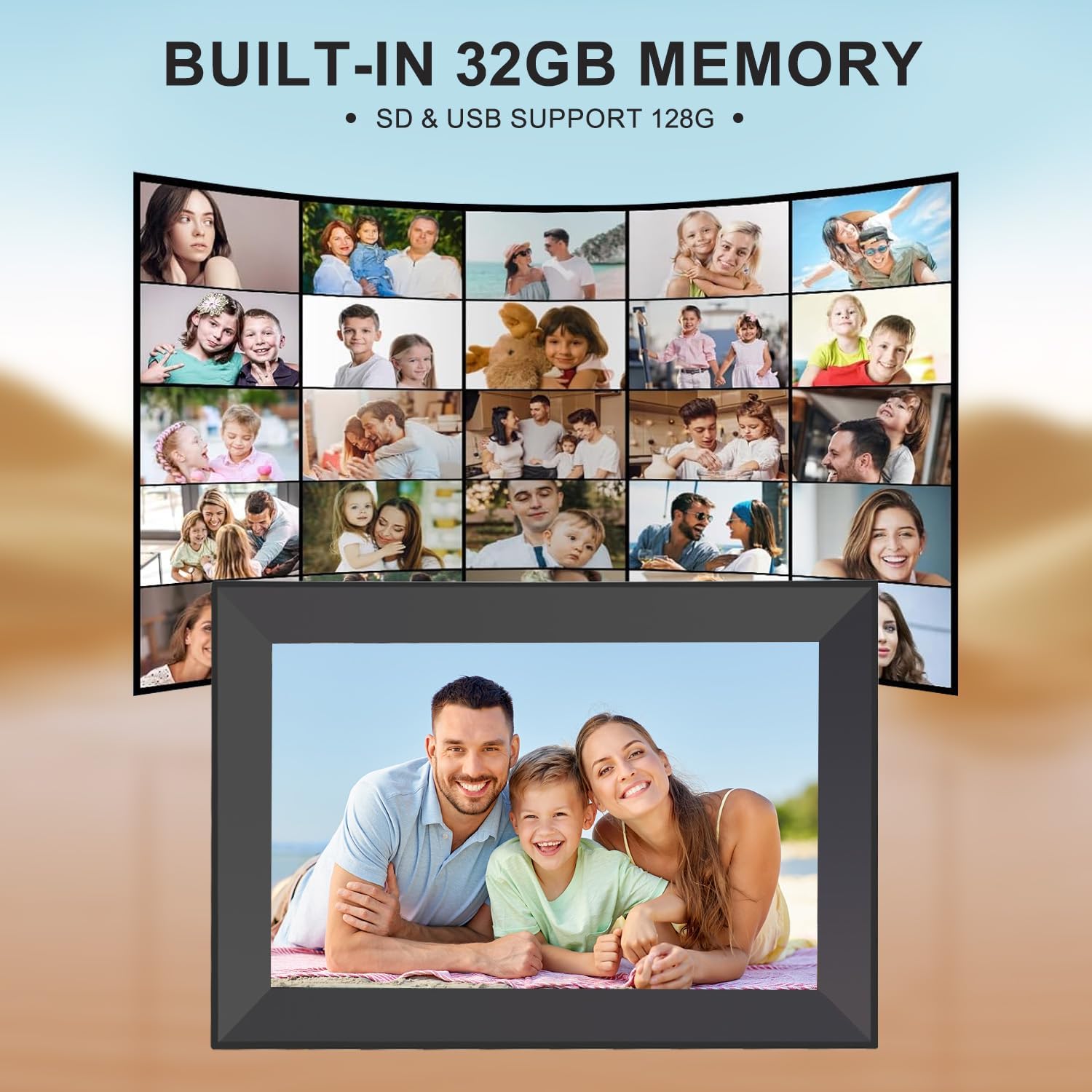
Worth noting: the internal storage is marketed as supporting roughly 160,000 photos at 300 KB each, which is helpful as a rough guide. Video capacity depends on length/format, so don’t treat the photo estimate as a guarantee for long videos.
The essentials
This Hesmor frame sits in the family of Wi‑Fi digital photo frames that aim to remove friction from displaying memories. You connect it to Wi‑Fi via the Frameo app (Android and iOS are mentioned), then you can add photos or videos and even add subtitles to your photos.
The touchscreen is capacitive and supports 10-point touch, and the description mentions controls such as adjusting playback order, zooming images, hiding/publishing photos, showing titles, and setting brightness. There’s also a suspension/sleep mode and an auto on/off feature, which is the kind of thing that matters more than you’d think once it’s on a shelf or sideboard.
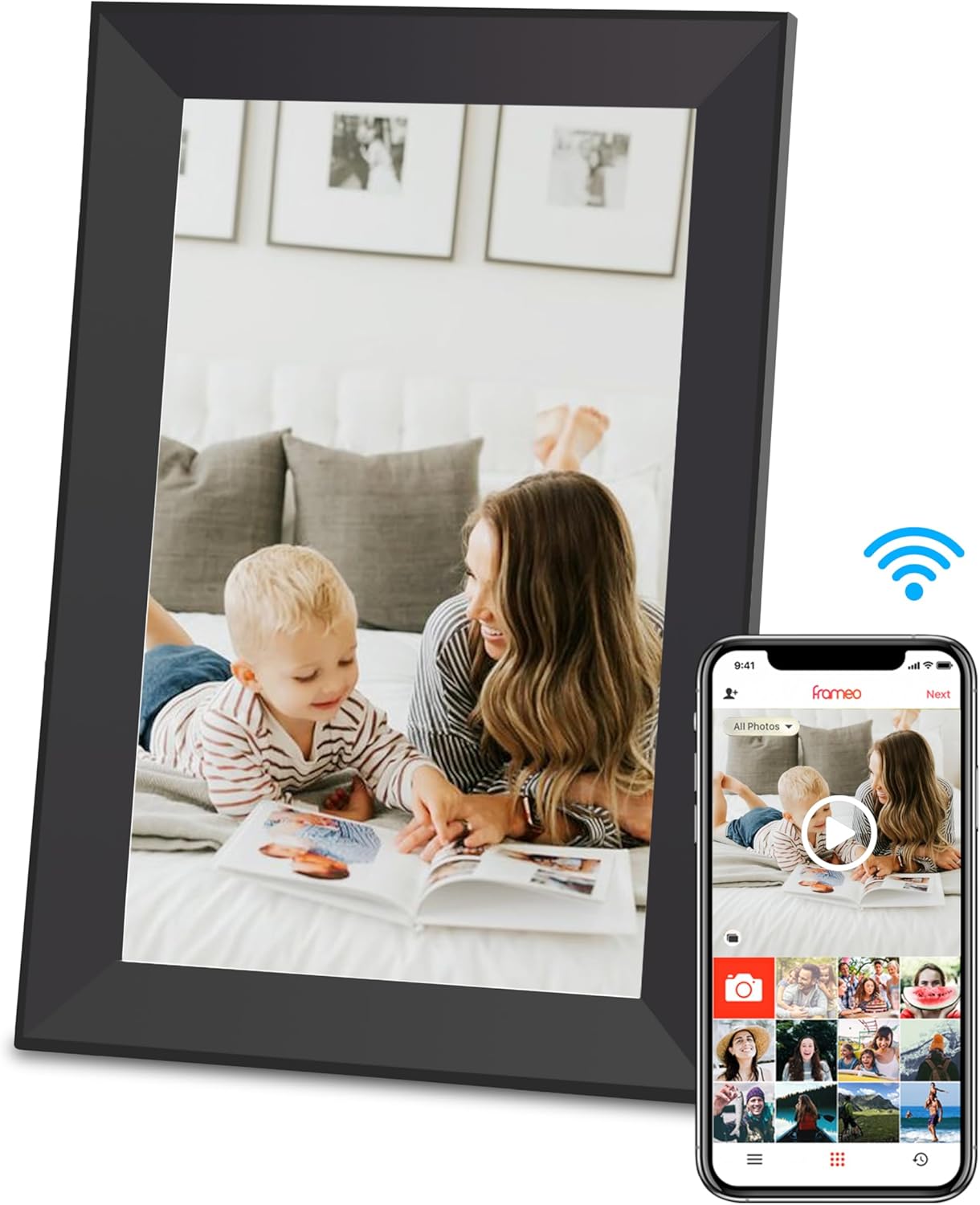
If you like the idea of one shared frame that multiple relatives contribute to, it also supports inviting up to 512 friends or family members. That’s a big social angle compared with basic single-user frames.
What stands out in everyday use
The two features that feel most “day-to-day” are auto-rotate and the app-based sharing.
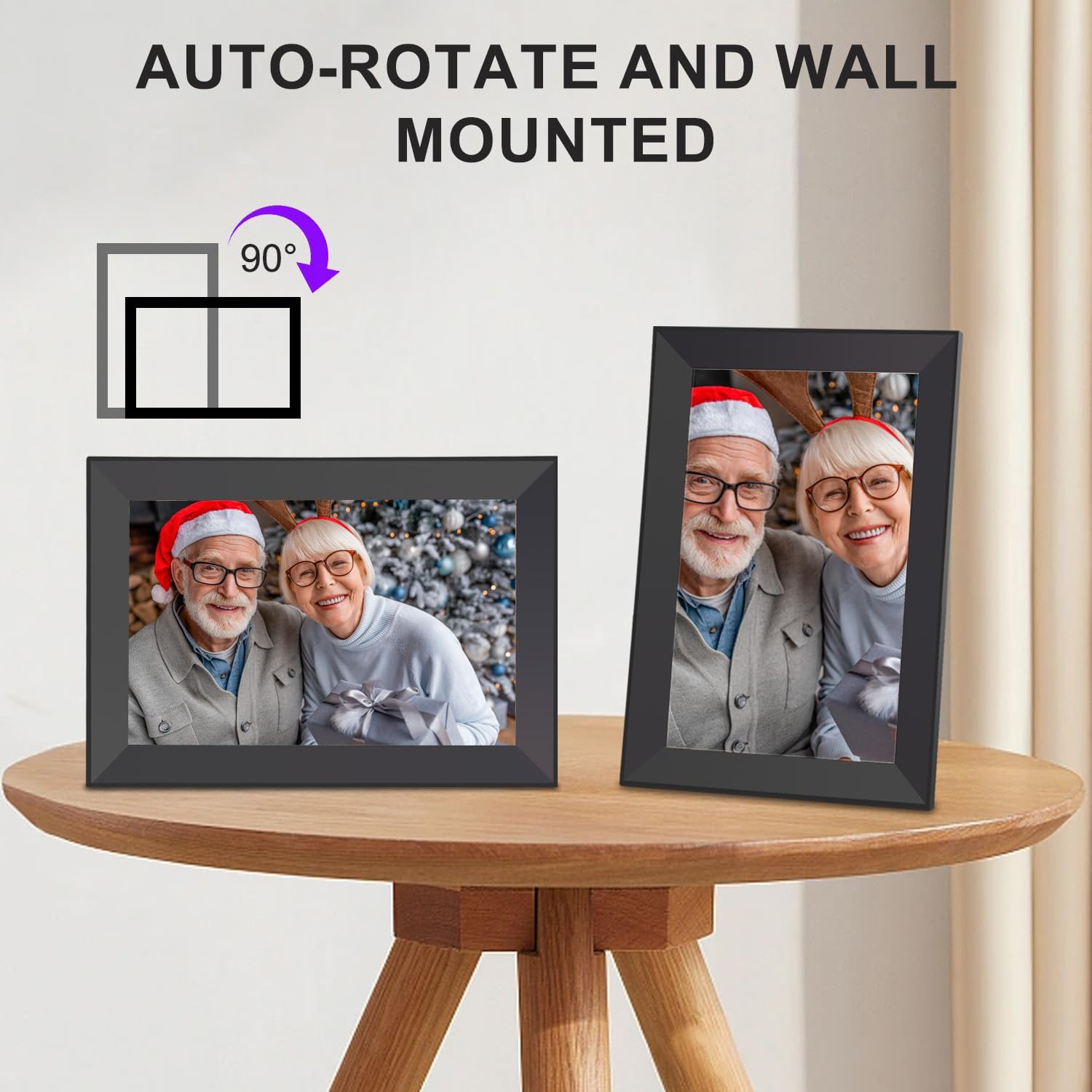
Auto-rotate is useful if people upload photos in different orientations. For example, imagine a weekend family gathering where you’ve got both landscape shots (group photos) and portrait shots (close-ups of faces). With auto-rotate, the frame can present them in vertical or horizontal without you having to think too much about rotation.
On top of that, the frame is said to support photos, video, and a clock, plus it has an electronic frame layout with display controls. The brightness can be adjusted, which helps if the frame ends up somewhere that gets mixed lighting across the day.
Storage and expansion (so you don’t run out too quickly)
The model includes 64GB of built-in storage. The product description also states you can add a microSD card for more photos and longer videos.
Here’s what to bear in mind about the expansion support: - It accepts microSD cards in NTFS and FAT32 formats. - Maximum microSD capacity depends on format: up to 32GB for NTFS, and up to 128GB for FAT32.
That format-dependent limit is a detail worth checking carefully before you buy a card, especially if you already own an SD/microSD that’s formatted one way. If it’s formatted differently, the frame may not recognise it as expected.
Tech specs
- Name: Hesmor 64GB Frameo Digital Photo Frame WiFi
- Type: Digital photo frame
- Display: 10.1 inch IPS LCD touchscreen
- Resolution: 1280 x 800
- Memory: 64GB built-in
- Storage estimate: approx. 160,000 photos at 300 KB per photo
- Touch support: capacitive 10-point touch
- Wireless sharing: Wi‑Fi via the Frameo app
- Auto features: auto-rotate and adjustable brightness
- Video support: supports video, photos, and clock
- MicroSD support: NTFS and FAT32
- MicroSD max (NTFS): 32GB
- MicroSD max (FAT32): 128GB
Who it’s for (and who should skip it)
It makes sense if you want a communal frame for family moments—someone uploads from their phone, others join in, and the frame handles rotation and presentation. It’s also a good fit for gift buyers who want something that can stay relevant over time, rather than becoming “one-time impressive” after setup.
It might not be the best match if you’re expecting the frame to behave exactly like a smartphone. Touch control and zoom are mentioned, but photo/video presentation inside a frame ecosystem can feel simpler than full multimedia apps. Also, if you want a frame that works without app accounts, Wi‑Fi, and phone-based uploading, you may find this approach less convenient.
FAQs
How do you add photos or videos?
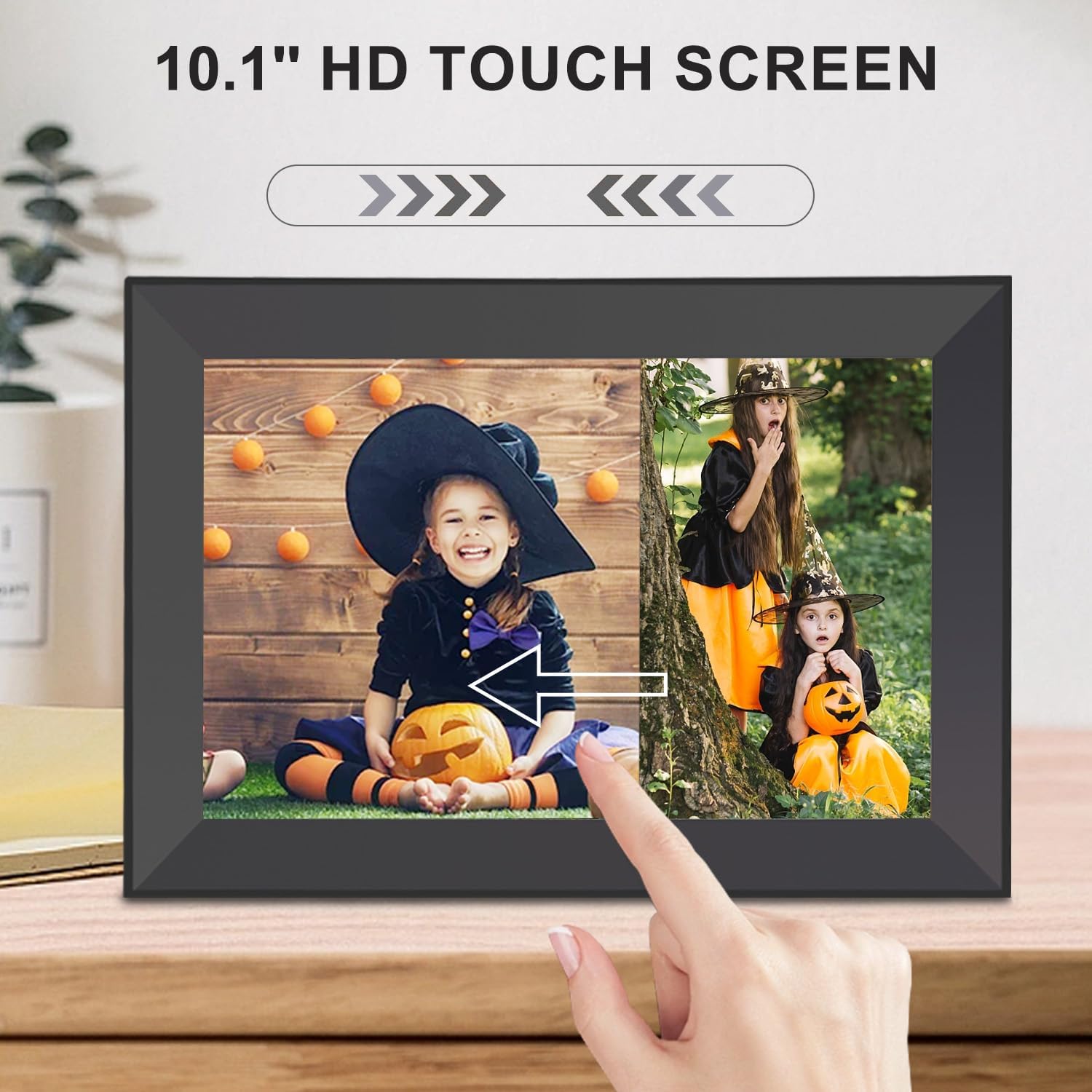
You connect the frame to Wi‑Fi using the Frameo app (for Android and iOS are mentioned), then upload photos/videos from the app.
Does it support portrait and landscape photos?
Yes—auto-rotate is listed, so photos can be shown in vertical or horizontal orientation.
Can friends and family add content?
The description says you can invite up to 512 friends or family members via the Frameo app.
Does it play video?
It’s stated to support video as well as photos and a clock.
Can I expand storage with a microSD card?
Yes, it supports microSD cards in NTFS and FAT32 formats, with format-specific maximum sizes (32GB for NTFS, 128GB for FAT32).
Final verdict
Buy the Hesmor 64GB Frameo WiFi digital photo frame if your priority is shared, app-based photo and video updates, plus a touchscreen experience with auto-rotate for mixed-orientation photos. The built-in storage is decent on paper, and the microSD expansion is there if you’re planning larger libraries.
Skip it if you don’t want to rely on Wi‑Fi/app sharing, or if you already know you’ll only want to load media occasionally by traditional means—this one is built around ongoing updates from phones. Also, double-check microSD formatting limits before you commit, because that’s the kind of practical detail that can trip people up.