

Dragon Touch 15.6 inch digital frame
Reviews
Price
Product description
Key points
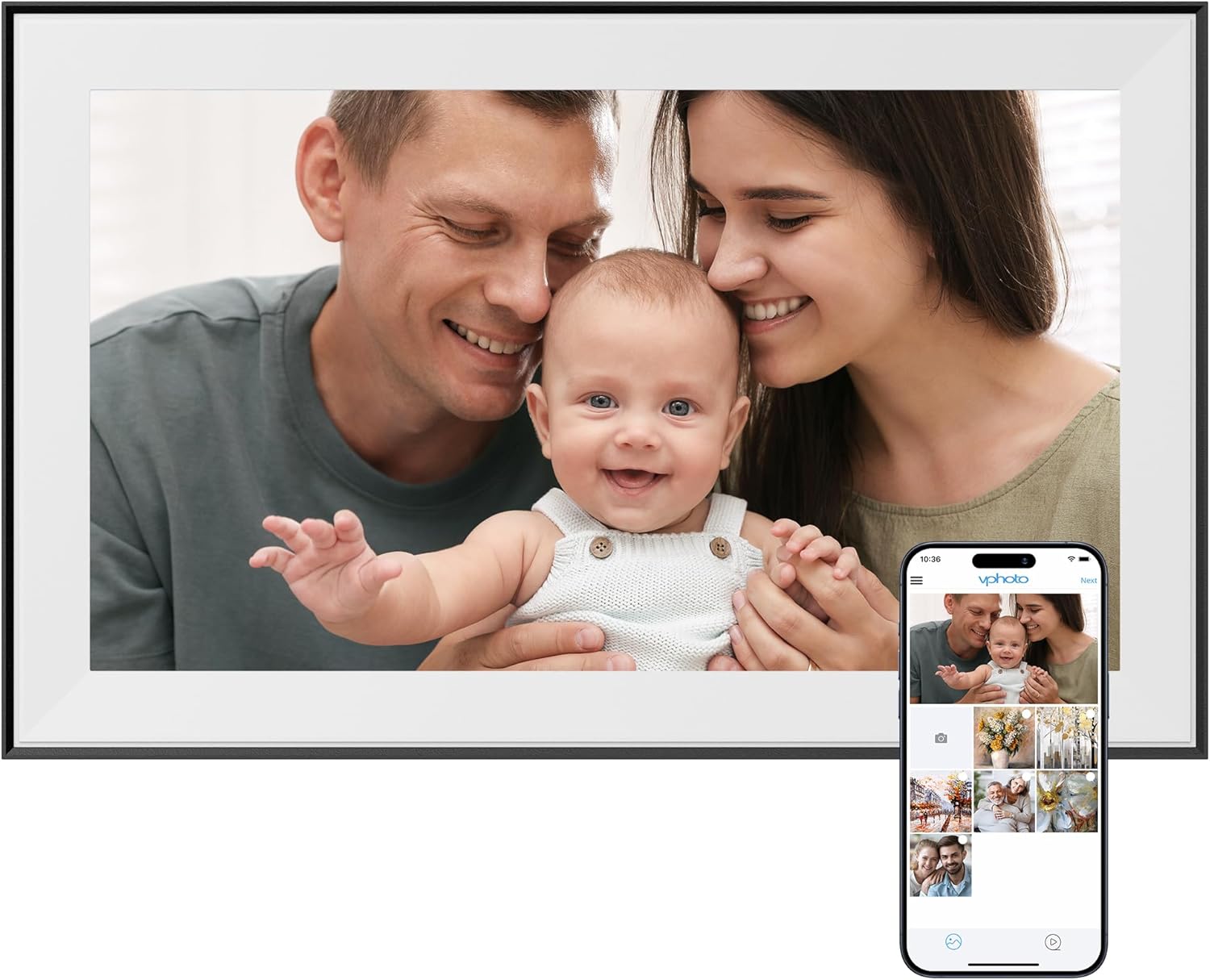
A Dragon Touch WiFi digital picture frame helps you keep family memories in view, even when everyone is busy and in different places. With cloud based sharing, you can update photos and videos quickly, so the frame feels more alive than a standard static photo display. It’s also a practical gift idea because it supports easy everyday use for people who may not want complicated tech. 📱
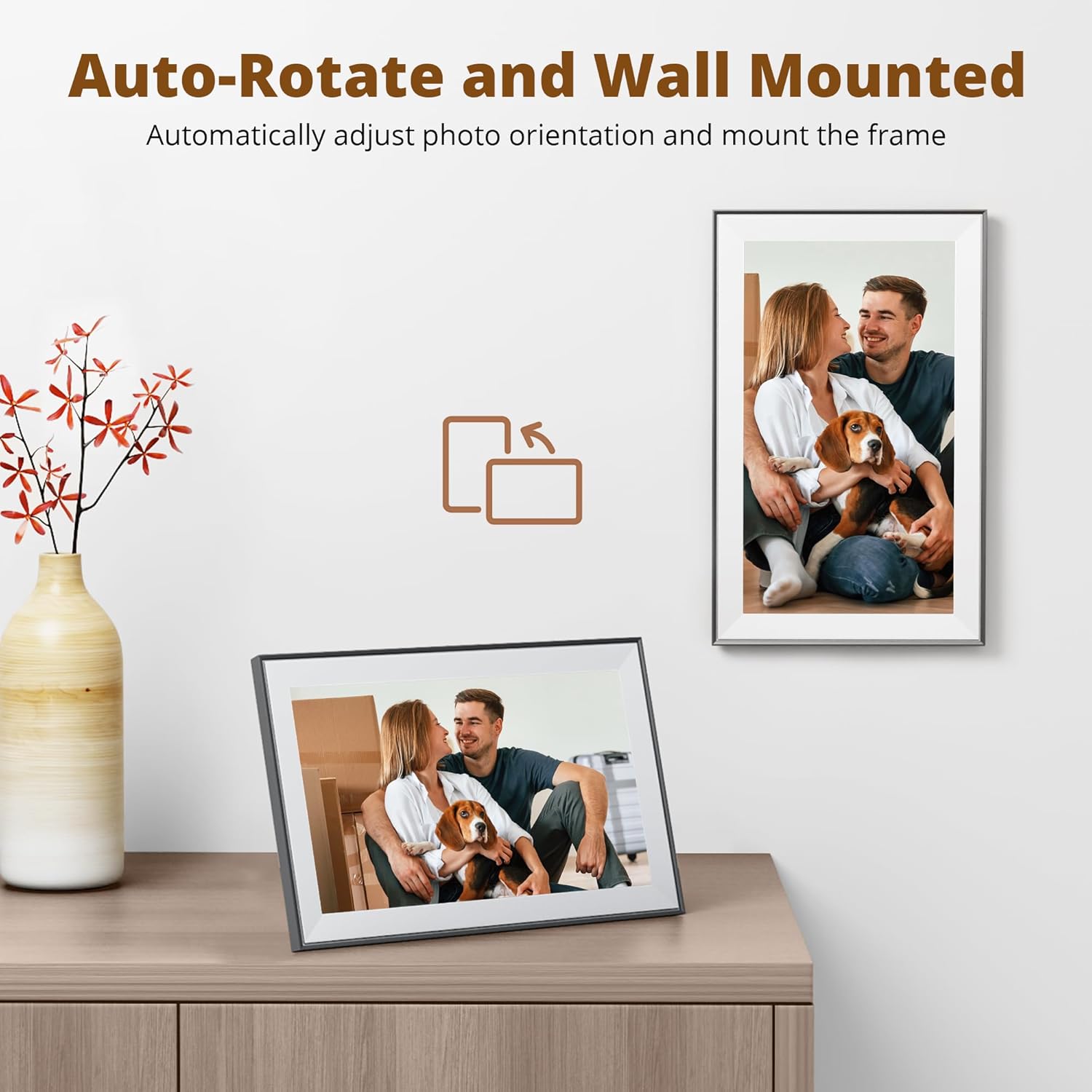
The 15.6 inch large screen is designed to be seen comfortably from a typical room distance, while the touch interface makes browsing simple. You can switch the viewing orientation and even mount the frame on the wall, which helps if you want it in a living room, hallway, or bedroom. Importantly, share options are designed to be flexible too, including an app based workflow and other convenient methods. 😊
If you want a family focused photo setup, this frame aims to reduce friction. Instead of manually moving USB sticks or repeatedly changing photos, the frame can receive new content over WiFi in a cloud style flow. The built in capacity is also a strong advantage for day to day album management, so you are not constantly worrying about immediate storage limits.

Worth noting that the WiFi connection support is limited to 2.4 GHz, so it’s best to check your network before purchasing. If your home WiFi uses 2.4 GHz, the setup should match the intended use pattern described by the manufacturer.
Tech specs
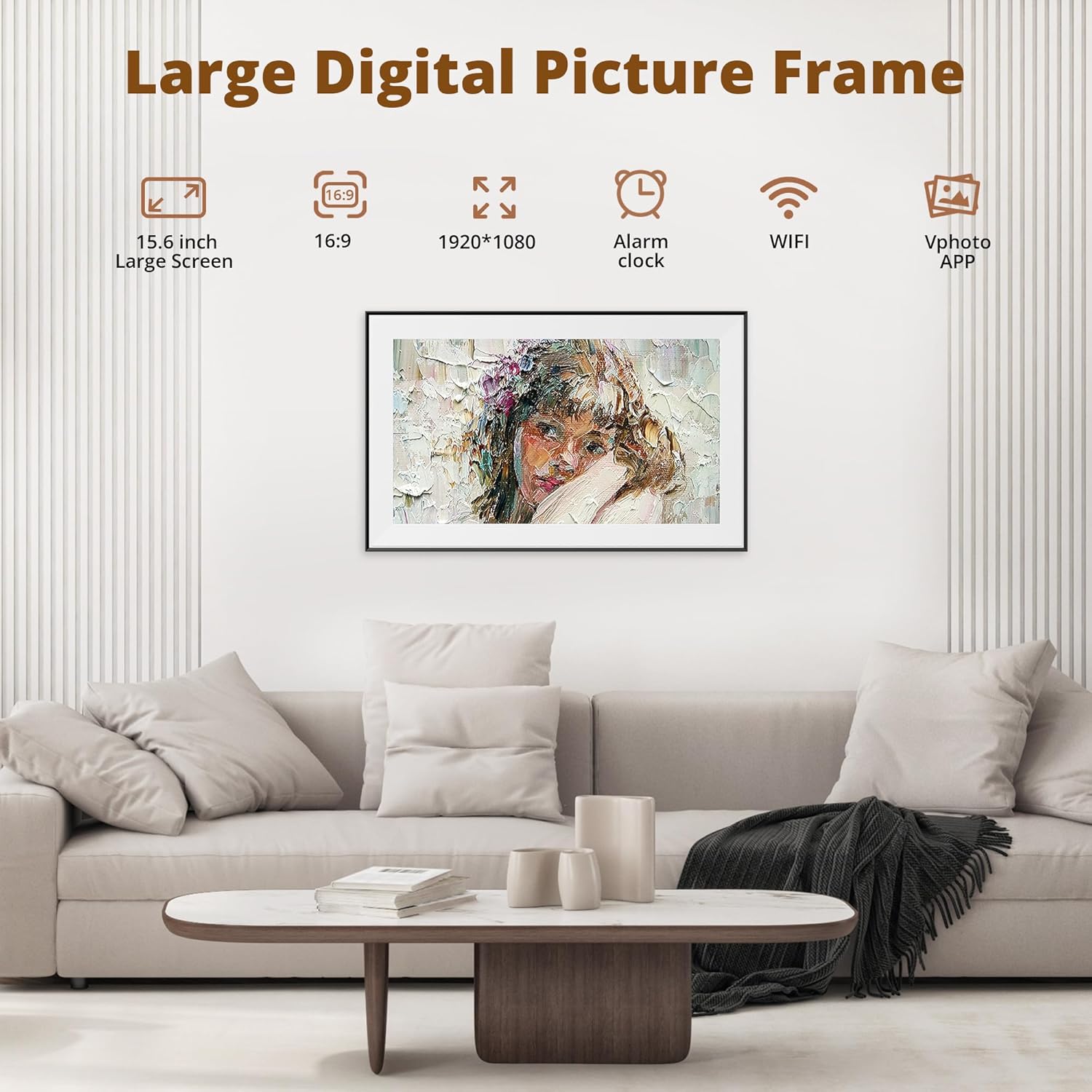
- Name: Dragon Touch 15.6 Inch Large Digital Picture Frame
- Type: WiFi digital photo frame
- Display: Touch screen
- Size: 15.6 inch
- Resolution: 1280 x 800
- Connectivity: WiFi 2.4 GHz
- Storage: 16 GB built in memory
Benefits

This Dragon Touch frame is built around shared moments, so it suits households where multiple people want to contribute. Family members can send new photos and videos without waiting for someone else to physically update the frame. The touch screen experience also helps reduce the learning curve, which matters for older relatives and anyone who simply wants things to work without fuss. 👨👩👧👦
A key everyday benefit is orientation flexibility. Auto rotate and the ability to place the frame vertically or horizontally help keep images looking natural. You can also mount it on the wall, giving you options for where it fits best in a home layout. That flexibility makes it easier to set up once, then leave it where everyone can see it.

Another strength is storage capacity for building a fuller album over time. The built in 16 GB memory is described as holding around 40,000 photos at 300 KB each, which is plenty for a large family photo stream. It also supports expanding access with SD card and USB connectivity, so you can read external files and export received photos and videos for better album management. 📷
On the sharing side, the frame supports multiple convenient methods. You can update via the phone app flow and the manufacturer also mentions email sharing. There is also an option to convert the frame to serve as a local FTP server, which may appeal if you prefer a more hands on transfer workflow. If you regularly share family updates, these routes help make the frame feel like a shared destination rather than a single person device.

For configuration, the interface is described as easy to use with only a few steps. That matters because the most effective gift is the one people actually use. Keep in mind that when resetting the picture frame, you should remove external devices first, as noted by the manufacturer.
What’s included
The manufacturer description focuses on the picture frame features, plus built in storage and support for receiving shared photos and videos over WiFi. It also indicates support for external media handling via SD card and USB connectivity for reading files and exporting content. When you plan your setup, it helps to think about how you will share and whether you want to use the phone app, email sharing, or a local FTP style workflow.
If you are buying for family use, it can also help to consider who will be responsible for sending updates. With cloud style sharing, you can spread the job across relatives rather than relying on a single person to keep the frame current. Since the WiFi element depends on 2.4 GHz support, it is worth confirming the household network matches this requirement before finalising the purchase.
Who it’s for
It’s a good fit if you want a large, easy to operate digital photo frame for family moments with wireless updates. It makes sense if you are looking for a practical gift for older family members who may prefer touch based browsing and a straightforward setup. You’ll like it if you want to keep the display fresh without constantly swapping memory cards, because sharing can arrive from the cloud via WiFi. 😊
It might not be a great match if your WiFi setup does not include 2.4 GHz support. It may also be less suitable if you only plan to use the frame as a purely offline display without any sharing workflow, since its strongest value comes from instant updates for shared moments.