

Aurzen Multi-Angle Projector Stand 180°
Reviews
Price
Product description
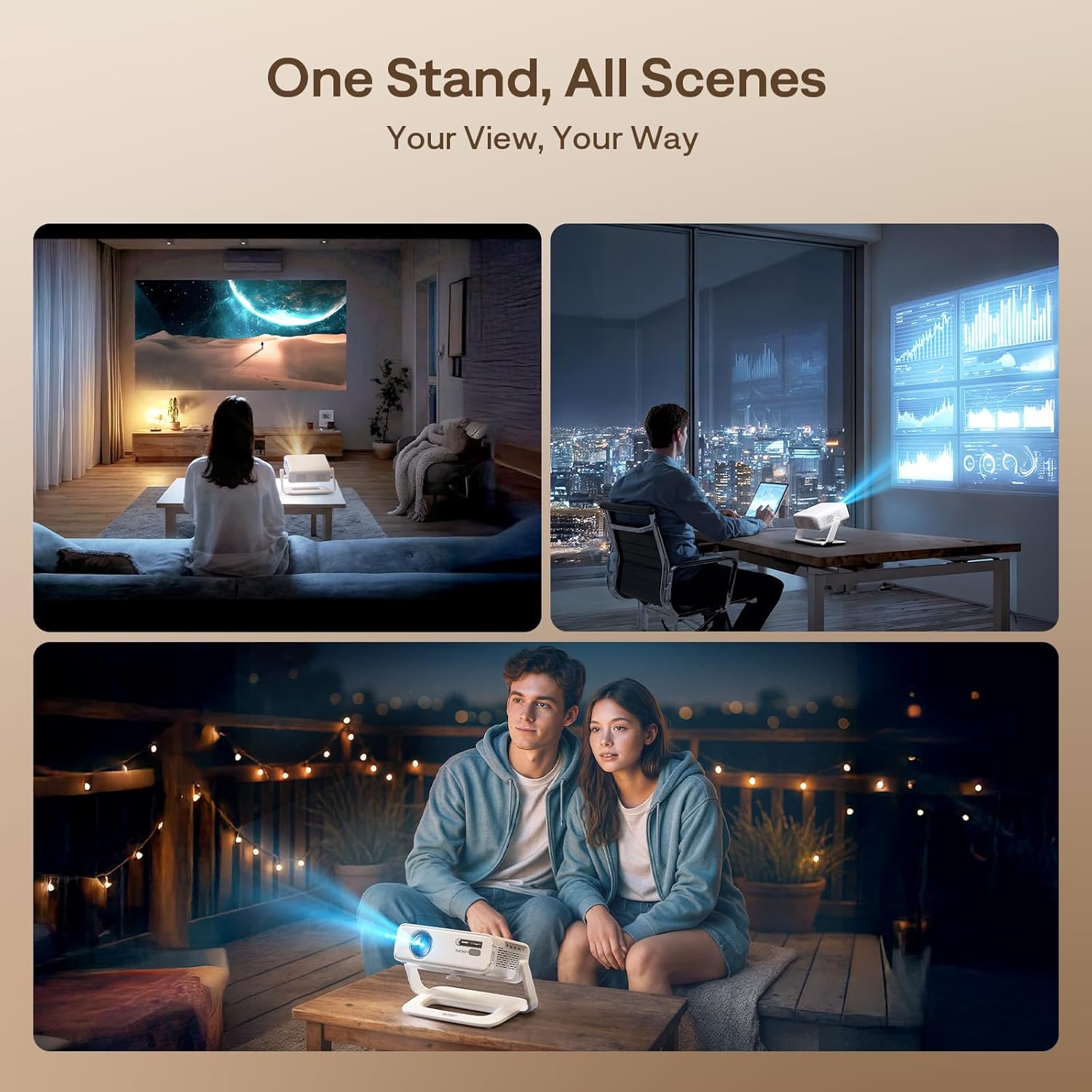
This multi-angle projector stand from Aurzen allows precise positioning for film nights, presentations and outdoor screenings, making it straightforward to find the best viewing angle. It is a compact support that focuses on flexible tilt and rotation while keeping installation simple for most ¼-inch screw projectors.
Key Points
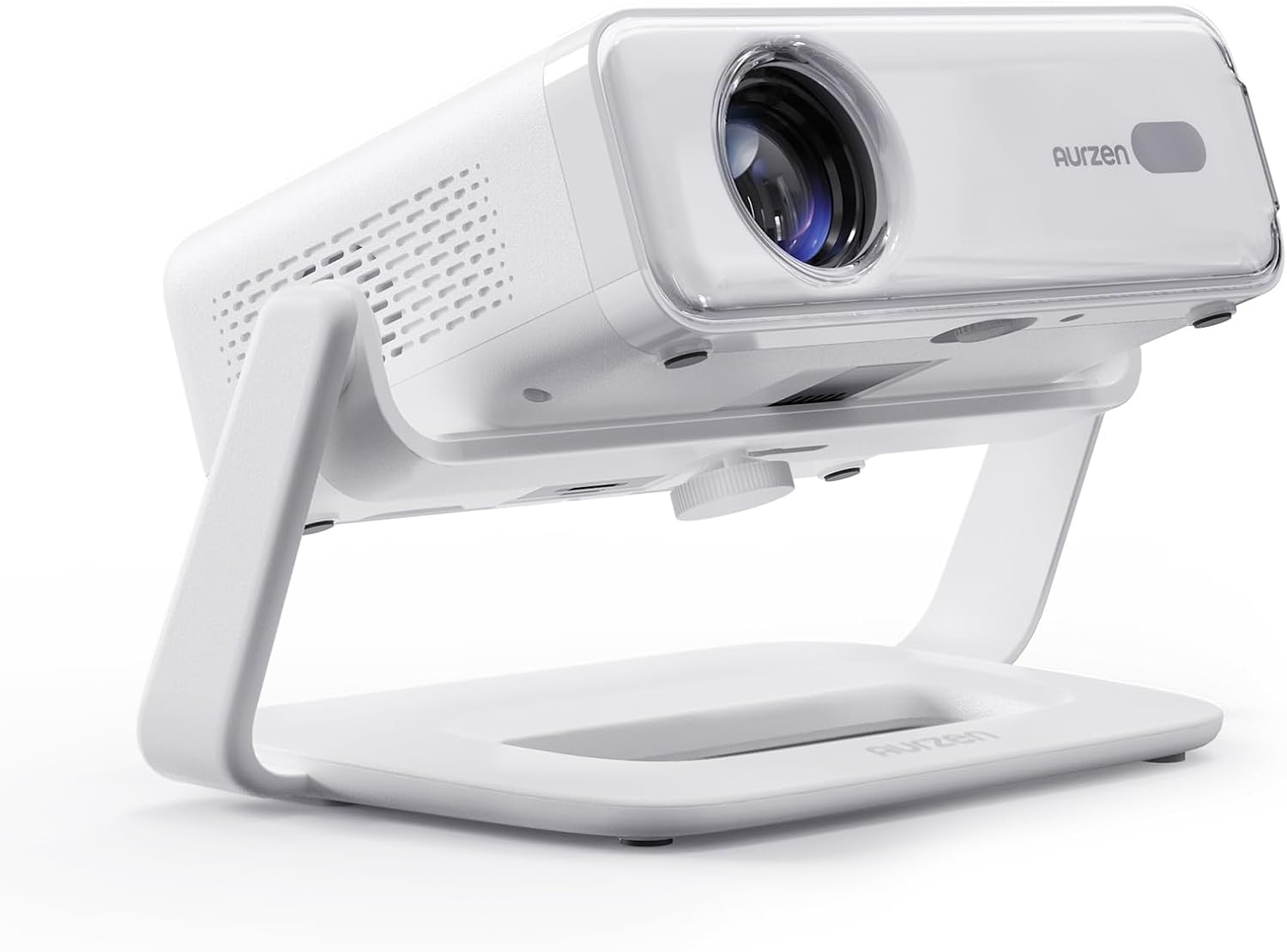
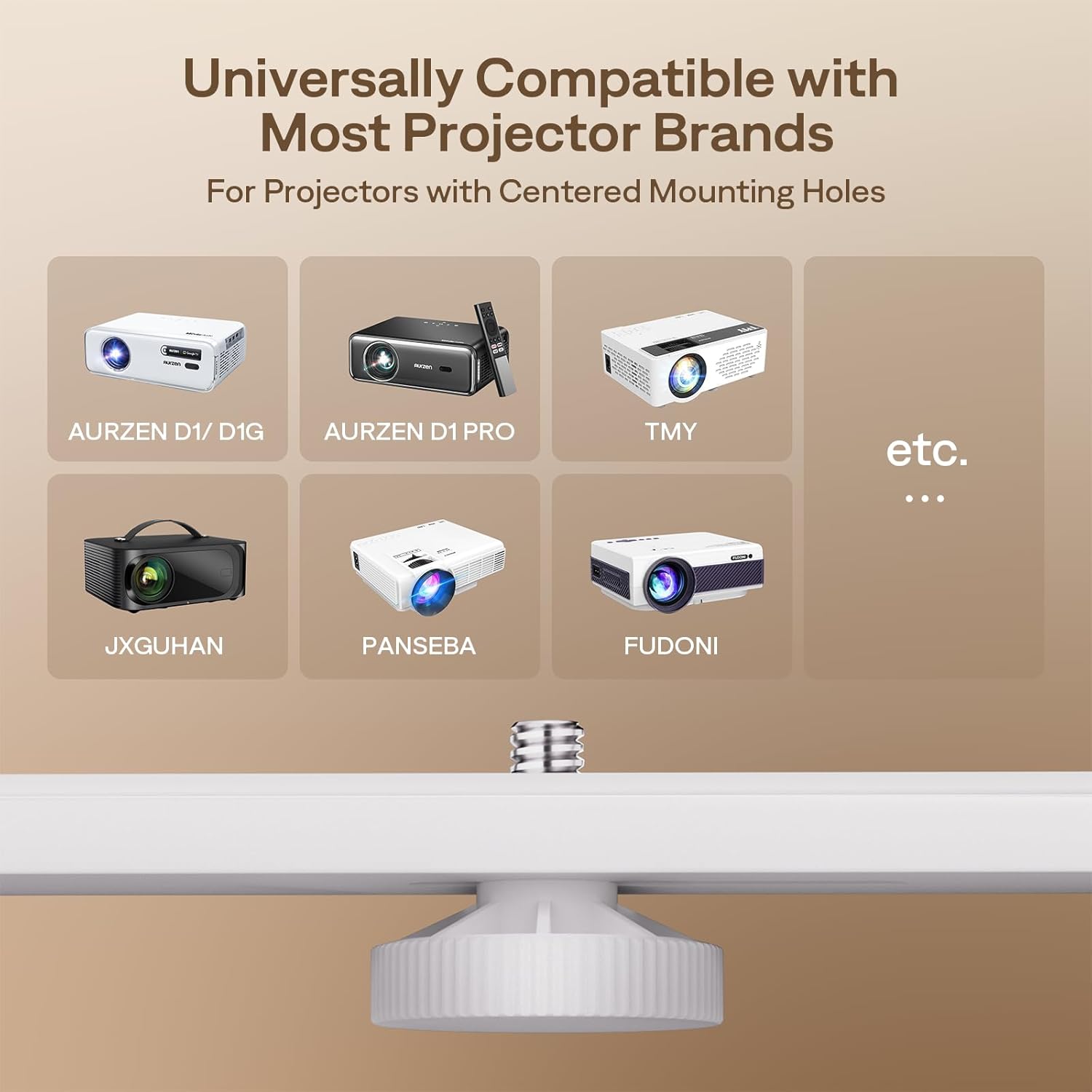
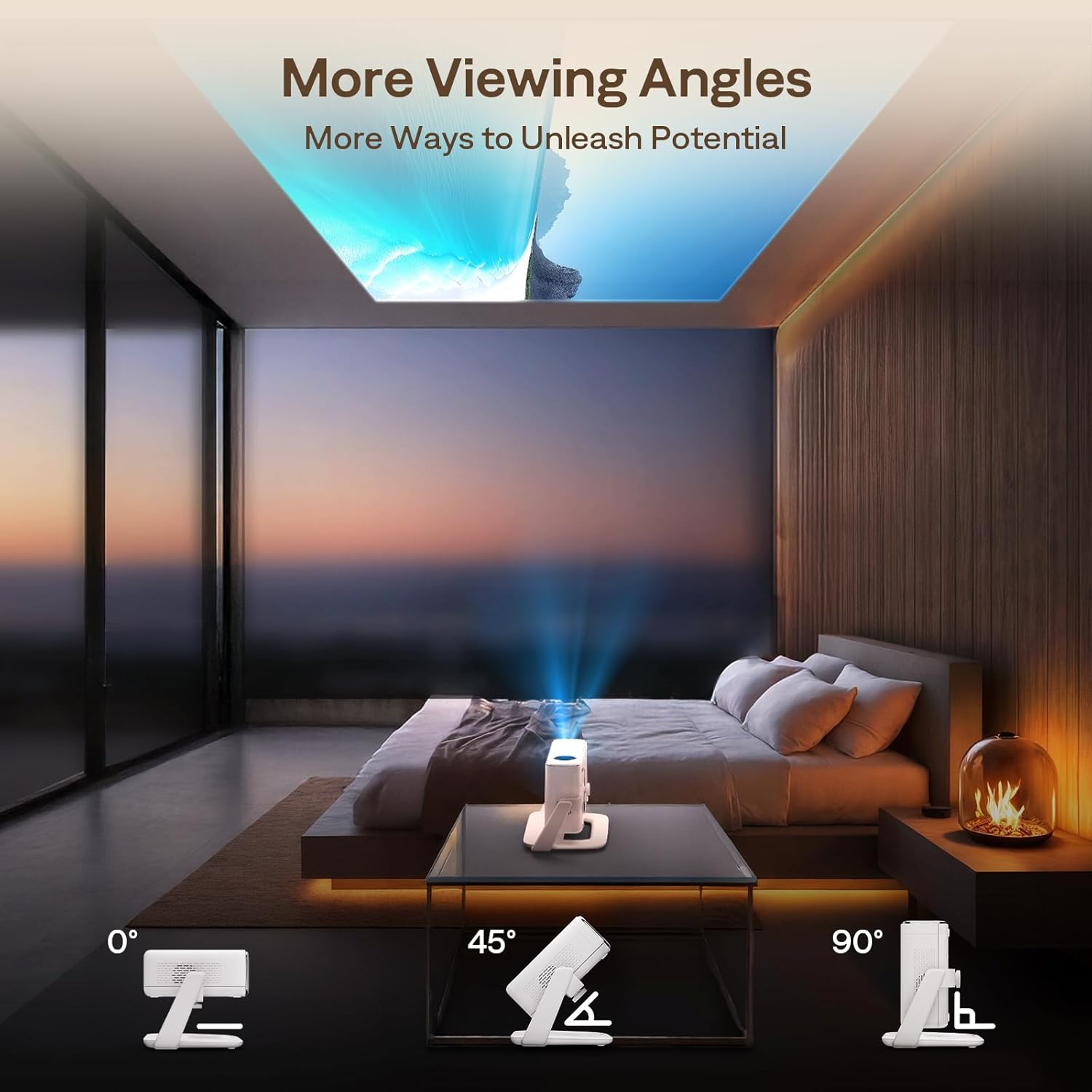
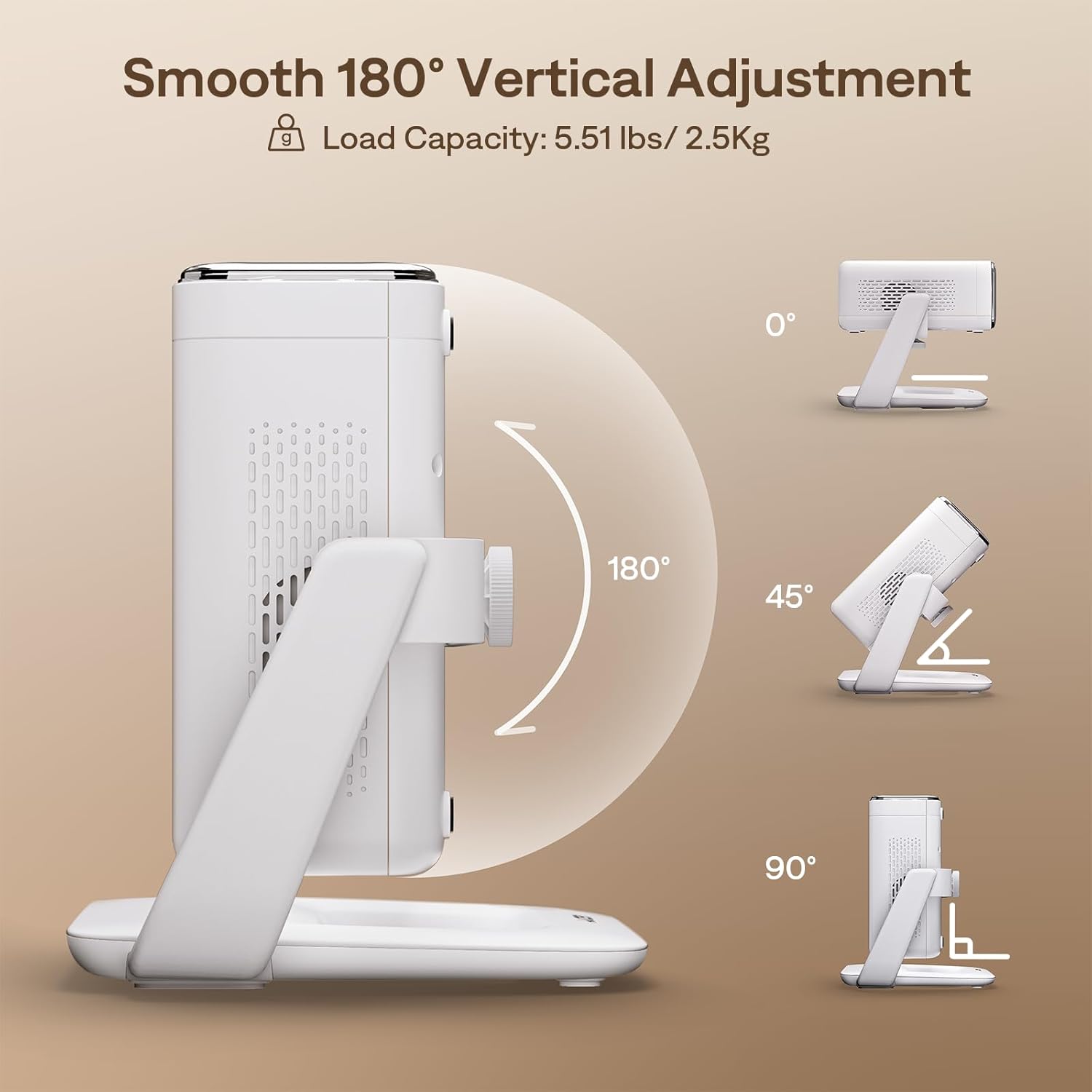
The stand provides adjustable rotation at 90°, 45° and a full 180° rotation, enabling smooth repositioning for different seating layouts and projection distances. It includes an extension adaptor to handle off-centre mounting holes, which helps when projector screw points are not aligned with the centre. 🎥
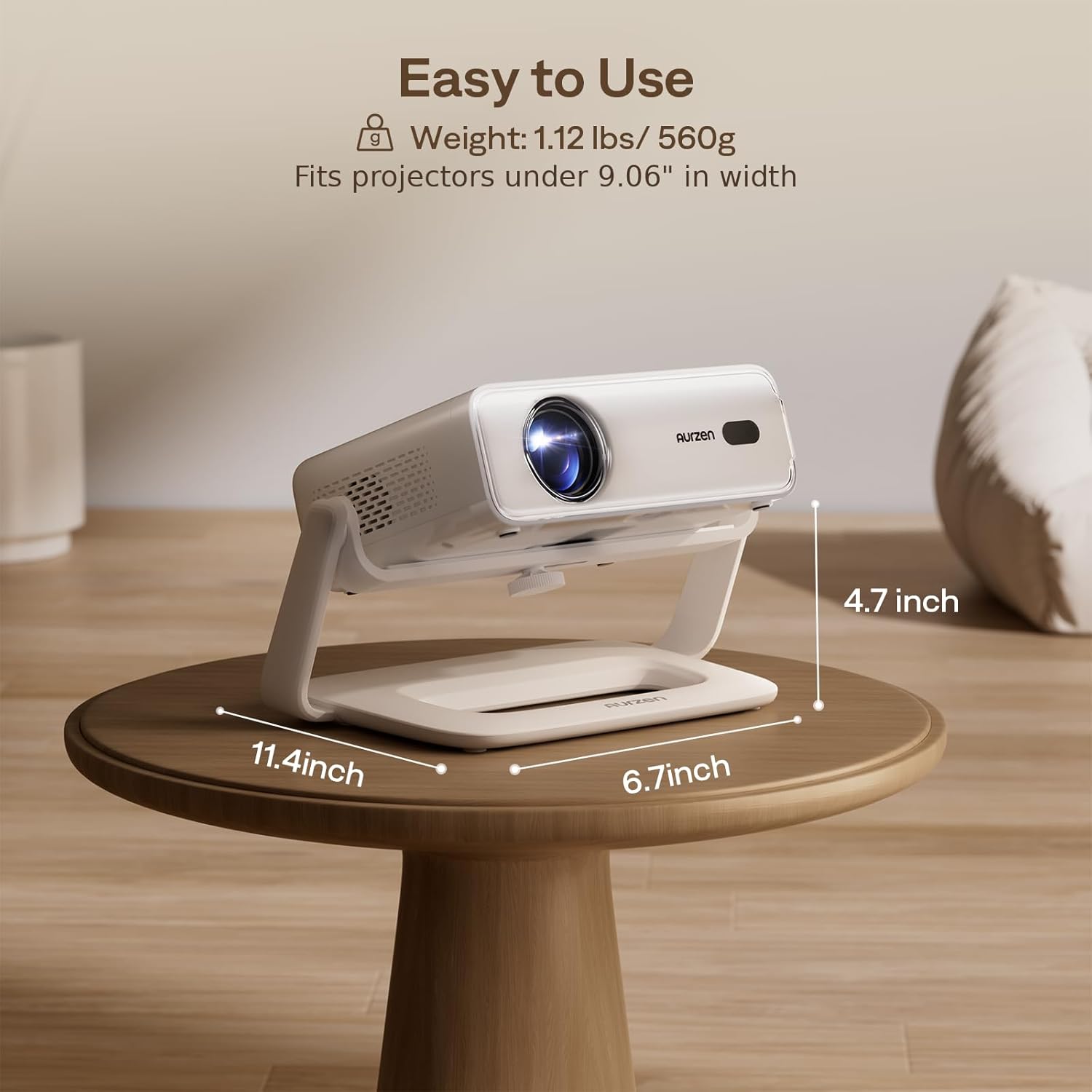
Constructed in metal, the mount balances low weight and durability. According to the manufacturer, the product weighs 560 g, which makes it easier to move between rooms or outdoor locations without sacrificing stability.
Benefits
This support removes the need to drill into ceilings or walls for many setups, so it suits temporary installations and renters who prefer a non-invasive solution. The multi-angle adjustment simplifies keystone and alignment tweaks during setup, and the included adaptor broadens compatibility with brands such as TMY, HAPPRUN, Yaber and Epson. 🔧
Consider that the stand is designed for projectors under 23 cm in width, so checking your projector’s footprint before use will avoid fitting problems. For very heavy or unusually shaped units, a dedicated ceiling or wall mount may be more appropriate.
Technical Specifications
- Name: Aurzen Multi-Angle Projector Stand
- Rotation: 90°, 45° and 180° continuous adjustment
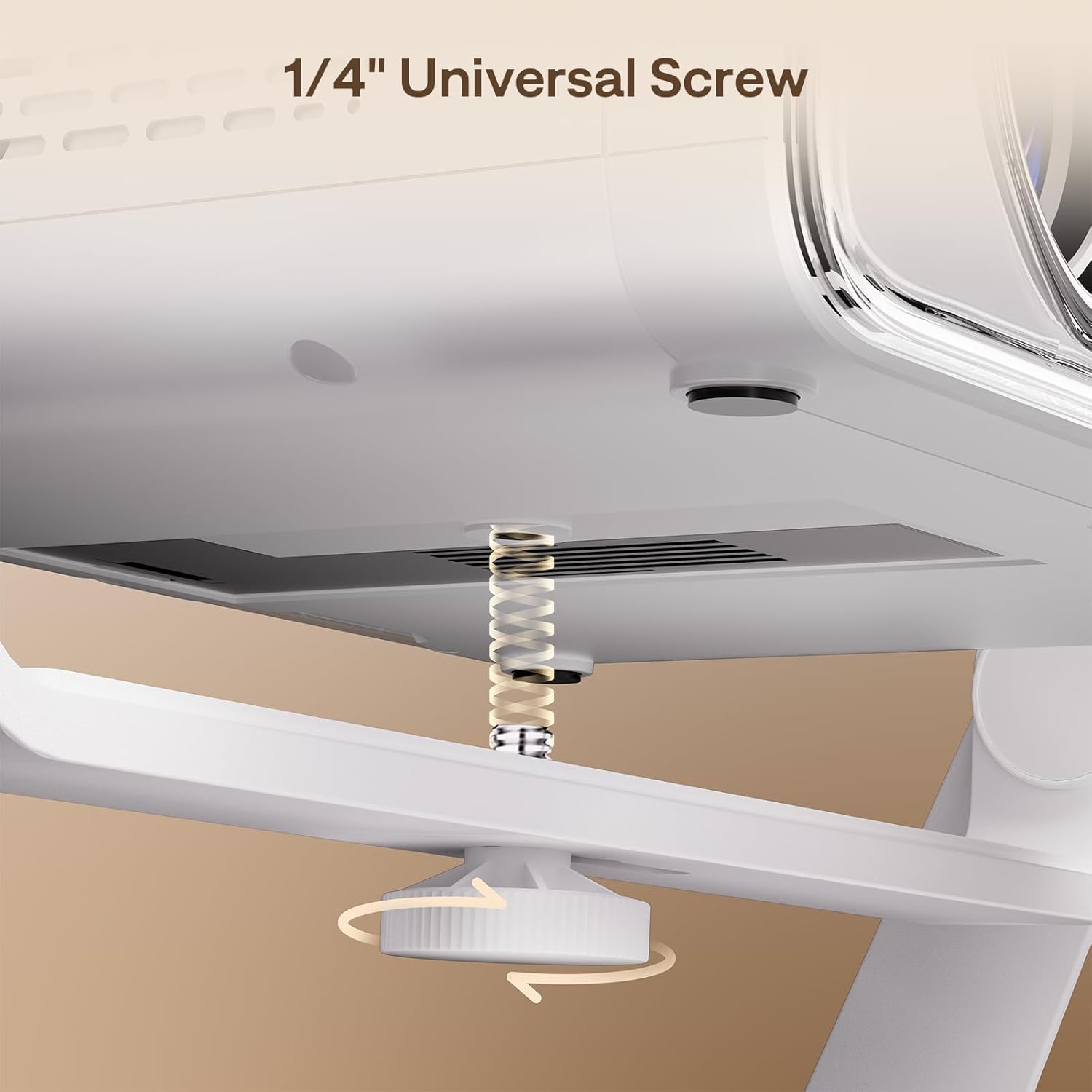
- Mount screw: 1/4-inch standard
- Compatible brands: TMY, HAPPRUN, Yaber, Epson, AURZEN (D1/D1G/D1 Pro), NISOO, FUDONI, JXGUHAN
- Maximum projector width: less than 23 cm, according to the manufacturer
- Weight: 560 g
- Dimensions: 11.4 in long x 6.7 in wide x 4.7 in high
Usage Recommendations
Place the base on a stable, level surface when using indoors and use a flat, sheltered spot if setting up outdoors. For presentations or film nights, start with the projector centred on your screen, then use the multi-angle adjustments to refine the image and reduce keystone manually. If the projector’s mounting holes are off-centre, attach the included extension adaptor first to ensure balanced support.