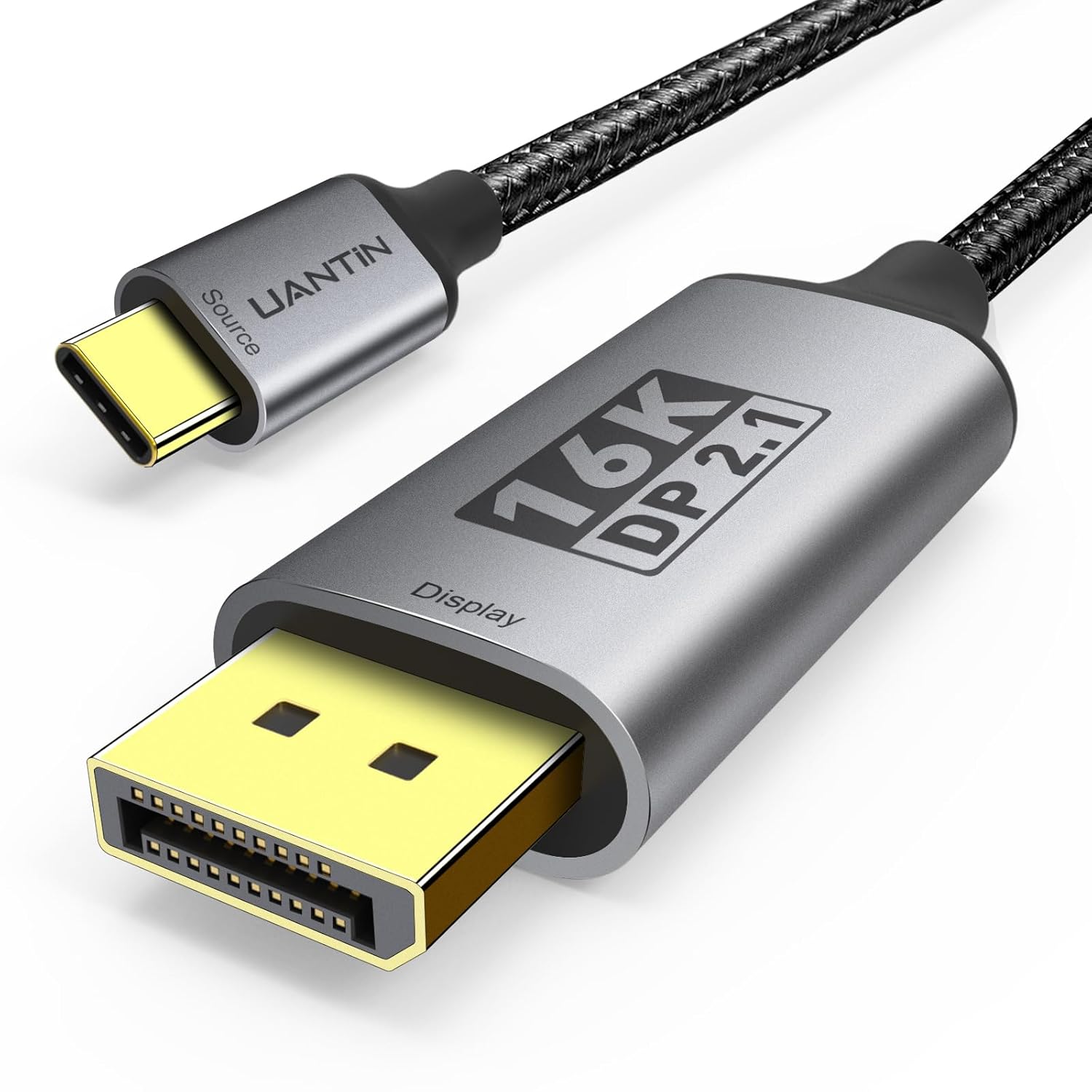
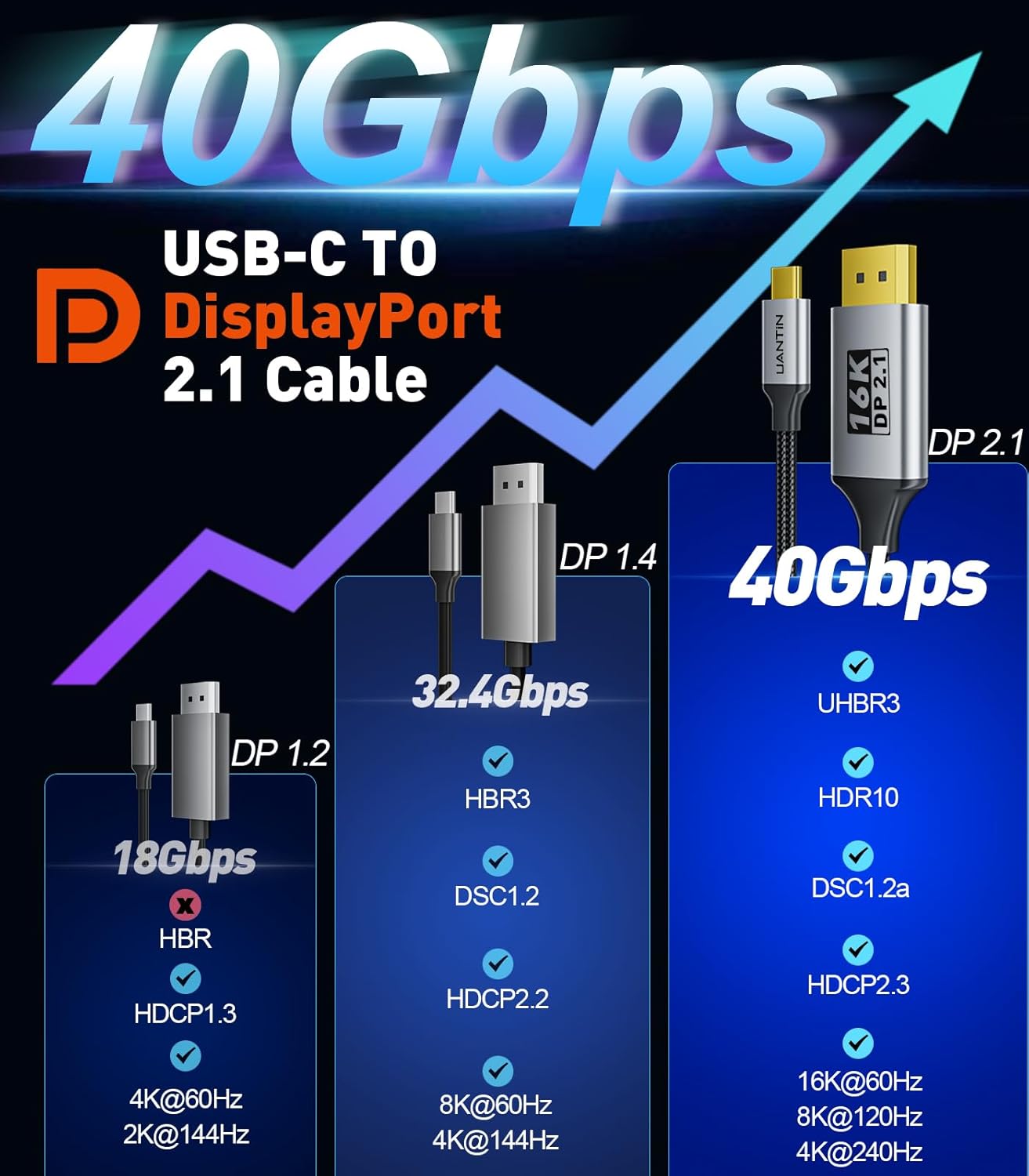
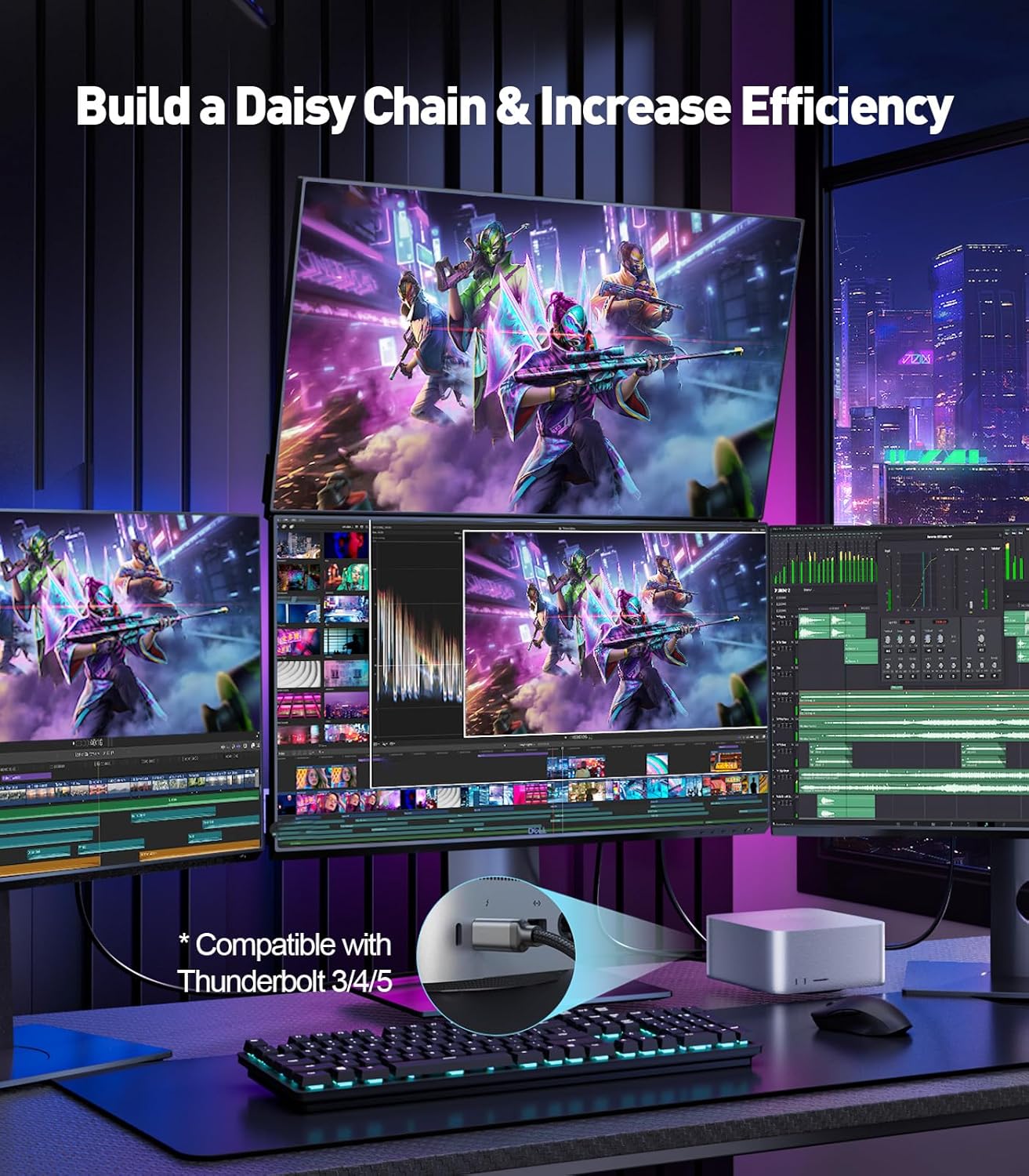
What it is and what it’s for\nThe UANTIN USB-C to DisplayPort 2.1 cable is a direct cord designed to connect USB-C devices to a DisplayPort display. On paper, it supports very high resolutions and refresh rates, with claimed bandwidth up to 40Gbps and compatibility across Thunderbolt 3/4/5 ecosystems. If you’re looking to output from a laptop, tablet or phone with a USB-C/DP capability to an external monitor, this cable aims to provide a simple, single-cable solution.\n\n## How it performs on paper\nAccording to the specification notes, the cable supports up to 16K at 30Hz, 8K at 120Hz and 4K at 240Hz, all over a USB-C to DisplayPort 2.1 interface. The 40Gbps bandwidth suggests room for high colour depth and fast data transmission. Being USB-C to DisplayPort, it’s positioned to work with modern laptops and devices that carry DP Alt Mode over USB-C, and it explicitly mentions compatibility with Thunderbolt 3/4/5 environments. This makes it potentially convenient for MacBooks, iPad, select Android devices and other USB-C equipped gear.\n\n## What stands out\nOn the page, the lead benefit is the ability to handle very high-resolution outputs over a relatively short 3ft length. If your setup involves a compact desk or a short distance between the computer and external display, the size may be appropriate. The Thunderbolt compatibility note can be a plus for users who rely on Thunderbolt infrastructure.\n\n## Pros and cons in real-world terms\nPros: straightforward USB-C to DisplayPort connection, potential for high refresh rates at 4K/8K/16K, compact 3ft length, compatibility with Thunderbolt ecosystems.\nCons: the higher resolutions and refresh rates are described “on paper”, real-world performance depends on the source device’s capabilities, the monitor’s specifications, and the exact DP version supported by both ends. Some users may find that not all devices unlock the maximum claimed modes, and cable length is fixed at 3ft, which may not suit longer runs.\n\n## Who it’s for\nThis cable is likely suited to users with modern USB-C laptops or tablets who want a tidy single-cable connection to a DisplayPort-capable monitor, especially if they value high-bandwidth possibilities and Thunderbolt compatibility. It may appeal to creatives or professionals testing multi‑display workflows, as long as the host and display support the higher end of the specification.\n\n## Who it isn’t the best option for\nIf your setup uses older hardware that doesn’t advertise DP Alt Mode over USB-C, or if your monitor can’t take advantage of DisplayPort 2.1 features, the benefit may be limited. Likewise, if you need a longer run or a rugged braid, this 3ft cable might not meet durability or reach expectations.\n\n## When it makes sense to buy\nConsider this cable if you want a compact, single-cable USB-C to DisplayPort solution with potential for very high-resolution output, and you’re operating within a Thunderbolt-enabled ecosystem. It’s sensible when your device and display support DP 2.1 features and you need a straightforward short-link solution.\n\n## What to check before purchasing\nEnsure your host device supports DP Alt Mode over USB-C, that your external display accepts DP input, and that you’re aiming for a bandwidth and resolution compatible with DP 2.1 capabilities. If you require longer cable lengths or extra ruggedness, you may want to explore alternatives.\n\n## Practical usage example\nA typical scenario: you plug your newer MacBook Pro into a 4K/120Hz DisplayPort monitor using this cable, with the laptop resting on a desk and the monitor mounted on a stand within a short distance. In such a setup you’d expect clean video output and the convenience of a single cable rather than adapters.\n\n## Quick FAQ\n- Does it work with all USB‑C laptops? It works with devices supporting DP Alt Mode over USB‑C, and compatibility claims extend to Thunderbolt 3/4/5. Real-world results depend on the host and monitor capabilities.\n- Can I get 16K at 30Hz? The specification indicates 16K@30Hz is possible on paper, actual output depends on the source and display support.\n- Is 3ft enough for my desk? For many compact desks, yes, but assess your layout to avoid tension on ports.\n\n## Final verdict\nIs it worth it? It’s worth considering if you prioritise a short, USB‑C to DisplayPort link in a Thunderbolt-compatible setup and your devices align with DP 2.1 capabilities. If you need longer reach or guaranteed performance across varied hardware, you may want to verify compatibility first.