

UGREEN SD Card Reader 3-Slot (2×SD + TF) with 4-Card Storage Case, USB-C OTG 5Gbps
Product description
What it is and what it’s for
This UGREEN SD card reader is built for one practical problem: moving files off memory cards without constantly swapping them in and out. It’s a USB-C OTG memory card reader with a 3-slot layout (2×SD + TF) and a bundled 4-card storage case (2×SD + 2×TF). On paper, it’s aimed at people who shoot photos or manage files on the go, but it can also be a simple desk tool for office-style document transfers.
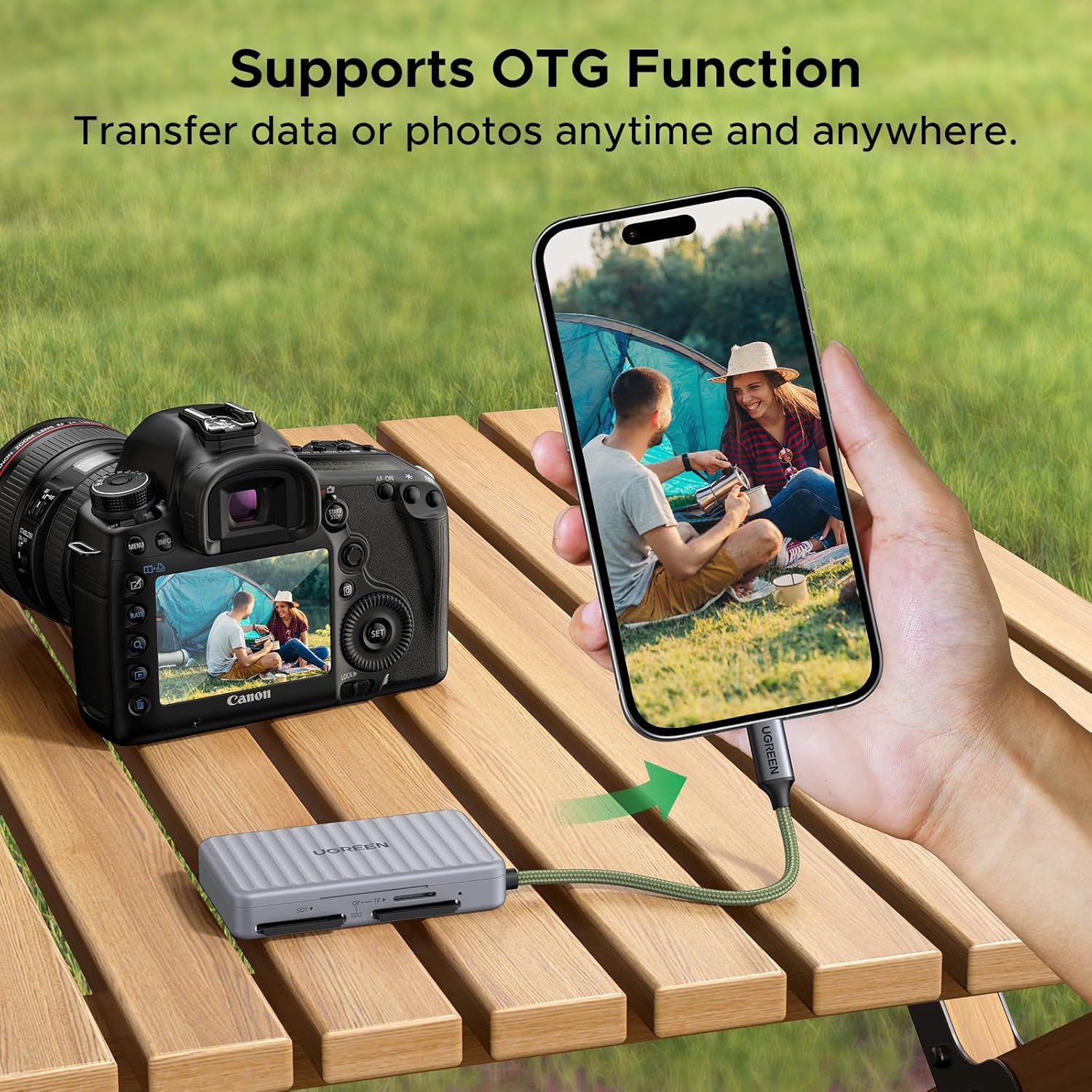
The “OTG” part matters if you want to connect to a compatible phone or tablet. The included storage case also feels like a small but genuine help if you regularly carry cards with you (less rummaging, less chance of losing a card in a bag). That said, it’s not the kind of reader you pick if you need every possible simultaneous card combination—there are some pairing limits (more on that below).
The essentials (3-slot layout + storage case)
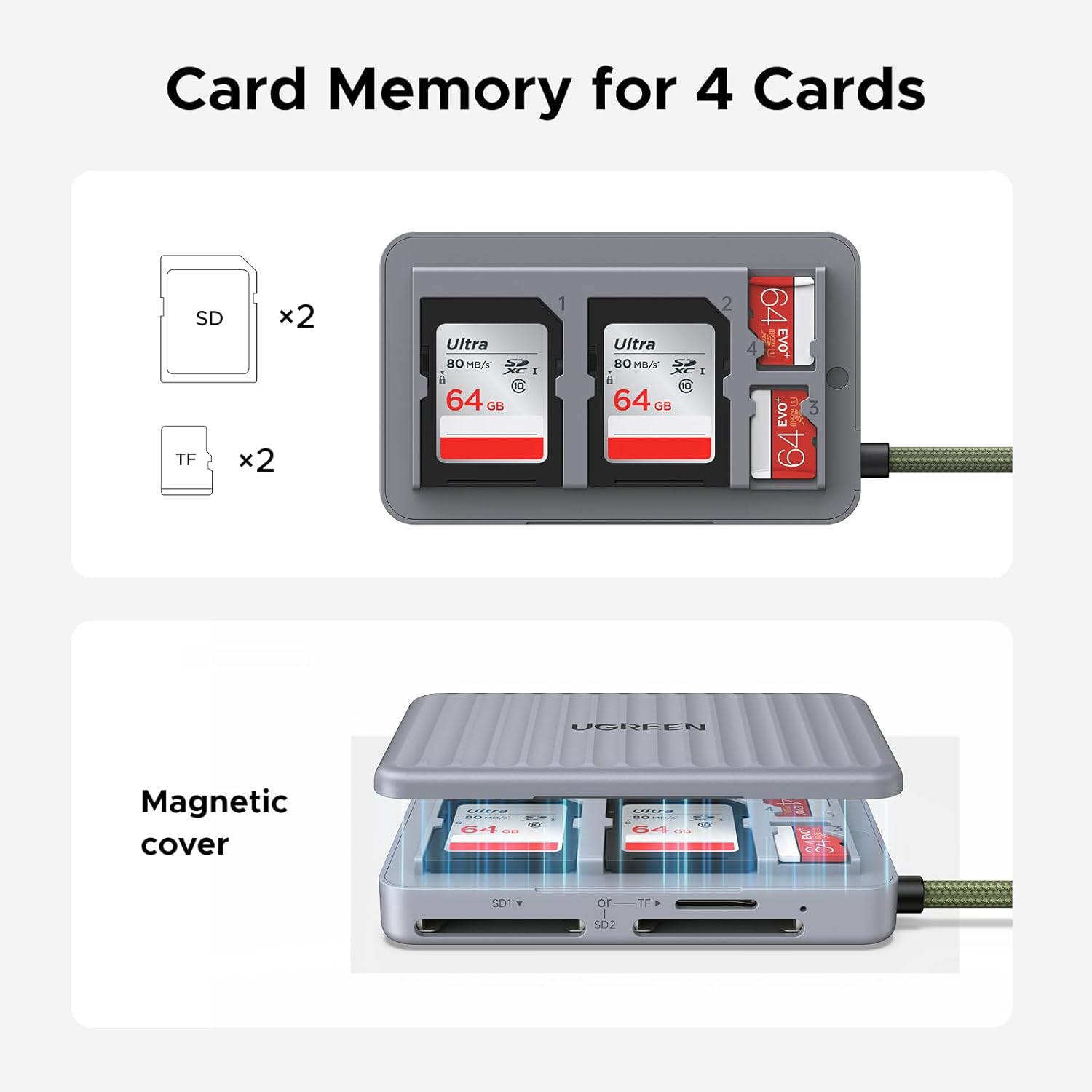
The reader is designed around a 3-slot structure: it can hold 2 SD cards and 1 TF card at a time, and the case keeps 4 cards in total (2 SD + 2 TF). For a lot of users, that’s enough flexibility for quick workflows—shoot a burst, end a session, then transfer everything in one go.
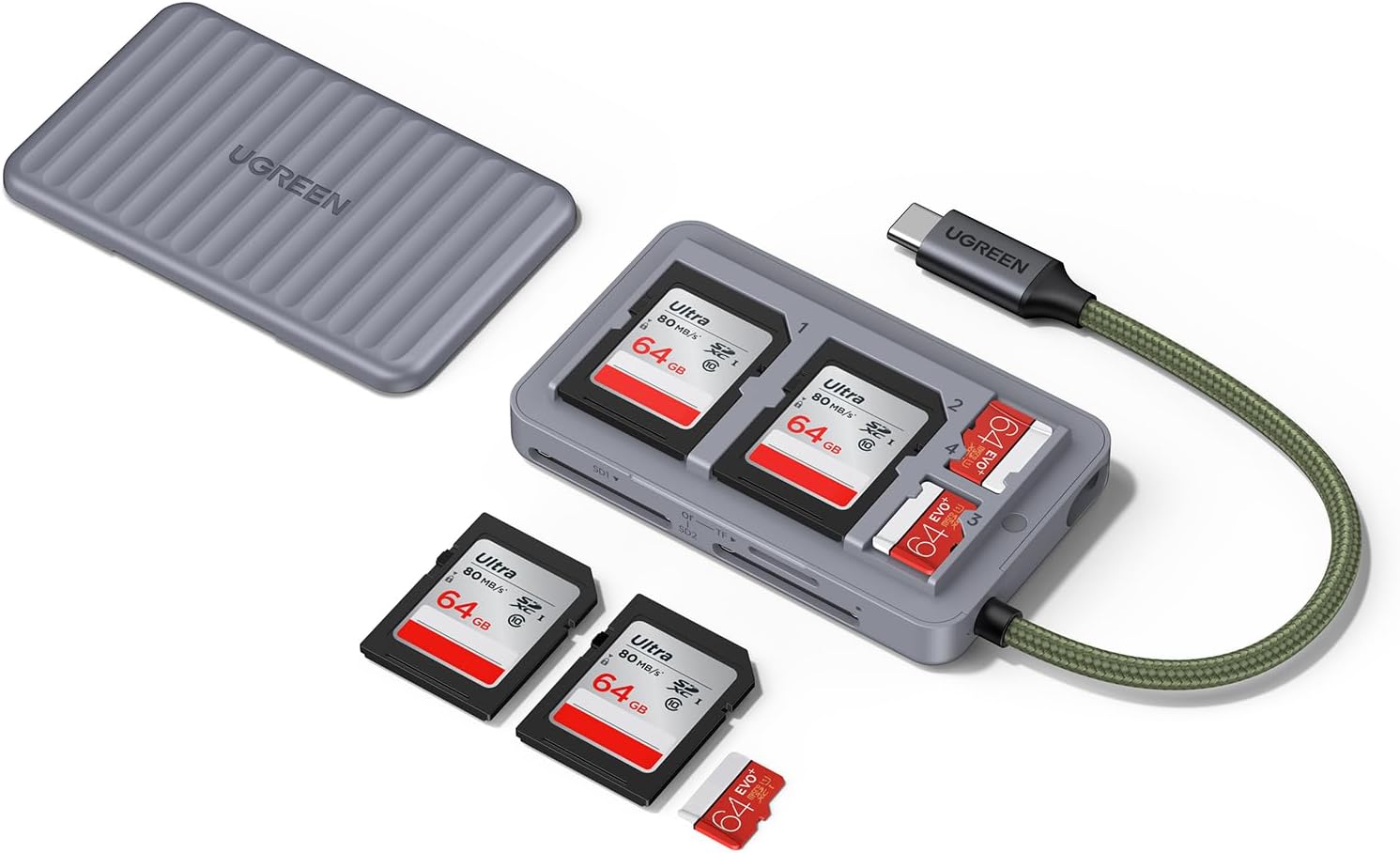
Where it stands out is the combination of “reader + carry protection”. Many readers do the transfer bit, fewer also encourage you to take cards with some organisation. The storage case won’t stop data loss if you mishandle cards, but it can reduce the physical chaos that leads to lost cards.
Simultaneous reading/writing: helpful, with one catch
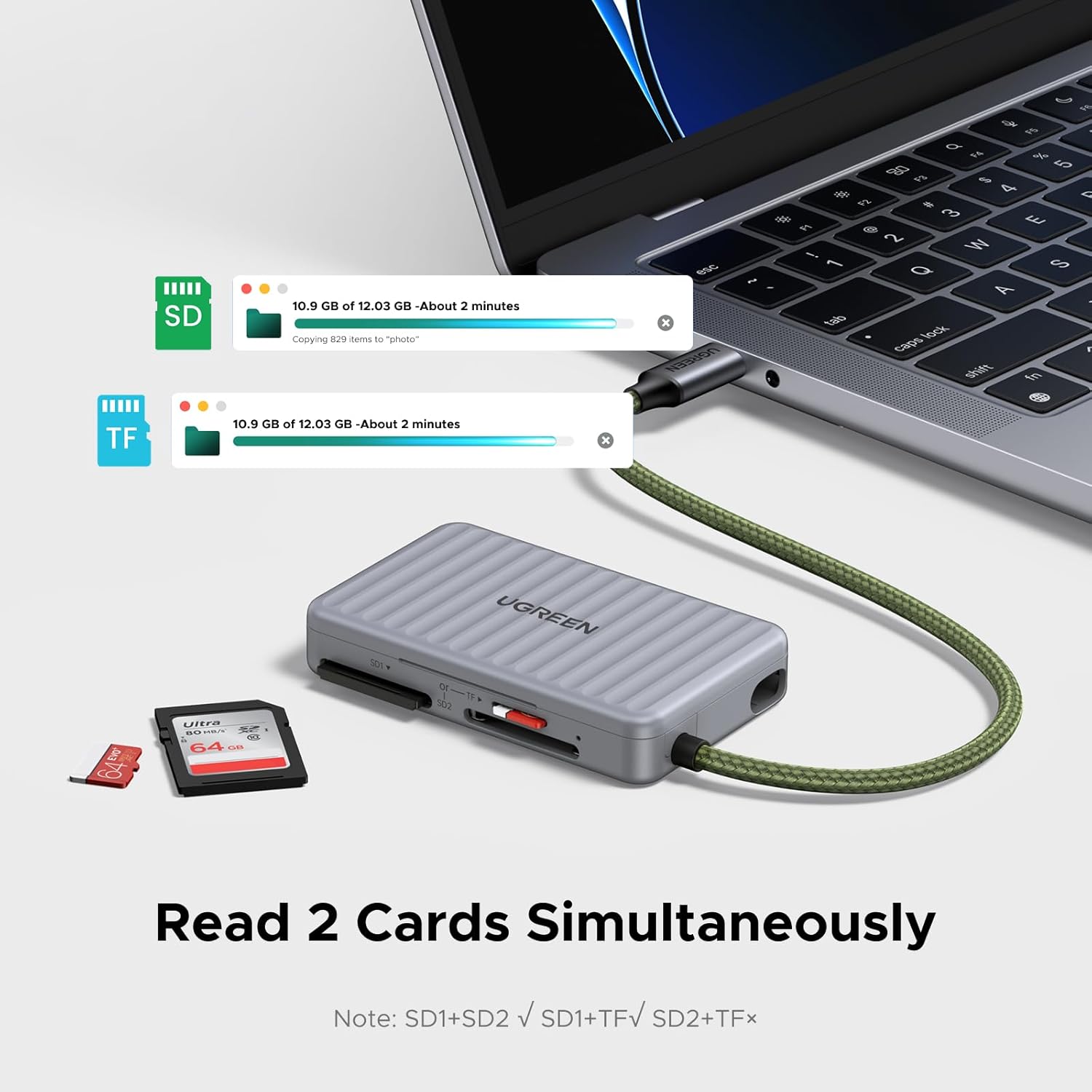
A big selling point is that it supports simultaneous reading and writing for certain card pairings: SD1+TF and SD1+SD2. The base info also notes time improvements when using dual cards (for example, it mentions 2GB transfer times improving from 24 seconds for a single card to 12 seconds for dual-card use).
However, you should take the compatibility notes seriously: only SD1+TF can be used at the same time, and SD2+TF cannot be used at the same time. If your workflow assumes you’ll always run “any two cards together”, this isn’t that. It’s more like: it can do dual-card speedups, but only for the specific combinations it supports.
USB-C speed claims and what they mean in practice
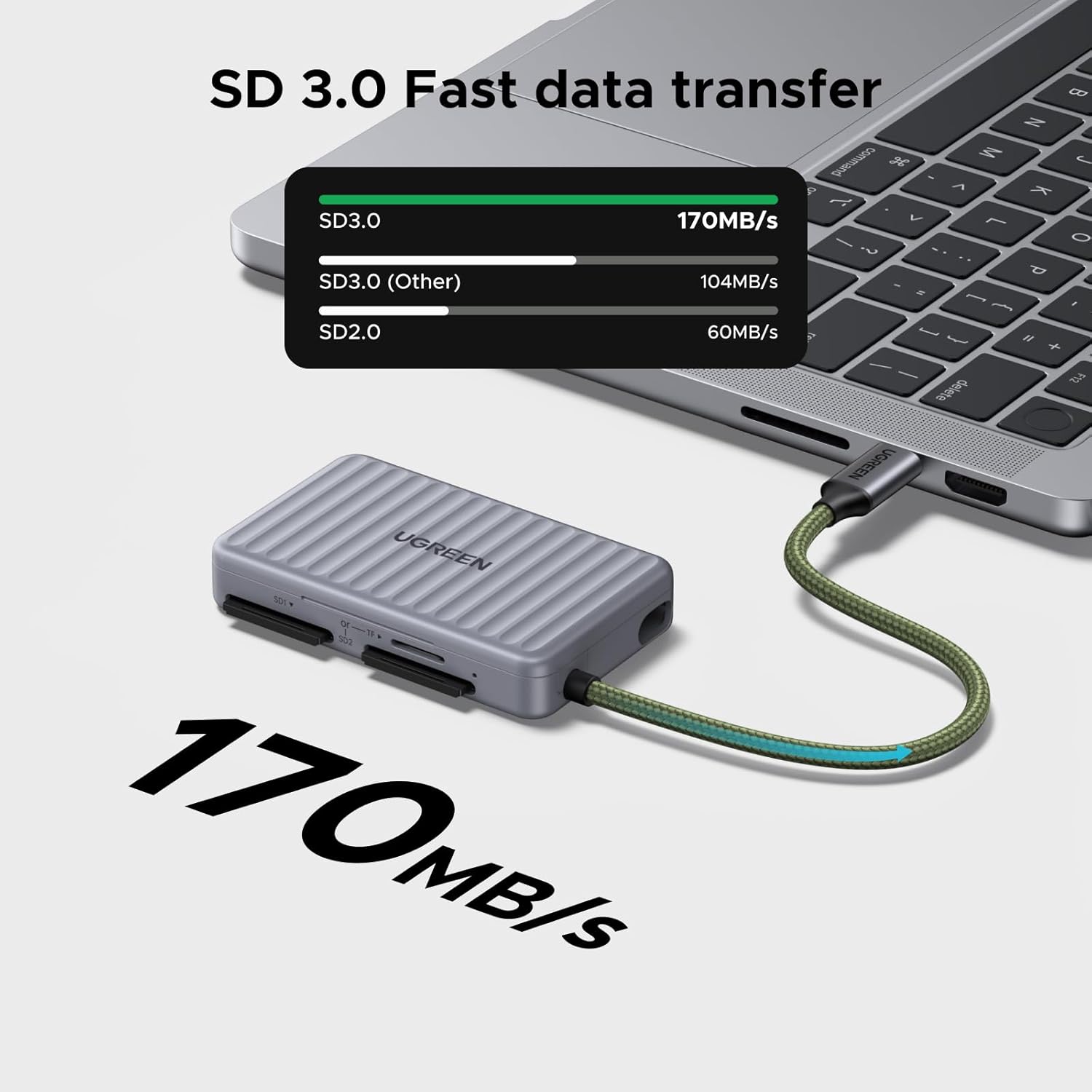
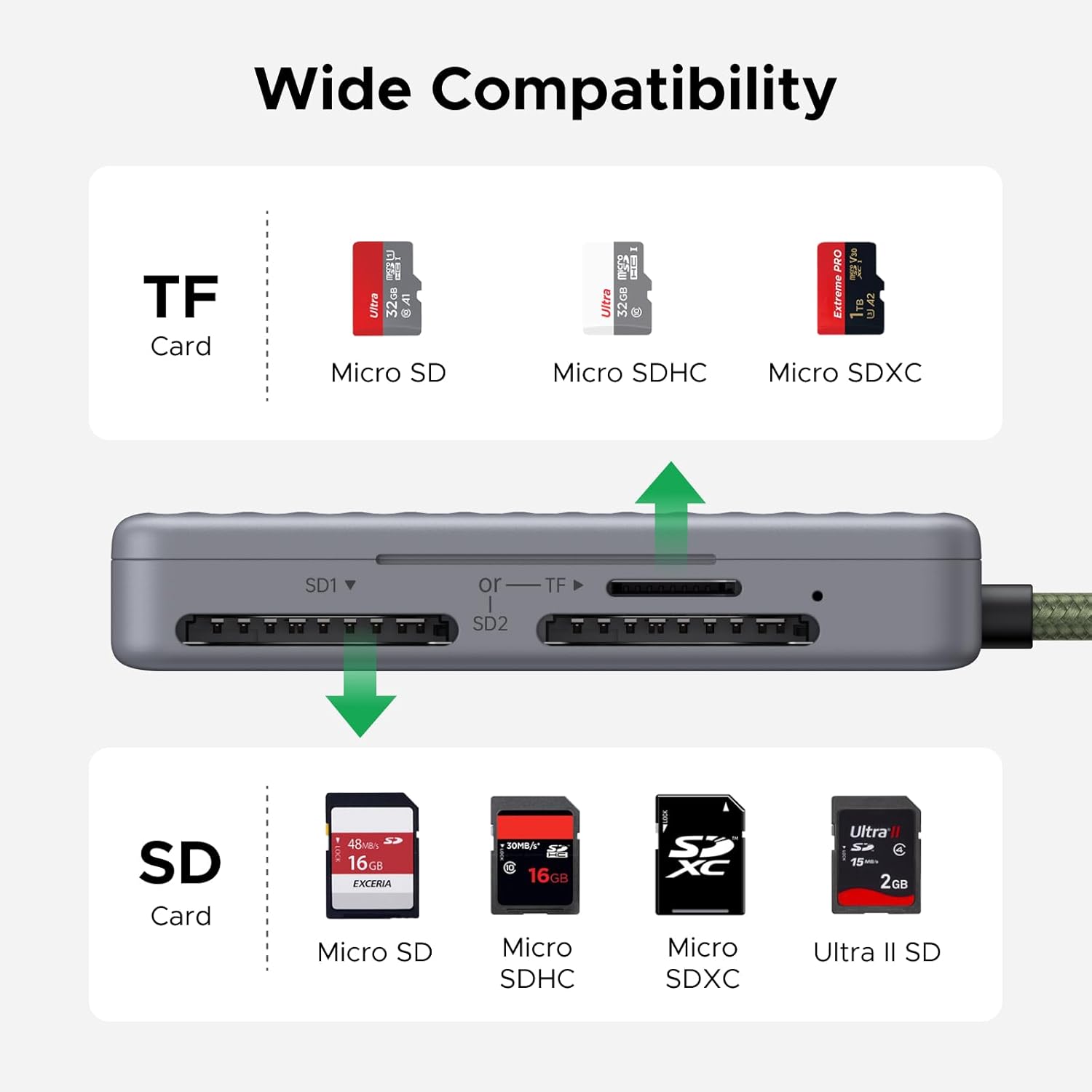
This reader supports USB-C data transfer up to 170MB/s and is described as compatible with fast SD standards (UHS-I, SDHC, SDXC, plus microSD variants and MMC RS-MMC).
It also includes a couple of reference timings based on SD 2.0 vs SD 3.0 (for instance, it says 1GB takes about 17 seconds for SD 2.0 at the fastest and about 6 seconds for SD 3.0 at the fastest). Real-world results depend on your card speed class, your device, and what you’re transferring, so treat those times as “best case” style guidance rather than a promise.
Still, if you routinely move large photo batches or video clips, the speed ceiling is a strong point on paper. If your main transfers are tiny documents, you may not notice much beyond basic reliability.
Compatibility and plug-and-play setup
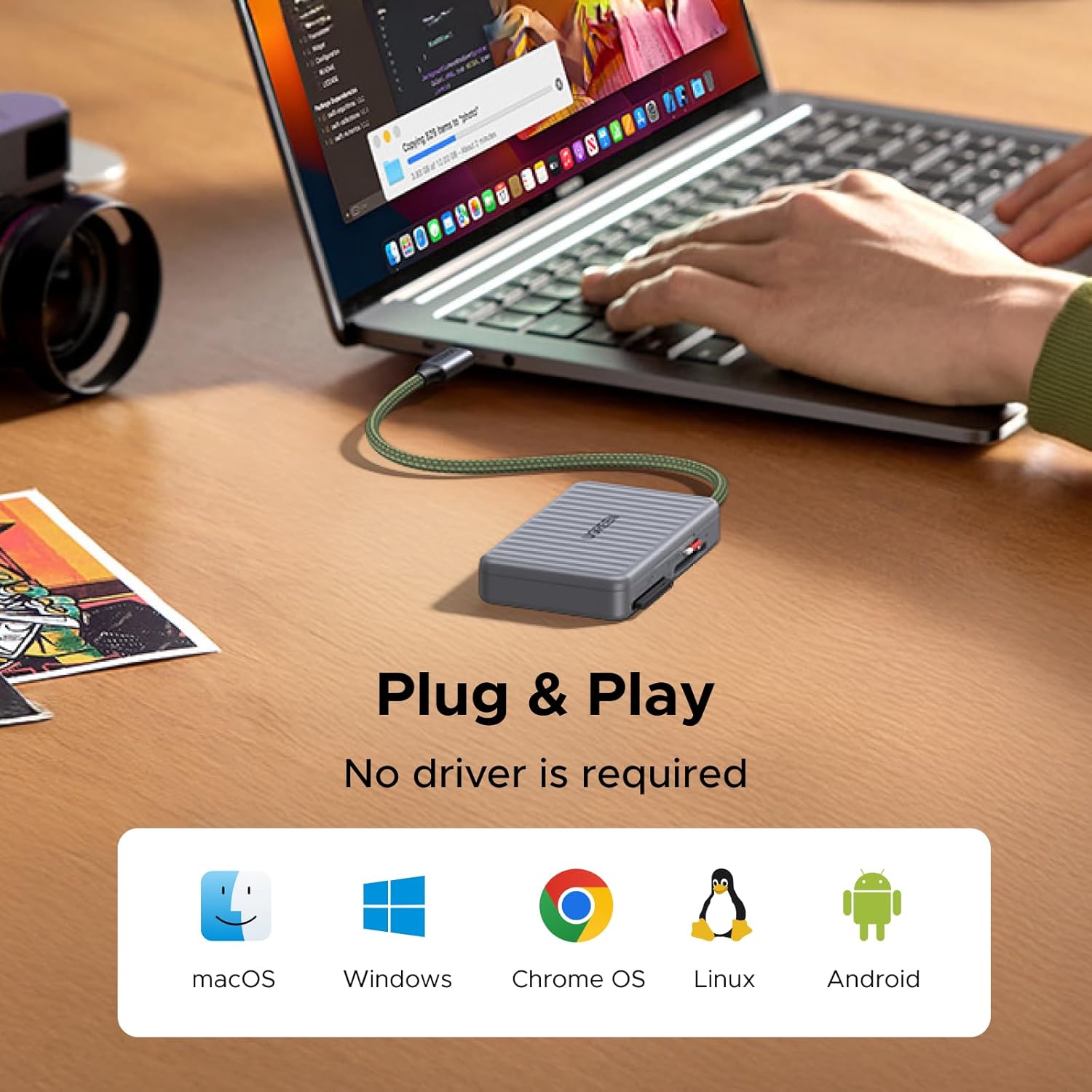
The reader is positioned as widely compatible across devices including iOS/Android/Windows/macOS. The base information also says it supports UHS-I SD and multiple SD/microSD formats, and that it’s plug-and-play without driver installation. It also claims compatibility with Windows, Linux and Mac OS.
In everyday terms: you’re probably buying this to avoid extra driver hassle and to keep setup quick. If you switch between an office laptop and a personal device (or move between desktop and travel kit), this “plug in and go” approach is usually what people want.
Who it suits best (and who should be cautious)
It makes sense if you regularly handle multiple cards—say you capture on two SD cards during a session, or you alternate between SD and TF for different devices. The storage case also suits people who travel with cards and prefer them organised.
It’s also a reasonable choice for mixed use: casual photography file offloads, office document transfers, and viewing videos or recordings from removable memory. One small micro-example: if you’re editing photos at home, you can keep a couple of SD cards in the case, plug the reader in with USB-C, and transfer batches without digging through a pocket for the right card.
It might not suit you if you need the most flexible simultaneous combinations—because SD2+TF simultaneous use is explicitly called out as not supported. Also, if you only ever use one card at a time and never carry multiple, the case and dual-slot layout may feel like extra cost for features you won’t use.
Quick buying checklist before you commit
Before purchasing, it’s worth double-checking a few practical points based on the provided info:
- Confirm you’re working with SD and/or TF cards that match the supported formats (SD/microSD variants and MMC RS-MMC are mentioned).
- Decide whether your workflow benefits from dual-card transfer—if yes, make sure you’re using the supported simultaneous combinations (SD1+TF or SD1+SD2).
- If you’re relying on speed, remember it’s tied to SD version support (SD 2.0 vs SD 3.0 is referenced), and your card’s own performance will matter.
- Consider your devices: it’s described as compatible with iOS/Android/Windows/macOS, but you’ll want to ensure your device has the right USB-C/OTG support.
Final verdict
Worth buying if you want a USB-C OTG SD/microSD reader that also keeps your cards organised, and your everyday transfers would benefit from dual-card speedups within the stated supported pairings. It’s positioned as a practical, mid-range convenience tool rather than something you’d choose only for niche, high-end storage workflows.
Skip it if you expected full simultaneous flexibility across any SD/TF slots—because SD2+TF simultaneous use isn’t supported. And if you’re never carrying more than one card, you may find a simpler single-slot reader does the job with less to manage.
Mini FAQ
Can it be used with iPhones and Android phones?
The product description says it’s compatible with iOS and Android, thanks to USB-C OTG support, but you’ll still want to ensure your specific device supports OTG-style connections.
Does it need a driver to work?
It’s described as plug-and-play with no driver installation required.
Which card combinations can it read/write simultaneously?
It supports simultaneous reading/writing for SD1+TF and SD1+SD2, while SD2+TF cannot be used at the same time.
What card types are supported?
The listing mentions support for UHS-I SD plus several SD and microSD variants, and MMC RS-MMC cards.
Is the speed claim realistic?
The info includes best-case timing examples and a maximum transfer rate figure. Your actual transfer time can vary depending on the card and the device you connect to, so it’s best seen as an upper-bound guideline.