

Anker 2-in-1 USB-C Memory Card Reader for SD/Micro SD Cards
Reviews
Price
Product description
What it is
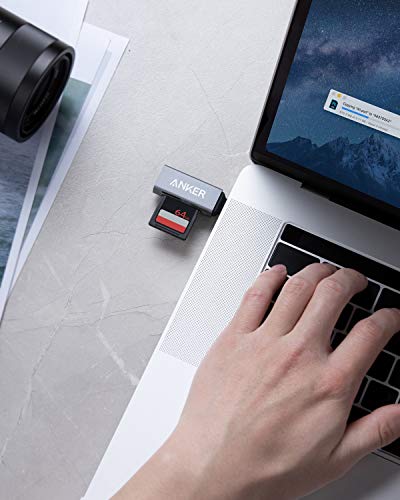
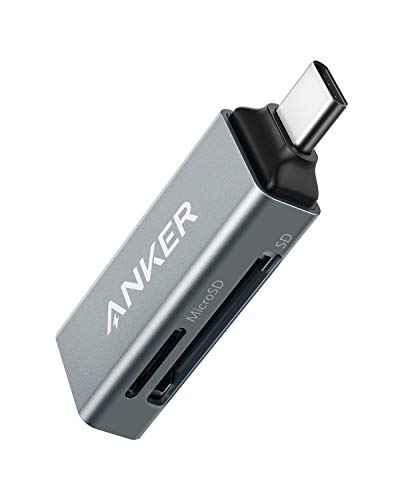
A compact USB-C memory card reader from Anker with one standard SD card slot and one microSD slot. It’s designed to be slim enough to sit alongside other peripherals or even connect to a phone in its case.
Who this is for
If you regularly move files between a MacBook, mobile device or other USB-C capable gear, and you need quick access to SD and microSD cards, this reader aims to simplify your workflow without adding bulk.
Key strengths in everyday use
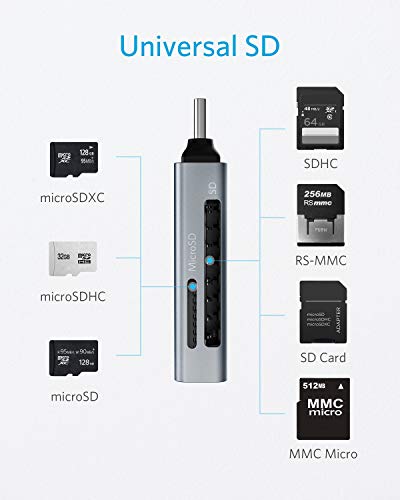
Its ultra-compact design makes it practical for travelling or desk setups where space is at a premium. The dual-slot configuration lets you swap data between SD and microSD cards without juggling adapters, which helps when transferring photos, video or documents on the go.
Potential limitations
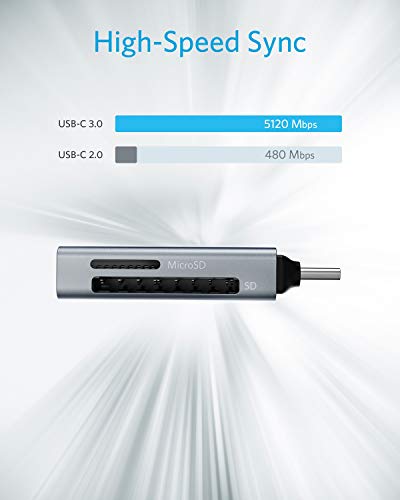
On paper, the device is a straightforward reader. If you rely on high-end speed or more advanced card formats, keep in mind that this model focuses on broad compatibility and convenience rather than standout performance specs. Also, it is tailored to USB-C devices, if you use older USB-A gear, you’ll need an adapter.
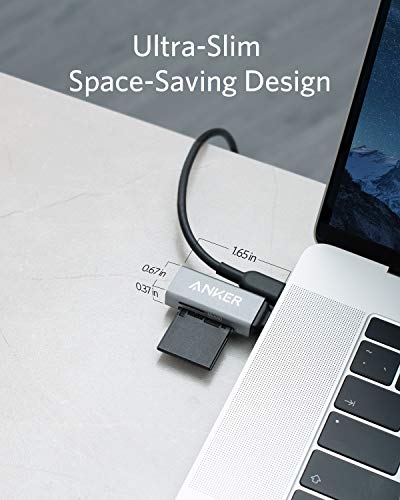
What to check before buying
Consider whether your device supports USB-C for direct compatibility, and confirm you’ll benefit from a two-slot, single-body design rather than a separate card reader and adapter. If you regularly work with a mix of SD and microSD cards, this layout could simplify your file management.
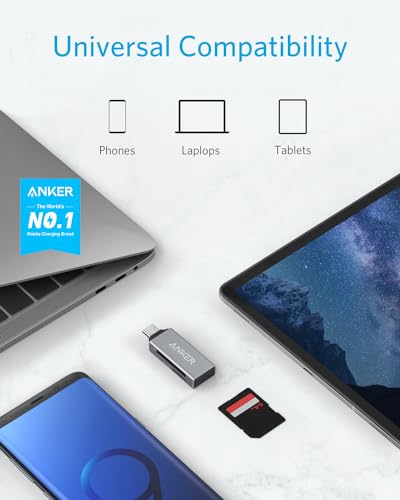
How it stacks up in practice
Compared to dedicated single-slot readers, the 2-in-1 approach reduces clutter and the number of dongles on your desk. It won’t turn into a speed demon, but for mainstream file transfers and backups, it’s a sensible, no-fuss option that suits everyday use.
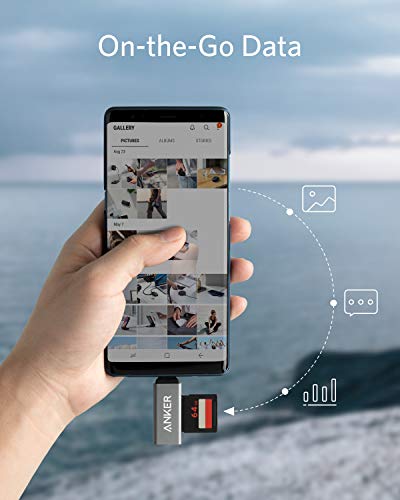
Practical usage example
You’re editing photos on a MacBook Pro and want to offload a shoot from both SD and microSD cards. You plug this reader in, insert the SD card and microSD card, copy the files to the laptop, then detach. It’s a neat, portable solution for quick transfers while travelling or when your primary computer is in a bag.
Is it worth it?
Final verdict: Worth considering if you prioritise compact form, broad compatibility and convenience for mixed card types over raw speed or features. It may not be the strongest option if you need very high transfer rates or work exclusively with one card format.
FAQ
- Will it work with my phone in a case? Yes, the design supports use while the device is in a case on most USB-C phones.
- Do I need any extra software? No, typically it’s a plug-and-play reader.
- Can I use it with USB-A ports? Not directly, you’d need a USB-C to USB-A adapter if your device isn’t USB-C.