

Acer USB-C SD Card Reader: High-Speed Dual SD/MicroSD USB-C Card Adapter
Product description
What it is and who it’s for
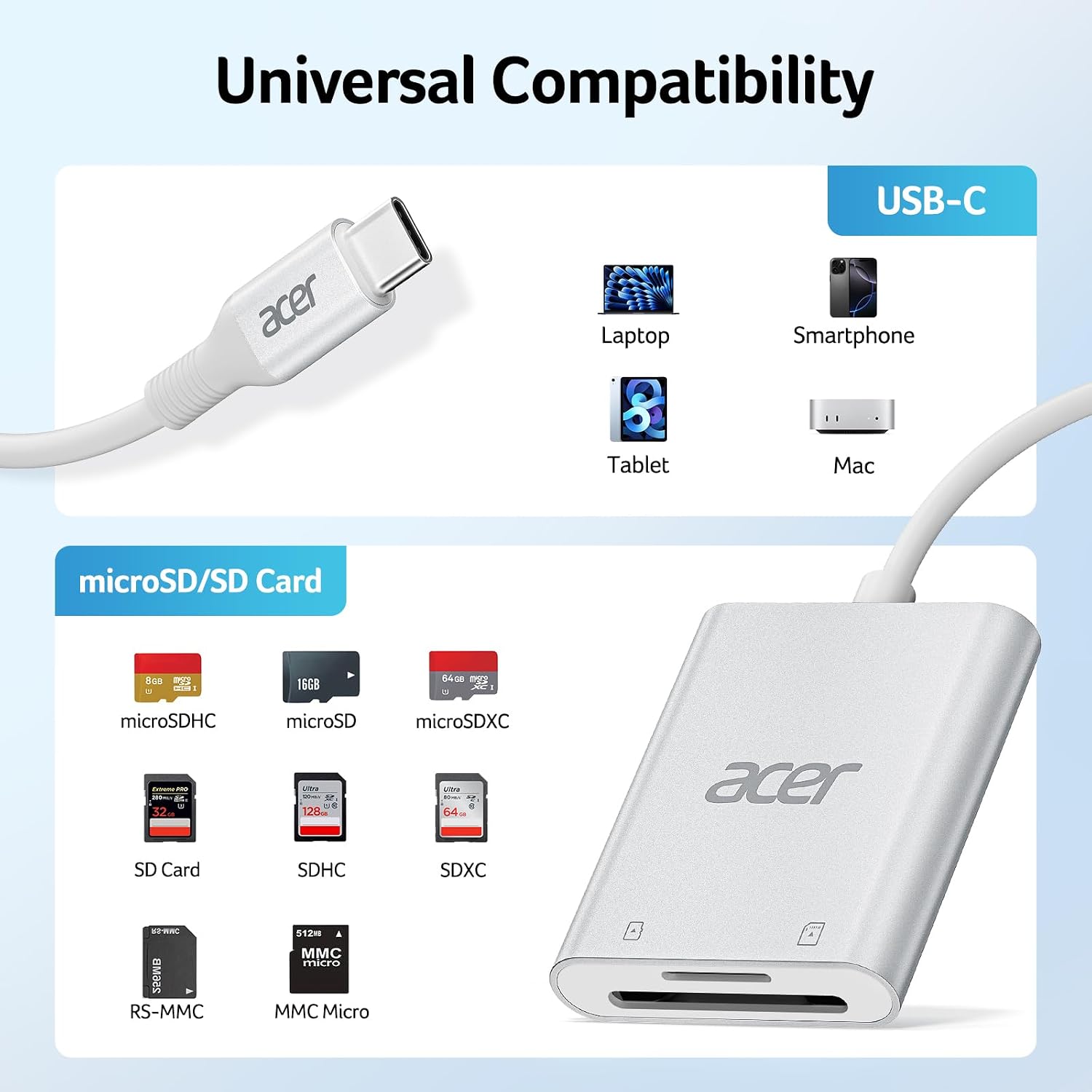
The Acer USB-C SD Card Reader is a compact external memory card reader that plugs into USB-C ports to read SD and microSD cards. It’s aimed at users who need a straightforward way to transfer photos, videos and other files from cameras, phones or drones to a computer or compatible device without relying on Wi‑Fi or cloud transfers. If you often offload media from memory cards while on the move or want a single reliable adapter for a laptop, tablet or supported phone, this device offers a practical, no‑fuss option.
How it performs on paper
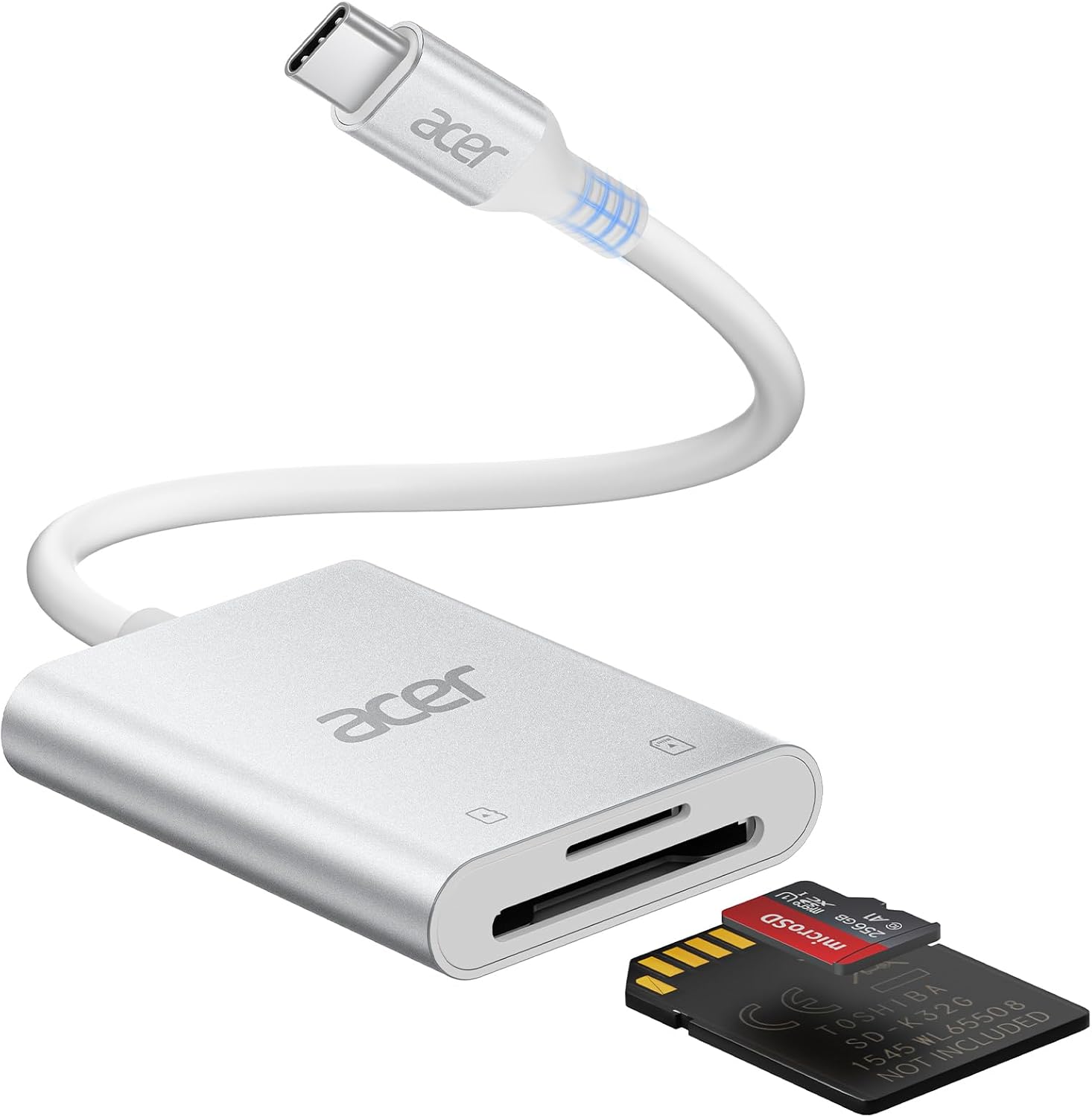
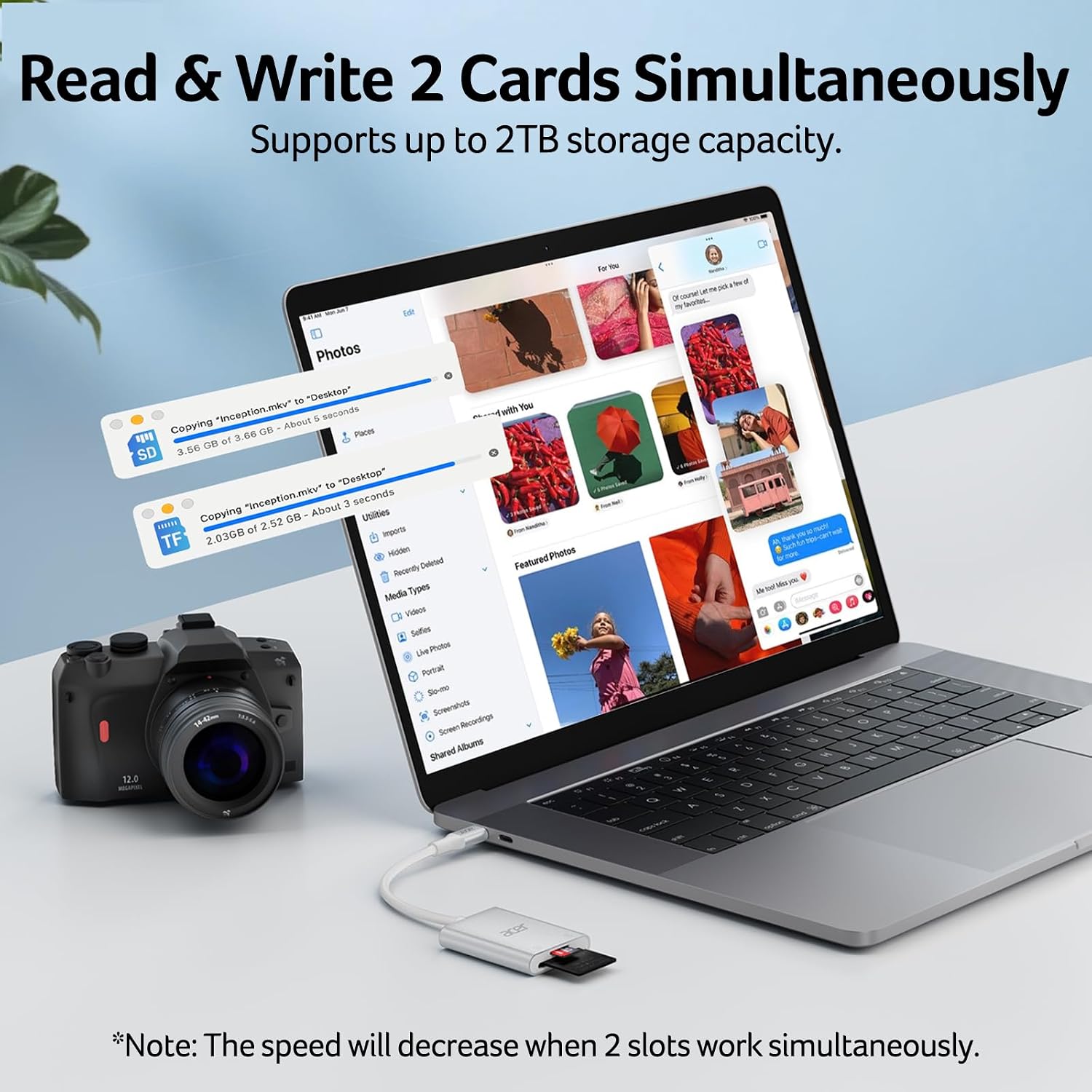
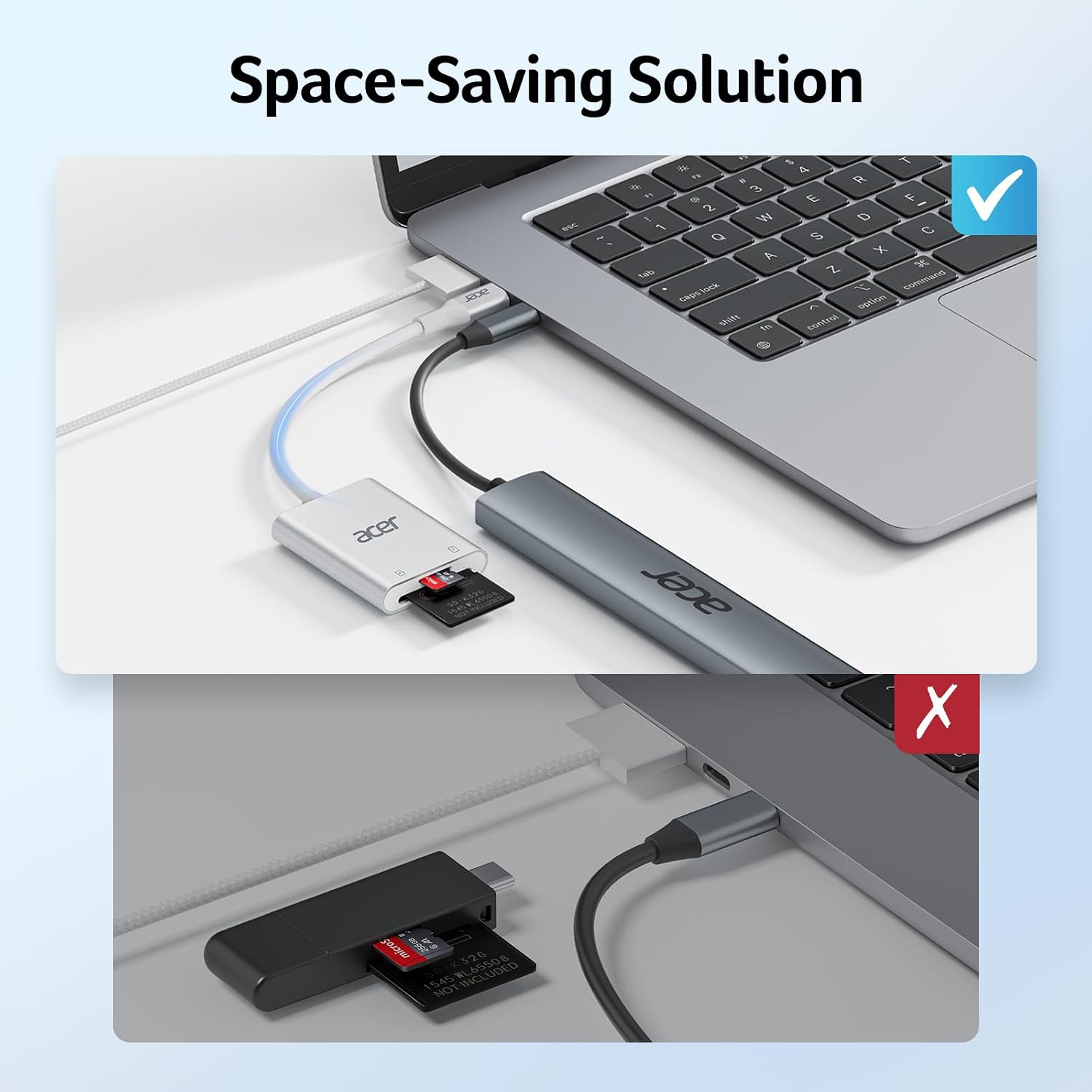
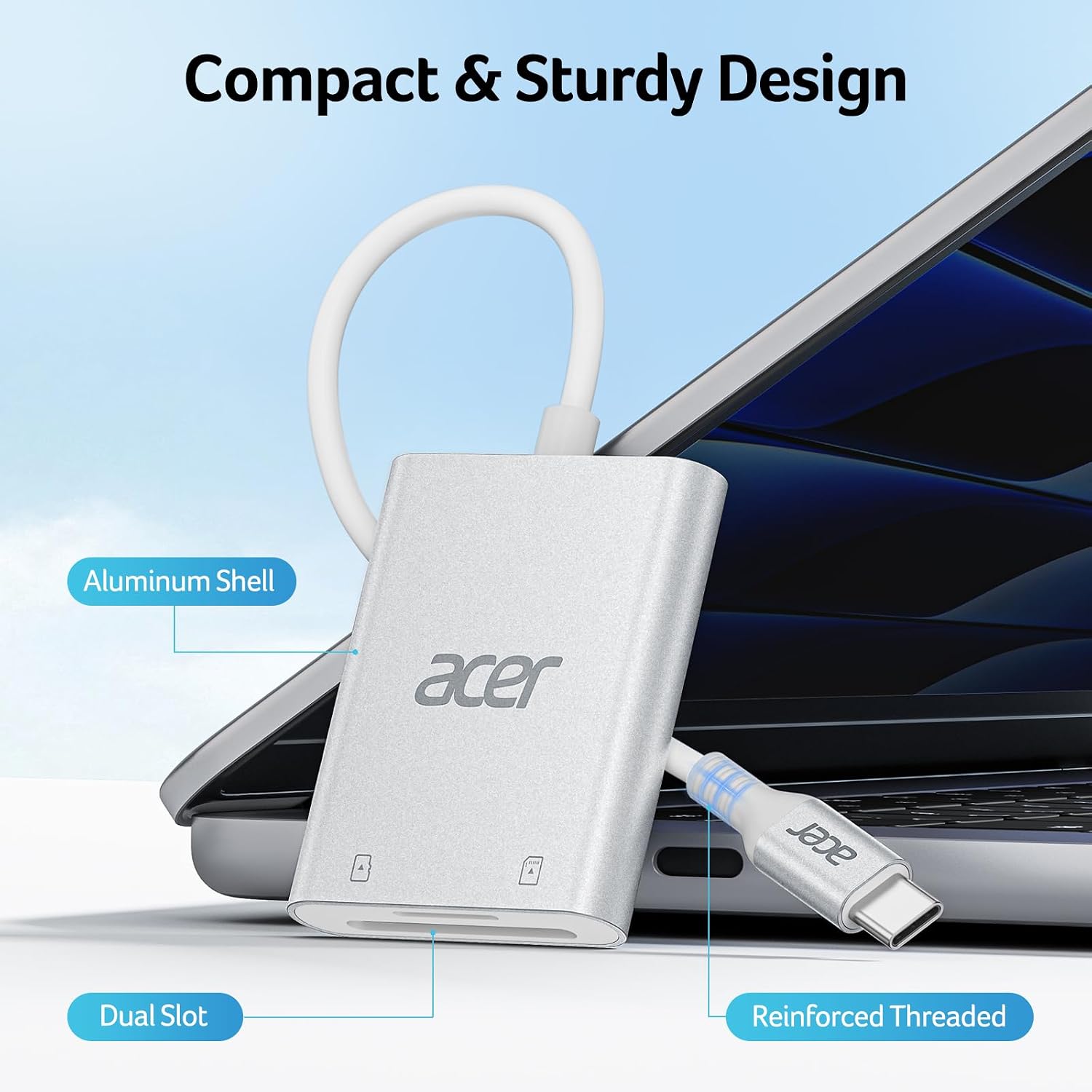
On paper, it supports fast data transfer up to 5Gbps, which, in practice, depends on the host device and card specification. It’s backward compatible with USB 2.0/1.1, so older machines won’t be left out, though you won’t see the top speeds with those interfaces. The dual-slot design lets you read and write two memory cards at the same time, which can save time if you regularly copy from two cards. The aluminium shell helps with heat dissipation and a reinforced joint should make plugging and unplugging feel sturdier. The extended cable is designed to avoid blocking adjacent ports on compact laptops.
What stands out on use
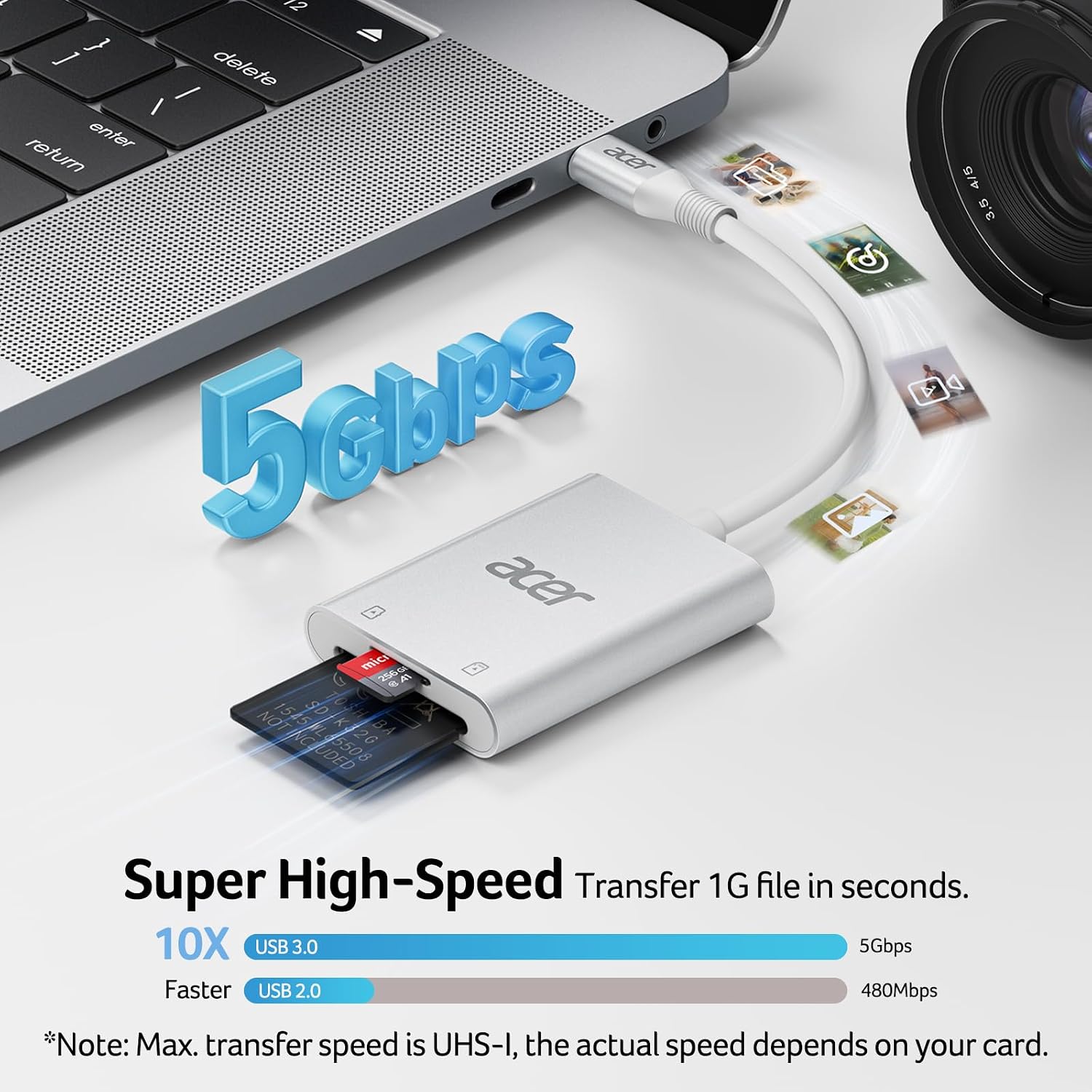
In day‑to‑day use, the key strengths are speed (when you’re using compatible USB‑C hardware and SD/microSD cards that support higher speeds), convenience of dual-slot simultaneous transfers, and a lightweight form factor that travels well. It’s particularly handy for photographers, videographers or casual creators who want a simple, portable reader that works with MacBook Pro/Air, Acer laptops and many other USB‑C devices.
The limits and what it might miss
This reader is not designed for Lightning or non‑USB‑C devices, so if your setup relies on older iPhones with Lightning ports or other non‑USB‑C hardware, you’ll need a different dongle. Real‑world speeds depend heavily on the cards in use and the host device, the 5Gbps claim is the maximum and may not be reached in every scenario. The product description does not specify supported SD card standards beyond SDXC/Micro SDXC, so if you’re using older or unusual card formats, verify compatibility.
Who it’s best for
- People who frequently transfer media from SD or microSD cards to a USB‑C device.
- Users needing a compact, dual‑slot reader to save time when copying from two cards.
- MacBook Pro/Air and other USB‑C laptops or tablets that benefit from a simple, heat‑dissipating aluminium shell and a non‑blocking port design.
- Anyone who prefers a straightforward, no‑nonsense accessory over more feature‑rich hubs or readers.
Who might want to think twice
- If you rely on devices with Lightning ports or non‑USB‑C connectors, this may not be the best fit.
- If your primary goal is the absolute fastest possible transfer with very high‑end cards, check whether your host device can sustain the stated maximum speed, speeds vary with equipment.
- Those seeking advanced features such as built‑in card management software or more than two slots might consider alternatives.
When it makes sense to buy
- You want a portable, dual‑slot USB‑C reader for quick offloads on the go.
- You need a device that stays out of the way on compact laptops and doesn’t block adjacent ports.
- Your workflow includes SDXC or microSDXC cards and you use a USB‑C host like MacBook Pro/Air or similar Windows/Linux laptops.
Before you buy – quick checks
- Ensure your host supports USB‑C, and that you can access high data rates with your cards.
- Confirm the cards you plan to use are SDXC or microSDXC formats.
- Consider whether you’ll benefit from the dual‑card capability for simultaneous transfers.
Practical example
Imagine finishing a photo shoot where two camera bodies use different memory cards. You can pull both cards, plug in the reader, and copy both card contents to your laptop in one go, rather than swapping cards mid‑transfer or juggling multiple adapters.
FAQ (based on available data)
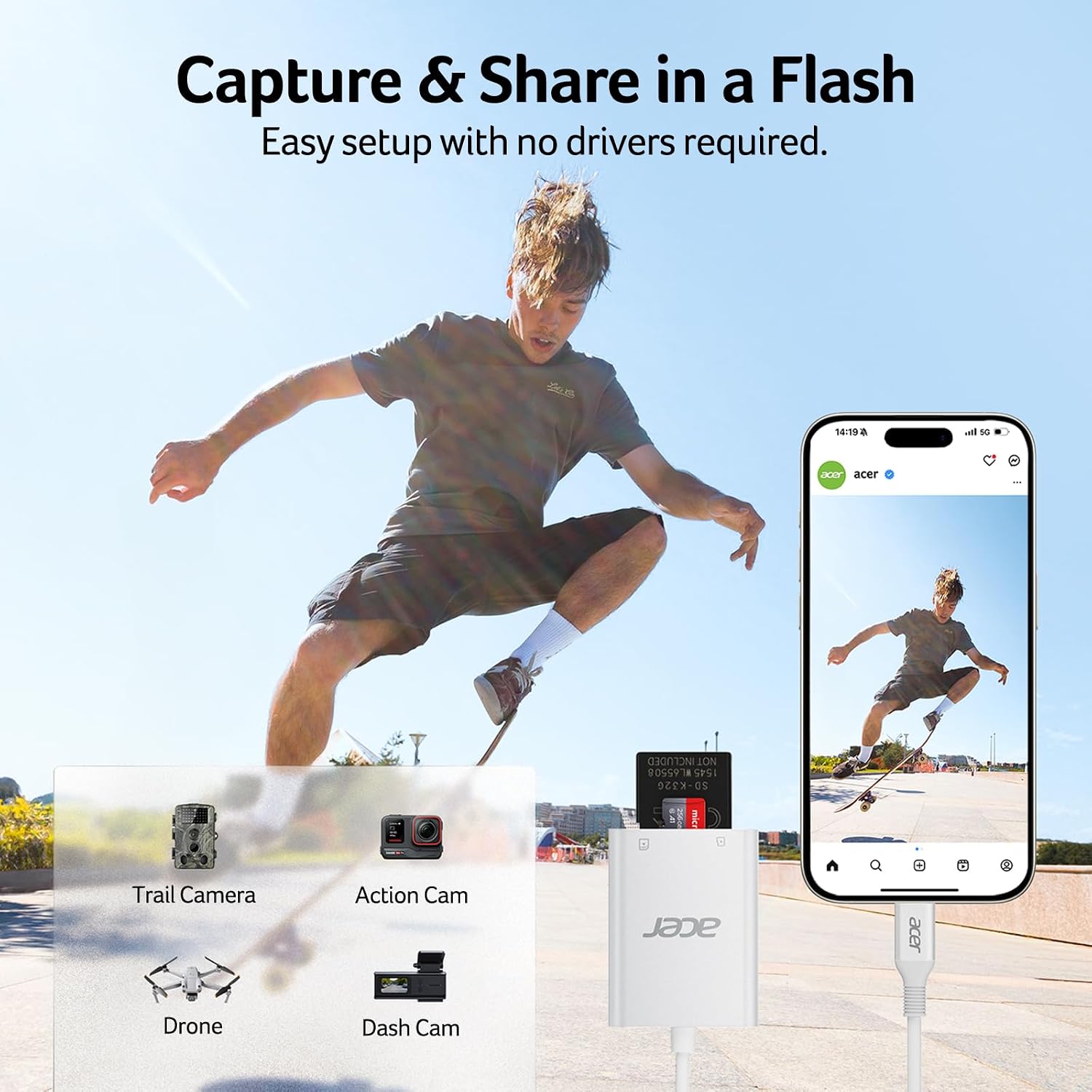
- Does it work with iPhone models? It’s noted as compatible with iPhone 16/15, but Lightning devices are not supported.
- What speeds can I expect? Up to 5Gbps under the right conditions, actual speed depends on host device and card quality.
- Will it heat up during use? The aluminium shell is intended to aid heat dissipation, which may help during longer transfers.
Final decision
Should you buy it?
Worth considering if you prioritise a compact, dual‑slot USB‑C reader that works with MacBook Pro/Air and many USB‑C laptops and devices. It makes sense for those who want a pragmatic, portable solution for quick media offloads and who value a design that avoids blocking other ports. If you need Lightning compatibility, or require more than two slots, this may not be the best fit.