

UGREEN NAS DXP4800 Pro 4-Bay Desktop NAS (Diskless) with HDMI Cable, Intel Core i3-1315U, 8GB DDR5, 128GB SSD
Product description
The essentials
If you’re looking for a desktop Network Attached Storage (NAS) that can also pull its weight as a small private server, the UGREEN NAS DXP4800 Pro is built for that kind of “do more than just storage” workflow. It’s diskless, so you’ll add your own drives, but on paper you get a fairly serious compute setup for running containers and virtual machines, plus a media-and-photo oriented approach via UGOS Pro.
This is the sort of NAS that tends to appeal to power users at home and small offices—people running development environments, backing up lots of media, or experimenting with local services where you want the system to sit on your network rather than relying purely on cloud subscriptions. It’s not aiming to be the simplest NAS for occasional file storage, it’s more of an all-in-one workstation with storage as a core feature.
What to know before you buy
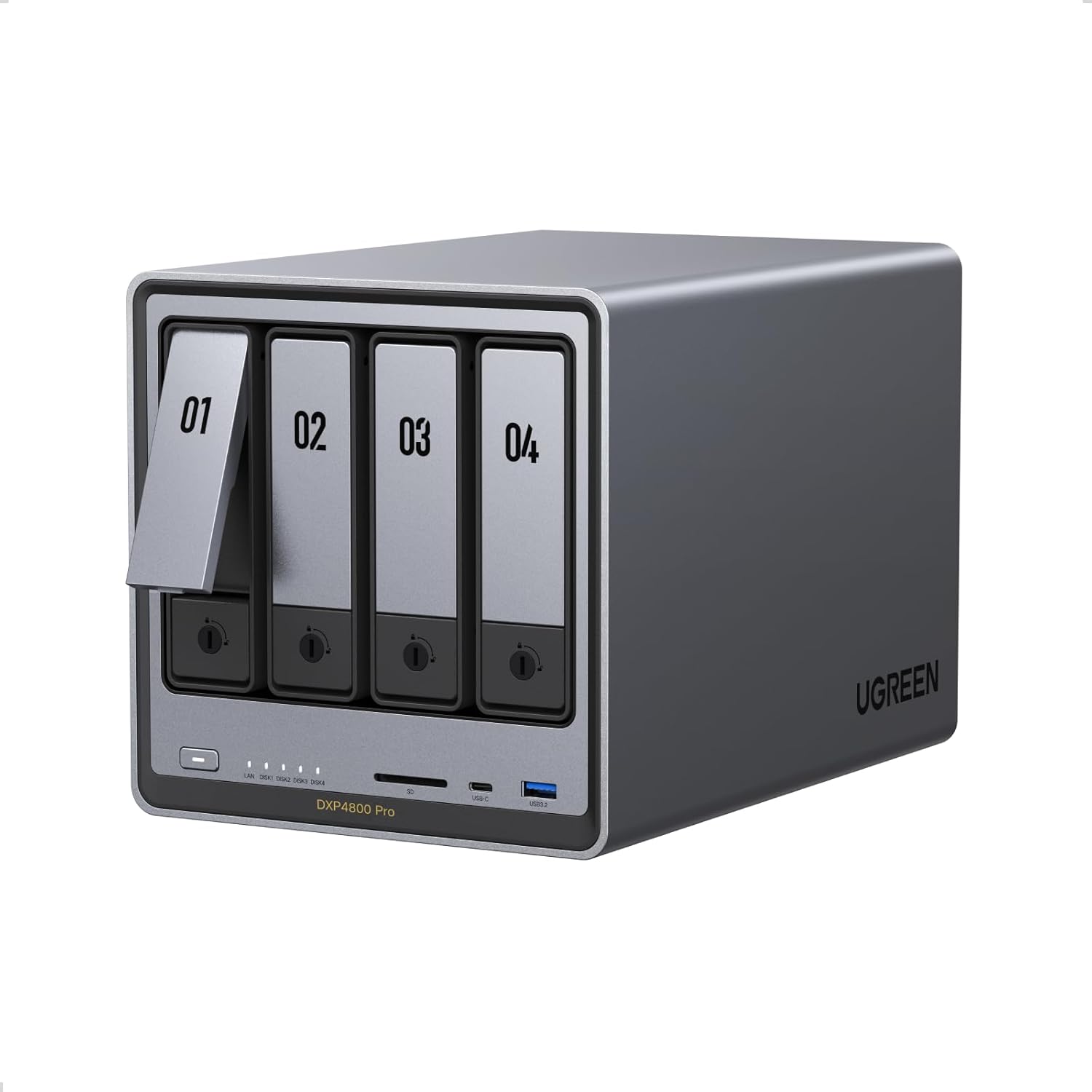
Diskless matters. You’ll need to choose the HDDs and, if you plan to use the M.2 slots for cache or storage, suitable NVMe drives too. Without drives installed, you won’t be able to assess real-world storage performance, and your usable capacity will depend entirely on what you install.
Also, while the CPU and software support stronger use cases (Docker, virtual machines, local AI photo album processing), this isn’t a guarantee that every advanced workload will feel “effortless” in your exact setup. The best results usually come when you match the NAS to the type and scale of tasks you plan to run.
It’s worth considering whether you actually need the compute side. If you mainly want a straightforward backup target or media library on a budget, you may find simpler NAS options more cost-effective. If, however, you want a local IT hub with room to grow into containers, the DXP4800 Pro’s direction makes sense.
Key takeaways
Tech summary
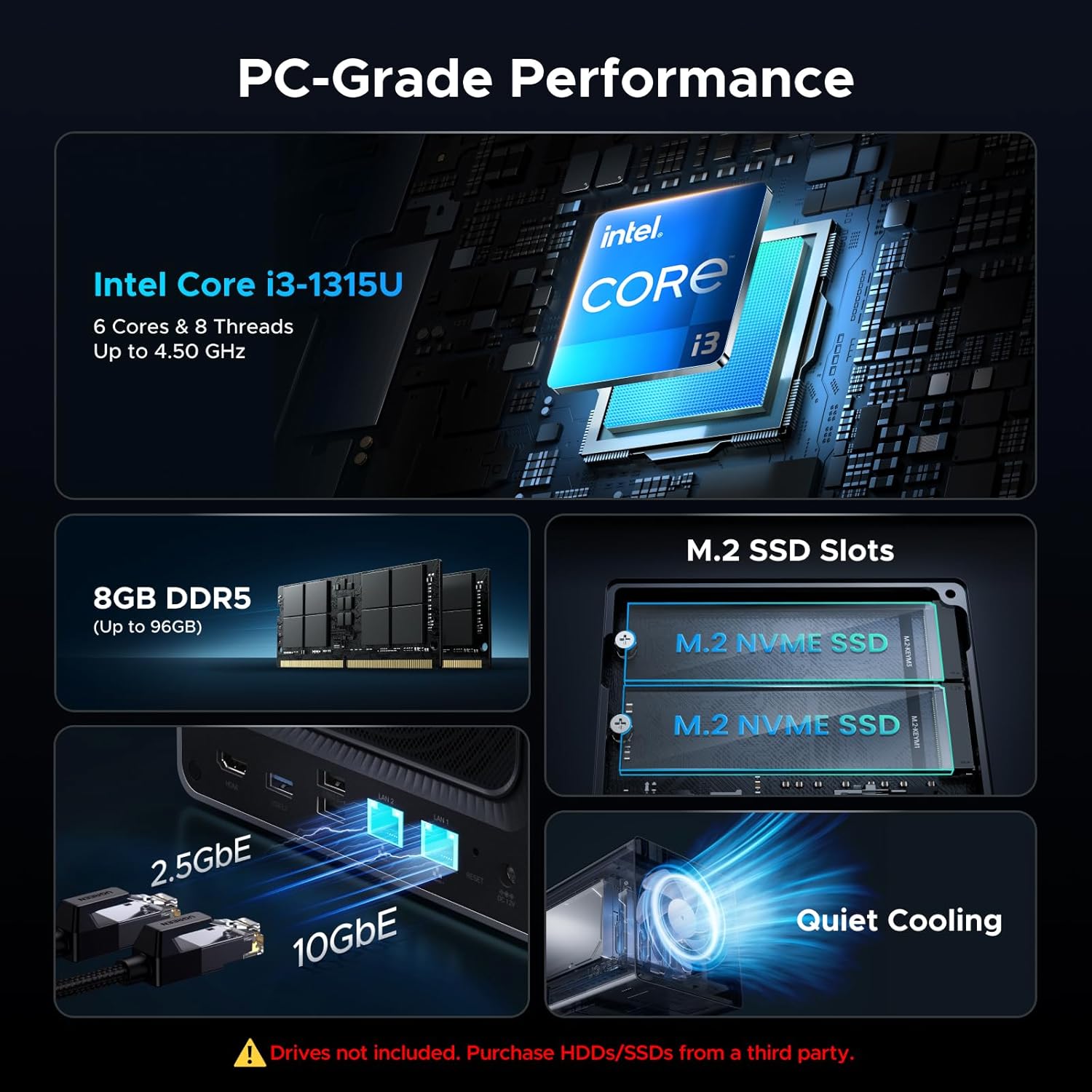
- Processor: Intel Core i3-1315U (6 cores, 8 threads, up to 4.5GHz turbo)
- Memory: 8GB DDR5 RAM, expandable up to 96GB
- System storage: 128GB SSD
- Networking: 1x 10GbE + 1x 2.5GbE
- Expansion: 4-bay desktop NAS (HDD support implied by RAID options) plus 2x M.2 NVMe slots (M.2 can be used for cache or storage pool)
- Video output: 4K HDMI
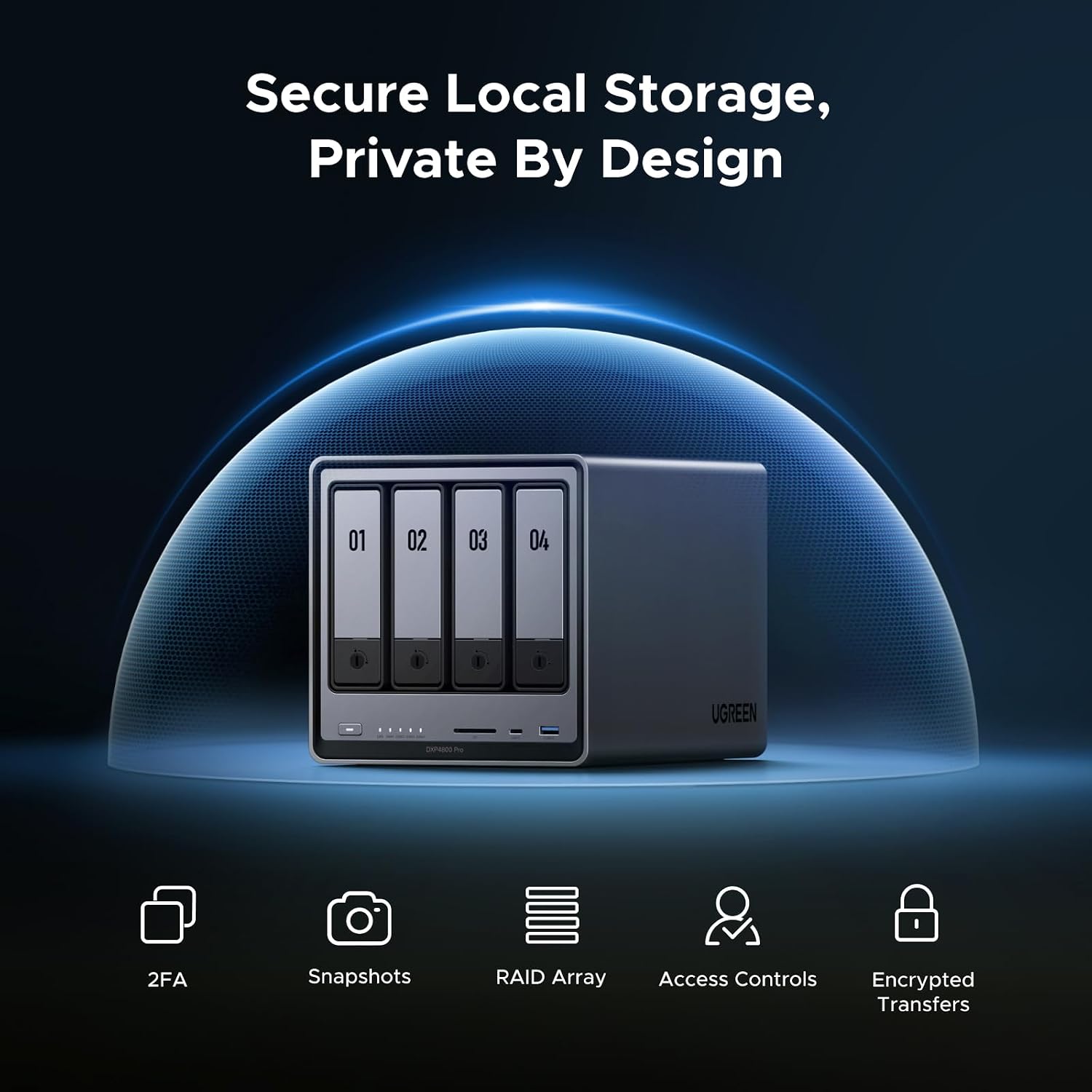
- Security & privacy: RAID options (0, 1, 5, 10), granular user permissions (up to 2048 accounts), “Data Vault” to hide and encrypt sensitive files, TÜV SÜD (ETSI EN 303 645) and TRUSTe certification mentioned
Where it shines
For demanding workflows, the CPU + RAM combination is the headline. On paper, the i3-1315U (6-core) pairs with DDR5, so it’s geared toward multitasking—useful if you want to run a media workflow while also keeping background services ticking.
Two other elements stand out:
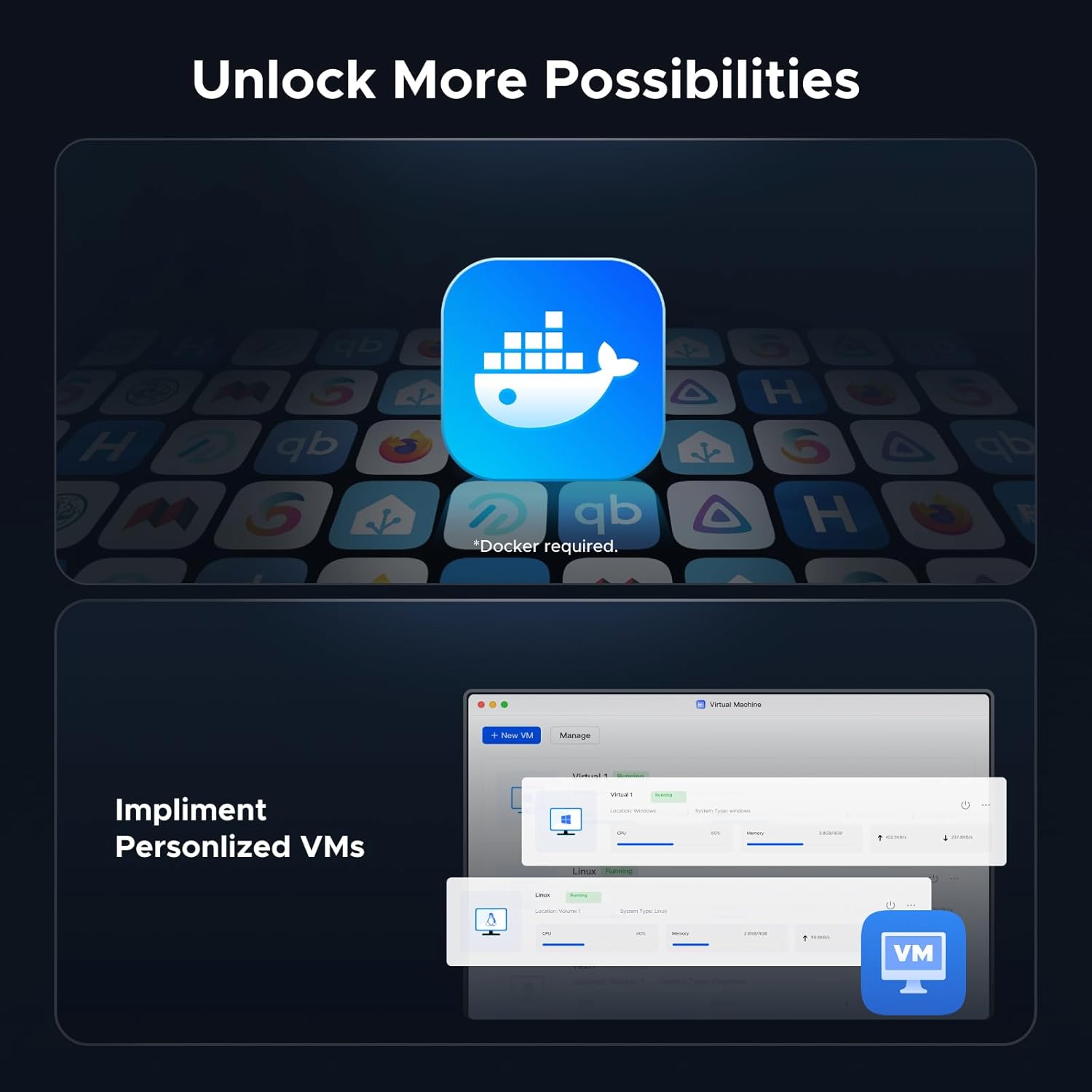
- Local compute for containers and VMs: Support for Docker and Virtual Machines is a big deal if you want a NAS that doubles as a host for private development environments, personal websites, or small smart home-style services.
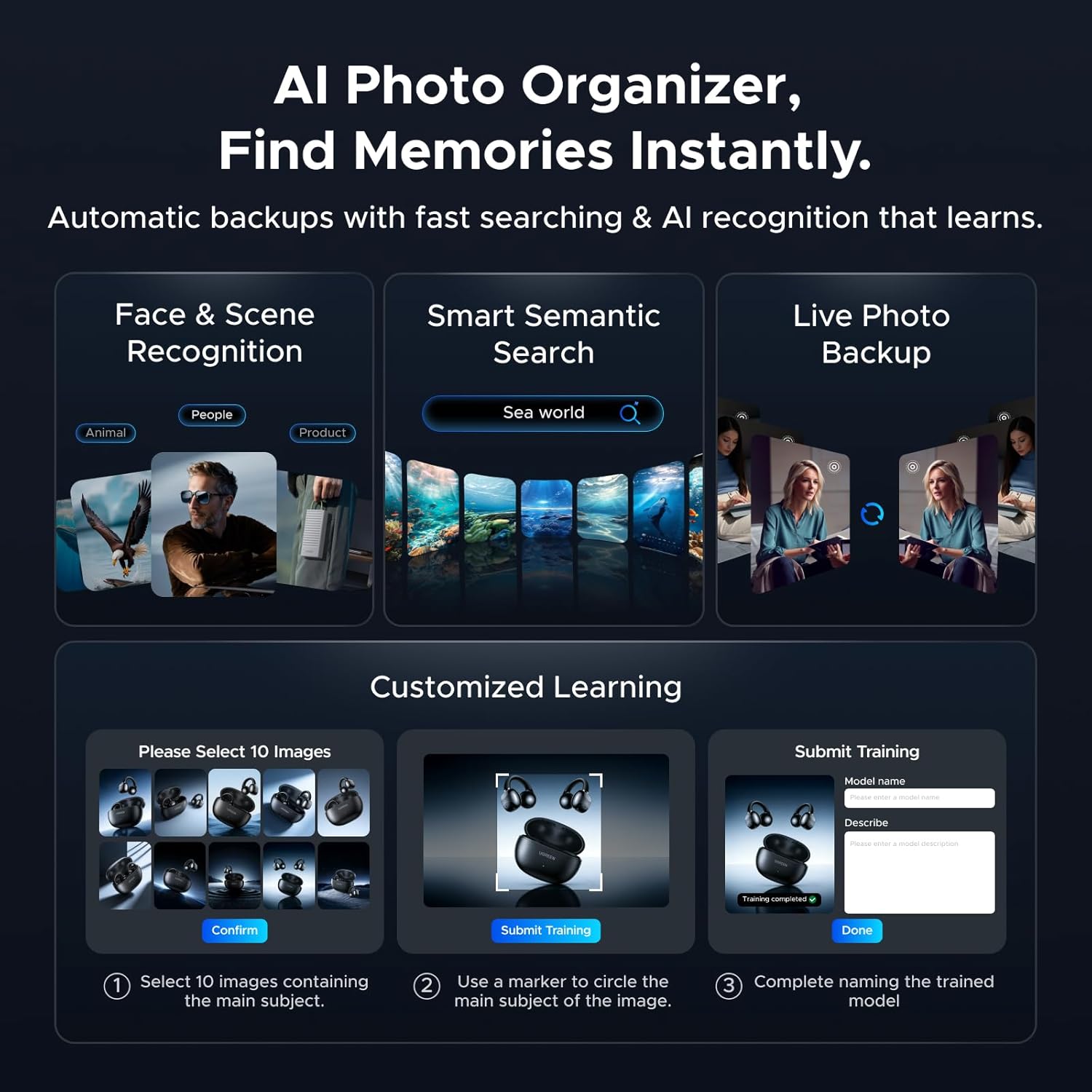
- Photo album with on-device AI: The local AI-powered Photo Album can recognise faces and scenes/content, with processing happening on-device for privacy. That’s particularly relevant if you manage large photo libraries and don’t want photos sent elsewhere for analysis.
As for day-to-day transfers, the combination of a 10GbE and a 2.5GbE port is a strong nod toward faster network copy speeds. The listing even states up to 1.25GB/s transfers, but remember that actual speed will depend on your network equipment and the drives you install.
Usage tips
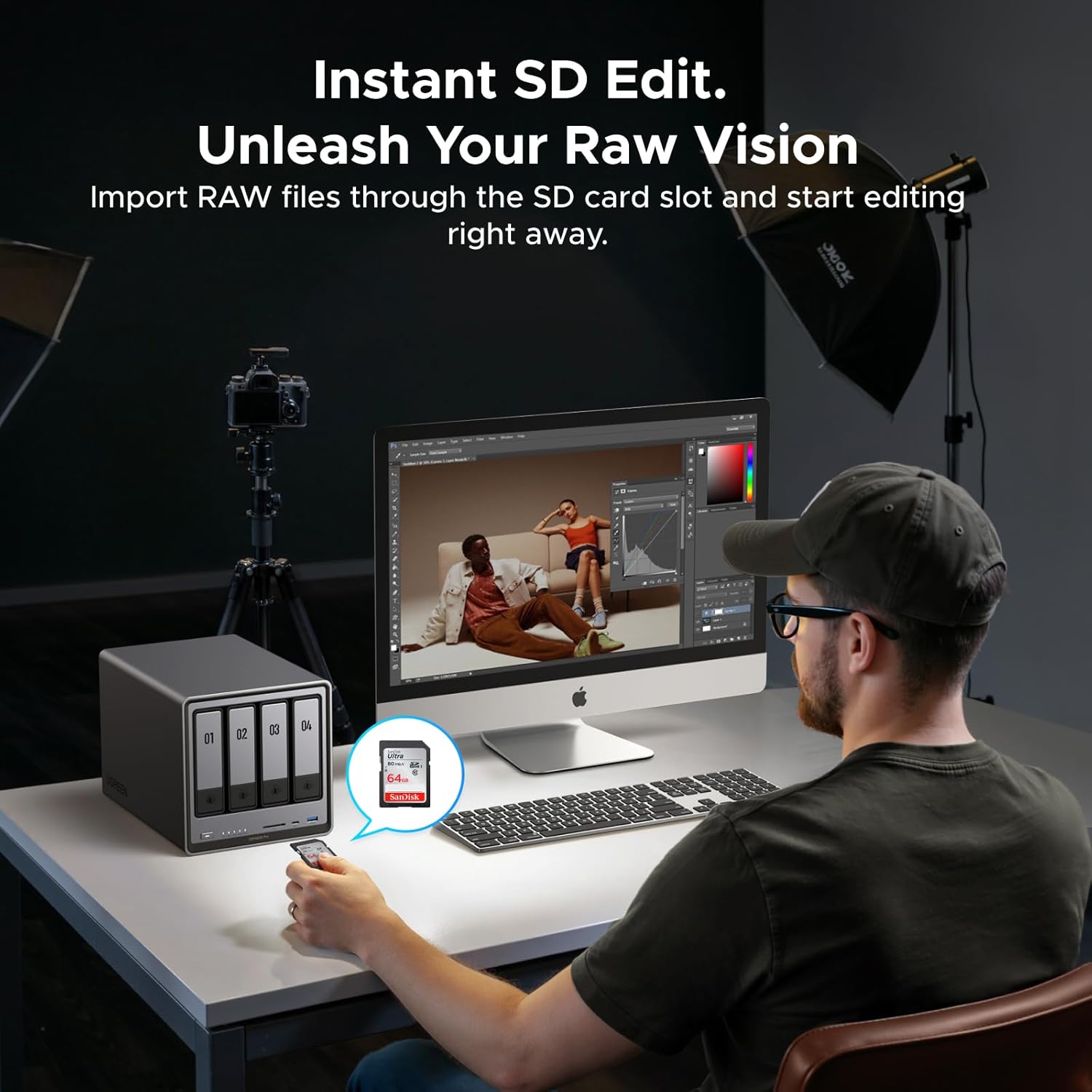
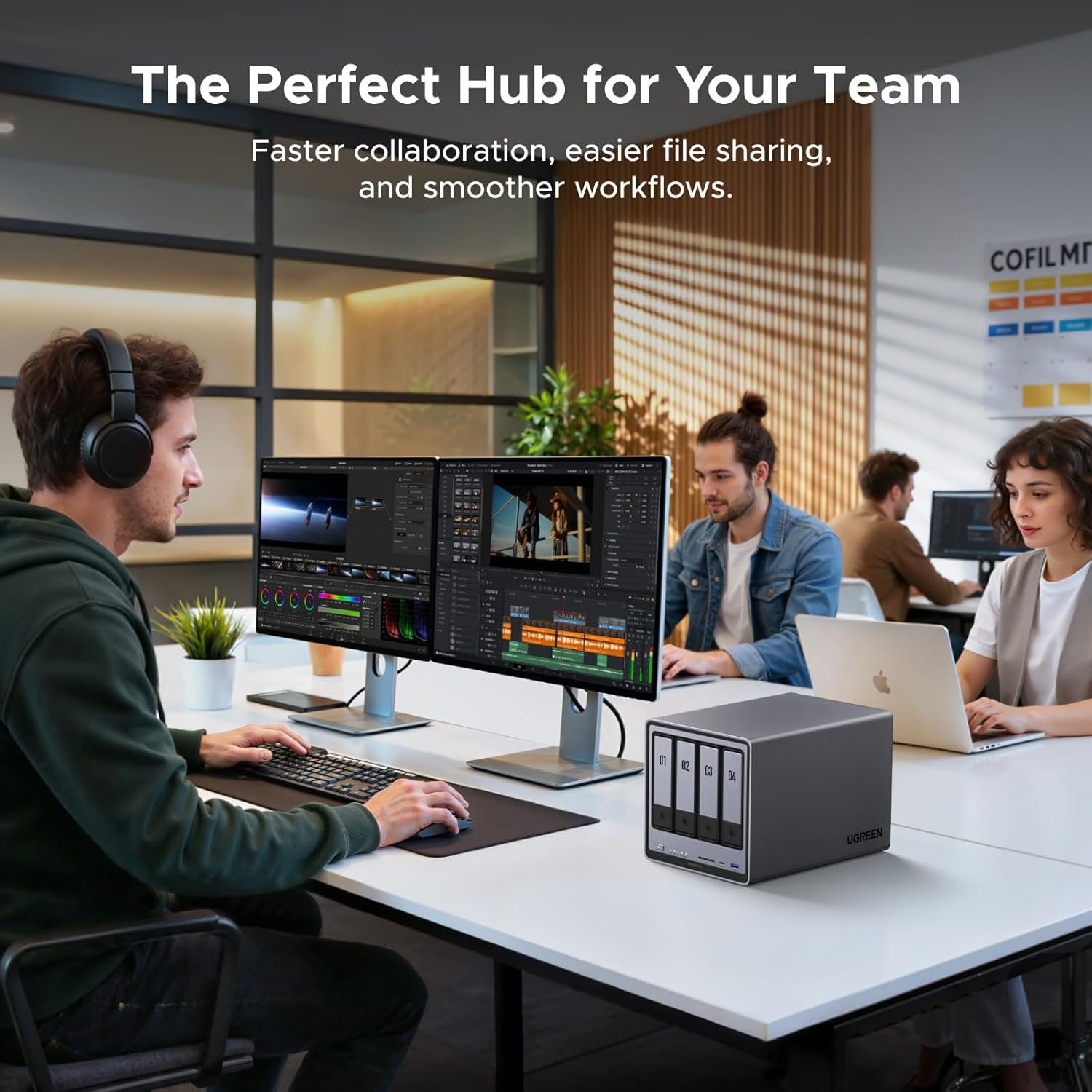
A practical way to picture this NAS is as a central box that you interact with in several modes: storage first, then services.
For example, you could set it up with HDDs for bulk media storage, use one or both M.2 NVMe slots as a fast cache, and run a container for a self-hosted dev tool or a small internal website. Meanwhile, your Photo Album scans and organises your library locally, so you get better search and grouping without offloading the processing.
If you’re planning to rely on HDMI output (for direct local access), it can make initial setup and administration feel more like a desktop workstation rather than only a “remote web UI” machine.
One limitation to keep in mind: if you only need basic network storage, the extra compute features can be overkill. Also, since it’s diskless, your real performance profile is heavily tied to the HDDs/NVMe you choose.
Is it worth it?
Worth considering if you want a desktop NAS that’s ready for more than simple file sharing—especially if you’re interested in Docker and Virtual Machines, want 10GbE connectivity for faster transfers, and you like the idea of an on-device AI photo experience.
It may not be the best fit if you’re buying purely for straightforward backups with minimal setup effort, or if you’d rather not think about drive selection first (because diskless means you’ll need to supply the storage yourself). Better avoided if you don’t expect to use the compute and service side, since you’ll be paying for capabilities you might not touch.
A sensible approach is to ask yourself what you’ll run on the NAS: if it’s mostly media and backups, you might prefer a simpler unit, if you want a local workstation-style NAS for both storage and services, the DXP4800 Pro’s spec direction lines up well with that goal.
Quick FAQ
Is this NAS diskless?
Yes. The listing describes it as a diskless NAS, so you’ll need to add your own drives.
How much RAM does it include?
It comes with 8GB DDR5 RAM, and the listing states it’s expandable up to 96GB.
Does it support Docker and virtual machines?
The provided details say it supports Docker and Virtual Machines for running services locally.
What network connections does it have?
It includes 1x 10GbE and 1x 2.5GbE.
Is the AI photo processing local?
According to the description, the AI processing happens on-device, with an emphasis on privacy.