

Elgato Stream Deck MK.2 Studio Controller (15 customisable LCD keys) for Mac and PC
Reviews
Price
Product description
What it is and why people buy it
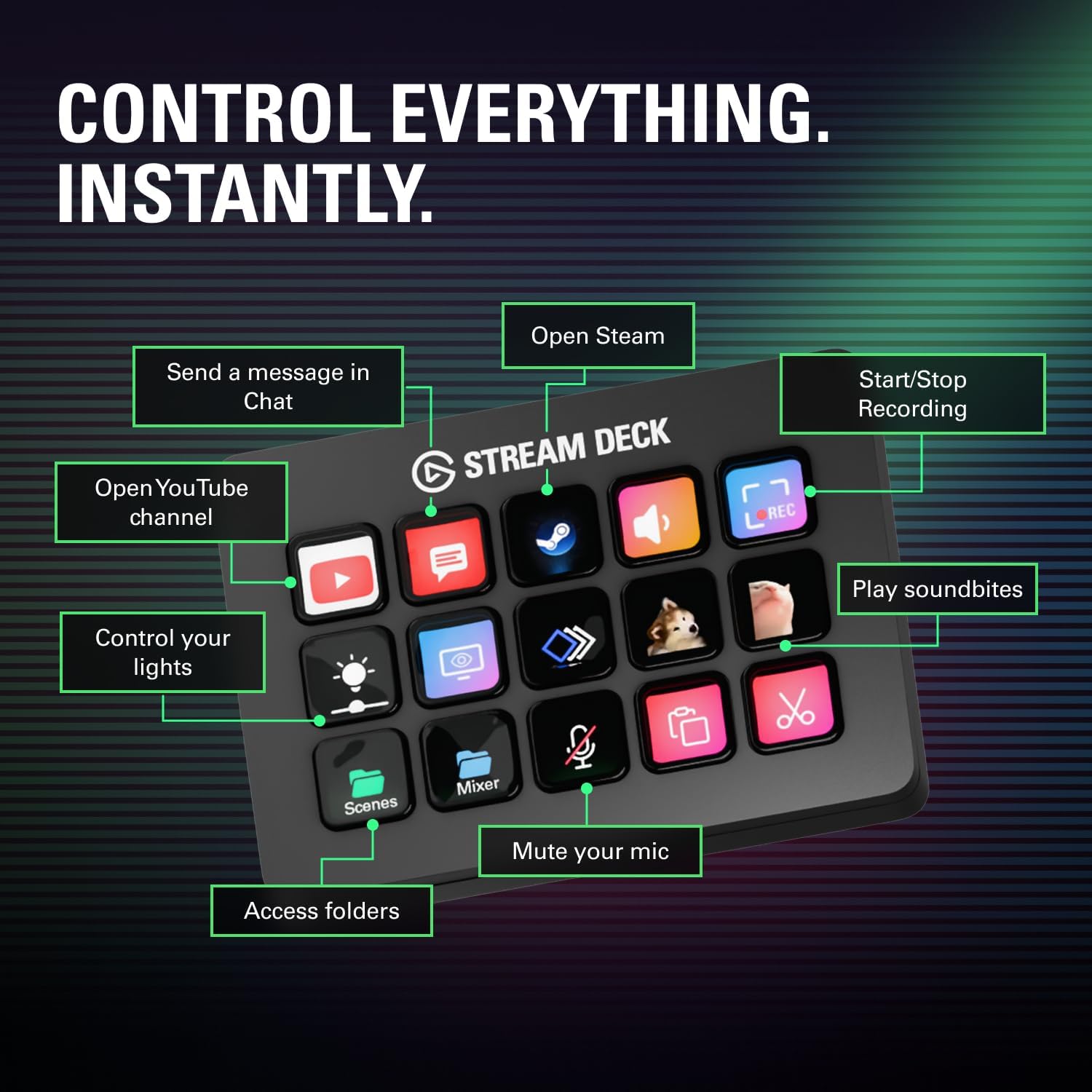
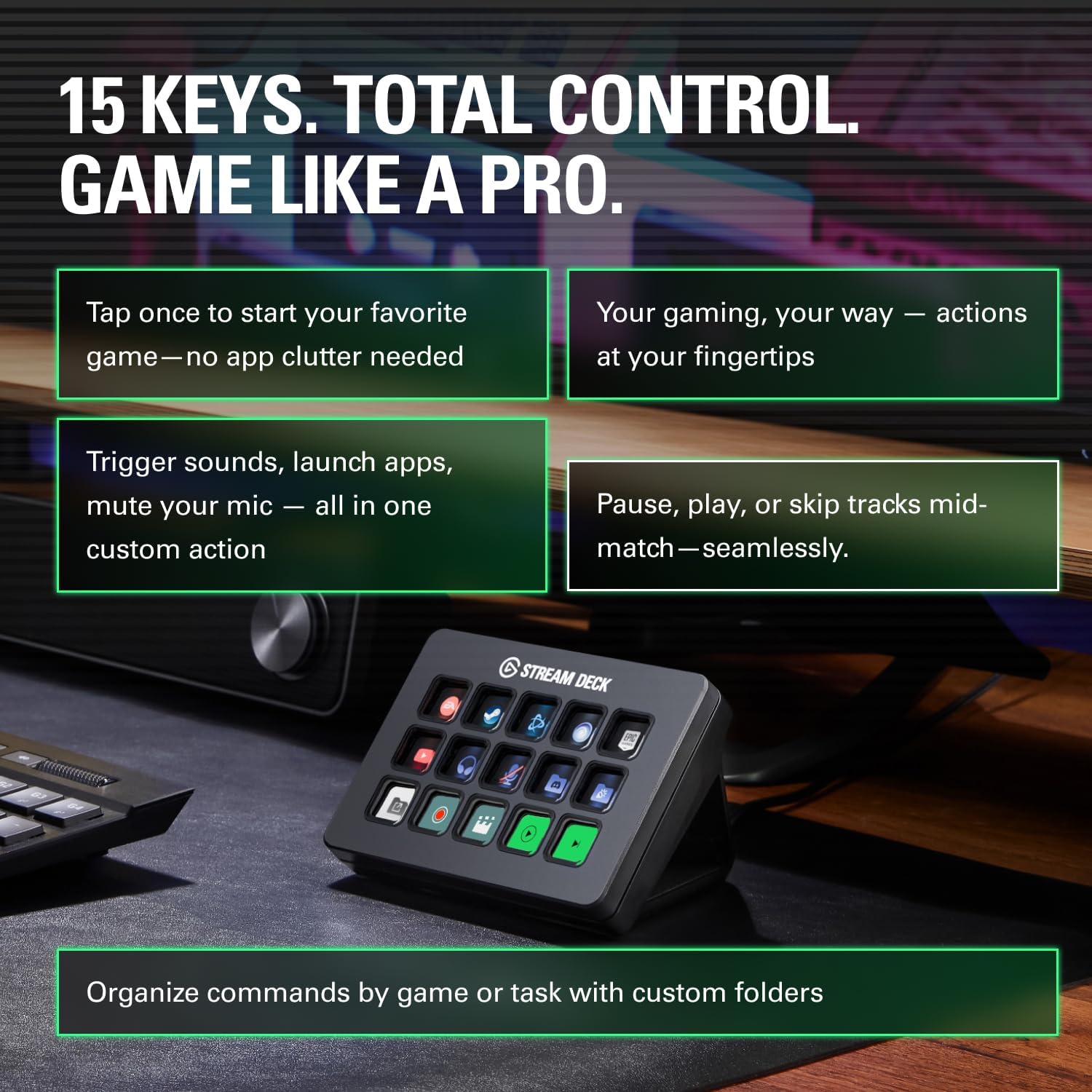
The Elgato Stream Deck MK.2 is a studio controller designed to make computer tasks feel closer to pressing a button than hunting through menus. Instead of juggling keyboard shortcuts and app controls, you set up actions on the deck’s 15 customisable LCD keys, then trigger them instantly with a single touch.
On paper, that sounds simple. In practice, it’s the kind of tool that can quietly change your workflow—especially if you regularly stream, record, or create content and you’re constantly switching between apps, audio settings, chat platforms, and scene controls.
Key features you’ll notice during use
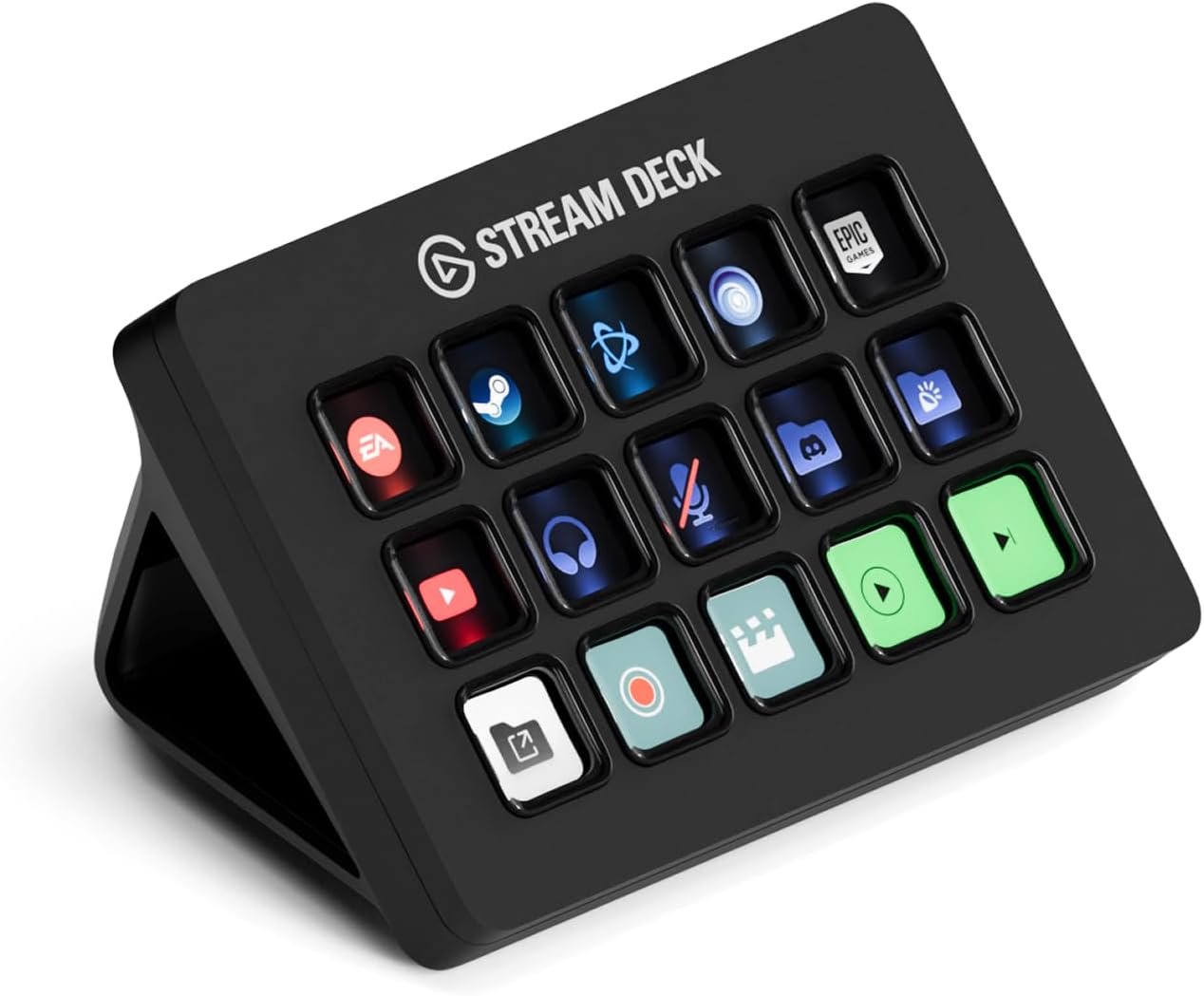
The headline is the 15 customisable LCD keys. Each one can show what it does, so you don’t just have muscle memory—you also get clear visual confirmation that your action ran. That matters more than you might think when you’re mid-stream or mid-edit and you can’t afford to wonder whether you actually pressed the right thing.
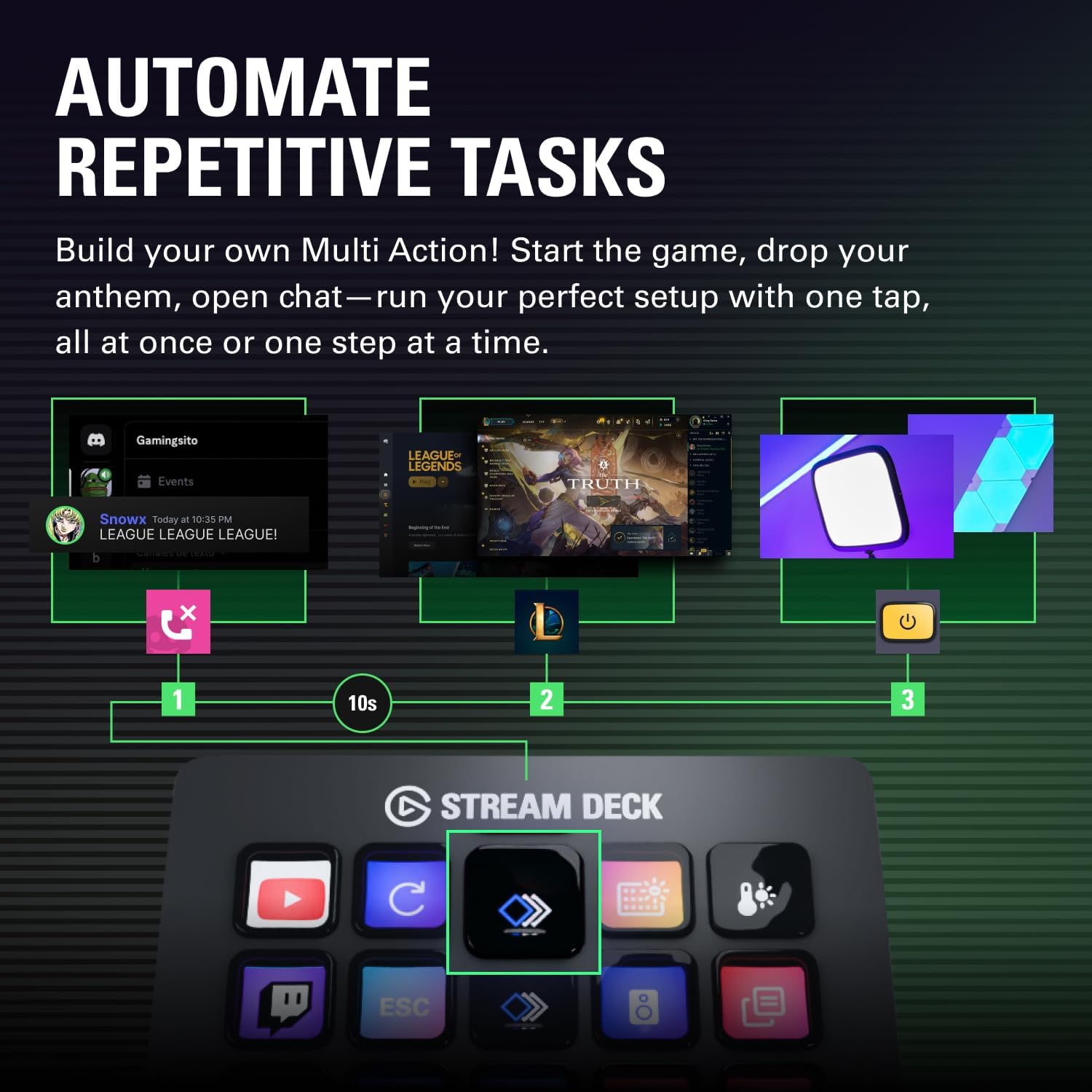
The MK.2 is also built for “single tap” control: you can fire individual actions or group multiple actions together. For content creators, that can mean running a sequence like changing an OBS setup, posting a message, and adjusting audio—without having to do it step by step.
It doesn’t stop at app controls either. The base description mentions launching actions, publishing messages in social platforms, adjusting audio, muting a mic, and controlling lights. If your setup includes those kinds of moments (live or recorded), the deck can turn them into repeatable, labelled buttons.
Plugin ecosystem and app actions
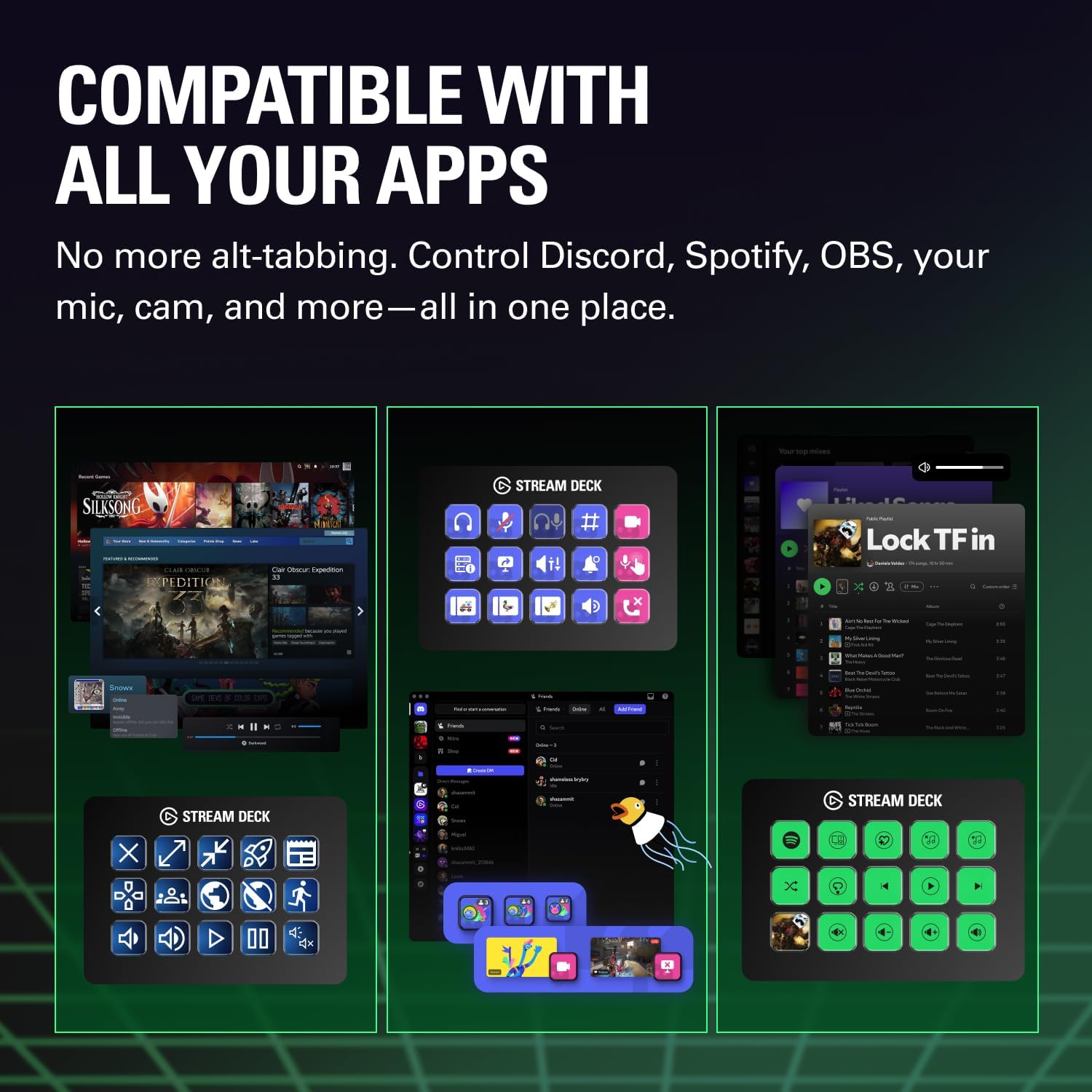
A big part of the Stream Deck experience is its plugin support. The listing calls out support for things like OBS, Twitch, YouTube, Twitter, Discord, Spotify, and Philips Hue, alongside Elgato’s 4KCU.
This is one of those areas where the value depends quite a lot on how your current studio is already set up. If you’re in the middle of that ecosystem, you’ll likely make the most of it. If not, you may still be able to use it with keyboard shortcuts and app actions, but you might find yourself building more workarounds than you’d hoped.
Where it really makes sense
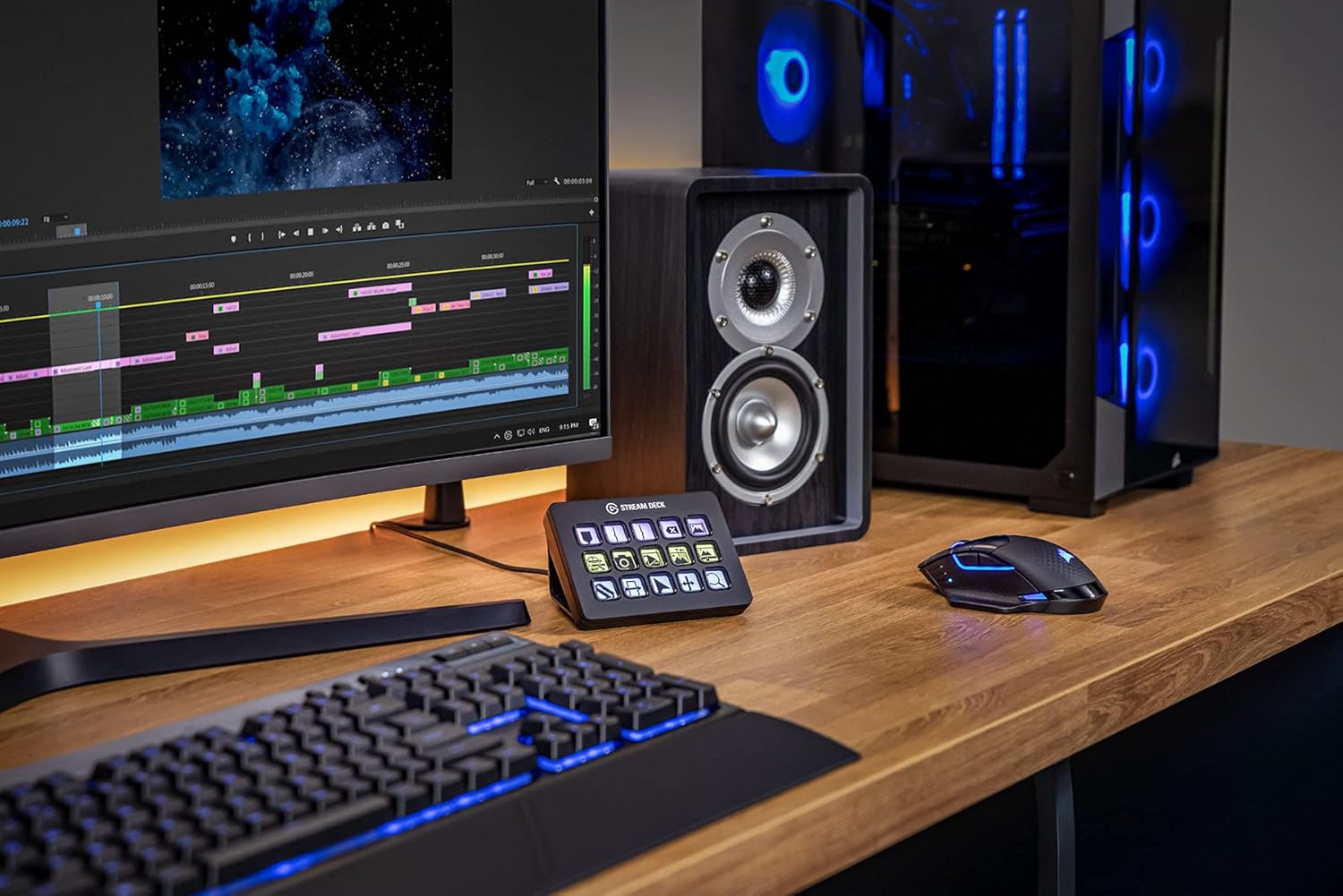
It’s at its best when you’re doing repeatable actions across multiple apps—especially around live streaming and content production. For example, imagine you’re preparing a video: you could map keys to common edit triggers (like starting/stopping playback), posting or updating on a platform, and quick audio adjustments. Or in a live session, you can set up a key to mute the mic instantly and another to switch scenes—plus have chat-related actions close by.
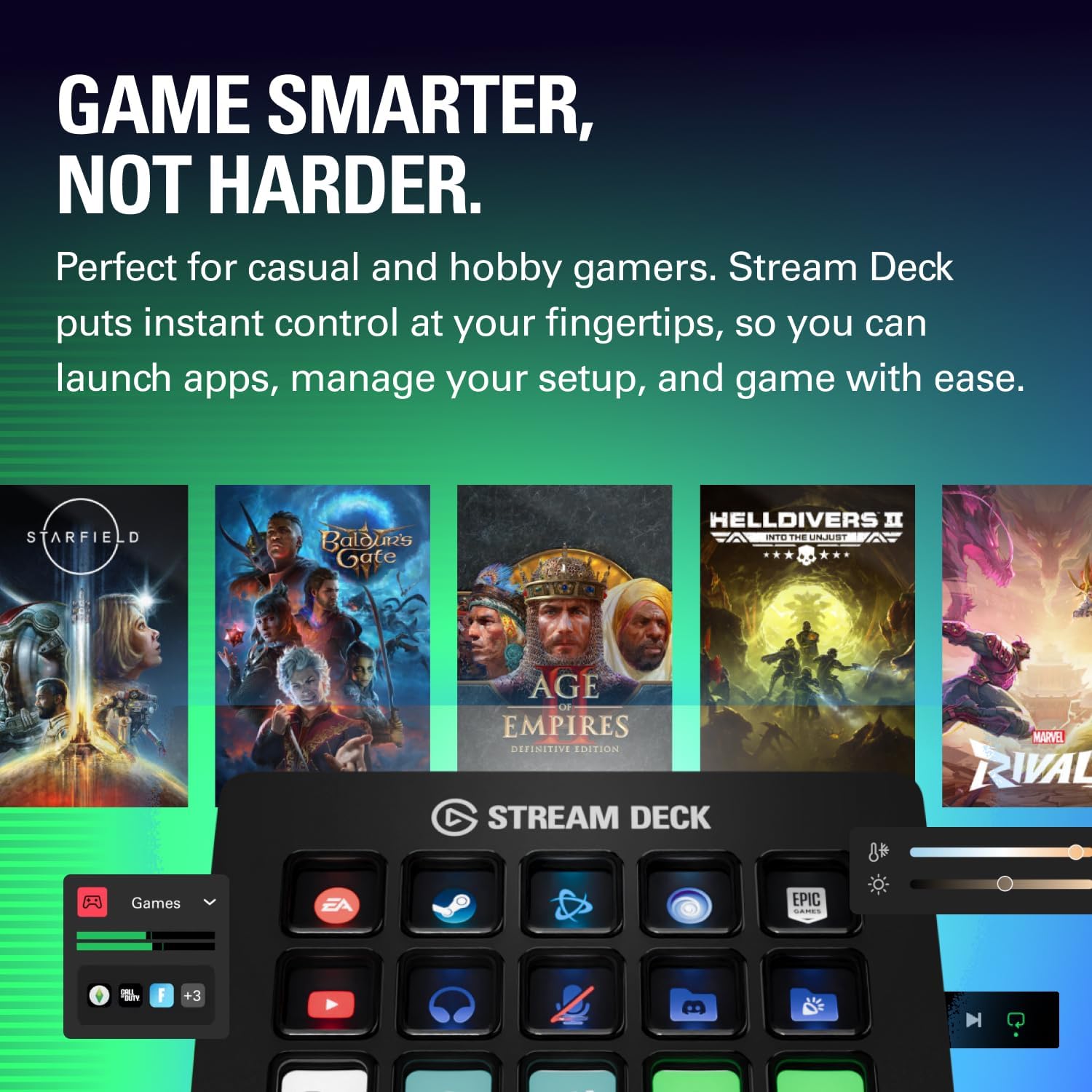
Because the keys are labelled with their function, it’s also helpful if more than one person might operate the system, even briefly. Less guessing, fewer “where is that setting again?” moments.
Tech specs (what to check before buying)
- Name: Elgato Stream Deck MK.2 – Studio Controller
- Type: Stream Deck studio controller
- Size: 15 customisable LCD keys
- Works with: Mac and PC
A quick note: the listing doesn’t provide every low-level detail (like exact connectivity types or software requirements). If those matter for your setup, it’s worth checking the product’s full compatibility details on the seller page before you commit.
Pros and limitations to keep in mind
What stands out: - Customisable LCD keys that confirm what you triggered. - One-touch actions, including the option to run multiple actions together. - Support called out for popular creation and streaming tools (OBS, Twitch, YouTube and more), plus smart lighting via Philips Hue.
Where it may fall short: - If you mainly do occasional, one-off tasks, you might not get enough use out of the programming and setup. - It’s more of a workflow tool than a “set and forget” gadget—if your software needs change constantly, you may spend time adjusting your button layout.
Should you buy it? (Final verdict)
Buy it if you want a physical shortcut pad for creation and streaming workflows, and you’ll benefit from having actions like OBS control, audio tweaks, and social/chat tasks available at a glance. It’s a solid pick for Mac and PC creators who work across multiple tools and prefer repeatable, labelled controls over keyboard hunting.
Skip it if you only rarely switch between apps, or your workflow doesn’t involve the kinds of actions this deck targets—because then the value can feel a bit academic. It might also be less appealing if you’re expecting it to work like a fully automatic assistant without any setup.
Mini FAQ
Is it designed for both Mac and PC?
Yes, the listing states it works with both Mac and PC.
How many keys does it have?
It has 15 customisable LCD keys.
Can it trigger actions inside apps like OBS?
The description explicitly mentions triggering actions in apps and software such as OBS, and also platforms like Twitch and YouTube.
Does it only control streaming tools?
Not necessarily. The base description also references audio controls, muting a mic, publishing messages, and controlling lights, so it’s broader than just “streaming buttons”.
Is it worth considering if I’m doing video editing or music production?
The listing suggests it can help with tasks like editing videos, producing music, and retouching photos via actions and keyboard shortcuts. If those are regular parts of your work, it should fit the use case better than if you only do occasional editing.