

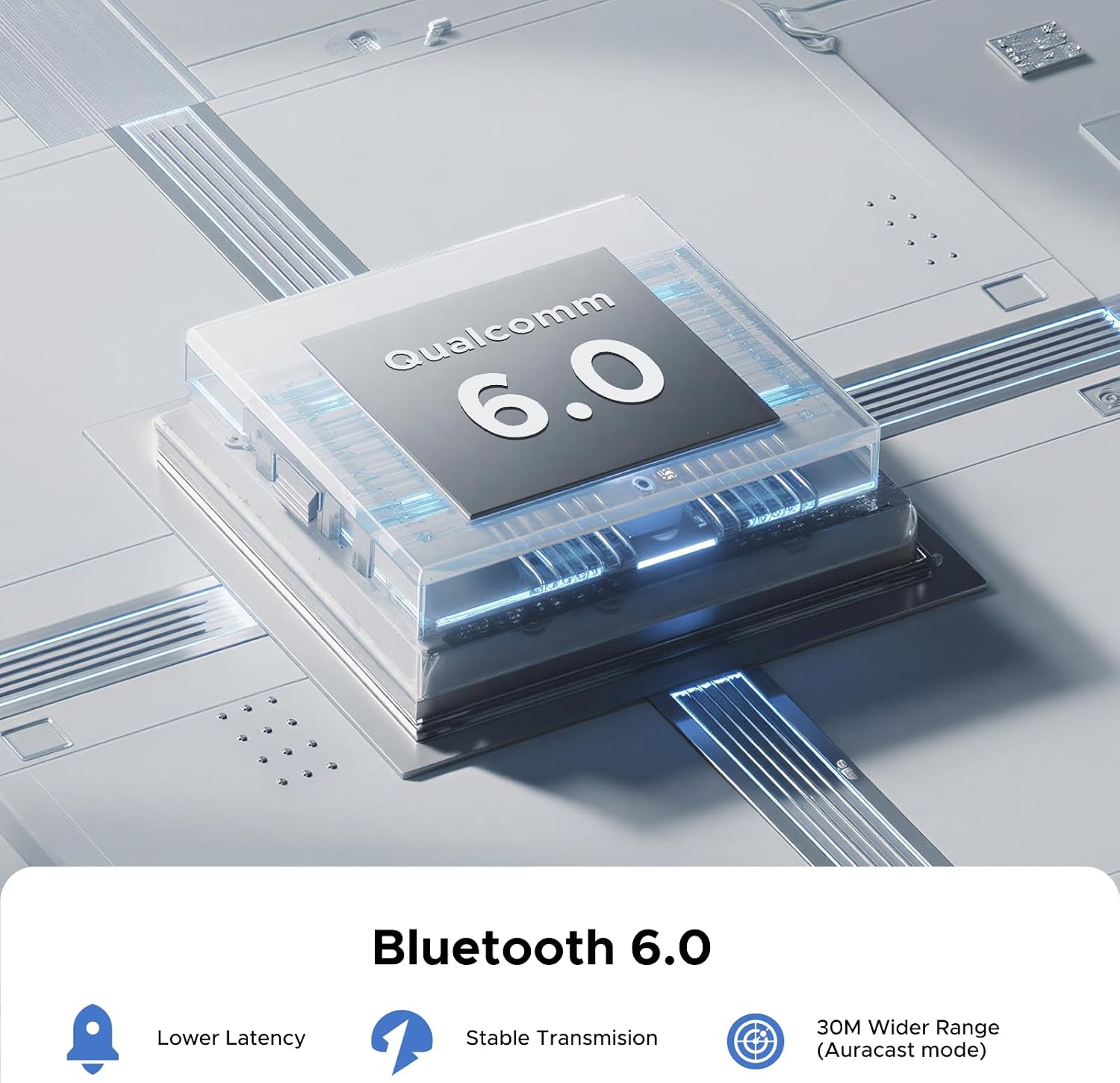
UGREEN Bluetooth 6.0 Adapter PC (USB-C) for LE Audio — Multi‑Mode Dongle for PS5, Switch and PC
Product description
What it is and what it solves
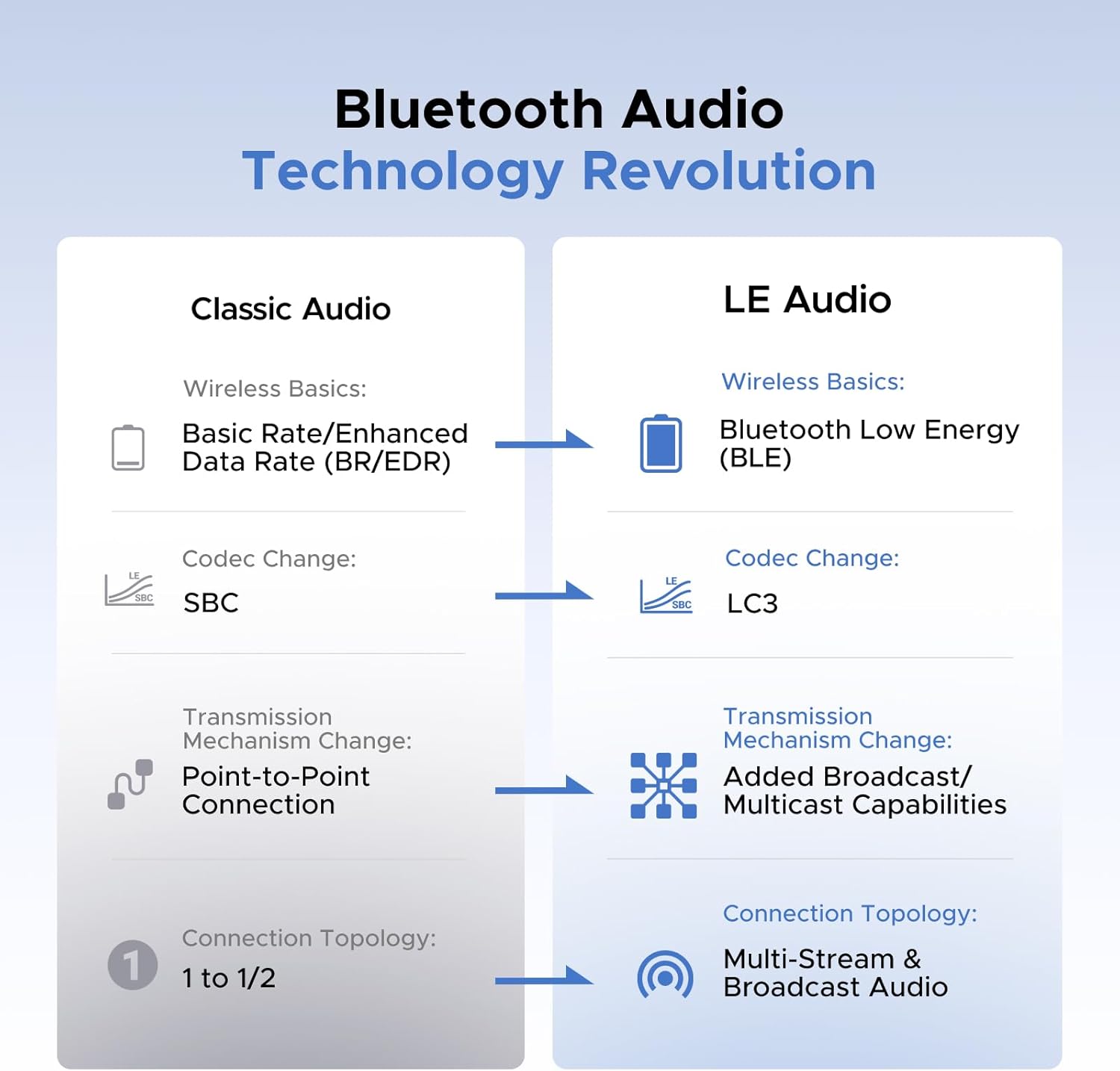
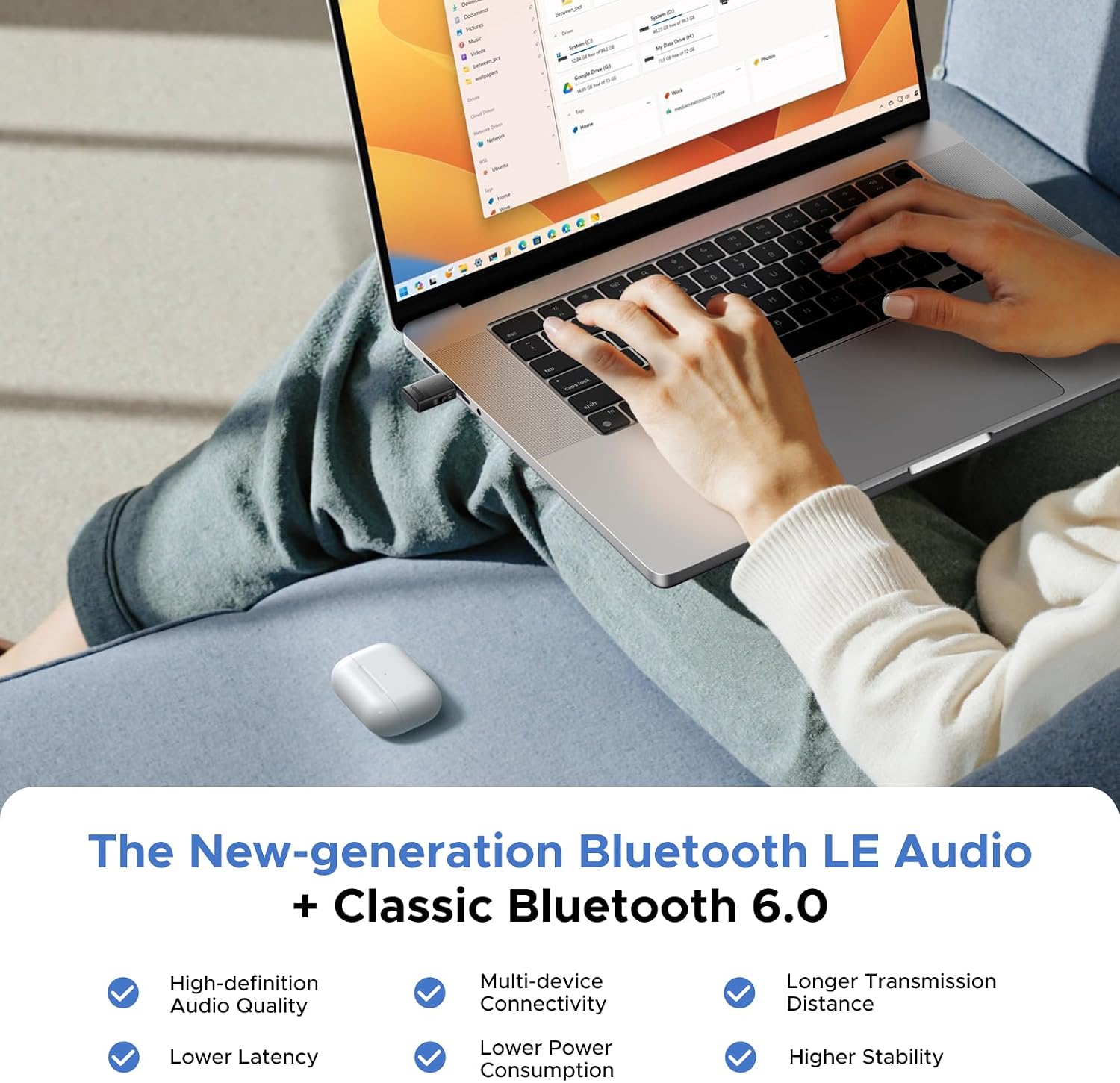
The UGREEN USB‑C Bluetooth 6.0 adapter is a compact wireless audio dongle designed to add Bluetooth capabilities to a PC, laptop or console setup. It supports BR/EDR classic Bluetooth and BLE, with an emphasis on LE Audio in Unicast and Broadcast modes. On paper, this means you can switch between standard audio transmission and newer LE Audio formats, potentially improving stability and latency for gaming or media listening. For practical use, it aims to offer a simple Plug‑and‑Play experience without driver installation, so you can get up and running quickly.
How the modes work in practice
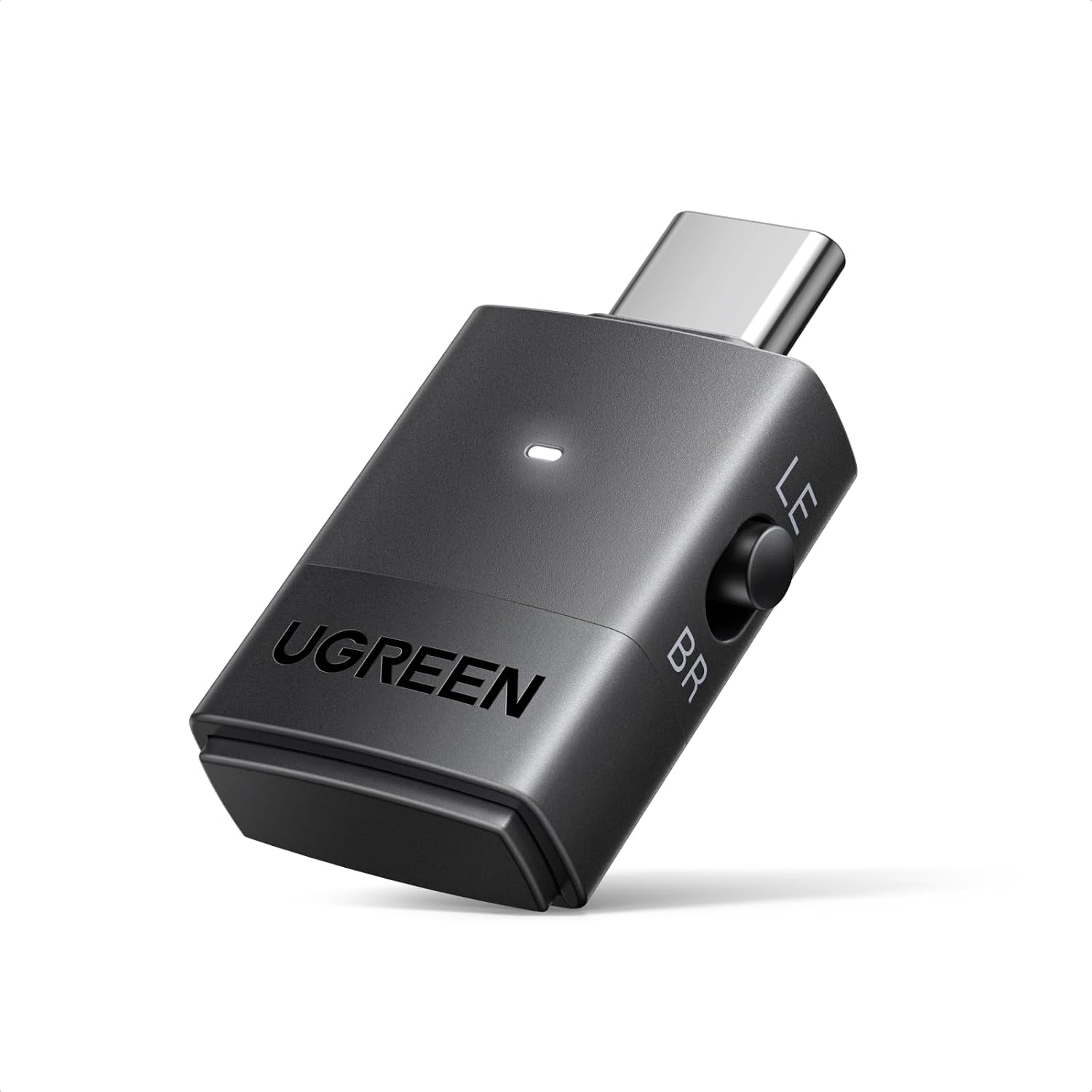
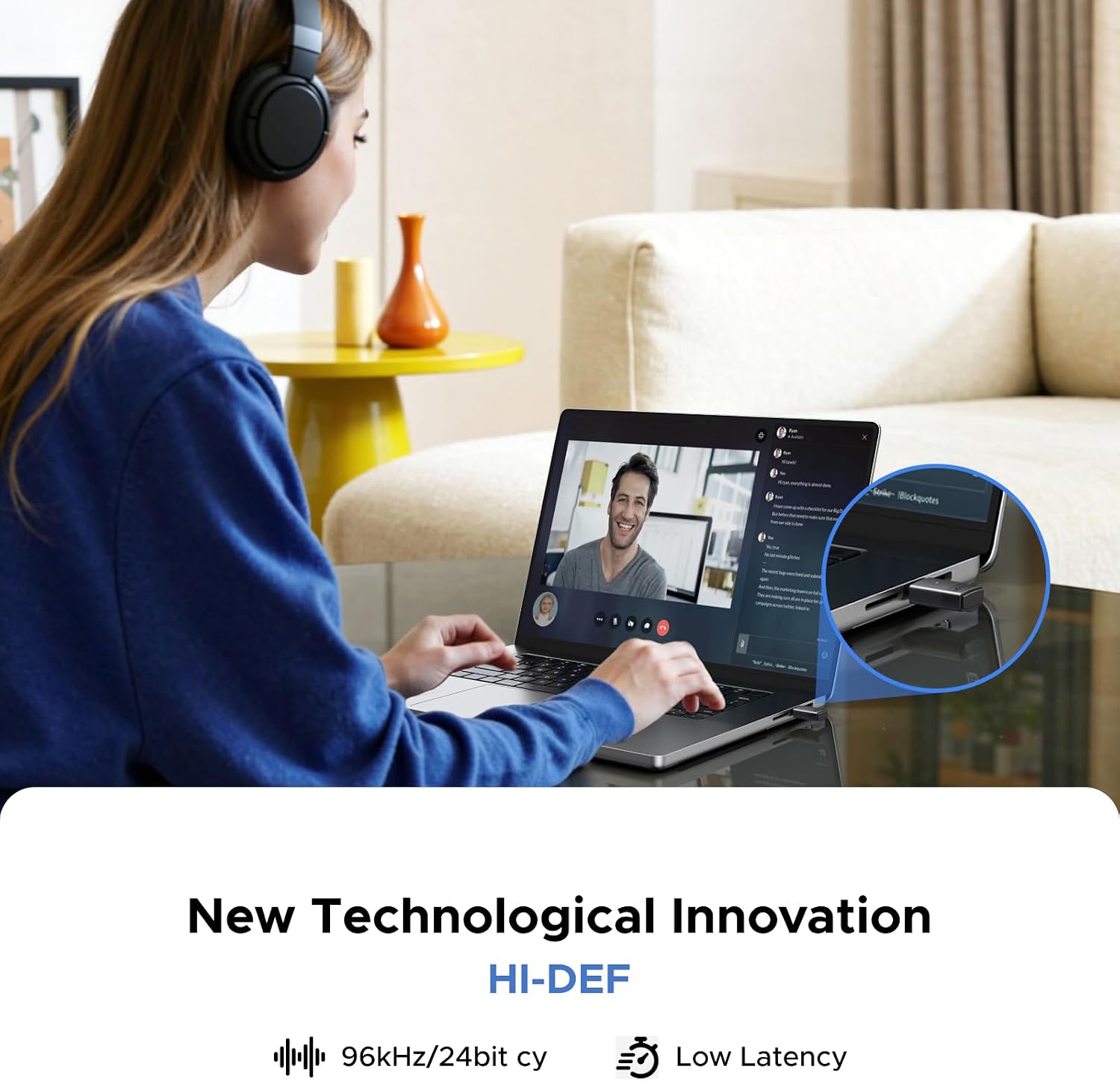
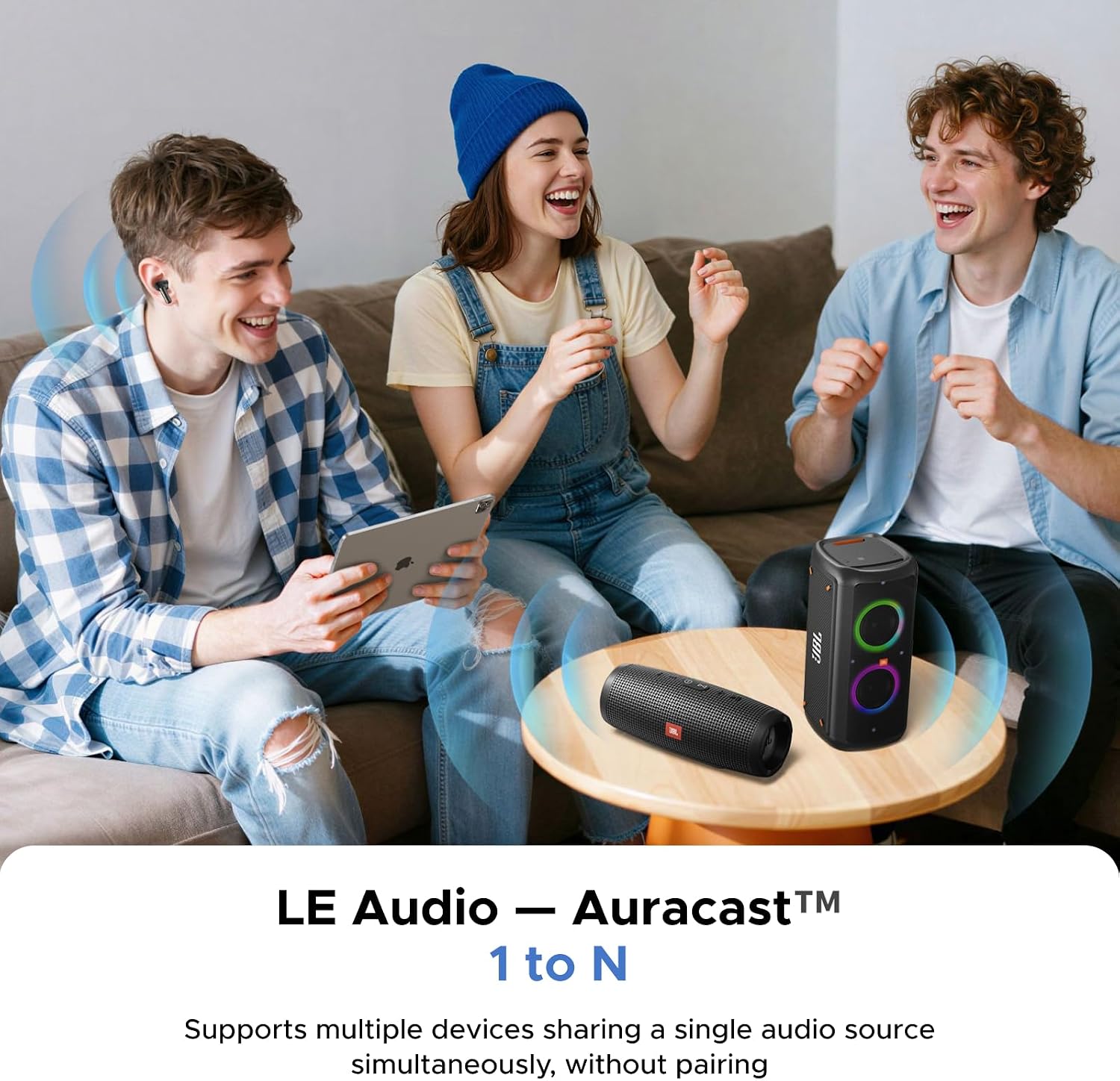
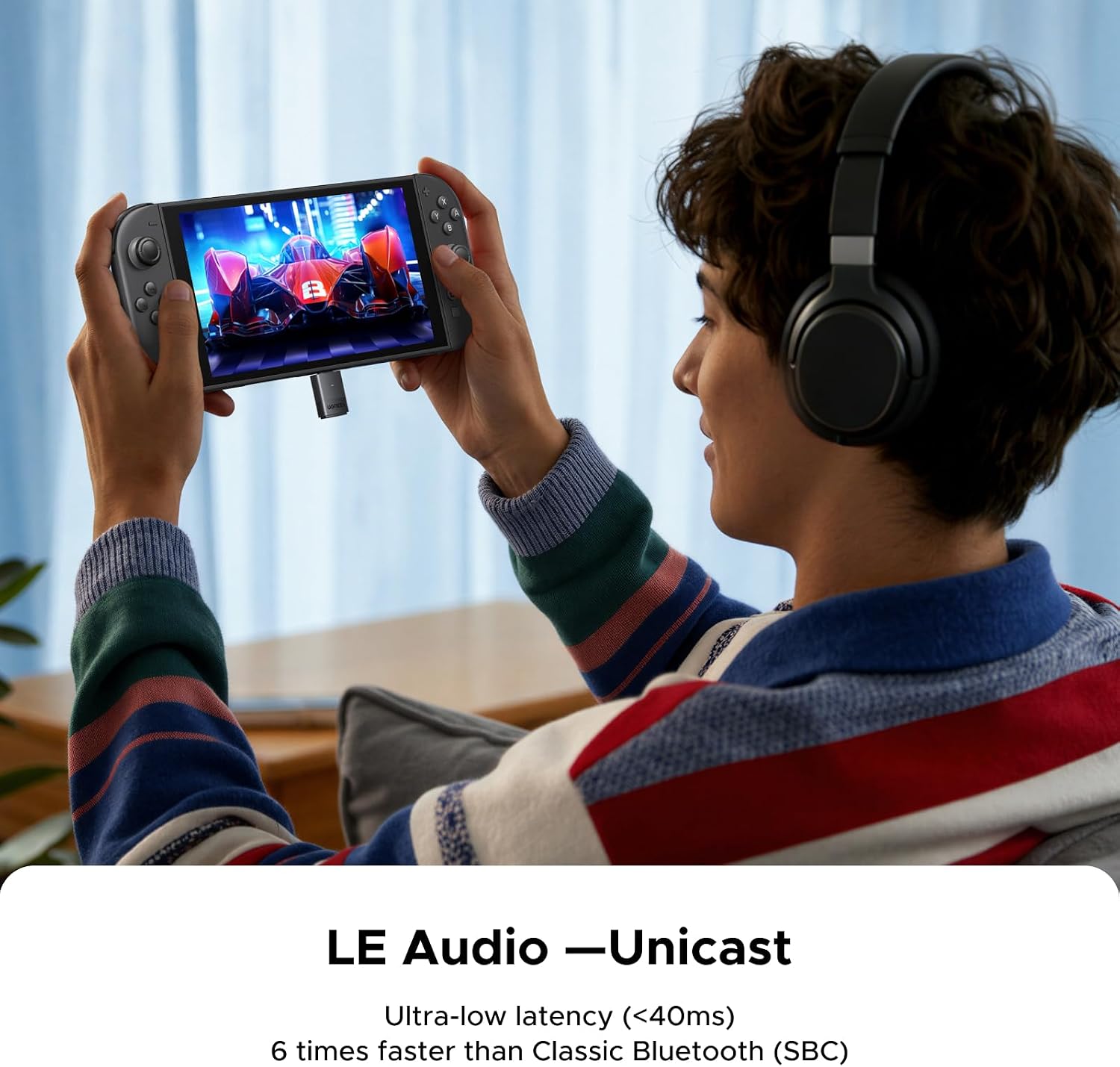
The device offers three primary modes. In BR Classic Bluetooth mode, you can access traditional audio codecs (SBC, aptX, aptX HD, aptX Adaptive Low Latency, aptX Adaptive High Quality). In LE Audio Unicast (CIS) mode, the emphasis is on low latency and efficient wireless transmission, with claims of up to 24bit/96kHz sampling for higher quality sound. LE Audio Broadcast (BIS) mode supports multi‑device audio sharing, which can help when you want to listen on several devices at once. A key consideration is that Auracast functionality requires compatible headphones, and the device notes that connecting earbuds via BR while the transmitter is in Auracast mode may not automatically pair or share device lists.
What stands out on paper—and where it might fall short
On the positive side, the 6.0 model promises improved interference resistance and lower latency in CIS mode, which could translate to smoother gaming audio. The multi‑device BIS capability is a useful feature for shared listening. However, there are clear limitations: the dongle does not support microphone input, and Auracast compatibility depends on compatible headphones. If you rely on a headset with built‑in mic for voice chat, this dongle won’t meet that need.
Who it’s for
This adapter is well suited for players and media listeners who want a flexible, compact Bluetooth solution for a PC or console set‑up, particularly if you value low latency in gaming audio and the potential benefits of LE Audio. It is likely most attractive to users who already use Bluetooth headphones or speakers and want to experiment with different codecs or multi‑device listening scenarios without investing in a dedicated audio PCIe card.
Who it isn’t for
If you need microphone support via Bluetooth, this dongle won’t deliver. If Auracast features are important to you, ensure your headphones are compatible before buying. Also, if your priority is the absolute simplest plug‑and‑play setup with single‑device wireless audio, you may find some limitations compared with dedicated USB audio dongles that focus solely on one use case.
Before you buy: what to check
- Confirm your device has a USB‑C port and supports external Bluetooth adapters.
- Decide whether you want classic BR/EDR audio, LE Audio Unicast (low latency), or BIS multi‑device sharing.
- Be aware of the microphones limitation and Auracast compatibility caveats.
- Consider whether you need high sampling rates (up to 24bit/96kHz) in BR mode, and if your headphones support the intended codecs.
Practical use case
Imagine gaming on a PC with Bluetooth headphones and a PS5 through a USB‑C dongle. In practice, you could switch to LE Audio Unicast for lower latency while gaming, then switch to BIS mode if you want to share audio with a second device during a break. It’s not perfect for mic use, so you’d still need a wired mic or another solution for voice chat if that’s essential to you.
How it compares to other approaches
If you’re choosing between a general Bluetooth dongle and a LE Audio‑focused option, this model leans toward versatility: multiple codecs, low latency in CIS, and BIS sharing. If your priority is driver‑free operation and mic support, you might prefer a simpler dongle or a model specifically designed for headset mic use. Consider lifestyle: casual listening with a mix of devices, or focused gaming where latency matters more than absolute audio fidelity.
Quick usage tips
- Plug into USB‑C and switch headphones to pairing mode, connection is designed to establish automatically.
- Test in both BR and CIS modes to see which codec the headphones pick up best and which latency feels acceptable for your setup.
- If you plan to use Auracast, check headphone compatibility first to avoid pairing surprises.
FAQ highlights
- Does it have a built‑in microphone? No.
- Can I use it for multiple devices at once? Yes, via BIS mode, subject to device support.
- Will it work on Windows and macOS without drivers? Yes, as a plug‑and‑play device according to the notes.
Is it worth it?
Worth considering if you want a single, adaptable USB‑C Bluetooth dongle that supports LE Audio features and multiple codecs, with no drivers to install. It’s a pragmatic choice for users who value flexibility over mic support and who are comfortable navigating mode switches and potential Auracast caveats.