

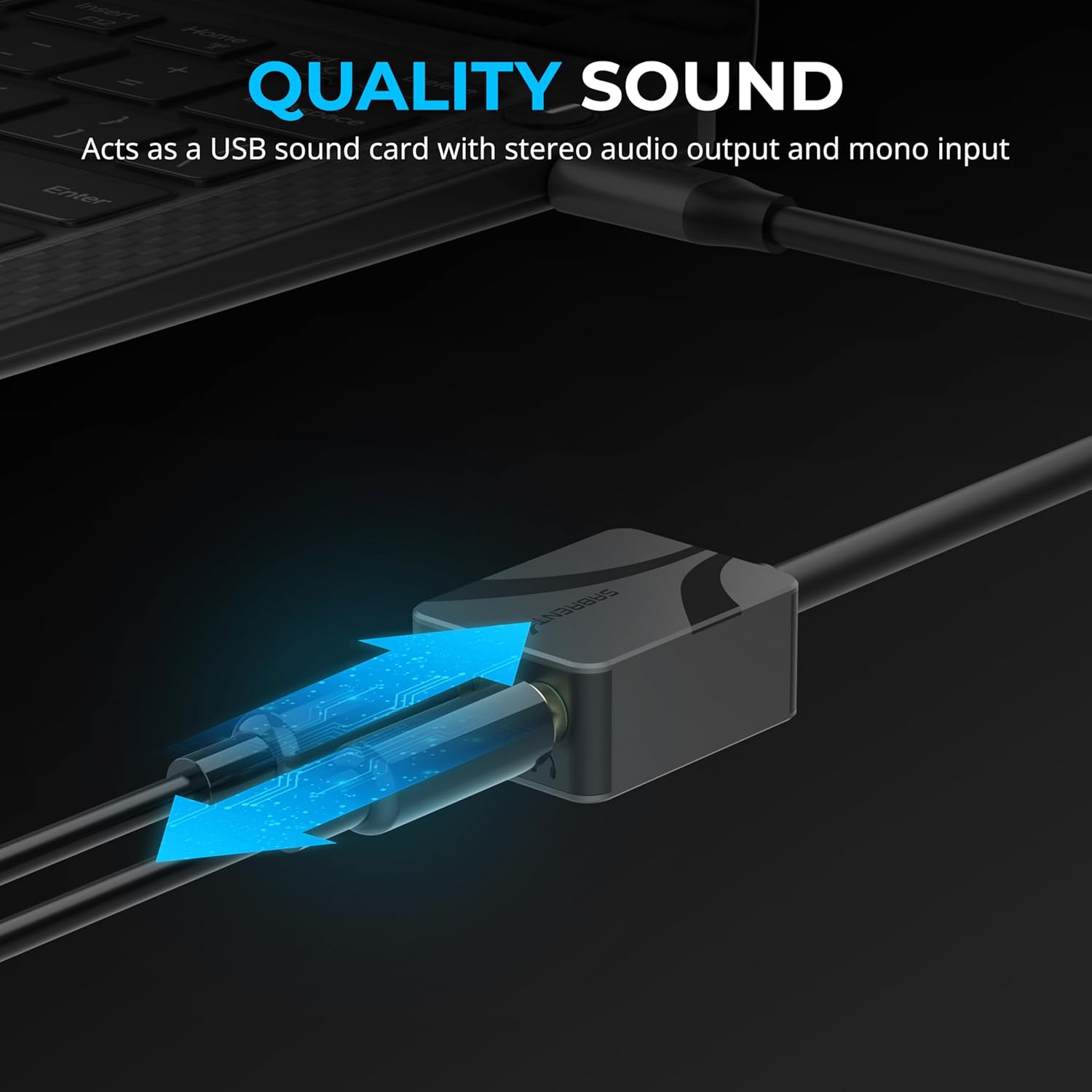
SABRENT USB-C to 3.5mm Audio Adapter, 24-bit
Product description
If you want reliable audio and a headset microphone on a device that only has USB-C, the SABRENT USB-C to 3.5mm Audio Adapter is a practical add-on. It adds a 3.5mm headphone output and a matching mic connection, so you can join calls, game, and stream without hunting for the right ports. The built in hi-res DAC support for 24-bit/96kHz sampling, as stated by the manufacturer, helps keep audio detail clear for everyday listening and voice chat. 🎧
This adapter is designed for plug and play use, which matters when you need something that works quickly on laptops, tablets, phones, and other USB-C devices. You can use it with common software workflows for meetings and streaming, including Discord, Twitch, Zoom, Teams, Skype, and similar tools, according to the product description. It is also built with a compact aluminium alloy housing for portability, making it easier to keep in a bag for remote work or business travel. 🧳
Key points
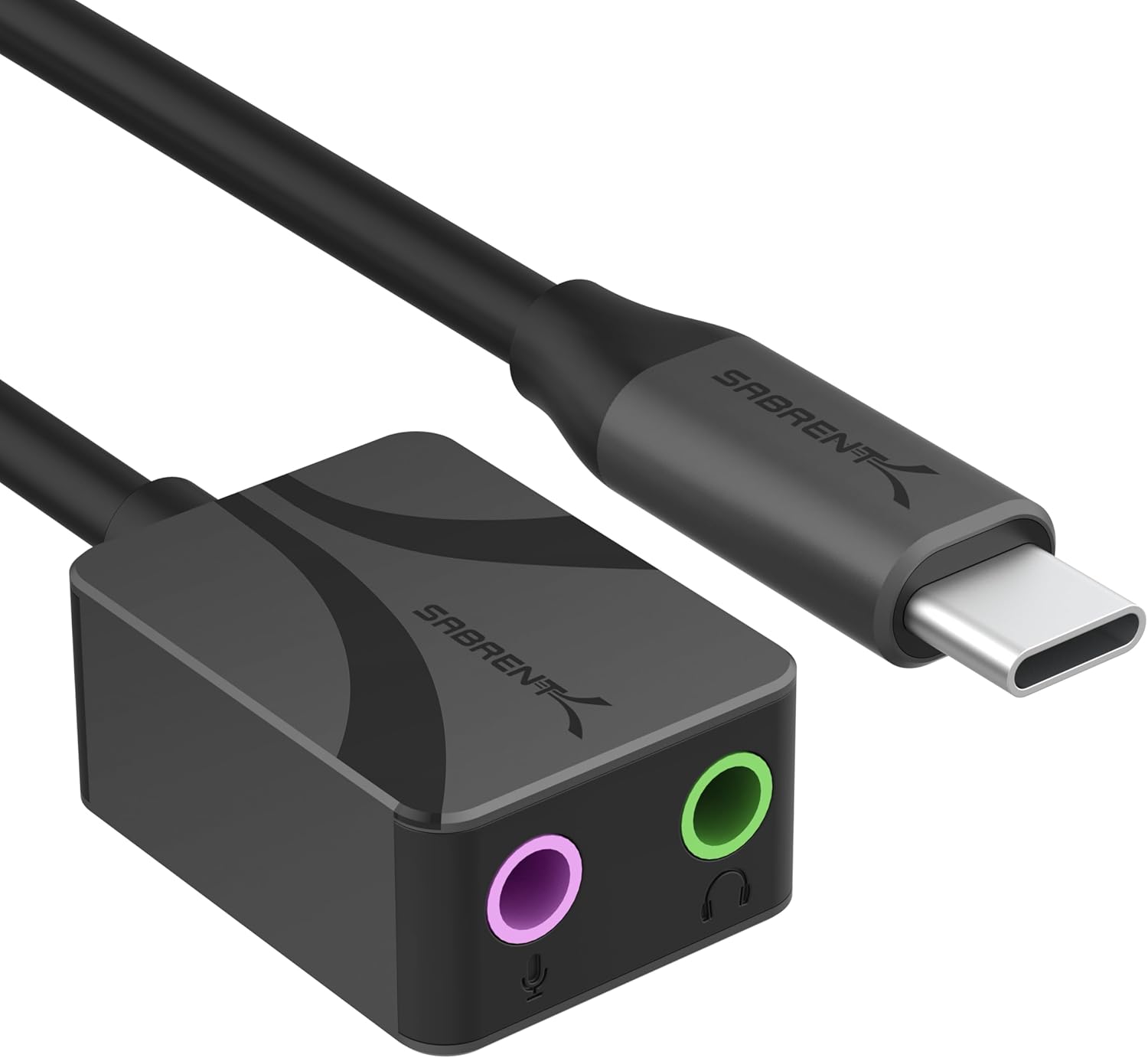
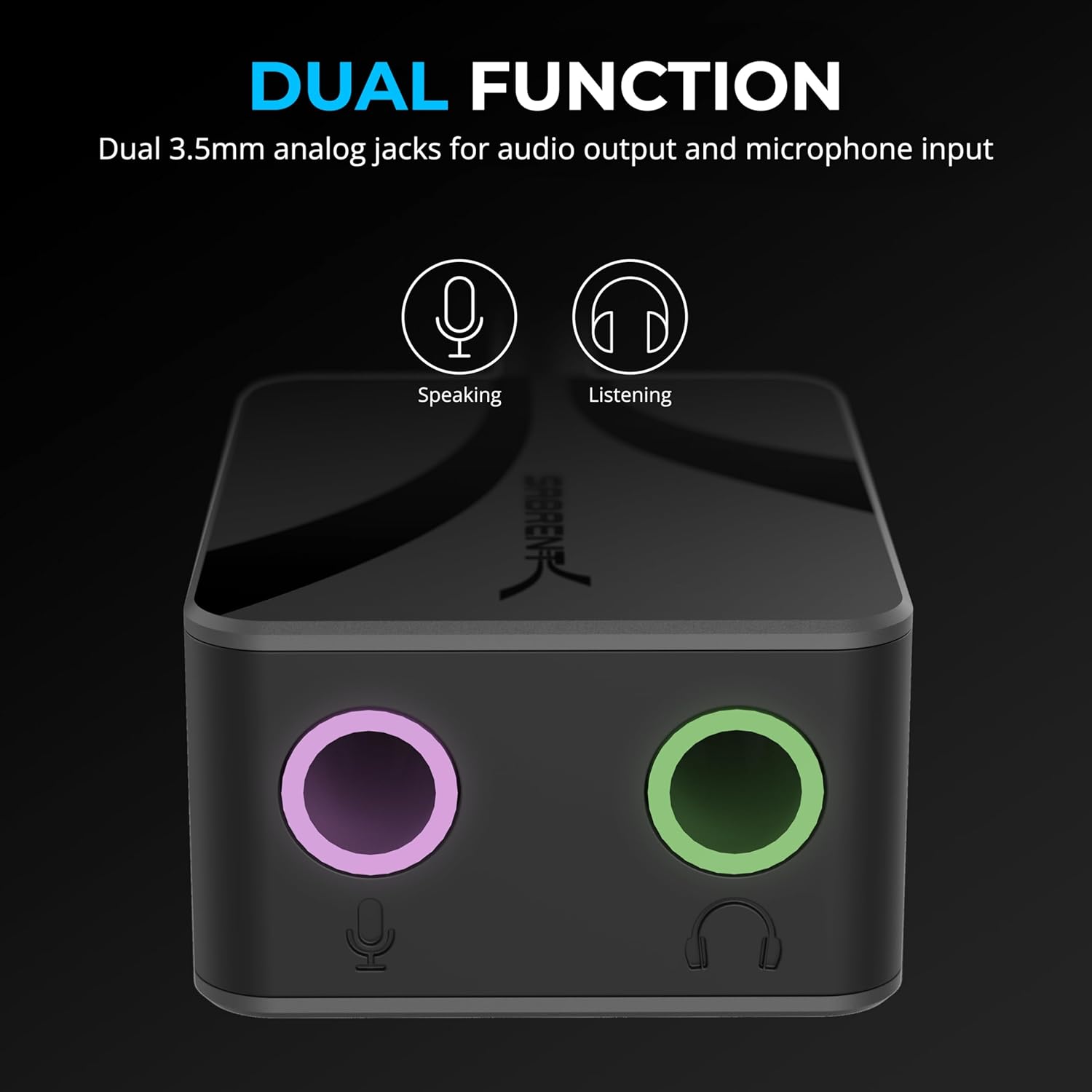
The key advantage here is simple, it turns a USB-C connection into a 3.5mm audio and microphone setup, so you can use a headset with both playback and mic input. That can be especially useful when your device lacks a traditional 3.5mm jack, or when you want a consistent port setup across multiple devices. With dual stereo headphone and microphone jacks, you can manage audio output and call input in one small adapter.
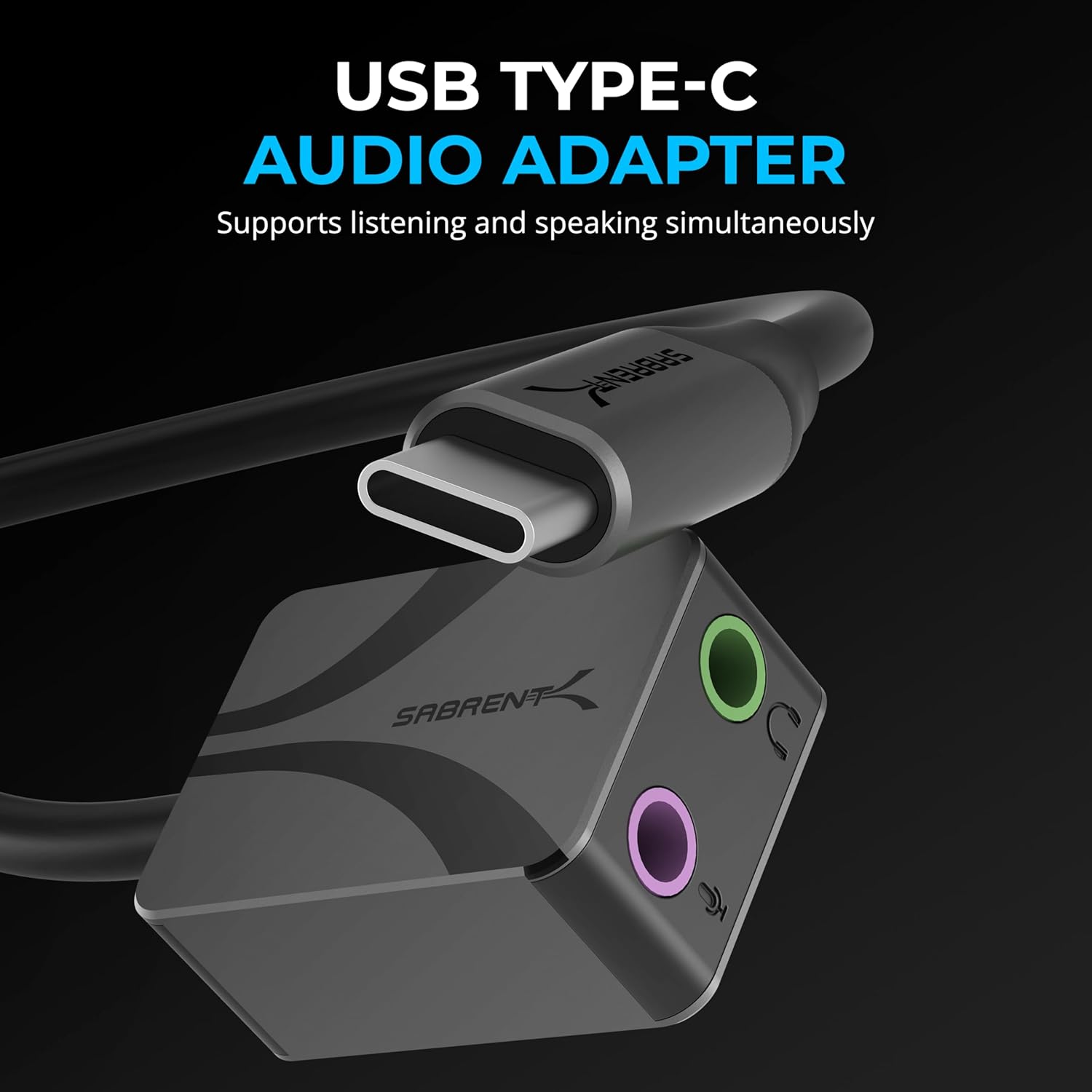
The hi-res DAC sound card approach is there to support higher resolution playback, with the manufacturer specifying 24-bit/96kHz sampling. While what you hear will still depend on your headset and audio source, the goal is to preserve detail and clarity rather than relying on a basic audio path. The plug and play design also reduces friction, because it is described as requiring no drivers.
For day to day scenarios, it is positioned for calls, meetings, gaming, and streaming, which is where headset mic support is usually most important. It can also be used for podcasting, voice chat, and content creation workflows where you need dependable mic input. If you are setting up a temporary desk or moving between locations, the compact form and aluminium build help it stay convenient.
It is worth noting that compatibility depends on whether your USB-C device supports the required audio and mic functions described for the adapter. If you are using a specialised setup, it is a good idea to check your device settings and app audio input selection so your headset mic is picked correctly.
Tech specs
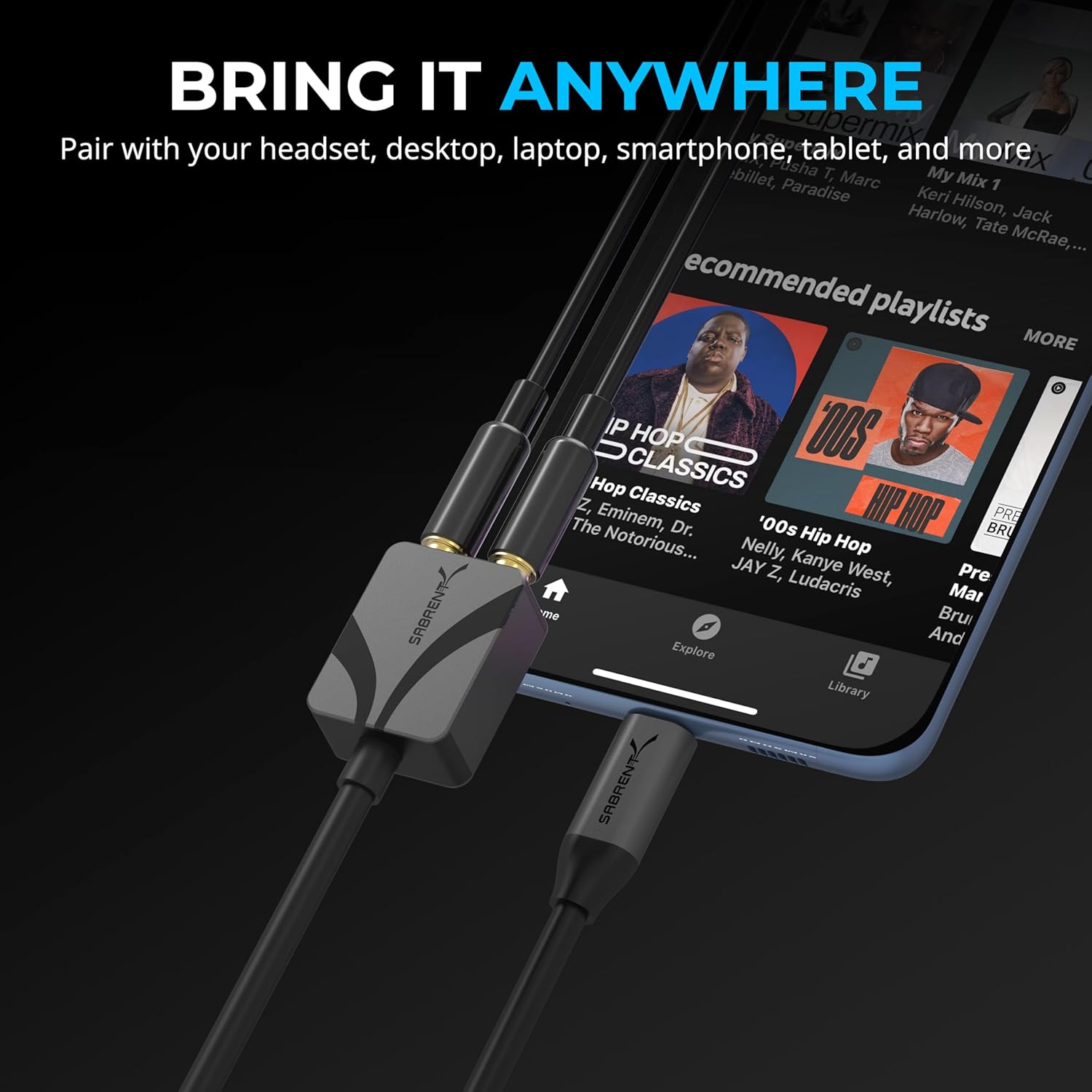
- Name: SABRENT USB-C to 3.5mm Audio Adapter
- Type: USB-C to 3.5mm sound card adapter
- Format: Plug and play external DAC with headphone and mic jacks
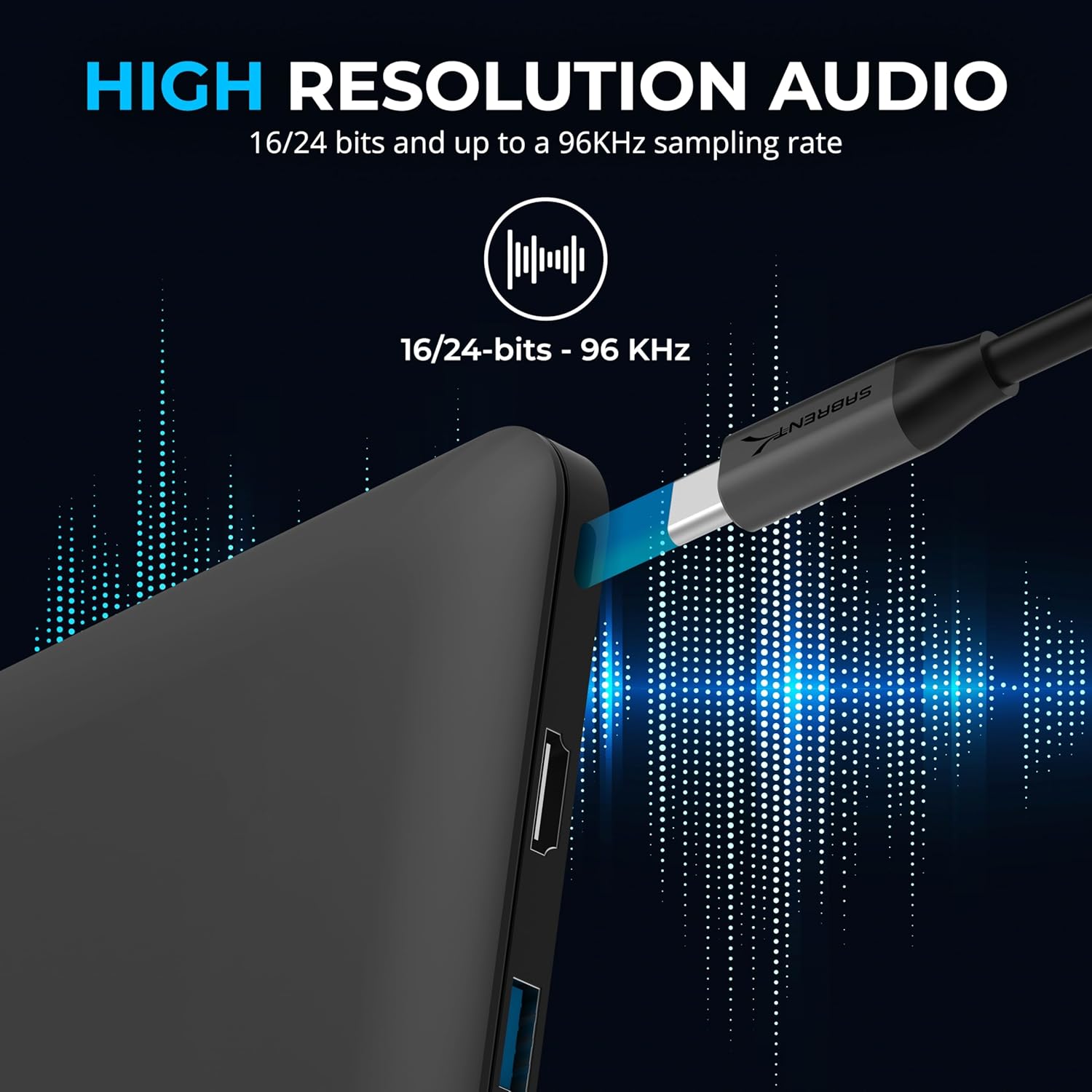
- Resolution: 24-bit/96kHz hi-res sampling support
- Material: Aluminium alloy housing
- Colour: Aluminium
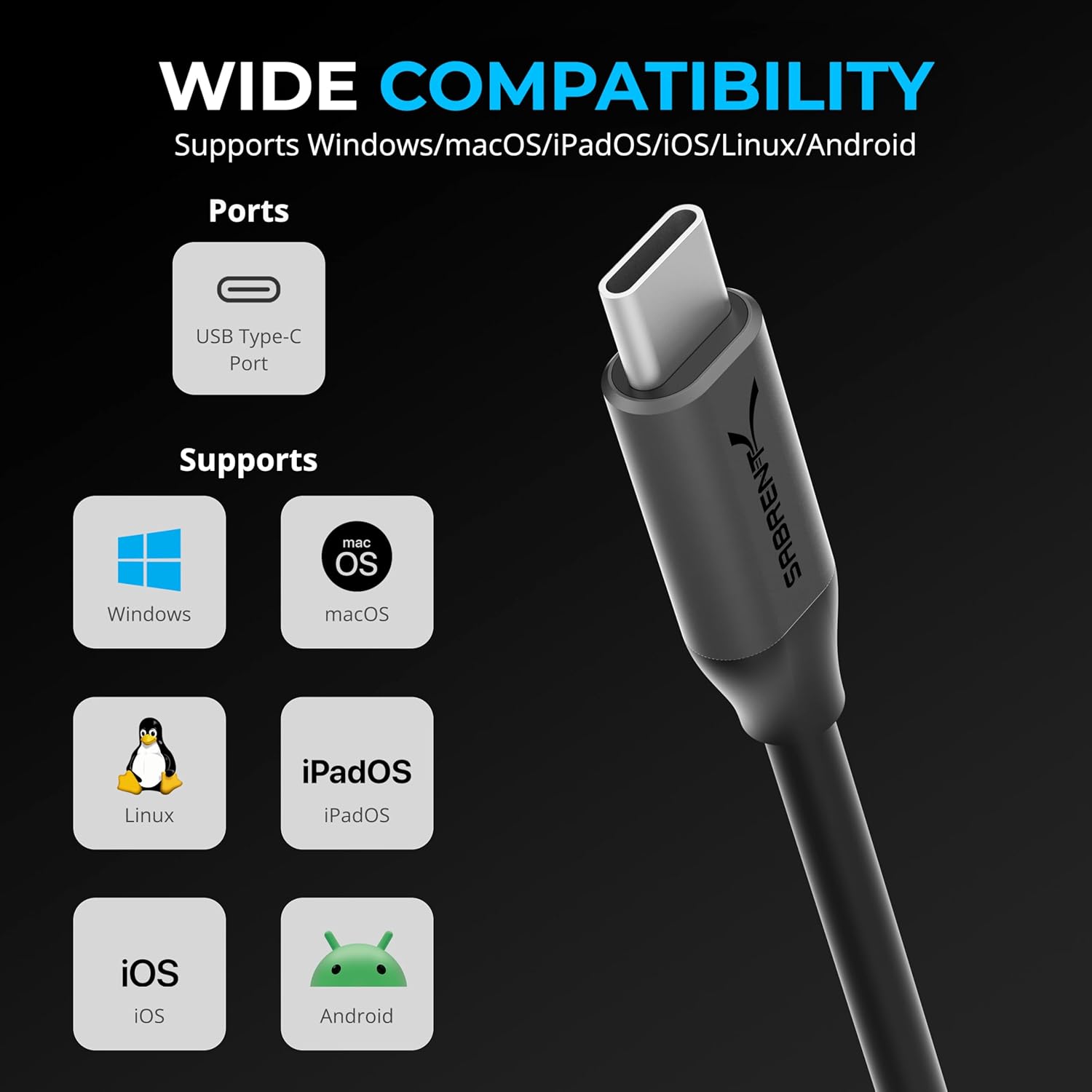
- Compatibility: Windows, Android, Linux, iOS and macOS, with support for Windows 11/10 and iPadOS
What stands out
SABRENT USB-C to 3.5mm Audio Adapter is built around a straightforward purpose, giving modern USB-C devices a 3.5mm route for both stereo audio and a microphone. That dual jack setup is the practical difference for headset users, because it reduces the need for separate adapters or workarounds. If you use one headset for calls and gaming, this can help you keep the same audio hardware across different devices.
Another highlight is the hi-res DAC sound card support, specified as 24-bit/96kHz sampling by the manufacturer. For listening and voice communication, that can mean a cleaner audio presentation, particularly when the rest of your setup is capable. It also helps explain why the adapter is presented as suitable for streaming and content creation, where you want consistent audio output and input.
The plug and play approach is designed to be easy to deploy, especially if you swap between devices like a laptop at work and a phone or tablet at home. The product description also flags low latency audio input and output, which is relevant for gaming headsets and live discussions, including services such as Discord and Zoom. 🔊
Portability is handled with a compact aluminium alloy body that is described as lightweight and focused on heat dissipation. That makes it more comfortable to carry for remote work, business travel, and mobile setups. For Twitch or Teams sessions, it can also be a convenient way to bring your headset mic into the right audio pathway without adding extra bulk.
Compatibility is described as universal across operating systems, covering Windows, Android, Linux, iOS, and macOS. You can use it with USB-C stereo output needs for music, gaming, podcasting, meetings, and voice chat, based on the provided product details. It is also referenced as working with USB-C devices such as Steam Deck, MacBook, Samsung, and Pixel.
How to use it
It is intended to be straightforward to set up, typically by plugging the adapter into a USB-C port and connecting your 3.5mm headset or microphone into the relevant jack. Because it is described as plug and play with no drivers, you should be able to get going quickly, which is useful when you need your audio ready for an immediate meeting. After connection, check that your app or operating system is selecting the correct audio output and mic input.
For calls and streaming, connect a headset with both headphone and mic leads to benefit from the dual stereo headphone and microphone jacks. Then, in your chosen software, confirm the microphone input is set to the adapter, and that the output is routed to the headphone jack. This helps avoid common issues like the system still using the device microphone instead of your headset mic. 🎙️
If you are gaming or using voice chat, the goal is to keep audio and mic working together with minimal setup. The adapter is described as supporting low latency audio input/output and is positioned for gaming headsets with mic support. If you prioritise consistent in game communication, start by testing both playback and mic levels before a live session.
It may not suit you if your device or app cannot recognise USB-C audio output and microphone input through the adapter, even if the port is physically USB-C. It might also be less suitable if you already have a fully working 3.5mm solution built into every device you use and you do not need cross device headset mic support.