


Akai MPK Mini MK3 25-Key USB MIDI Keyboard Controller
Reviews
Price
Product description
What is it and who is it for
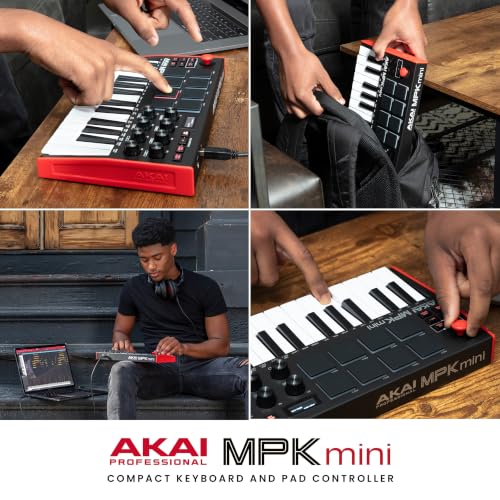
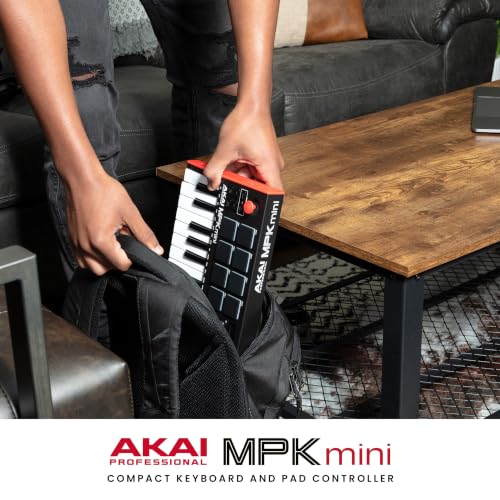
The Akai MPK Mini MK3 is a compact USB-powered MIDI keyboard controller designed for producers, beat makers and anyone needing portable control of virtual instruments and DAWs. With 25 velocity-sensitive mini keys and a 4-way thumbstick, it offers hands-on control for melodic playing, pitch and modulation. This model sits well for those working in small studios, on laptops while travelling, or creators who want a budget-friendly entry into workflowable hardware.
Core strengths and potential limits
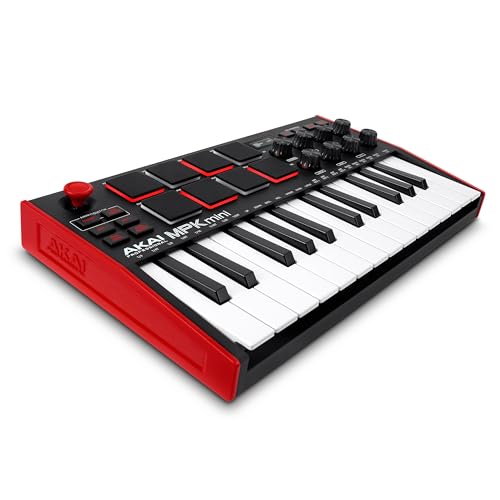
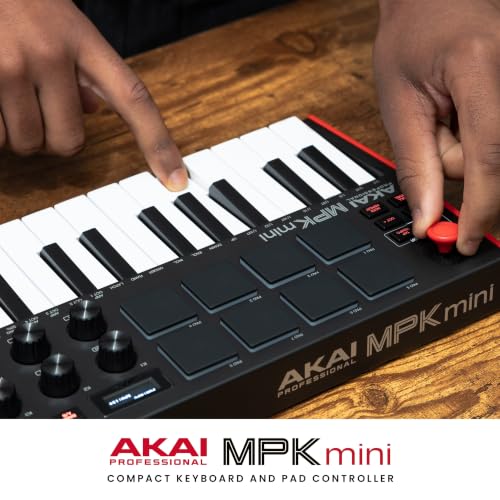
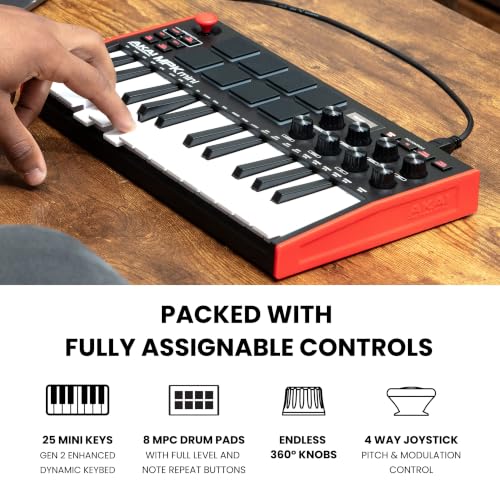
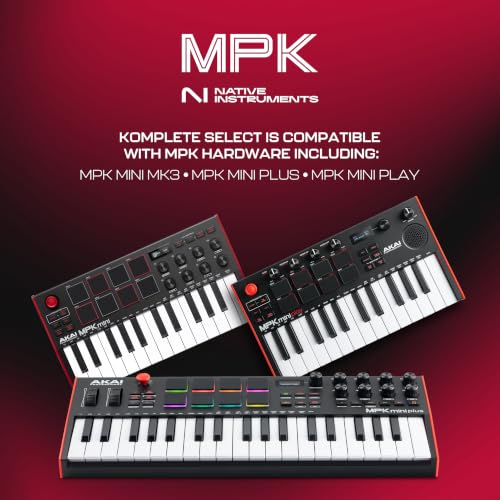
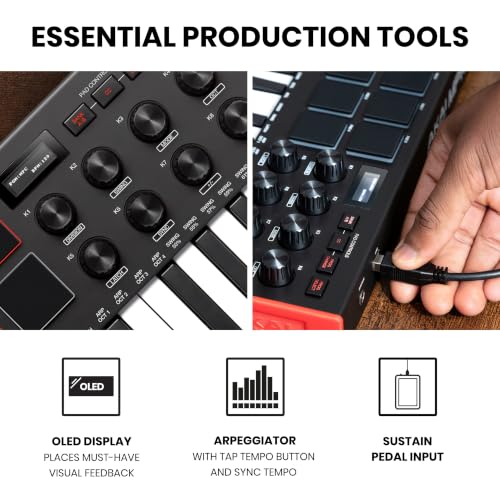
On the positive side, the MPK Mini MK3 bundles a familiar MPC-style pads section—eight backlit, velocity-sensitive pads with Note Repeat and Full Level—for programming drums or triggering samples. The built-in arpeggiator with adjustable resolution, range and modes adds immediate musical ideas without relying fully on software. The inclusion of Native Kontrol Standard (NKS) integration helps you load and control Native Instruments presets and sound libraries, which can streamline your workflow if you already lean on NI sounds.
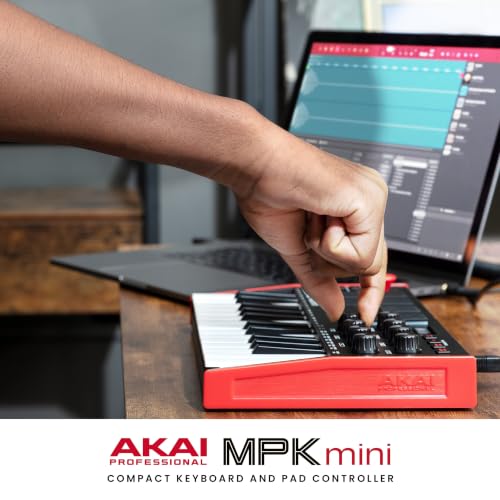
However, there are pragmatic caveats. The 25-key layout is inherently compact, which helps portability but can feel cramped for longer playing sessions or for producers who rely on a wider keyboard range. While you get eight assignable knobs, those controls can be less comfortable to tweak compared with larger controllers. Also, while the NKS integration is a selling point, it largely depends on your existing sound library and software setup to realise its full value.
What stands out in day-to-day use
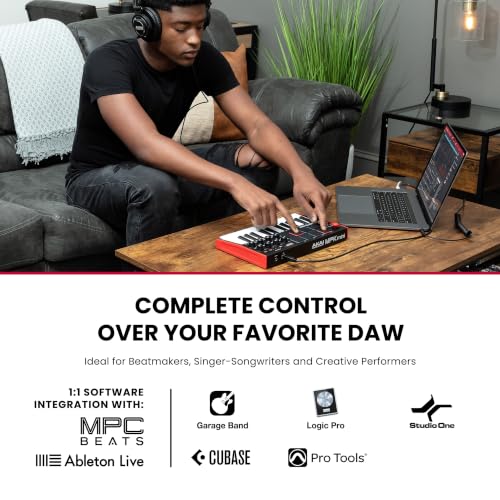
If you prioritise portability and quick ideas on the move, the MPK Mini MK3’s size and USB-powered design mean you can plug in and start creating with relative ease. The 4-way thumbstick provides a tactile alternative to software automation, letting you modulate and bend dynamics in real time. The MPC-style pads support rhythm programming without a heavy software routing process, and the arpeggiator can spark off new parts quickly when you’re stuck for a hook.
Who it’s best for
- Beginners who want a concrete, affordable entry into hardware control and DAW workflows.
- Producers with limited desk space who still need expressive control and beat-making capability.
- Musicians already using Native Instruments software who could benefit from smoother NKS integration with their existing presets.
Who might want to look elsewhere
If you routinely need a full-width keyboard, more hands-on desk control, or advanced transport features in hardware, a larger MIDI keyboard or a more feature-rich pad controller could be a better fit. If you primarily rely on software keyboards or on a fixed studio setup with extensive macro controls, you might find the MK3’s compact footprint restrictive.
When it makes sense to buy
- You value portability and a plug-and-play workflow for quick idea capture.
- You want a starter-friendly mixer of keyboard control, drum pads and arpeggiation without a large upfront investment.
- You use Native Instruments instruments and can benefit from NKS integration for faster preset exploration.
When it may not be the best option
- You need a full 61-note or larger keyboard for live playing or expansive melodies.
- You require extensive physical faders and more tactile control for mixing on the fly.
- You’re not invested in NI ecosystems and won’t utilise NKS features much.
What to check before buying
- Confirm your DAW and software support for NKS and how much content you’ll access via Komplete Select bundles.
- Consider how much you value the arpeggiator and pad workflow in relation to other controllers you own.
- Think about the portability vs. playing comfort trade-off, a longer playing session may highlight the compact keybed.
Practical example of use
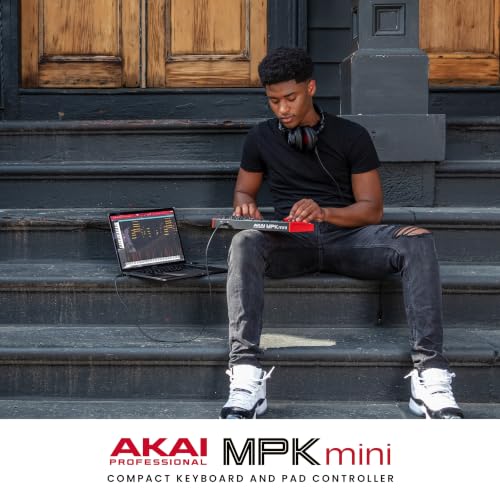
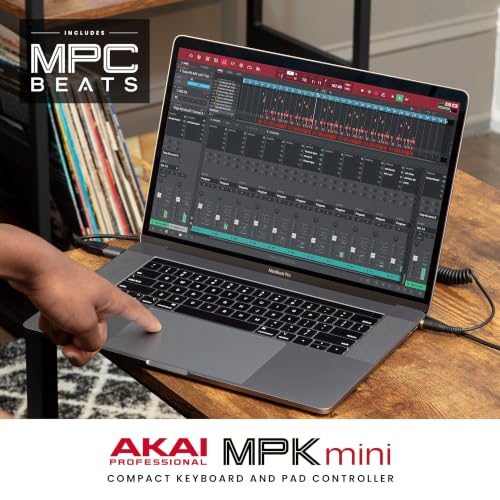
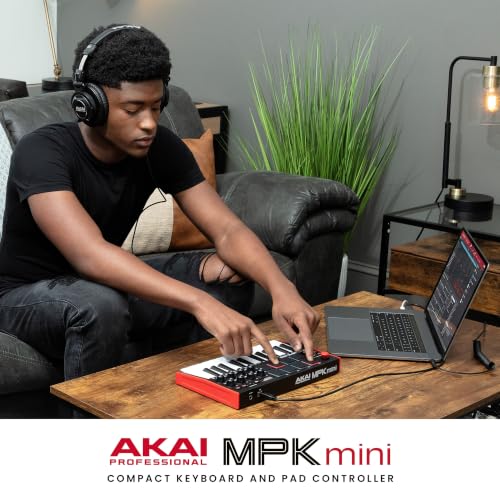
Imagine composing a track on a laptop in a café. You play a simple bassline on the 25 keys, hit an eight-pad beat to spark a drum groove, and then flip into arpeggiator mode to generate a riff that locks with the groove. You tweak a few knob controls to shape the sound of a virtual synth while the NKS integration makes loading NI presets feel seamless instead of fiddly.
Quick FAQ
- Do I need external power? No, it’s USB powered.
- Is it compatible with major DAWs? Yes, it’s designed to work across common DAWs, with NKS support for NI presets.
- Can I map the knobs and pads to my needs? Yes, you can download the Editor to map controls and store your presets.
Final decision
Final verdict
It’s a practical, value-oriented choice for those prioritising portability, expressive pads and immediate control over virtual instruments. It won’t replace a larger keyboard for seasoned performers, but for on-the-go sketching, classroom setups or compact studios, it offers a sensible balance of playability and features.