

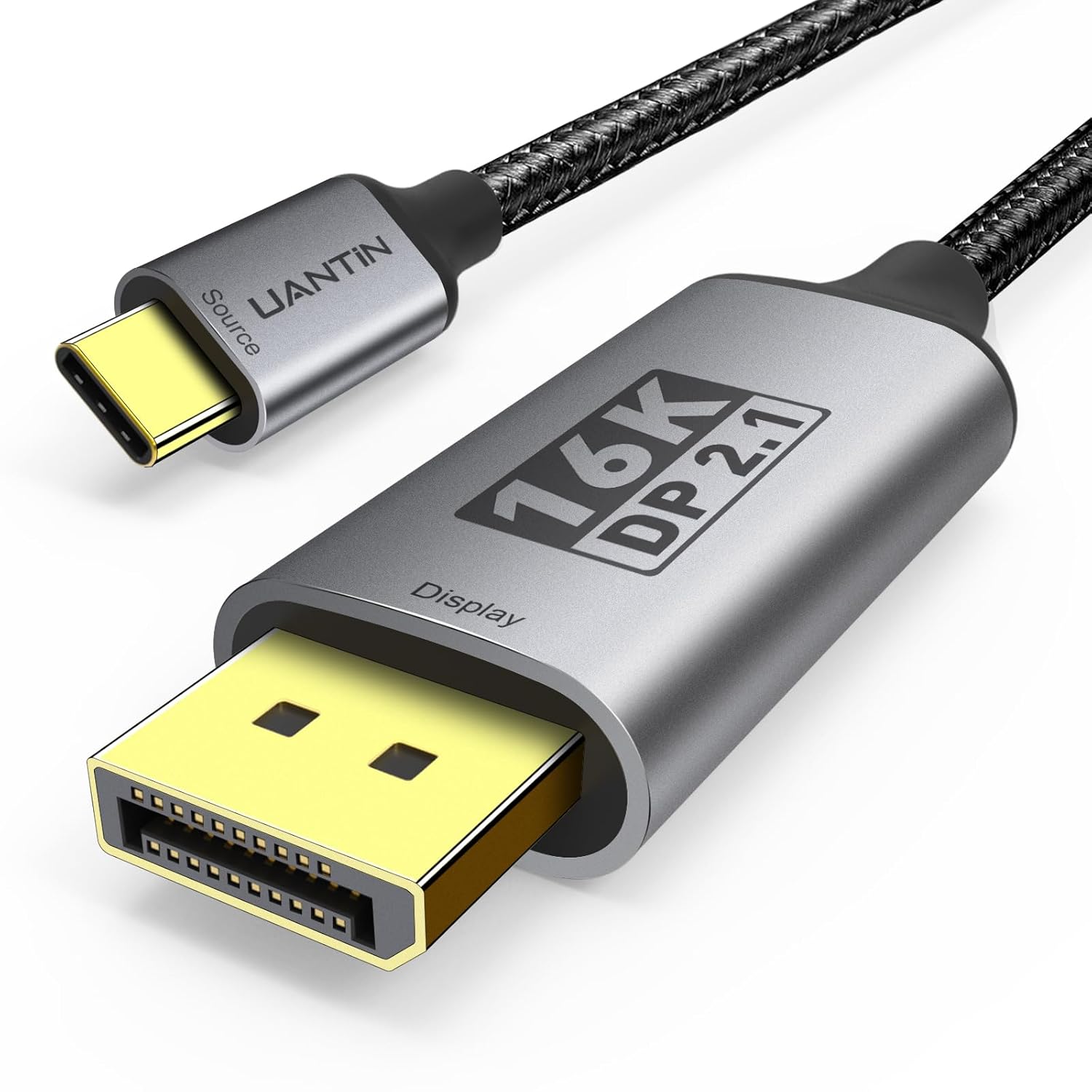
UANTIN USB-C to DisplayPort 2.1 Cable (40Gbps, 16K@30Hz) – 1.8m Type-C to DP cord, Thunderbolt 3/4/5 compatible
Product description
What this cable is for
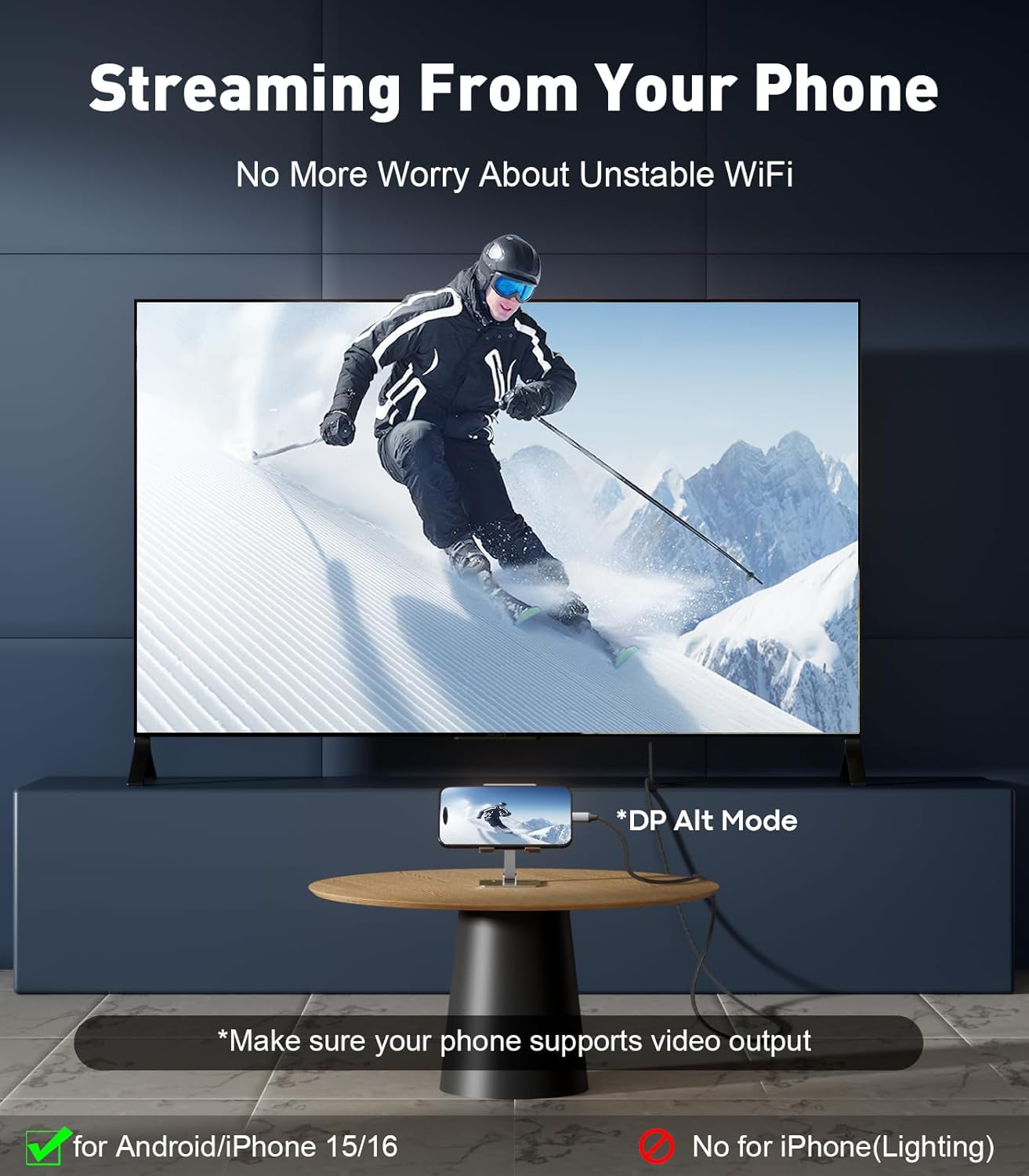
A USB-C to DisplayPort cable like this UANTIN lead is the practical way to get video from a USB-C device onto a DisplayPort monitor or TV. If you’ve got a laptop, tablet or phone that supports video output over USB-C (DP Alt Mode) and you’d rather use a DisplayPort input than HDMI, this kind of cable can be a tidy, one-cable solution.
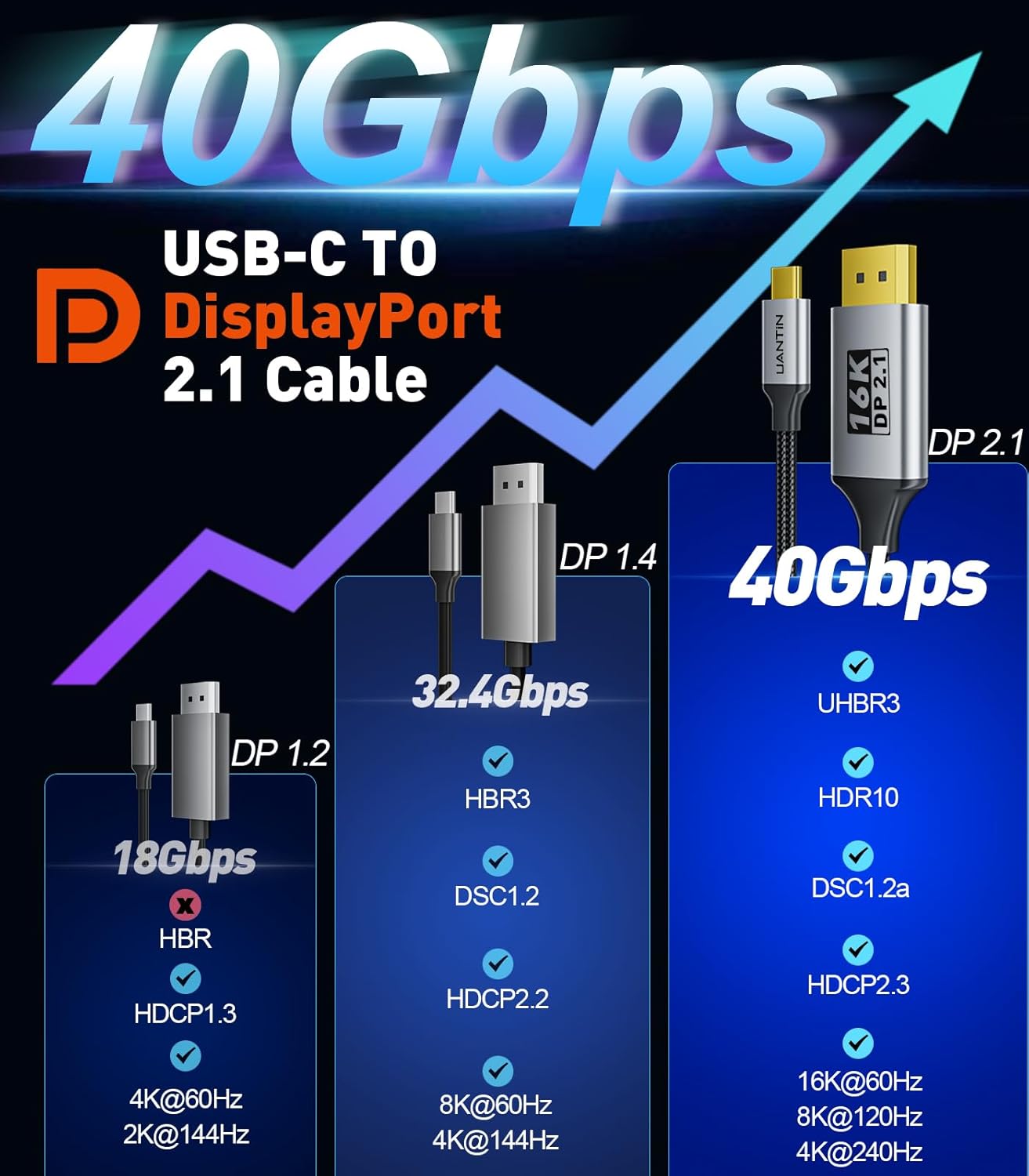
On paper, the headline is support for DisplayPort 2.1-class features, with specific refresh-rate and resolution figures quoted for 16K, 8K and 4K. It’s also built around a higher transfer-speed claim (21.6Gbps to 40Gbps is mentioned), plus support for HDR and several signal features like DSC 1.2, HDCP 2.3, VRR and ALLM, and audio-related features such as eARC and Dolby.
The catch? Like most “USB-C to DP” cables, it only works in the direction stated (from the USB-C source to a DisplayPort display). So if you’re hoping to convert the other way round, you’ll be disappointed.
Key points: the things that matter day to day
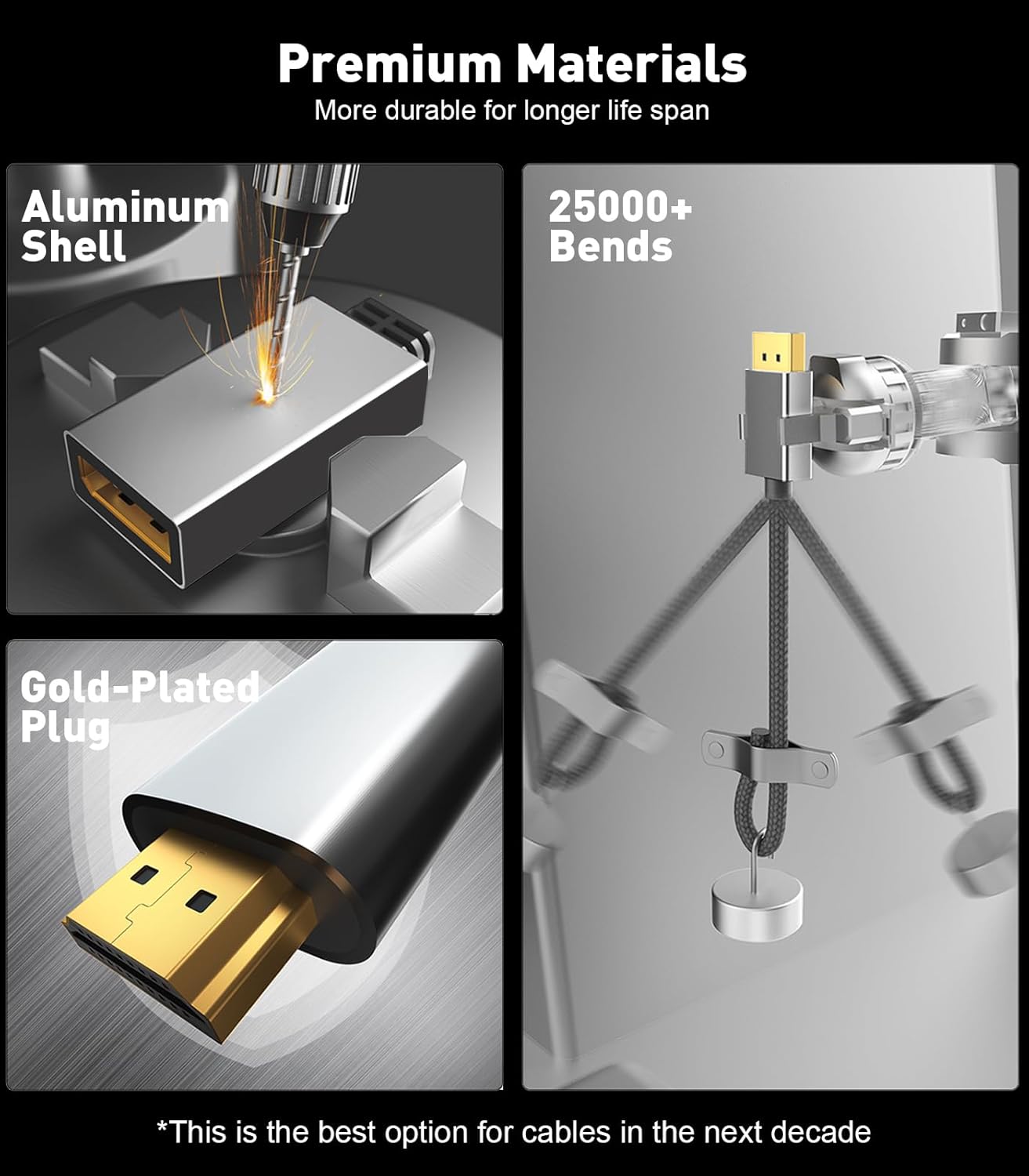
Where this cable stands out is the combination of (1) a broad set of claimed video capabilities and (2) a design that’s meant to stay stable: the cable uses a 28AWG copper core with multi-layer shielding to reduce issues like flicker/ghosting and help keep video and audio in sync. The plugs are described as one-piece aluminium alloy with 24K gold-plated contacts, and the design is non-locking to avoid stressing the device when you pull the cable free.
It also positions itself as “plug and play”, but that’s only true if your USB-C port supports video output via DP Alt Mode or you have Thunderbolt 3/4/5. If your USB-C port can’t carry video, the cable won’t magically fix that.
A small, realistic concern: the refresh-rate/resolution claims are usually dependent on both the source device and the display’s capabilities. You may not always see the highest figure mentioned, but the cable is clearly aimed at people who want headroom rather than buying something that only barely meets basic 4K.
Tech details you should understand before buying
This UANTIN cable is specified as a USB-C to DisplayPort 2.1 cord with quoted support for:

- 16K@30Hz
- 8K up to 120Hz (the listing also mentions 60Hz/30Hz)
- 4K up to 240Hz (with multiple other refresh rates also listed)
- 2K up to 165Hz
It’s also stated to support HDR, DSC 1.2, HDCP 2.3, VRR and ALLM, plus eARC and Dolby (the listing also mentions DTS).
On the build side, the cable is described as 28AWG copper core with multi-layer shielding, and it uses a “smart chip” for signal handling.
And importantly: it’s designed for unidirectional use (USB-C source to DisplayPort display devices).
What you’ll notice in real use
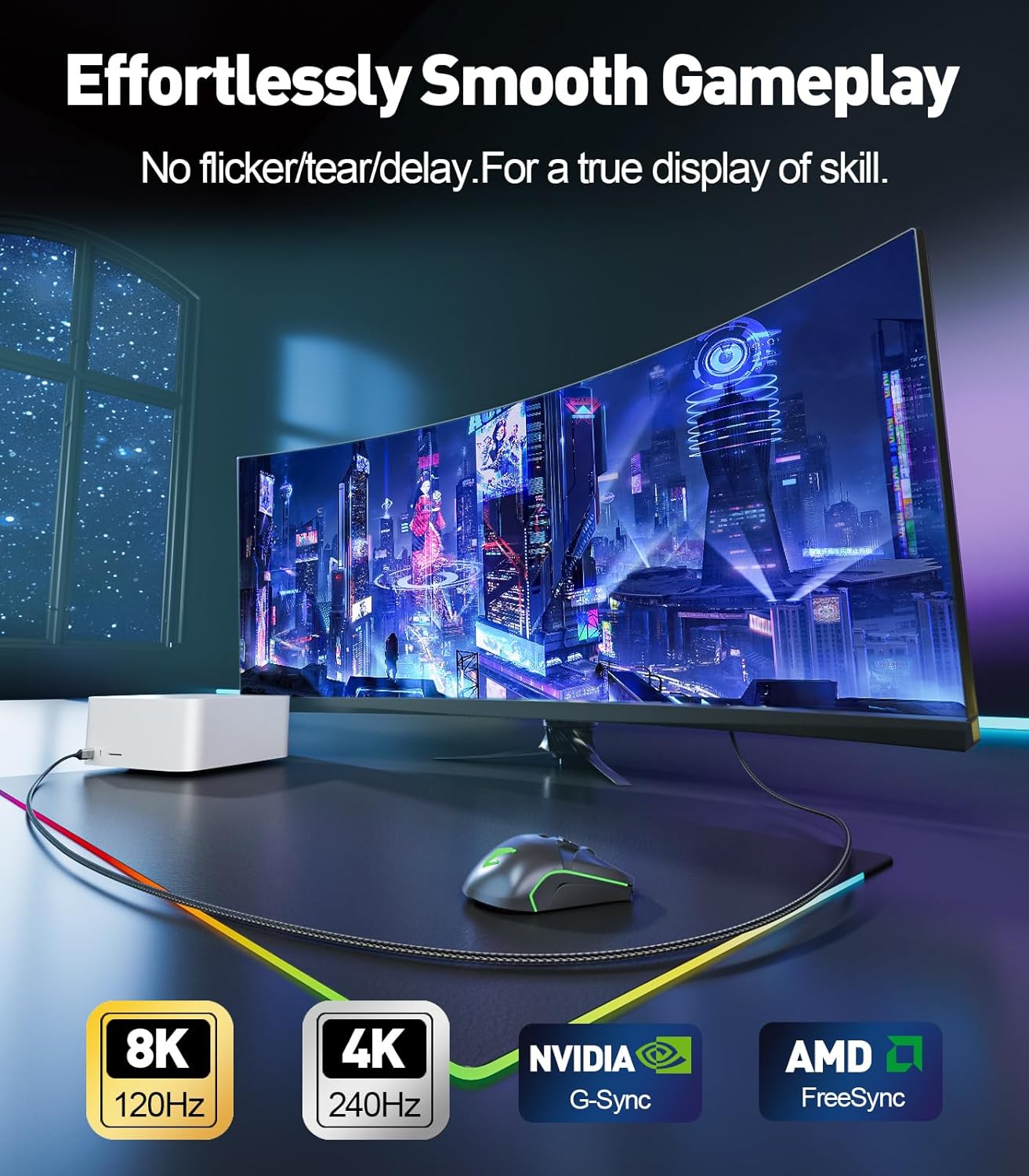
If you’re using it with a laptop for work and an occasional session of gaming or high-motion video, the practical benefits are straightforward: fewer “handshake” style problems, steadier signal transmission (shielding is the reason given), and support for modern display features like VRR/ALLM so your setup is more future-friendly than basic adapters.
Example scenario: you plug it into a compatible USB-C laptop, connect the DisplayPort end to your monitor, and you get a single clean connection for picture (and audio where supported by eARC/Dolby claims). For everyday tasks like spreadsheets and web work, that usually just means a stable desktop without the flickery, out-of-sync feeling some lower-spec cables can show.
Who it suits (and who should look elsewhere)
It makes sense if you: - have a USB-C device that supports DP Alt Mode or Thunderbolt 3/4/5, and you want DisplayPort output - care about higher refresh rates and modern display features such as HDR/VRR/ALLM (as listed) - want a cable that’s explicitly aimed at stable audio/video synchronisation (multi-layer shielding is mentioned)
It may not suit you if: - your USB-C port doesn’t support video output (in that case, plug-and-play becomes “no signal”) - you’re trying to run video the opposite direction (the listing states it’s unidirectional) - your current display setup only supports very limited modes, because you might not actually benefit from the top-end figures
Getting the best match: what to check before you buy
Before purchase, it’s worth checking two things to avoid wasting time:
1) Your USB-C port: confirm it supports DP Alt Mode and/or Thunderbolt 3/4/5, because the cable relies on that for video. 2) Your display’s inputs and capabilities: the highest refresh/resolution figures are only achievable when the monitor/TV can accept them.
Also, note the non-locking plug design. It’s described as intended to avoid damaging your device when pulling out the monitor. If your workspace involves frequent cable movement, that’s a genuinely relevant consideration.
Included devices and compatibility notes (based on the listing)
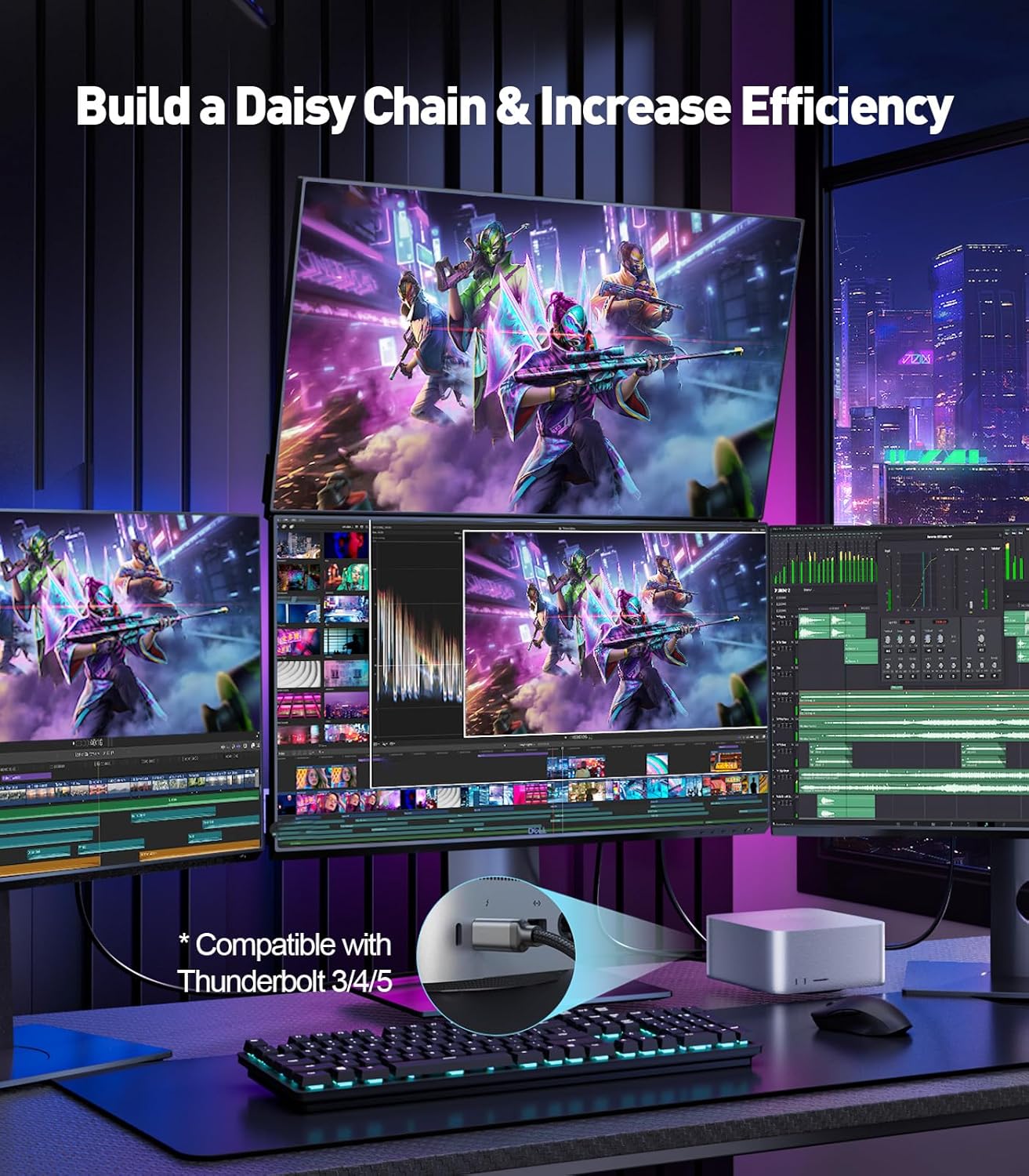
The listing claims compatibility with a range of USB-C devices and brands. It explicitly mentions Thunderbolt 3/4/5 compatibility and lists examples such as iPhone 15/16 series, Galaxy S24, and various MacBook Pro/Air models, plus iPad models.
It also describes compatibility with monitors/TVs from multiple brands, but remember that the cable still depends on the DP Alt Mode/Thunderbolt support of your specific source device and the DP capabilities of the display.
If you’re unsure whether your exact phone/laptop/tablet supports DP Alt Mode, it’s better to verify before ordering.
When it makes sense?
This UANTIN USB-C to DisplayPort 2.1 cable is a strong choice if you’ve got a compatible USB-C source (DP Alt Mode/Thunderbolt) and you want DisplayPort output with support for modern features like HDR, VRR and ALLM—especially if you care about smooth motion and higher refresh-rate scenarios.
You may want to skip it if your USB-C port doesn’t support video output, or if you need bidirectional conversion (it’s stated as unidirectional). Also, if your monitor only supports basic 4K/60Hz modes, you may not benefit from the very top-end specs.
If you’re building a proper “plug in and forget” desk setup—monitor, audio (where supported) and a consistent signal—this cable’s approach is clearly aimed at that.
Mini FAQ
Will this cable work with any USB-C port?
No. The listing states it works with USB-C ports that support video output via DP Alt Mode, and it’s also described as compatible with Thunderbolt 3/4/5.
Is it one-way or bidirectional?
It’s unidirectional: it supports video from the USB-C source to a DisplayPort display device.
Does it support HDR and gaming features?
The listing says it supports HDR, DSC 1.2, VRR and ALLM, along with HDCP 2.3.
Does it support audio as well?
The listing mentions eARC and Dolby (and DTS). Whether you get audio in your specific setup will depend on your source and display support.
What length is it?
The listing states 6FT.