

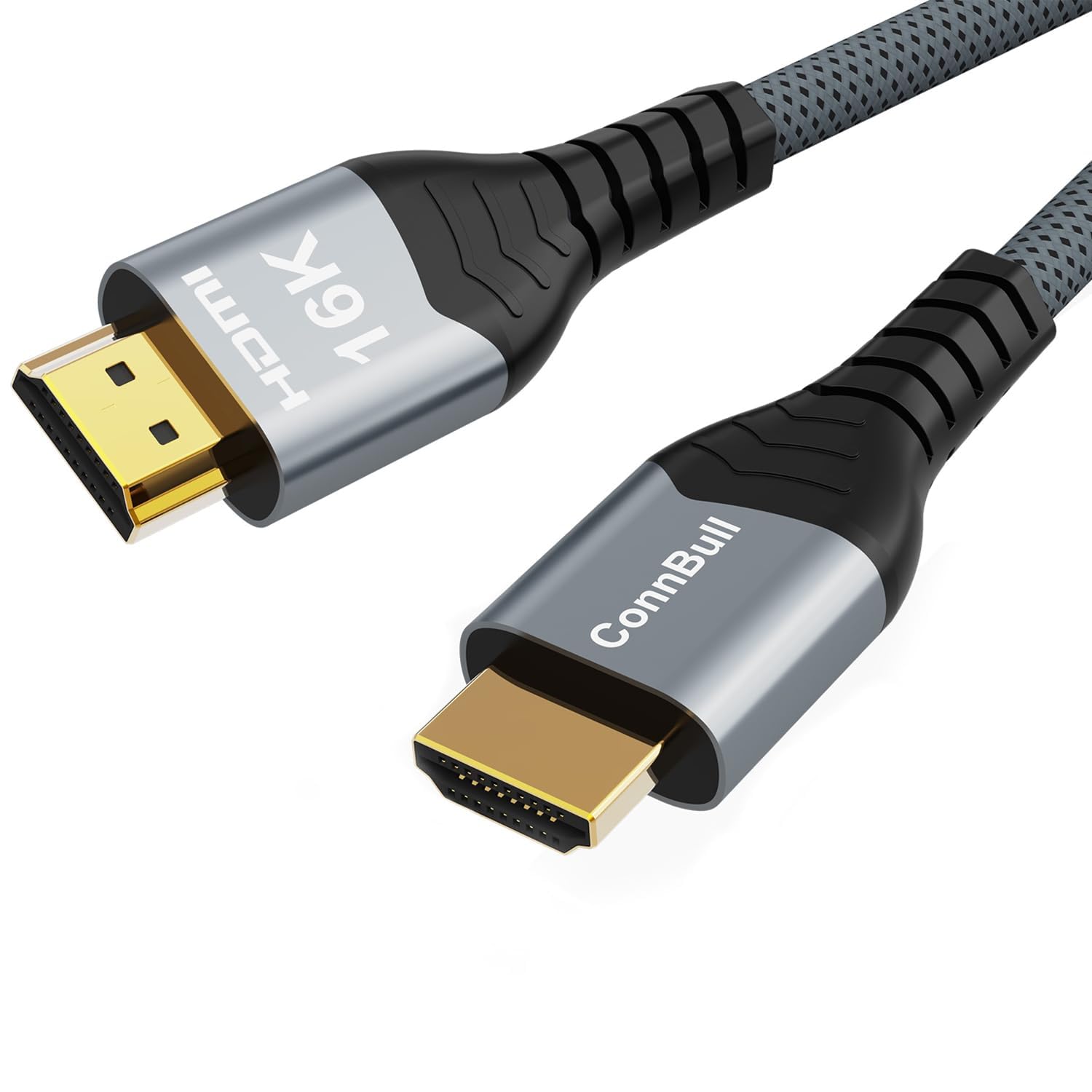
ConnBull 16K 10K 8K HDMI 2.2 Cable (96Gbps, 1m) for 4K@480Hz and 8K@240Hz
Reviews
Price
Product description
The essentials: what this HDMI 2.2 cable is for
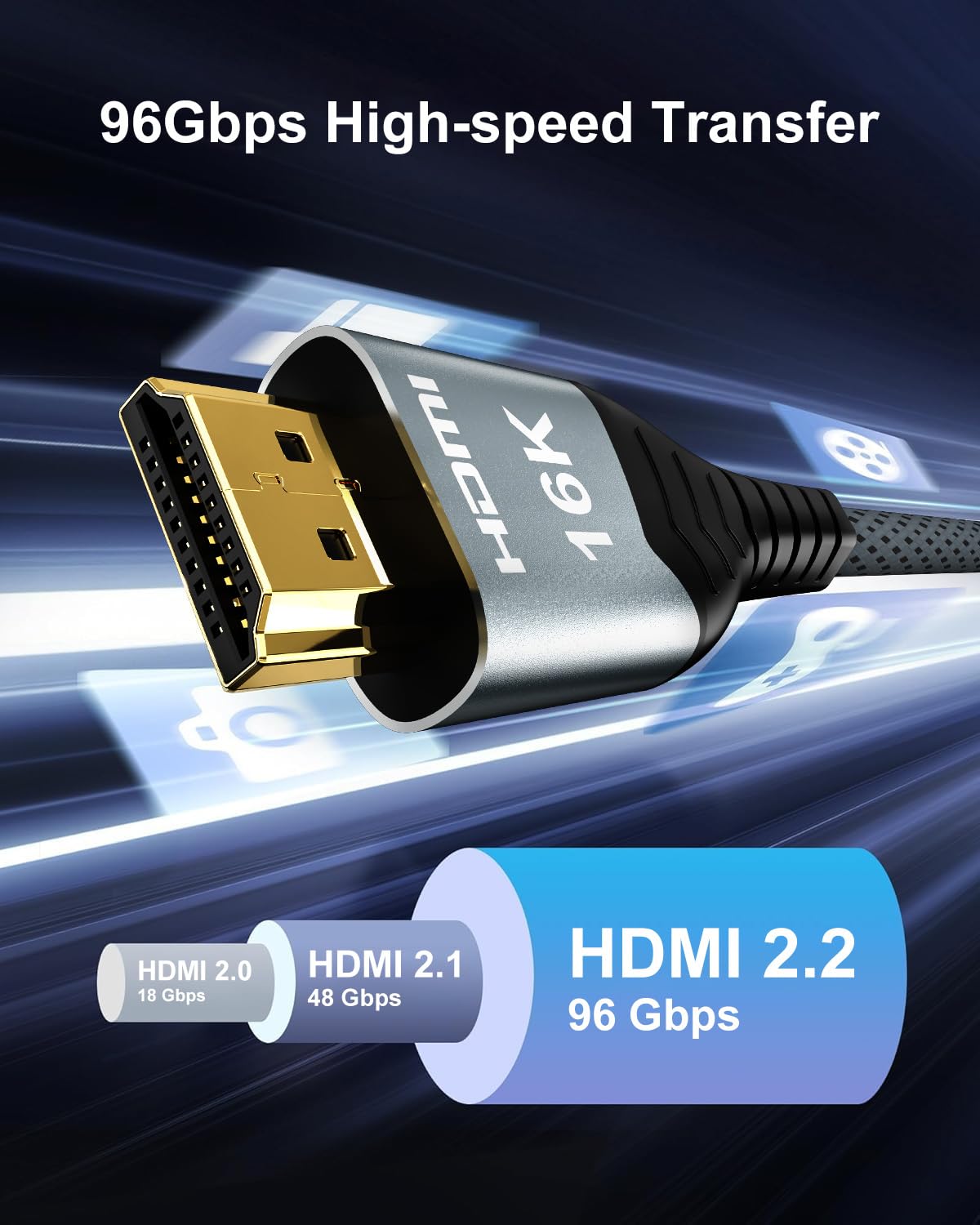
If you’re wiring up a modern TV/AV setup and you want the HDMI link to keep up, the ConnBull HDMI 2.2 braided cable is aimed at high-spec video and sound pass-through. On paper, the pitch is simple: higher bandwidth (96Gbps) and support for newer HDMI features, so you don’t end up fighting stutter, lag, or lost compatibility when you crank refresh rates and HDR.
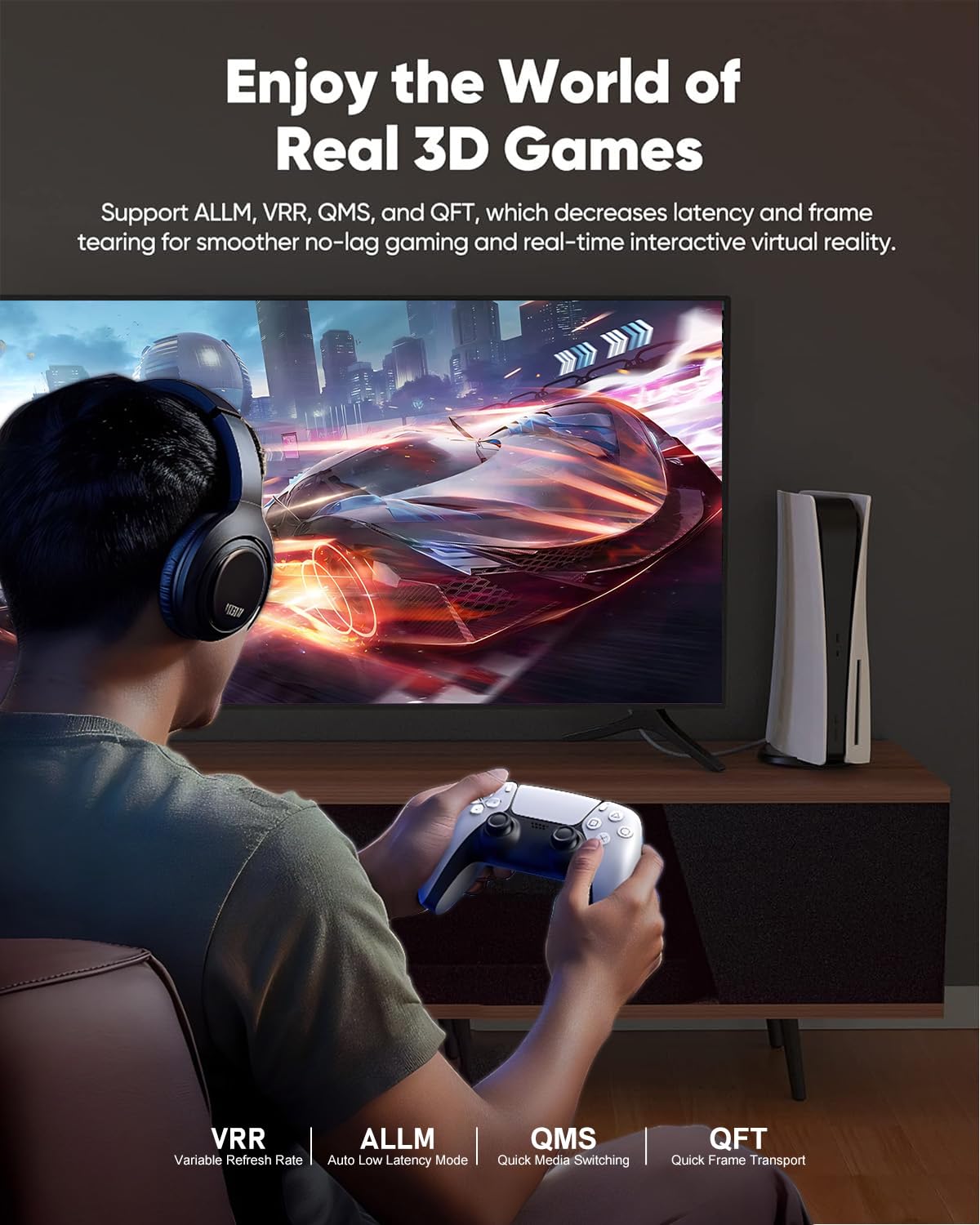
It’s also positioned as a gaming-friendly cable. The product description mentions support for high refresh targets such as 4K@480Hz and 8K@240Hz, plus variable refresh and game-focused modes. That’s the sort of detail that matters when you’re using a console or PC and you’d rather avoid “why won’t my TV show the mode I selected?” moments.
That said, it’s not a magic wand. Even with a capable cable, your source device and display need to support the same features. If your TV/monitor is limited, this cable can’t manufacture extra capability.
What stands out in everyday use
The main thing you’ll notice day to day is the cable’s focus on keeping signal stability for demanding picture settings. The description specifically claims stable transmission without video delay or dropped frames versus HDMI 2.1, and that’s a fair reason to consider it if your current cable feels like a bottleneck.
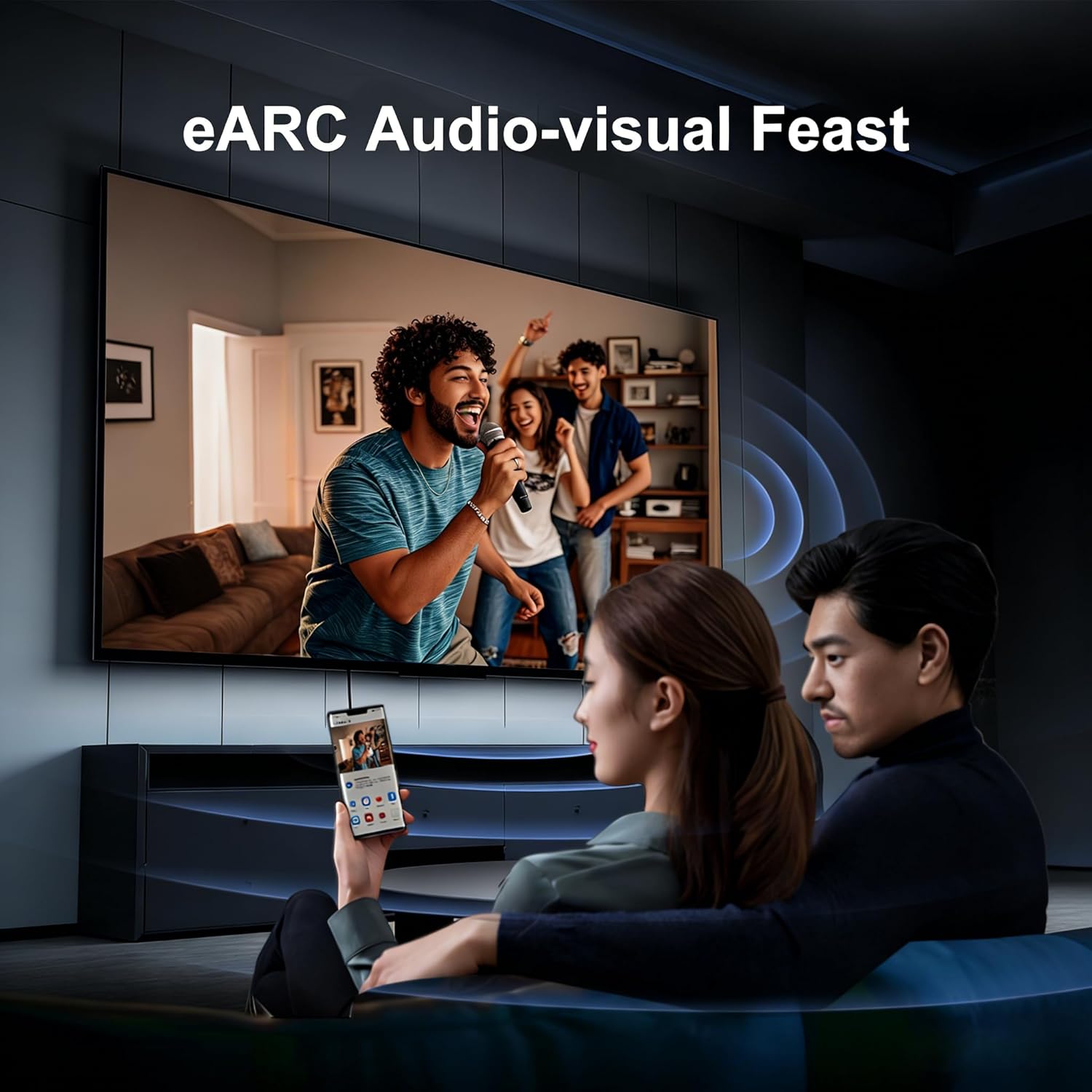
For sound, it leans into eARC and “improved audio quality” with support for multiple audio streams. In a typical living-room setup, eARC can help simplify how audio moves between a TV and a soundbar/AV receiver, especially when you’re also pushing video formats over HDMI.
A micro example: say you connect a PlayStation-class console and a compatible TV/AV receiver via HDMI, enable the higher refresh/HDR modes you’re trying to use, and route audio through your receiver. With the right end devices, a cable like this is the kind of upgrade that can remove the “it works, but not at full settings” friction.
Gaming and HDR support: where you’ll get the most value
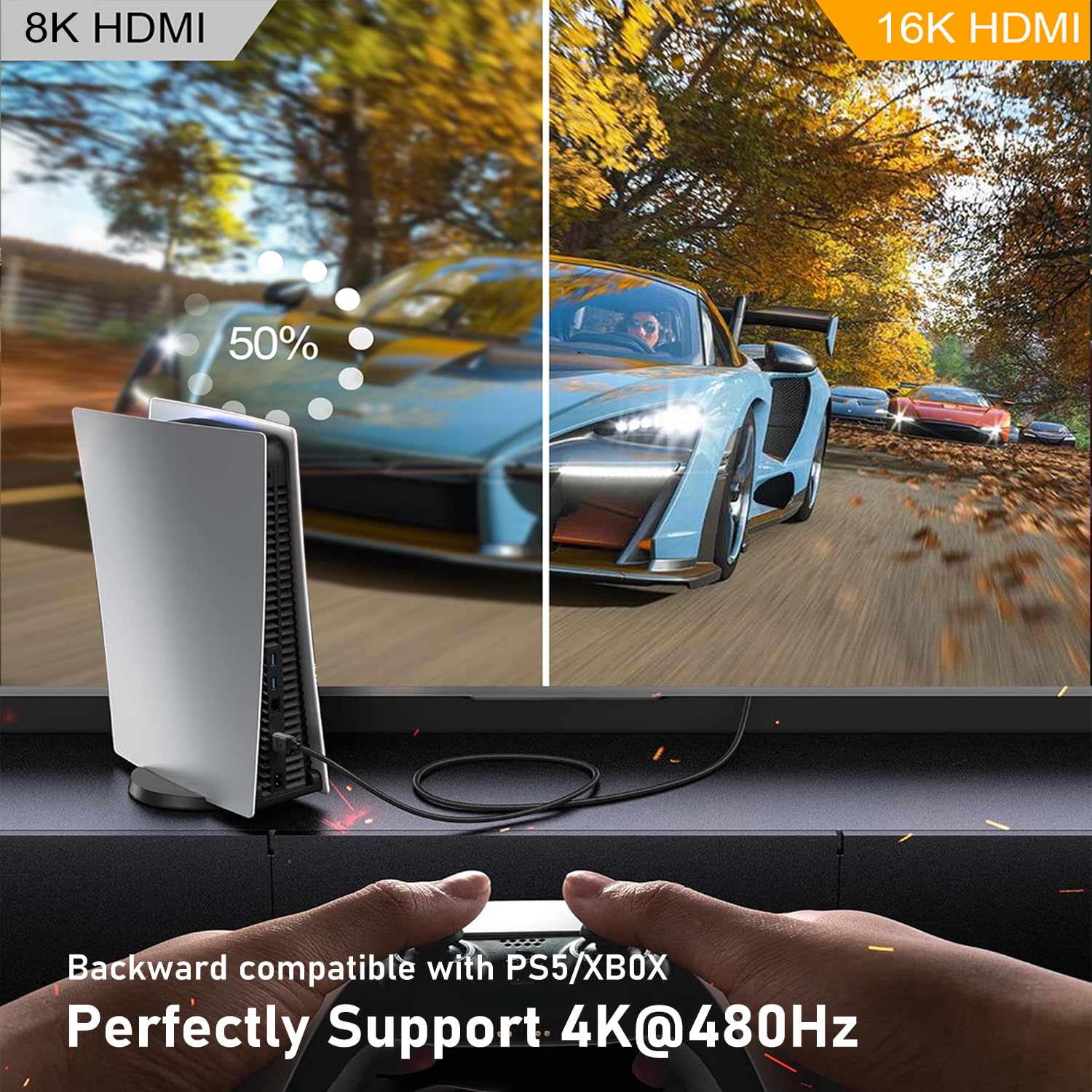
ConnBull’s HDMI 2.2 focus is clearly written for enthusiasts. The cable is described as supporting high refresh combinations (including 4K@480Hz and 8K@240Hz), and it also references gaming-related features such as ALLM, VRR, QFT, QMS, and dynamic HDR support.
This is the sort of bundle that makes sense if you’re actively using a gaming TV/monitor and you want to be able to switch modes without drama. It’s also relevant if you use streaming devices and players that rely on HDR and modern audio formats.
Where it may feel less convincing: if your display doesn’t actually support the high-end modes listed, you won’t “see” 16K/10K/8K capability in real life. The cable can only perform within the limits of what the TV and source can negotiate.
Audio and compatibility details you should not gloss over
The product text highlights HDCP 2.2 and 2.3 support, along with eARC, and audio formats such as DTS: X and DTS Master, plus Dolby-related features (including Dolby Vision mentioned for video and Dolby Atmos 3D for audio). In practice, this matters when you want consistent playback of premium content without the handshake issues that sometimes appear when formats don’t line up.
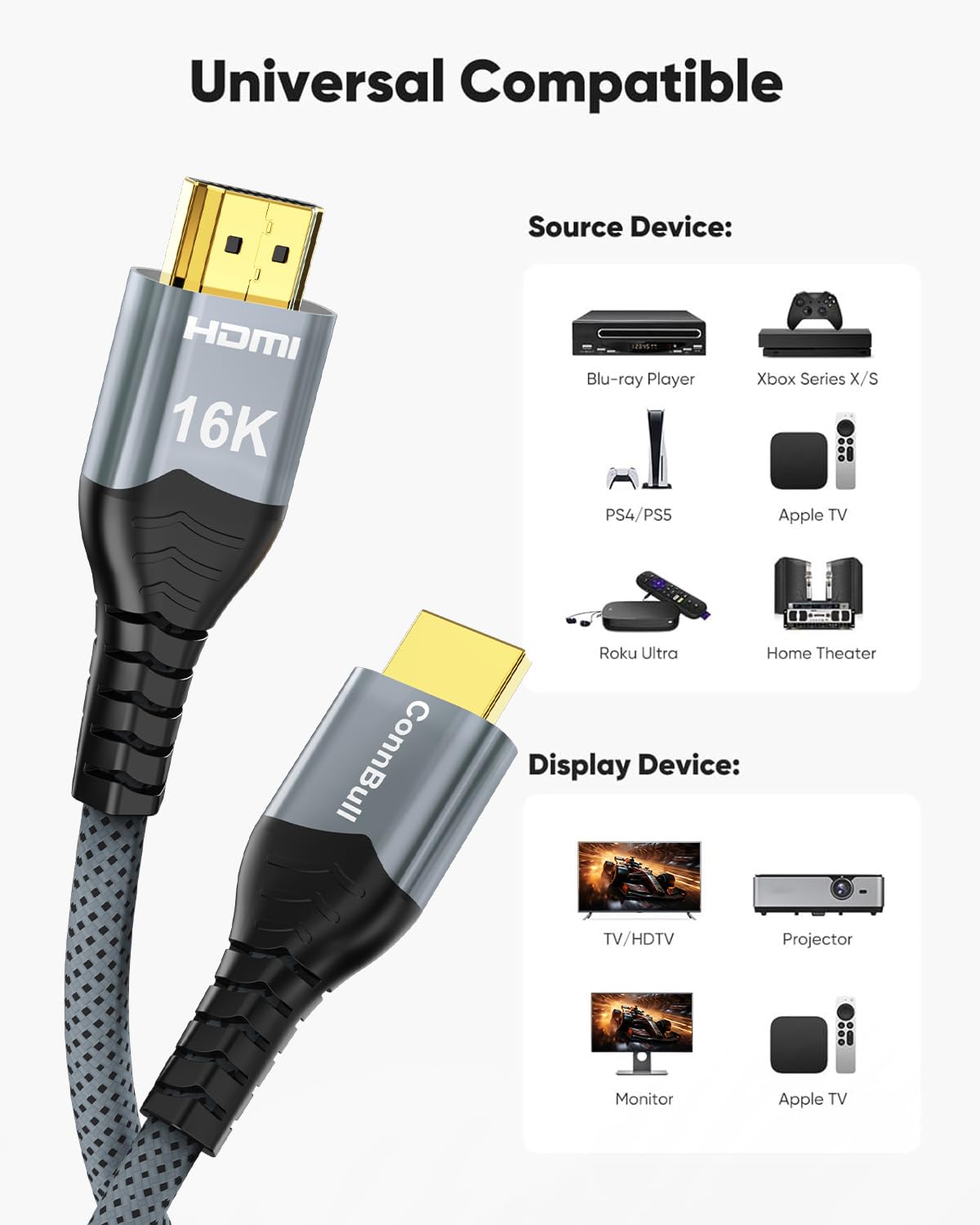
The compatibility list includes Roku TV/HDTV, PS5, Blu-ray players, and AV receivers/TV receivers, as well as general HDMI-equipped devices. That breadth is useful, but it still leaves a key limitation: performance depends on whether your specific devices support the same HDMI feature set.
A note from the description is worth taking seriously: if a device wants to implement a 16K monitor experience, it must support 16K first. So don’t buy purely based on headline numbers—check your TV/monitor’s stated HDMI capabilities.
Tech specs that matter for buying decisions
This cable is described as: - Type: HDMI 2.2 - Bandwidth / data rate: 96Gbps - Length: 1m - Stated video support targets: 16K@60Hz, 12K@120Hz, 8K@240Hz, 4K@480Hz - Audio/video related support mentioned: eARC, HDCP 2.2 & 2.3, Dynamic HDR
Because this is an “ultra high speed” class HDMI lead, you’ll also want to consider physical fit and routing. At 1m, it suits setups close together (for example, a TV wall bracket area or a nearby console/receiver shelf) more than long runs through a room.
Durability and build: the parts you can inspect
The ConnBull cable is described as braided, using a classic style connector shell and an aluminium housing for added durability, plus a design meant to resist bending at the tail. It also mentions a stretched nylon material intended to extend service life, and gold-plated connectors for precise signal transmission.
None of this guarantees “indestructible”, but for an HDMI cable you plan to leave in place, durability details are genuinely worth caring about. A braided outer can also feel easier to manage during installation, especially in tighter spaces.
Should you buy it?
It’s a good fit if you’re trying to run a modern HDMI setup with high refresh and HDR settings, and you want a cable designed around HDMI 2.2 features (including eARC and the cited HDCP support). A solid pick if you’re building a gaming-focused arrangement on a compatible TV/monitor, or if you route audio through a receiver/sound system and want fewer compatibility headaches.
It’s not the best choice if your display or source device is older/limited and won’t actually negotiate the top-end refresh/HDR modes. In that case, you might simply be paying for headroom you can’t use.
You may want to skip it if you’re after a long cable run, because this one is 1m—distance matters, and the description is clear about the cable’s length.
Mini FAQ
Will this cable make my TV support 4K@480Hz or 8K@240Hz?
Not on its own. The cable can only deliver what the TV and source device both support, so it depends on your equipment’s HDMI negotiation.
Does it support eARC for connecting to a soundbar or AV receiver?
The product description says it supports eARC, which is the key feature to look for when routing audio through compatible TV/receiver combinations.
Is it compatible with PS5, Roku TV and Blu-ray players?
The description explicitly lists compatibility with PS5, Roku TV/HDTV, and Blu-ray players (and other HDMI-equipped devices), but your final supported modes still depend on the devices.
Is 1m long enough for typical home setups?
Usually it’s fine for close connections (console to TV, or a short run to an AV receiver). If you need more reach, you’ll likely want a longer option.
Final verdict
If your priority is an HDMI 2.2 cable built for high bandwidth video and modern HDR/audio pass-through, the ConnBull 16K 10K 8K HDMI 2.2 braided lead is the kind of upgrade that can remove friction—provided your TV/monitor and source can actually use those modes. Just don’t buy it based purely on the headline figures, compatibility and negotiated support on both ends is where the value lives.