

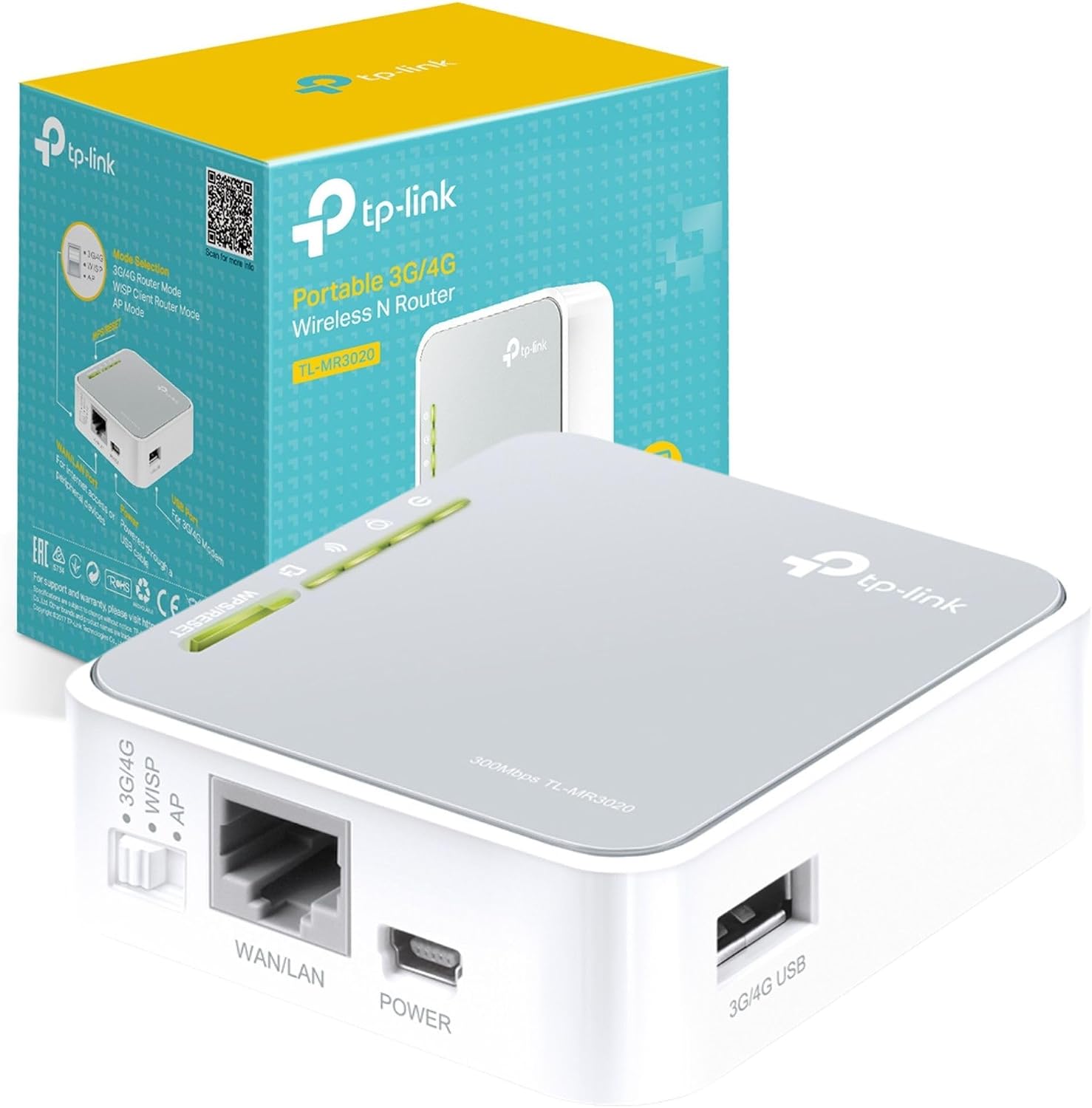
TP-Link TL-WR902AC AC750 travel Wi‑Fi router
Reviews
Price
Product description
A compact travel router can make a big difference when you need a stable Wi‑Fi network away from home, such as in a hotel room or while working on the move. The TP-Link TL-WR902AC AC750Mbps Dual Band Wi‑Fi Travel Router is designed to be small and light to pack, while still offering dual band wireless for flexible connections. It also supports multiple operating modes, so you can reuse one device for router, hotspot, range extender, and access point style setups.
One of the practical advantages is that you can create Wi‑Fi using wired Ethernet, a 3G/4G USB modem, or a WISP style connection, depending on what is available where you are. That versatility helps when you arrive at a location and the simplest solution is not immediately obvious. It also includes a USB 2.0 port and a micro USB port, alongside a WPS button for easier Wi‑Fi pairing when your devices support it. 📶
The essentials
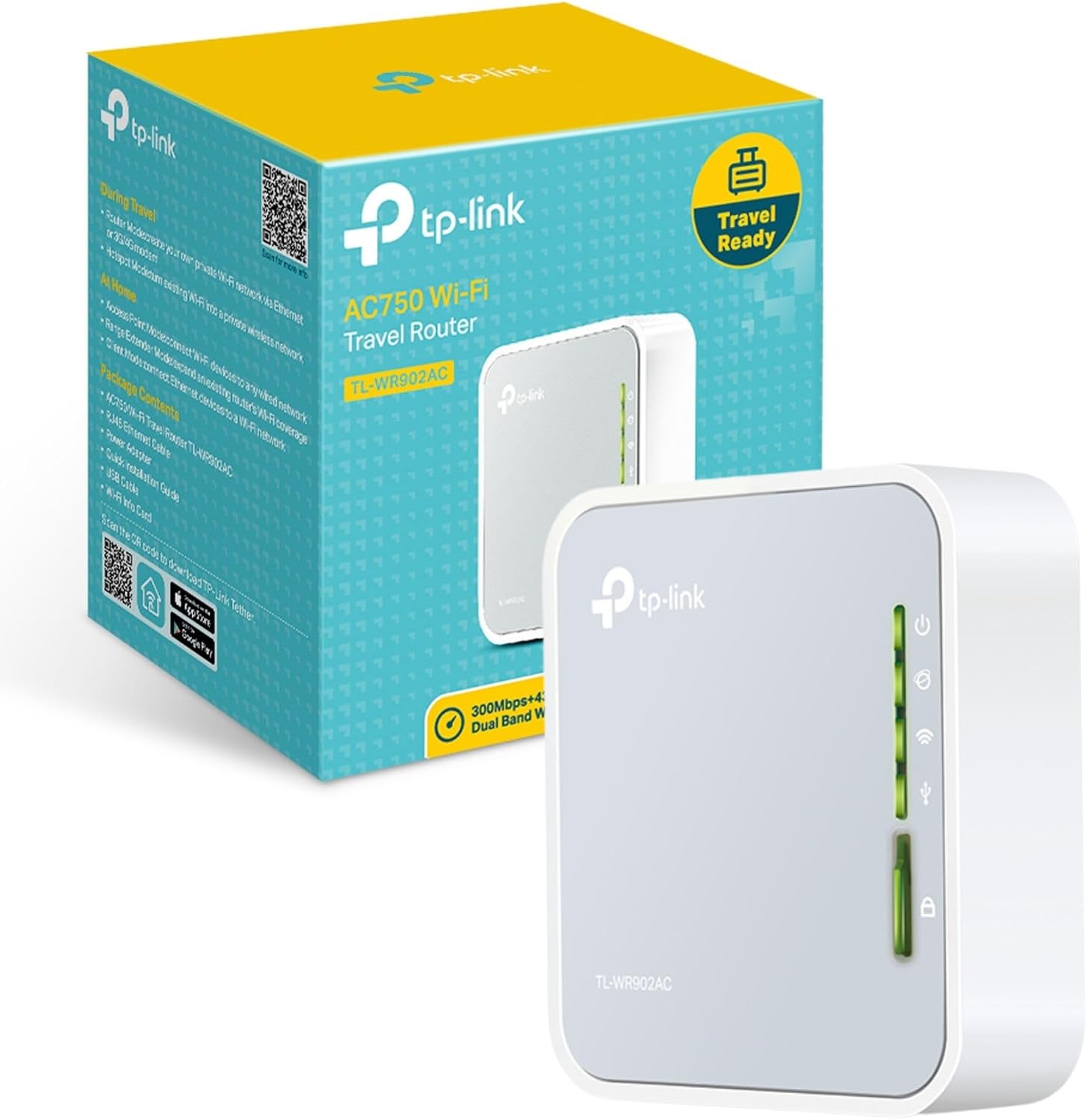
The TL-WR902AC is built for portable use, with a travel friendly form factor that is convenient for bags and briefcases. Instead of relying purely on a single location network, it can help you set up your own Wi‑Fi environment so your devices can connect consistently. Depending on the mode you choose, you can use the unit like a travel router, create a hotspot style connection, or extend an existing signal.
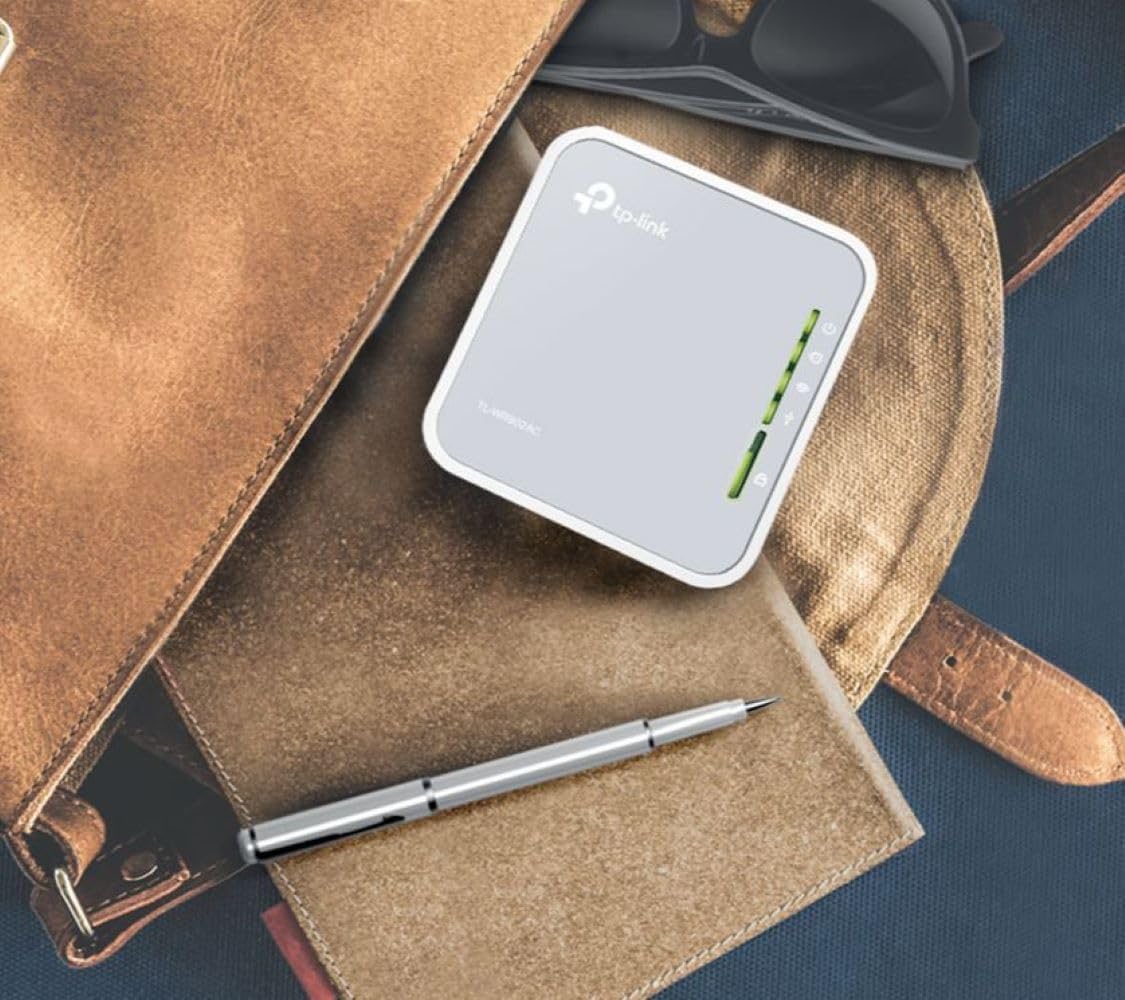
It is also helpful that the router supports both 2.4 GHz and 5 GHz bands, which can make it easier to match device capability and expected performance. Dual band setups often help reduce congestion because some devices may work better on 5 GHz while others are limited to 2.4 GHz. For streaming and everyday tasks across multiple devices, that flexibility can be a clear day to day benefit. 😊
If you are planning to use a 3G/4G USB modem, the device includes versatile USB support for file sharing or for providing internet access from your modem. There is no SIM slot, so any mobile broadband needs to be provided through the USB modem rather than a built in cellular connection. Keep that limitation in mind before you buy, especially if you were hoping to insert a SIM directly into the router.
Key features
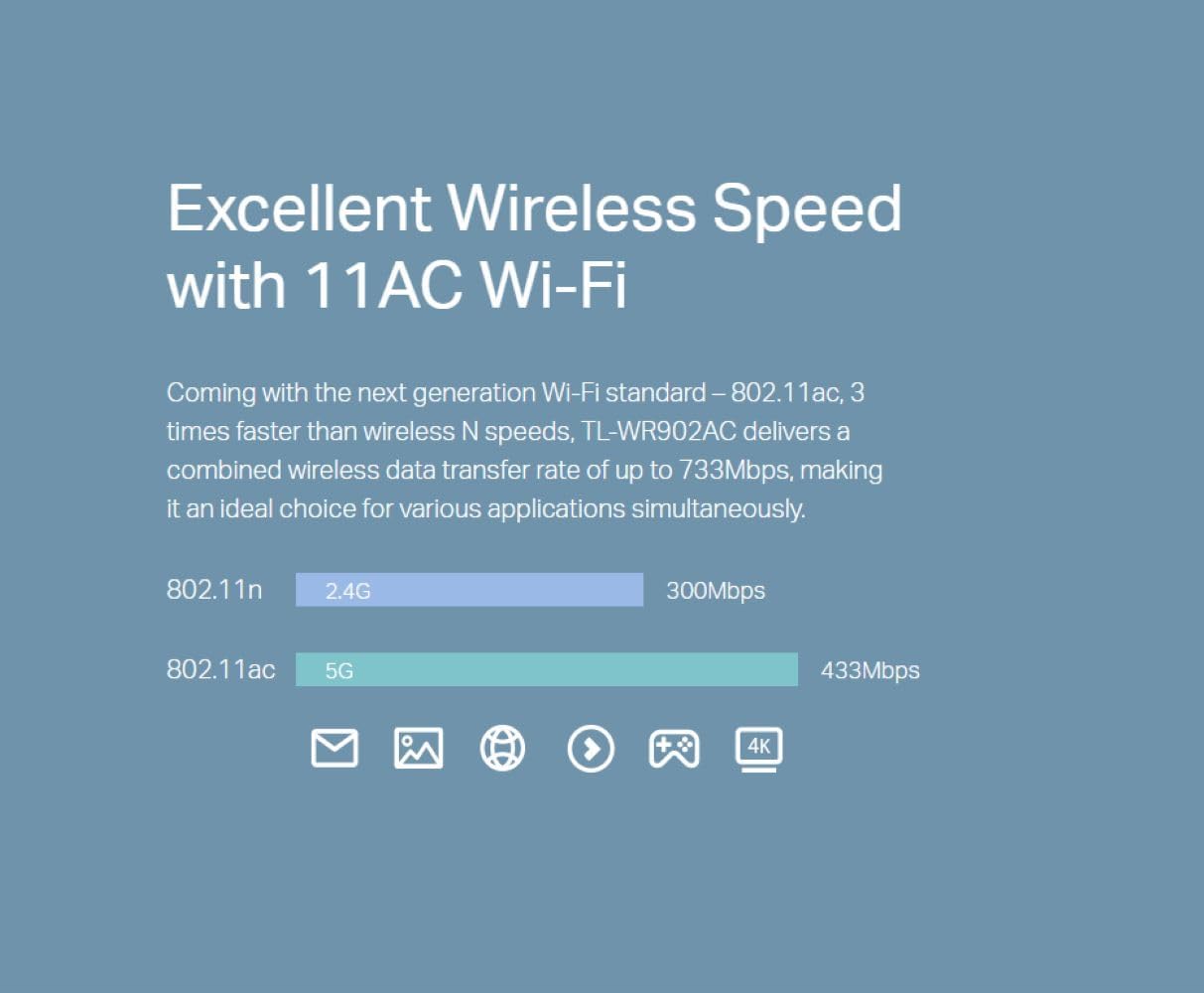
A key selling point is the One Switch for Multiple Modes concept, which is designed to simplify switching between common networking roles. In practical terms, you can use the device at home, in a hotel room, or when you are travelling, then switch its function when your connection method changes. That can reduce the need to carry multiple network accessories.
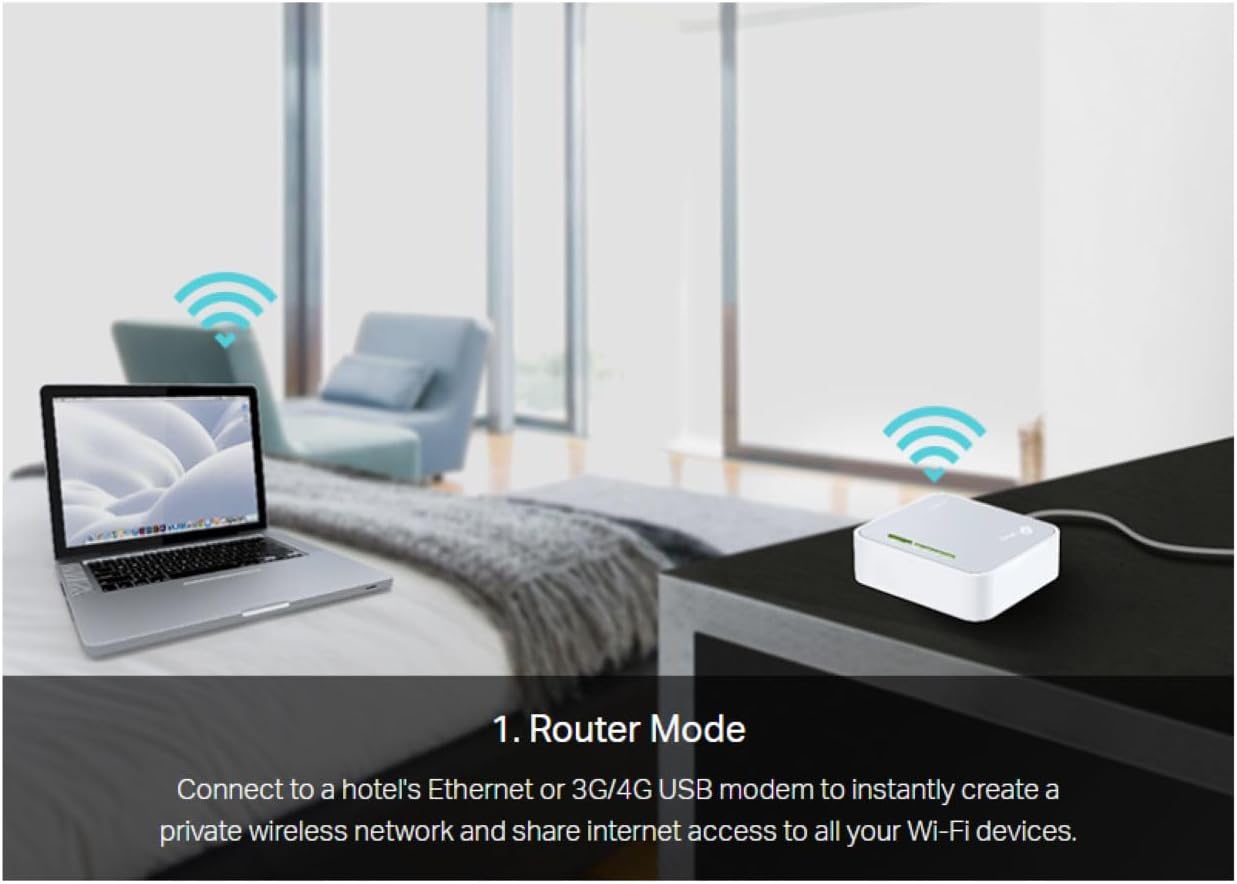
You can also build a Wi‑Fi network via different input options. For example, the router can create Wi‑Fi using Ethernet, through a 3G/4G USB modem, or via a WISP type setup where you use an existing wireless source. That makes it a practical option when you want one portable solution for different scenarios.
For day to day connection setup, the included WPS button can streamline joining compatible devices to your network. When you just want things to connect quickly, that matters, particularly in busy hotel environments where time and patience are limited. 🔧
Tech specs
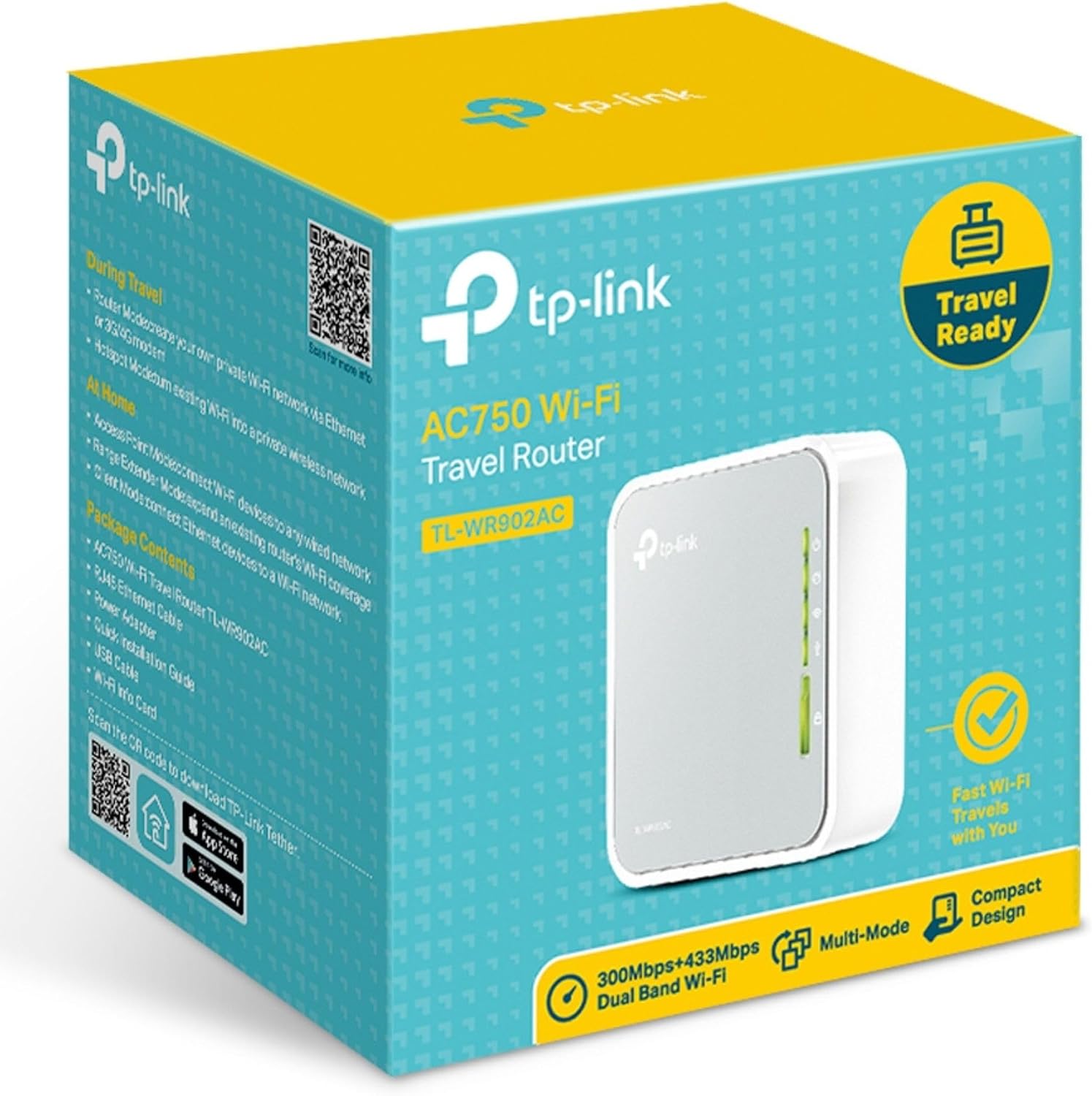
- Type: Dual band Wi‑Fi travel router supporting router, hotspot, range extender and access point modes
- Wireless standards: IEEE 802.11ac, IEEE 802.11n, IEEE 802.11a, IEEE 802.11b, IEEE 802.11g
- Frequency bands: 2.4 GHz and 5 GHz
- USB ports: 1 USB 2.0 port and 1 micro USB port
- Buttons: 1 WPS button
- Ports and power: UK plug
Who it’s for
It’s a good fit if you want a travel sized Wi‑Fi router that you can pack easily and use with different internet sources, such as Ethernet or a 3G/4G USB modem. It makes sense if you regularly travel and you want your own Wi‑Fi network for laptops, tablets, and other devices without depending entirely on the venue’s connection. It may suit households or small offices that want a straightforward way to switch between networking roles.
It’s not for you if you expect the router to accept a SIM card directly, because there is no SIM slot. You may want to skip it if your setup requires cellular connectivity through a built in mobile modem. It might not be a great match if you are looking for advanced internal hardware details beyond what is listed, since the focus here is portable mode flexibility and dual band wireless connectivity.
Overall, the TP-Link TL-WR902AC is a practical choice for creating Wi‑Fi on the move, with the added benefit of multiple modes and USB support for compatible 3G/4G USB modems. 🌍