

TKHIN Wireless CarPlay for Apple iPhone — Plug‑and‑Play Wireless CarPlay Dongle
Product description
What it is and what it does
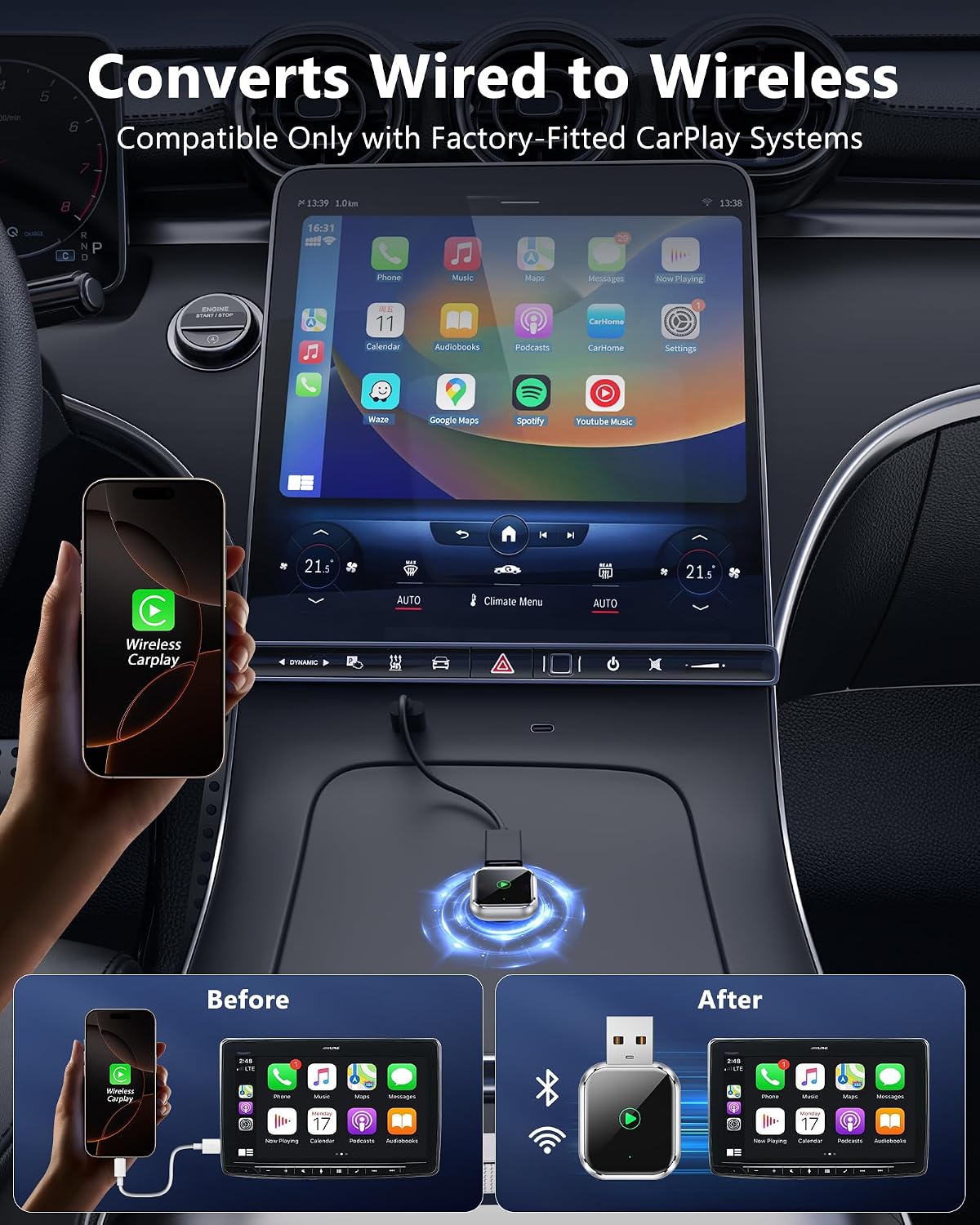
TKHIN Wireless CarPlay converts your factory wired CarPlay setup into wireless, straight from the USB port. No apps, no complex pairing. Just plug in, start the car, and enjoy automatic iPhone connection. It aims to keep your existing CarPlay experience but without cables.
How it works
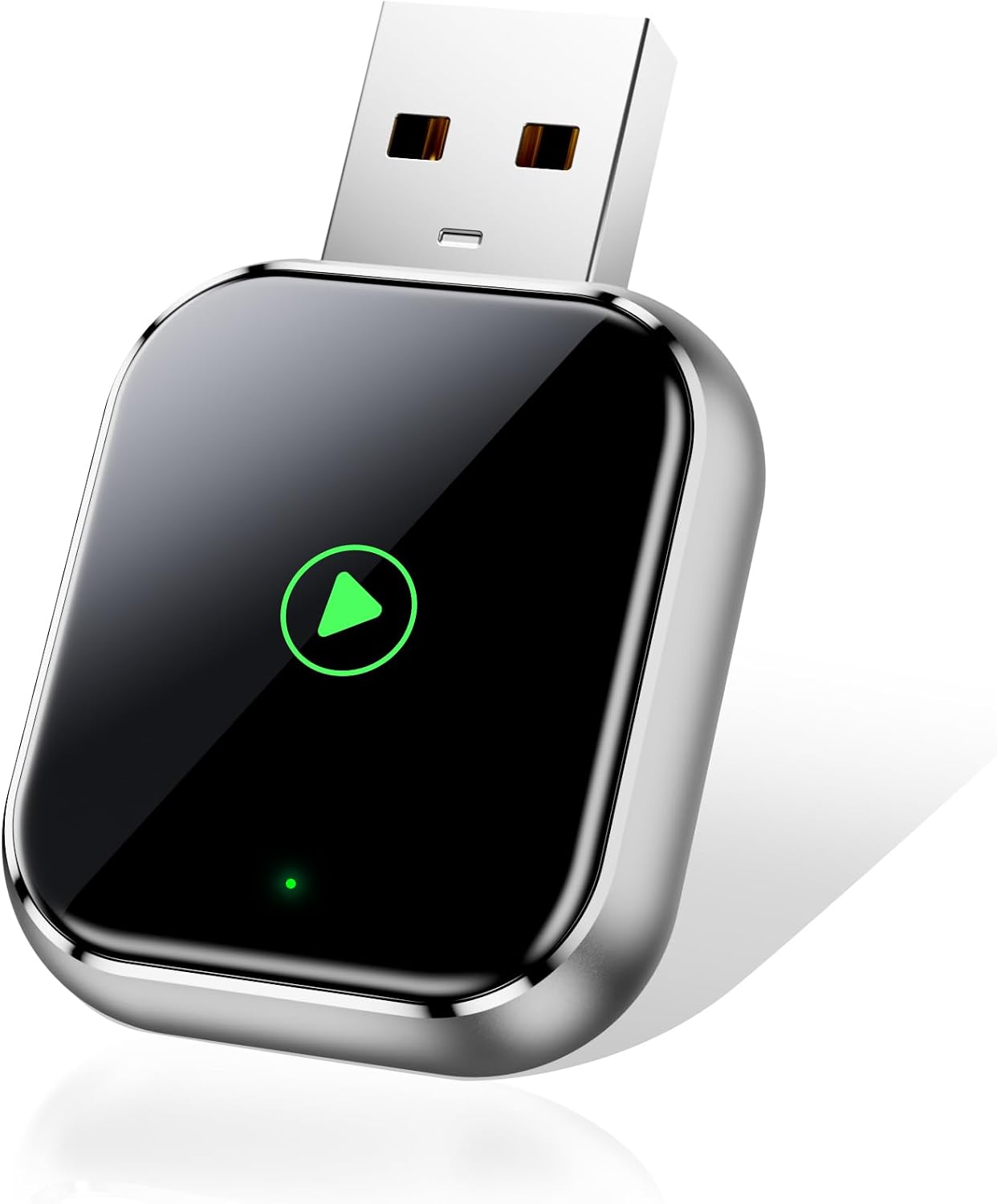
The device uses a 5GHz WiFi connection to deliver lag‑free music streaming, hands‑free calls, and quick Siri responses. After a one‑time 30‑second pairing, your iPhone should connect automatically on each drive. Its compact dongle stays tucked in your USB port, reducing clutter while preserving a clean dashboard look.
What’s in its favour on paper
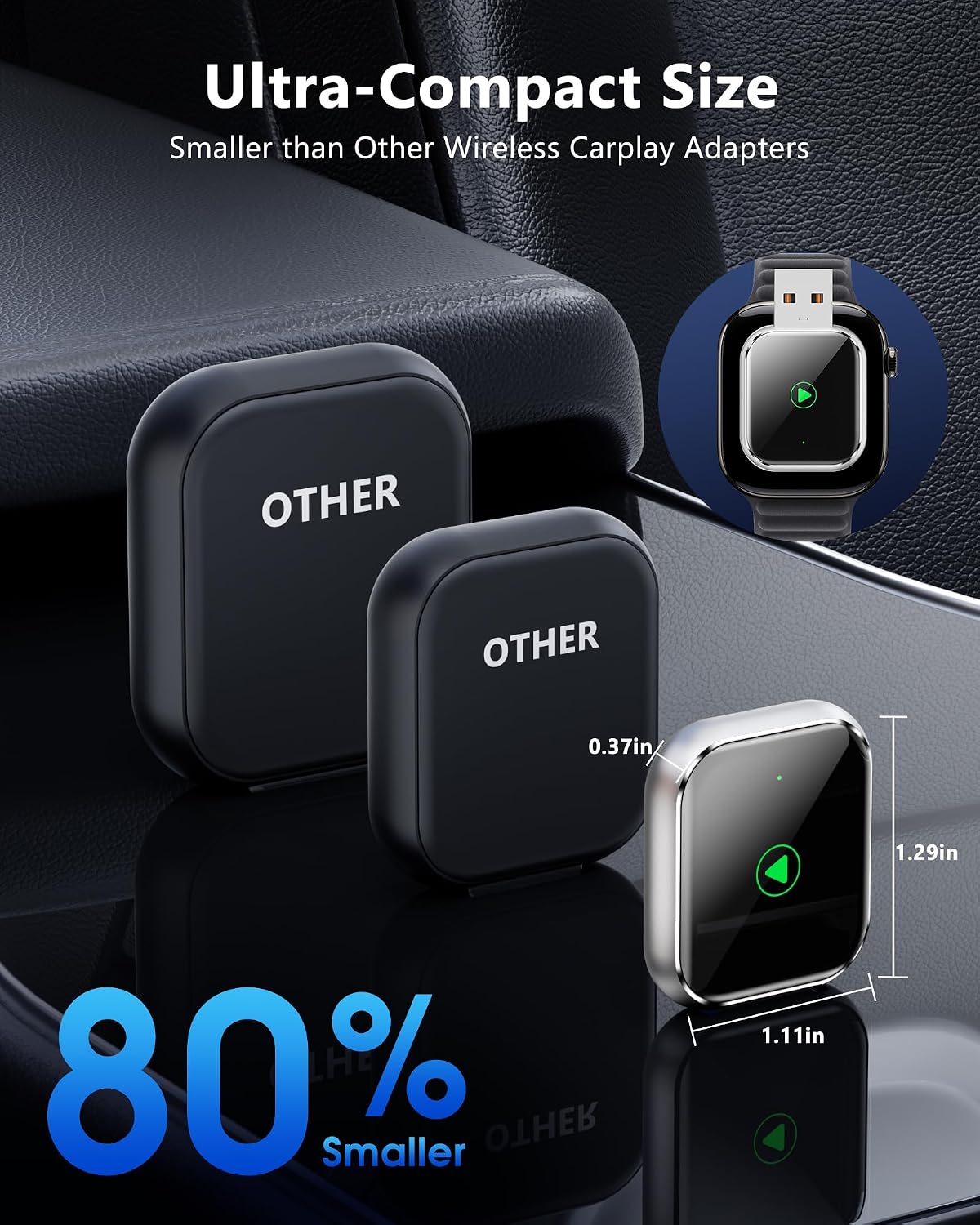
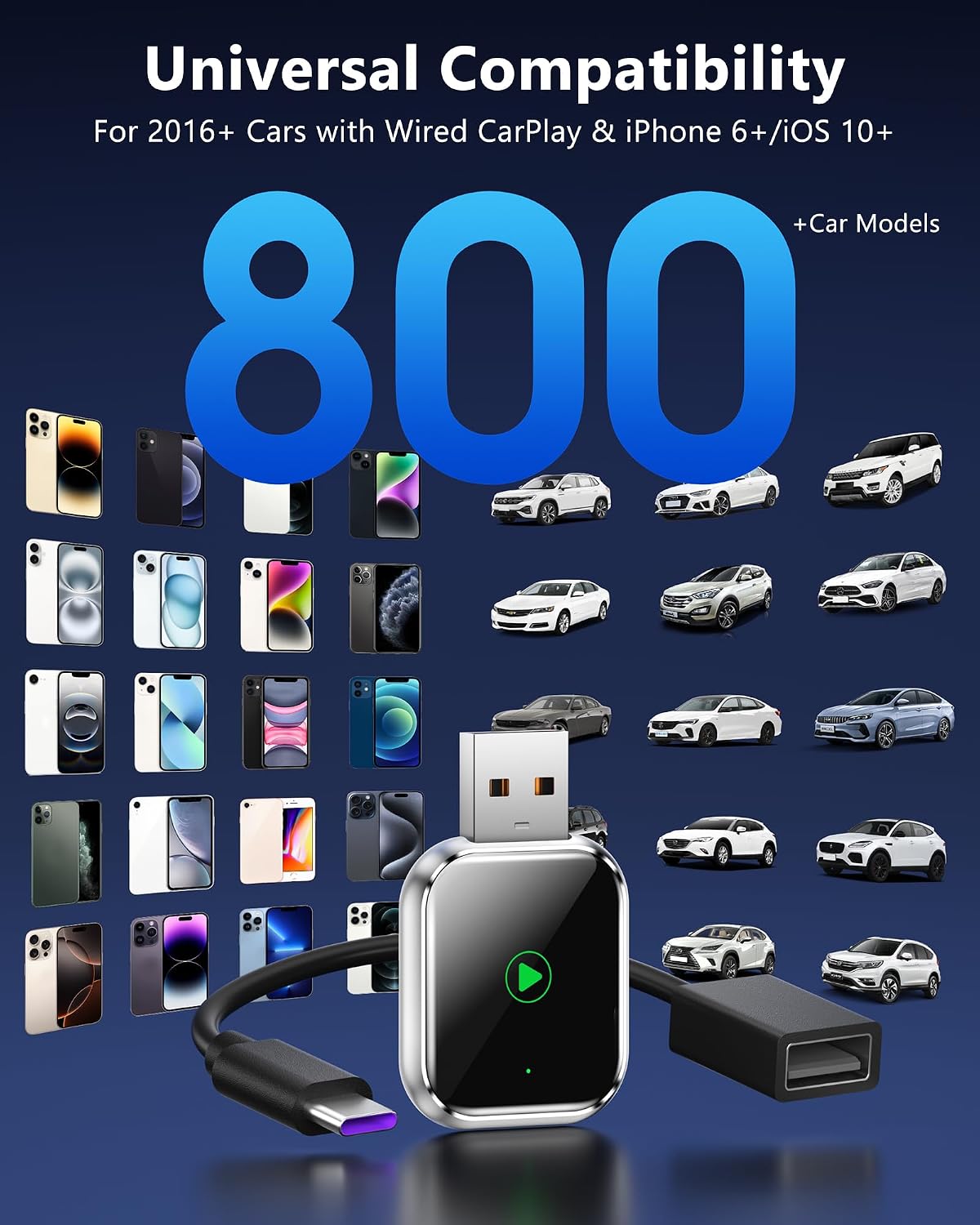
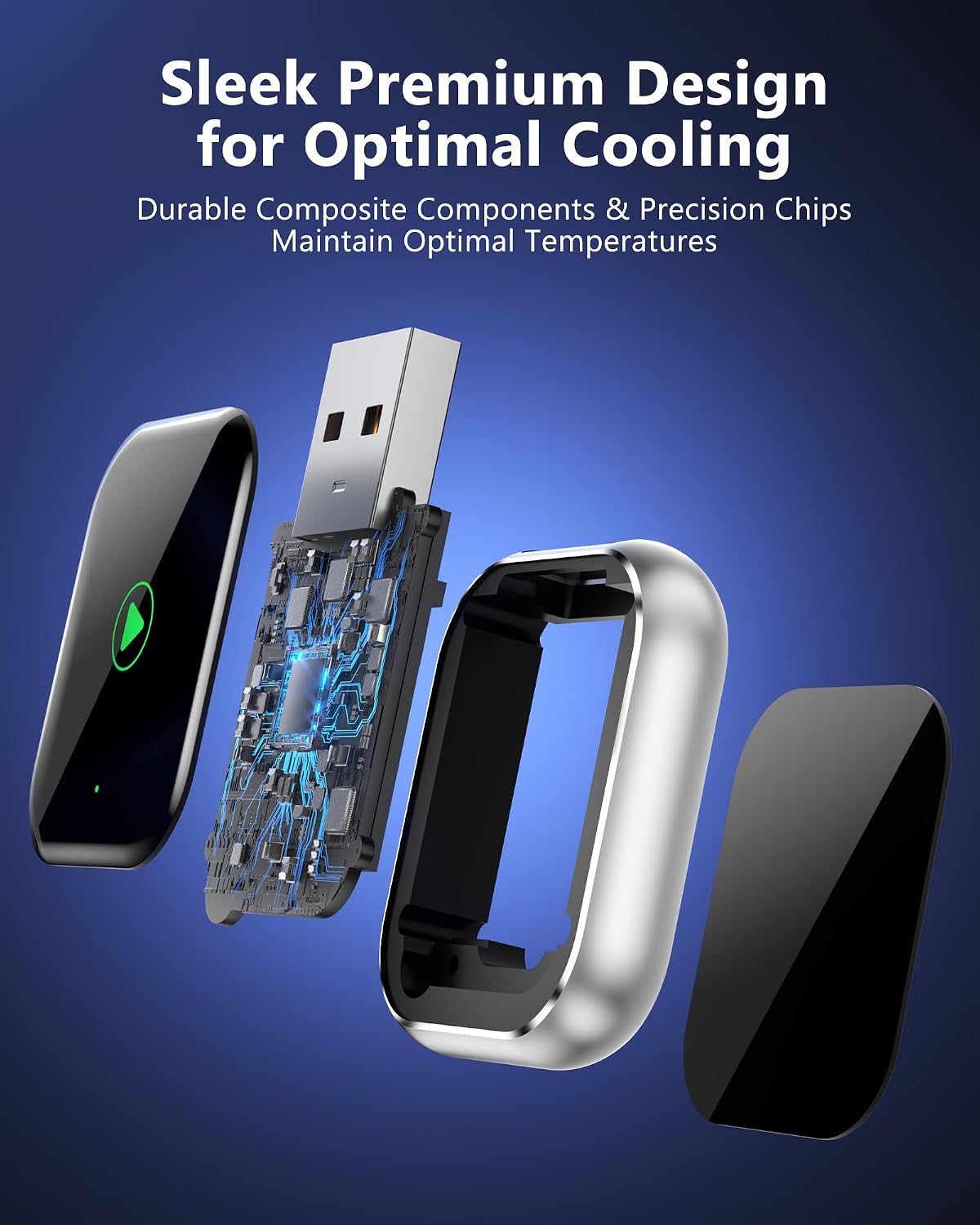
– Universal compatibility with iPhone models from 6 upwards and a wide range of CarPlay‑enabled vehicles (2016+ in mind).– Simple plug‑and‑play setup, no extra apps or technical steps required.– Stable connection and fast response during longer journeys or busy moments on the road.– Built‑in smart chip designed to prevent overheating and to support reliable performance over time.– Includes a 12‑month warranty for peace of mind.
The potential limitations to consider
This is a retrofit solution for factory CarPlay, not a solution that upgrades every car’s infotainment. If your vehicle’s CarPlay is not among the supported 95% of models from 2016 onwards, or if you expect flawless operation in every possible demo scenario, you may encounter occasional hiccups related to wireless handover or long‑term reliability in extreme conditions. Also, the initial pairing, while quick, is a one‑time setup, you’ll still need to ensure your phone’s iOS remains compatible with CarPlay features.
Who it’s best for
If you prefer to move away from the tangle of charging cables and you own an iPhone 6 or newer, this device targets everyday drivers who want a straightforward, off‑the‑shelf wireless CarPlay experience. It may appeal to those who value a tidy cabin and a quick start to each journey without fiddling with settings.
Who it might not be the best fit for
If you rely on ultra‑low latency for certain apps or high‑end audio setups, or if your car’s infotainment relies on wired CarPlay for specific integrations, you might notice small compromises. Also, if your car isn’t within the majority of 2016+ models, compatibility issues could appear.
When it makes sense to buy
If you want a discrete, cable‑free CarPlay experience and you’re comfortable with a one‑time pairing step, this device offers a pragmatic upgrade path. It’s sensible when you value convenience over the occasional risk of wireless quirks and you’re already using CarPlay regularly in daily driving.
What to check before buying
Confirm that your iPhone model is 6 or newer and that your car is CarPlay‑enabled from 2016 onward. Consider how you use CarPlay—if you frequently need the fastest possible response or have a high demand for uninterrupted calls, test scenarios relevant to your daily routes. Remember that, while the wireless setup is designed to be stable, wireless connections can be influenced by interference or car electrical conditions.
Practical use example
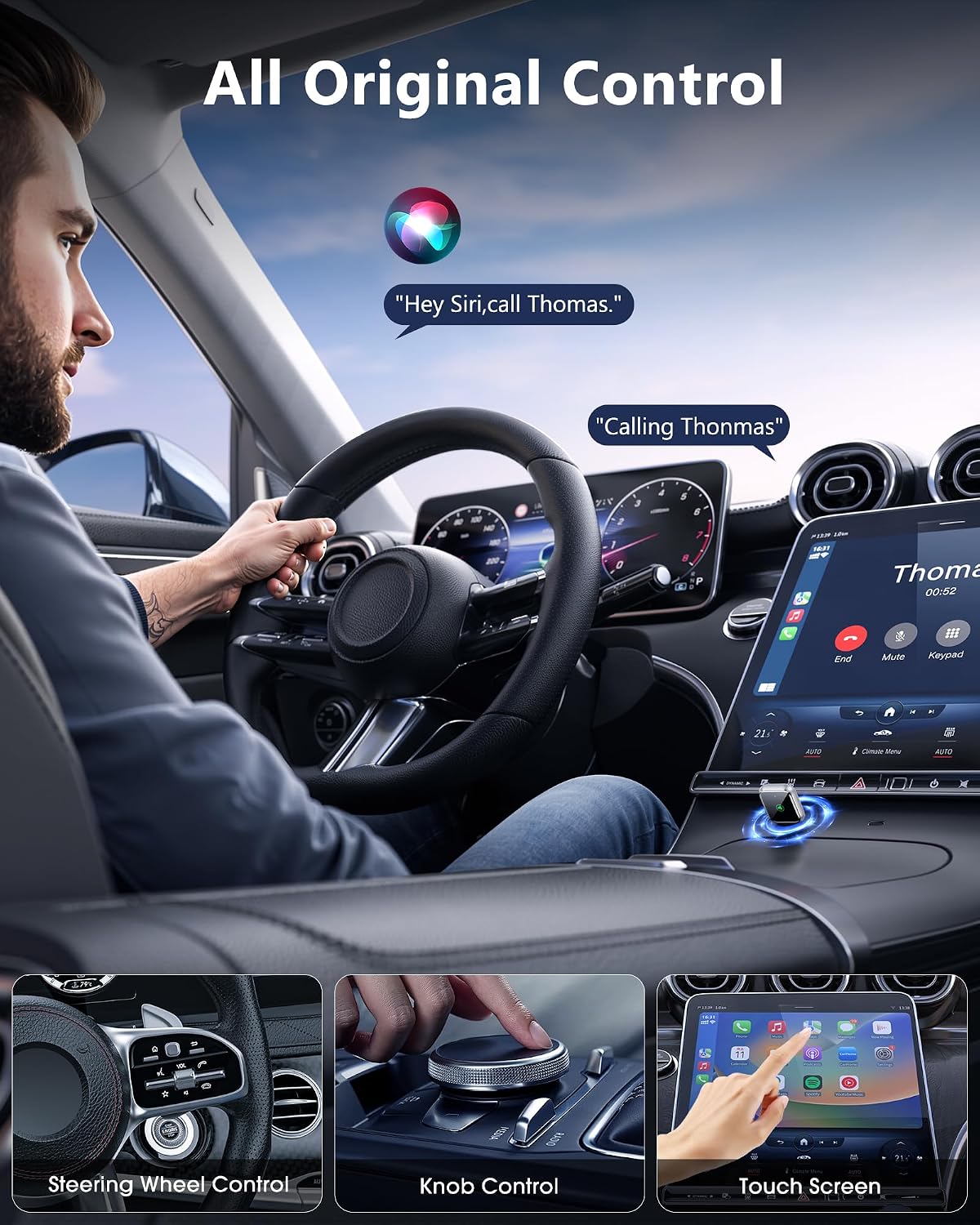
On a typical weekday commute, you plug the dongle into the car’s USB port, start the engine, and your iPhone connects automatically. You press play in Apple Music, take a hands‑free call without wrestling with cables, and use Siri for quick navigation prompts without reaching for the phone.
FAQ
– Will it work with any car? It’s designed for 95% of factory CarPlay systems from 2016+, including popular makes, but there are exceptions depending on the exact vehicle hardware and iPhone integration. – Do I need to reinstall anything if I upgrade my iPhone or iOS? The setup is described as one‑time pairing, future changes to iOS may require re‑pairing in rare cases. – Is this noisy or slow in city traffic? The aim is a lag‑free connection via a 5GHz WiFi chip, but real‑world performance can vary with interference or USB power quality.
Is it worth it?
Worth considering if you value a clean cabin and want wireless CarPlay without reconfiguring your system, depends on how important flawless, always‑on responsiveness is to you.