

LENTION USB-C Hub Multiport Adapter (100W PD, 4K HDMI, USB 3.0 + 3× USB 2.0) for MacBook, Chromebook & iPhone
Reviews
Price
Product description
The essentials
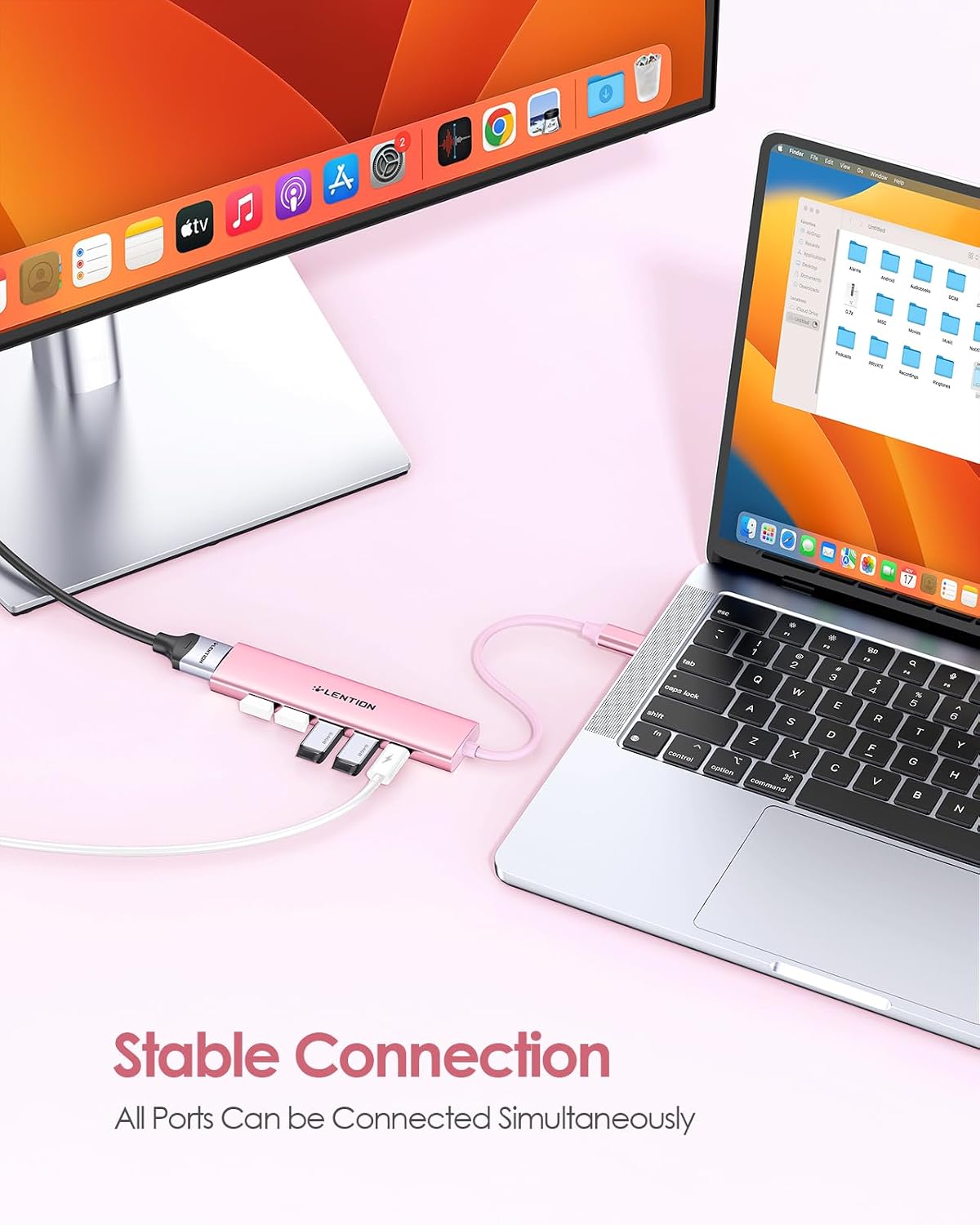
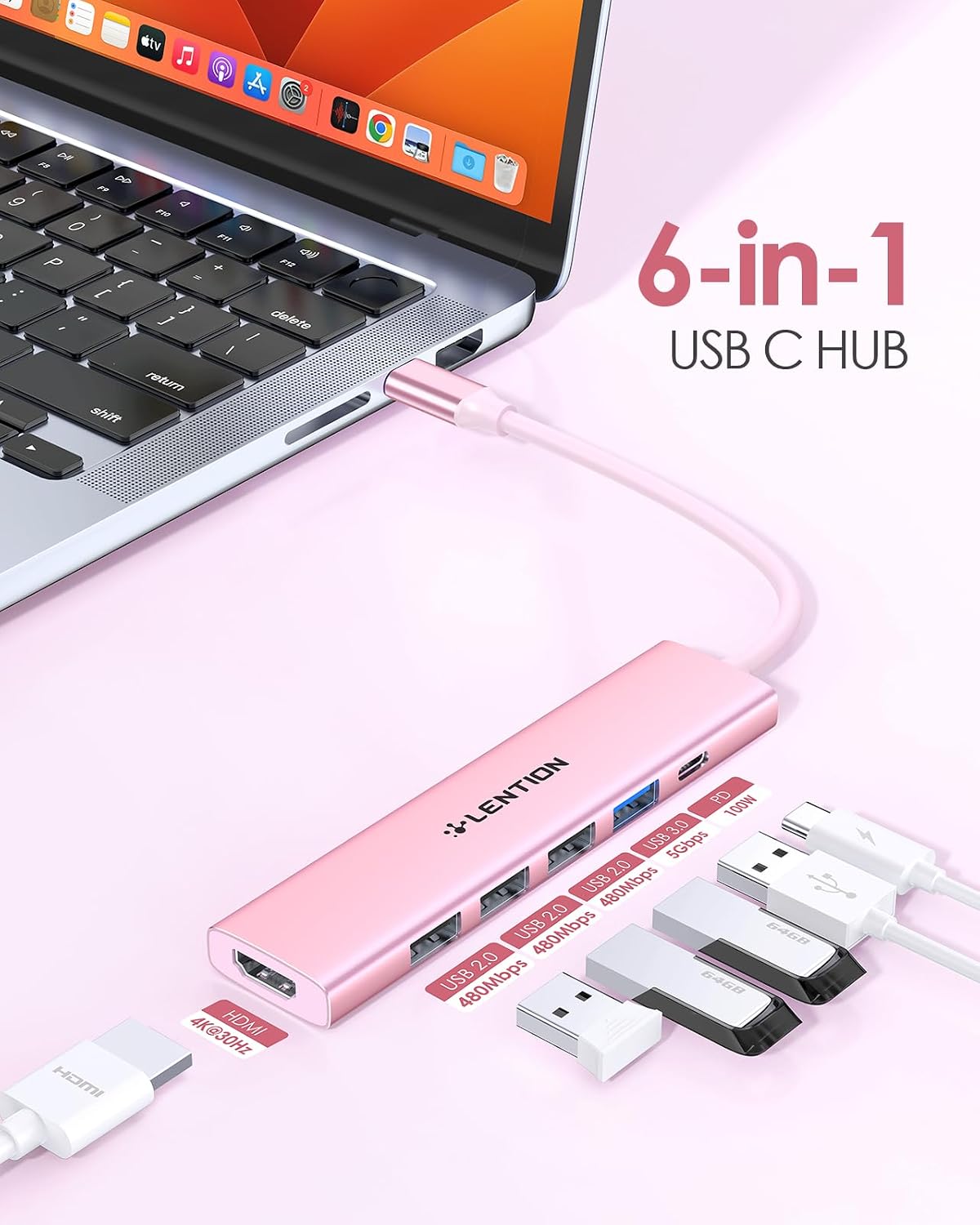
If your laptop or tablet has only a couple of USB-C ports and you keep running out of space, a USB-C hub is often the most painless fix. The LENTION USB-C Hub Multiport Adapter is built around a 6-in-1 layout: one USB-C port for charging (up to 100W power delivery), one HDMI output for video up to 4K (at 30Hz), and multiple USB ports for peripherals. The key point is that the manufacturer positions it for “all ports can work simultaneously”, which is exactly what you want for a tidy desk setup rather than a constant plug/unplug routine.
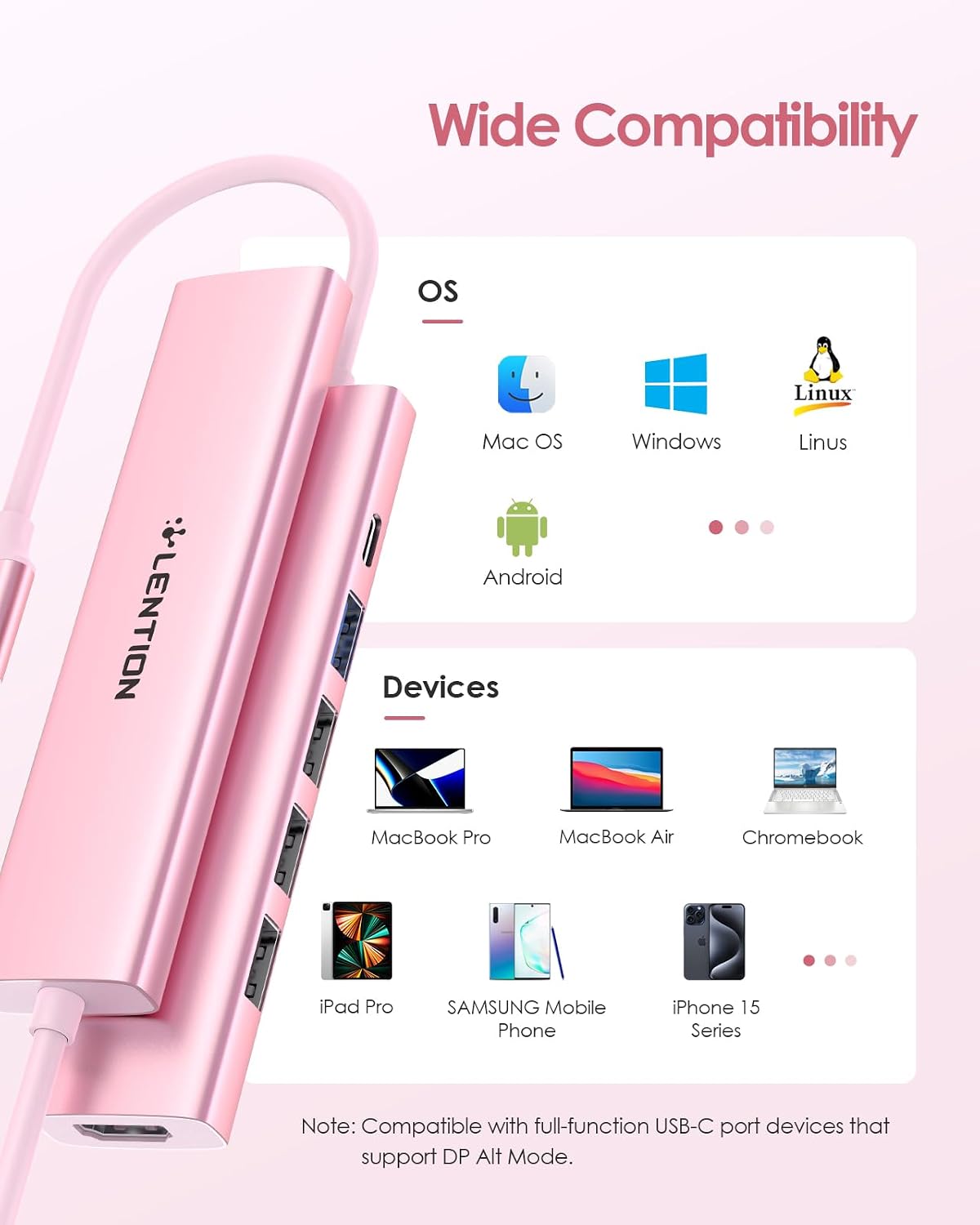
On paper, it’s aimed at people using USB-C devices across home and work—MacBook Air/Pro (M1–M5 era listed in the name), Chromebooks, and even newer iPhone models (not every phone behaves the same, so keep an eye on your specific device’s charging/video behaviour). The “Stable Driver 3.0 Certified” angle is also worth noting: it’s designed to reduce interference and help with consistent operation under normal temperatures.
What you can plug in (and use at the same time)
This hub gives you access to:
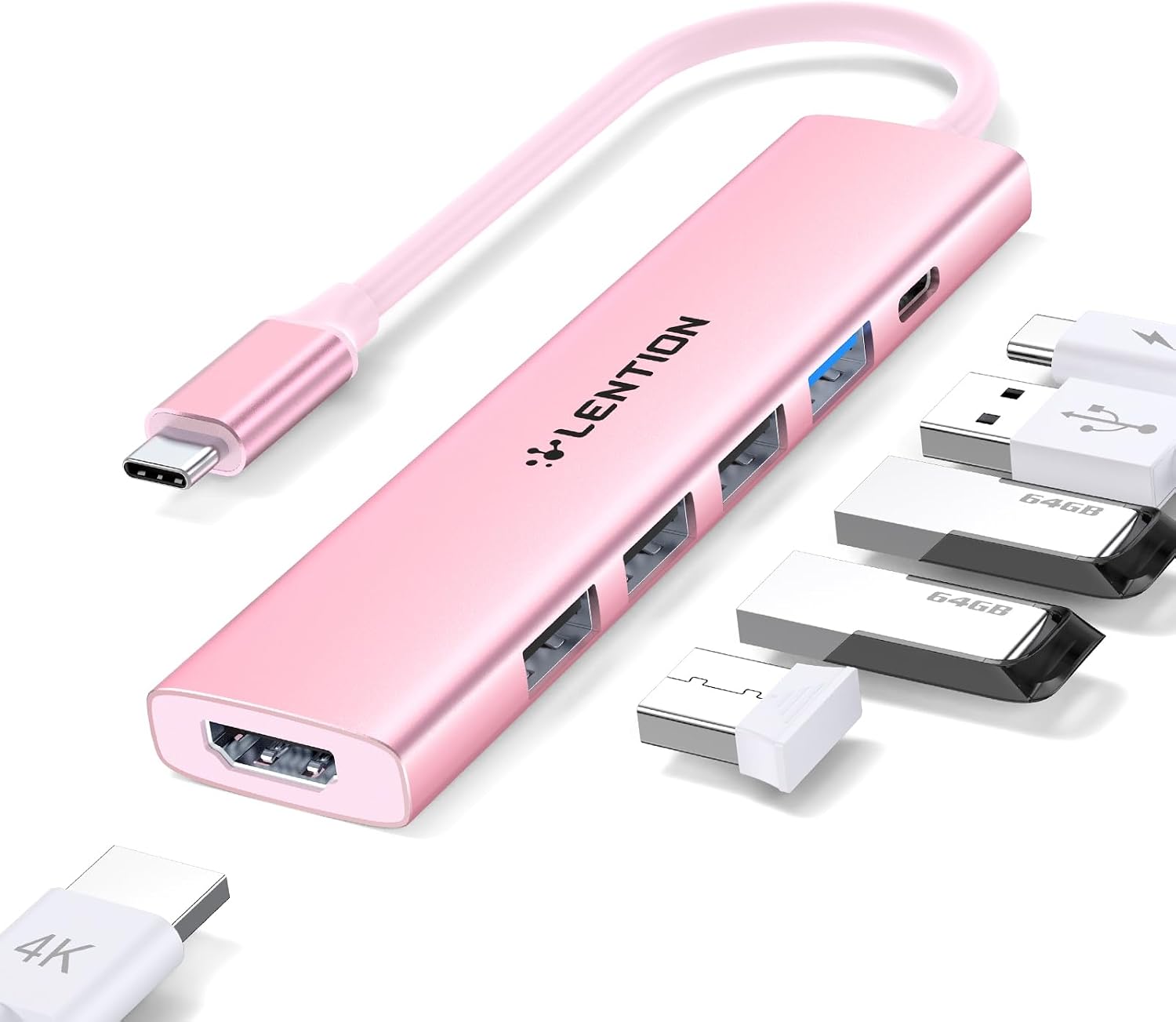
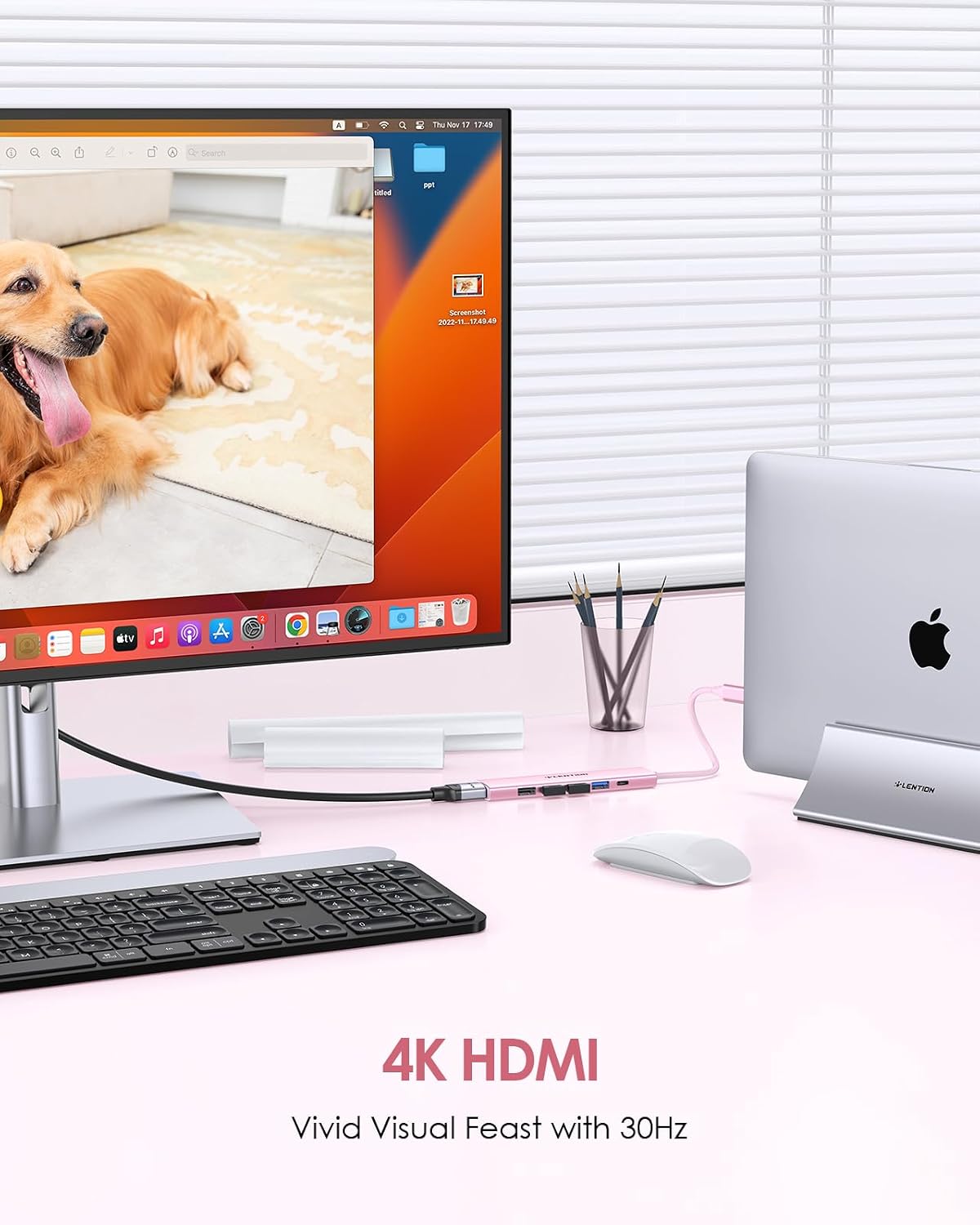
- One HDMI port for connecting to an HDTV, monitor or projector, with support stated up to 3840×2160 at 30Hz.
- One USB 3.0 port.
- Three USB 2.0 ports.
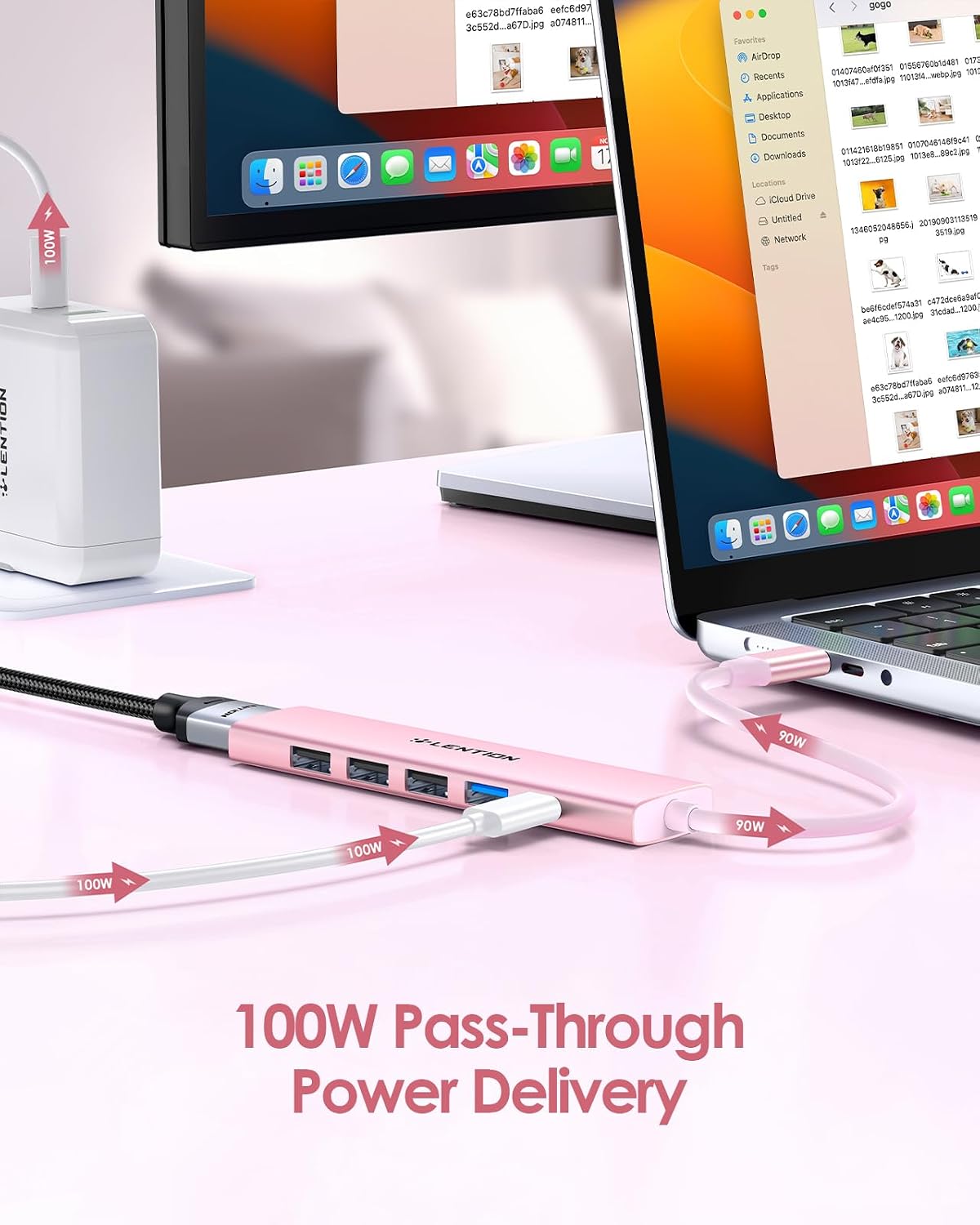
- One USB-C charging port with power delivery pass-through (up to 100W) so your host can keep charging.
That mix makes it practical for everyday add-ons: you could run a mouse and keyboard on USB 2.0, plug in a USB flash drive or other storage device, and still have room for something like a webcam on the USB 3.0 port (as long as your device supports it). It’s not pitched as a “high-speed storage” docking solution for professional transfers, though—the USB 2.0 ports are there for typical peripherals rather than heavy throughput.
A simple micro-scenario: at home, connect the hub to your laptop, run HDMI to a TV for a presentation-style screen mirror, and keep a USB keyboard and mouse attached so you’re not juggling cables while you switch between work and family viewing.
HDMI display support: good for meetings and movies, with one catch
The included HDMI output is designed for mirroring or extending your display over USB-C, with support for 4K at 30Hz and also lower resolutions up to 60Hz (the name mentions 2560×1600 at 60Hz and lower). For most work presentations, casual movie watching, and general screen sharing, 4K at 30Hz is often acceptable—especially when your priority is convenience rather than buttery motion.
Worth noting: if you’re expecting the smoothest possible high-refresh gaming feel on an external monitor, the stated 4K@30Hz and the general positioning of a hub (not a dedicated graphics dock) can leave you wanting more. It’s more “show your screen and get on with it” than “optimised for fast frame-rate displays”.
100W Power Delivery pass-through (what it’s meant to solve)
One of the more useful features here is the 100W USB-C PD pass-through. The idea is that the hub can power your host device (so you don’t have to keep the laptop charger plugged directly into the laptop), and it can also provide extra power to peripherals connected to the USB ports, all simultaneously.
In everyday terms, this matters if you tend to charge while working and you want fewer cables on your desk. That said, power delivery behaviour can depend a lot on your specific device and charger setup, the safest approach is to check your laptop/phone’s charging requirements and whether it negotiates up to what you need through the hub.
USB ports: enough for peripherals, but not a storage-heavy dock
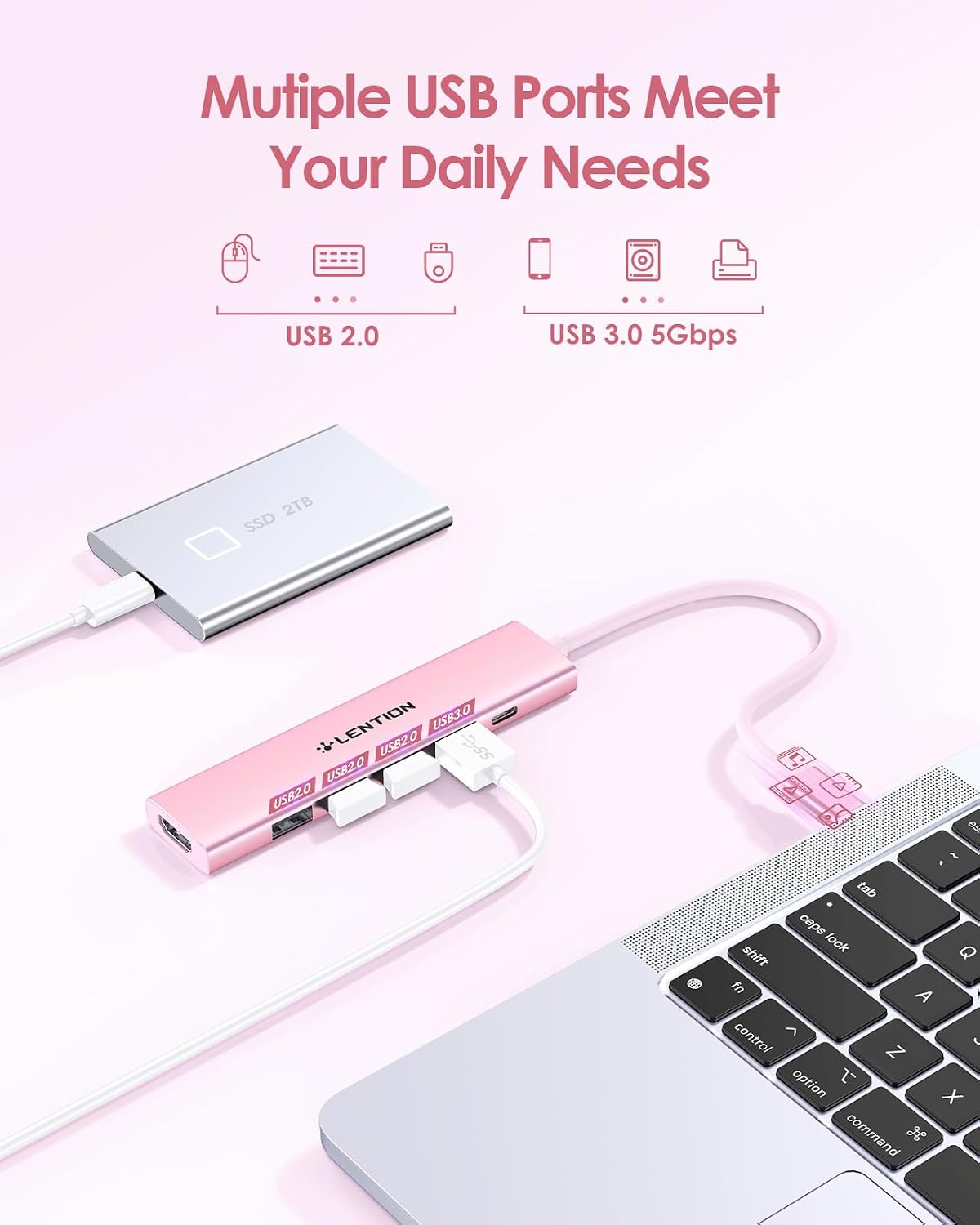
You get one USB 3.0 and three USB 2.0 ports. This is a sensible layout for “desk clutter” use cases—keyboard, mouse, storage, and other low-to-mid bandwidth accessories. It also lines up with the hub’s stated note that it supports connecting items like a wireless keyboard/mouse and USB flash drives or hard disks.
However, the description explicitly says it does not support a superdrive. So if you were hoping to connect an optical disc drive, it’s likely a no-go with this particular hub.
Stable Driver 3.0 certified: helpful, though not a magic shield
LENTION mentions a “Stable Driver 3.0” standard with three focus areas: non-interference between connected peripherals, sufficient power supply, and normal temperature operation to help avoid overheating. This is a reassuring promise, especially for multi-device setups where USB devices can sometimes behave unpredictably.
Still, it’s not something you should treat as a guarantee for every scenario. Your results will depend on your host device, what peripherals you attach, and how demanding the connected devices are. If you plug in a lot of power-hungry accessories at once, any hub design can get tested.
What matters most before you buy
Before you commit, it helps to sanity-check a few practical points:
- Confirm your host device supports video output over USB-C through a hub. Some devices are more straightforward than others.
- Match your expectations to the HDMI spec: 4K is listed as 30Hz.
- If charging at higher wattage is important for you, double-check your device’s charging needs and whether the hub’s 100W pass-through is appropriate for your setup.
- If you need an optical drive, remember the hub is stated not to support superdrive use.
If you’re comparing approaches, this kind of hub is usually the middle-ground between “simple charging adapters” (fewer ports) and “more expensive docking stations” (often more complex, sometimes better for certain display or performance needs). This one looks positioned as a convenient multiport desk companion rather than a pro-level dock.
Who it suits (and who should skip it)
It suits you if you want one compact USB-C hub to cover charging, an HDMI monitor/TV connection, and a handful of USB peripherals—especially for typical home office and day-to-day media use.
It may not suit you if you need: - very high-refresh external display performance, - support for an optical superdrive, - or you’re trying to build a highly specialised setup where you know your device requirements are strict.
Mini FAQ
Will all the ports work at the same time?
The description states that all ports can work simultaneously, which is the main reason to choose a hub like this over repeatedly swapping cables.
What HDMI resolution and refresh rate does it support?
The hub is specified for 3840×2160 (4K) at 30Hz, and it also supports 2560×1600 and lower resolutions up to 60Hz.
Does it include USB 3.0?
Yes—there is one USB 3.0 port, plus three USB 2.0 ports.
Does it support optical disc drives?
No. The description says it does not support superdrive.
Is 100W charging enough for my laptop?
It’s described as up to 100W power delivery pass-through, but charging behaviour depends on your specific host device and charger negotiation—so it’s sensible to verify your device’s charging requirements.
Final verdict
A LENTION USB-C hub like this makes sense if your priority is one-cable convenience: charging through the hub, HDMI to a TV/monitor, and enough USB connectivity for the usual keyboard/mouse and storage accessories. Where it can fall short is if you expect high-refresh 4K output or optical drive support—based on the stated HDMI and superdrive limitations, it’s not designed for those needs. If your setup matches the typical “work + display + peripherals” pattern, it’s the kind of multiport adapter that tends to earn its keep day after day.