

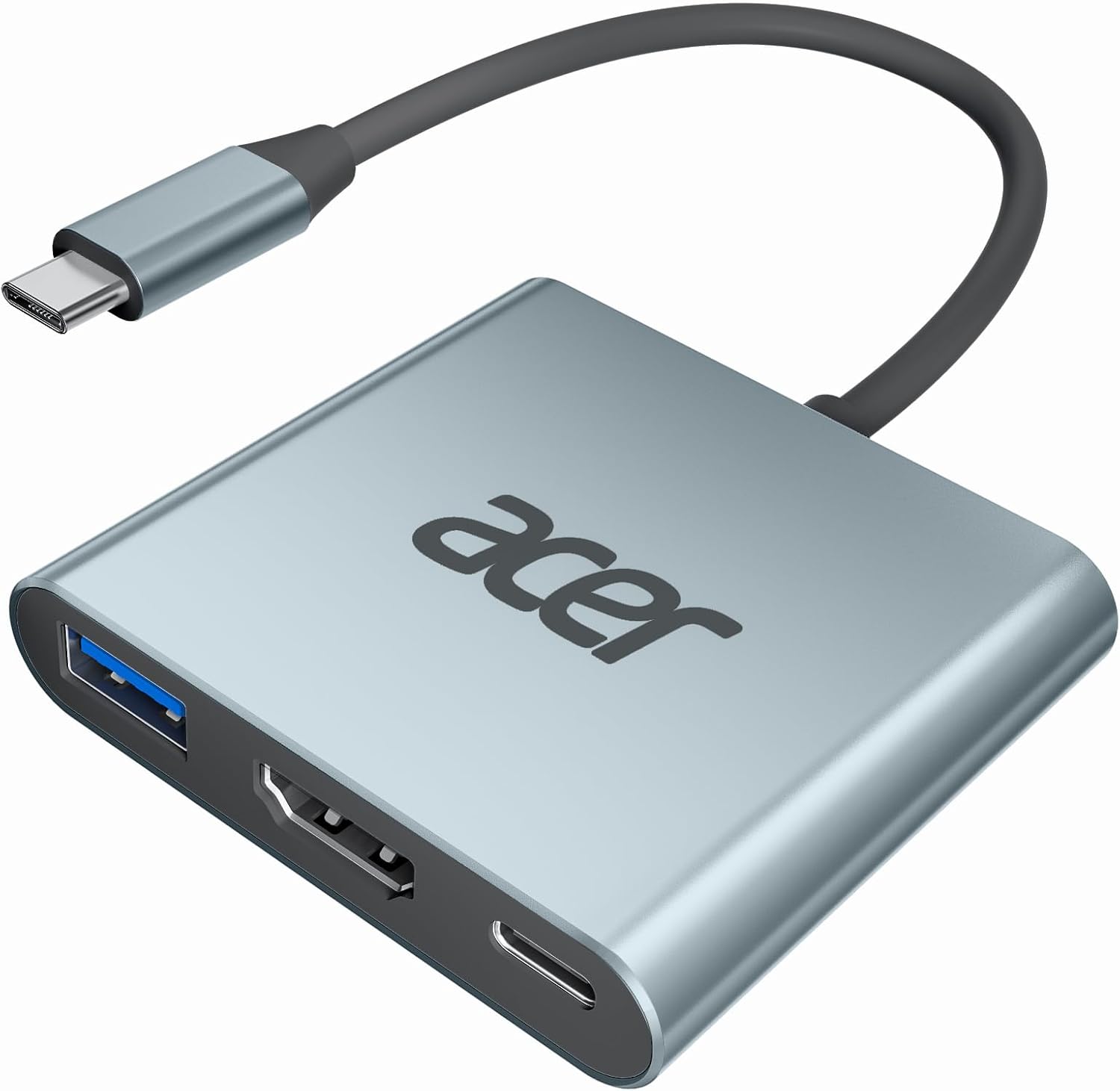
Acer USB C Hub (3-in-1) – Type-C to HDMI adapter with 4K HDMI, 5Gbps USB 3.0 and up to 100W PD charging (Grey)
Product description
The essentials (what it is and what it solves)
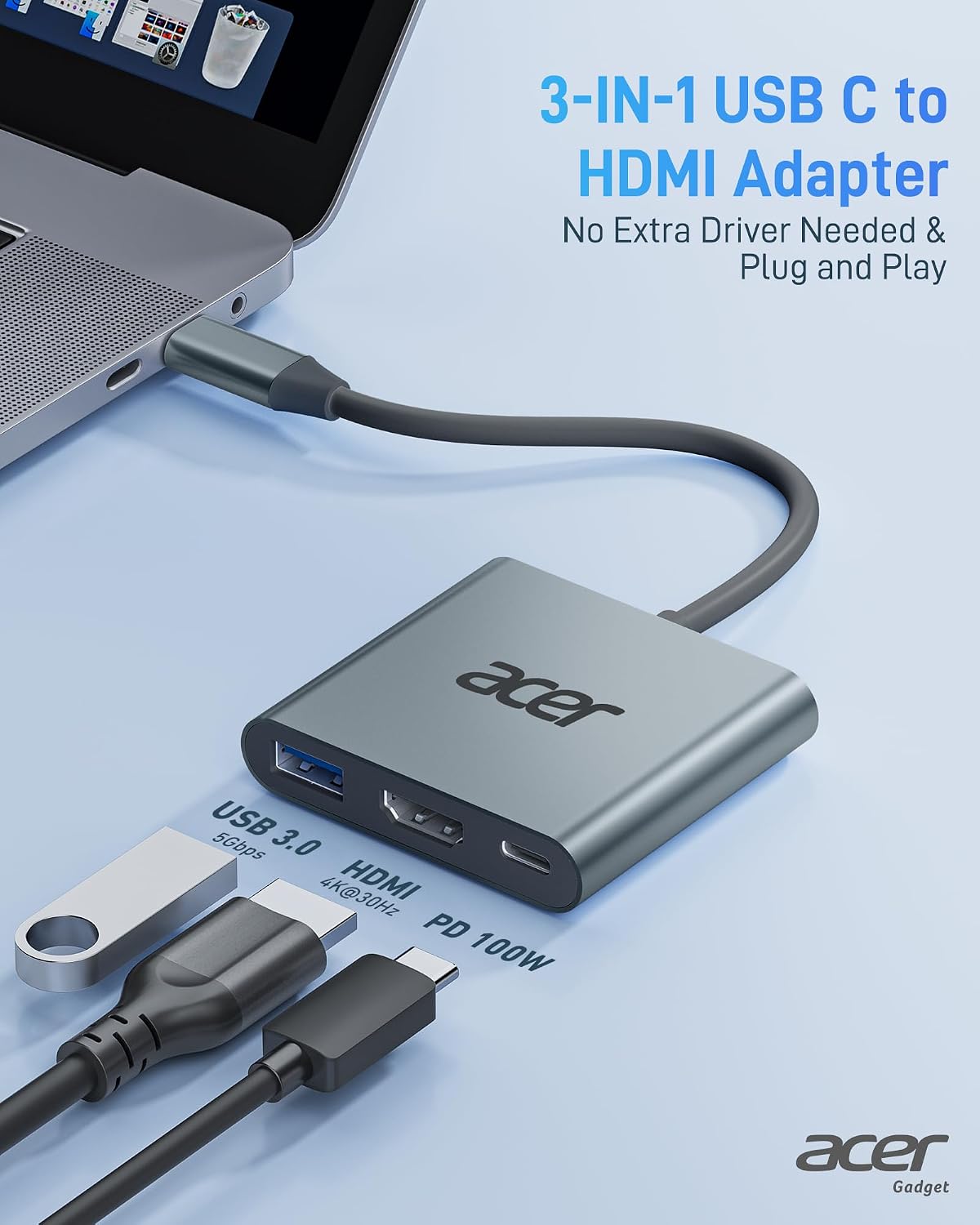
An Acer USB C Hub is the kind of small desk helper that turns one USB-C port into a practical mix of outputs for a bigger screen, plus everyday file transfer. On paper, this one is a 3-in-1 Type-C adapter that brings: - HDMI video output up to 4K@30Hz - USB-A ports for USB 3.0 data transfer (up to 5Gbps) - A Type-C PD charging port rated up to 100W (and it’s positioned as a charging-focused port)
If you’ve ever been stuck choosing between “charging my laptop” and “plugging in a display”, this design is aiming straight at that pain point. It’s also the sort of hub you’d typically consider when you want to expand a laptop, tablet, or compatible phone setup without going fully dock-like.
Key features that you’ll actually use
The big functional split here is: HDMI for visuals, USB-A for peripherals/files, and a dedicated PD port for charging.
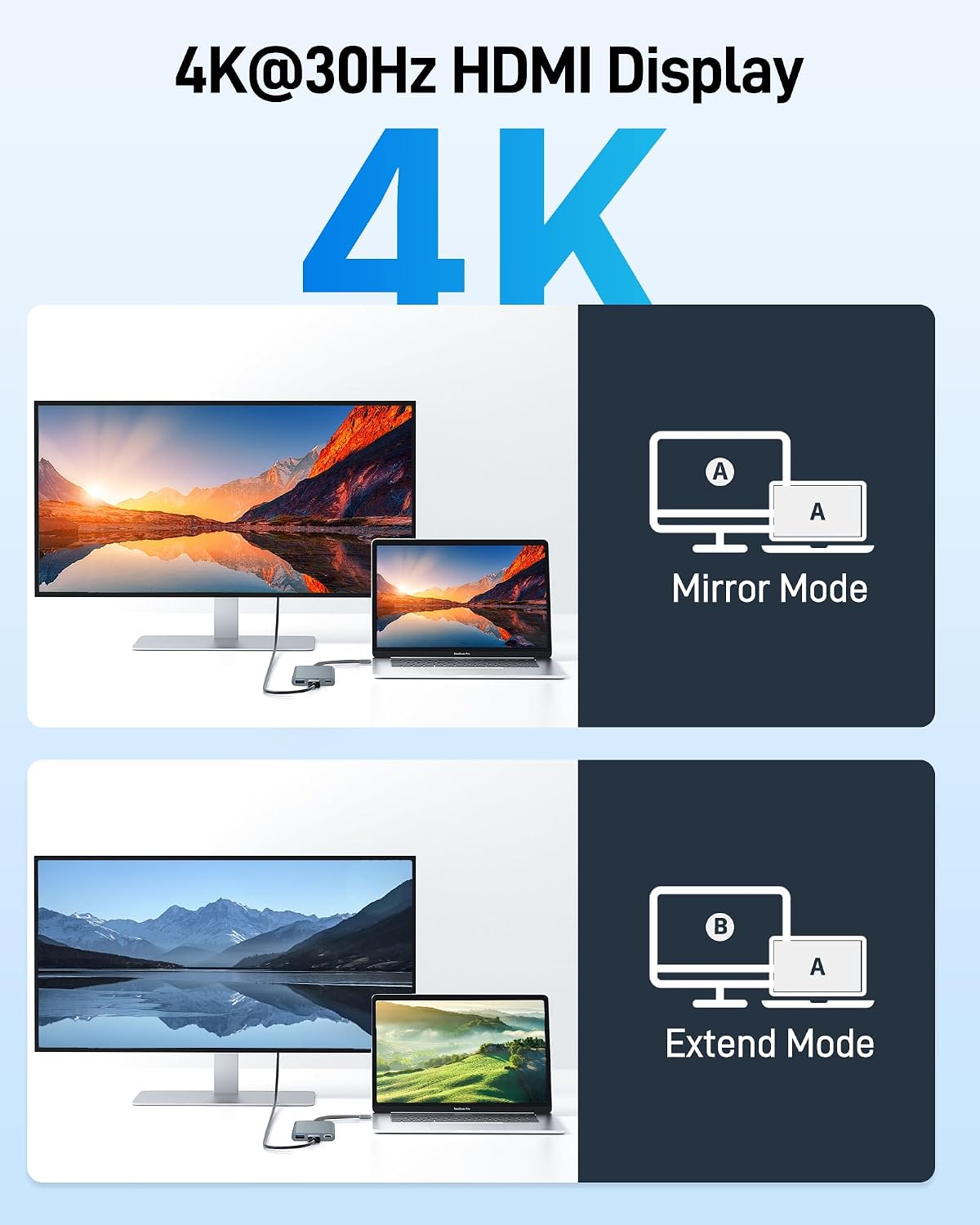
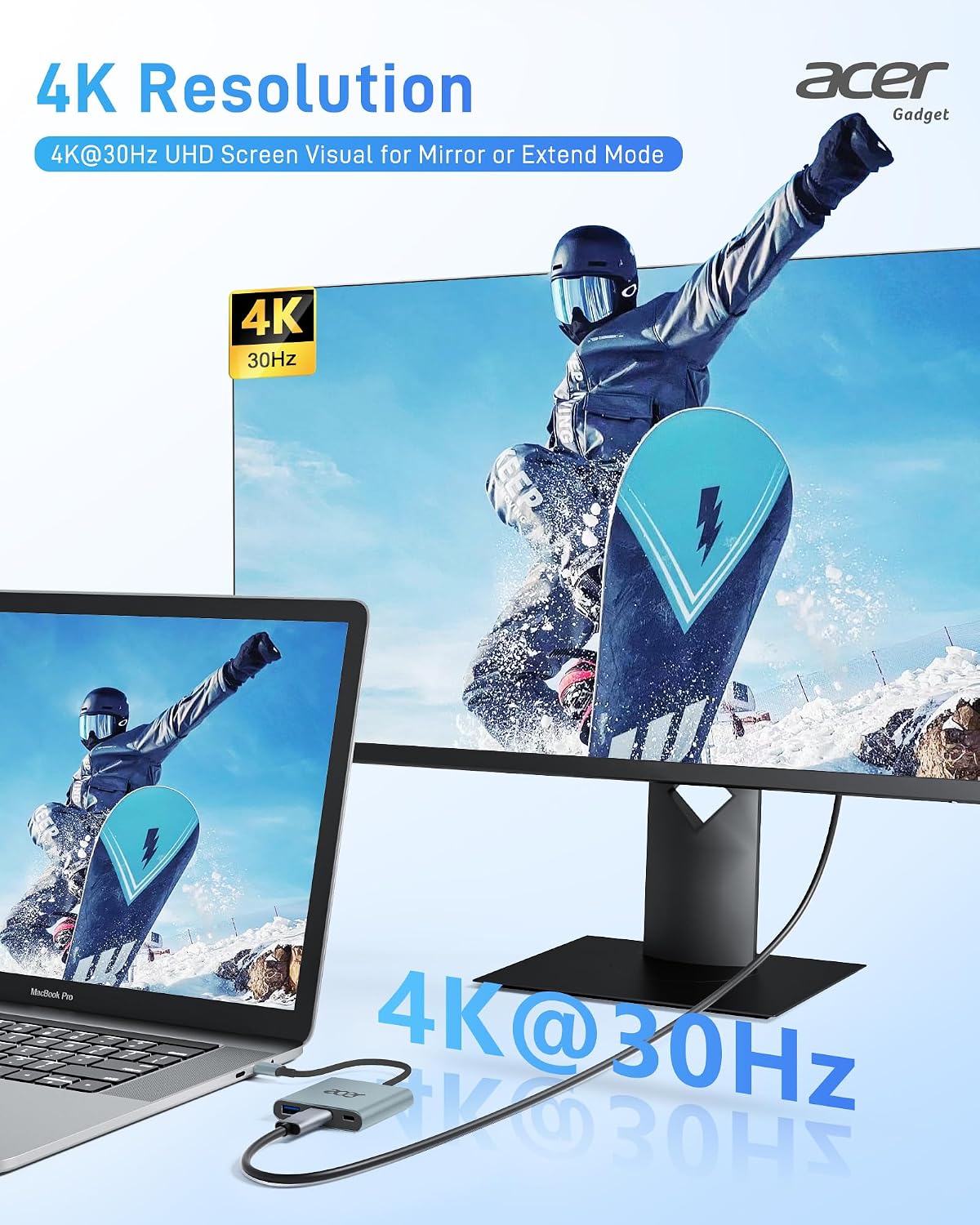
For video, the adapter supports 4K HDMI output at 30Hz. That’s typically enough for watching content, showing slides, and general productivity on an external monitor/TV—though you should treat it as a “30Hz max” scenario rather than something built for buttery smooth high-refresh gaming.
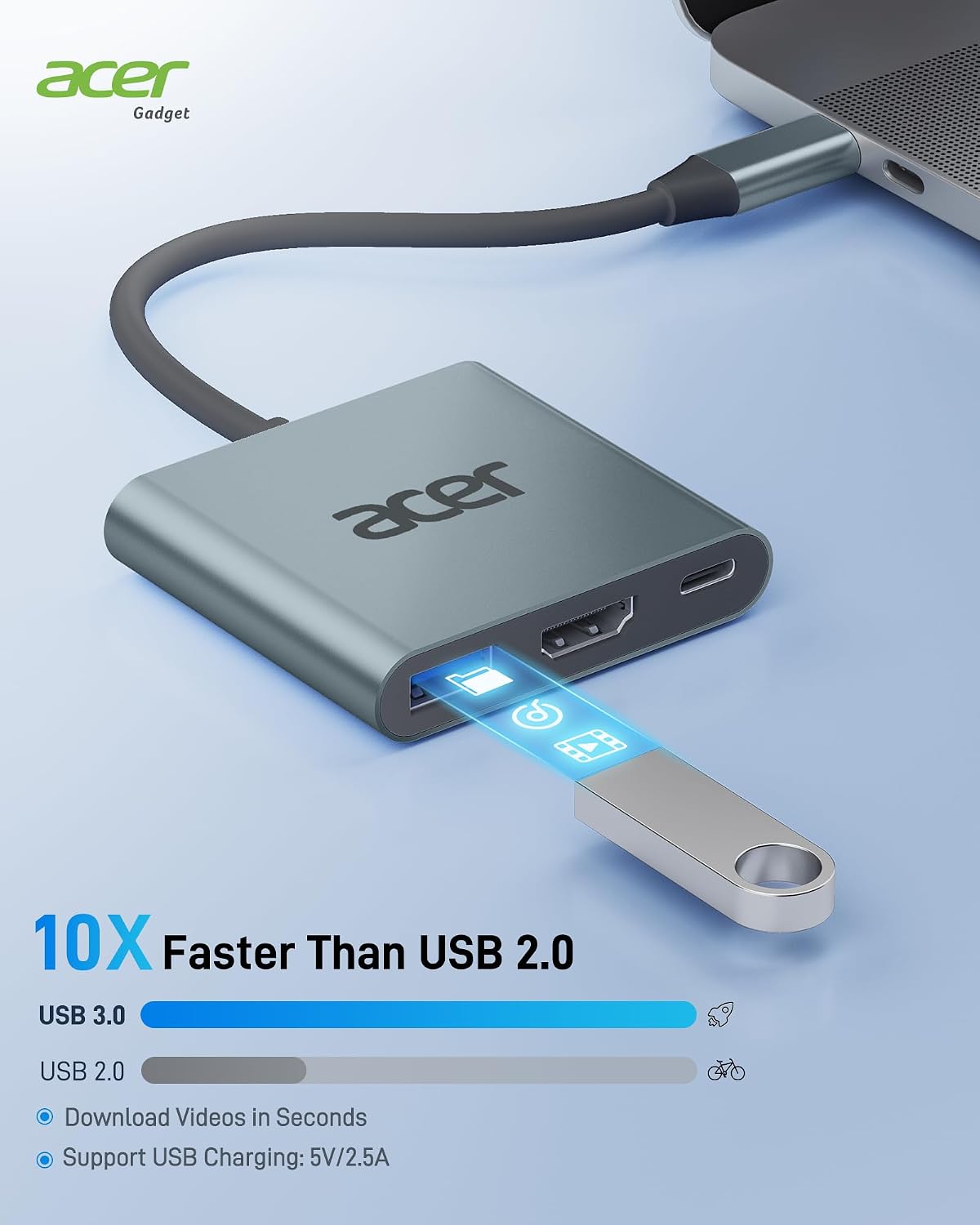
On the data side, the USB 3.0 USB-A ports are rated up to 5Gbps. In practical terms, that means it’s not a slow “emergency” transfer—more like a sensible bridge for moving documents, photos, or exporting files when you’re between a laptop and a USB drive.
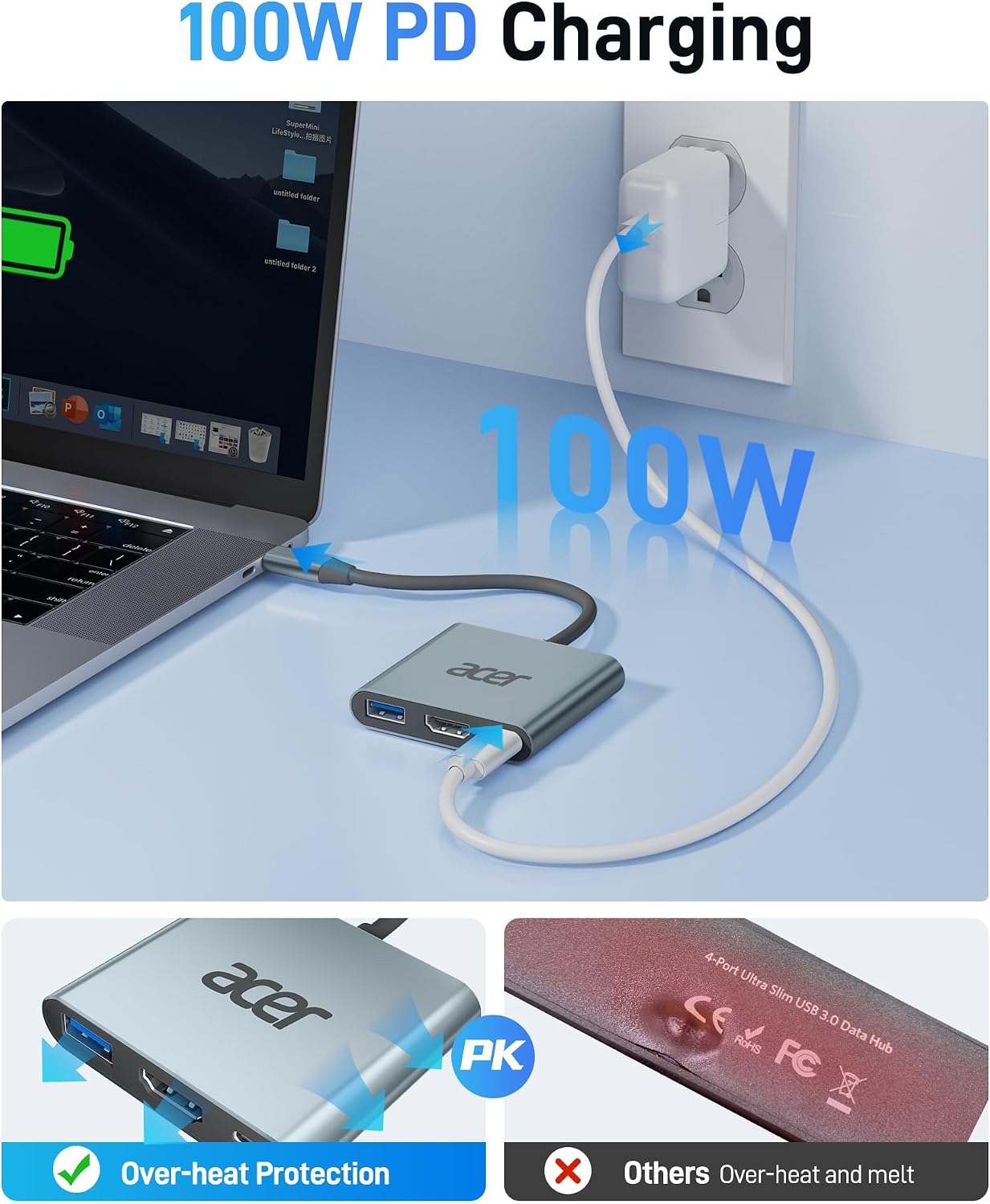
And the charging port is a standout detail: up to 100W PD, described as dedicated to charging and not used for data transfer. That separation can be useful because it reduces the guesswork around whether you’re “sharing bandwidth” between video, data, and power.
What stands out in day-to-day use
A micro-scenario: you’re working at a desk with your laptop, and you want one cable that does three jobs.
You plug the hub into your USB-C port, connect HDMI to your monitor, plug a USB drive into a USB-A port, and use the hub’s Type-C PD charging to keep the device powered. The point is less about flashy performance and more about convenience—having fewer cables and fewer “which port do I lose?” compromises.
Another sensible angle is the housing. It’s made with an aluminium design intended to help with durability and heat dissipation. That won’t magically make it indestructible, but hubs often run warm in use, so the material choice is a small practical plus.
Where it may fall short (worth noting)
This is one of those products that looks great for common office and media tasks, but it’s not the best match if you’re chasing specific high-end behaviours.
- The HDMI output tops out at 4K@30Hz. If your priority is very smooth motion (for example, certain high-refresh gaming workflows), this may feel limiting.
- The PD charging is up to 100W, but the real-world charging experience depends on whether your device supports PD fast charging and how it handles power delivery through a hub. It’s a “should work well if compatible” situation rather than a guarantee for every device.
Also, bear in mind that the Type-C PD port is described as dedicated solely to charging. That’s helpful for clarity, but it also means you shouldn’t expect this hub to turn that charging port into a general-purpose data connection.
Who it suits (and who should be cautious)
It makes sense if you’re using a USB-C laptop or tablet and want a straightforward upgrade: HDMI display support, plus USB-A data for everyday accessories.
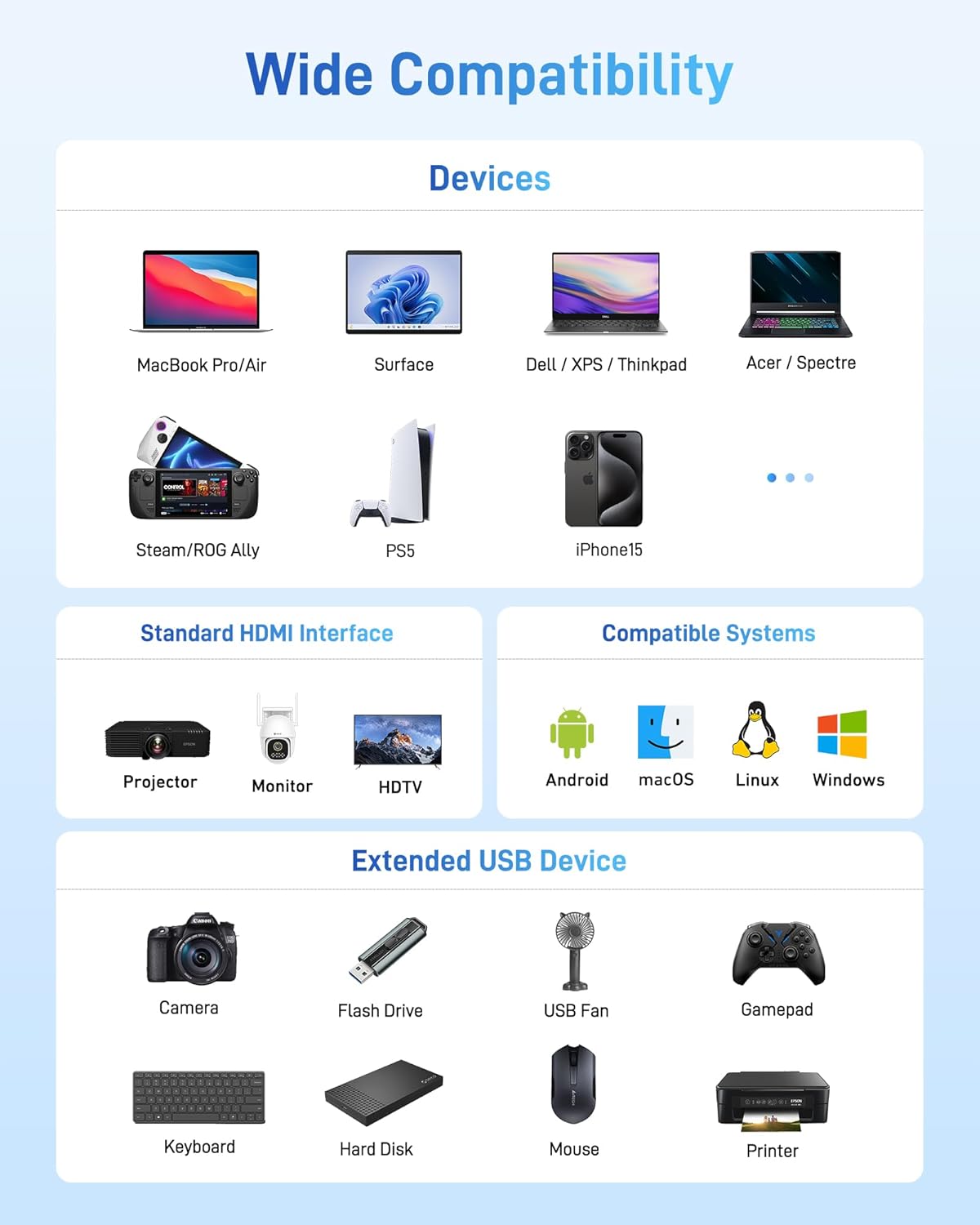
The compatibility notes in the description are broad, mentioning use with devices such as MacBook Pro, MacBook Air, Acer, XPS laptops, and some tablets and smartphones, along with operating systems including Windows, ChromeOS, Linux, and Mac OS X 10.5 or higher (as stated). In other words, it’s designed to be a multi-device bridge, not a single-purpose gadget.
It may not be for you if: - you need HDMI at higher refresh rates than 30Hz - you’re expecting a more “dock-like” experience with lots of ports beyond what’s listed here - you’re buying without checking that your device’s USB-C port supports the kind of video output and PD charging you want
Tech specs (the bits to check before buying)
- HDMI support: 4K@30Hz
- USB data: USB 3.0 with transfer speeds up to 5Gbps
- Charging: Type-C PD charging up to 100W
- Charging port behaviour: dedicated solely to charging (no data transfer)
- Build: aluminium housing for durability and heat dissipation
If you’re looking for “plug it in and everything just works”, the safest approach is to double-check two things first: that your device supports USB-C video output for HDMI, and that your charging requirements align with PD fast charging.
Care & maintenance (simple, but helps)
Because this is an aluminium-housed adapter, it’s fairly low fuss: keep the ports free of dust, avoid yanking cables out at an angle, and store it somewhere dry if you carry it around. Not glamorous, but it’s exactly the kind of thing that keeps small adapters working reliably.
Should you buy it?
A solid pick if you want a compact Acer USB-C hub that covers the daily trio: HDMI for a second screen, USB-A for file transfer or peripherals, and PD charging up to 100W—without mixing charging and data on the same port.
Skip it if your main goal is high-refresh HDMI beyond 30Hz, or if you need a much more expansive dock setup. And if you’re unsure whether your specific laptop/tablet/phone supports the required USB-C features, it’s worth checking first—because compatibility is always the hinge point for this style of adapter.
Mini FAQ
Does the charging port also transfer data?
No. The Type-C PD port is described as dedicated solely to charging, so it’s not presented as a data connection.
What HDMI quality and refresh rate can I expect?
The adapter supports HDMI output at up to 4K@30Hz.
How fast is file transfer via the USB-A ports?
It’s rated up to 5Gbps through the USB 3.0 USB-A data ports.
Will it work with Mac and Windows laptops?
The description claims compatibility across operating systems including Windows, ChromeOS, Linux, and Mac OS X 10.5 or higher, but exact results will still depend on your device’s USB-C capabilities.