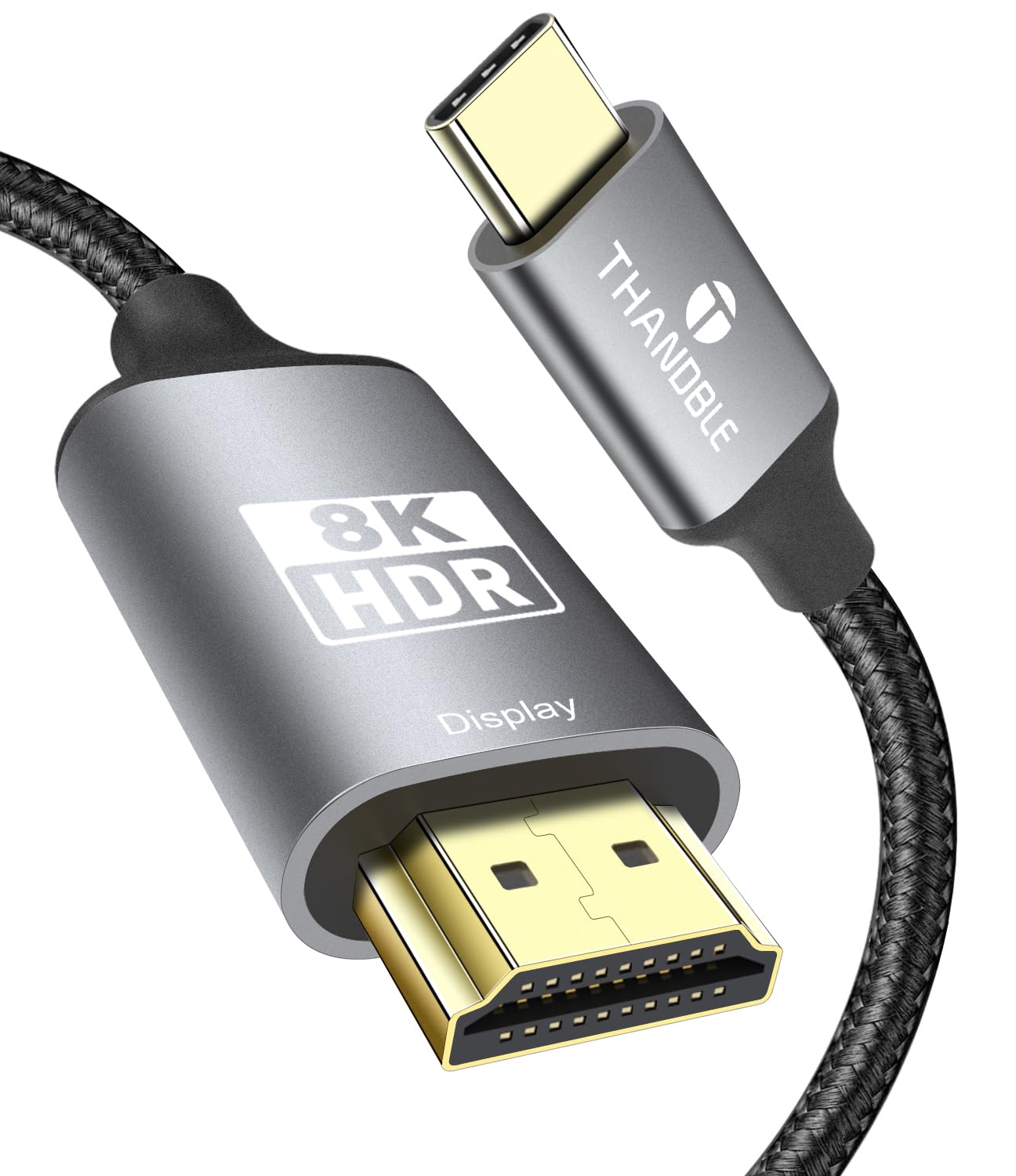
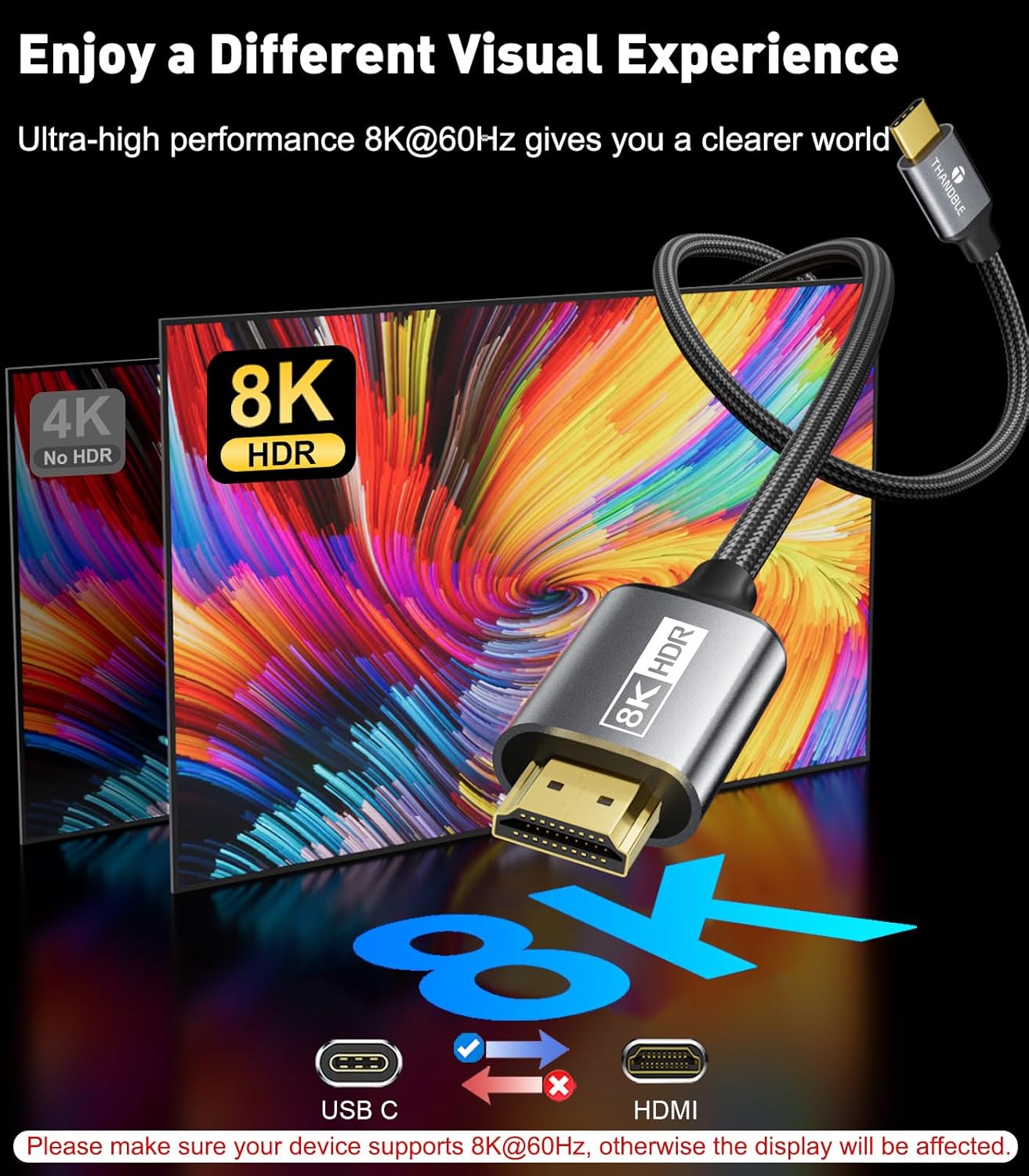
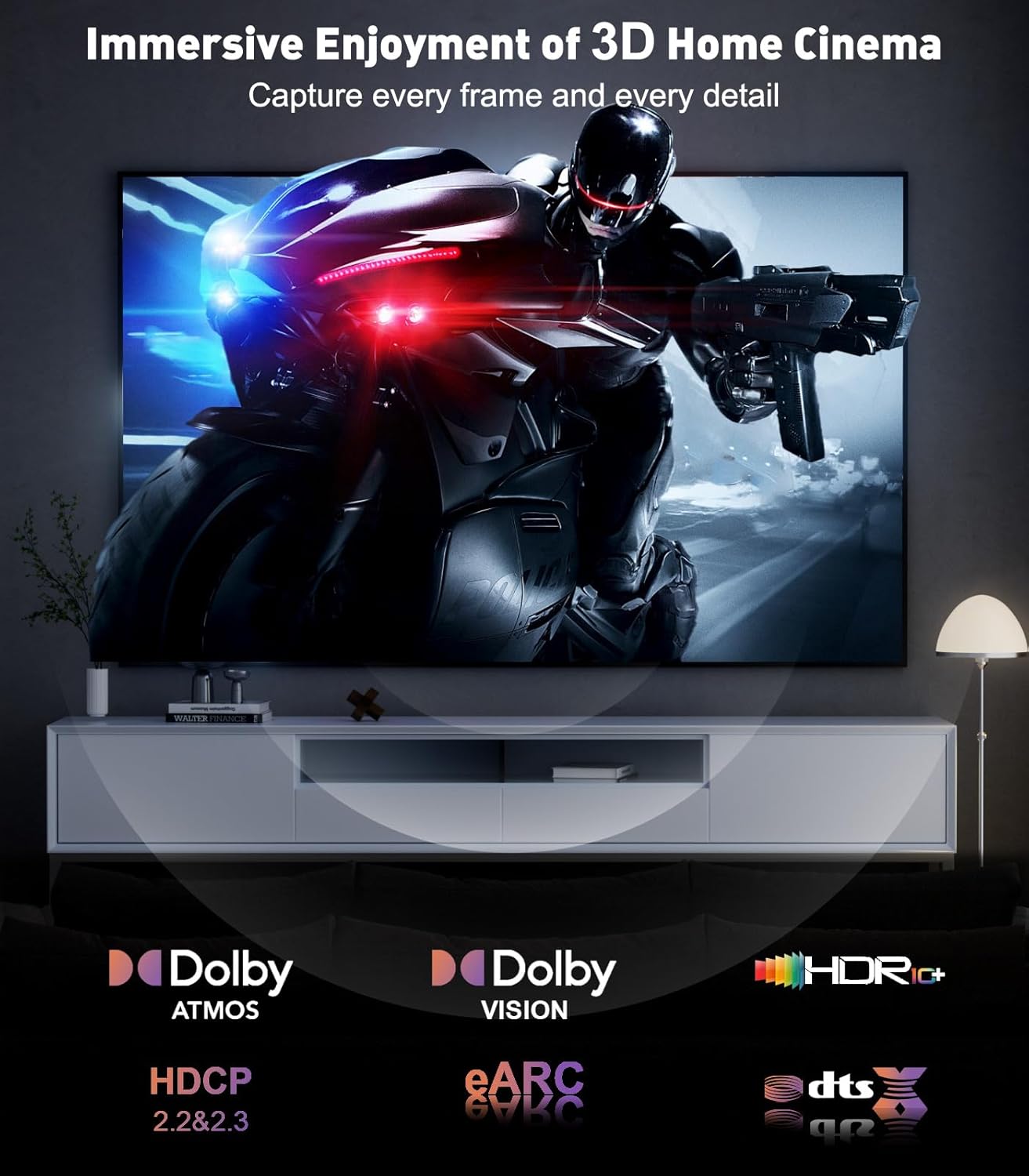
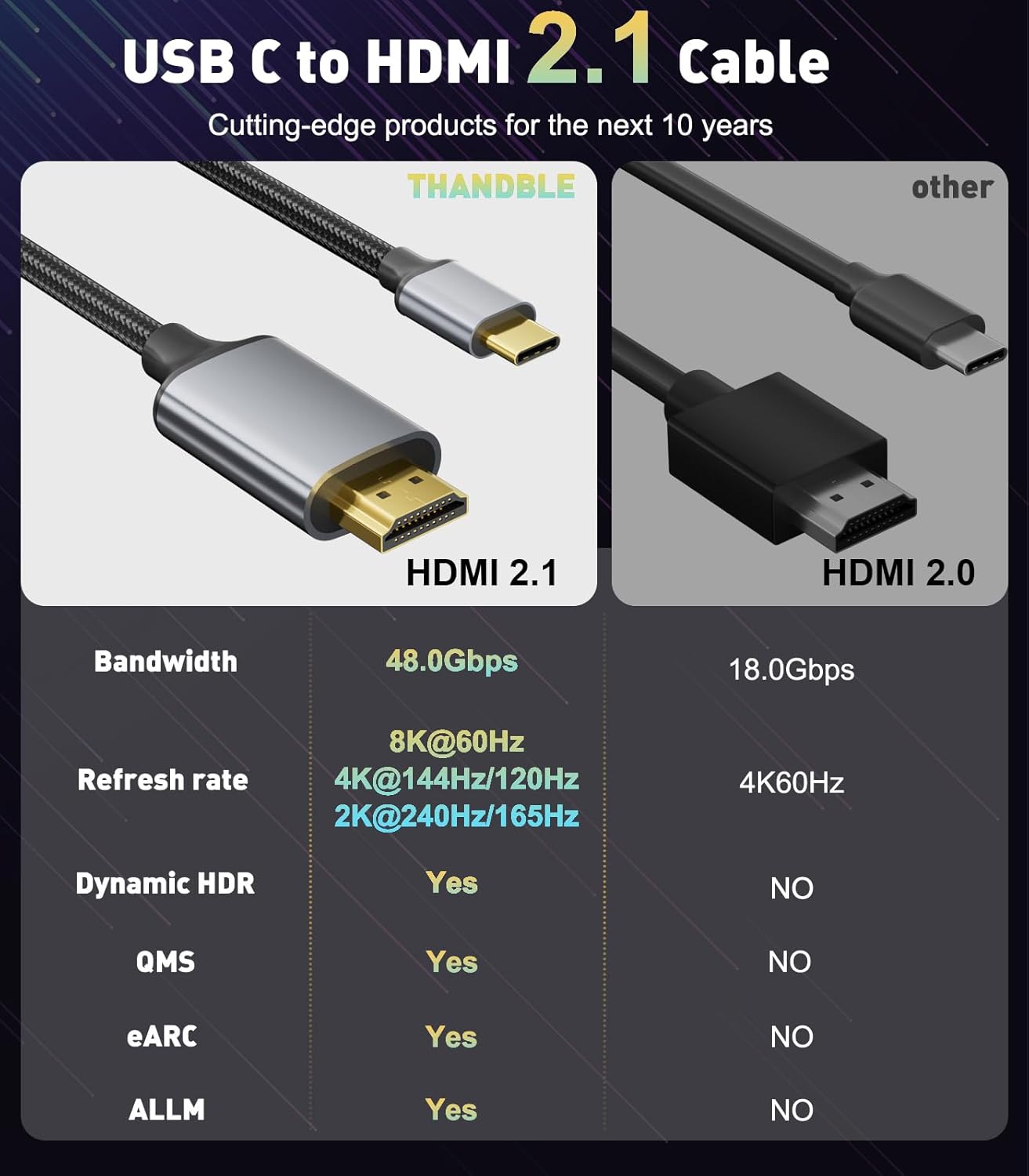
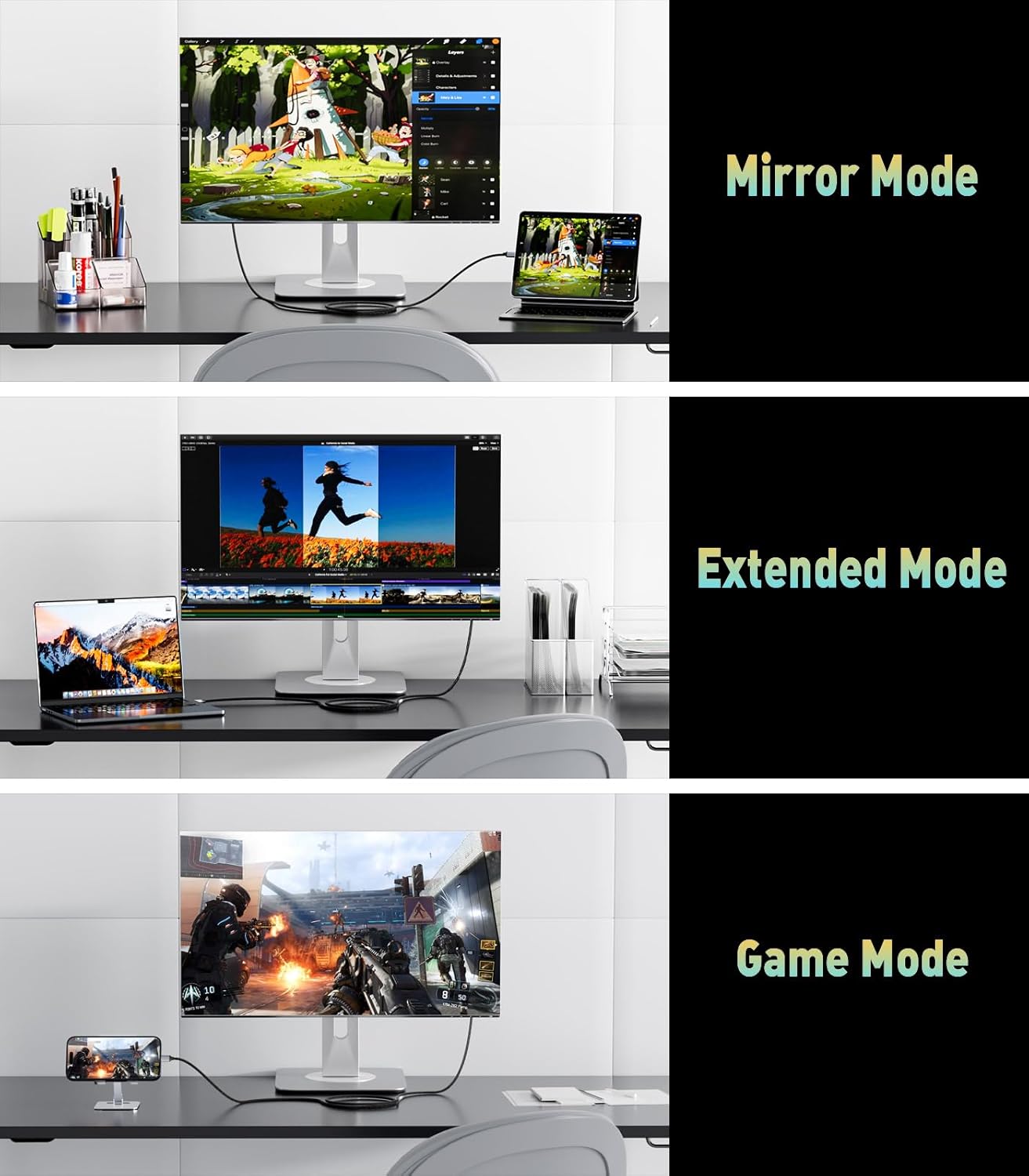
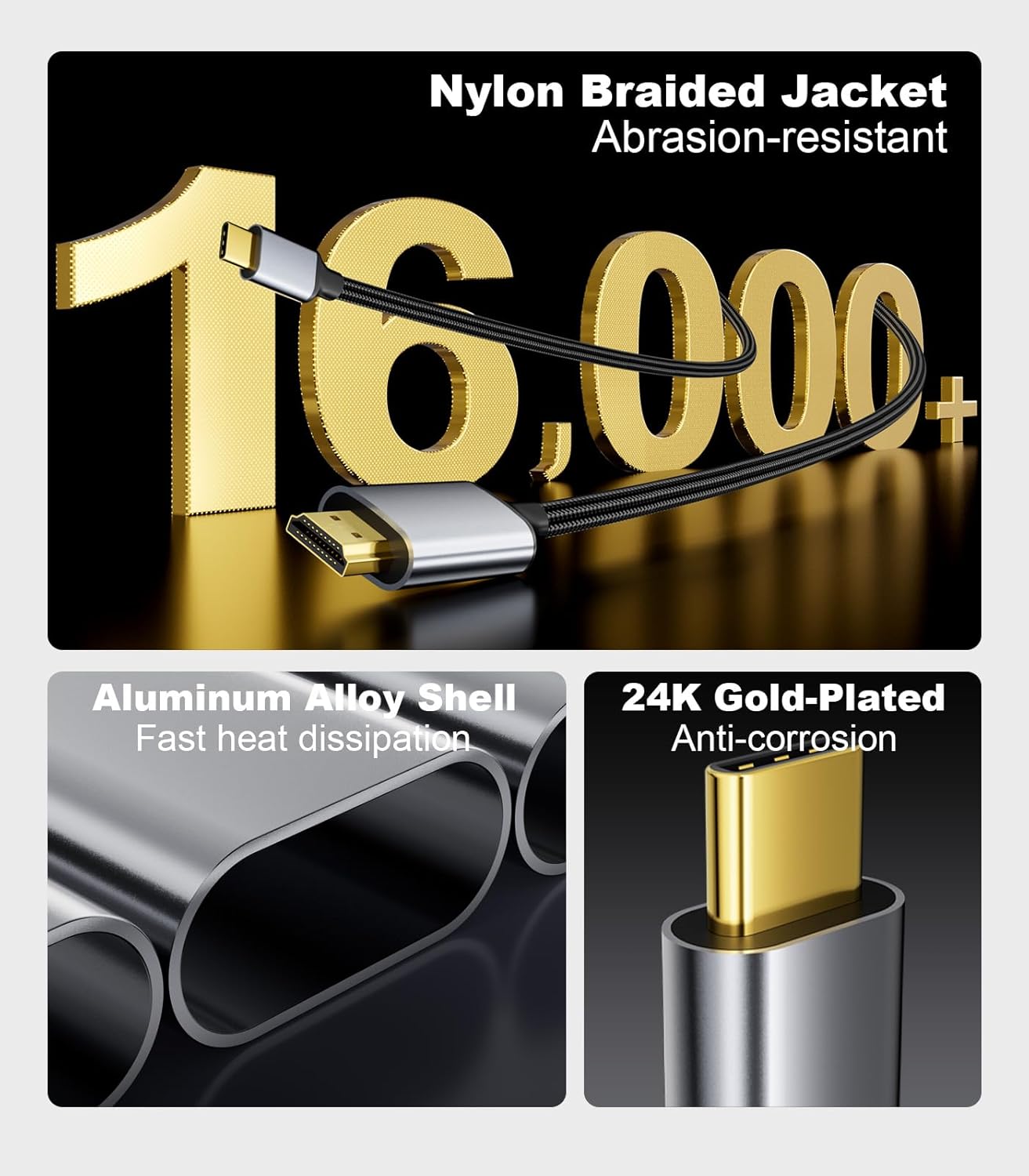
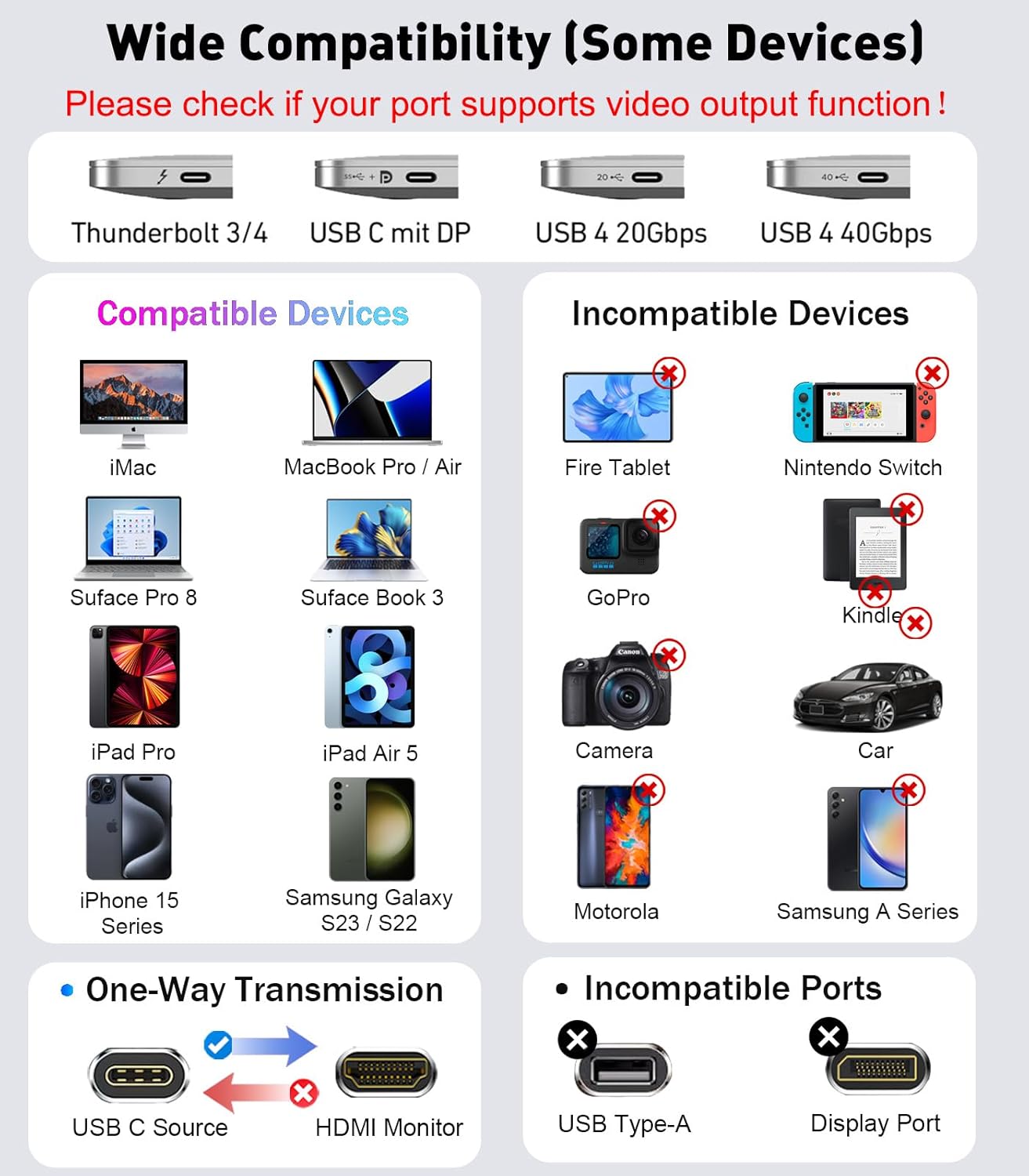
What this is and what it solves\nThe THANDBLE USB C to HDMI 2.1 Cable is a single-link solution for connecting USB-C devices to HDMI displays. It aims to unlock high-refresh and high-resolution output from laptops, tablets and phones that support DP Alt Mode or USB4/Thunderbolt connections. On paper, it supports up to 8K@60Hz and backward compatibility for 4K at 120Hz or 60Hz, plus features such as Dynamic HDR and HDCP 2.3. The practical takeaway is that you can mirror or extend a screen to a monitor or TV for activities like video streaming, gaming or presentations without needing a separate adapter for each scenario. It’s important to note that macOS itself may limit some devices to 4K 60Hz, even if the cable is capable of higher rates.\n\n## How it’s designed to perform\nWith a reported 48Gbps bandwidth, the cable is built to handle high-bandwidth video signals and a broad range of features (3D, Dolby Atmos, and Dynamic HDR). It uses a one-piece mould and aims to minimise interference during data transfer. The right combination of USB4/Thunderbolt 3/4/5 compatibility and HDMI 2.1 support means fewer dongles and cables in your setup, which can help reduce clutter and potential connection points that fail over time.\n\n## Best use cases\nIf you work with devices that support USB-C video transmission, this cable is pitched as a convenient way to connect to HDMI displays for cinema-like video, sports coverage or gaming. It’s particularly relevant for laptops and mobile devices in the USB4/Thunderbolt ecosystem, such as MacBook Pro/Air and certain Dell/ThinkPad configurations, as well as newer iPhone or Android devices that support DisplayPort over USB-C. The key question is whether your source and display both support the intended modes (e.g., 8K vs. 4K at higher refresh).\n\n## Advantages you’ll notice in use\nThe main draw is the potential for very high-resolution output and high refresh rates on capable hardware. If you prioritise future-proofing and want to minimise adapters, this cable offers a tidy, single-cord solution. The longer-term value rests in its durability from a single-piece design and the promise of stable data transfer.\n\n## Limitations and caveats\nIf your device or display does not support the necessary video transmission features, you won’t experience the full 8K or 120Hz performance. The note about macOS restricting to 4K 60Hz for some setups is a reminder that OS-level constraints still apply, so the cable won’t magically bypass those limits. It is not bi-directional in operation, it only carries USB-C source signals to HDMI displays, so you can’t use it to feed a USB-C monitor from an HDMI source.\n\n## Compatibility considerations\nThe cable claims broad compatibility with devices that support DP Alt Mode and with a mix of laptops, tablets and smartphones. Ensure your source port explicitly supports video transmission and check that your display supports the target resolution and refresh rate. If you rely on 8K output, verify both ends support 8K and that the content or application is prepared for it.\n\n## What to check before buying\n- Confirm the source device can output video via USB-C (DP Alt Mode).\n- Confirm the display can accept HDMI input at the desired resolution and refresh rate.\n- Consider whether you need 8K support or if 4K@120Hz will be sufficient for your use case.\n\n## Practical example of use\nImagine editing photos on a MacBook Pro and presenting on a large HDMI monitor at 4K with a smooth 120Hz refresh in fast-paced scenes. Or streaming a sports event to a 8K-capable TV where the source device can support the higher bandwidth. In real-world terms, you’ll want to ensure you’re not pushing beyond what your devices can reliably handle.\n\n## Final decision (Is it worth it?)\nFinal verdict: Worth considering if you already operate in a USB-C/Thunderbolt ecosystem and you want a single cable that can deliver high-resolution output to HDMI with minimal clutter. It’s best for users who prioritise future-proofing and have devices that truly support the higher bandwidth modes. If your setup is defined by macOS limitations to 4K 60Hz or you only need basic 1080p/4K at standard 60Hz, you may find less compelling value here. A practical user would be someone who frequently connects to external displays for work or media—where high refresh and high resolution translate into a clearer, more fluid viewing experience.\n\n## FAQ (3–5 questions)\n- Does the cable work with all USB-C ports? It works with devices that support DP Alt Mode or USB4/Thunderbolt, but you should verify video transmission support on your specific port.\n- Can I use this cable to drive a 8K display at 60Hz? It can, provided both source and display support 8K@60Hz, and content is compatible.\n- Is it bidirectional? No, it only carries USB-C source signals to HDMI displays.\n- Will macOS limit the resolution? Yes, some Mac systems limit output to 4K 60Hz regardless of the cable.\n- What about HDR and HDCP? The cable supports Dynamic HDR and HDCP 2.3 on compatible devices.