

THANDBLE USB to HDMI Adapter Cable 1m, 1080p 60Hz
Product description
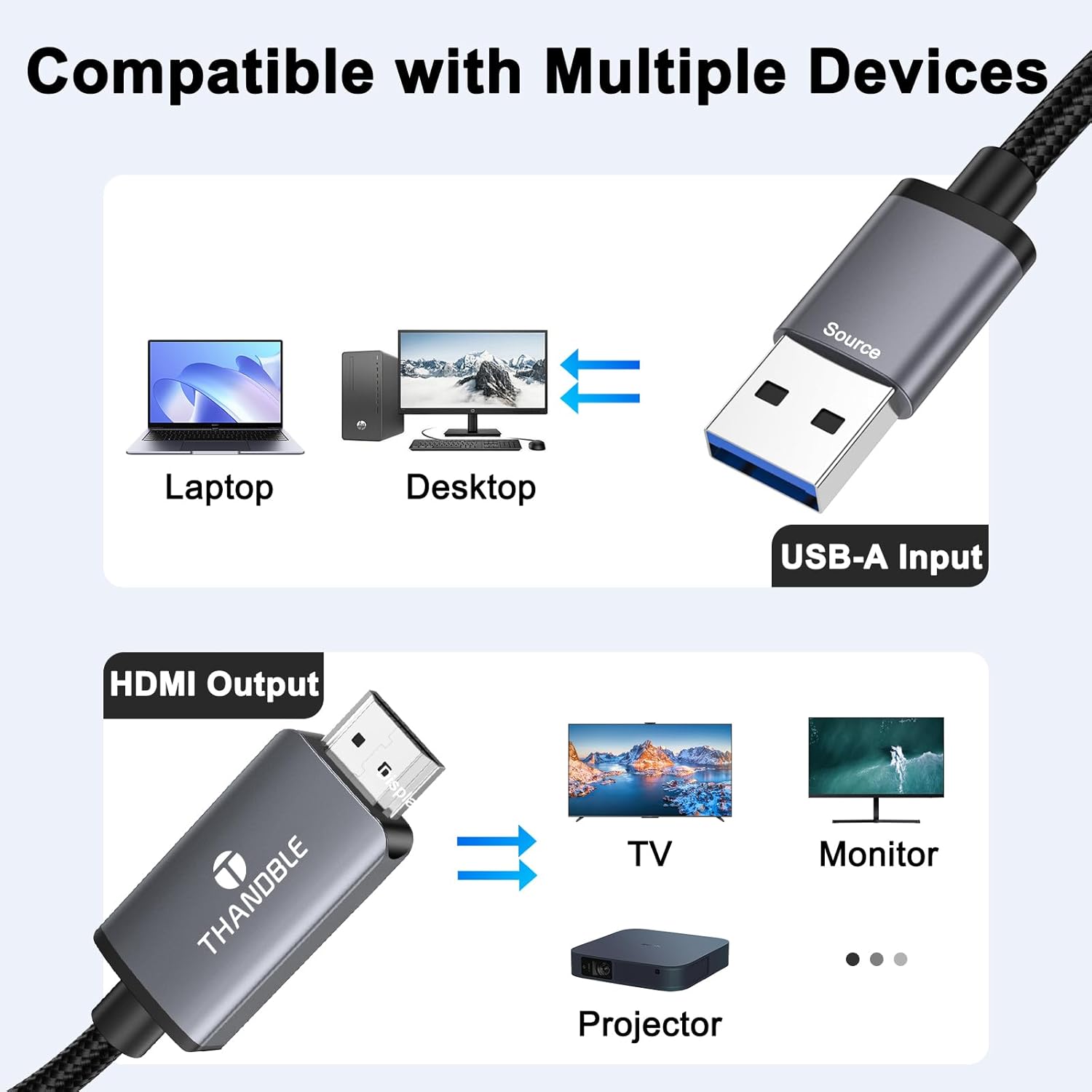
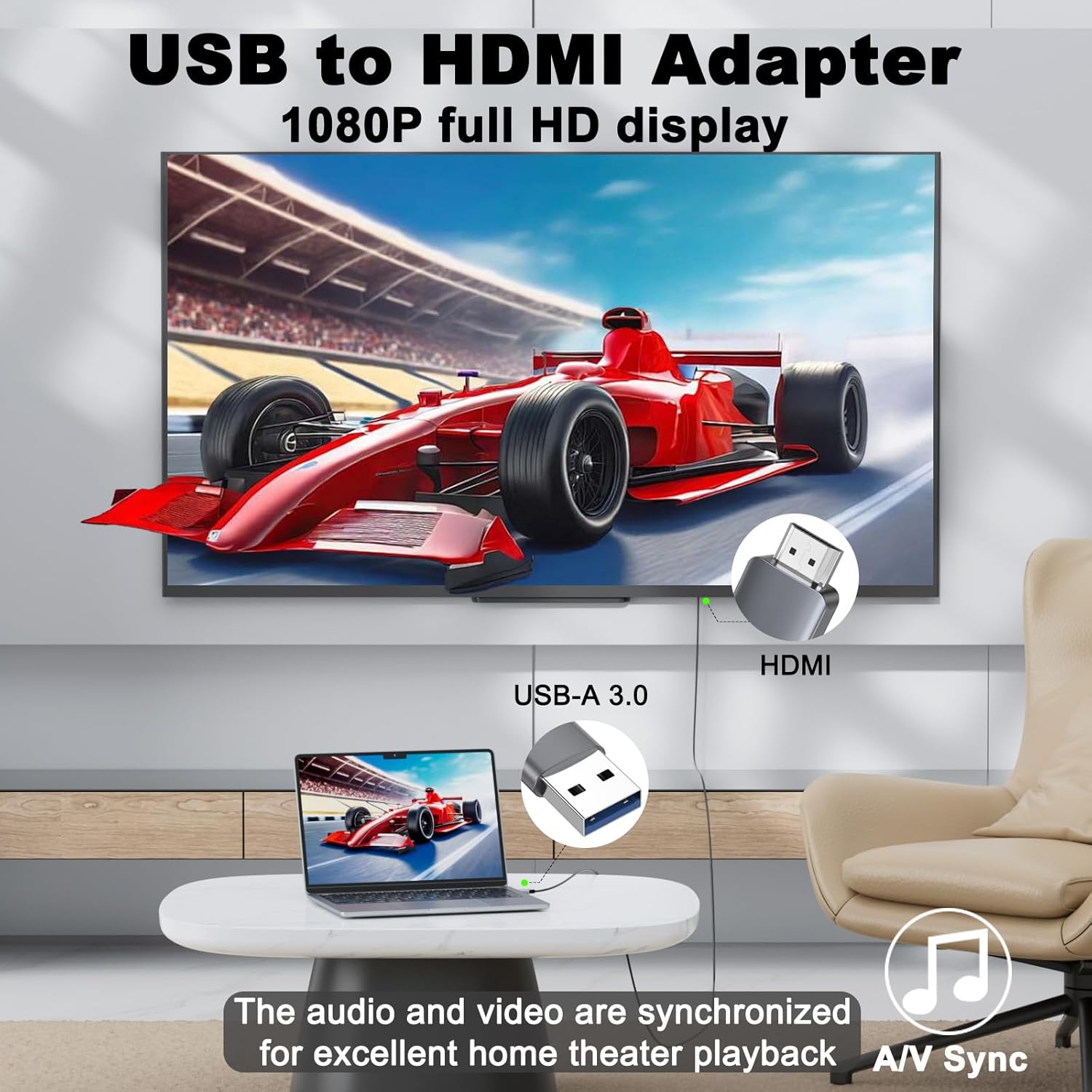
This USB to HDMI adapter cable converts a laptop or desktop USB A port into a 1080p HDMI output, allowing you to mirror or extend your screen to a monitor, TV or projector. It is aimed at users who need a simple way to add a second display for presentations, office multitasking or casual media playback while using Windows, macOS or compatible Android devices.
Key Points
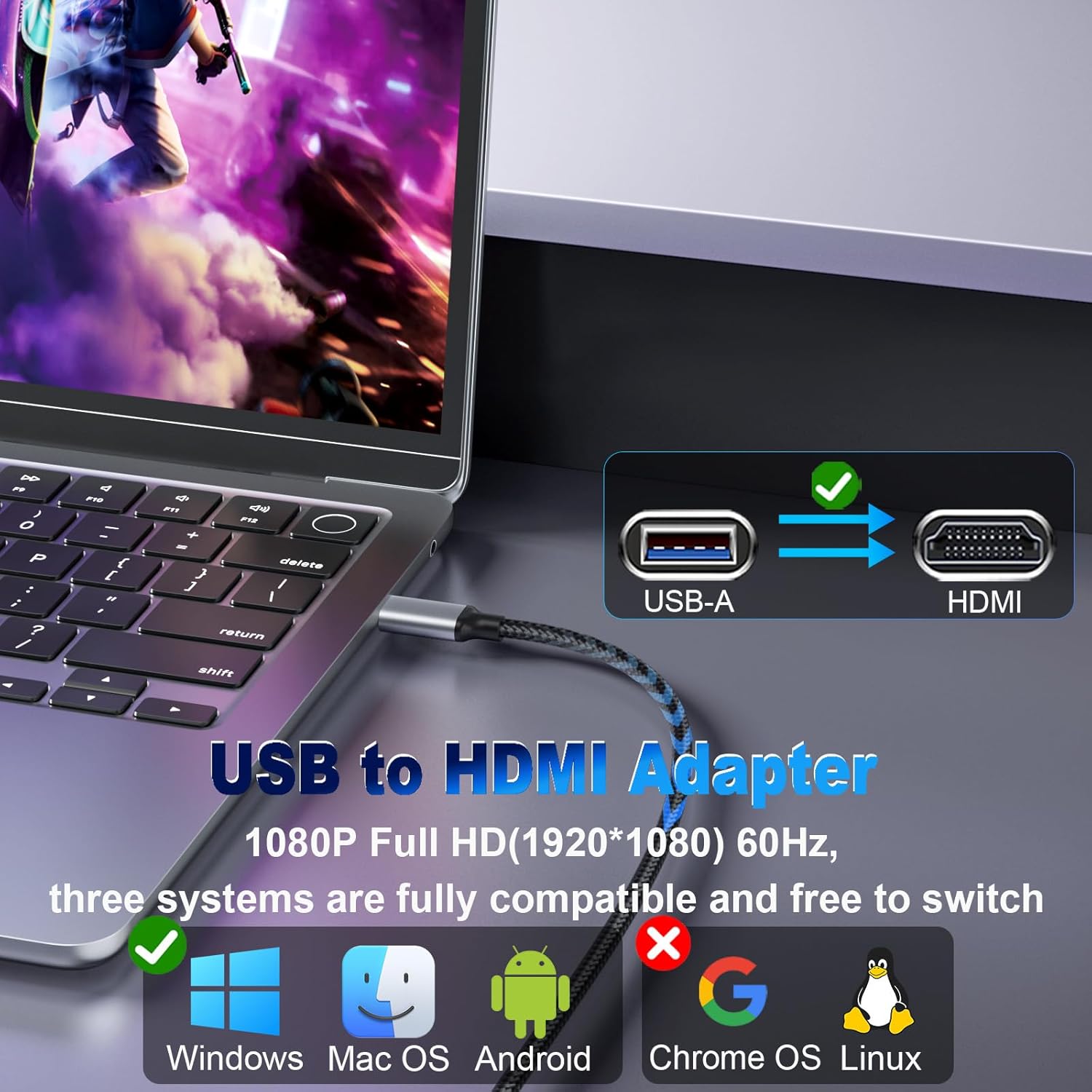
The cable natively supports 1920×1080 at 60 Hz when connected to a USB 3.0 port, which helps preserve smooth motion for video and general desktop use. It automatically recognises a USB 2.0 connection and lowers the resolution to maintain stability, which can avoid black screens or flashing under less capable ports. An important note is that the adapter requires driver installation and it cannot function in BIOS mode, so driver access on the host device is necessary. 😊
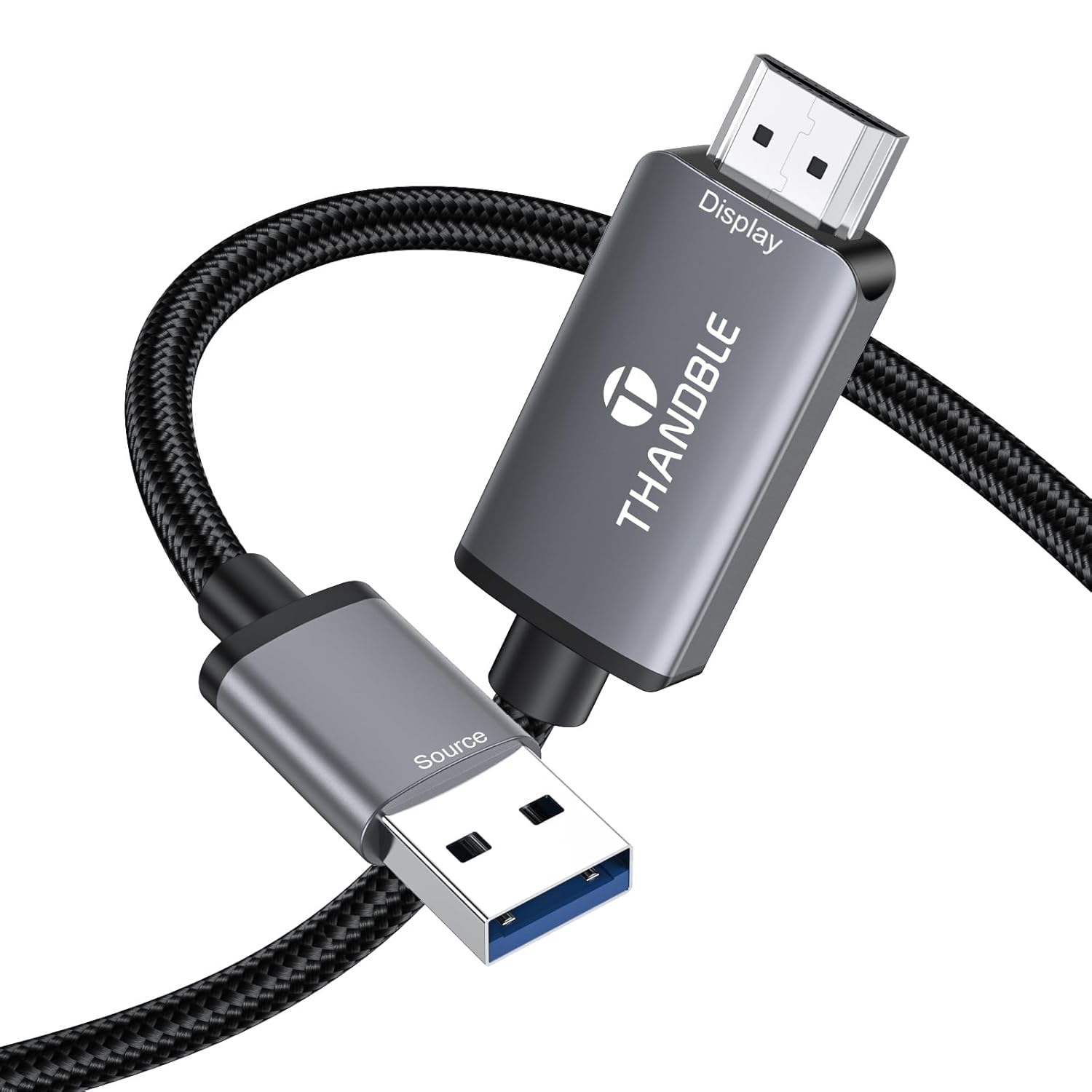
Build quality is designed for regular use, with a nylon-braided exterior and an aluminium alloy casing around the conversion electronics to improve durability and heat dissipation. The cable length of 1 metre (3 ft) offers a neat connection for most desk setups while keeping clutter to a minimum. The manufacturer states that driver installation becomes permanently activated after the first successful setup, and no CD-ROM is included as drivers are provided digitally.
Technical Specifications
- Name: THANDBLE USB to HDMI Adapter Cable 1M
- Output resolution: 1920×1080@60Hz
- Interface: USB 3.0 to HDMI, also compatible with USB 2.0 (reduced resolution)
- Cable length: 1 m / 3 ft
- Supported systems: Windows 7/8/10/11, macOS, Android (USB video output required)
Benefits
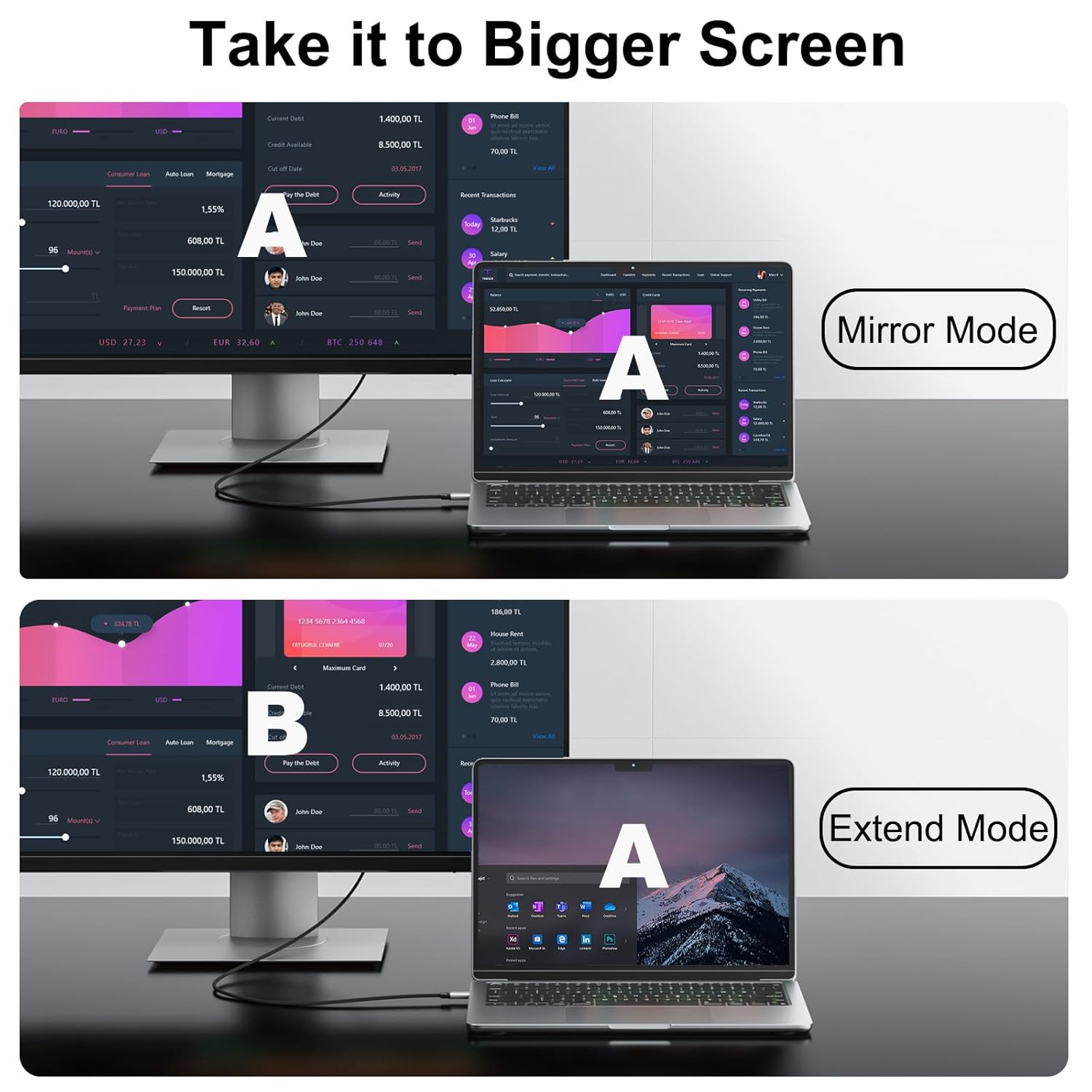
Using a secondary display can improve productivity for split-screen work and simplify video editing timelines across multiple displays. The adapter offers mirror and extend display modes for flexible setups, so you can show the same content on a projector for meetings or expand your desktop for spreadsheets and reference material. The design emphasises low latency and stable image output, which is useful when streaming full HD content or managing live presentations. 🎬
Usage Recommendations
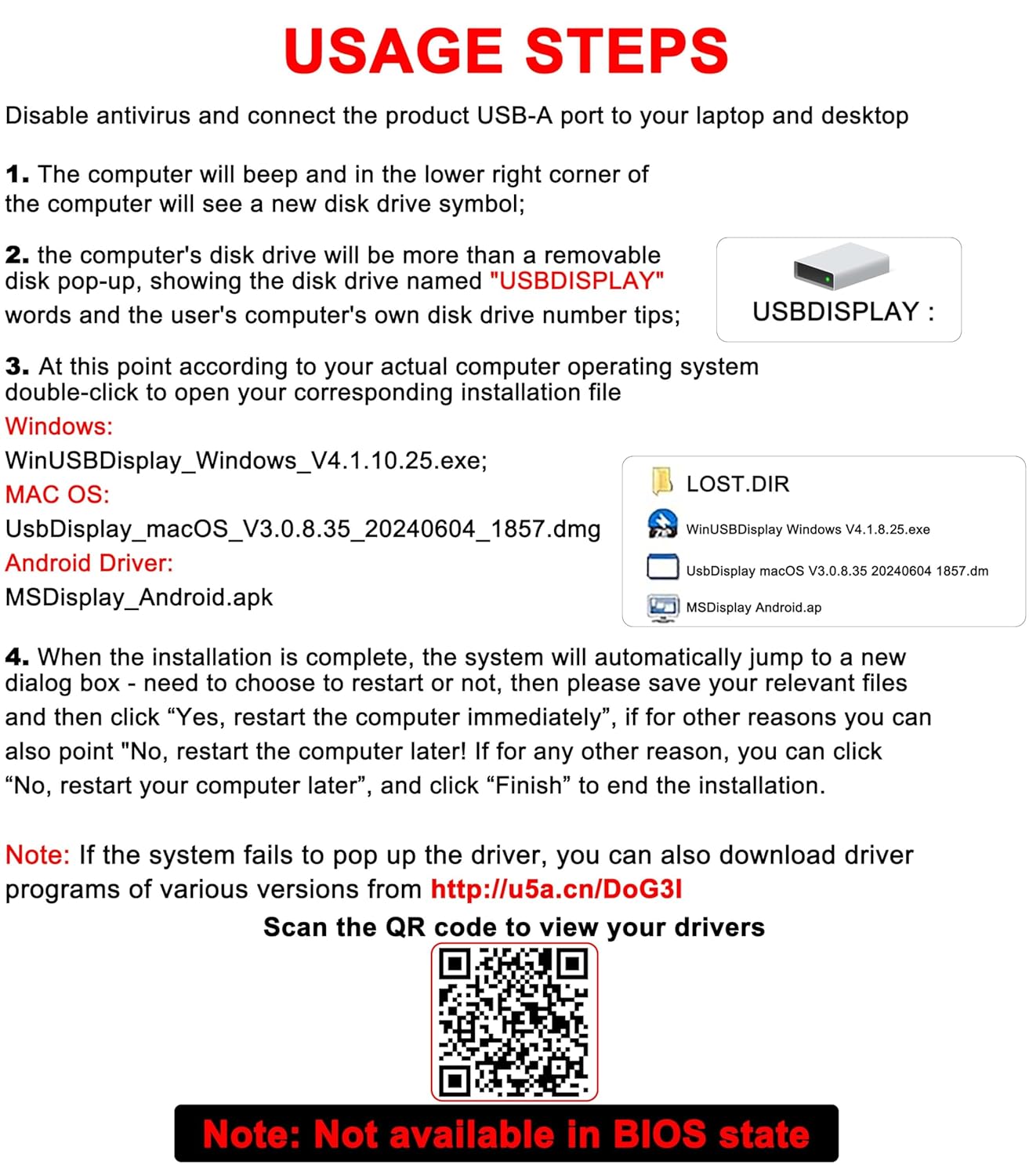
Install the driver when prompted after first connecting the cable and consider temporarily disabling antivirus software during that brief process if the driver installer is blocked by security alerts, according to the manufacturer. For best video performance use a USB 3.0 port when available and test the output resolution in the display settings of your operating system. Remember that the device will not output video in BIOS mode and that some Android devices require specific USB video output support to work correctly. 🔌.