

StarTech USB 3.0 to HDMI Adapter (USB32HDES): USB-A to HDMI Display Converter for Windows
Product description
What it is
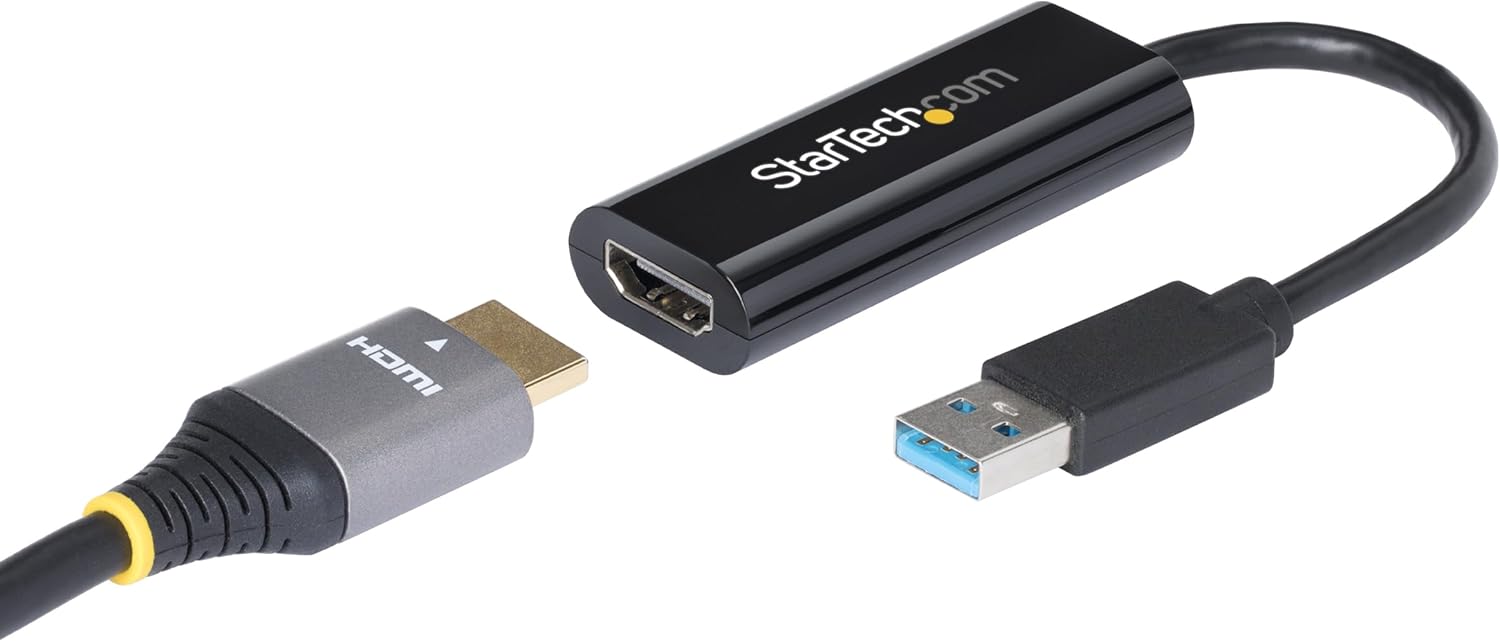
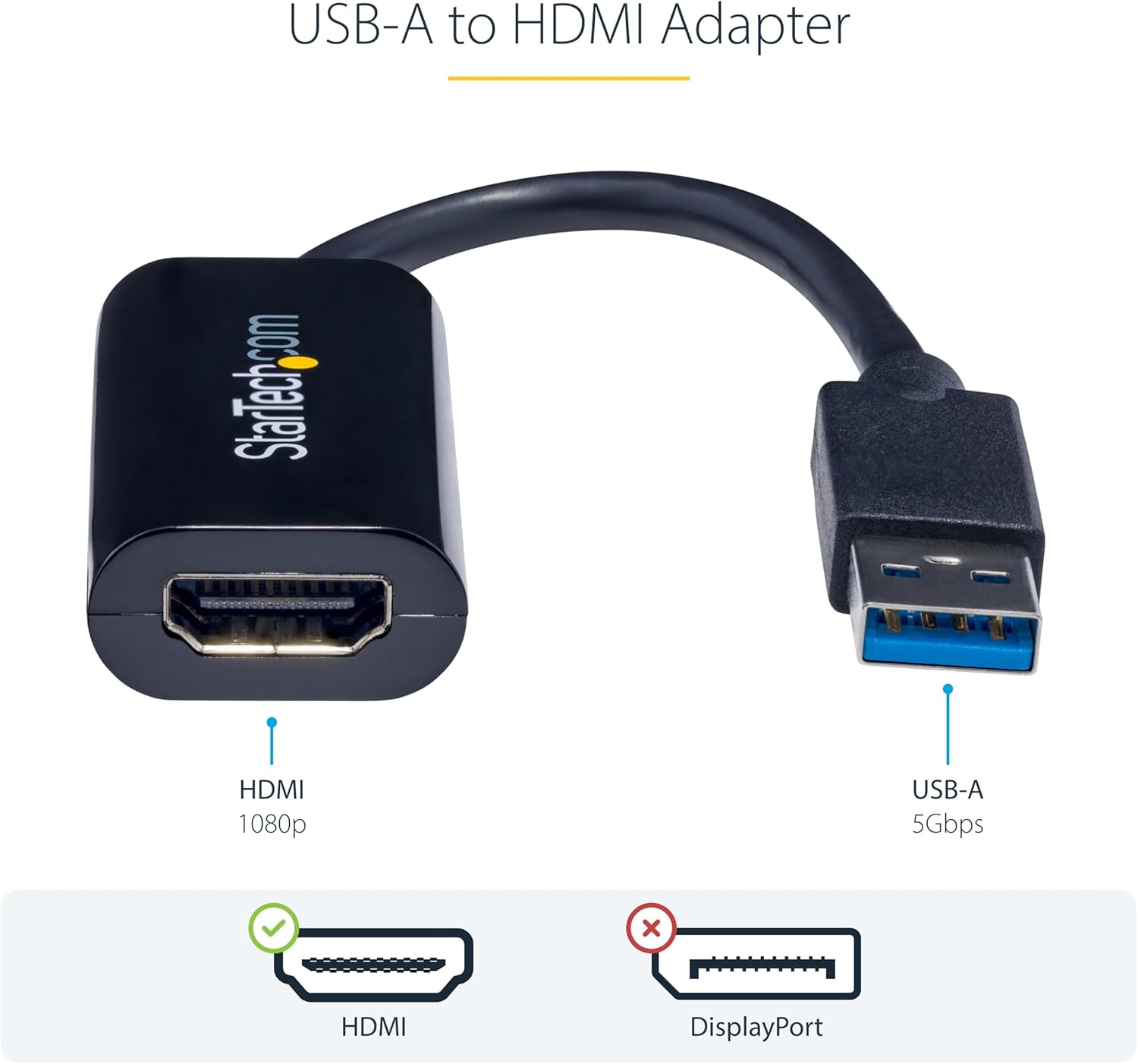
The StarTech USB 3.0 to HDMI Adapter (model USB32HDES) is an external display solution that lets you add an HDMI monitor to a Windows-based laptop or desktop via a USB-A connection. It plugs into the computer and, with drivers, extends your desktop onto an additional HDMI display. On paper, it offers a simple way to increase screen real estate without opening the chassis or relying on a second built-in video output.
Intended use and platform limitations
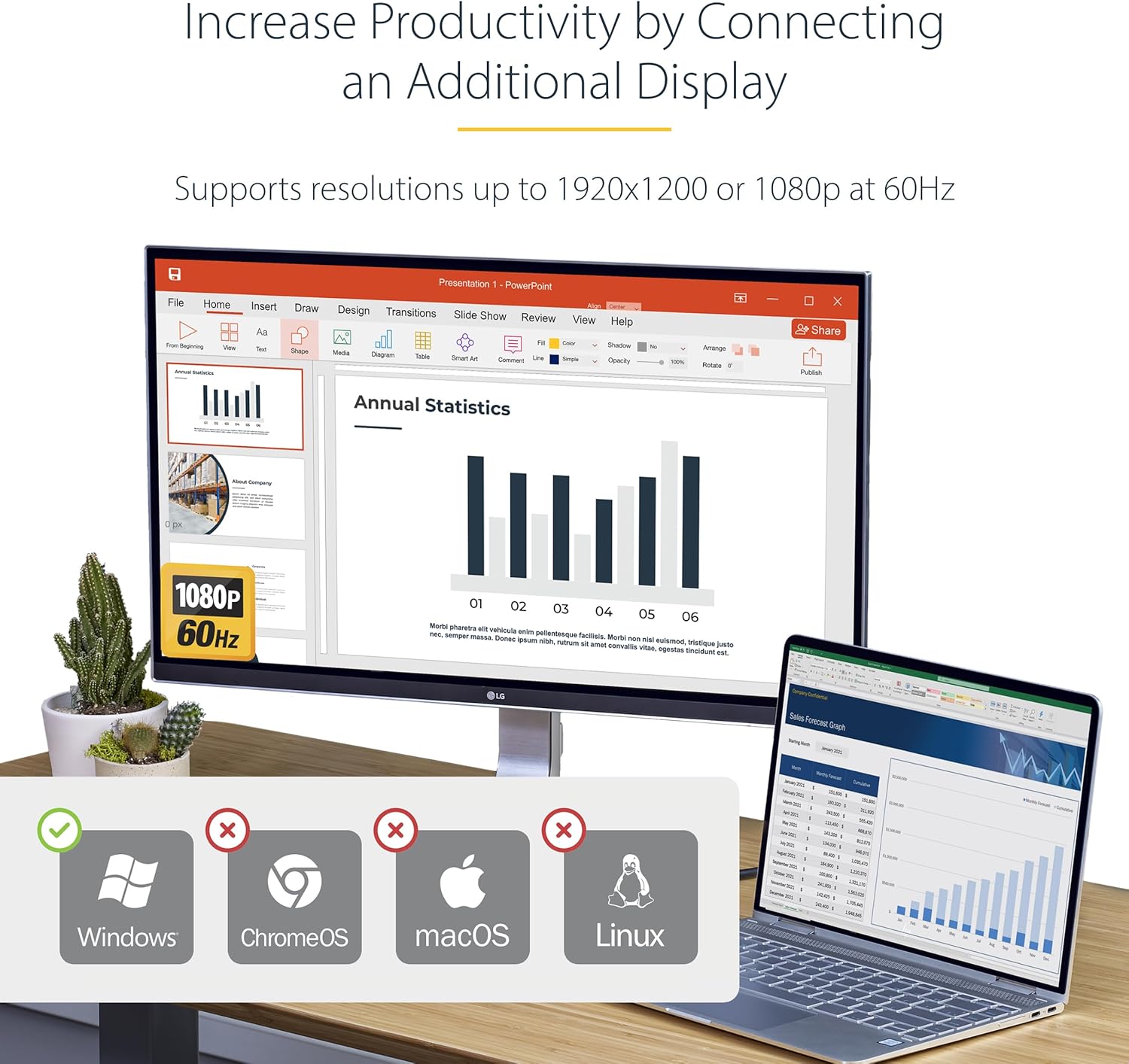
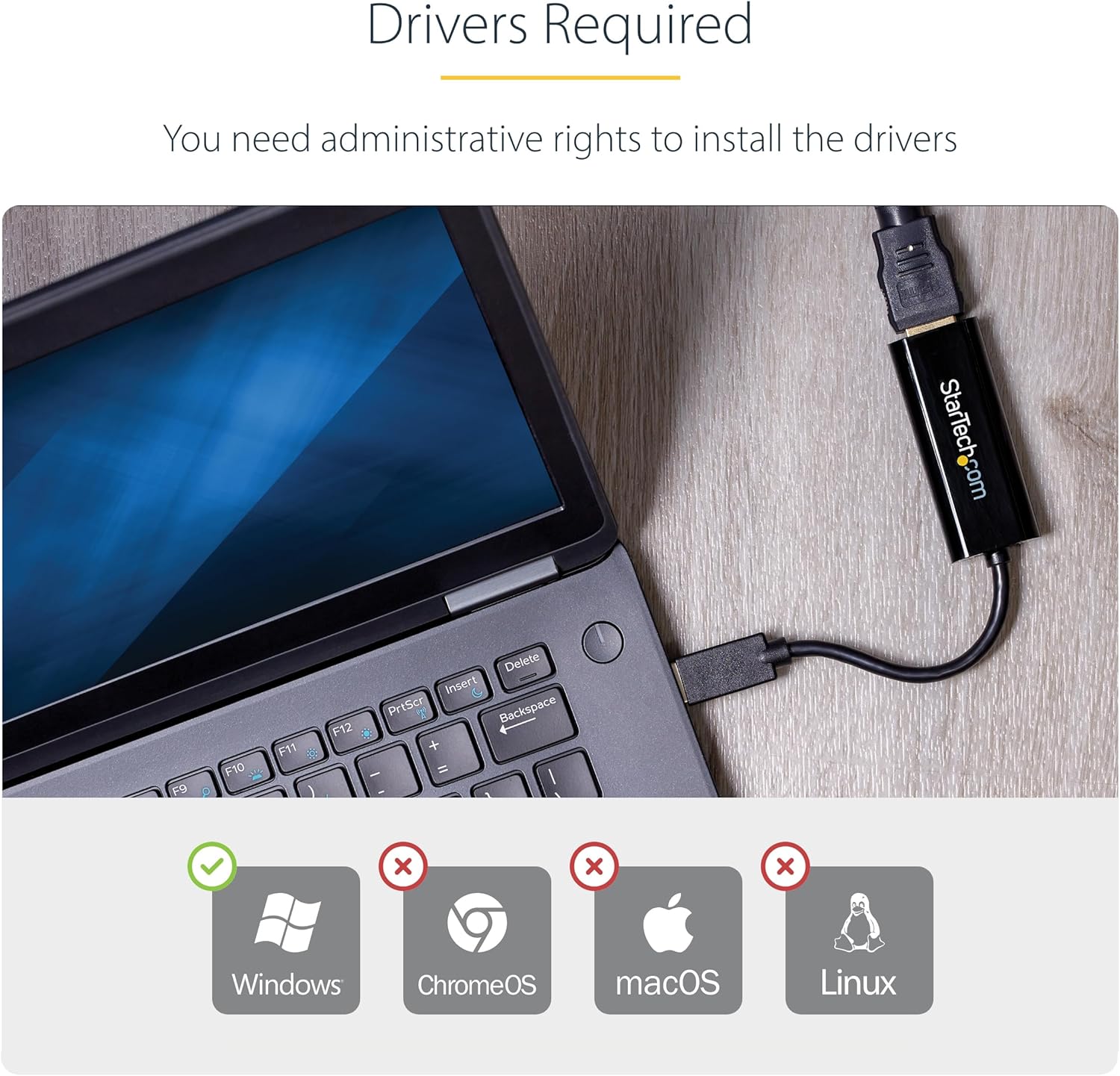
This device is designed for Windows systems and requires driver installation with admin rights. It is not compatible with macOS, ChromeOS or Linux. It supports Windows 7 and above on x86/x64/ARM platforms, including Intel, AMD and Snapdragon-powered PCs. If you prioritise broad OS compatibility or gaming-grade graphics, this adapter will not meet those needs. It is described as not being suited to graphically intensive applications, such as gaming, making it more appropriate for productivity tasks like document work, web browsing or light video playback.
How it helps your setup
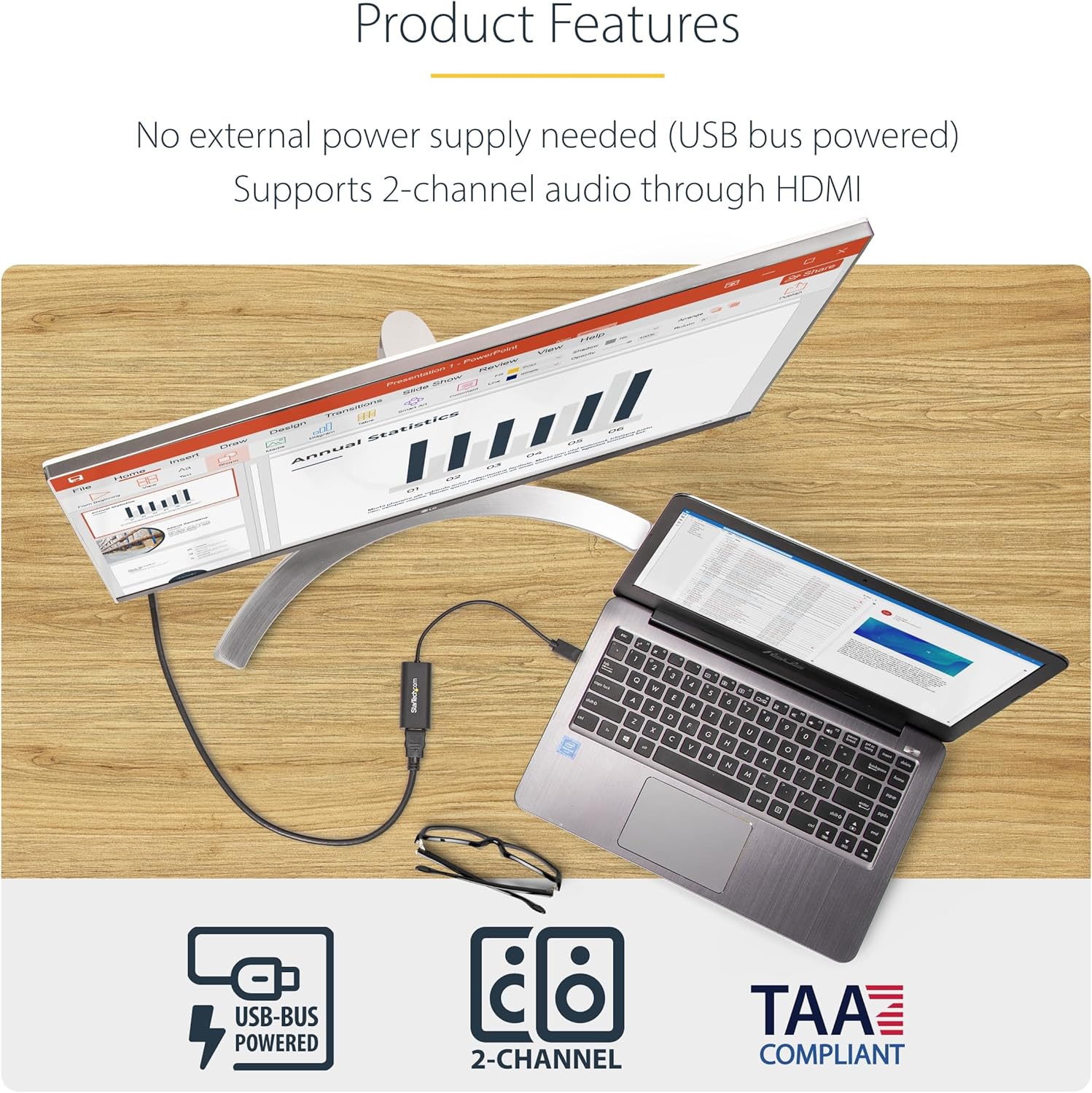
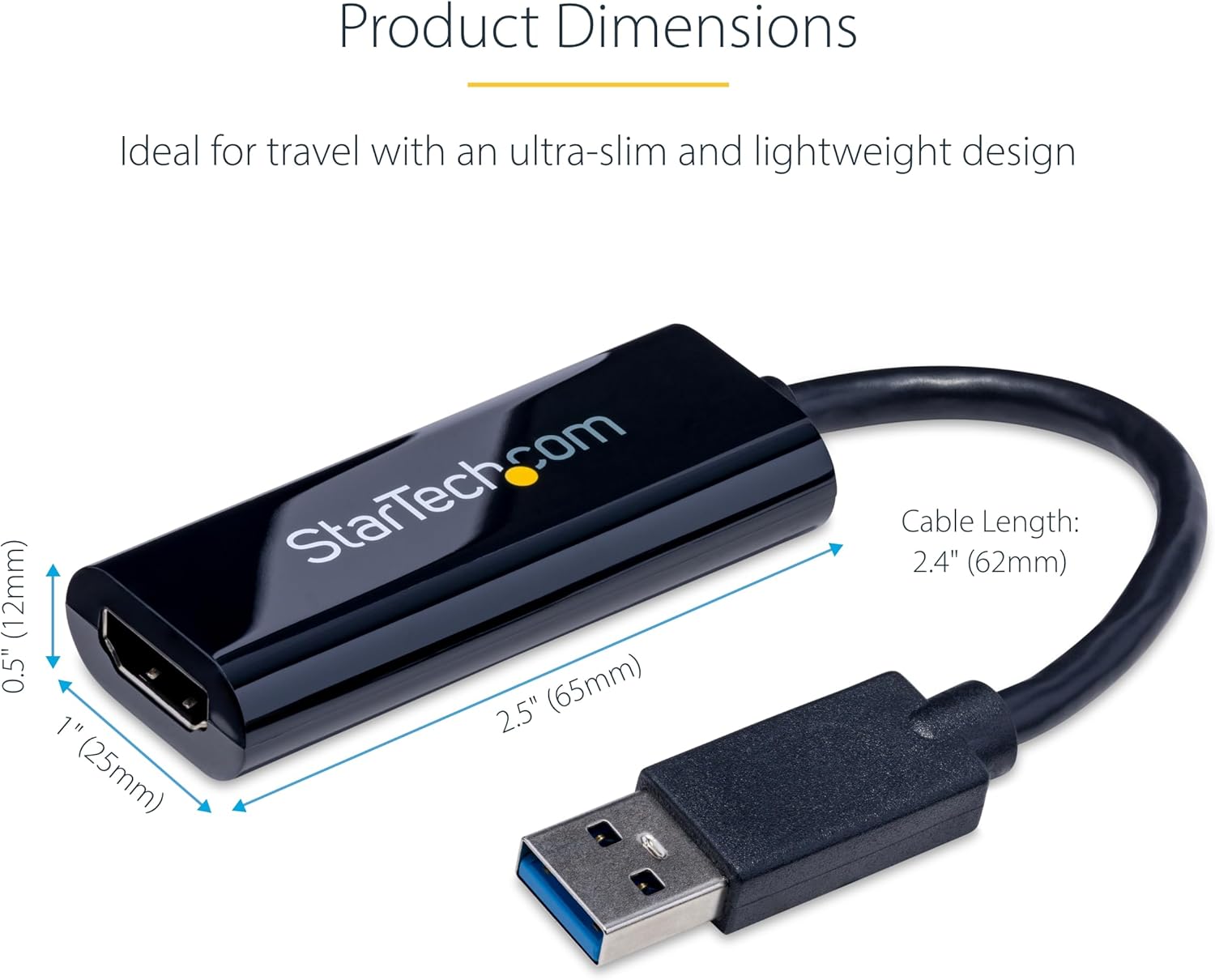
For many office or home workstations, adding a second HDMI display can noticeably improve multitasking. This adapter is USB bus-powered, meaning you don’t need an extra power adapter. It’s lightweight and travel-friendly, which is handy for hot-desks or working remotely. If your goal is to extend your workspace rather than replace a dedicated GPU setup, this device can be a practical, low-friction option.
What to check before buying
Consider your hardware and workflow: you need admin rights to install drivers and the PC should meet the stated requirements (Quad‑Core 2.4GHz processor is recommended, 4GB RAM, Windows 7+). If your primary concern is gaming or high-end video editing, this USB-to-HDMI option may fall short due to its design as a display extender rather than a standalone GPU solution.
How it performs in everyday use
Users typically connect an HDMI monitor to the adapter to widen their desktop, enabling side-by-side windows, larger spreadsheets, or easier reference material whilst keeping primary software on the main screen. The 1080p resolution at 60Hz is sufficient for general productivity and video playback, but it isn’t aimed at high-refresh gaming or professional colour-critical tasks. The setup depends on the host computer’s CPU and USB bandwidth, real-world performance can vary if the system already runs several peripherals or if the USB bus is heavily utilised.
Practical use case
A common scenario is a home office where a laptop is used for writing or data analysis, and a second screen is desirable for editing documents while referencing data. You’d plug the adapter into a USB port, install the drivers with admin rights, connect an HDMI monitor, and extend your desktop. If you move between different workstations, the compact, bus-powered design offers portability as a plus point, though you’ll want to ensure you have the right drivers on each machine.
What stands out and what may disappoint
What’s notable is the lack of a separate power supply requirement and the ability to extend a display without internal GPU rearrangement. The need for drivers and admin rights means it’s not a casual plug‑and‑play option for every user. On the downside, the product is Windows-only and not designed for graphically intense tasks, stability and performance are contingent on driver support and the host hardware. If your setup relies on macOS or Linux, this adapter won’t be suitable.
Who it’s for / who it isn’t for
It’s worth considering if you’re a Windows user who wants a straightforward, portable way to add an additional HDMI display for productivity tasks. It’s less suitable if you require gaming-grade performance, professional video editing, or multi-monitor setups that need today’s high-end GPU acceleration.
Decision points: when to buy or skip
If you prioritise portability, a Windows-only setup, and a budget-friendly way to gain another screen for daily tasks, this adapter can deliver value. It may not be the best option if you need high-end graphics, macOS compatibility, or a plug‑and‑play solution without driver installation. In short, buy if you want extended desktop real estate on Windows and don’t mind installing drivers, skip if you need universal compatibility or high-performance displays.
FAQ (practical and limited by available data)
- Do I need drivers? Yes, admin rights are required to install drivers.
- Is it suitable for gaming? No, it’s not designed for graphically intensive applications.
- What operating systems are supported? Windows 7 or above, macOS, ChromeOS and Linux are not supported.
- Does it require external power? No, it is USB bus-powered.
- What resolution will I get? 1080p at 60Hz on the connected HDMI display.
Final note
If you need to add a second screen to a Windows workstation with minimal fuss and a compact form factor, this USB 3.0 to HDMI adapter offers a plausible balance between practicality and price. Be mindful of its Windows-only nature and driver dependency, and set realistic expectations about gaming or professional-grade graphics.
Final verdict
Final verdict: Worth considering if your priority is expanding a Windows workstation with a secondary HDMI display for everyday tasks and you’re comfortable with driver installation. It’s not the best choice for macOS users or for demanding graphics work, assess your typical workload and OS environment before purchasing.