


UGREEN USB C Hub 10Gbps (2×USB-A + 2×USB-C) with OTG, 30CM Cable
Product description
The essentials
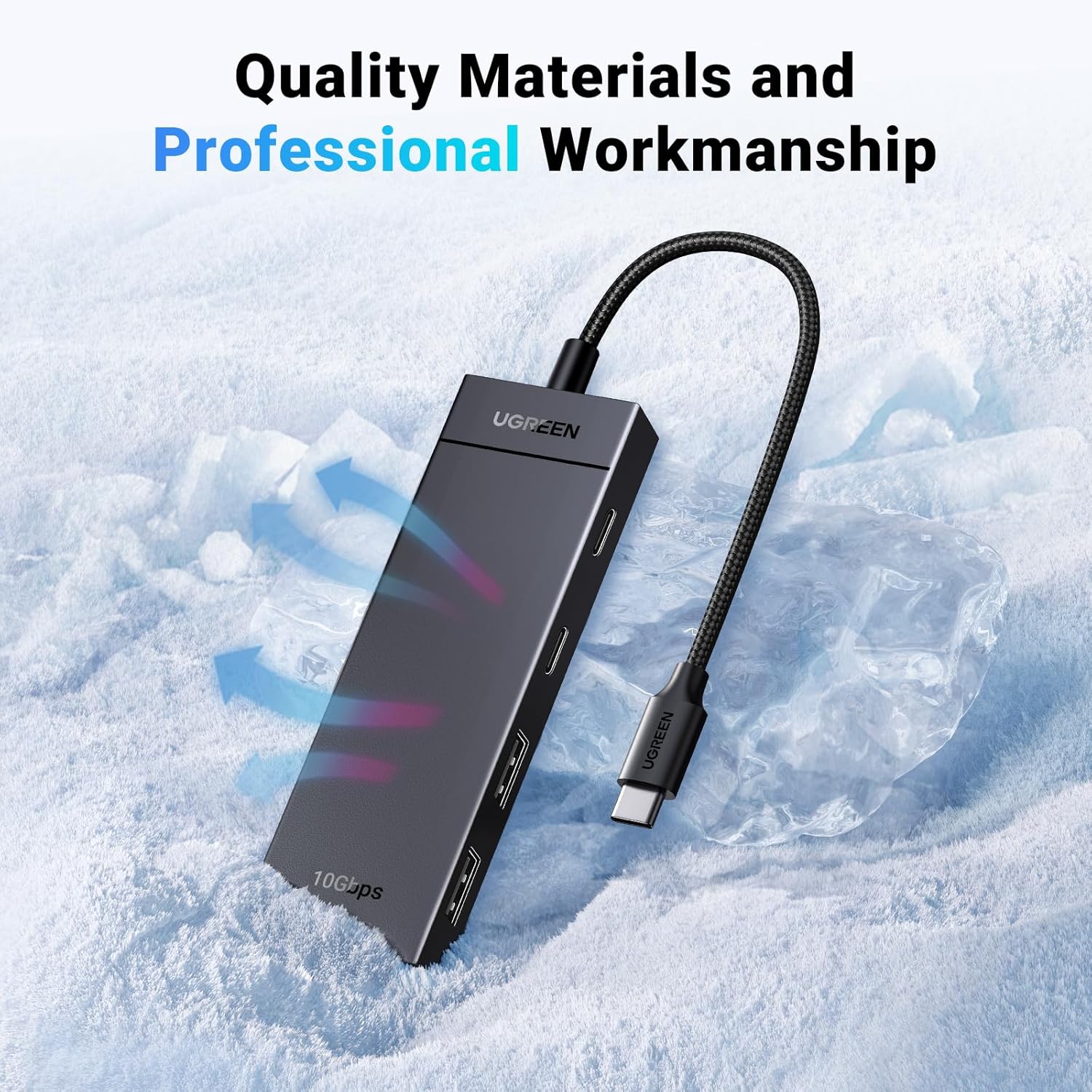
If your laptop or tablet has started to feel a bit short on ports, this UGREEN USB C Hub 10Gbps is the sort of add-on that quietly makes daily work less fiddly. On paper, it expands a single USB-C connection into two USB-C and two USB-A ports, so you can plug in the usual mix of peripherals: mouse and keyboard, flash drives, card readers, external storage boxes, and even printers (depending on what you’re connecting).
It also leans into speed: it claims 10Gbps transfer, and that’s paired with an OTG function aimed at letting you connect USB devices to supported phones or tablets. For travel and desk setups, the included cable length (listed as 30cm) and the compact design are part of the appeal.
That said, it’s not a full “all-in-one” solution for everything. The listing also states that the 4 USB-C ports don’t support charging or video transmission, which is a key limit if your goal is dock-style charging or screen output.
Key points
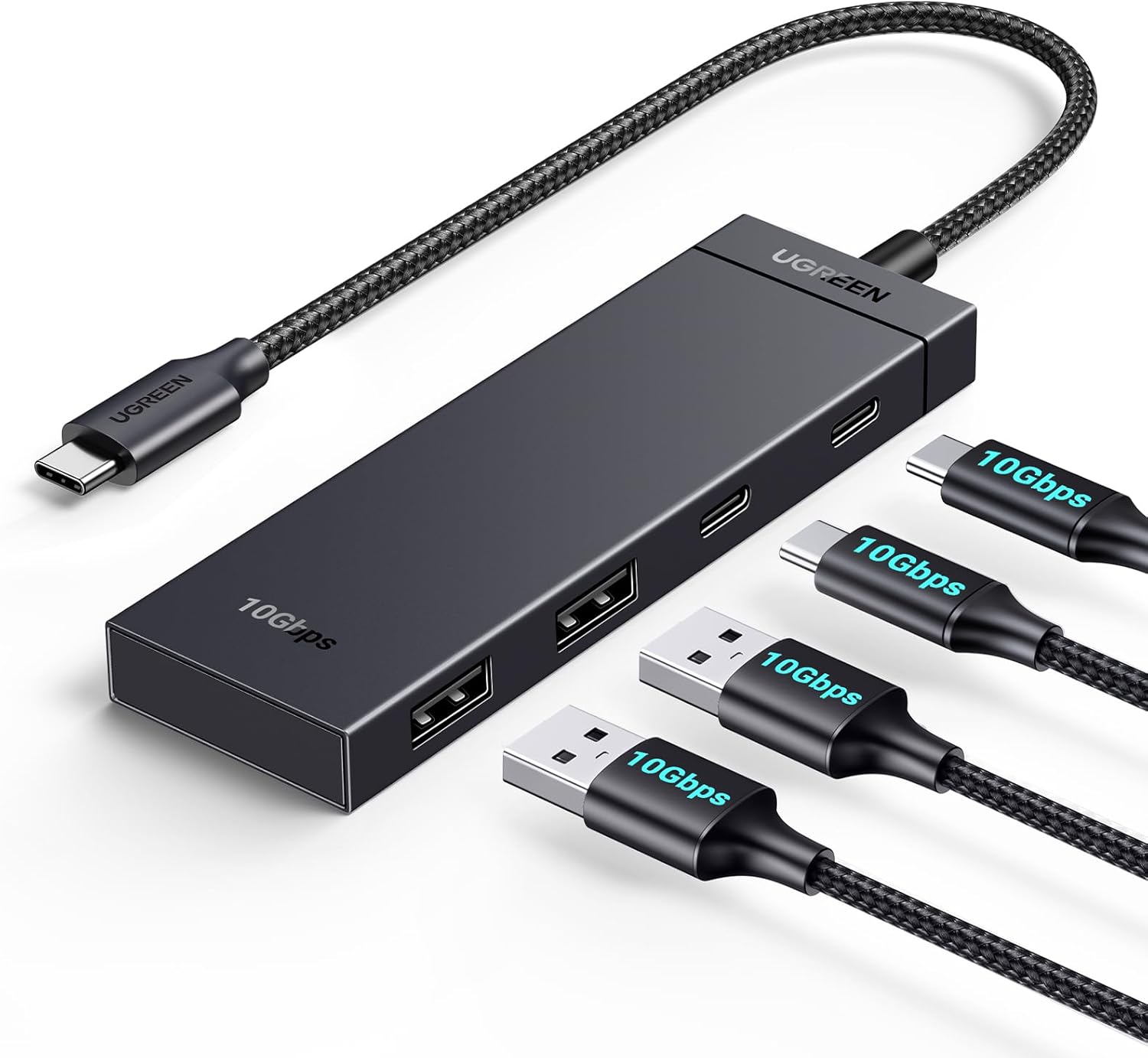
This hub’s main value is straightforward: it gives you more ports from one USB-C connection, with enough speed headroom for large file moves. It’s also built with OTG in mind, which can be handy if you like using a tablet like a light-duty workstation. The portability angle is sensible too—30cm cable and a compact body make it easier to pack without turning it into a whole project.
The real-world fit depends on what you expect from USB-C. If you need charging passthrough or video output through those USB-C ports, you’ll want to look elsewhere because this one explicitly doesn’t do that.
What you’ll notice in everyday use
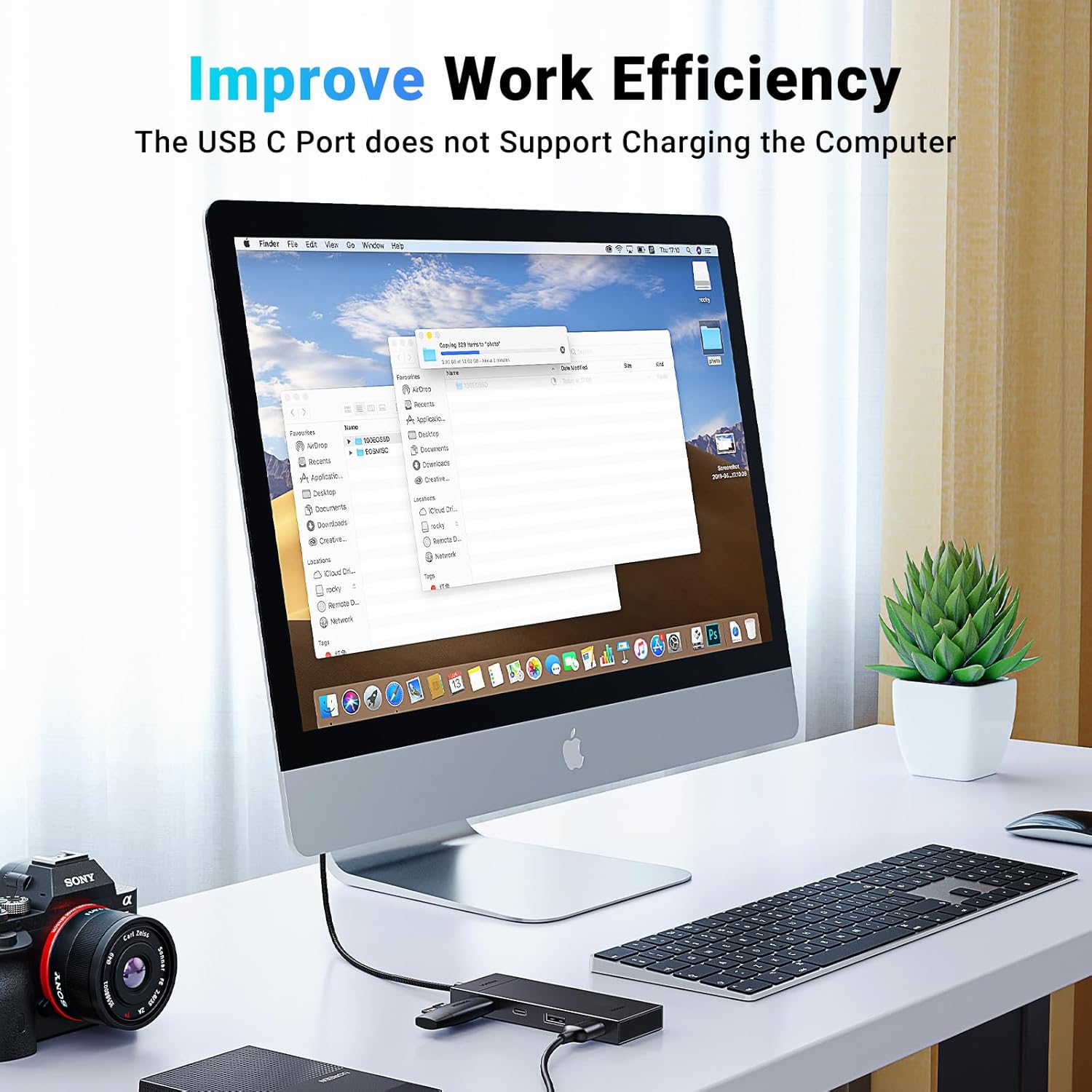
In a typical work setup, you might do something like: plug the hub into your laptop, then connect a USB-A keyboard and mouse, plus a card reader for offloading photos, and still have spare ports for a USB flash drive or an external drive enclosure.
Where this helps is less about speed in theory and more about not constantly swapping cables. If you regularly move files or use multiple accessories, the added port count can save time—particularly when you’re switching between storage, input devices and peripherals.
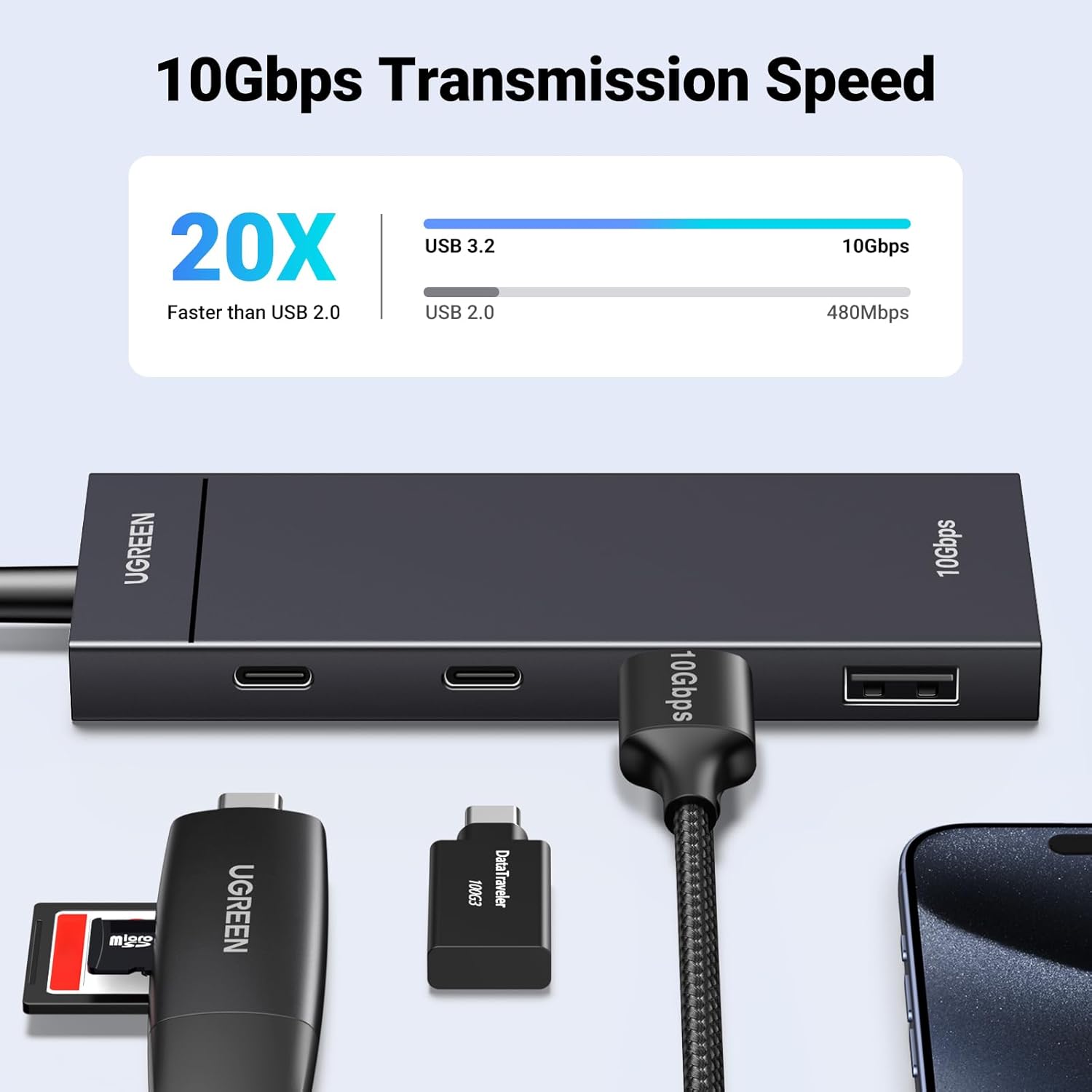
The 10Gbps claim is meant for faster transfers, so if you work with larger files (video clips, big photo batches, backups), it’s at least designed to keep those tasks from dragging. Still, performance in practice depends quite a bit on your laptop/tablet, the drive you’re using, and the cable/device chain—so it’s best treated as a “capability” rather than a guaranteed outcome.
Tech specs
- Name: UGREEN USB C Hub 10Gbps, 2×USB-A USB Hub and 2×USB-C Splitter
- Type: USB-C hub / adapter (includes OTG support)
- Format: 2 USB-C + 2 USB-A ports expansion
- Size: Compact portable design (casing mentioned as PVC shell)
- Transfer speed: Up to 10Gbps
- Cable length: 30cm cable
- Support: OTG function for connecting USB devices to phones/tablets
Where it shines (and where it may disappoint)
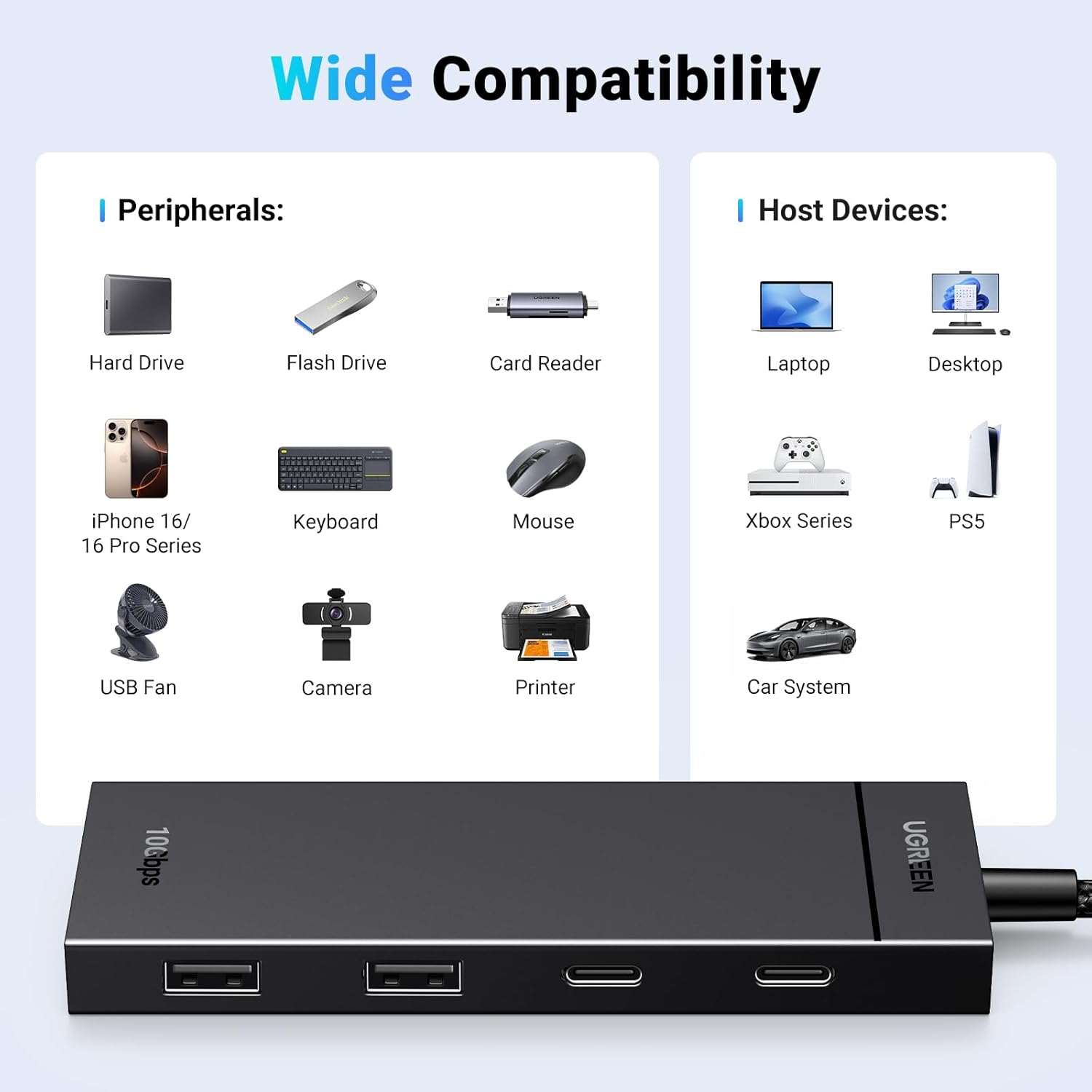
It’s a decent fit if your priority is expanding ports for everyday productivity: mouse/keyboard, card readers, flash drives, external drive boxes, and similar USB peripherals. The universal-compatibility callout in the listing suggests it’s meant to work across a wide range of USB-C devices.

However, you may want to skip it if you’re expecting it to act like a modern docking station. The listing clearly says the USB-C ports don’t support charging or video transmission, so it’s not the right choice for setups where you want to power a device or run a monitor through the same hub.
It also isn’t “perfect” for charging convenience, because it’s positioned more as a data/peripherals hub than a power hub. If your current frustration is one-cable desk docking (power + display), this can feel limiting.
Compatibility & requirements
The product description states compatibility with many USB-C devices, including MacBook Pro/Air, iPad Pro, iPad Mini 6, Thinkpad X1 Nano, Surface Laptop 5, and various phones/tablets like Galaxy S23/S21/S20 and iPhone 15/16/17.
A practical note: compatibility can depend on whether the host device supports the relevant modes for OTG and USB peripherals. If you plan to use it with a phone or tablet, it’s worth double-checking that your specific device supports OTG-style connections.
When it makes sense
Buy this hub if you want a simple, travel-friendly way to add two extra USB-C ports and two USB-A ports to your workstation, while also getting a 10Gbps speed rating for faster file transfers (especially for larger drives and bulk file jobs).
It’s a good choice for people who use more than one accessory at once—think home office, freelance setups, or anyone who regularly plugs in a keyboard, mouse, and storage device, and doesn’t want to keep swapping cables.
When it may not suit you
Don’t buy it if you specifically need USB-C ports that support charging or video transmission. If you’re trying to solve “one hub for power and monitor” at your desk, this one may not meet that expectation.
Also, if your use is extremely limited—say you only ever connect one single device—then a hub may be more than you need, and a simpler adapter could be more cost-effective.
Mini FAQ
Is it good for connecting peripherals like a mouse and keyboard?
Yes, the listing calls out connecting USB peripherals such as mouse and keyboard, alongside storage devices and card readers.
Does it support connecting a phone or tablet via OTG?
The listing states OTG function support for connecting USB devices to phones/tablets, turning the tablet/phone into a more workstation-like setup.
Can it charge a laptop or pass video to a monitor?
No—the description explicitly says the 4 USB-C ports don’t support charging or video transmission.
What’s the claimed transfer speed?
It’s listed as up to 10Gbps. That’s a promising spec on paper, but real transfer speed will depend on your devices and storage.
Final verdict
It’s worth considering if you want more ports—2×USB-C and 2×USB-A—from one USB-C connection, with an OTG angle for tablets/phones and a 10Gbps transfer rating. It’s less of a match if you need charging or video output through USB-C, because that’s not what these ports are designed to do. If you’re building a practical desk or travel setup for peripherals and storage, it fits the brief, if you’re after dock-style power and displays, you’ll probably be frustrated.