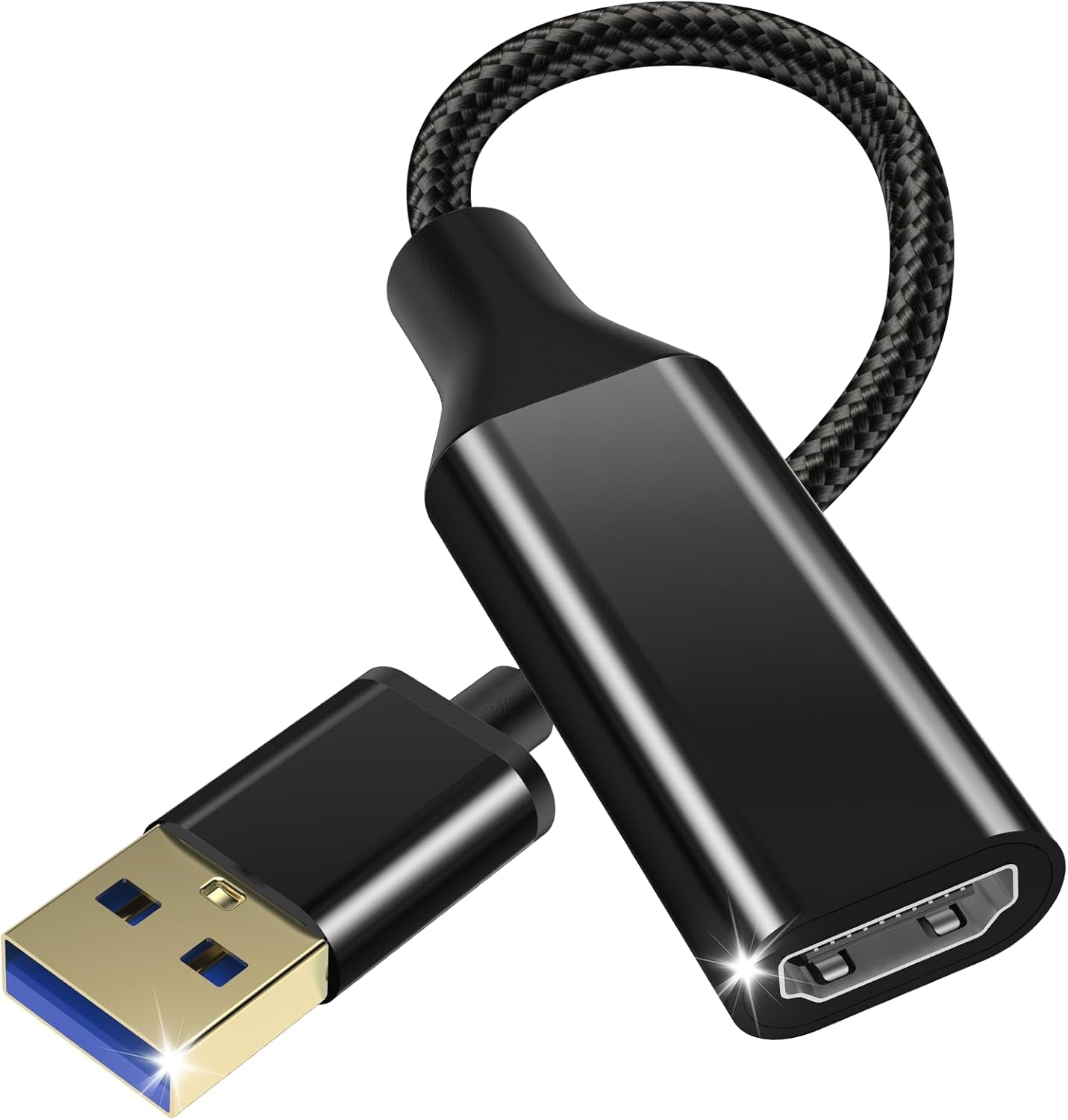
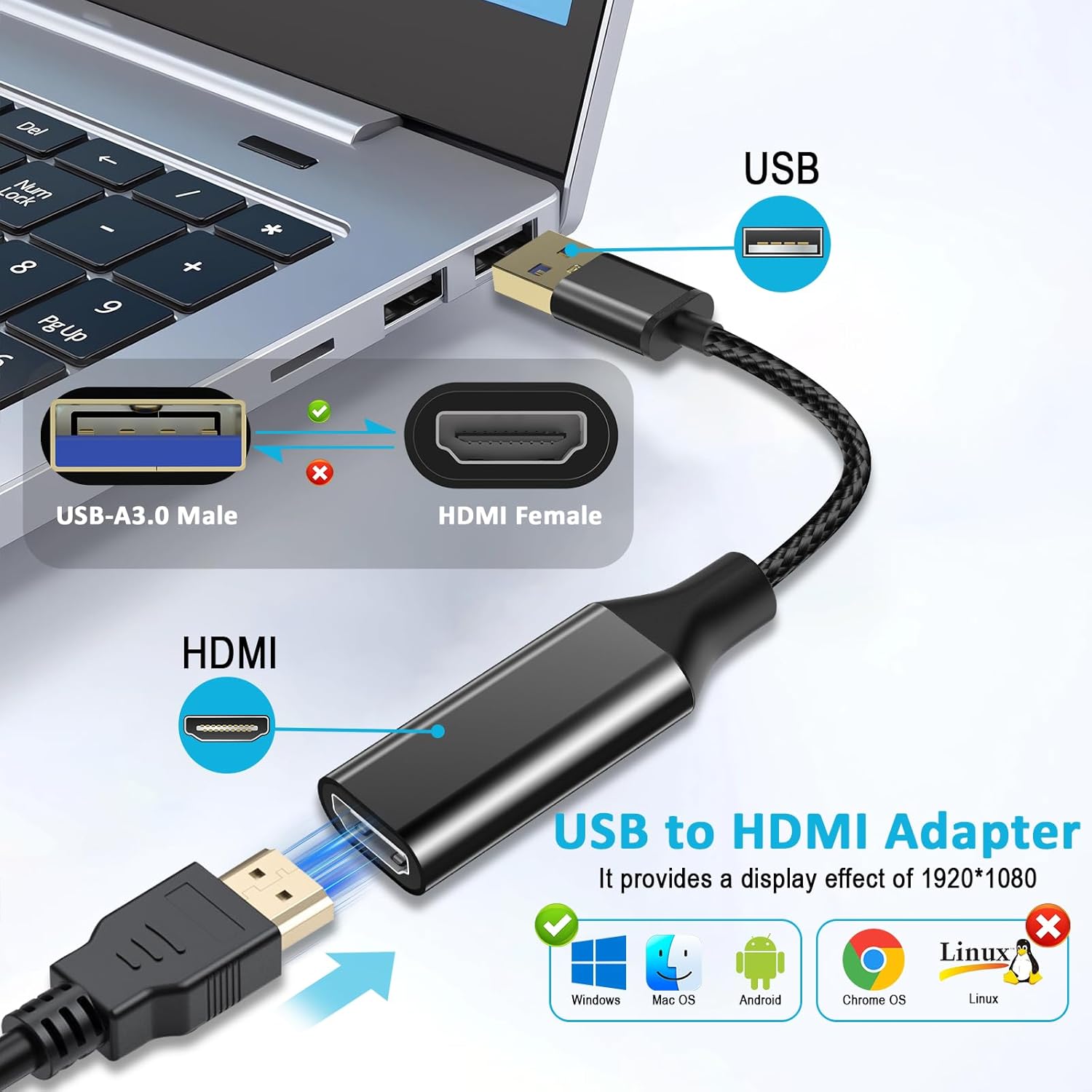
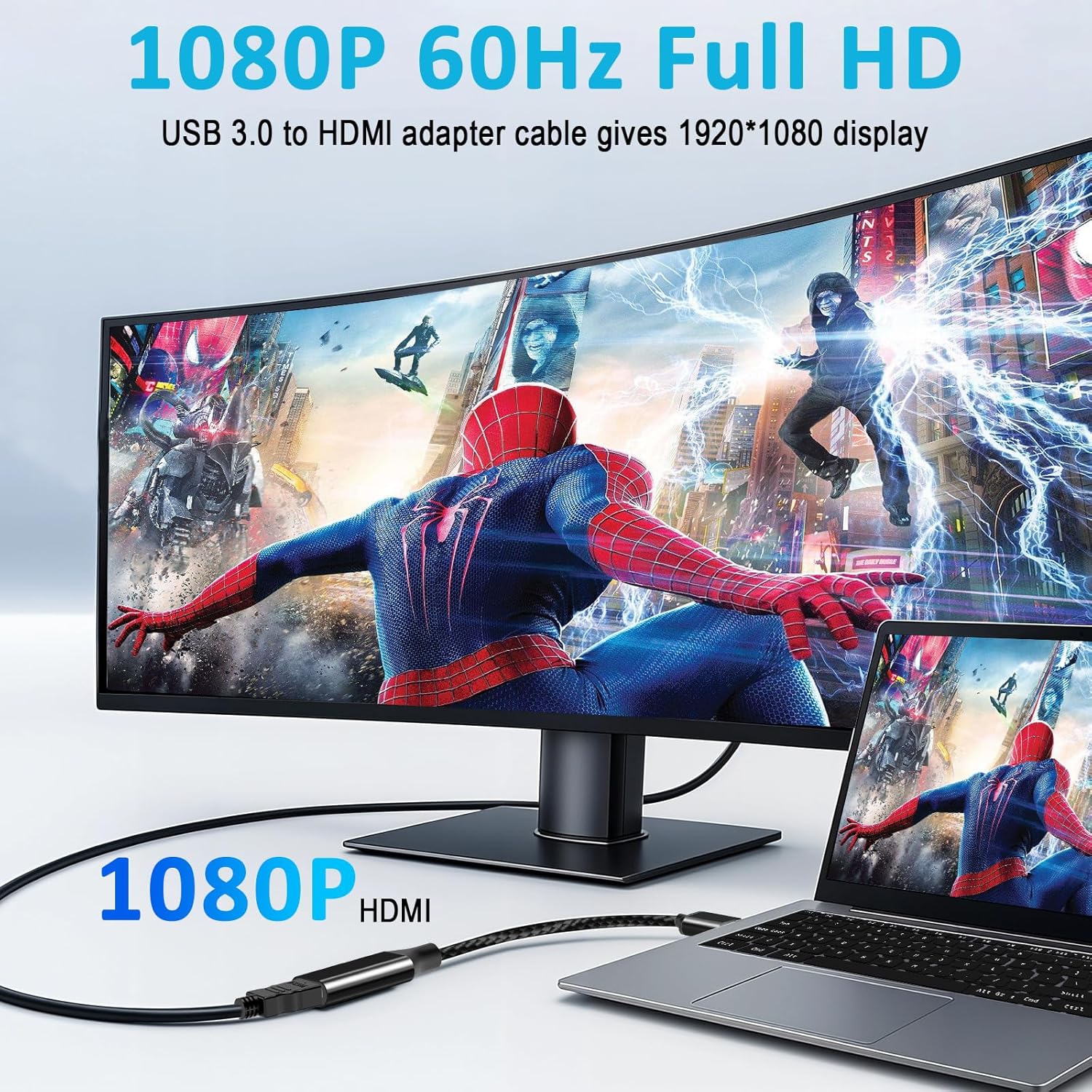
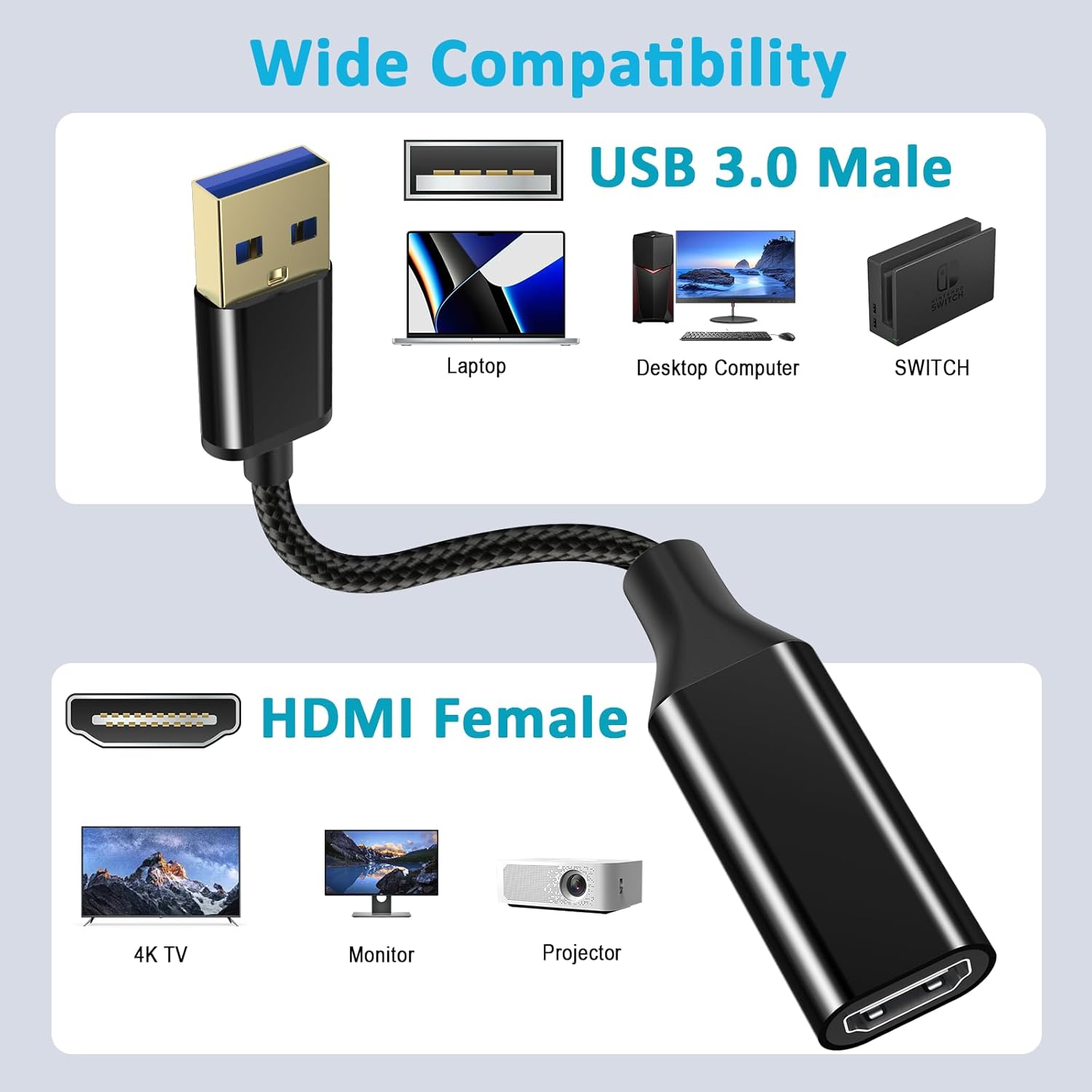
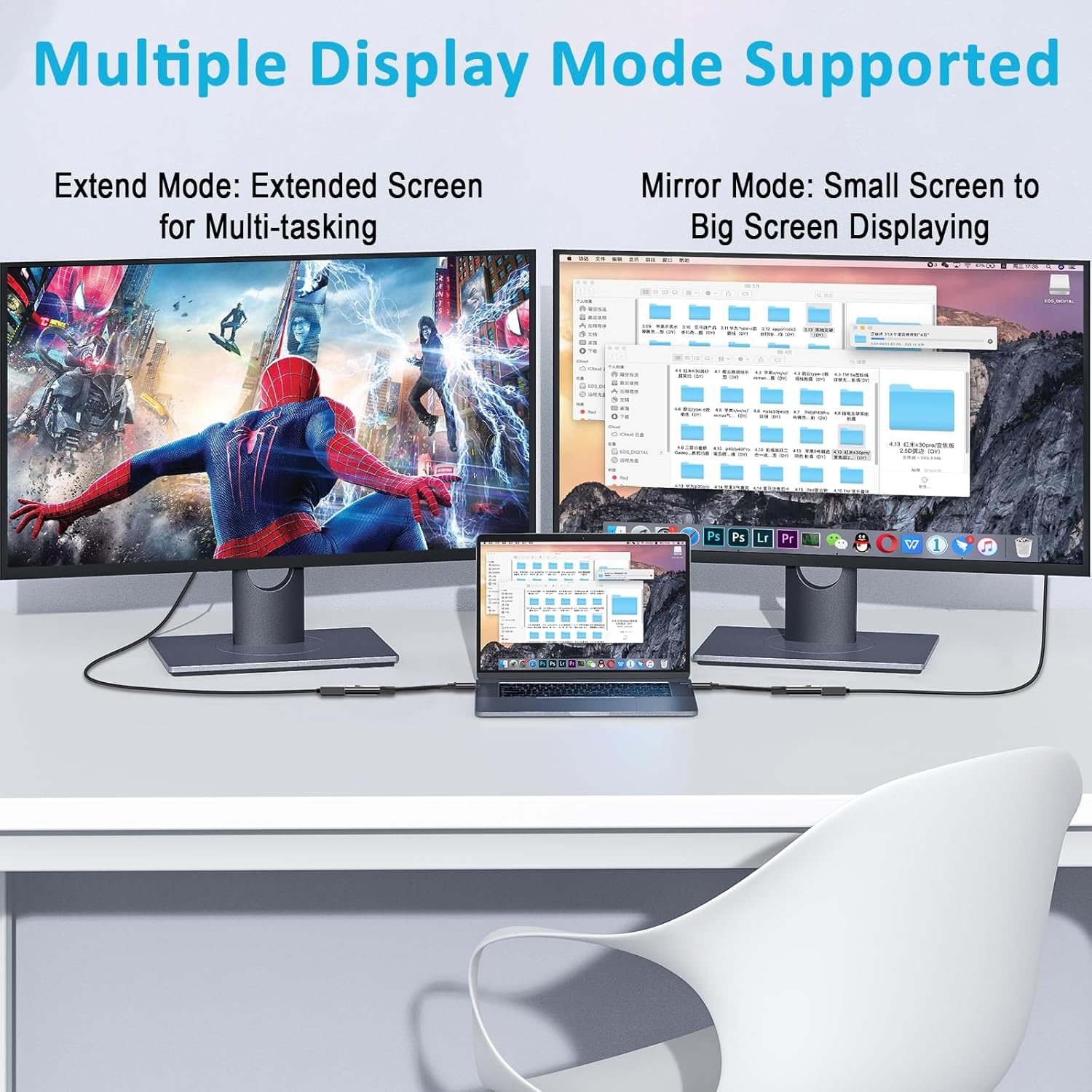
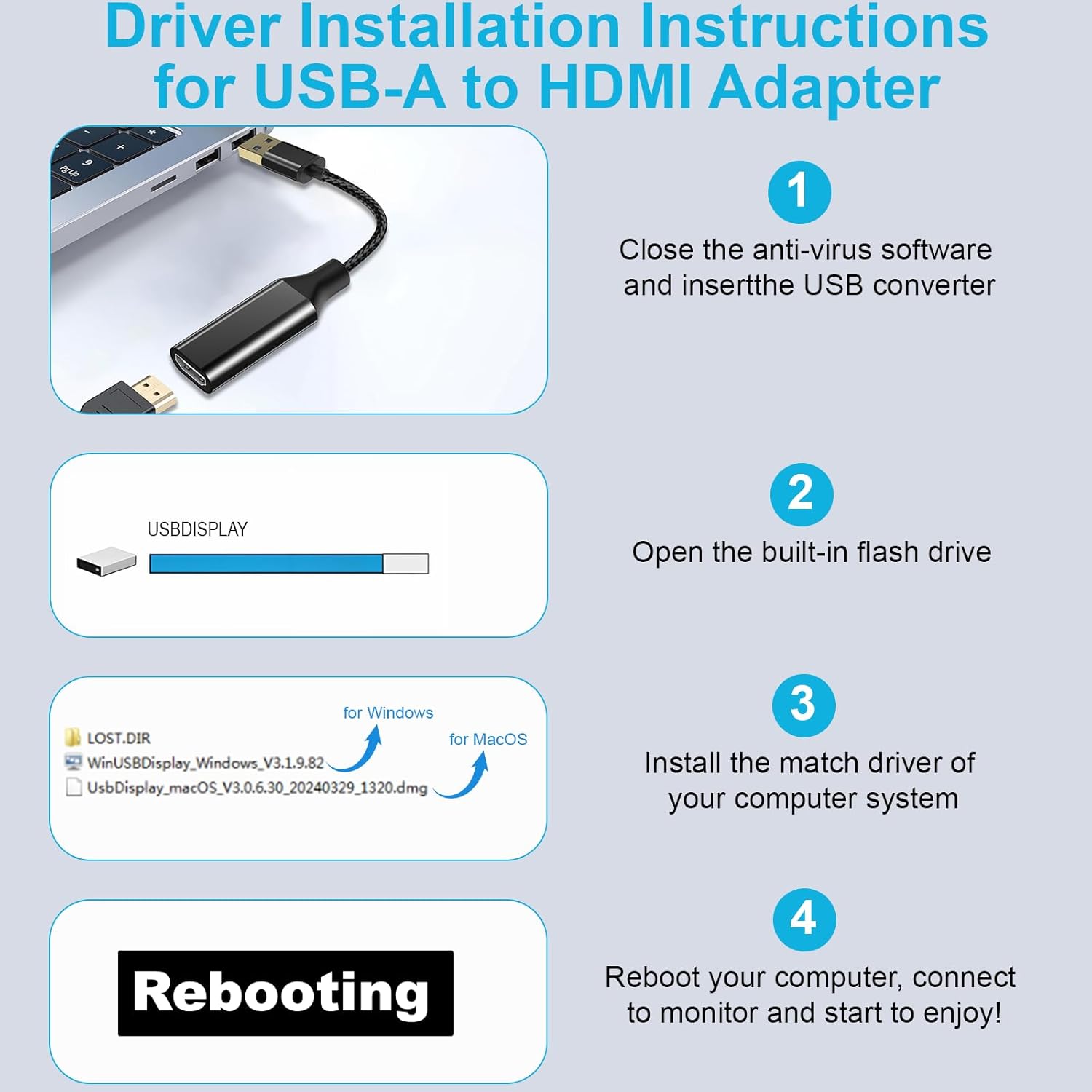
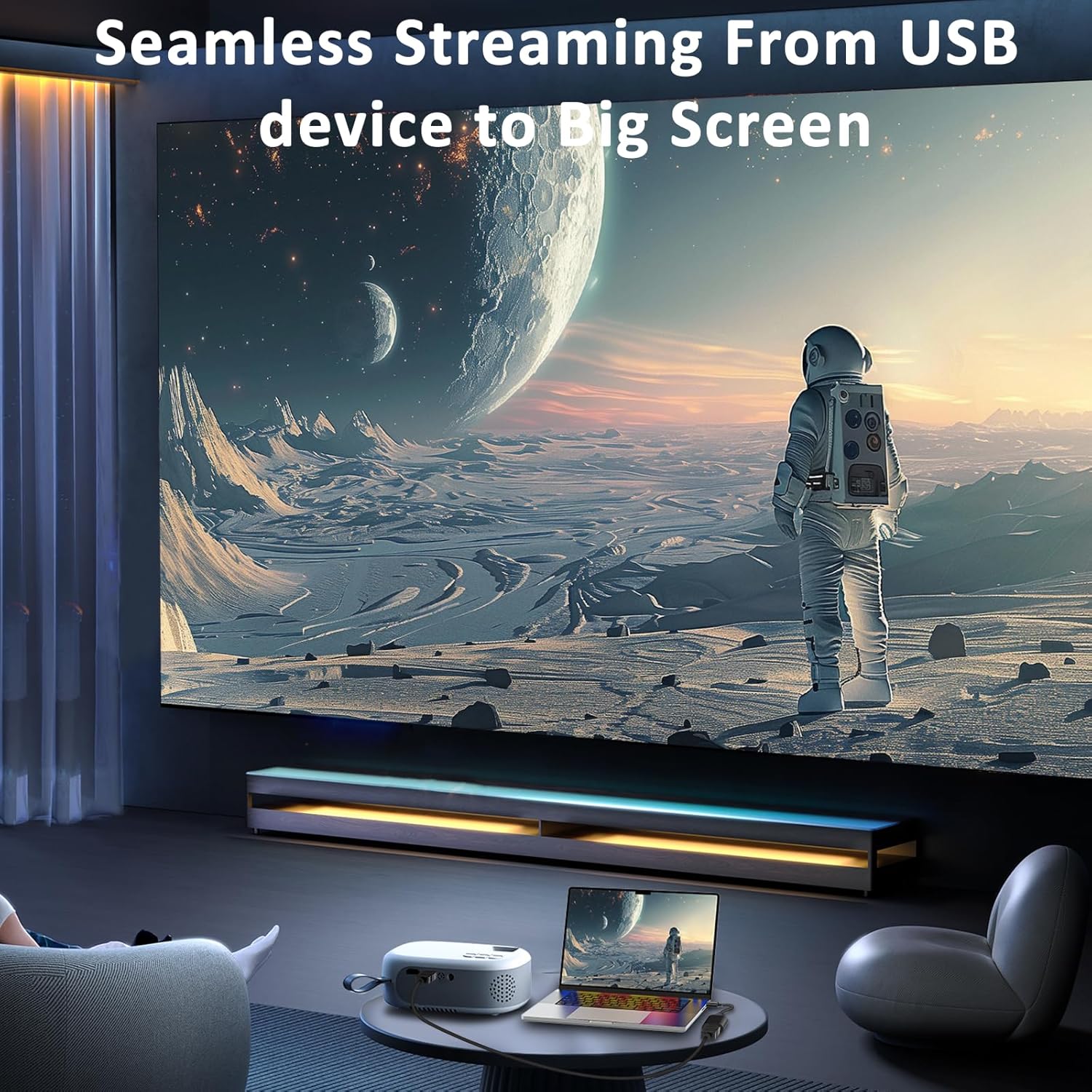
What it is and what it solves\nThe Herfair USB to HD Adapter is a compact USB dongle designed to drive a display from a laptop, desktop or Mac via HDMI. It aims to expand a single computer’s screen real estate without a dedicated graphics output, offering a straightforward way to mirror or extend to a larger monitor, TV or projector. On paper, it’s built around a newer 2025 chip, working through USB 3.0 or USB 2.0 with a claimed 1920×1080 at 60 Hz and even supports a 3D display scenario. The appeal is pragmatic: you can add a second screen for work, gaming, presentations or media viewing without pulling out a long HDMI cable from your PC’s rear ports.\n\n## How it works (and what to expect)\nThe device connects via USB to your computer and outputs HDMI to a display. It supports two common modes: mirror, where the big screen shows the same content as your laptop, and extend, where you can run separate apps on each display. In practice, this can help with multi-tasking: keep emails on one screen while drafting on another, or run a slide deck on the external monitor while keeping notes on your laptop. The design is portable and lightweight, encased in a metal shell that’s meant to resist rust and aid heat dissipation. Setup is described as straightforward, with a folder of instructions that should appear after plugging in, and a simple folder choice to reach the right driver or guide for Windows, MacOS or Android environments.\n\n## What stands out (the positives)\nOn the plus side, the adapter promises stable signal with anti-interference features and a smooth high-definition display without the lag you might fear when using USB-to-video solutions. The broad compatibility—Windows 11/10/8.x/7 and macOS—broadly covers modern PCs and Macs, including MacBook Pro lines. The inclusion of a metal housing is a practical touch for durability and heat management, particularly if you’re using it on the go or in a busy desk setup. For many users, the ability to run two tasks at once across two screens can genuinely improve workflow and reduce the need to switch between windows on a single display.\n\n## Where it may fall short (the caveats)\nIt isn’t a panacea for all graphical needs. The specification says 1920×1080 at 60 Hz, which is perfectly adequate for general productivity and media. If you’re chasing higher refresh rates, specialised gaming, or professional colour-critical work, there could be limitations compared with a dedicated GPU output. Real-world performance can depend on the host machine’s USB bandwidth, the operating system version, and how demanding your tasks are. Some users may experience setup quirks when plugging into different USB ports or displays, so a little patience with drivers and guides is realistic.\n\n## Who it’s for\nIt makes sense for students, remote workers or home users who want a simple, inexpensive way to add a second screen or project an HDMI mirror to a larger display. It’s a sensible option if you own a laptop or desktop without an available HDMI output but still need reliable screen sharing, light graphic use or presentations. It’s likely to suit those prioritising value and portability over high-end gaming performance.\n\n## Who it isn’t the best option for\nIf you rely on high-refresh gaming, colour-critical design work, or you routinely push resolutions beyond 1080p, this adapter may fall short. If your setup requires consistent ultra-low latency for competitive online play, or you regularly travel between devices with very different display drivers, you might want to weigh alternatives or ensure compatibility with your exact hardware before purchasing.\n\n## When it makes sense to buy\nConsider this adapter when you need a quick, budget-friendly way to connect an extra display to a Windows PC or Mac, especially for presentations, teaching, or occasional dual-screen use. If you want a compact travel companion or a simple office upgrade with minimal fuss, it’s worth evaluating.\n\n## What to check before buying\n- Confirm your host machine supports the required USB version (3.0 or 2.0) and is running a compatible OS.\n- Ensure your display accepts HDMI input and that you’re comfortable with 1080p60 as the target resolution.\n- Look for the supplied manual and driver folders to verify the setup steps align with your computer’s OS.\n- Consider the form factor and how the metal casing might help with heat and durability in your typical usage scenario.\n\n## Practical usage example\nYou’re giving a lecture and need to show slides from a laptop to a large screen. You plug in the USB adapter, extend to a second monitor, and arrange windows so notes stay on the laptop while slides appear on the display. It’s not about cutting-edge speed, it’s about a dependable, single-cable extension that keeps your main device free for note-taking.\n\n## FAQ (brief)\n- Is 1080p60 supported on all setups? Generally yes, but it depends on the host USB bandwidth and OS drivers.\n- Do I need extra software? The manual indicates a folder with the required drivers, follow the steps for Windows or MacOS.\n- Will it work with Android devices? The description hints at compatibility with Android in use cases, but exact support may vary by device.\n\n## Is it worth it?\nWorth considering if you prioritise value-for-money for expanding display real estate without upgrading your graphics card or buying a dedicated docking station. It’s not the strongest option for high-end gaming or colour-critical work, but for everyday tasks, presentations and light media, it can be a sensible addition.