

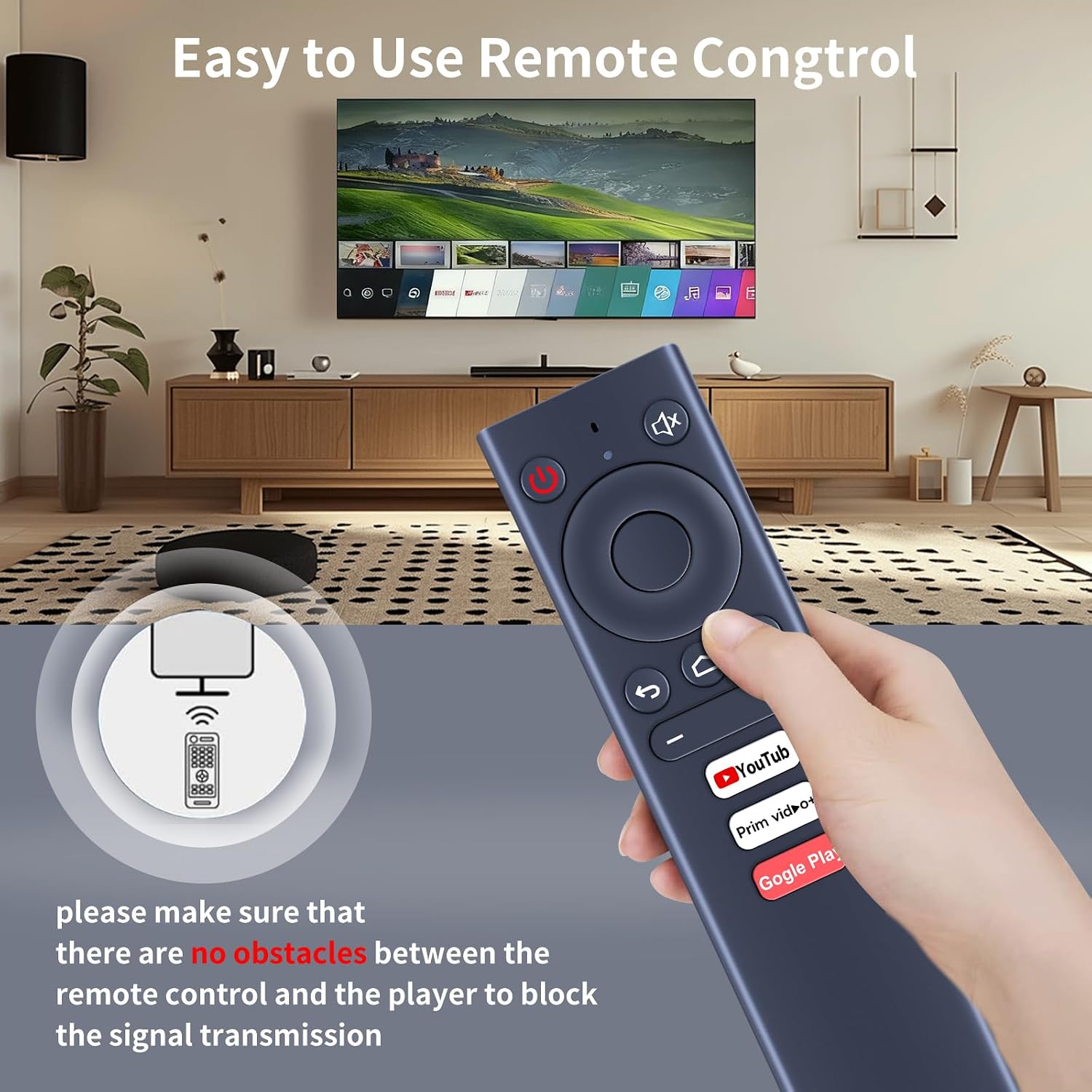
TCNOUMT Replacement Remote for MECOOL KM6/KM8/KM3/KM9 PRO/KM1
Product description
What it is
This TCNOUMT remote is designed as a direct replacement for MECOOL TV Box models KM6, KM8, KM3, KM9 PRO and KM1. It aims to mirror the essential functions of the original remote so you can navigate, select and control your MECOOL box again without changing habits.
What matters most
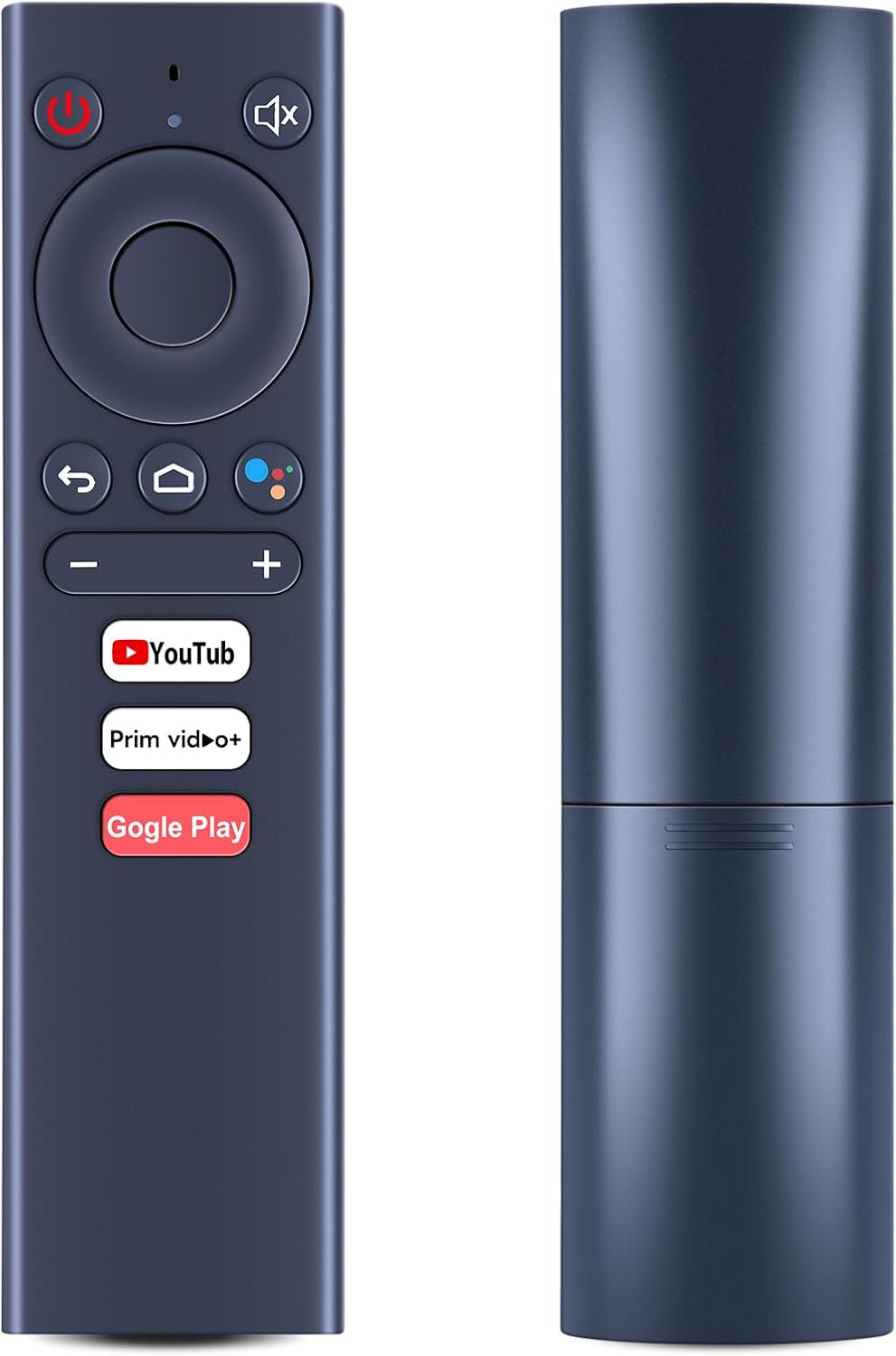
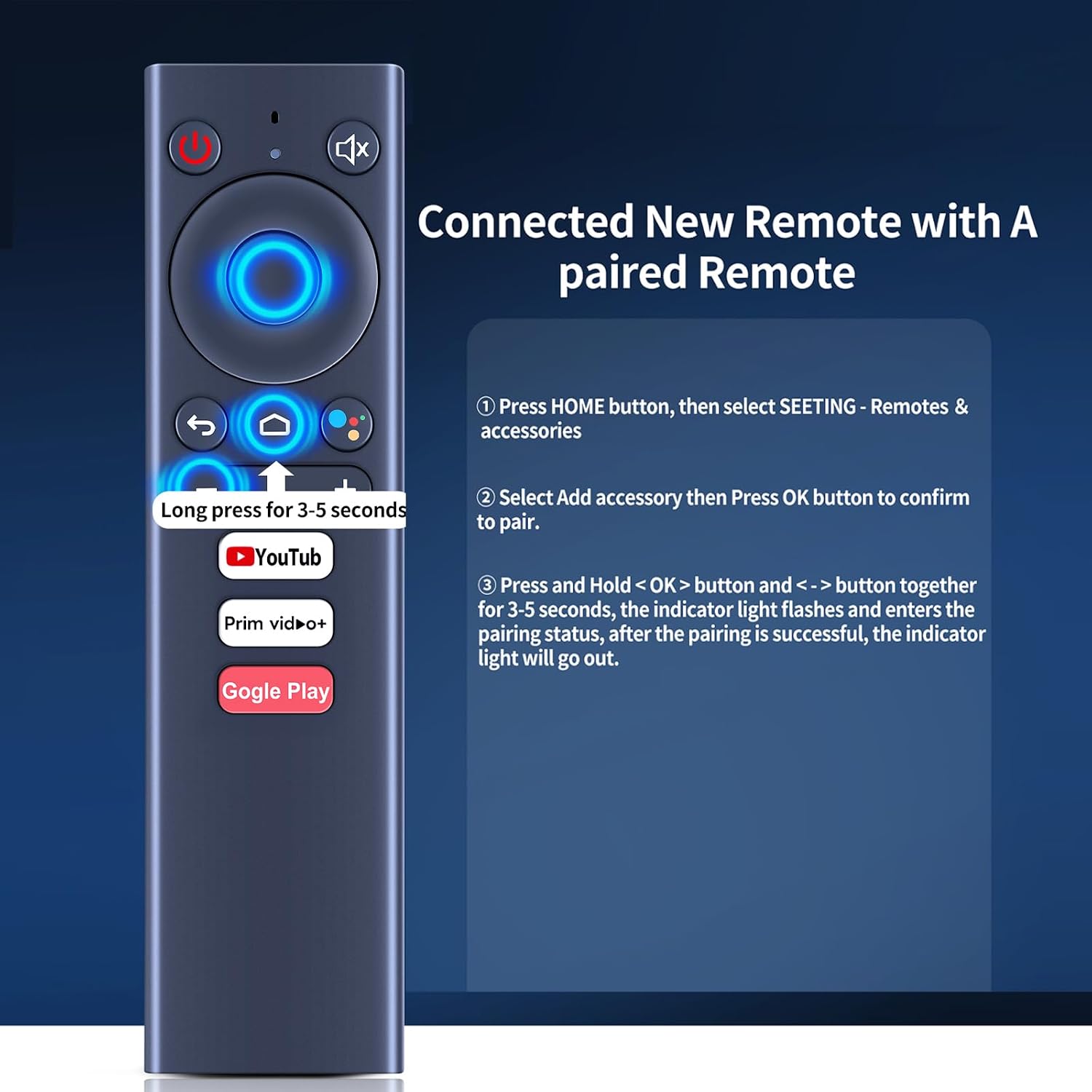
On paper, the layout mirrors the usual remote design for MECOOL devices, with pairing steps outlined to re-establish a connection after unboxing or a battery swap. The guidance suggests the same pairing flow you’d expect: power on, then a short press-and-hold sequence to enter pairing mode, followed by confirmation of a successful link. If the exact button mapping matters to you, verify the button symbols against the remote in your possession before purchasing.
Technical details
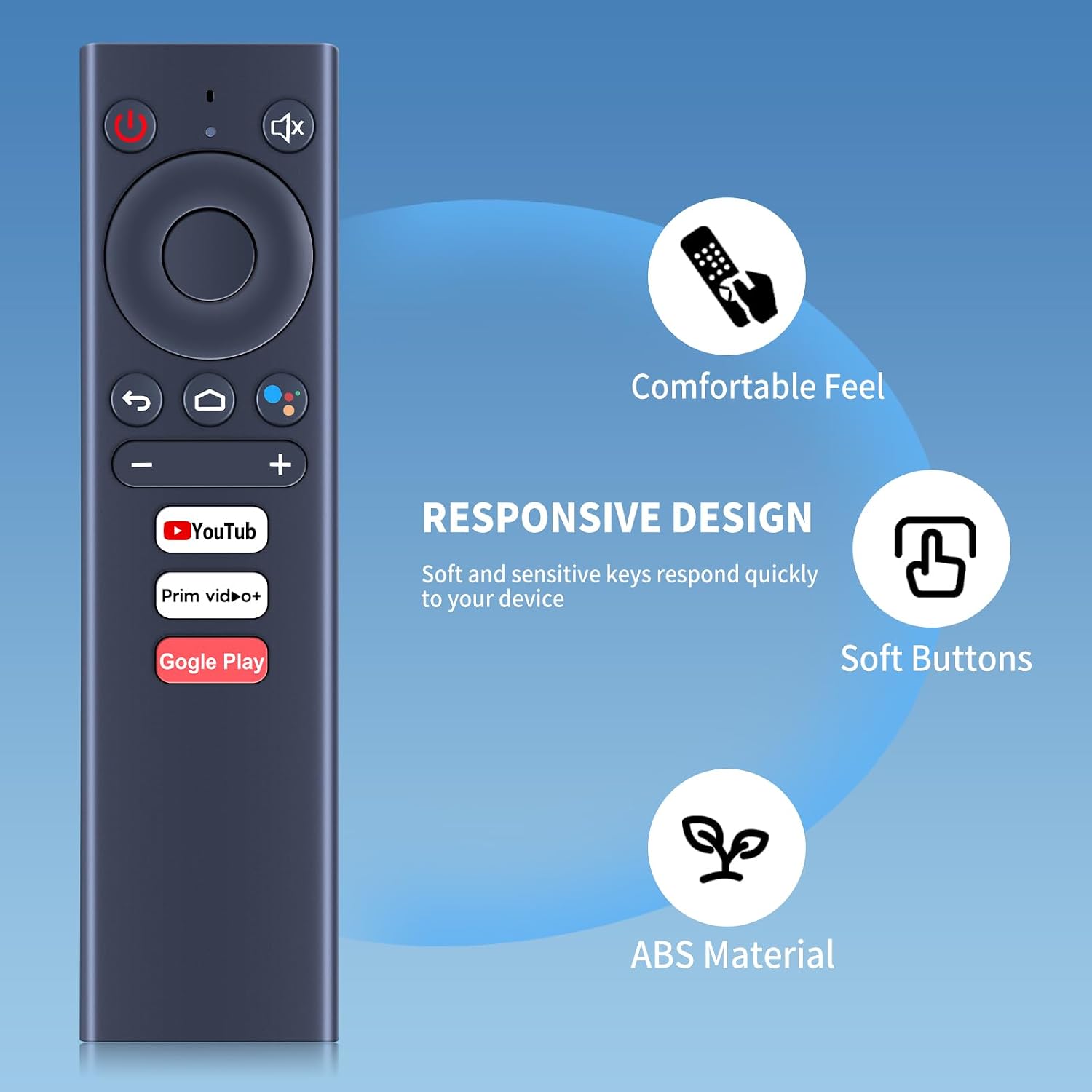
Compatible with KM6, KM8, KM3, KM9 PRO and KM1. The description indicates parity with the original remote’s functions, though availability of certain functions may vary depending on the model and button in question. The setup instructions cover pairing with a previously paired or a new MECOOL box, including joining via the home/Settings path for Add accessory and the traditional button-hold pairing.
Compatibility
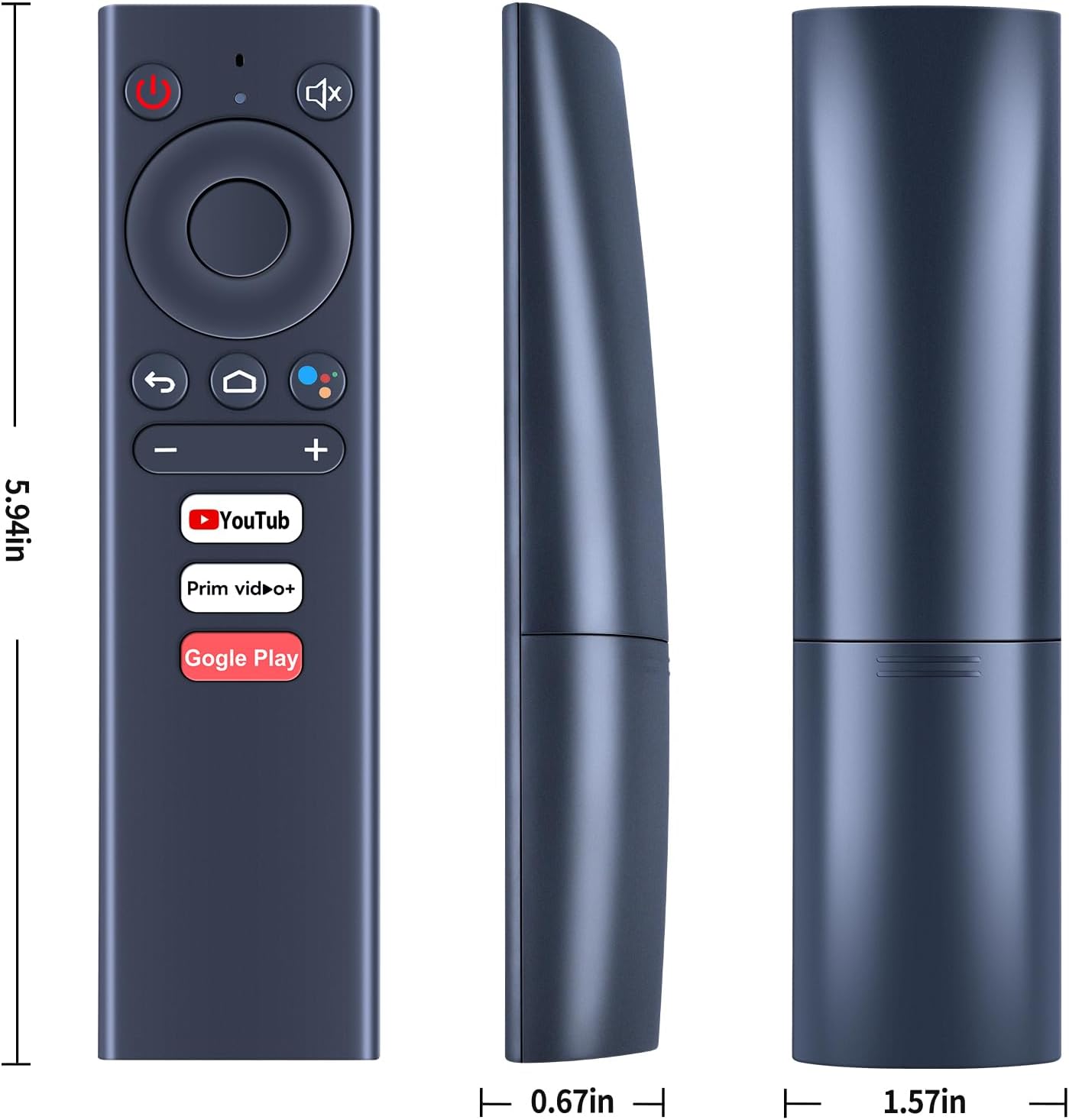
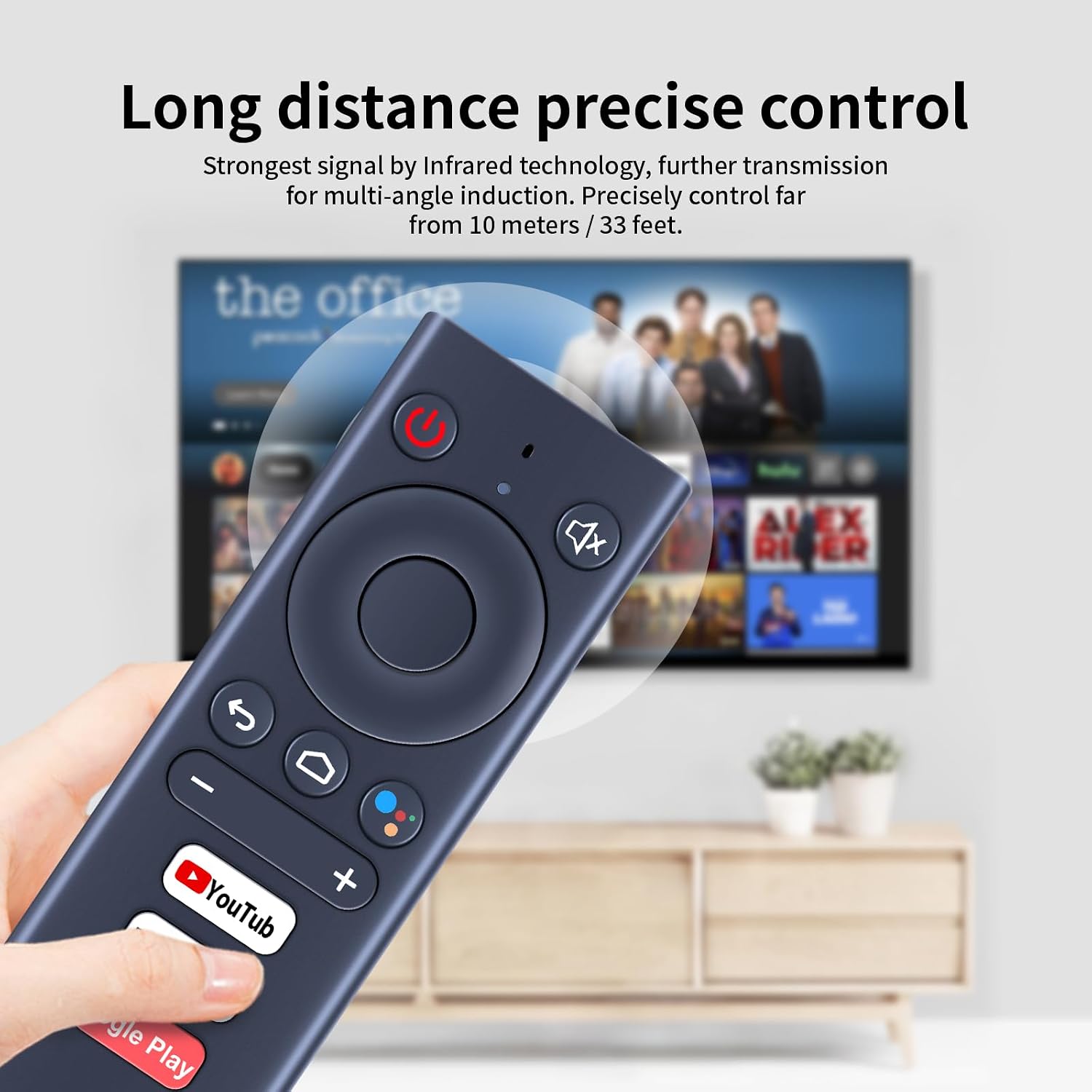
Before buying, check that the pictured remote matches the symbol layout of the button you need. If your original remote used a symbol that's not present on the replacement, some functions may not be available. If you’re unsure, reach out for confirmation with a photo of your current remote’s button layout.
Usage tips
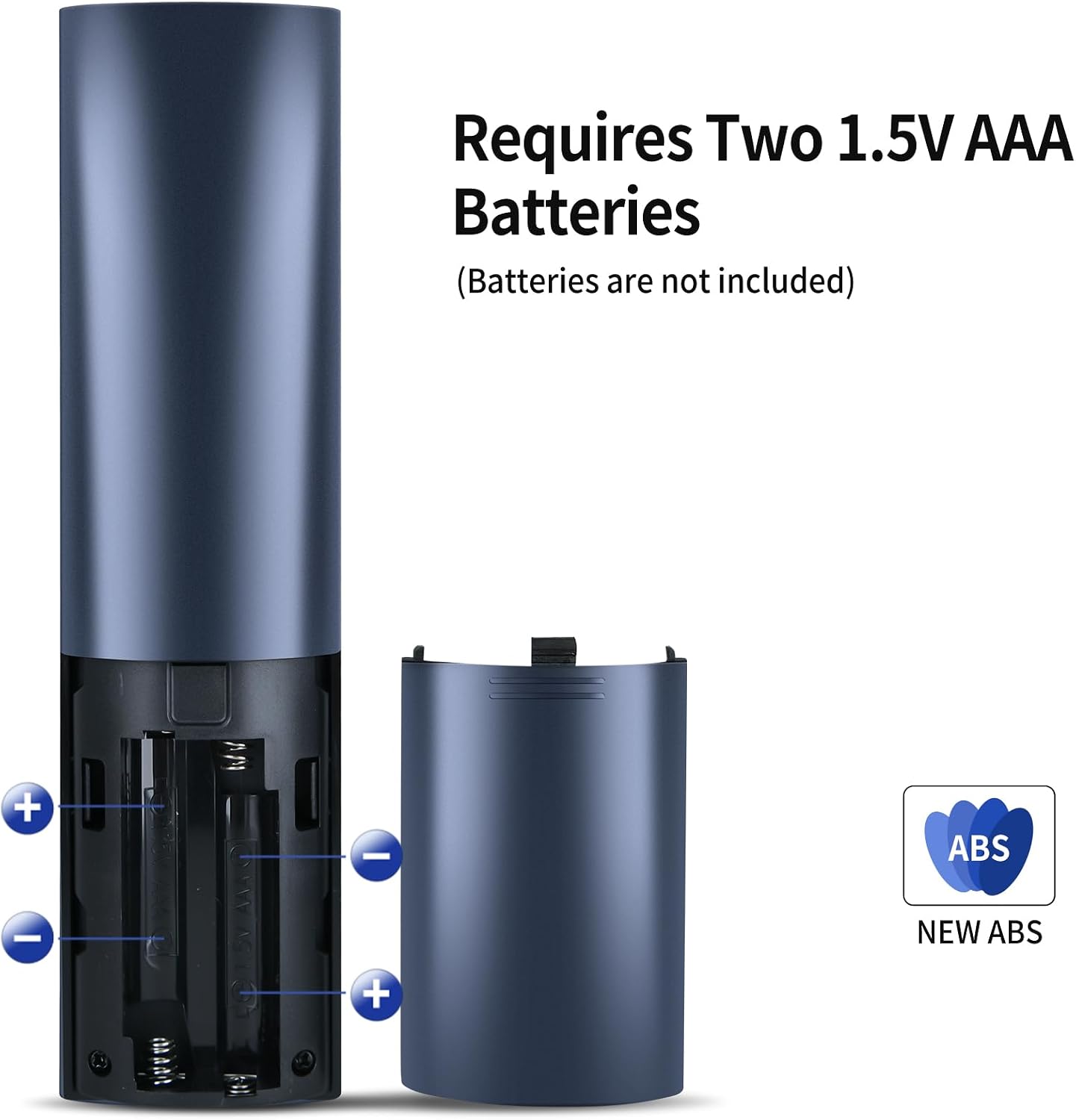
If you’re replacing a damaged or lost remote, this model is intended to restore normal operation without needing additional accessories. For day-to-day use, expect standard navigation, playback control and menu access. Note that exact function availability can vary by button and MECOOL model, so it may not replicate every single feature of the original.
What to look out for
Take into account that some features on newer MECOOL firmwares sometimes rely on manufacturer-specific codes or apps. If you rely on a very specific function, verify that the replacement supports it before purchase. Also, the pairing process requires following the steps shown in the instructions, if the indicator light does not respond as expected, a retry or a short wait can help.
Practical example
Imagine you’ve swapped to this replacement after a drop. You power on the TV box, hold the OK and minus buttons together for a few seconds, and the light flashes to indicate pairing. Once paired, you can resume watching with familiar controls rather than scrambling for a universal remote or using the box’s setup menu extensively.
Is it worth it?
It makes sense if you need a straightforward replacement that mirrors essential MECOOL remote functions and you’re targeting KM6/KM8/KM3/KM9 PRO/KM1 models. It may not be the best option if you rely on niche button mappings or newer firmware features that require an exact original remote layout. Consider whether you prefer a plug-and-play replacement over a universal remote with broader compatibility.
FAQ
- Will this remote work with my MECOOL KM6 if I’ve never paired a new remote before? Yes, the instructions describe a standard pairing process for a new remote, though you may need to follow the steps carefully to enter pairing mode.
- Do all buttons match the original remote? The product indicates compatibility with the listed KM models and advises checking the pictured remote to confirm button symbols before purchase.
- What should I do if pairing fails? Recheck the pairing steps: power on the box, press and hold OK and - together for 3–5 seconds until the indicator flashes, then complete the pairing as directed in settings if applicable.