

Voice Replacement for Samsung-Smart-TV-Remote with Voice Function and Shortcut Buttons
Product description
What it is and what it solves
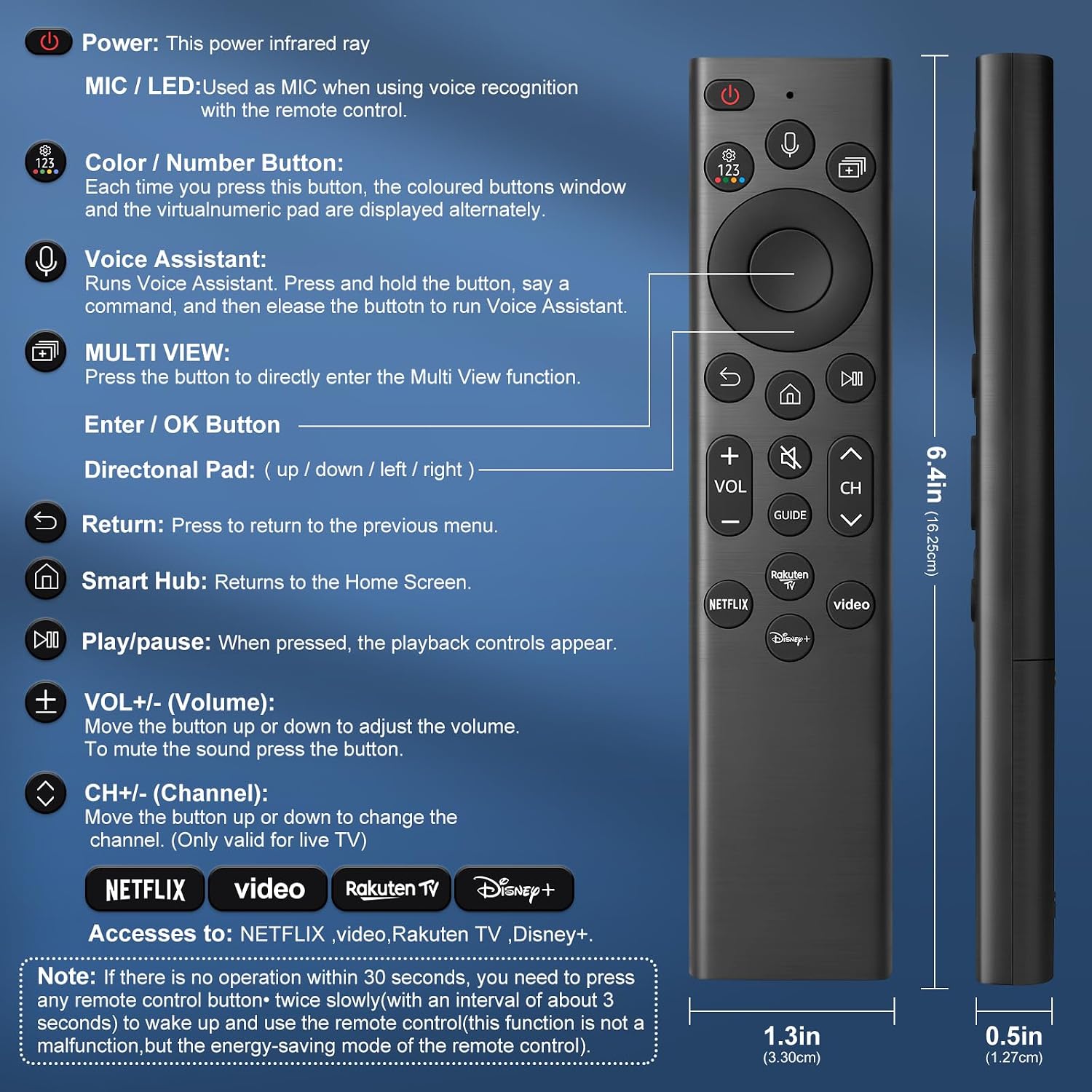
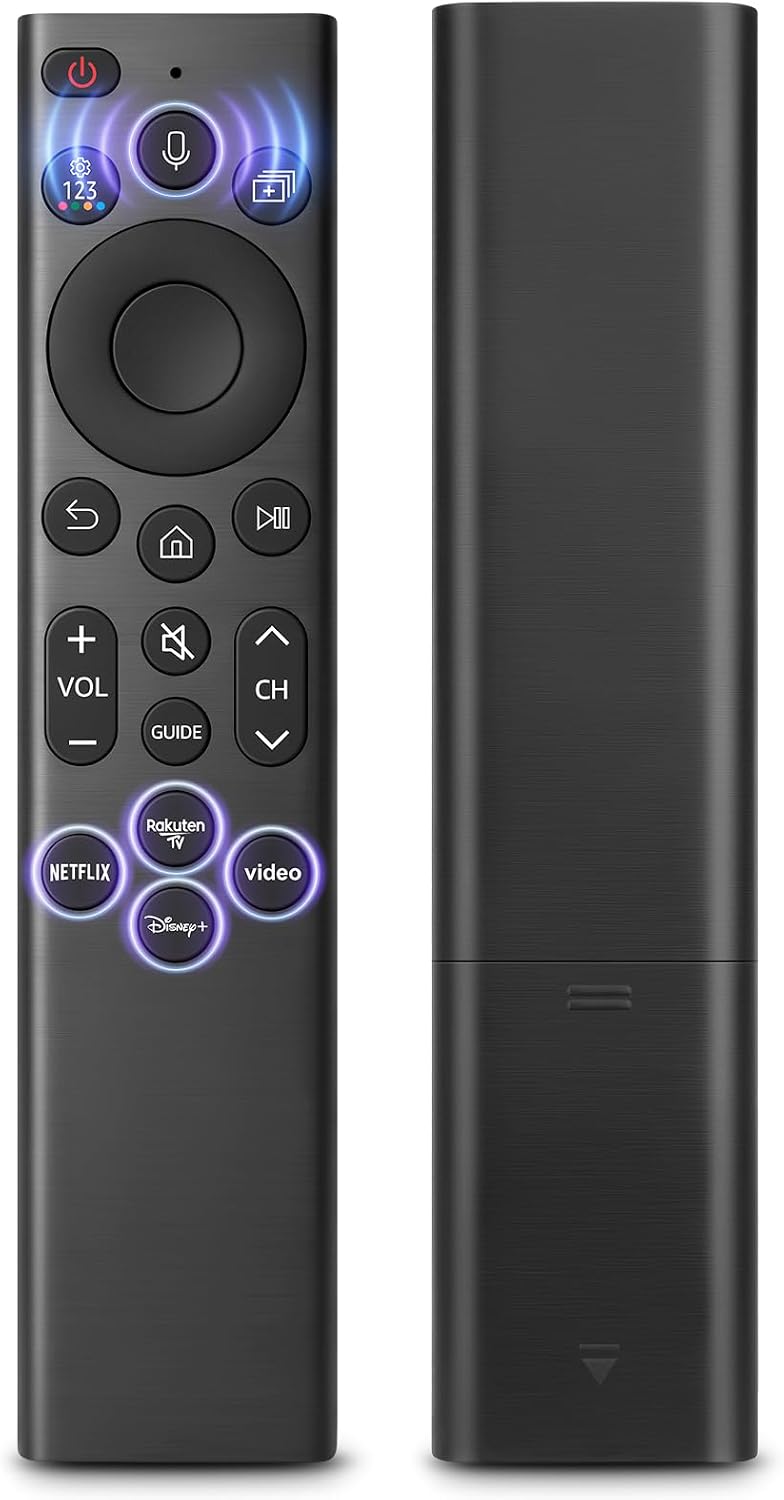
This is a voice-enabled replacement remote designed for a wide range of Samsung smart TVs. It aims to simplify navigation, searching and app launching with one-touch voice control, reducing the need for manual input. The remote includes four dedicated streaming buttons for quick access to popular services, which can be particularly handy when you’re skimming for a show or catching up on a favourite channel.
Compatibility and setup on paper
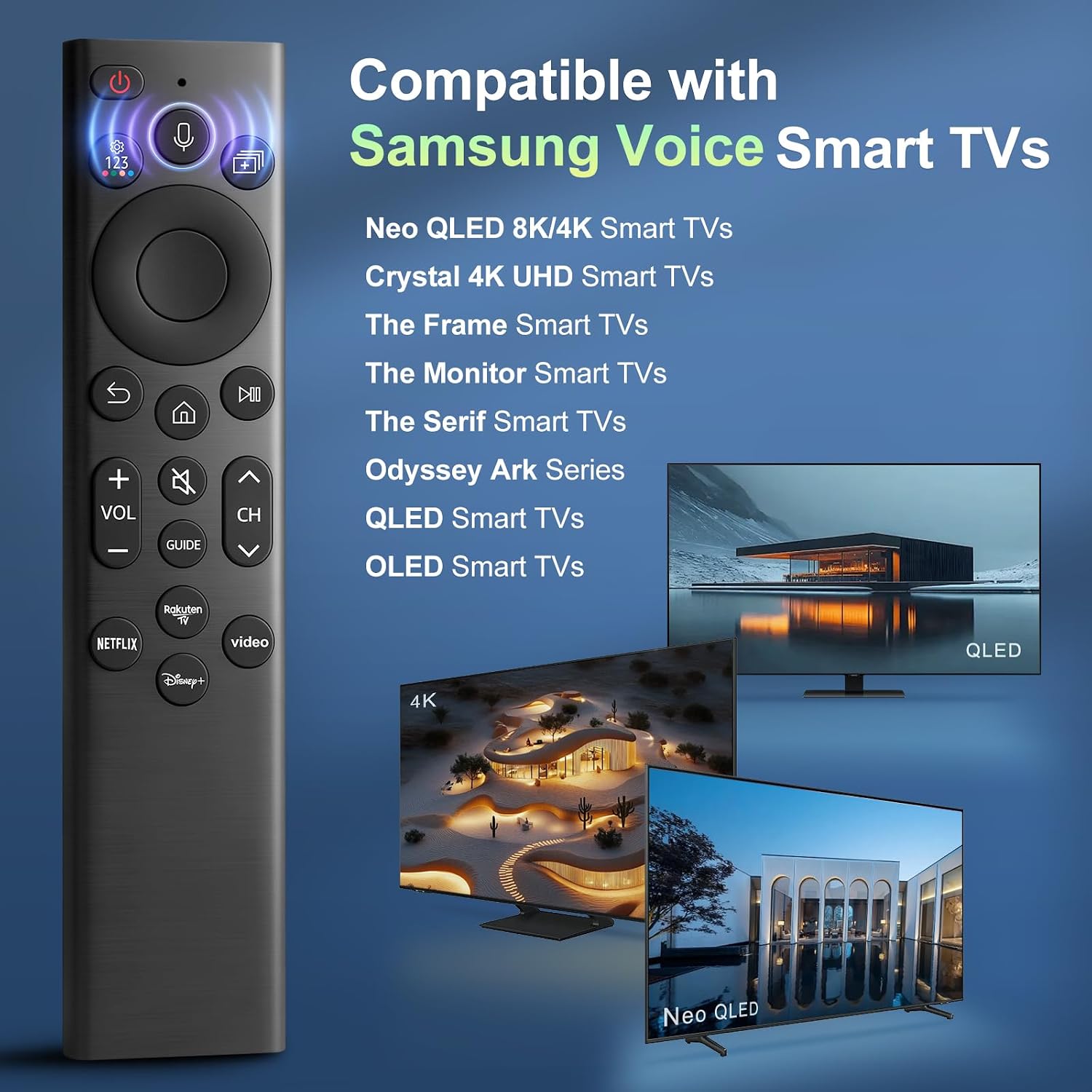
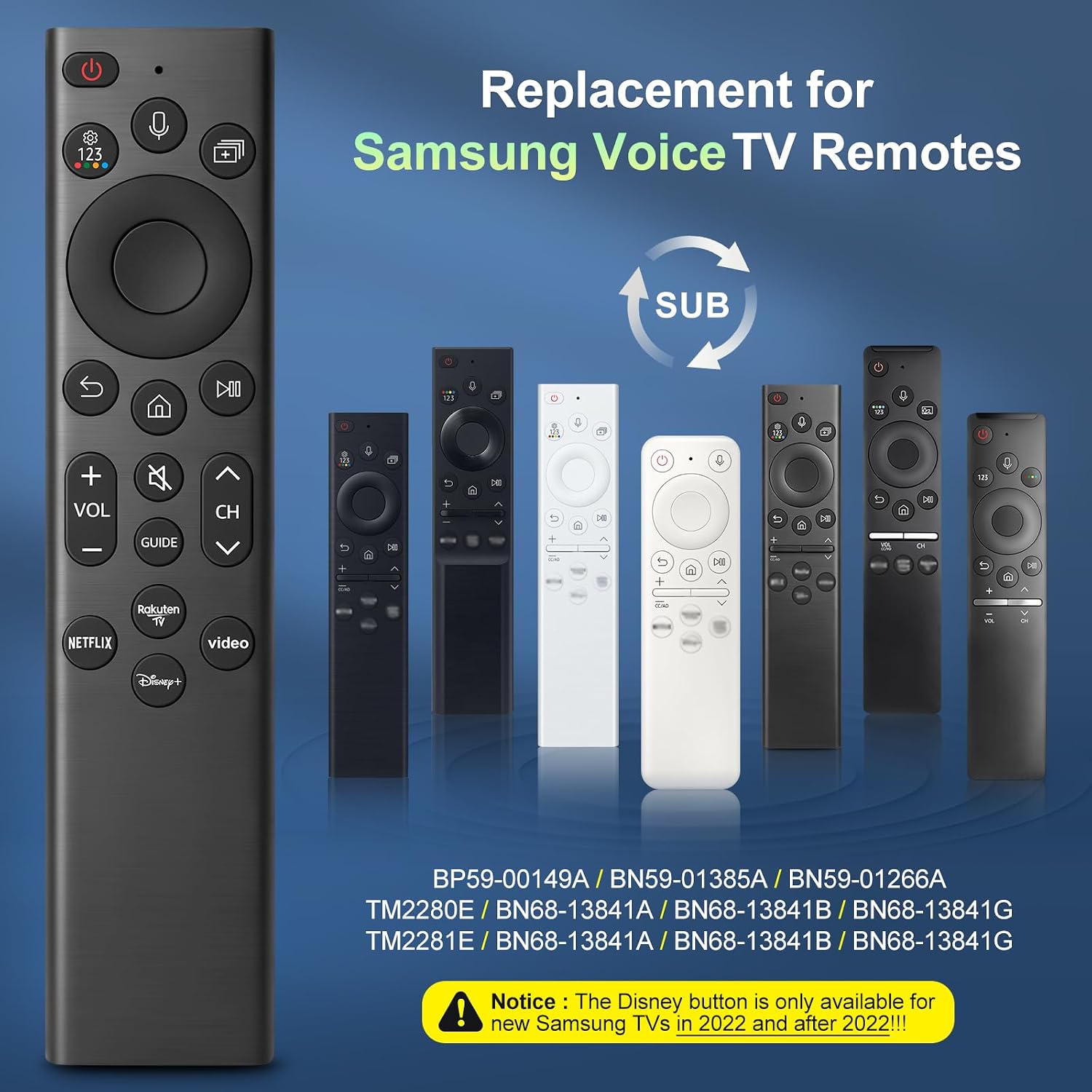
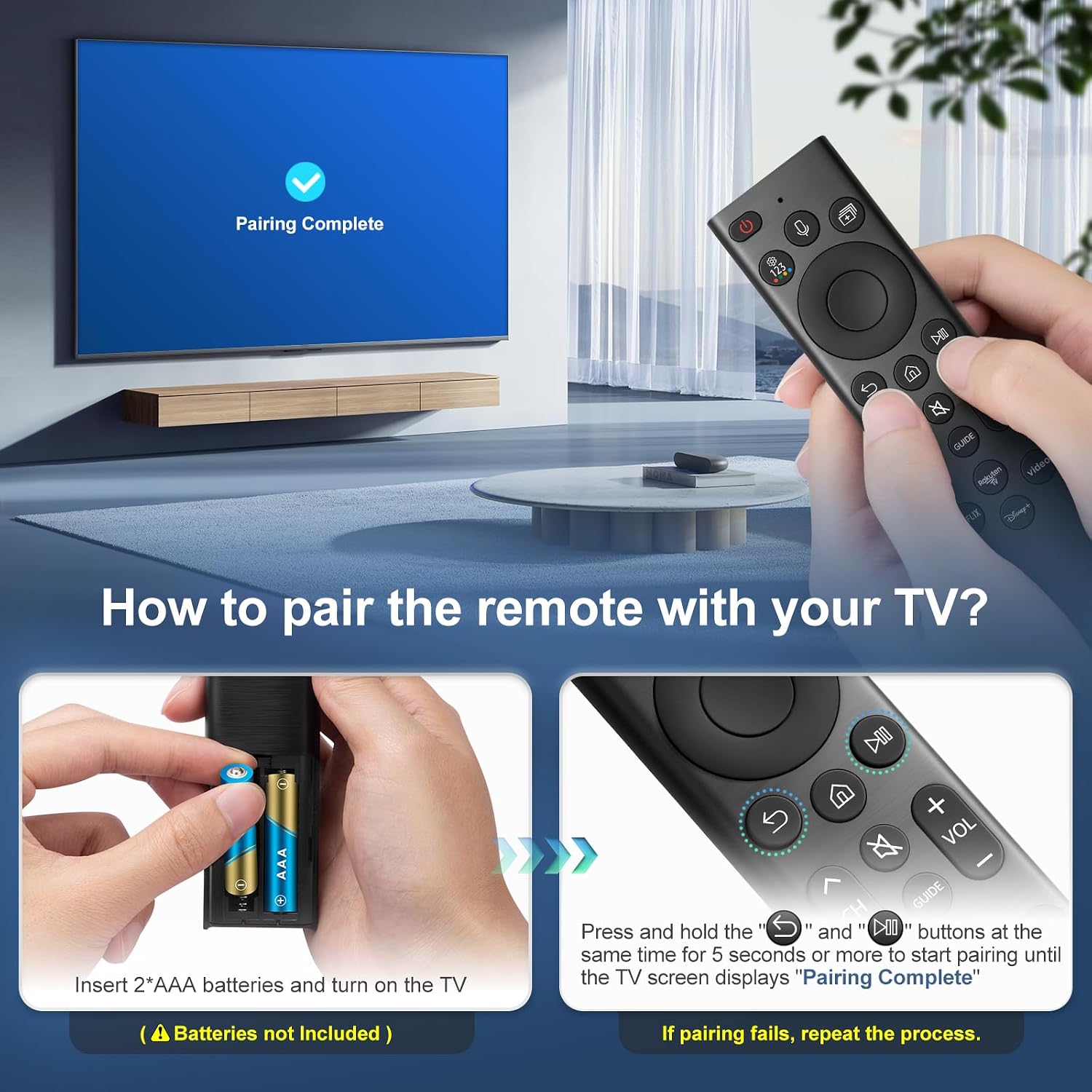
According to the information provided, the remote is compatible with hundreds of Samsung TV models, including many in the S95B, QN90B, QN800B, Q80B, Q70B, Q60B, M8, M7, LS03B, G9, G7 and BU8000 series. A key caveat is that the Disney button works only with Samsung TVs from 2022 onwards. Pairing is described as a simple 3-step process: insert two AAA batteries, hold the Return and Play/Pause buttons for five seconds, then complete pairing when the TV confirms success.
How it feels in everyday use
On paper, the voice recognition feature should allow quick searches for shows, launching apps, or adjusting settings using spoken commands. The presence of four dedicated streaming shortcuts means you can jump directly to your usual platforms without navigating menus. The build is described as premium, combining ABS and silicone for durability, scratch resistance, and a steady wireless connection. If you prioritise a straightforward, voice‑driven experience without a heavy reliance on on-screen typing, this design should feel natural.
What stands out and what might not
What stands out: - Broad compatibility across many Samsung models (subject to the Disney button limitation). - Direct voice control to speed up everyday TV tasks. - Four dedicated streaming shortcut buttons for quick content access. - Sturdy materials and a focus on reliable wireless connectivity.
What might not convince everyone: - Disney button limited to 2022 onwards, older TVs may not get the same level of integration. - Batteries required (2 AAA) but not included, which means an initial extra cost and a brief inconvenience at setup. - The description emphasises compatibility and feature set, but real-world performance can vary by TV model and environment.
Who this is for
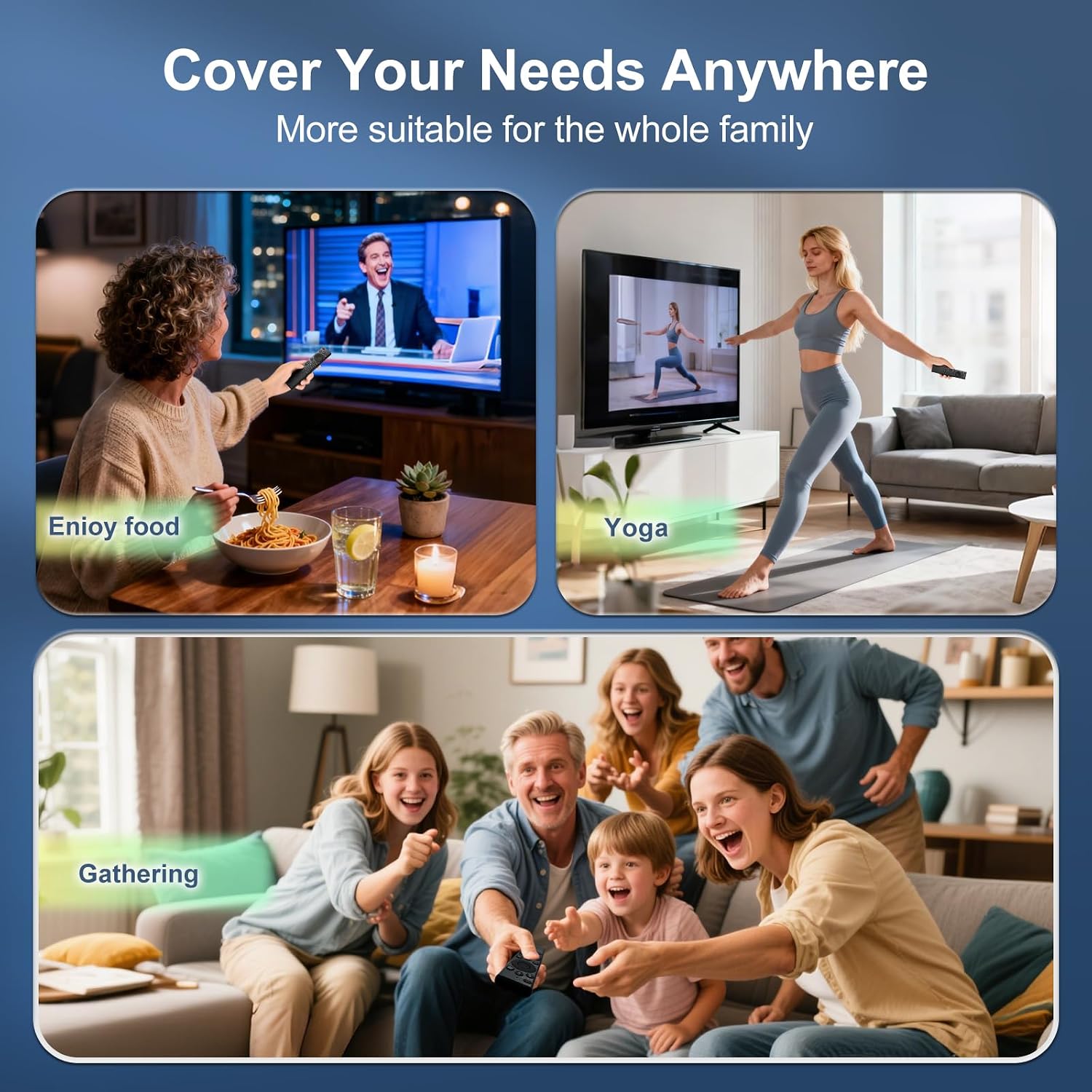
This remote is likely well-suited for households with multiple Samsung TVs and those who value voice search and speedy access to streaming services. If you often use voice commands to navigate, search for programmes, or switch apps, the voice function and shortcuts could save time and reduce input effort. It may appeal to users who want a sturdy, long‑lasting remote with a straightforward pairing process.
Who it isn’t the best for
If you rely heavily on Disney content and own a TV model from before 2022, you may notice reduced button functionality or limitations with the Disney integration. If you’re hoping for a premium, feature‑rich remote with extensive app control beyond voice commands and shortcuts, you might want to compare against higher‑end remotes or official Samsung options.
When it makes sense to buy
- You value quick voice control for searching and launching apps.
- You appreciate four dedicated streaming shortcuts for instant access to major services.
- You want a durable, scratch‑resistant remote with reliable wireless connectivity.
- You own a current or recent Samsung TV model and want straightforward compatibility.
When to hold off or consider alternatives
- If your primary need is extensive app control or advanced gaming features, this remote may feel limited.
- If you have a TV older than some 2022 models and rely on the Disney button, verify compatibility before buying.
- If you prefer a remote that ships with batteries included, note that you’ll need to supply two AAA batteries.
What to check before buying
- Confirm your Samsung TV model and the Disney button's availability on your 2022+ set.
- Ensure you’re comfortable with the 3-step pairing process and understand that it requires two AAA batteries (not included).
- Consider whether the four shortcut buttons align with your most-used streaming platforms.
- Remember this is a replacement remote: it should mirror typical Samsung TV control expectations but may not offer advanced features found on higher‑end models.
Practical use example
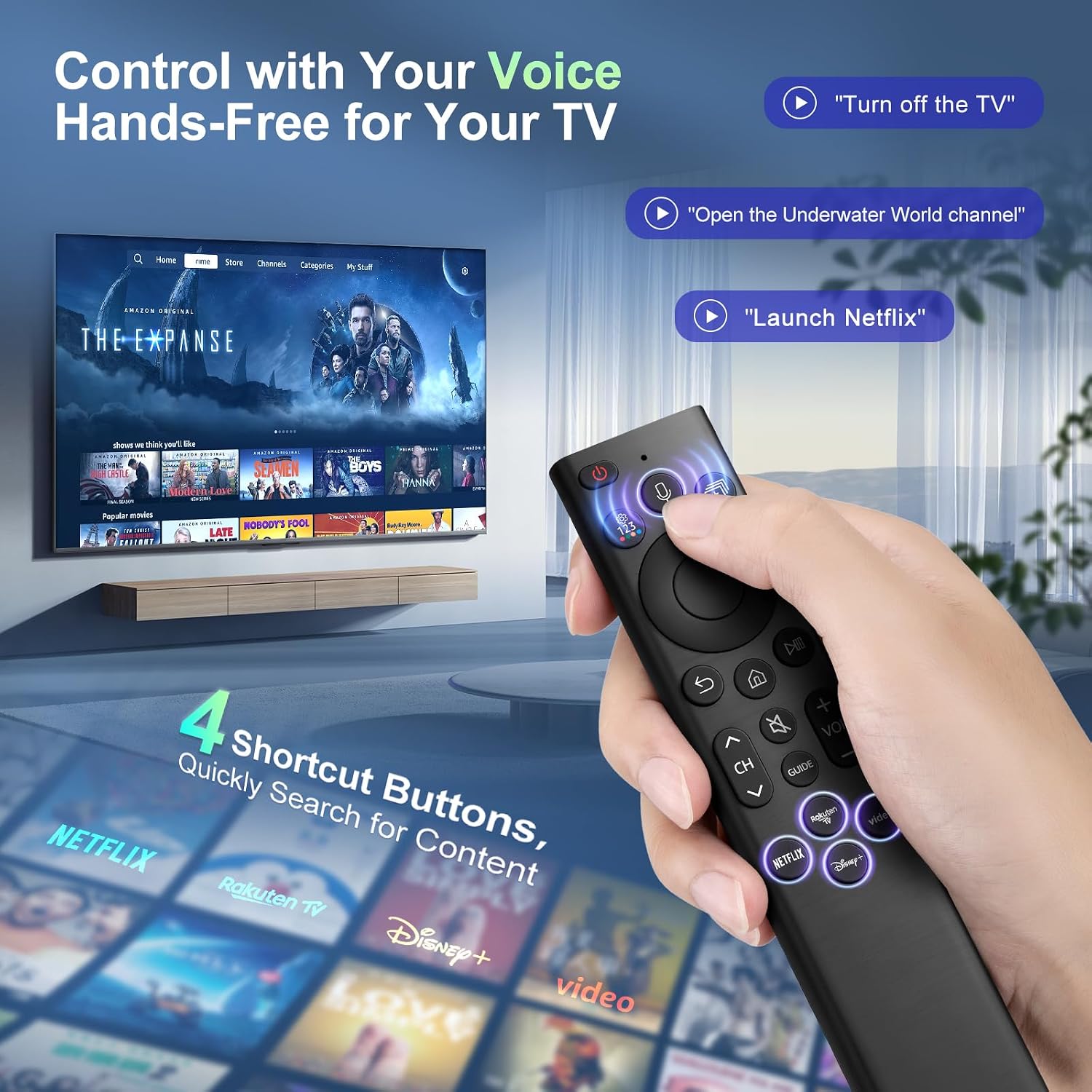
Imagine you’ve finished a long day and want to unwind. You press the voice button and say, “Play The Crown on Netflix.” The TV searches, apps open, and you’re watching within moments, with the extra shortcuts ready for the next episode or a quick pause. The combination of voice control and direct‑launch buttons can feel noticeably quicker than typing on a remote or navigating menus by hand.
What it means for alternatives and decisions
If you’re weighing options, consider whether you want a purpose‑built Samsung replacement with voice control versus a generic universal remote or the original manufacturer’s remote. For someone already tied into Samsung’s ecosystem, this option offers a pragmatic balance of voice control and convenience buttons without a high price tag. If you prioritise maximum compatibility across brands or need more advanced features, you might explore other remotes, keeping in mind that compatibility and support vary.
Final buy decision
Should you buy it?
It makes sense if you want a pragmatic, voice‑driven nudge to cut down input friction on Samsung TVs and you value quick access to streaming apps. It’s a reasonable middle‑ground between basic remotes and higher‑end options, especially if you own a compatible model from 2022 onwards and can utilise the Disney button where applicable.
When you should pass
If your TV is older or you rely on more extensive control features than voice and four shortcuts, this remote might not meet every expectation.
Who benefits most
Someone who uses voice search regularly, enjoys simple pairing, and wants reliable day‑to‑day control without fuss.
Practical takeaway
Review your TV model, note the Disney button limitation, and confirm you’re comfortable with the independent battery requirement before committing. It’s a steady, no‑nonsense upgrade for typical daily viewing, rather than a dramatic leap in remote capability.