

TCNOUMT replacement remote control for ULTIMEA Apollo Projector P20
Product description
What this remote is for
If your ULTIMEA Apollo projector remote has gone missing, stopped responding, or just looks a bit worse for wear, a replacement remote is often the simplest fix. This TCNOUMT replacement remote control is designed to give you the same basic functions as your original remote, so you can get back to using the projector without having to wrestle with awkward workarounds.
On paper, the main idea is straightforward: it’s a replacement remote, it’s lightweight and easy to hold, and it’s meant to be ready to use with minimal setup. The only real catch is that remote controls can be model- and button-specific, so you’ll want to double-check the button layout and symbols before you buy.
Key points
This replacement remote control is built around convenience. You don’t need to programme it, which makes it a good “swap and go” option when you just want the device to behave as normal again. It also uses a familiar battery setup, so replacing power later isn’t a major headache.
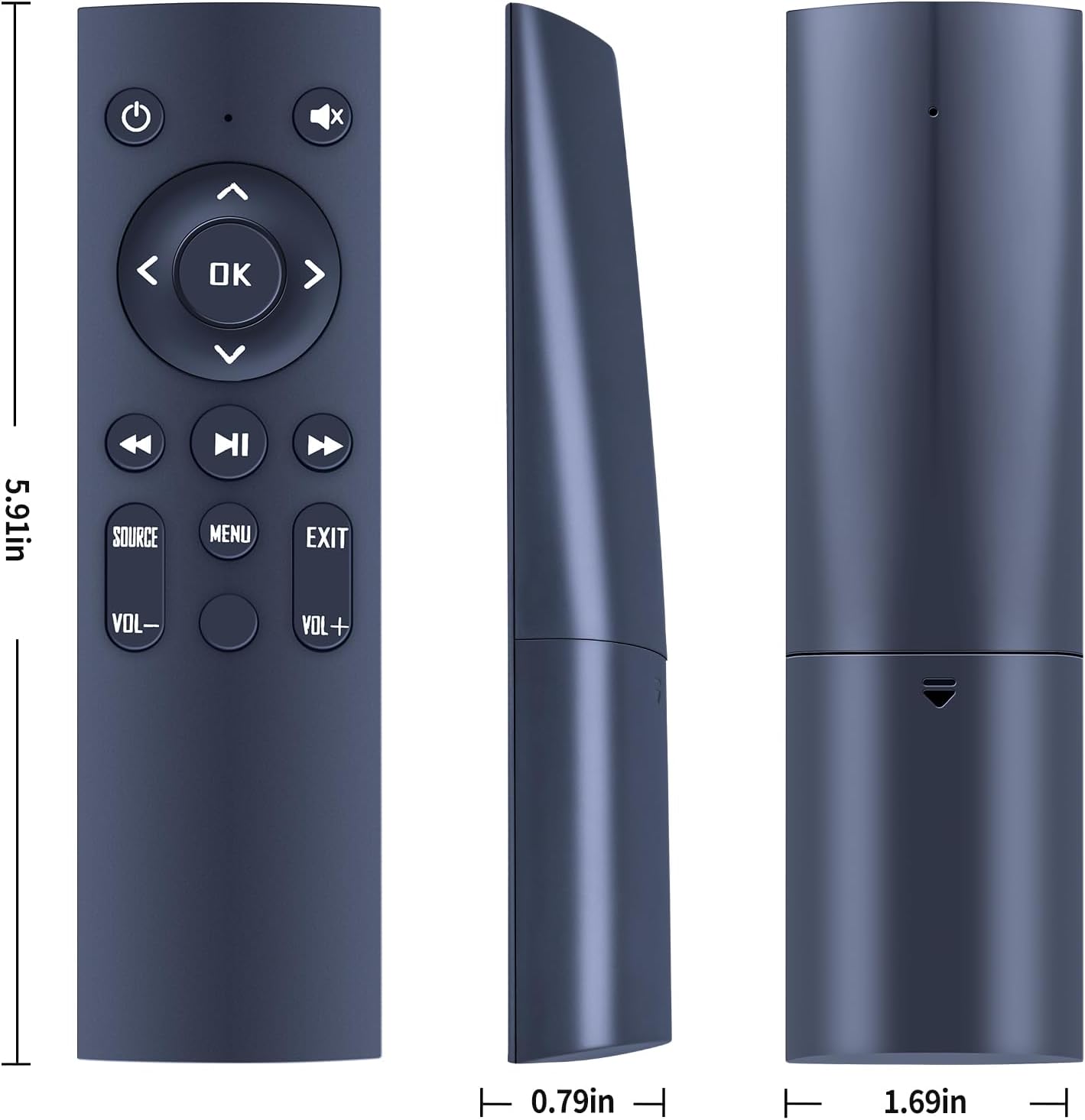
It’s also designed with day-to-day handling in mind. The ergonomic shape and lightweight build should make it comfortable to hold for longer viewing sessions, whether you’re using it on the sofa or helping someone older or younger who may prefer something easy to grip.
What stands out in everyday use
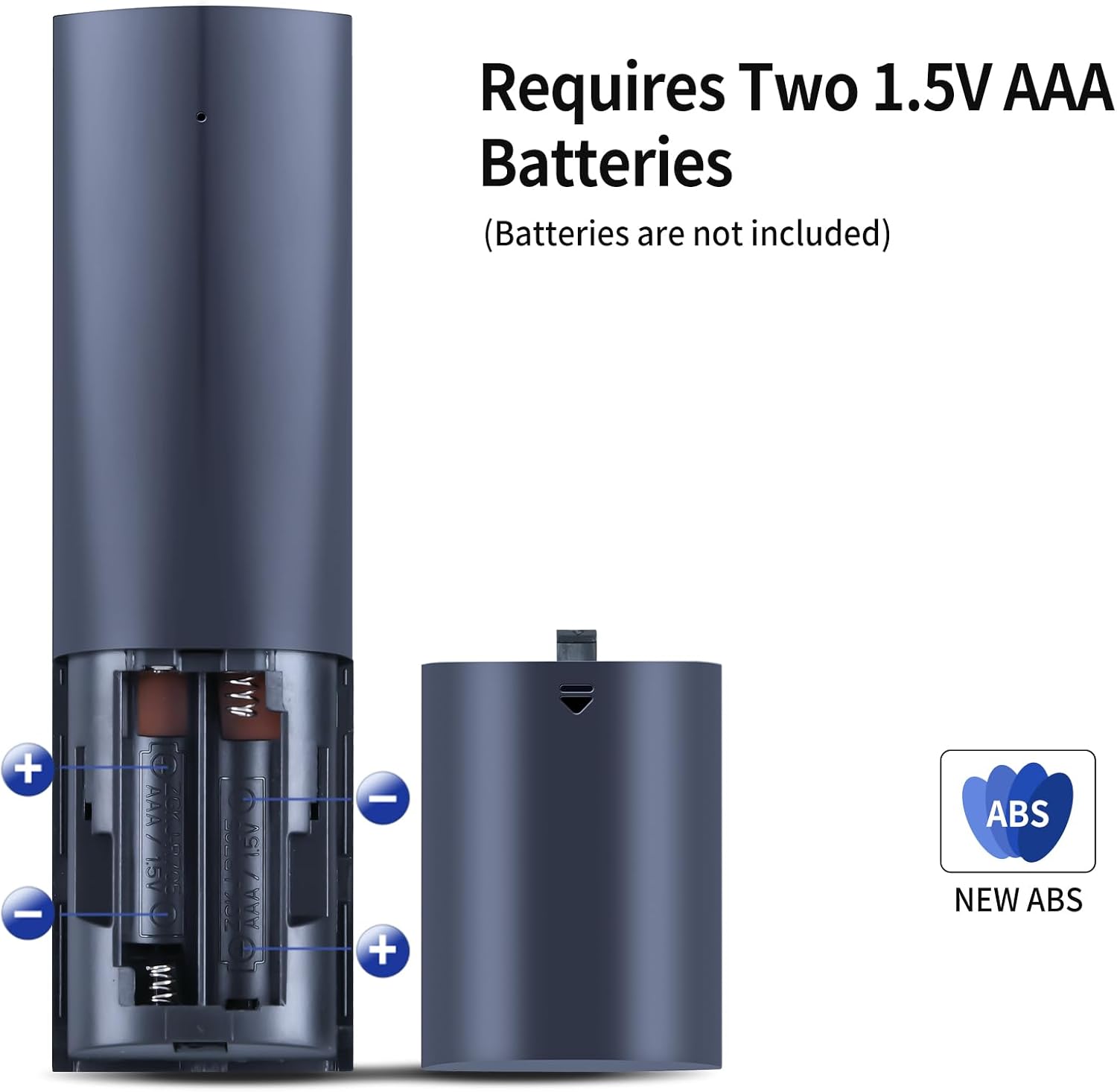
The setup is one of the most practical parts. You simply insert 2×AAA batteries (not included) and use it with your projector. That matters because it avoids the “do I need pairing or programming?” uncertainty that can come with some replacement accessories.
Button feel is another area they’ve leaned into. The remote includes soft silicone buttons, which can be easier to press reliably than hard, slippery plastic in a dim room. And the casing and battery compartment cover are described as sturdy and durable, which is reassuring if the remote tends to get tossed into a drawer or gets handled often by different people.
Still, note that depending on the button and model, some functions may not be available. That’s not unusual for replacement remotes, but it’s worth keeping in mind if you rely on a specific command and can’t afford to lose one or two features.
Quick compatibility check (don’t skip this)
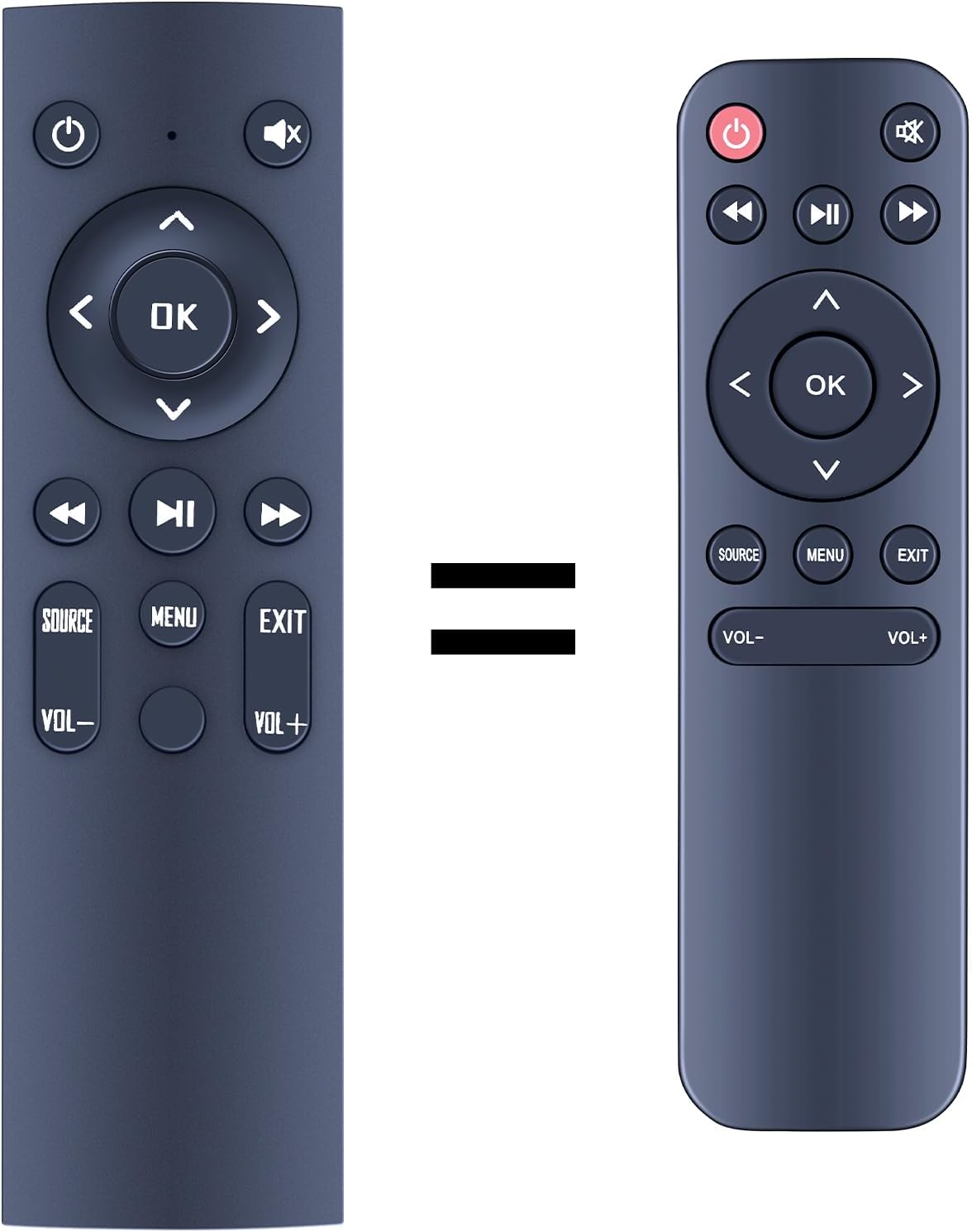
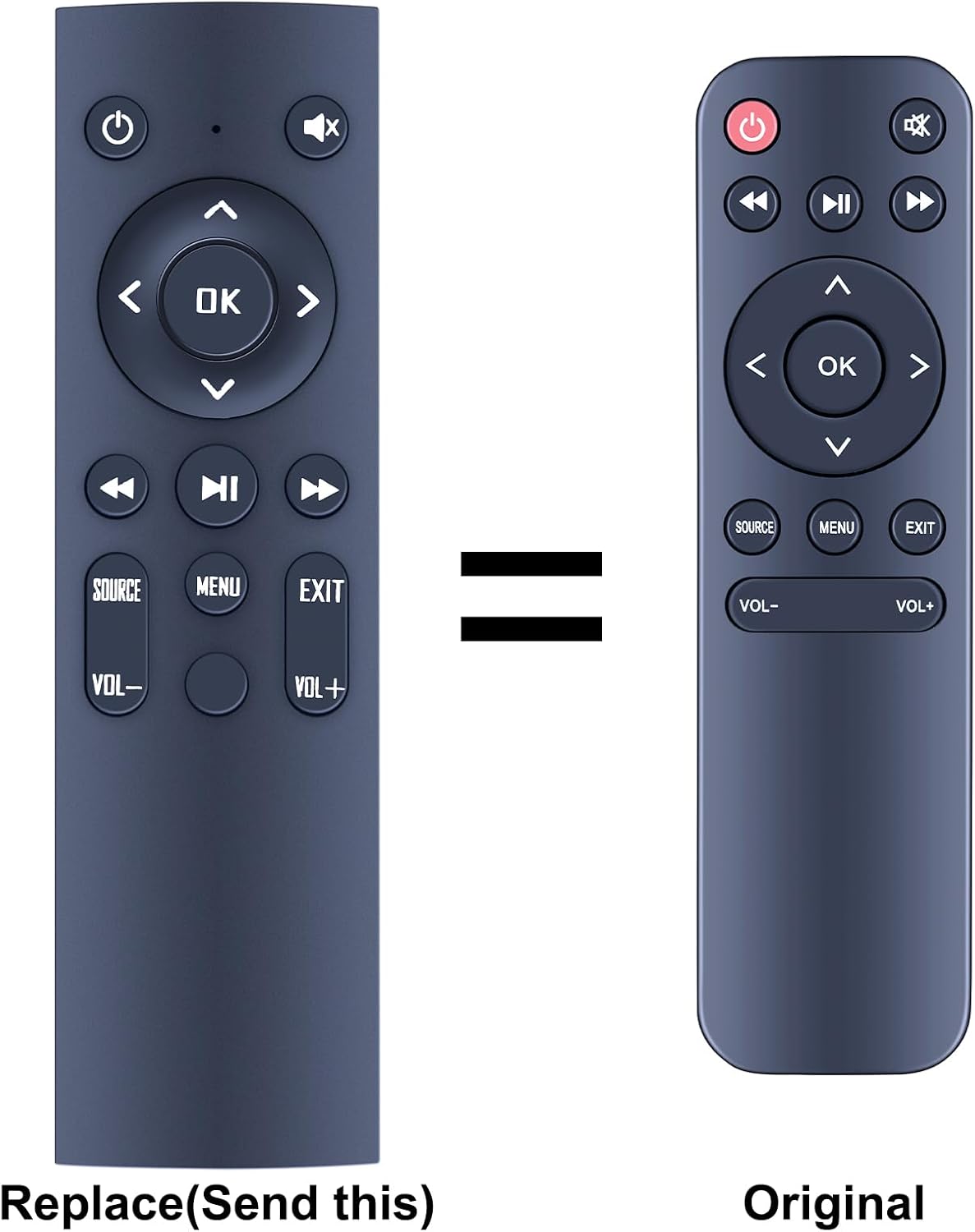
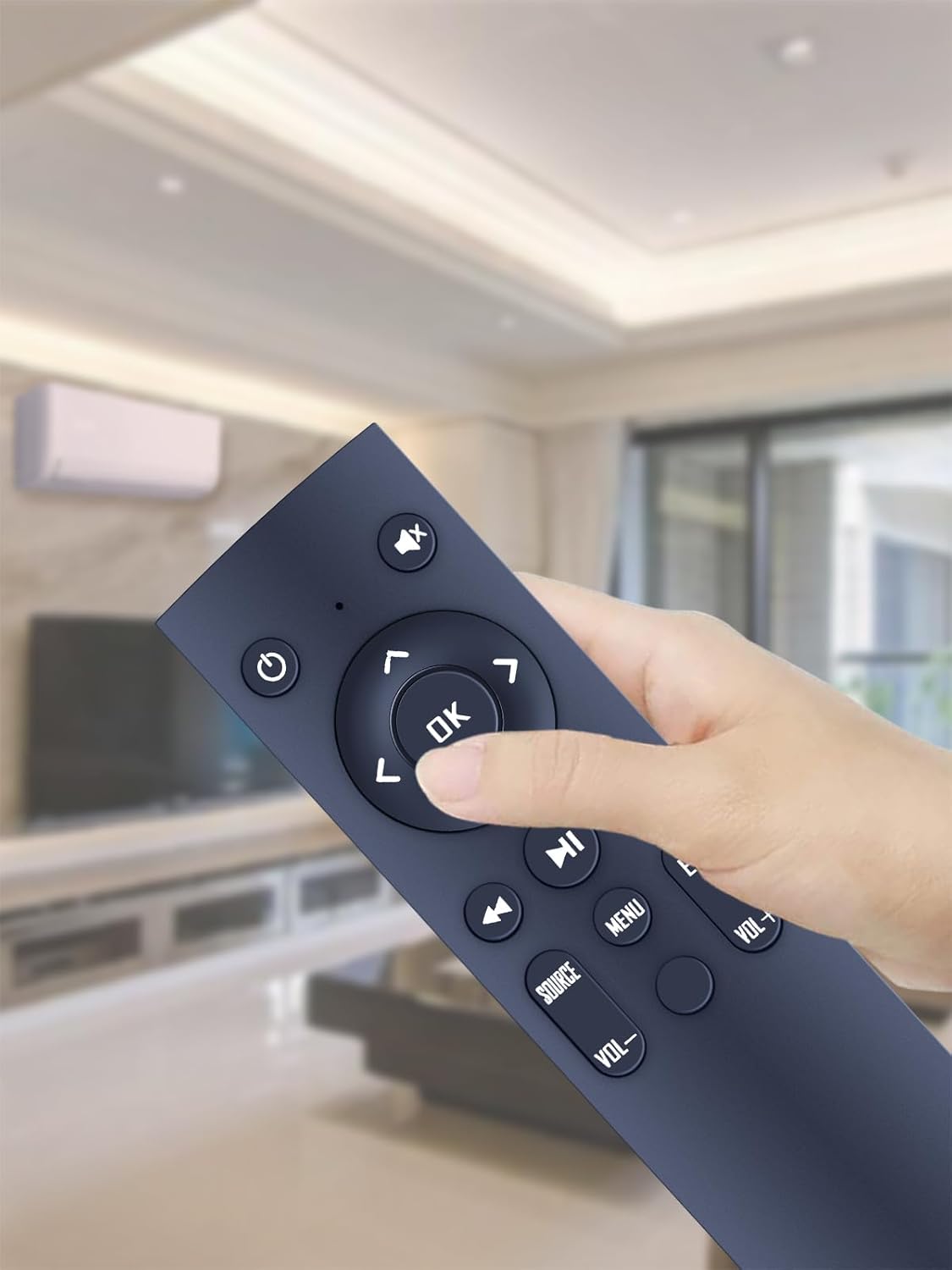
TCNOUMT explicitly advises you to check the remote control picture carefully before purchasing, and to pay attention to the symbol on the buttons to make sure it matches the remote you need exactly. In other words: don’t just trust the wording alone.
It might be a perfect match, but if the button symbols don’t line up with your existing remote, you may run into missing functions. If you’re unsure, it can be worth comparing the buttons visually side-by-side before ordering.
Tech summary
- Type: Replacement remote control
- Power: 2×AAA batteries (not included)
- Design: Ergonomic grip, lightweight build
- Buttons: Soft silicone buttons
- Construction: Sturdy plastic case with battery compartment cover
Who it’s for (and who should avoid it)
This remote makes sense if you want to restore basic control of your ULTIMEA Apollo projector P20 with minimal effort. It’s particularly appealing if you’ve got a household where different people use the projector, because the lightweight, ergonomic design is meant to be comfortable for a wider range of users.
It’s not the best match if you need every single original function to work exactly as before. The product description notes that some functions may not be available depending on the button and model. Also, if you can’t verify that the button symbols match your existing remote (or you don’t have your original to compare), you may want to be cautious before buying.
Mini FAQ
Does this remote need programming?
No—according to the description, it requires no programming. You just insert 2×AAA batteries and use it.
Are the batteries included?
No, the AAA batteries are not included.
Why might some functions not work?
The listing notes that depending on the button and model, some functions may not be available. That’s why checking the picture and button symbols matters.
What should I check before ordering?
Compare the button layout and pay attention to the symbols on the buttons with the remote you need to replace.
Is it worth it?
A solid pick if you’ve already confirmed your ULTIMEA Apollo projector P20 remote’s button symbols match what’s shown, and you want a simple, no-programming replacement with familiar AAA batteries. It’s especially good if you value comfortable handling and reliable button presses in day-to-day use.
You may want to skip it if you’re expecting 100% identical functionality with every button from the original remote, or if you can’t confidently verify the remote’s button symbols from the product image. In cases like that, replacement remotes can be a bit of a gamble—and it’s not always worth the hassle.