


SunnyOcean Presentation Clickers wireless presenter remote (Pink) with rechargeable pointer
Product description
What it is and the problem it solves
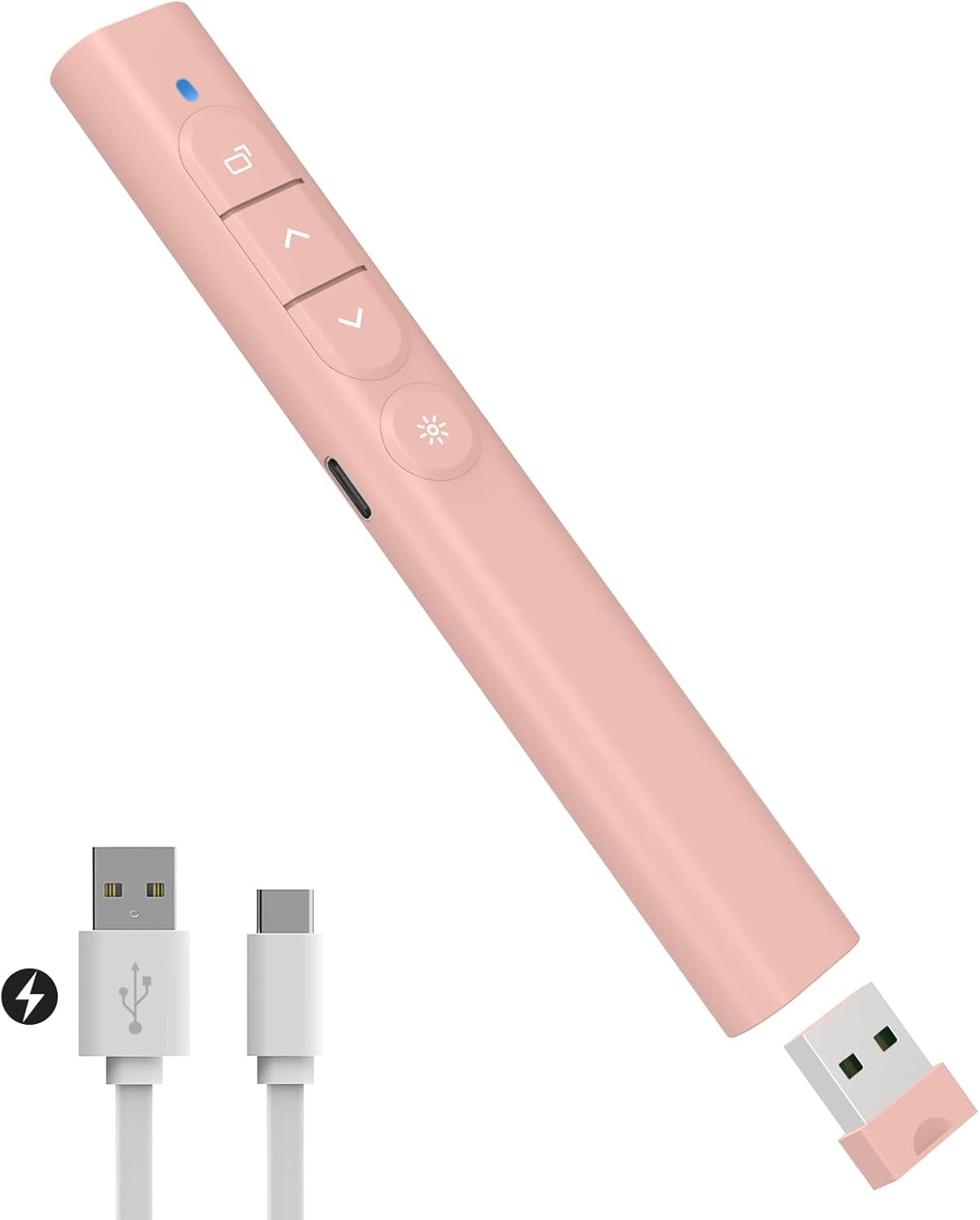
If you regularly run slides on a laptop, a wireless presentation clicker can save a lot of faff. Instead of reaching for the trackpad between points, this SunnyOcean presentation remote is designed for click-through control, quick navigation (page up/down), and common in-slide actions like full screen/black screen.
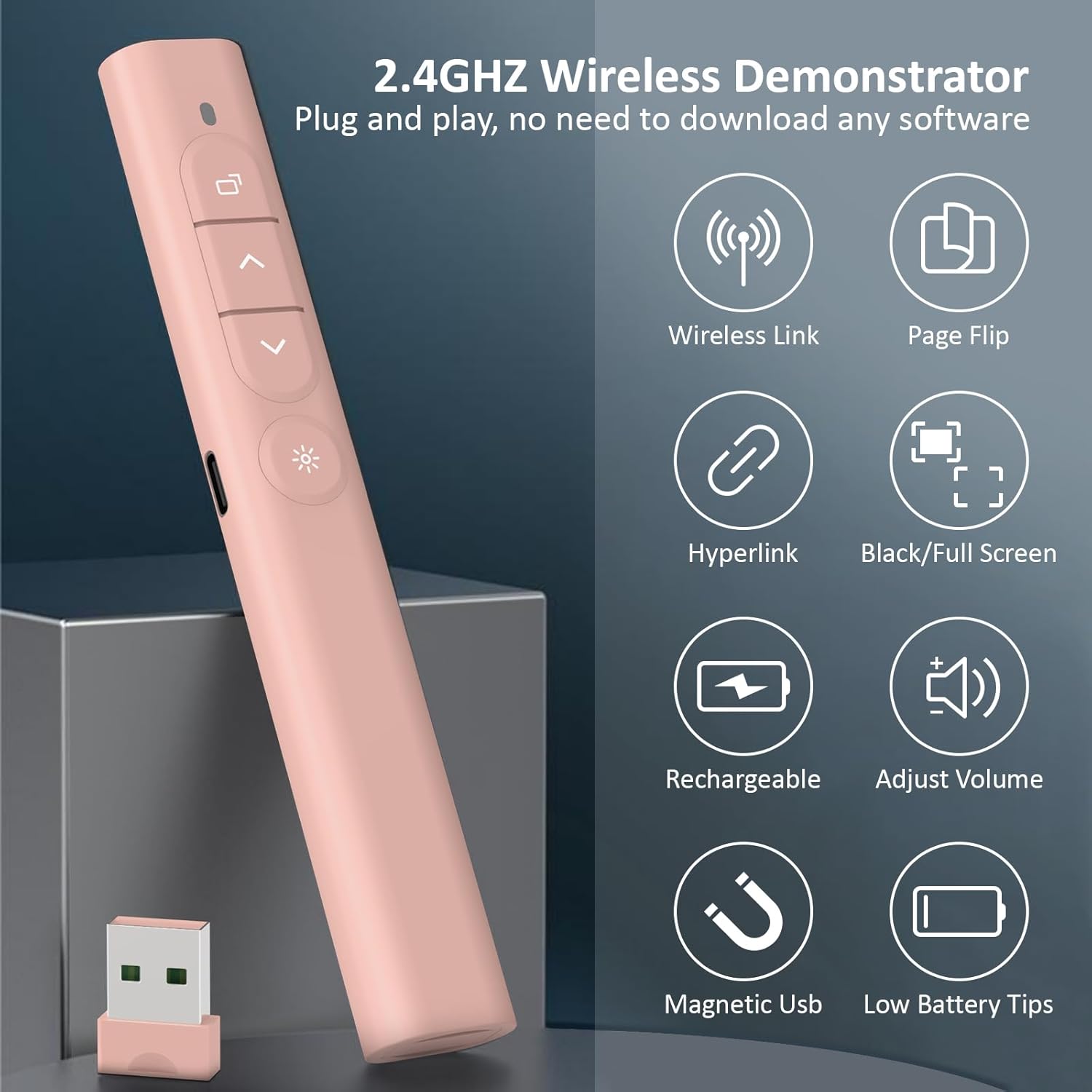
On paper, it’s positioned as a plug-and-play option that also adds extra usability for modern slides: the remote supports hyperlinks, window switching, and volume control. That makes it especially handy when your presentation isn’t just a linear deck, but includes links to pages, live demos, or quick browser/tab changes.
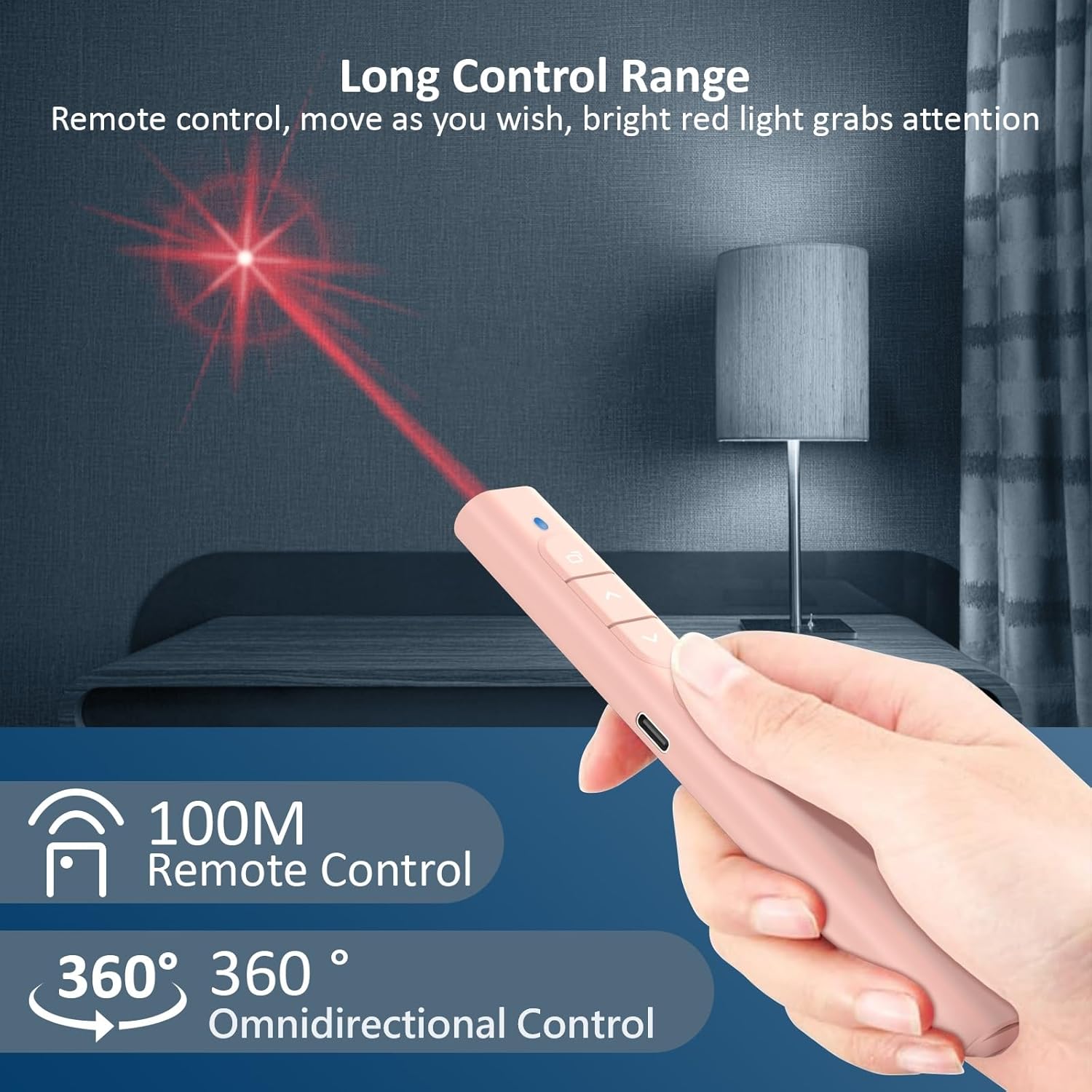
It also includes a bright red pointer light. There’s a separate switch for the pointer, which is a small detail, but it matters if you don’t want the light drawing attention when it’s not needed.
Where it stands out for real presentations
The biggest “day-to-day” wins are the controls you actually use during a talk:
- Page navigation and basic presentation modes like full screen/black screen
- Volume control, so you can adjust audio without interrupting your flow
- Hyperlink support, which helps when you need to jump to linked sections
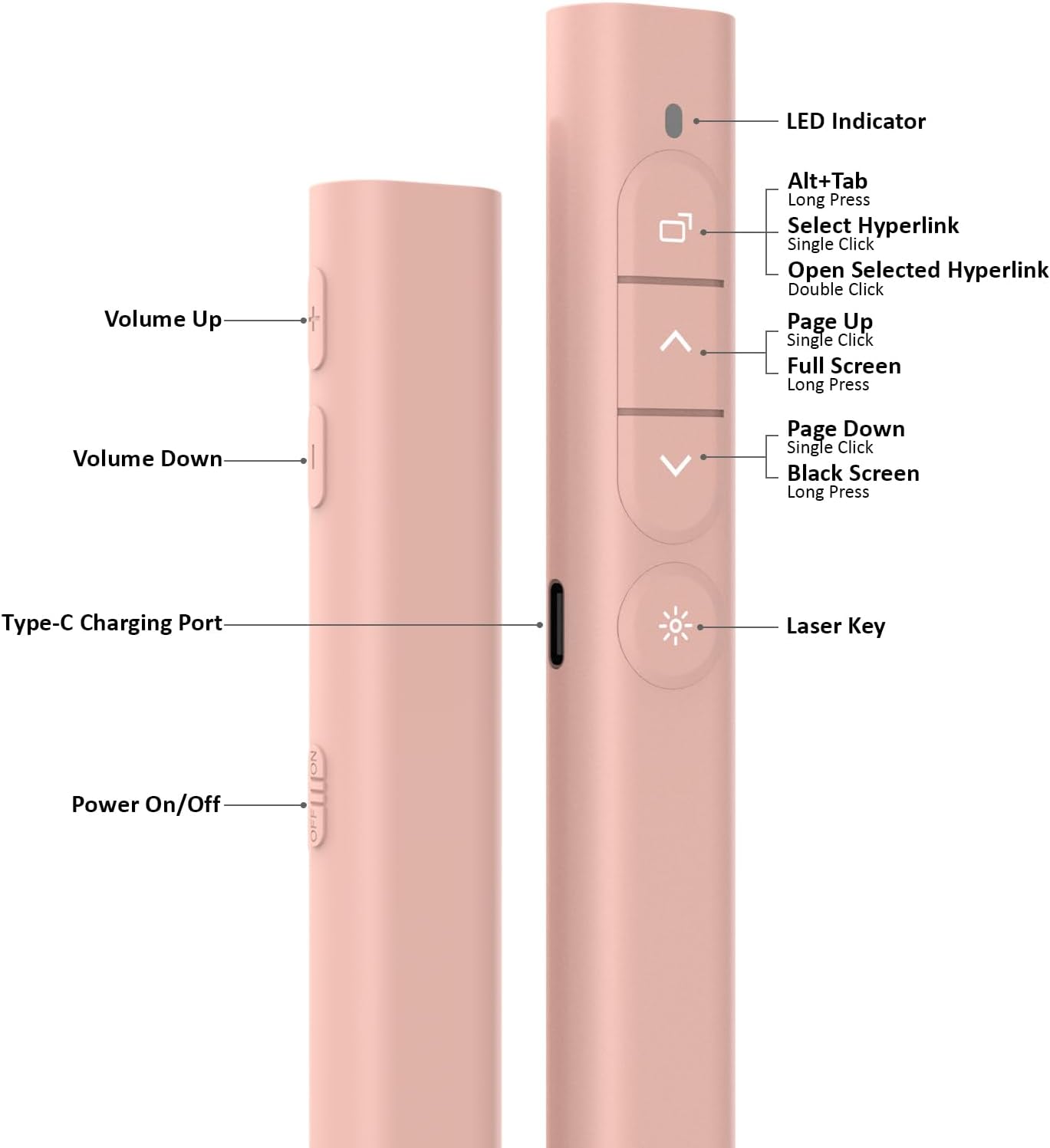
There’s also a practical interaction approach described for hyperlinks: you click the box with the box, then double-click to open the hyperlink. A long press is meant for switching windows. That can be useful if you’re presenting from something like PowerPoint while also needing to jump to another window quickly.
One point to bear in mind, though: hyperlink behaviour can depend a bit on how your slides are set up and how the clickable areas behave. It’s great when it matches your deck’s design, but it may be less smooth if your slide links aren’t straightforward.
Red pointer and rechargeable power
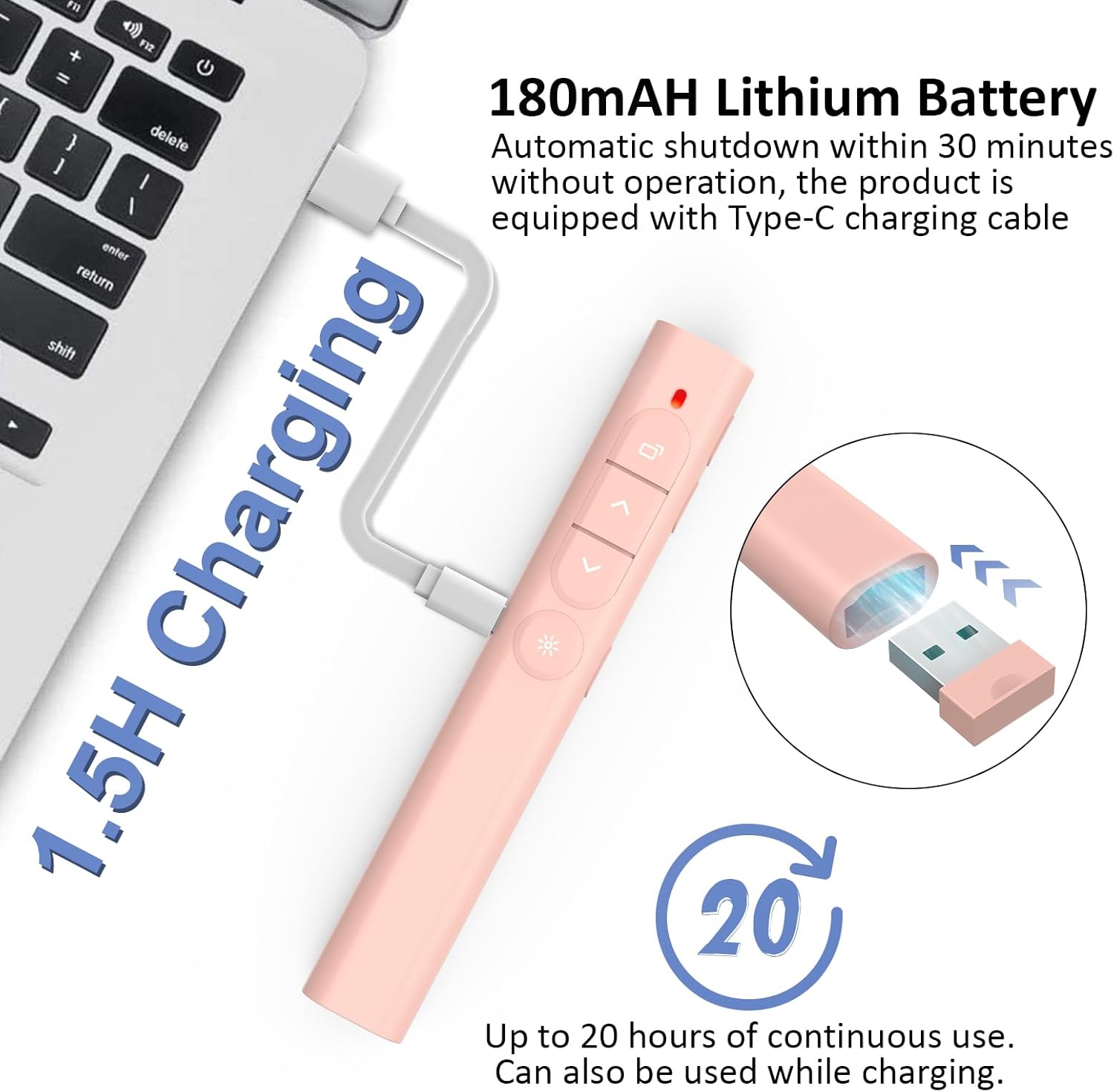
The red pointer is independent-switch operated, which helps prevent the light being on all the time. That’s a comfort feature as much as a usability one—less accidental distraction.
The clicker is rechargeable via Type-C, and the description mentions an 180mAh battery capacity and an ultra-low power consumption chip. When the battery is low, there’s an indicator light that flashes on and off. It can also be used while charging in an emergency, which is worth noting if you sometimes forget to top up before a session.
No one wants a pointer remote that dies mid-presentation, so the rechargeable angle plus the emergency “use while charging” capability is the kind of reassurance that makes this more practical than disposable-battery alternatives.
Setup and compatibility (so you’re not troubleshooting mid-meeting)
This is described as plug-and-play with no software installation required. The USB receiver is stored magnetically in the bottom of the clicker, which is a sensible touch if you travel or share equipment.
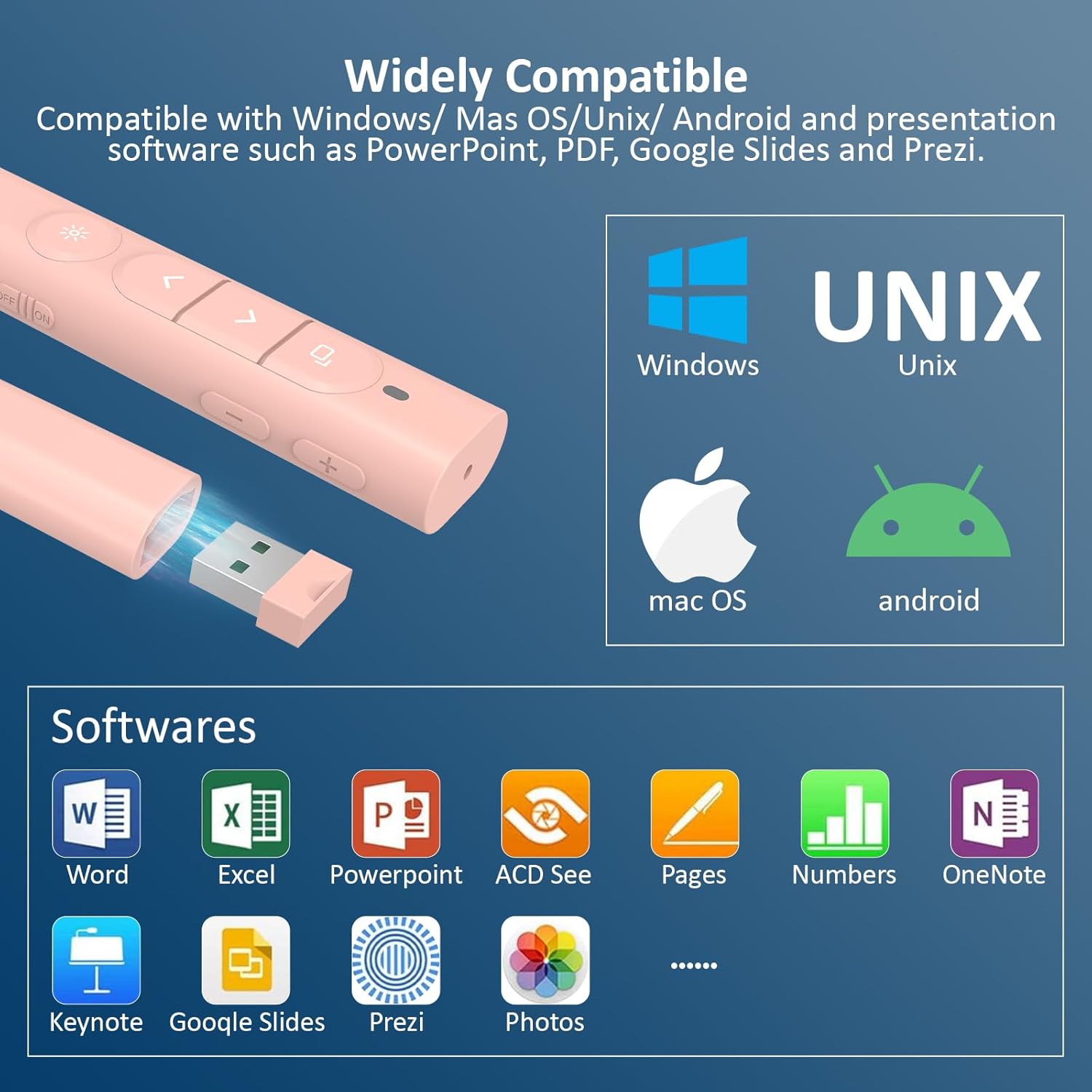
Compatibility is claimed across Windows/Mac/Unix/Android operating systems, and it supports software including PowerPoint, Google Slides, iWork (Keynote & Numbers & Pages), Prezi, PDF, MS Word, Excel, ACD See, and websites.
That broad support is useful if you bounce between different machines or different presentation tools. Still, it’s wise to check your specific setup expectations—especially if you rely on a particular app for hyperlinks or window switching—because behaviour can vary slightly depending on how each software handles remote commands.
Comfort and build for longer sessions
At a size of 140×20×17mm and a weight of 26g, it’s intended to be lightweight enough for pocket carry or extended hand use. Buttons are made of silicone, with raised bumps to help reduce accidental presses, which is exactly the kind of comfort detail you’ll notice after a long day of teaching or presenting.
Pink finish aside, the design seems aimed at day-to-day practicality: easy to hold, easy to use without constantly looking down, and not bulky in a laptop bag.
What you’ll get in the box
The package contents listed are:
- 1 colour packaging box
- 1 PowerPoint clicker with USB receiver
- 1 Type-C charging cable
- 1 storage bag
- 1 user manual
For most buyers, the inclusion of a storage bag is a small but genuinely helpful add-on—it keeps the receiver and remote together rather than living loose in a drawer.
Is it worth it?
It makes sense to buy this SunnyOcean wireless presenter remote if you want a simple, rechargeable clicker that covers the basics (page up/down, full screen/black screen) and adds features that can matter in more interactive decks, like hyperlink control, window switching, and volume adjustment.
You may want to skip it if your presentations don’t really use hyperlinks or multi-window switching, because in that case you’d be paying for capabilities you won’t use. Also, keep in mind that while compatibility is described as wide, the precise feel of hyperlink and window switching can depend on your slide setup and the software you’re running.
Mini FAQ
How do hyperlinks work with this clicker?
The description explains a sequence: click the box with the box to select the hyperlink, double-click to open it, and long press to switch windows. If your slides’ hyperlink areas don’t behave like a “box”, you might find it less reliable.
Can I use it while it’s charging?
Yes, it’s described as usable while charging in an emergency if the battery is low.
Does it need software to work?
No software installation is claimed—setup is described as plug-and-play via a USB receiver.
Is it suitable for both Windows and Mac?
Compatibility is listed for Windows and Mac (alongside other systems), so it should fit mixed device use.
Does it include a pointer?
Yes, it includes a bright red pointer light with an independent switch.