

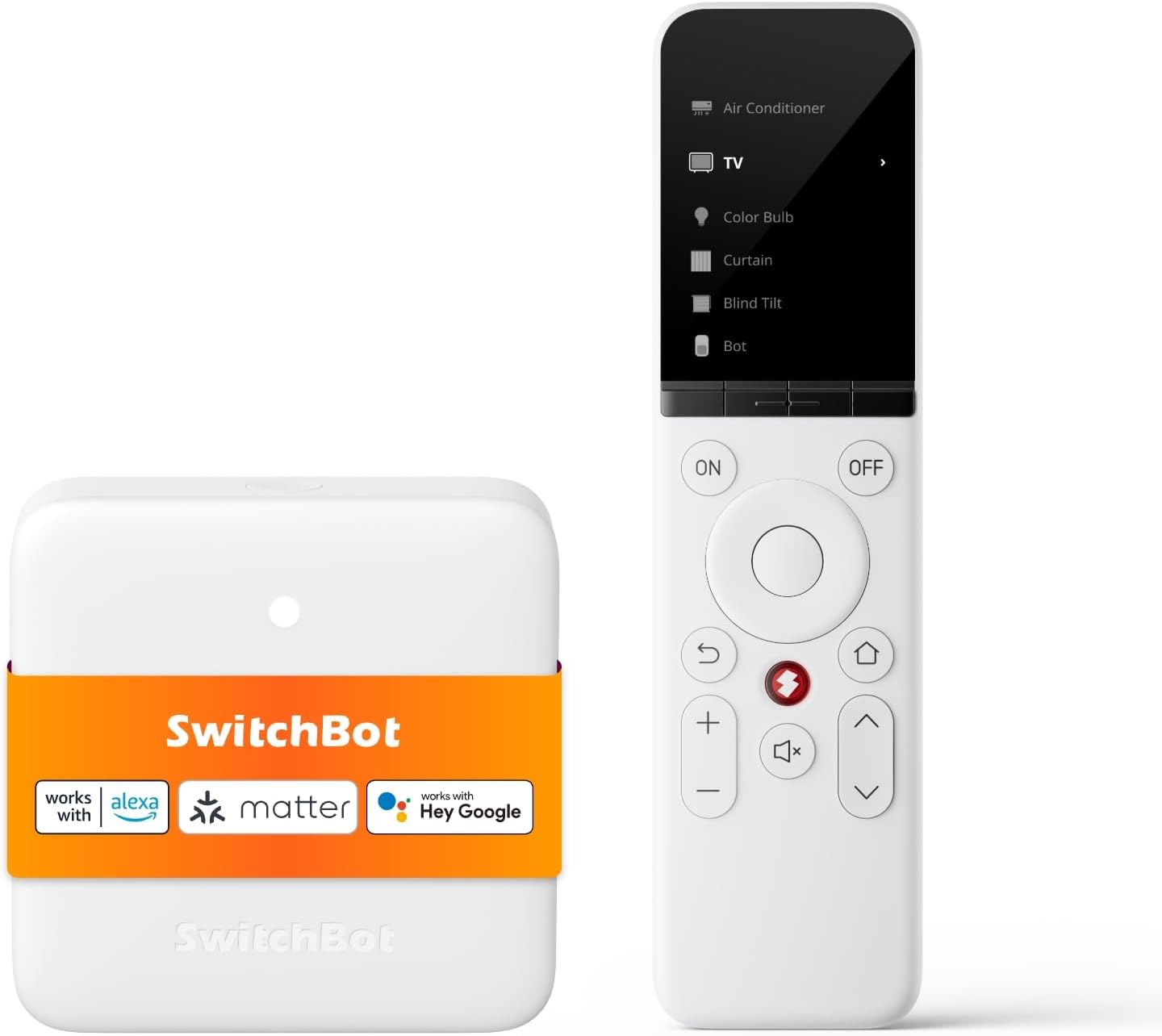
SwitchBot Universal Remote Control with Hub Mini (Matter enabled) – all-in-one smart remote for TV and home appliances
Product description
What it is and why people buy it
The SwitchBot Universal Remote Control with Hub Mini is an all-in-one smart remote designed to replace the “small pile of remotes” situation. On paper, it targets a pretty common household problem: you want one place to control your TV, air conditioner and other entertainment or appliance devices, without having to rely on a phone every time.
It’s also pitched as more than a basic universal remote because it mixes different control methods. You can work with IR devices, Bluetooth devices, and it’s described as Matter-enabled for supported smart home setups. The idea is that your remote becomes the central controller for your home routines, not just another handset on the coffee table.
Key features that actually change day-to-day control
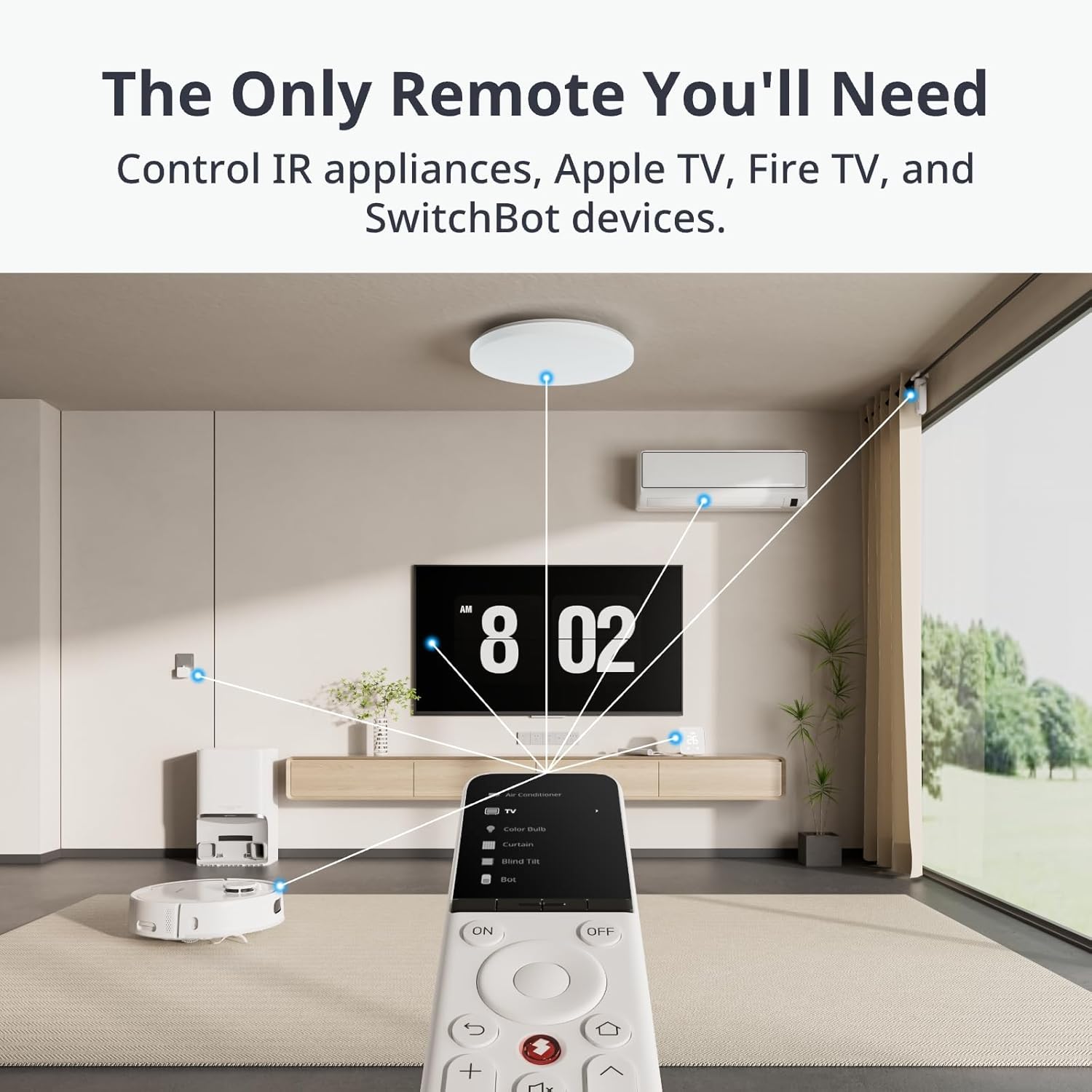
A big part of the appeal is consolidation. The remote is positioned to control multiple devices (up to 25 devices can be connected, per the provided information). That matters because the whole point of a universal remote is reducing clutter and making control predictable—same device, same interface, less hunting.
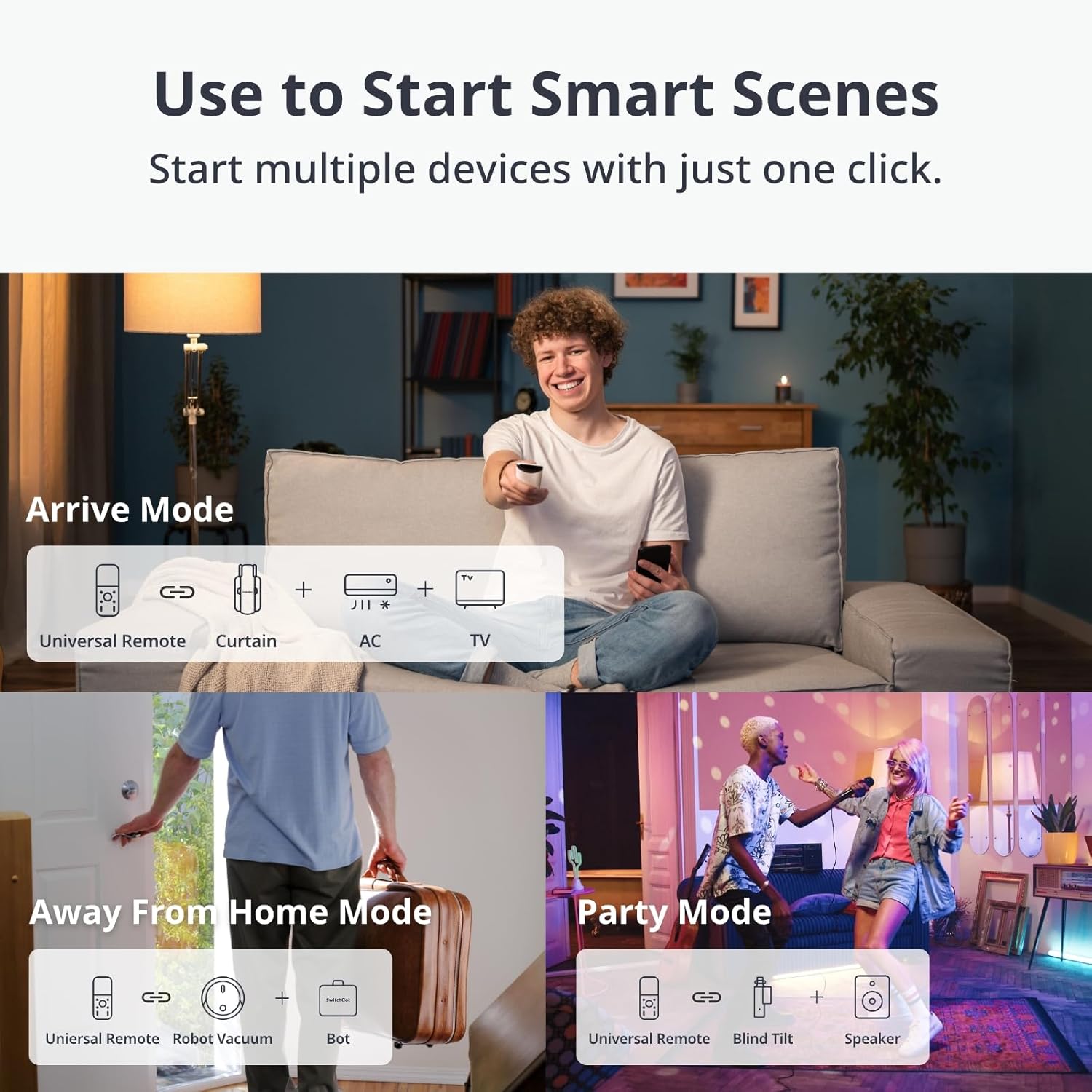
On top of standard control, the package also supports Scenes and automations. You can create custom “one button” routines, such as a “Movie Night” or “Leave Home Mode”. The example given is turning off lights and starting a SwitchBot device automatically. If you’re used to juggling apps or remembering which remote does what, this is the sort of feature that can feel like a genuine upgrade.
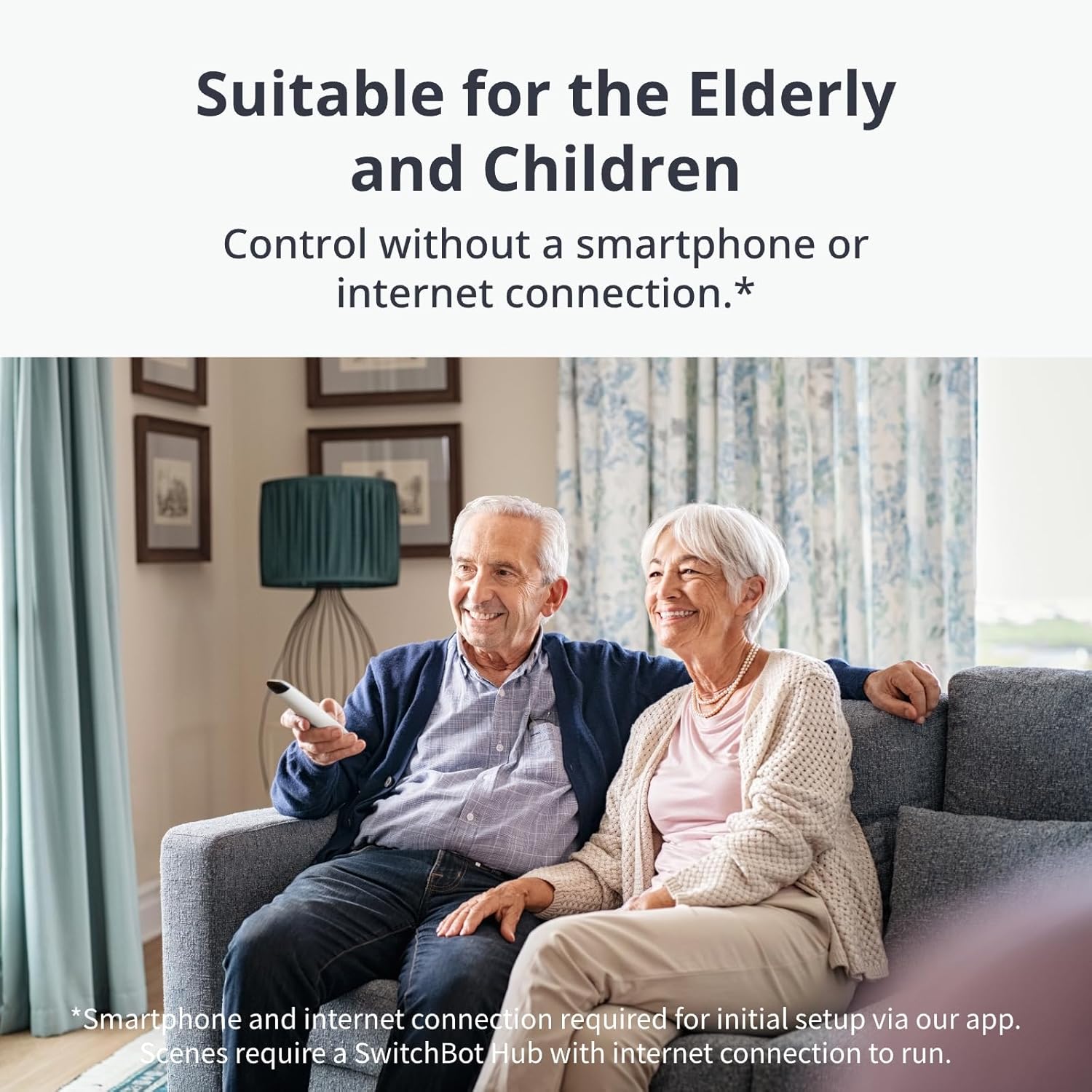
There’s also offline control mentioned: once everything is set up, you can control devices without an internet connection. That’s a practical detail, because smart home setups can be patchy at times—offline behaviour tends to make the experience more reliable.
Control methods and smart home compatibility (what to expect)
The remote is described as compatible with IR and Bluetooth devices, and also Matter-supported smart home systems such as Alexa, Google Home, Apple Home and SmartThings. It also notes a specific condition: Matter support is described as being relevant “only when connected via Apple Home”.
So while the product is marketed as Matter-enabled and “first Matter-supported” in the smart remote space, it’s worth approaching compatibility with a little realism. If your smart home ecosystem uses one of the listed platforms but you’re not on the side where Matter is “only when connected via Apple Home”, you may not get the same experience.
Setup and learning: quick start, but you may still need the odd workaround
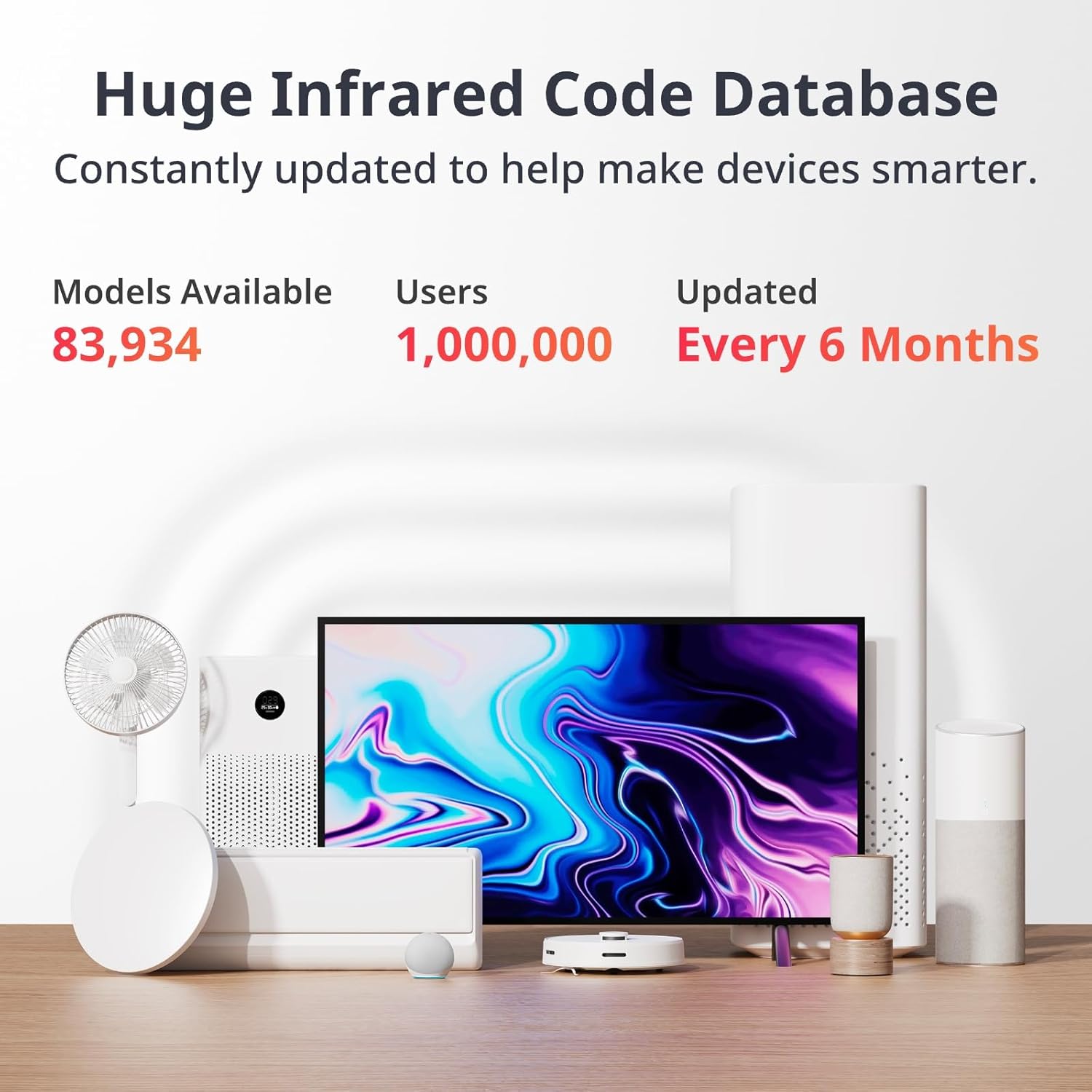
SwitchBot states quick setup and intuitive pairing. Devices can be added “in seconds” using an online code database that supports over 100,000 remote models. The listing also mentions learning IR signals manually if needed (with Hub Mini Matter).
They also claim setup can be completed in about 10 minutes. That’s encouraging if you’re not the tinkering type. But take into account that “code database” approaches still depend on what your specific remotes/devices are. If your device isn’t found in the database, you may need the manual IR learning route.
A small, practical detail: the remote includes a Find My Remote feature via the SwitchBot app that lets the remote emit a sound if it’s misplaced. It’s the kind of feature that sounds gimmicky until you’ve lost a remote for 10 minutes.
Battery life and durability for real-world use
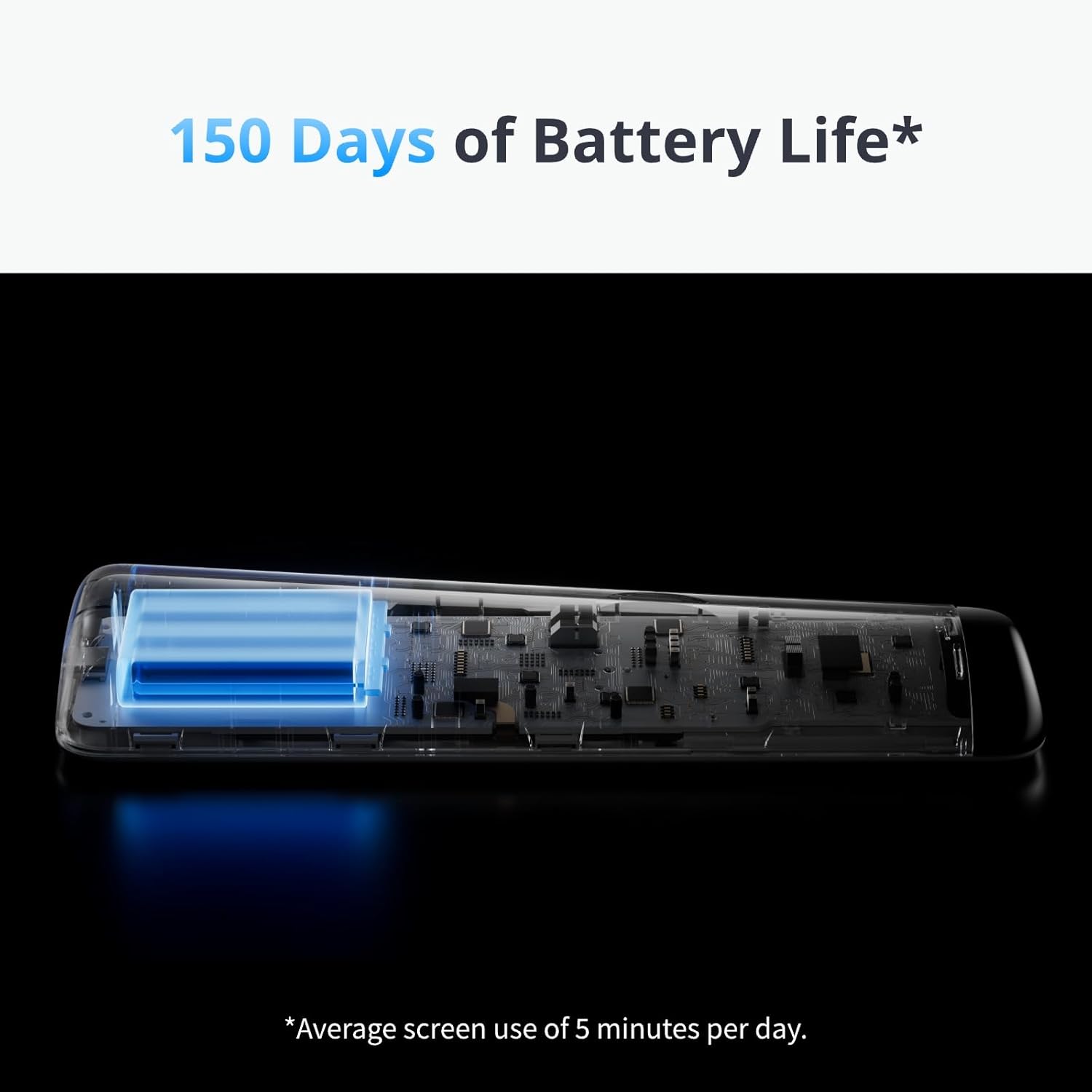
This remote is powered by a 2000mAh battery and is described as lasting up to 150 days per charge. For most households, that’s the difference between “set it up and forget it” and “charge me constantly”. Buttons are also described as responsive and durable, tested for 100,000 presses.
Still, it’s worth noting that battery life will depend on how often you use it and how many devices you control (the listing only gives the headline figure). If you plan to spam automations daily or use multiple Scenes throughout the day, you might see a shorter cadence than the maximum.
Who it suits (and who may want to look elsewhere)
It’s a sensible fit if you want one remote to manage entertainment and household devices, and you like the idea of launching routines from the remote—especially if you have family members who may not want to use a smartphone.
It may not be the best choice if you primarily want a simple one-off universal remote experience and nothing else. The value here is tied to the smart ecosystem angle (Scenes, offline control after setup, and Matter support), so if you’re not looking for that level of control, you could end up paying for features you won’t use.
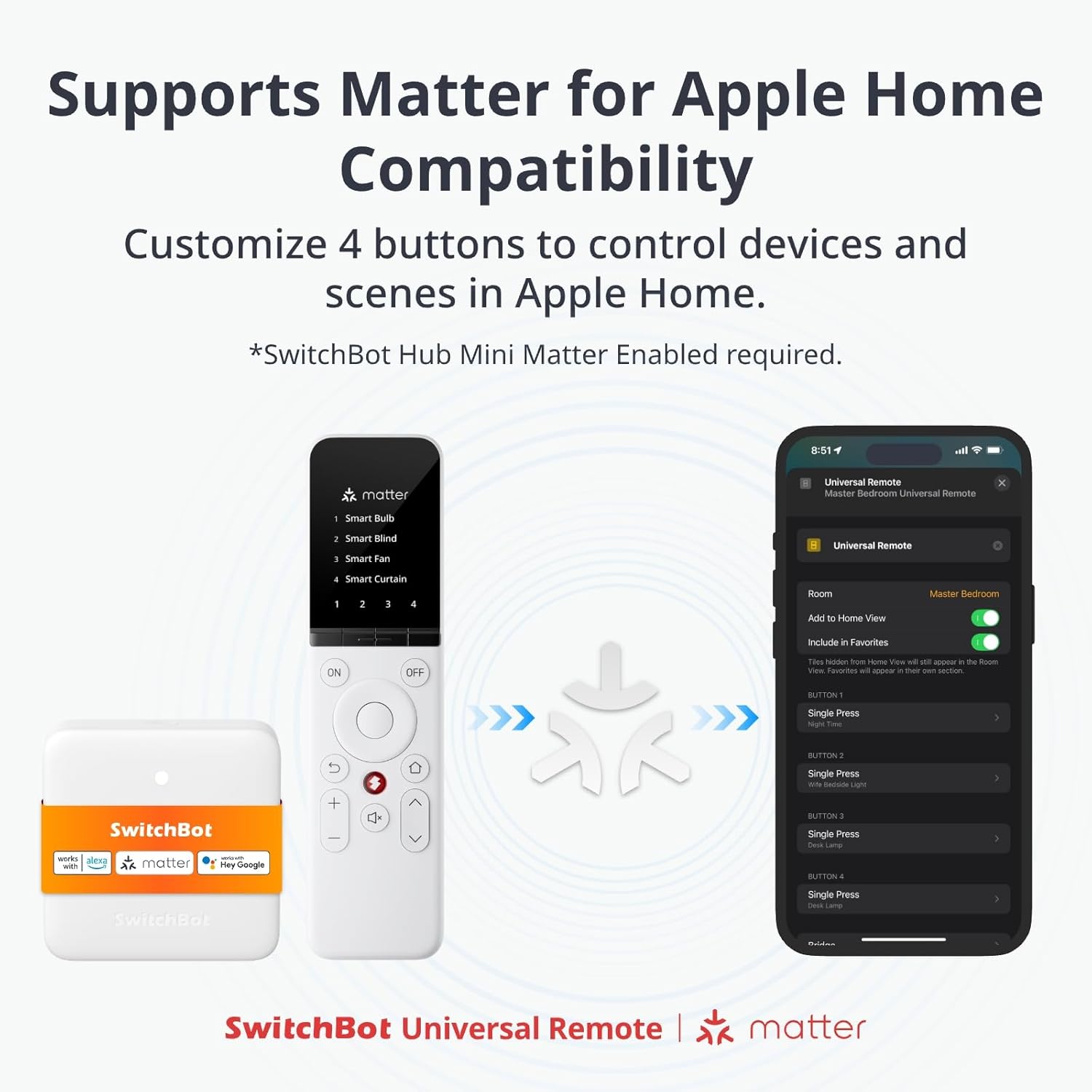
It might not suit you if your setup expects Matter behaviour but your configuration isn’t aligned with the “only when connected via Apple Home” note. Also, if you’re expecting plug-and-play without any setup effort at all, the need for device pairing (via code database or manual learning) is still part of the deal.
Tech specs
- Name: SwitchBot Universal Remote Control with Hub Mini Matter Enabled
- Type: All-in-one smart remote control
- Format: Universal remote with app-based setup and Scenes support
- Capacity: Up to 25 devices can be connected
- Battery capacity: 2000mAh
- Battery life: Up to 150 days per charge
- Durability: Tested for 100,000 presses
- Control types: IR, Bluetooth, and Matter-supported smart home systems
Getting the most from it (practical setup tips)
Before you buy, it’s worth mapping your needs. If you already know which devices you want to centralise (TV, air conditioner, and any SwitchBots), you’ll have an easier time checking whether those devices are likely to be supported via the online code database.
When you’re setting it up, start with your most-used remotes first—TV and the main appliance you rely on most. Then build your Scenes once you’re confident everything responds correctly. If one device doesn’t match the database, the listing’s manual IR learning option could save the day, but it’s still extra effort.
A useful “micro” scenario: you come home, press a single remote button, lights go off, and your SwitchBot automation kicks in to get the evening started. That only works smoothly if the device pairing and Scene setup are done properly.
Is it worth it?
Buy it if you want one central remote for multiple IR/Bluetooth devices, care about offline control after setup, and will actually use Scenes/automations to reduce phone-based fiddling.
Skip it if you only need a basic universal remote and you don’t care about smart-home integrations or remote-triggered routines. And if Matter behaviour is a must-have for your current smart home setup, keep in mind the note about Matter support being tied to connection via Apple Home.
Mini FAQ
Does it work without internet once set up?
The information provided says you can control devices without an internet connection once setup is complete.
How are devices added during setup?
It’s described as using an online code database for rapid pairing (over 100,000 remote models), with an option to learn IR signals manually if needed.
Can it control more than just TVs?
Yes. The listing mentions controlling TVs, air conditioners, projectors and more, with support for IR, Bluetooth, and Matter-supported smart home systems.
What is the Hub Mini used for?
The base description ties Hub Mini Matter into the setup and Matter-enabled control, and the manual IR learning note is specifically mentioned “with Hub Mini Matter”.
How long does the battery last?
The remote is described as lasting up to 150 days per charge, with a 2000mAh battery.