

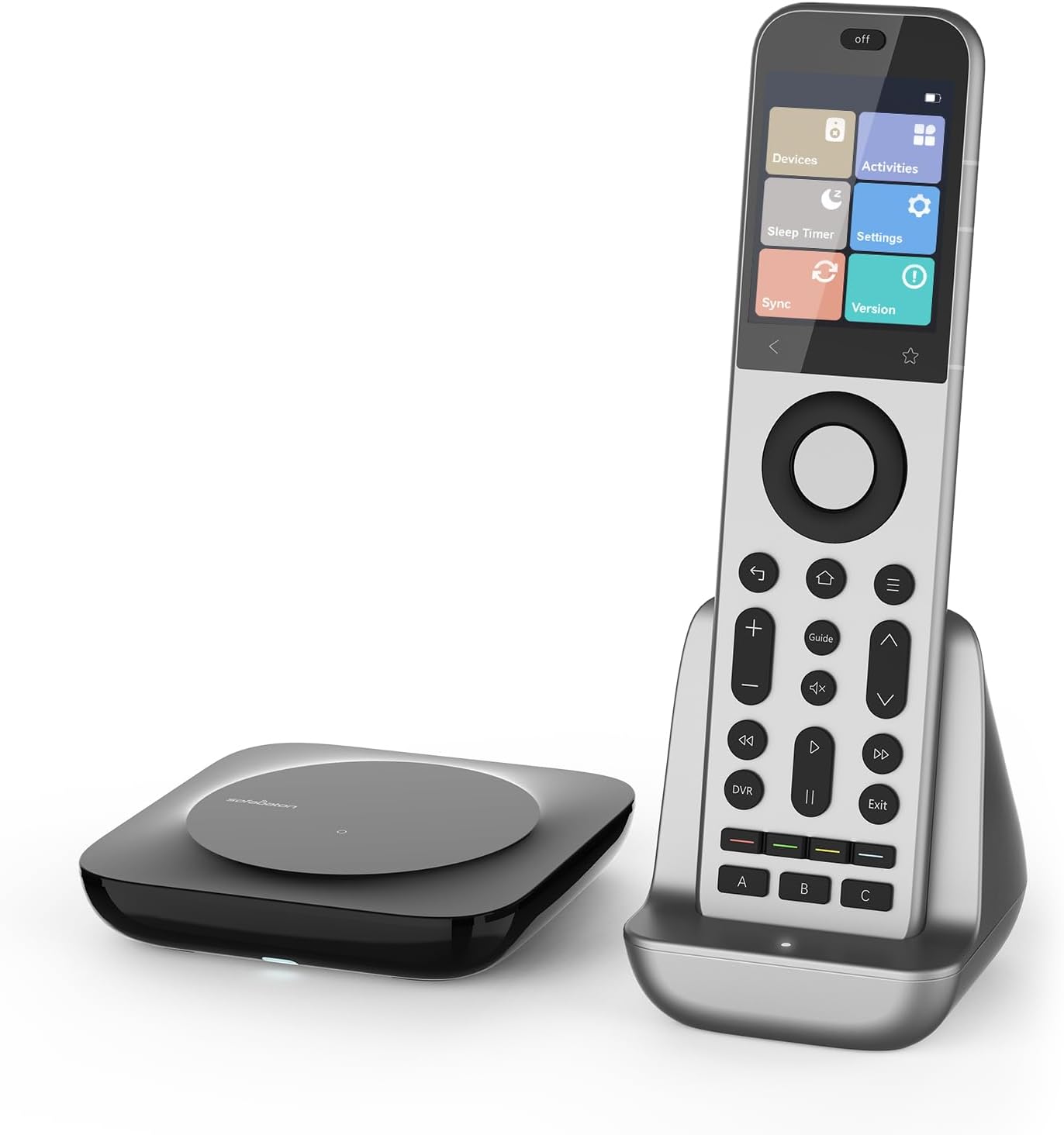
SofaBaton X2 universal remote control with hub, charging dock and touchscreen
Product description
What it is and why people buy it
The SofaBaton X2 is an all-in-one smart remote control built around the idea that you shouldn’t need a little pile of remotes for a typical home cinema setup. It combines an integrated hub, a charging dock, and a touchscreen layout designed for quicker access to controls and shortcuts.
On paper, it also aims to reduce the usual hassle of setup and day-to-day friction: you can run IR line-of-sight control directly (using the built-in IR transmitter), while the hub covers IR from multiple emitters. Then, for wireless control, it supports Bluetooth, and it can also work with Wi-Fi devices via IP control.
That “one remote to do the main jobs” approach is exactly why these remotes are popular with people who want less clutter, fewer button presses, and more predictable switching between TV, audio, and streaming gear.
Key features you’ll actually notice
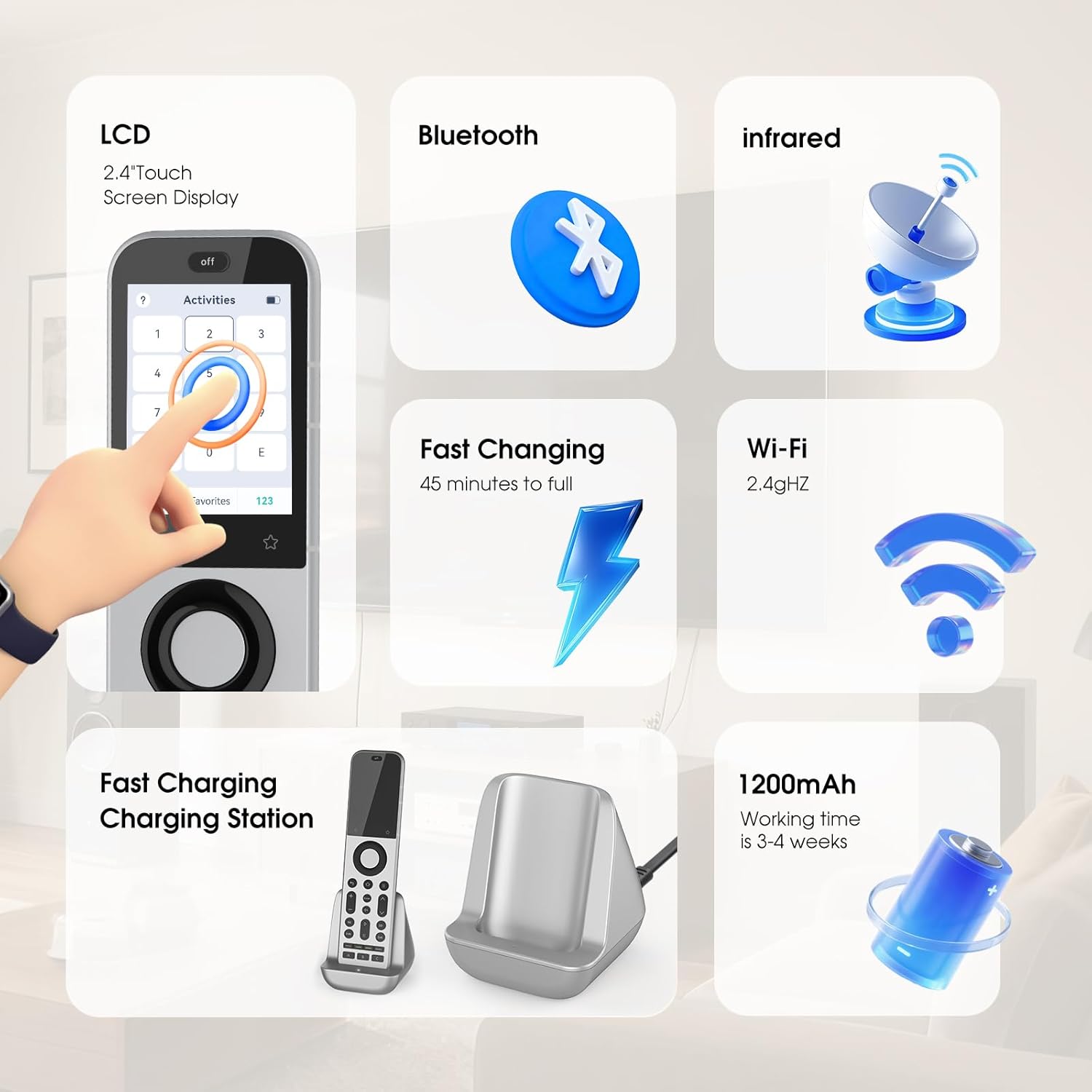
The standout is the touchscreen. The X2 uses a 2.4-inch HD display with a resolution of 480 x 640. For everyday use, that translates into a faster workflow than hunting through app screens or remembering which remote button does what. The display is also set up to support quick access for things like numeric input and macros.
Another practical win is the hub’s IR setup. It has an integrated IR transmitter system with 7 high-power emitters and is designed to provide 360-degree coverage. SofaBaton states an effective range of up to 40 feet in line-of-sight conditions, which is helpful if your TV and speakers aren’t right next to where you tend to sit.
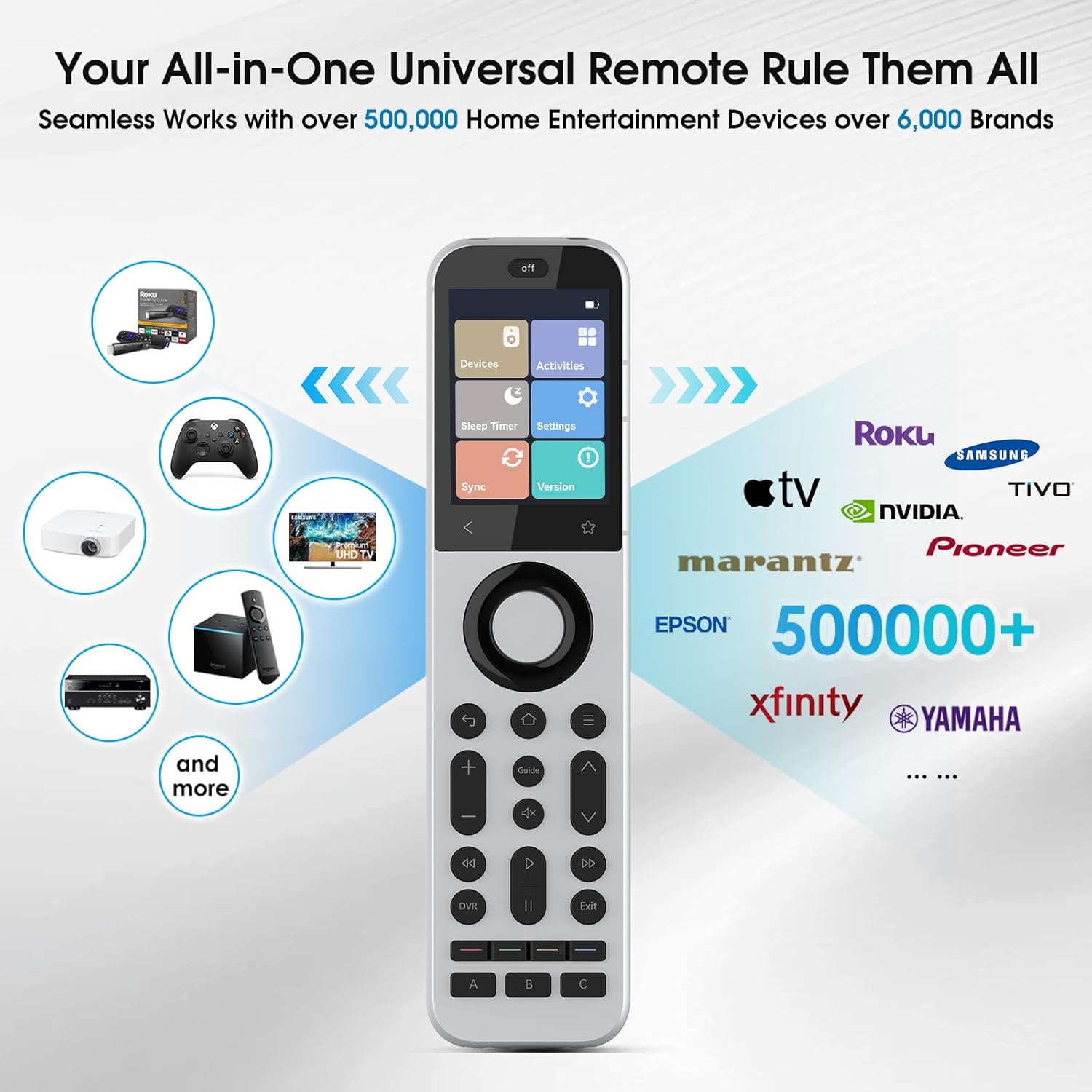
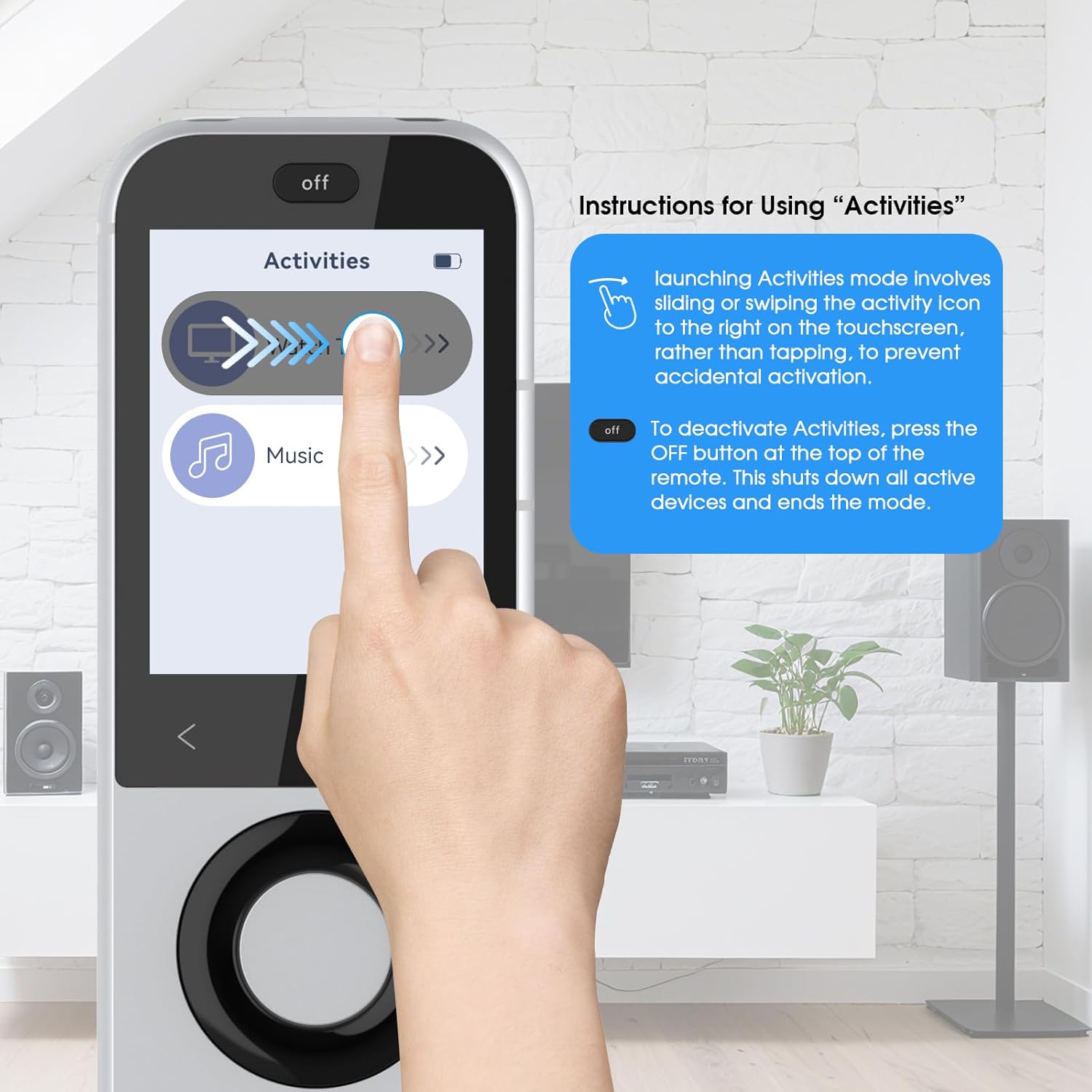
You also get the “Activities” concept. Instead of controlling each device separately, you can create one-touch routines (for example, a “Movie night” style activity that can power on devices, switch HDMI inputs, and adjust lighting). If you’ve ever felt like turning on the cinema setup is more effort than watching the film, this is the feature that targets that pain.
Activities, macros and app control (where the time goes)
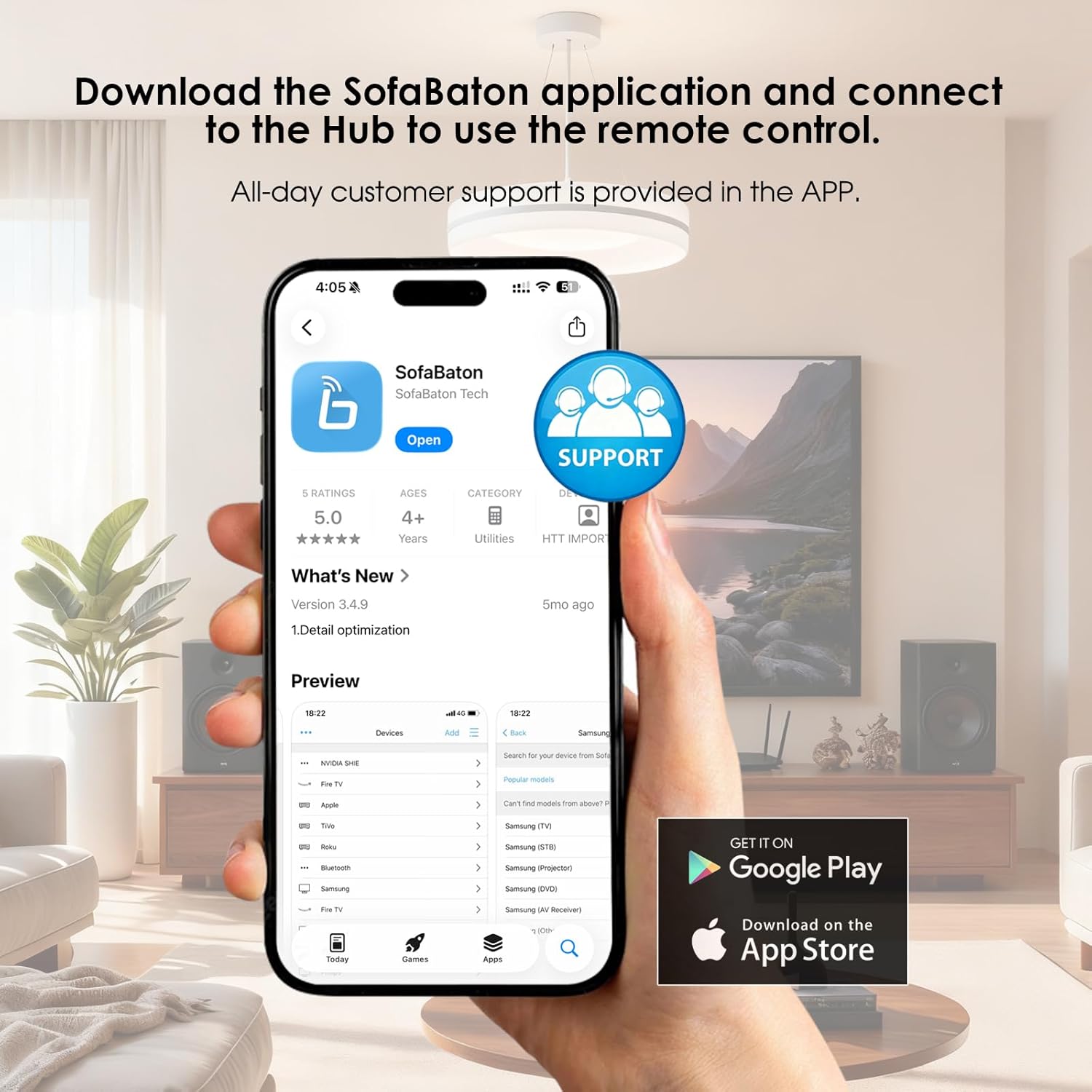
The remote is designed to be customised with the SofaBaton app. From what’s described, the app is used for reassigning buttons and programming advanced macros, and it also supports cloud backup so your custom setup can be recovered.
Where this becomes useful is when your routine isn’t “standard”. If your soundbar input names are consistent or you always start playback from the same streaming device, macros let you capture those steps. It won’t make everything automatic out of nowhere, but it can take a multi-remote routine and compress it into one tap.
One limitation worth bearing in mind: customisation is only as smooth as your willingness to spend a bit of time setting up activities and button mappings. If you want something you can unbox and instantly forget, you may find you still need that initial setup effort.
Multi-device switching via Bluetooth and Wi-Fi expansion
For wireless control, the X2 supports Bluetooth, including connections to multiple BLE devices at the same time. The practical benefit here is switching between different Bluetooth devices without having to disconnect and reconnect every time.
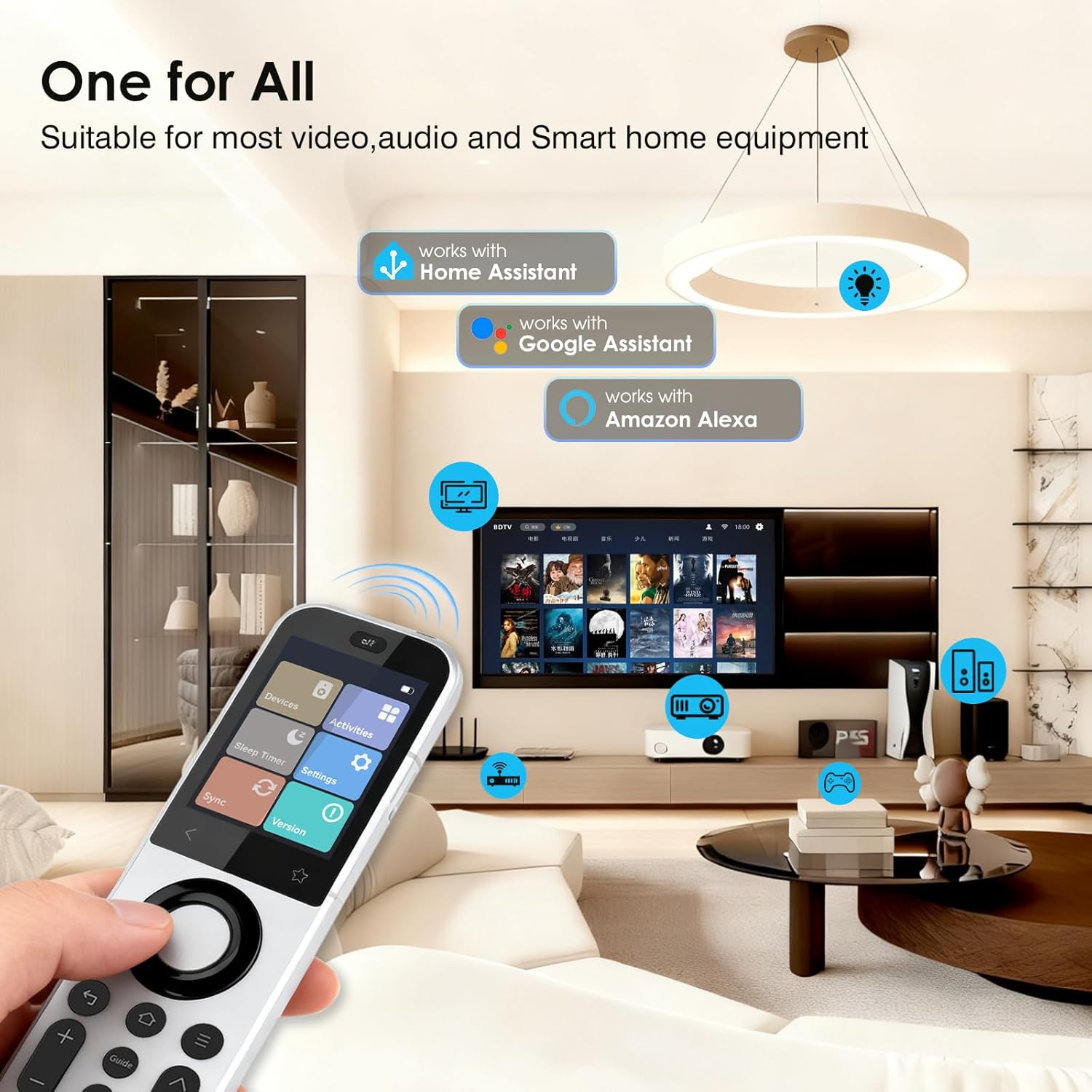
It also supports Wi-Fi device integration. The description mentions IP control and the ability to integrate more third-party devices using customised HACS repositories. In real-world terms, that’s aimed at smart home users who want to bring more of their system under one remote.
However, if your home setup is very simple (say, only one or two devices and you’re happy with basic IR line-of-sight control), Wi-Fi expansion won’t feel essential. It’s more valuable if you already have an ecosystem and you like tinkering.
IR coverage, range and the “range extender” note
The SofaBaton X2 can control IR devices directly thanks to the integrated IR transmitter. That means you’re not relying solely on the hub for line-of-sight devices like TVs and soundbars.
For broader IR range, the description also references that the SofaBaton R1 IR extender is sold separately, and that the X2 can be used with it for expanded IR control (up to 49 IR devices mentioned). If you don’t plan to add an extender, you may not reach the same breadth as a system that includes it.
Also note the included IR extension cable is optional. It can be used when devices are farther away or obstructed, which is the kind of detail that tends to matter once the remote is actually installed.
Tech specs (as stated by the product info)
- Display: 2.4-inch HD touchscreen
- Resolution: 480 x 640
- Devices controlled: up to 49 IR devices (with SofaBaton R1 sold separately)
- IR coverage: 7 high-power IR emitters with 360-degree coverage
- Stated effective range (IR): up to 40 feet (line-of-sight)
Who it suits, and who should be cautious
It’s a good fit if you want a more “cinema-first” remote experience: touchscreen shortcuts, one-touch activities, and a hub that’s built to handle IR coverage without needing multiple separate IR blasters around your TV.
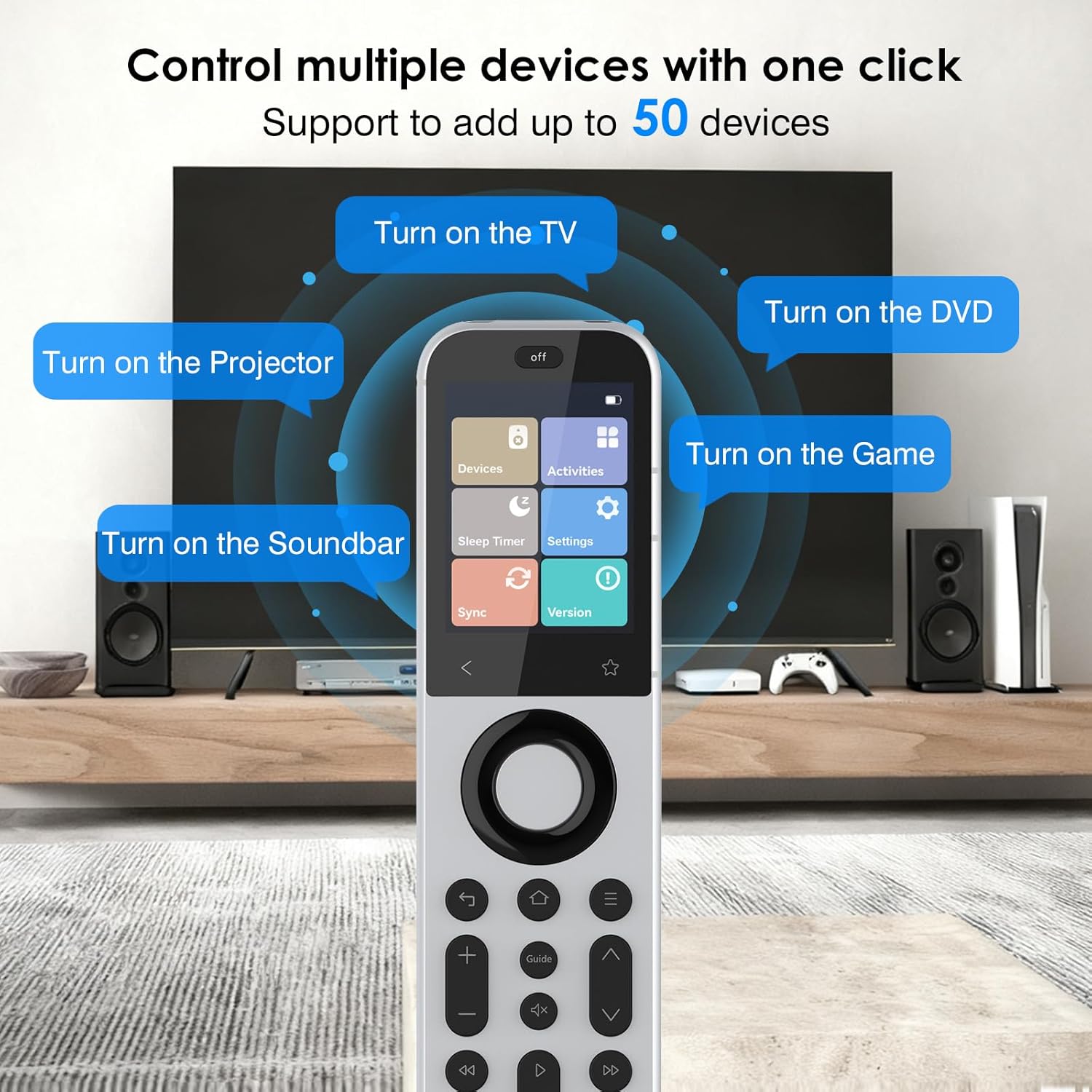
It makes sense if you regularly switch between devices and inputs, and you’ll use macros/activities to reduce repetitive button pressing. It also suits people who already use smart home gear and may benefit from Bluetooth multi-device switching and Wi-Fi integration.
You may want to skip it if your setup is tiny and you just need basic control. The app-based customisation and the smart-home style integration can feel like overkill if you’re after something purely plug-and-go.
It might not be a great match if you want guaranteed performance through walls or heavy obstructions—IR is still line-of-sight by nature, and the stated range assumes effective coverage conditions. For those cases, you’d rely on hub placement, optional extension cabling, and possibly the separately sold extender.
Everyday use example
Imagine you sit down, reach for the SofaBaton X2, and tap an activity like “Movie night”. On setup, that could mean powering on the TV, selecting the correct HDMI input, switching on your soundbar, and dimming lights—so you’re not cycling through multiple remotes or manually switching inputs before the programme starts. That’s exactly the kind of smoothness activities are designed to deliver.
Is it worth it?
Buy the SofaBaton X2 if you have a multi-device home cinema or smart home setup and you’ll use touchscreen shortcuts, custom activities, and macros to streamline switching between TV, audio and streaming. It’s especially compelling if you like the idea of an integrated hub plus direct IR control, rather than building a remote solution from scratch.
Don’t buy it if you’re looking for a simple replacement remote for one device only, or if you don’t want to spend time setting up button mappings and routines in the app. It may also leave you disappointed if your devices are frequently obstructed and you expected IR to behave like Wi-Fi—IR still needs effective placement and line-of-sight conditions.
When it comes to value, think of the X2 as a “control centre” remote: it’s not just a handset, it’s a platform for how you want your evening routines to work.