

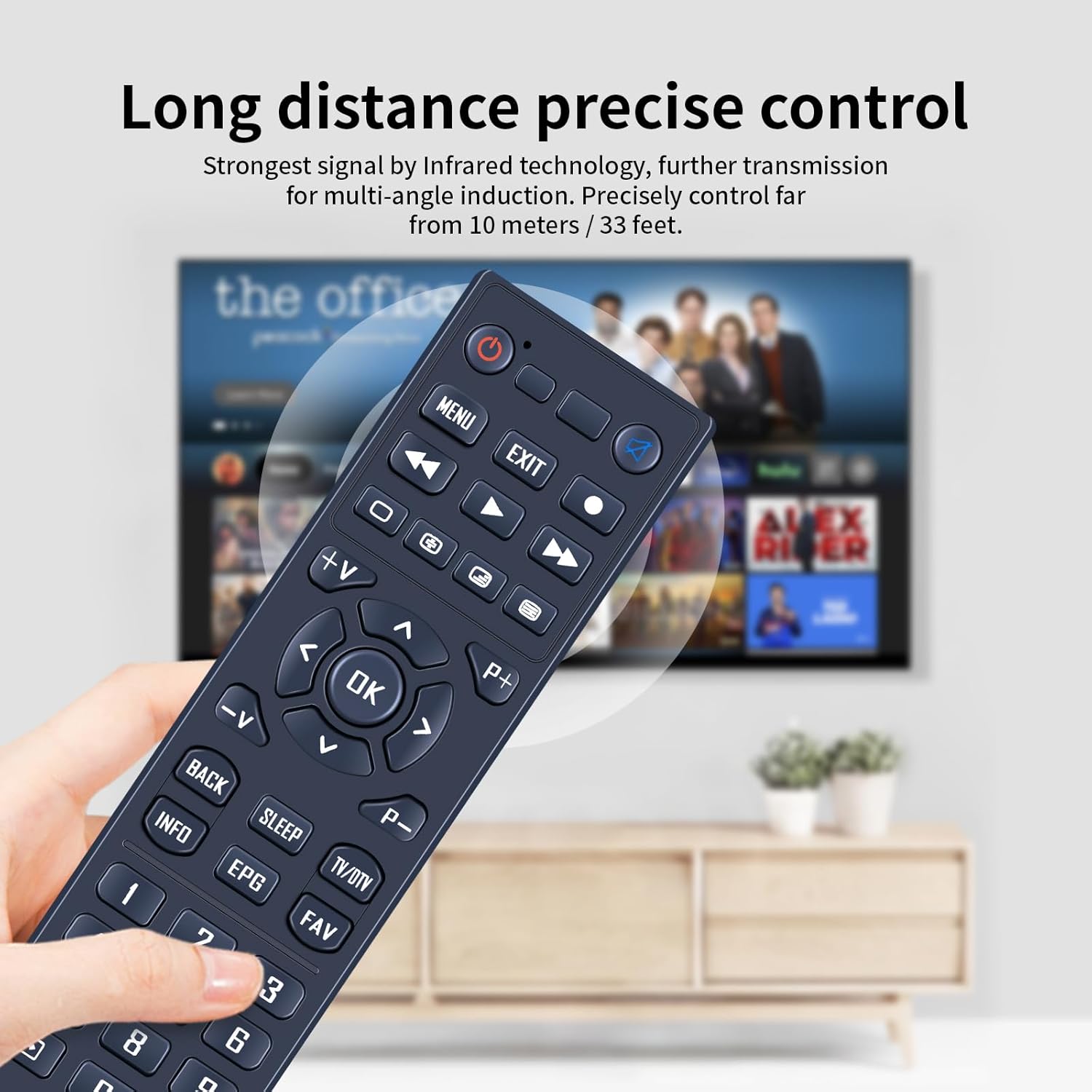
TCNOUMT replacement remote for Xsarius Premium Box PURE-4K-OTT (plug & play, uses 2×AAA)
Product description
If your current remote has gone missing, feels unreliable, or looks a bit worse for wear, this TCNOUMT replacement is designed to get you back to normal viewing without the usual faff.
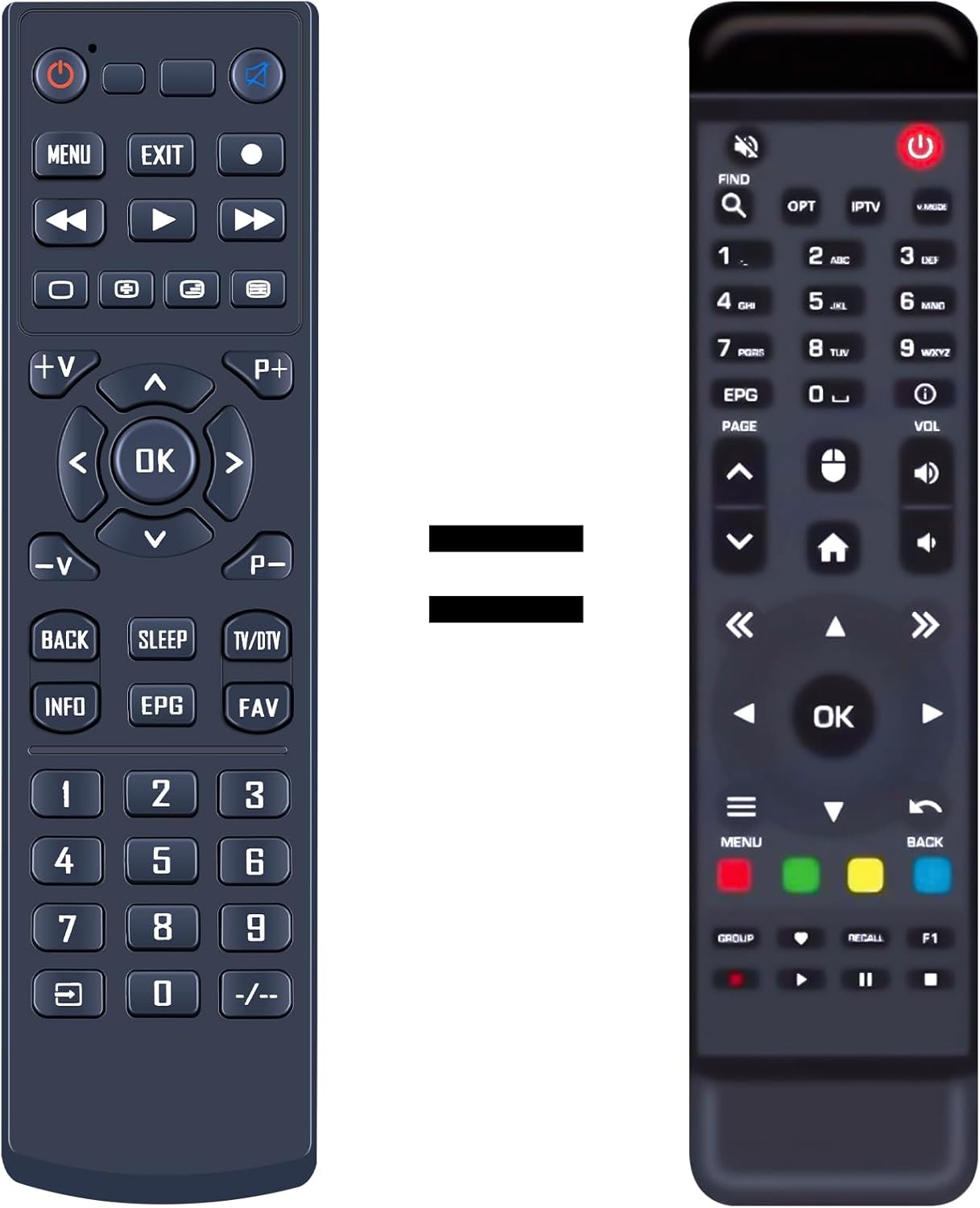
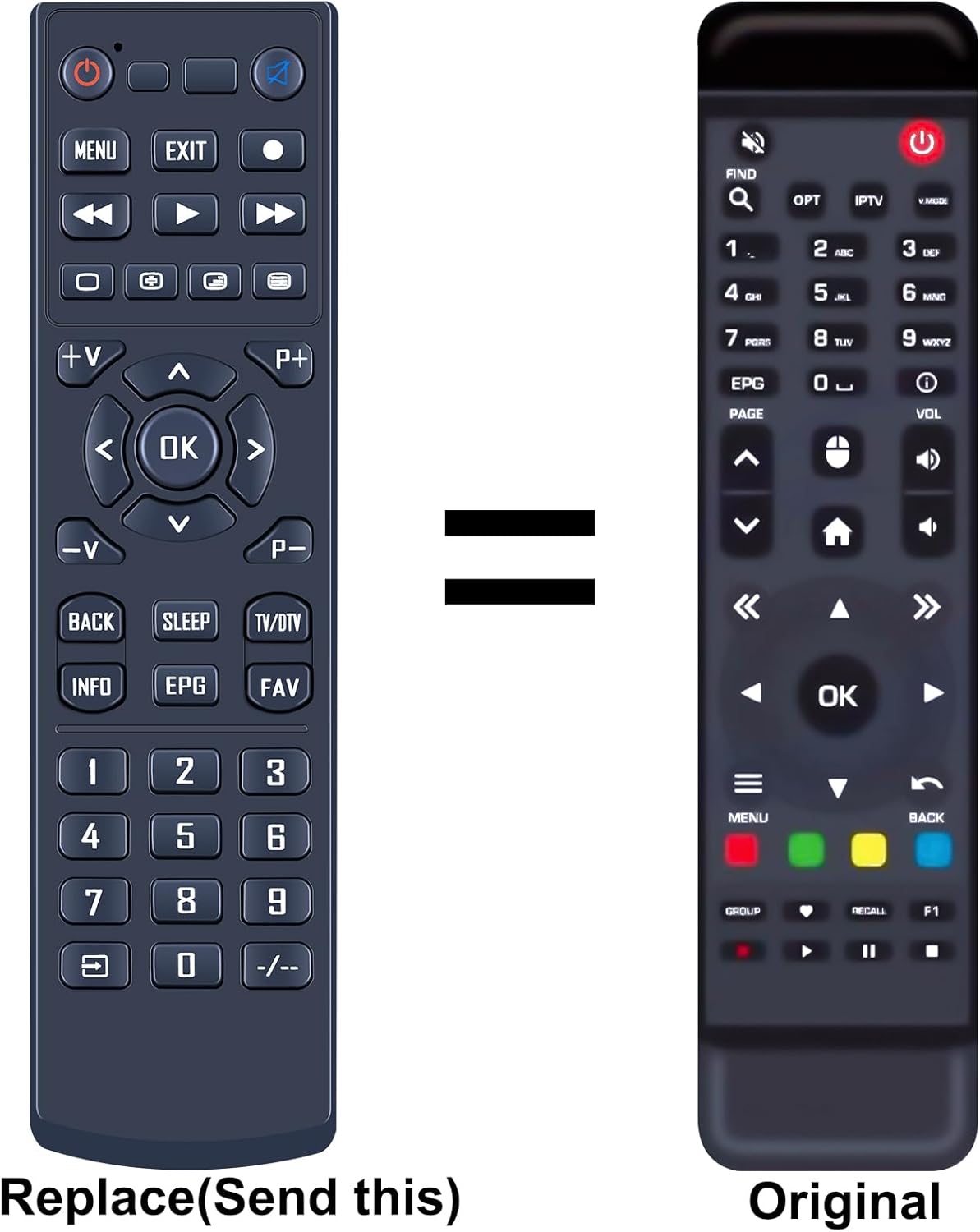
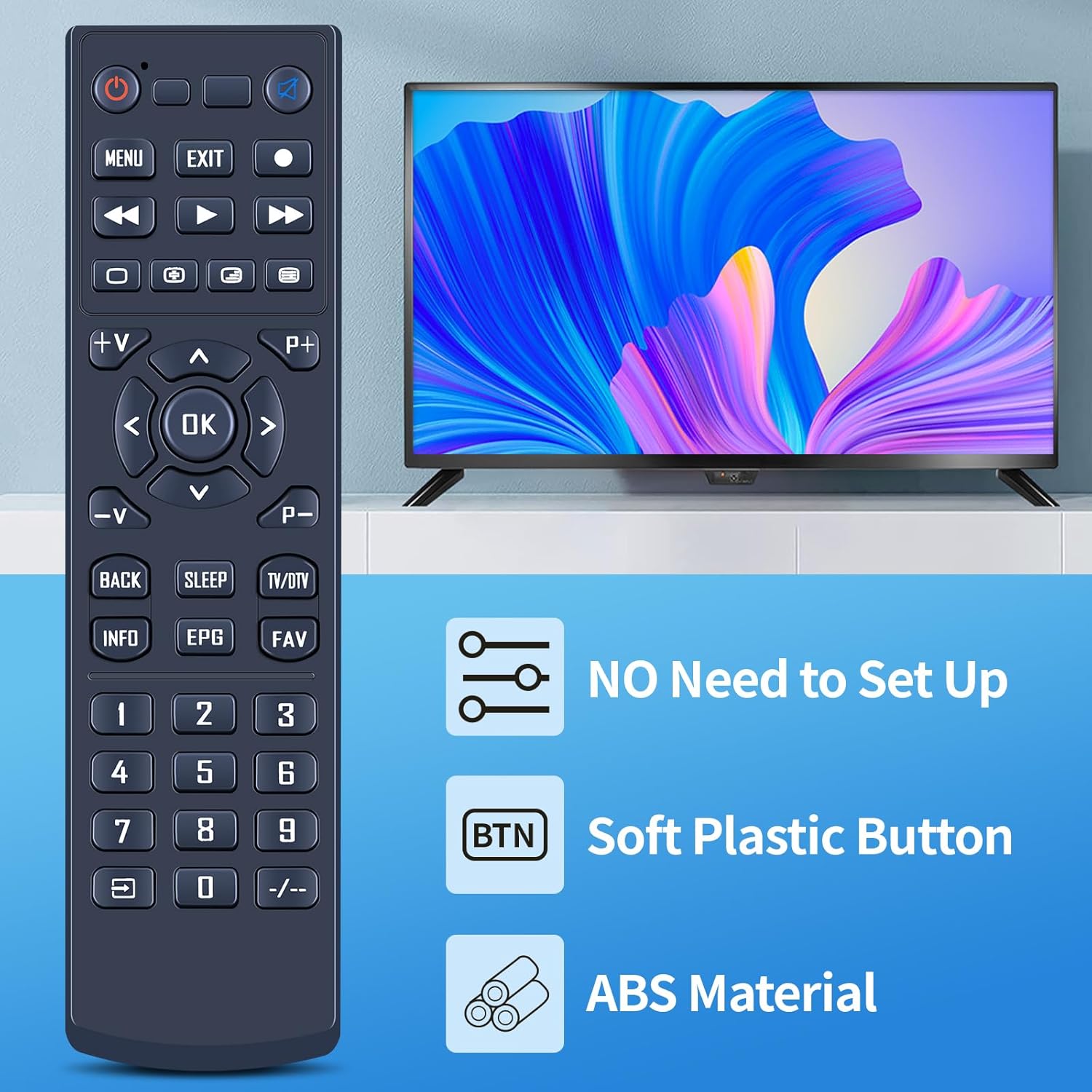
On paper, it’s meant to match the functions of the original remote for the Xsarius Premium Box PURE-4K-OTT. The important bit is that not every button function will necessarily be available depending on the exact button layout and model, so it’s worth checking the photos before you buy.
At a glance
This is a replacement remote control that aims for a straightforward swap. You don’t need to pair it or program it beforehand—just insert batteries and use it.
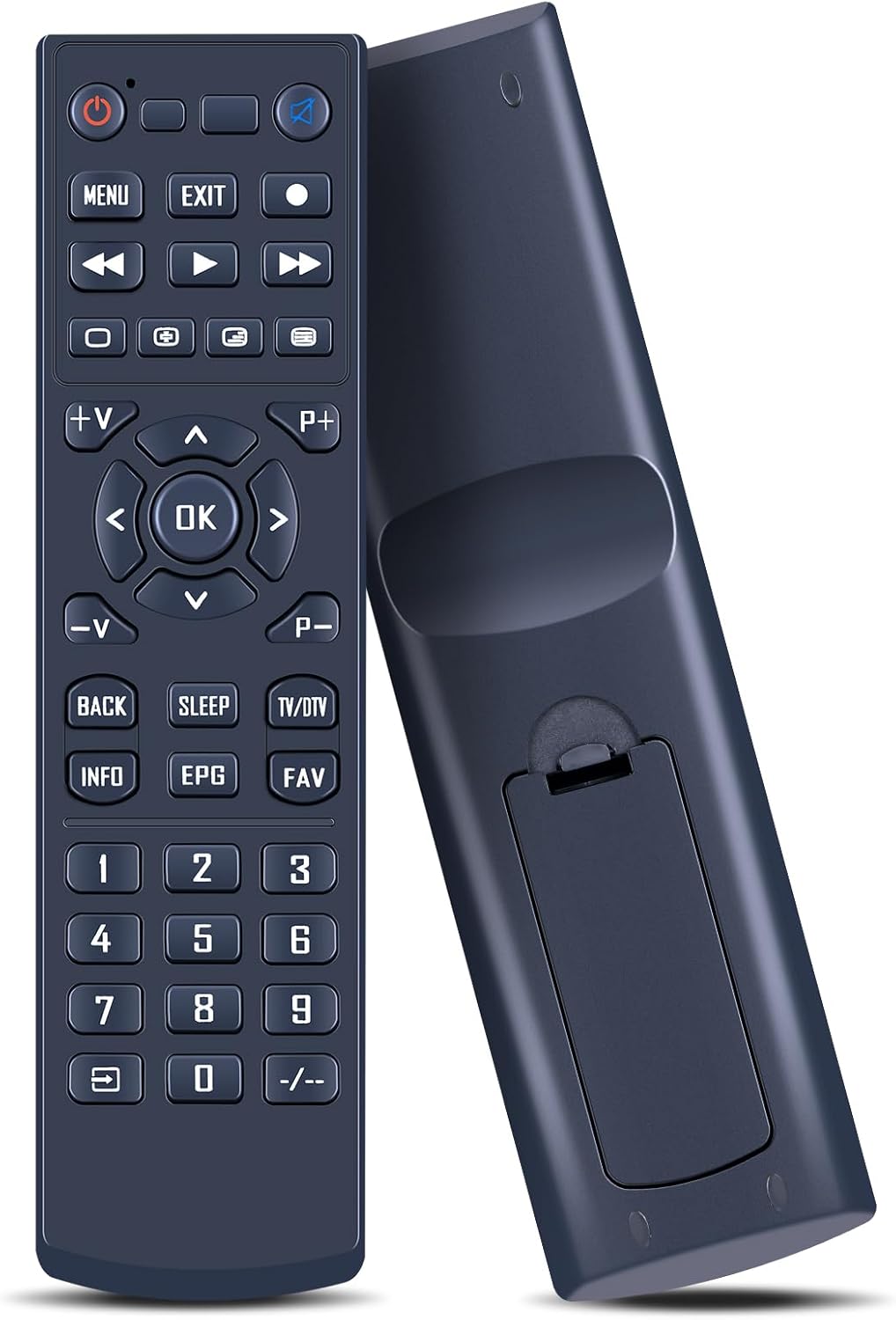
The design leans practical: tactile, silicone-style buttons for day-to-day comfort, plus a sturdy plastic body and a covered battery compartment to help it cope with regular handling.
What it’s for (and what you’ll notice day to day)
This remote is aimed at people who want their set-top box to behave like it should—changing channels, navigating menus, and controlling playback—without having to learn a workaround.
In real-life use, the difference tends to be simple: you press a button and you get a response, rather than tapping the same key a few times because the old one feels sticky or inconsistent. The tactile buttons also make it easier to find the right control when you’re half-focused on a programme.
That said, it’s still a replacement. So if your goal is a remote with every possible function for every variant, you may find some buttons don’t do what you expect—this is stated as a possibility depending on the button and model.
Key features that matter for buyers
The appeal here is the balance between ease of use and the basics you rely on.
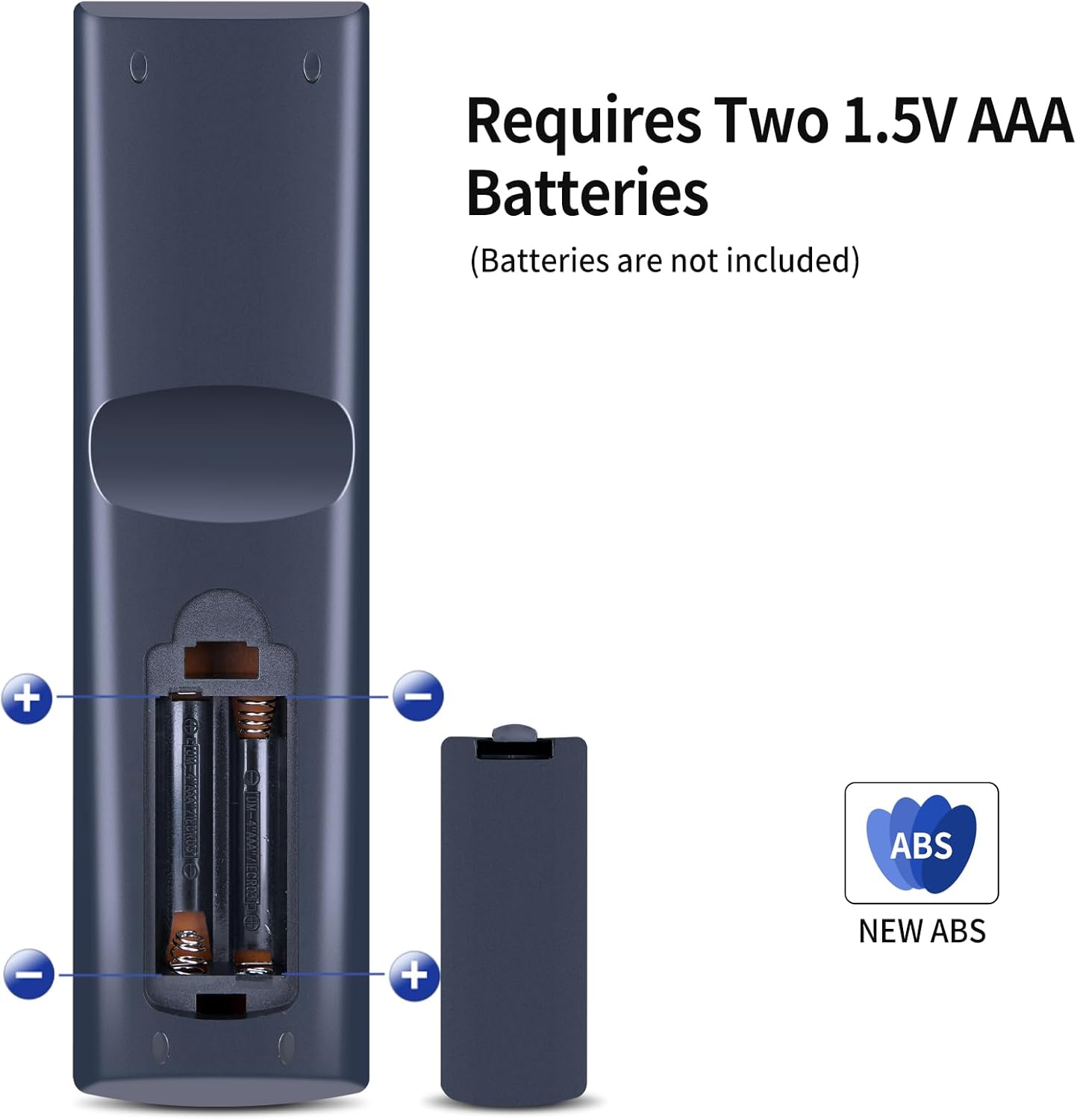
- Plug and play setup: you just insert 2×AAA batteries (not included) to get going, no programming required.
- Responsive, tactile buttons: silicone-style controls are meant to feel more natural and stable under repeated presses.
- Durable build: a sturdy plastic case and a battery compartment cover are included to help reduce the “fragile remote” problem.
- Replacement functionality: intended to provide the same functions as your original remote, where compatible.
What to check before ordering
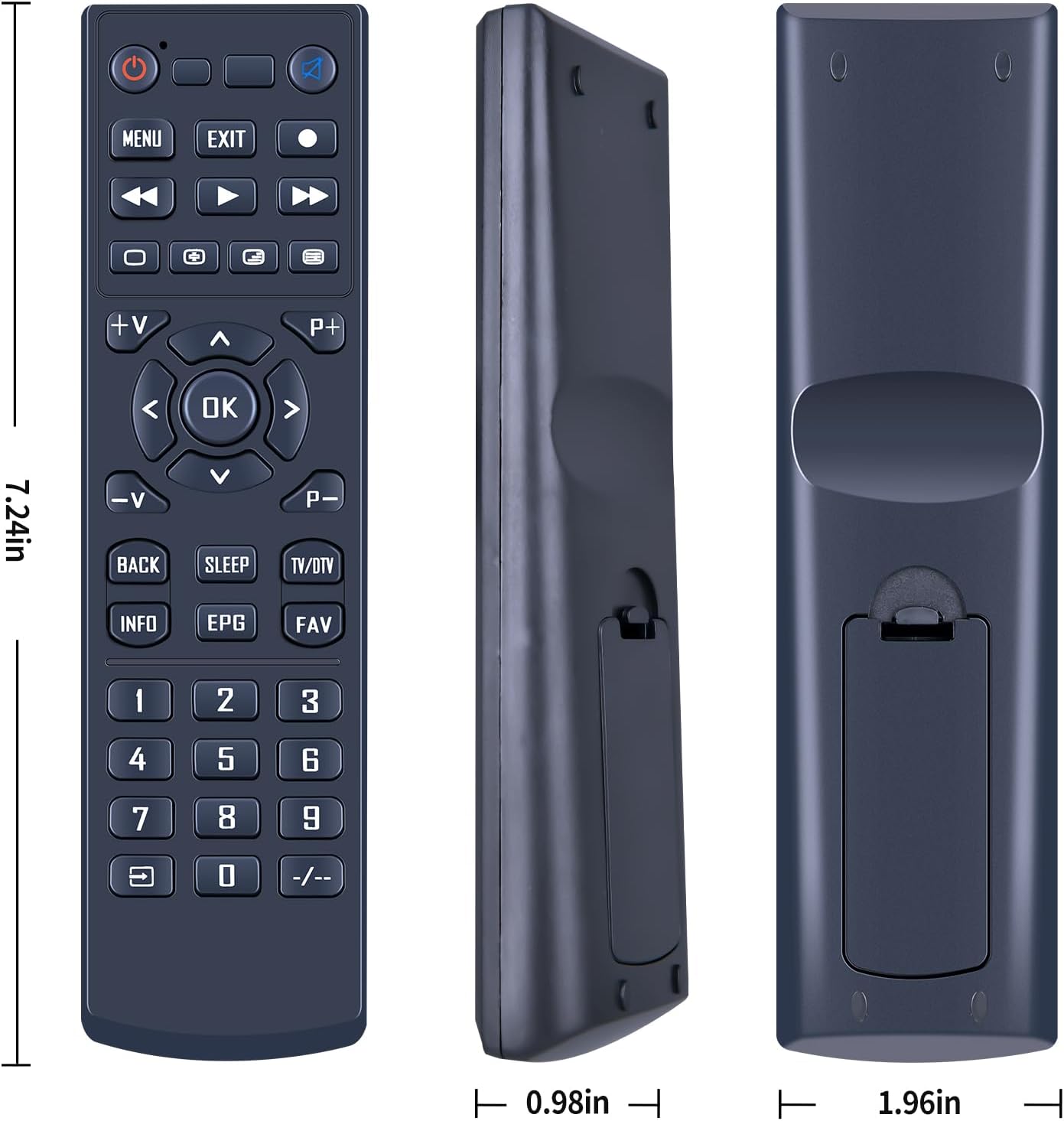
This is the section that can save you hassle. The listing explicitly asks you to check the remote picture carefully before purchasing, and to pay attention to the symbol of the button to make sure it matches exactly what you need.
So, before you commit, compare: - the button symbols and layout shown in the listing images - the appearance of the remote you’re replacing (especially any unique iconography) - whether your current remote is the same “family” for your box model
If you’re unsure, it’s also suggested you contact the seller with questions—because compatibility is the one area where assumptions can backfire.
Tech specs
- Type: Replacement remote control
- Battery requirement: 2×AAA batteries (not included)
- Connection/setup: Plug and play (no programming mentioned)
Pros, and where it can fall short
What stands out is the straightforward approach. No programming, no pairing steps, and a design that’s built for everyday pushing and handling.
However, don’t expect every single button to work the same way in every scenario. The description notes that depending on the button and model, some functions may not be available.
It’s not a bad buy for the basics, but if you’re specifically trying to match a remote where every last function matters, you may want to be extra careful with the button symbol matching.
Who it suits (and who should avoid it)
It makes sense if you: - need a simple replacement for a lost, damaged, or worn remote - want to get back to using your TV box quickly (batteries in, then use) - prefer tactile controls and a more solid feel from the casing and battery compartment cover
It may not suit you if: - your current remote has a very specific button set and you can’t confidently match the button symbols from the listing - you’re buying without checking the photos and your model/button layout might differ
Getting the most from it (quick usage tips)
Once you’ve inserted 2×AAA batteries, give it a short test session: - try the most-used navigation controls first - move through a couple of menus to see if the expected functions respond - test playback controls (since those are usually the first you’ll miss if they don’t match)
If something feels “off”, stop and re-check that the button symbols/layout match what your unit needs, rather than repeatedly pressing the wrong thing out of habit.
In the box
The description focuses on the remote itself and battery requirement, but it doesn’t clearly list additional items. Expect the remote control, with batteries not included.
Mini FAQ
Does it need programming?
No programming is mentioned. The remote is described as plug and play—insert 2×AAA batteries and use.
What batteries does it use?
It requires 2×AAA batteries, which are stated as not included.
Will every button function work?
The listing notes that some functions may not be available depending on the button and model. Compatibility is not 100% guaranteed for every button set.
How can I check compatibility?
The guidance is to check the remote picture carefully and pay attention to the symbol on the buttons to ensure it matches your existing remote.
Final verdict
A practical pick if you want a plug-and-play replacement remote for the Xsarius Premium Box PURE-4K-OTT and you’re comfortable doing a careful match against the button symbols in the listing images. It’s less convincing if you need every button function to work exactly as before but you can’t confidently verify the layout from the photos.