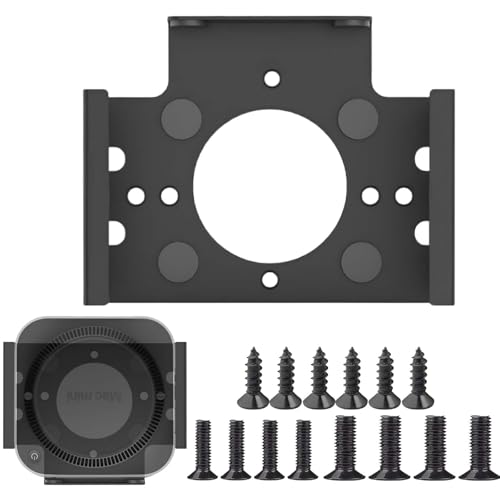
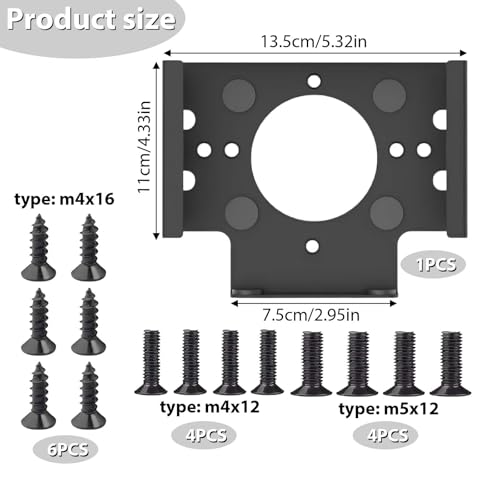
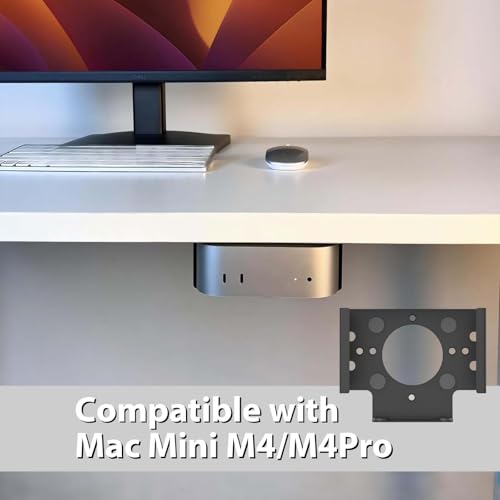
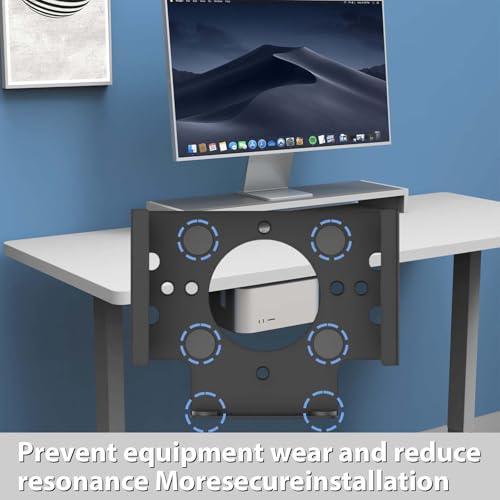
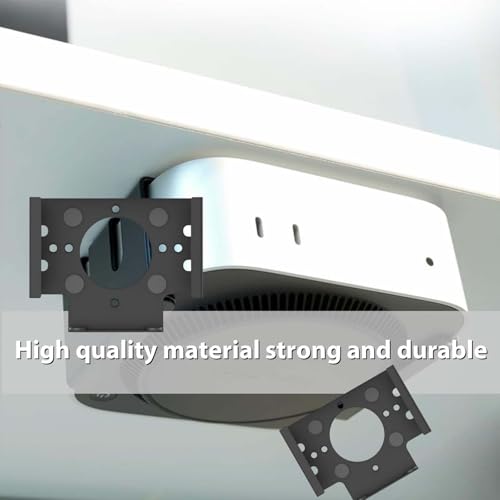
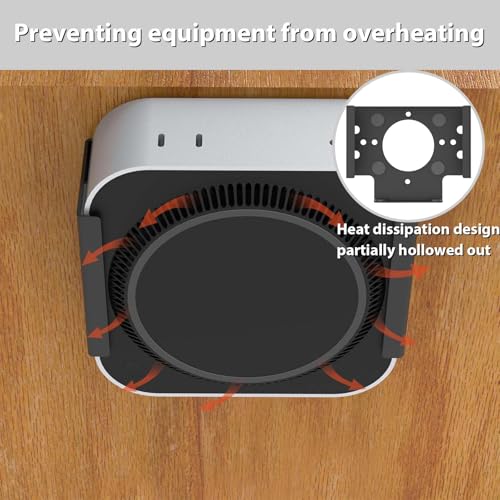
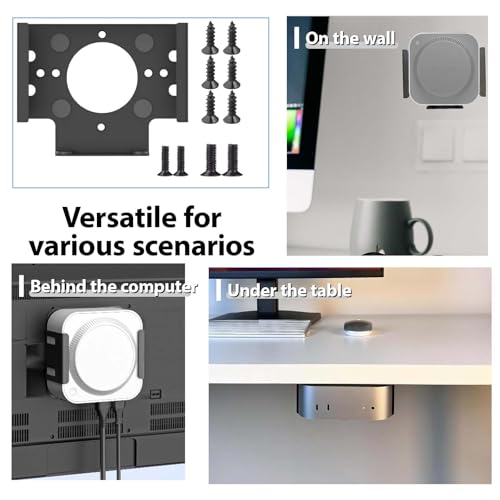
What it is and the problem it solves\nSVOCK’s Under Desk Pc Mount is a compact, metal bracket designed to free up desk real estate by stowing a Mac Mini M4 beneath a desk, on a wall, or behind a monitor. The aim is simple: tidy up the workspace while keeping ports accessible. On paper, it offers a stable, integrated mounting solution that reduces desktop clutter without compromising reach or airflow.\n\n## How it’s mounted and installed\nThe unit advertises drill-free or simple screw-based installation, with the flexibility to position the device so its ports face outward. The mounting approach is practical for typical home offices or compact workspaces where drilling into furniture isn’t desirable. The hardware is intended for metal construction, which should contribute to durability and a solid feel when the Mac Mini is secured.\n\n## What stands out in use\nIn daily use, the key advantages are space-saving and a tidy appearance. With the Mac Mini tucked under the desk or on a wall, cables become easier to route and less visible, which can contribute to a calmer work environment. The design emphasises keeping the device out of reach of pets or young children, potentially reducing accidental bumps or knocks. This is useful in homes with limited desk space or open-plan setups where storage options are constrained.\n\n## Potential drawbacks or limitations\nIt’s important to note that the description relies on general claims about installation and protection. The exact fit for various Mac Mini models isn’t specified beyond reference to the M4. If your workspace requires maximum clearance for large adapters or unusual power configurations, you may find the mounting footprint or cable routing less accommodating. The drill-free claim also depends on your desk or wall substrate, some surfaces or setups may still benefit from traditional mounting methods for utmost stability.\n\n## Who this is for\nThis mount is geared towards users wanting to reclaim desk space without sacrificing access to device ports. It suits small to medium home offices, shared desks, or study areas where a compact, wall-friendly solution helps keep the work surface clear. It can also appeal to users who value a tidy aesthetic and prefer to keep electronics tucked away yet reachable.\n\n## Who it isn’t ideal for\nIf you require very high airflow clearance, frequent repositioning, or space for large peripherals alongside the Mac Mini, this compact bracket may feel restrictive. For setups that demand complex cable management or where drilling into furniture is routinely acceptable and do not mind visible fixings, alternative mounting solutions might be more suitable.\n\n## What to review before buying\nCheck the compatibility notes for your Mac Mini model and verify the mounting footprint matches your desk or wall configuration. Consider how you’ll route power and HDMI cables to keep the outward-facing ports accessible. If you plan to place the unit behind a monitor, confirm there’s adequate space for the stand and any smartphone or USB hubs you might attach nearby.\n\n## How it compares to other approaches\nCompared with traditional freestanding stands or larger desk-mounted enclosures, this under-desk approach prioritises footprint reduction and discreet storage. It’s less obvious than a full enclosure, but offers portability and a cleaner surface. If you prioritise absolute modularity or specific airflow paths, a more bespoke or larger mounting system could be a better match.\n\n## Tips for day-to-day use\n- Ensure the Mac Mini’s ports face outward for easy access when mounted.\n- Select the screws appropriate to your installation surface to maximise stability.\n- Periodically check the bracket and screws to maintain a snug fit, especially if you frequently reposition the desk or move other accessories.\n\n## Decision: Should you buy it?\nYou’ll like it if reclaiming desk space with a neat, low-profile mount is a priority and you want a straightforward, drill-free option. It makes sense for compact offices and setups where keeping ports accessible matters. Not the best choice if you need very high airflow clearance, or if your layout requires more generous space for cables and peripherals.\n\n## Quick FAQ\n- Is it compatible with all Mac Mini models? The description references Mac Mini M4, verify exact model compatibility with your device.\n- Can I install it without drilling? The product advertises drill-free installation, though surface suitability will influence feasibility.\n- How stable is the mount under daily use? Built from metal, it aims for stable support, but the actual feel depends on desk/wall material and correct screw selection.\n