

Silkland USB 4 Cable for Thunderbolt 4 (2M) – 40Gbps, 8K/5K@60Hz, 240W PD, USB-C to USB-C
Product description
What it is and what it’s for
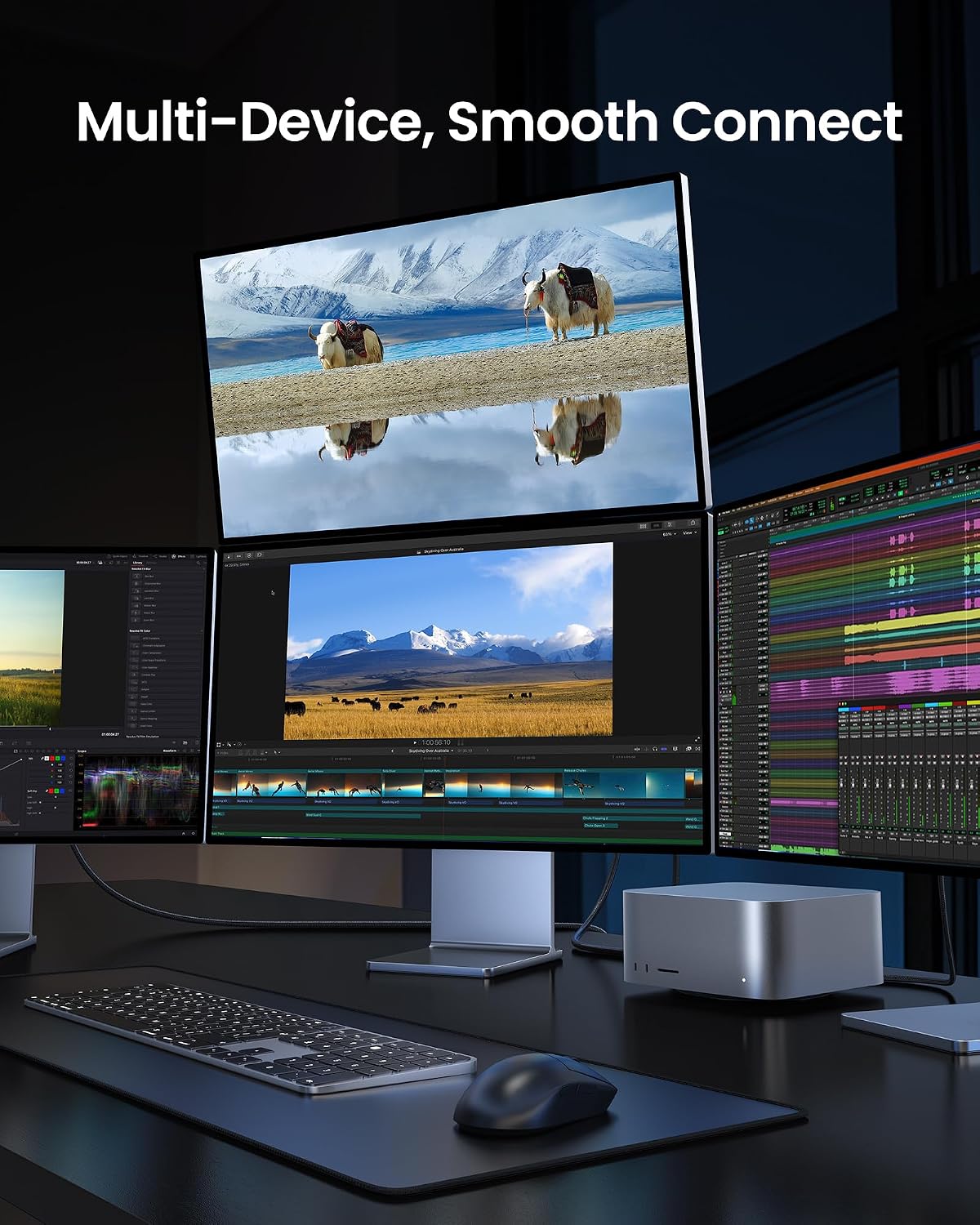
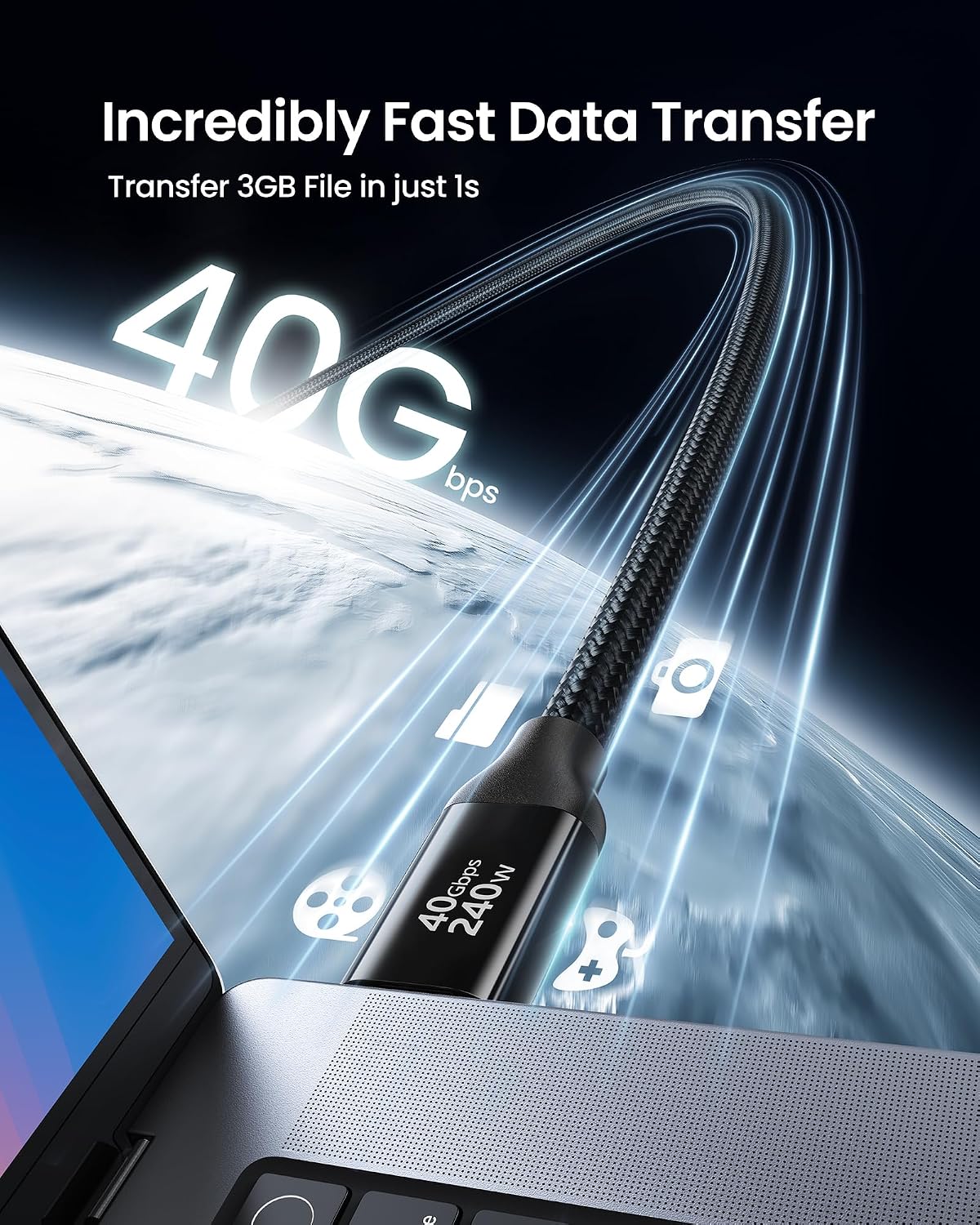
Silkland’s USB 4 Cable for Thunderbolt 4 is a high‑performance USB‑C to USB‑C cable designed to handle fast data, video and power delivery in one go. With USB4 at up to 40Gbps, it’s aimed at sets where you need quicker transfers for photos, videos or backups, and with the ability to drive 8K@60Hz or two 4K displays, it positions itself for professional or media‑heavy setups. If your work involves moving large files between a laptop, external SSDs, docking stations or eGPUs, this cable promises to streamline that workflow without juggling multiple cables.
How it performs on paper
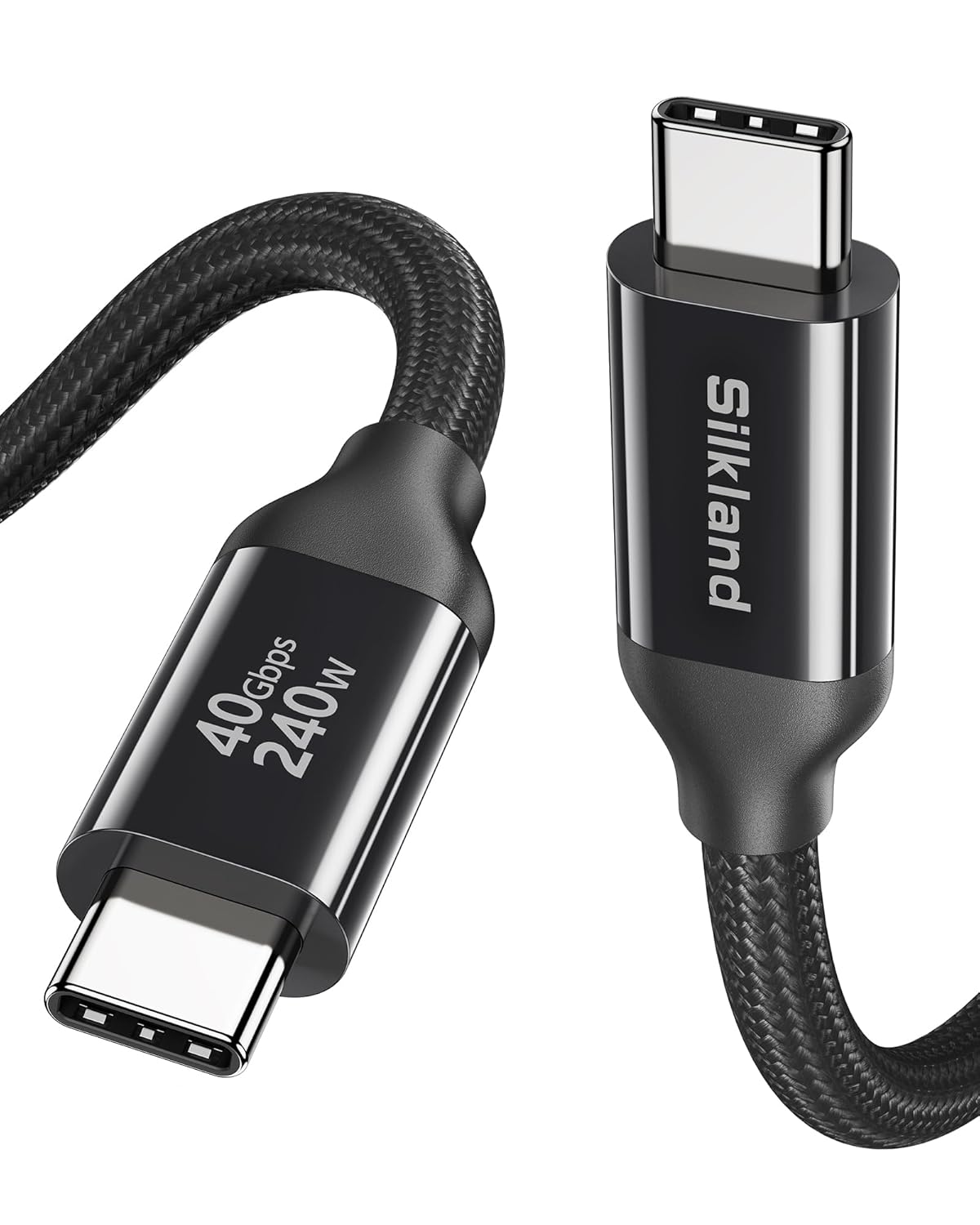
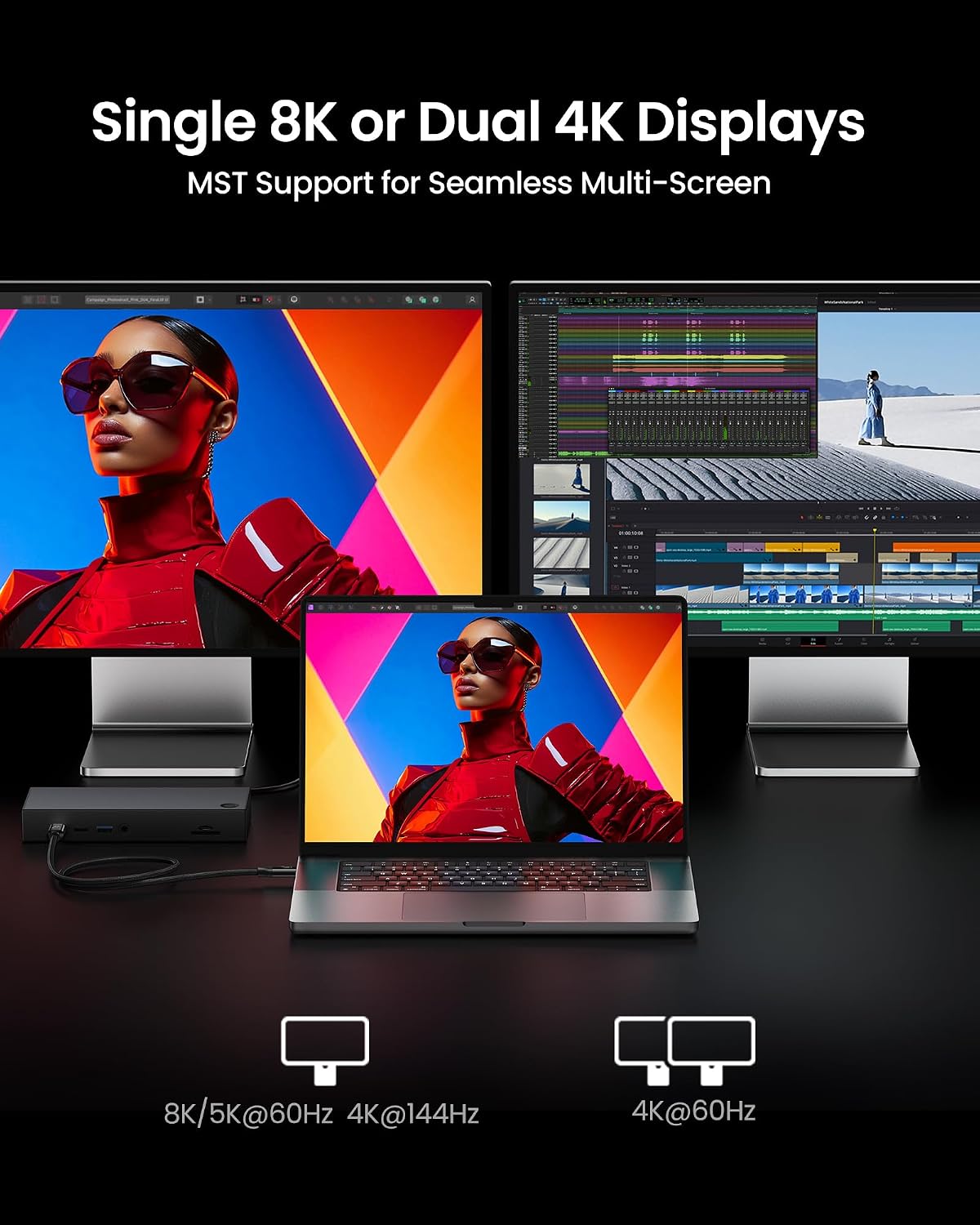
On the speed and display front, you’re looking at a 40Gbps data path and support for single 8K@60Hz or dual 4K@60Hz displays. For power, Silkland advertises up to 240W PD3.1 charging, backed by an E‑Marker chip to maintain stable supply and help prevent overcharging or overheating. The cable is long enough at 2 metres for typical desk layouts or conference setups, and the USB‑C to USB‑C format keeps it straightforward whether you’re connecting a laptop, monitor, dock, SSD or eGPU.
What stands out
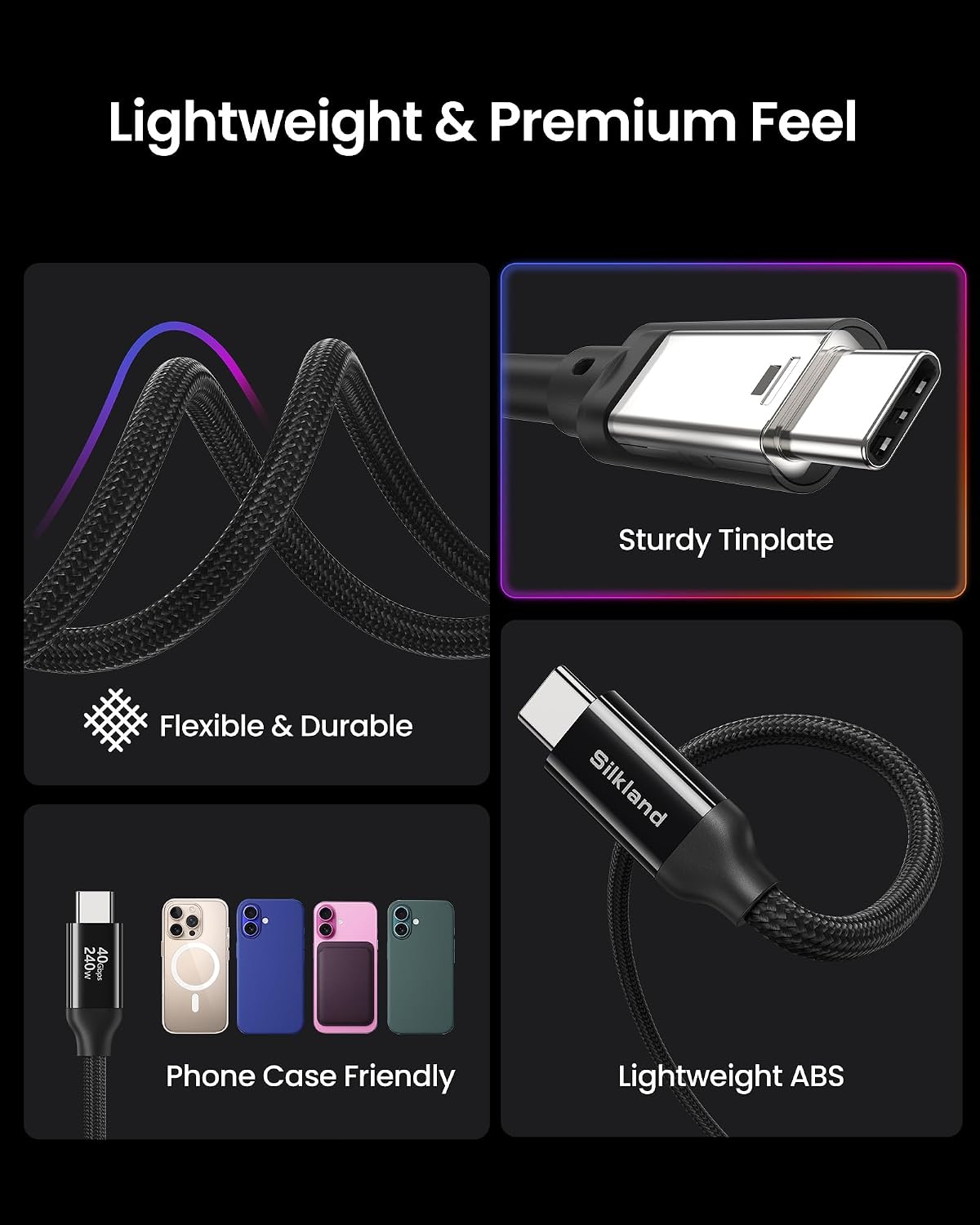
On the advantageous side, the combination of USB4‑level data with Thunderbolt 4 compatibility makes this a valable option if you’re juggling multiple high‑bandwidth devices and need reliable charging in the same cable. The E‑Marker implies a degree of intelligent power management, which matters when you’re tripping over high‑wattage requirements on a busy desk. A practical plus is the 2‑metre length, which can be more forgiving in shared workspaces or setup bays.
Limitations and what to watch
It’s not necessarily the best choice if you rarely push data or display bandwidth, the premium features won’t provide extra benefit if you’re only using standard USB data transfer or a single monitor at lower resolutions. Also, while 240W charging is impressive, verify your device compatibility and charger capabilities to avoid disappointment. If you prioritize absolute compactness over length, a shorter cable could be a tighter fit for on‑the‑go work.
Who it’s for
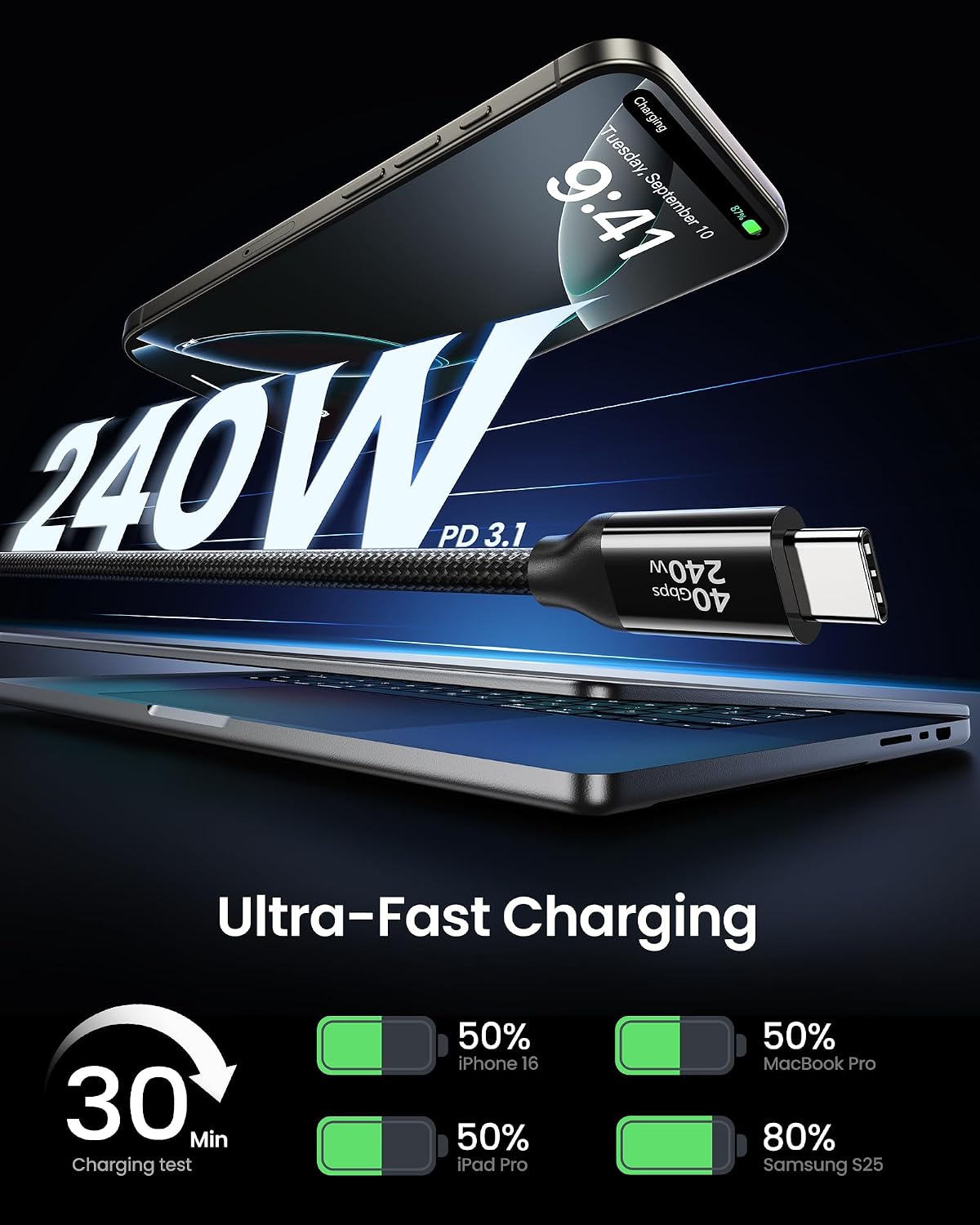
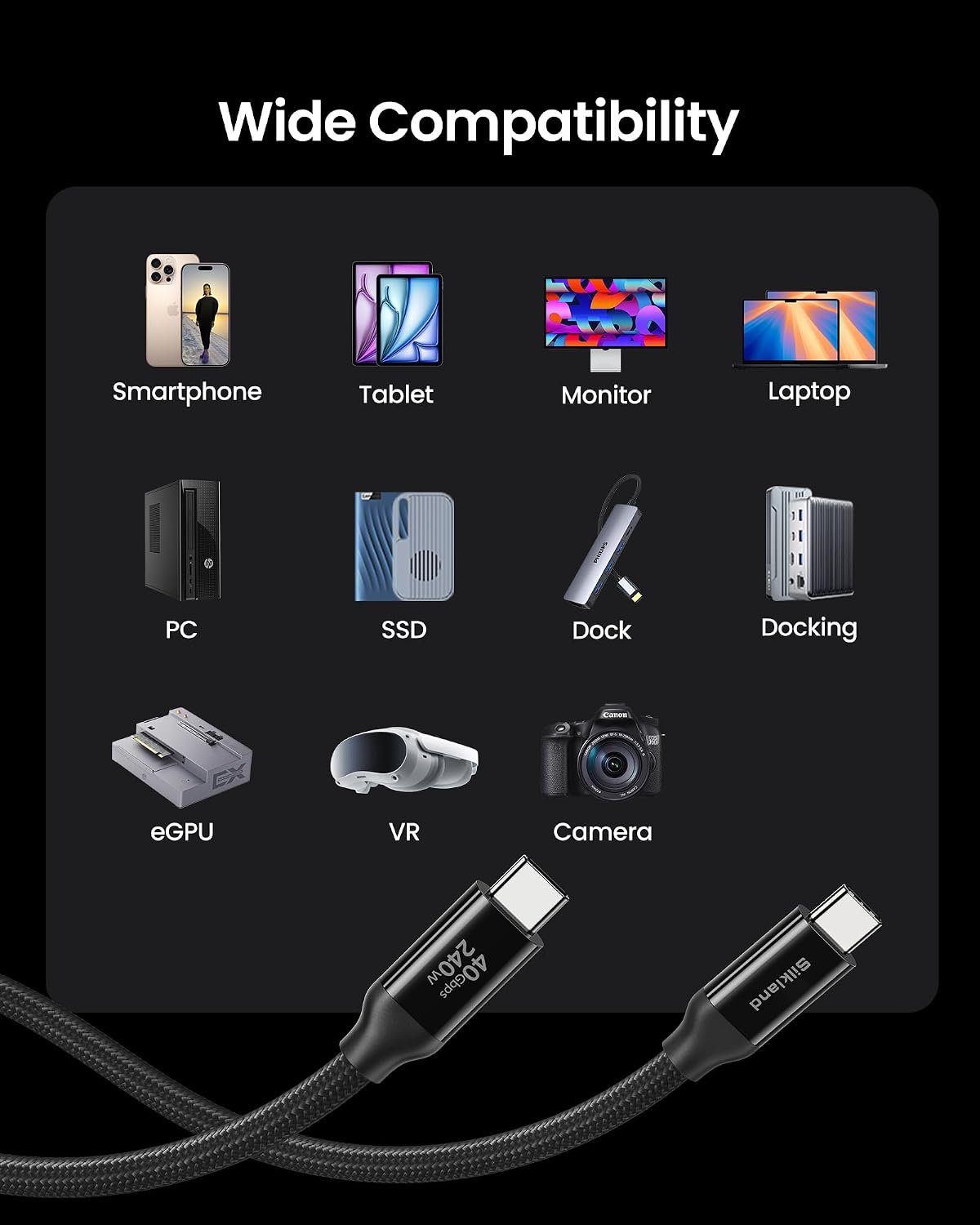
This cable is well suited to MacBook users, iPhone 16, iPad workflows, external SSD enthusiasts, docking stations and eGPU setups where both fast data and high‑end video output are valuable. It’s particularly appealing if you routinely transfer large media libraries, back up content quickly or drive immersive displays from a single cable.
Who it isn’t ideal for
If your setup is modest—just charging and occasional USB data—this may feel like overkill. If you don’t need 8K or dual 4K display support, or if your power needs are modest, a simpler USB‑C cable could be more economical.
What to check before buying
- Confirm device compatibility for 240W charging and ensure your charger supports the output you expect.
- Check that your monitor or dock supports the desired display configuration (8K@60Hz or dual 4K@60Hz).
- Consider the length you need, 2 metres is useful in many desks but not ideal for compact rigs.
- Look at the warranty and after‑sales support window—this product advertises a 2‑year service with 24‑hour responses.
Practical usage: a day‑to‑day scenario
Imagine you’re editing 4K video from an external SSD while sending a live preview to a 4K monitor. You’d appreciate the cable’s ability to carry both the fast data streams and stable power to your laptop, all without swapping cables. The 2‑metre reach lets you keep your workstation tidy, with the monitor on the other side of the desk and the charger tucked nearby.
Tech snapshot (brief)
What customers often ask
- Will this work with Thunderbolt 3 or USB‑C devices? Yes, it’s backward compatible with Thunderbolt 3 and other USB generations, though you’ll get the best experience with USB4/Thunderbolt 4 devices.
- Can it charge my laptop while connected to a dock? The 240W capability supports high‑power devices when paired with a compatible charger.
- Is the 2m length a deal‑breaker for small desks? It depends on your setup, longer cables add flexibility but can be less neat in compact spaces.
Is it worth it?
- If you prioritise fast data transfer, high‑quality video output and robust charging in a single cable, it’s worth considering. If your needs are modest or you only require charging without heavy data or display demands, you may want to skip it.
FAQ
- Q: What kind of devices will benefit most from this cable? A: Laptops or desktops that support USB4/Thunderbolt 4, external GPUs, high‑end displays and fast external storage.
- Q: Does it guarantee 8K@60Hz at all times? A: Display performance depends on the connected host and monitor capabilities, 8K@60Hz is supported, but actual results hinge on the entire chain.
- Q: How reliable is the 240W charging claim? A: The cable includes an E‑Marker and PD3.1‑class capability, ensure your charger and device together meet the needed specs.
Decision time
Should you buy it?
It makes sense if you need a single, capable cable for high‑bandwidth data, top‑tier display output and substantial charging capability in one solution. It’s a solid pick if you work with large media files, multiple displays or power‑hungry devices and you want predictable, heat‑managed delivery across a 2m run.