

Ubluker USB C to USB C Cable 40Gbps 3M: Versatile USB4/Thunderbolt 4 Cable for Power, Video and Data
Product description
What it is and what it’s for
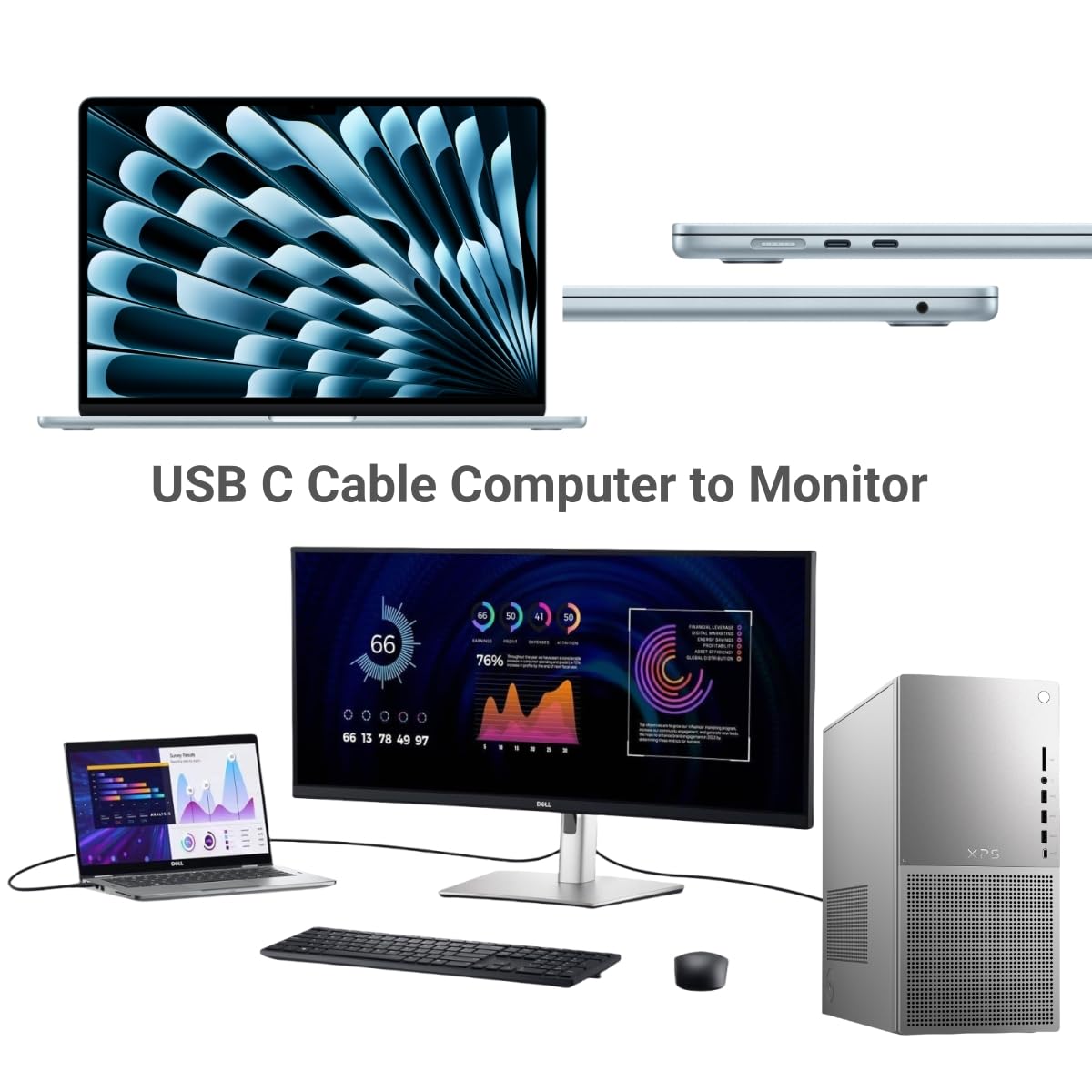
The Ubluker USB C to USB C Cable is a high‑capacity USB4/Thunderbolt 4 compatible cable, advertised as 40Gbps with 24‑pin construction and Emarker. It’s designed to handle power delivery up to 240W and data transfer, video, and audio signals through a single Type-C connection. The nylon‑braided construction suggests durability for daily use and travel, while the 3 m length offers flexibility for setups that aren’t right beside your computer or power bank. On paper, it aims to connect phones, tablets, laptops, displays and peripherals across a wide ecosystem, including USB‑C monitors, docks and external GPUs.
How it performs in real life (considerations and limits)
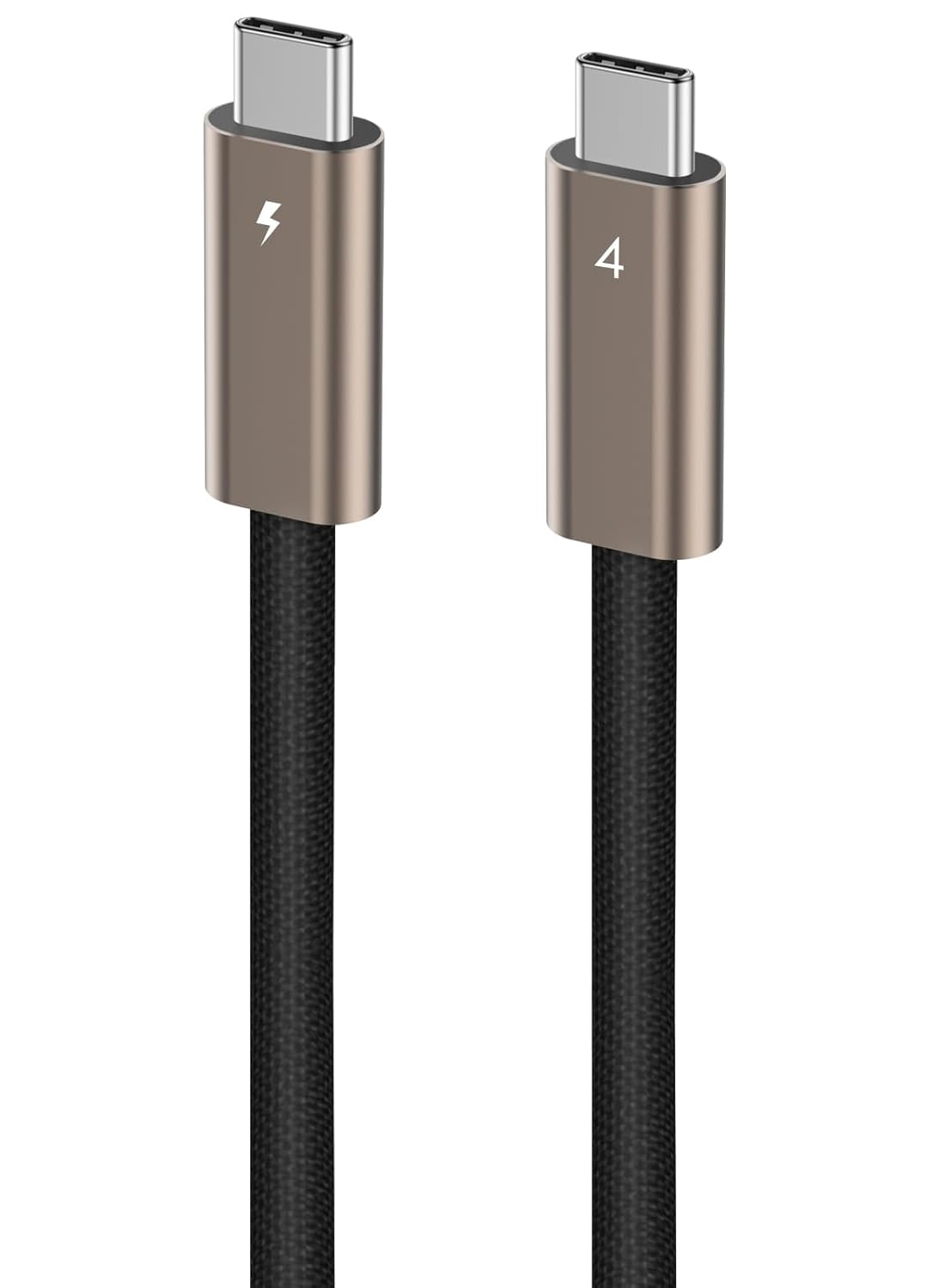
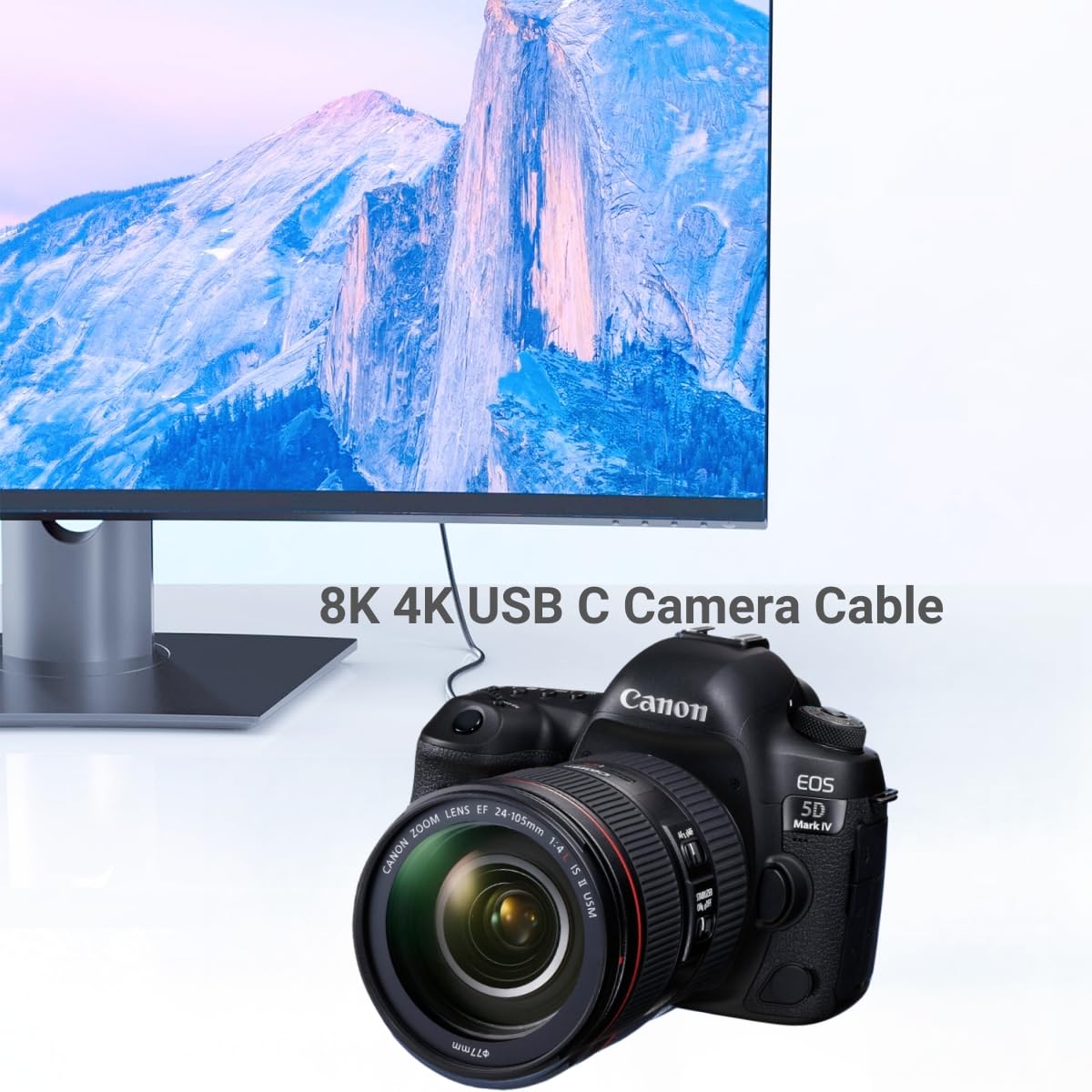
If you prioritise a single, capable cable for USB4/Thunderbolt devices, this cable consolidates several duties—data, video, power and even PCIe/DisplayPort tunnelling—into one lead. That’s useful for docking stations, external GPUs and high‑resolution displays where you want fewer cables. However, the reality of any multi‑role cable is that peak performance hinges on device support and proper negotiation of power profiles. The product lists many modes (DisplayPort Alternate Mode, Thunderbolt Alternate Mode, PCIe tunnel, etc.), which is appealing on paper but depends on the connected gear’s compatibility and the source’s output capabilities.
What stands out
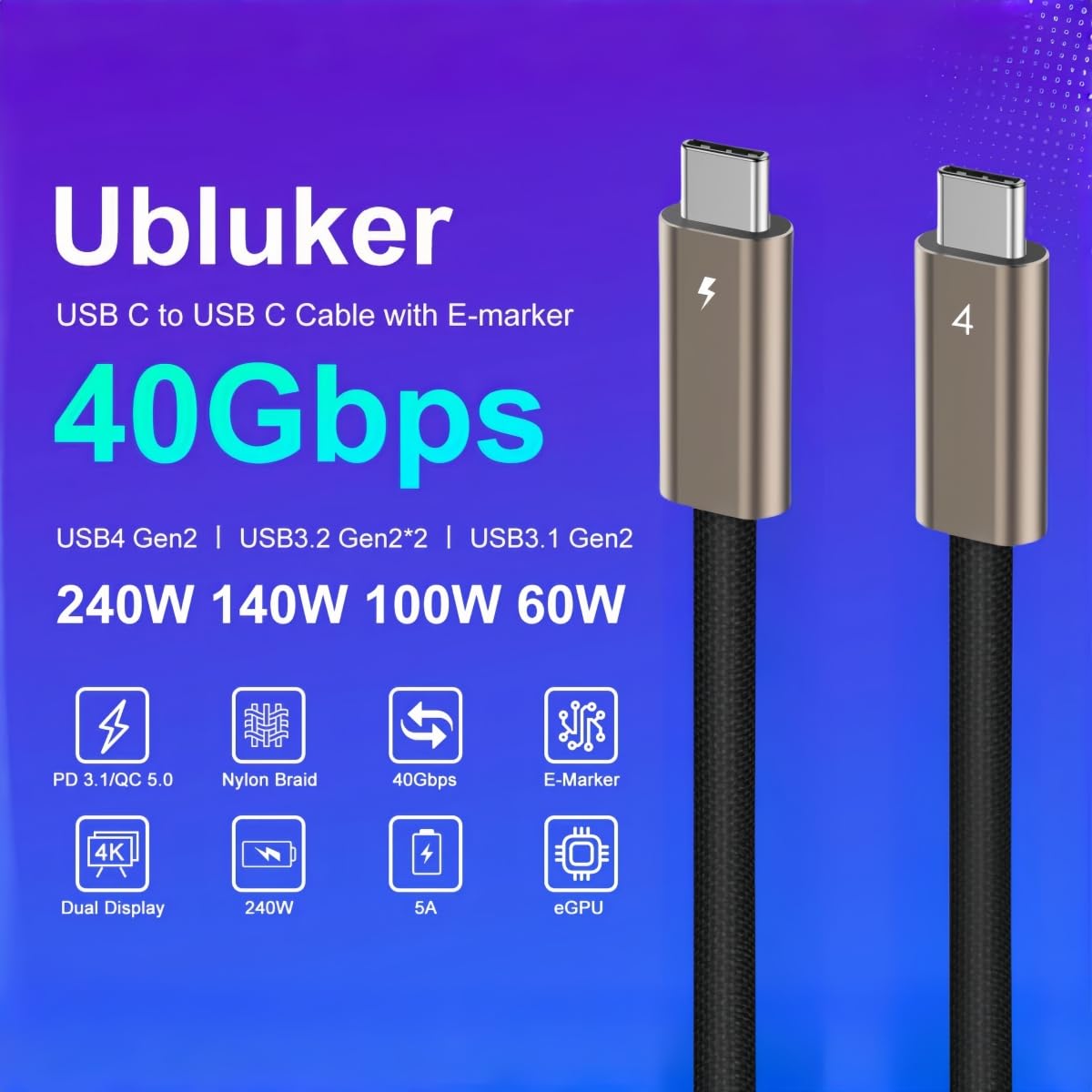
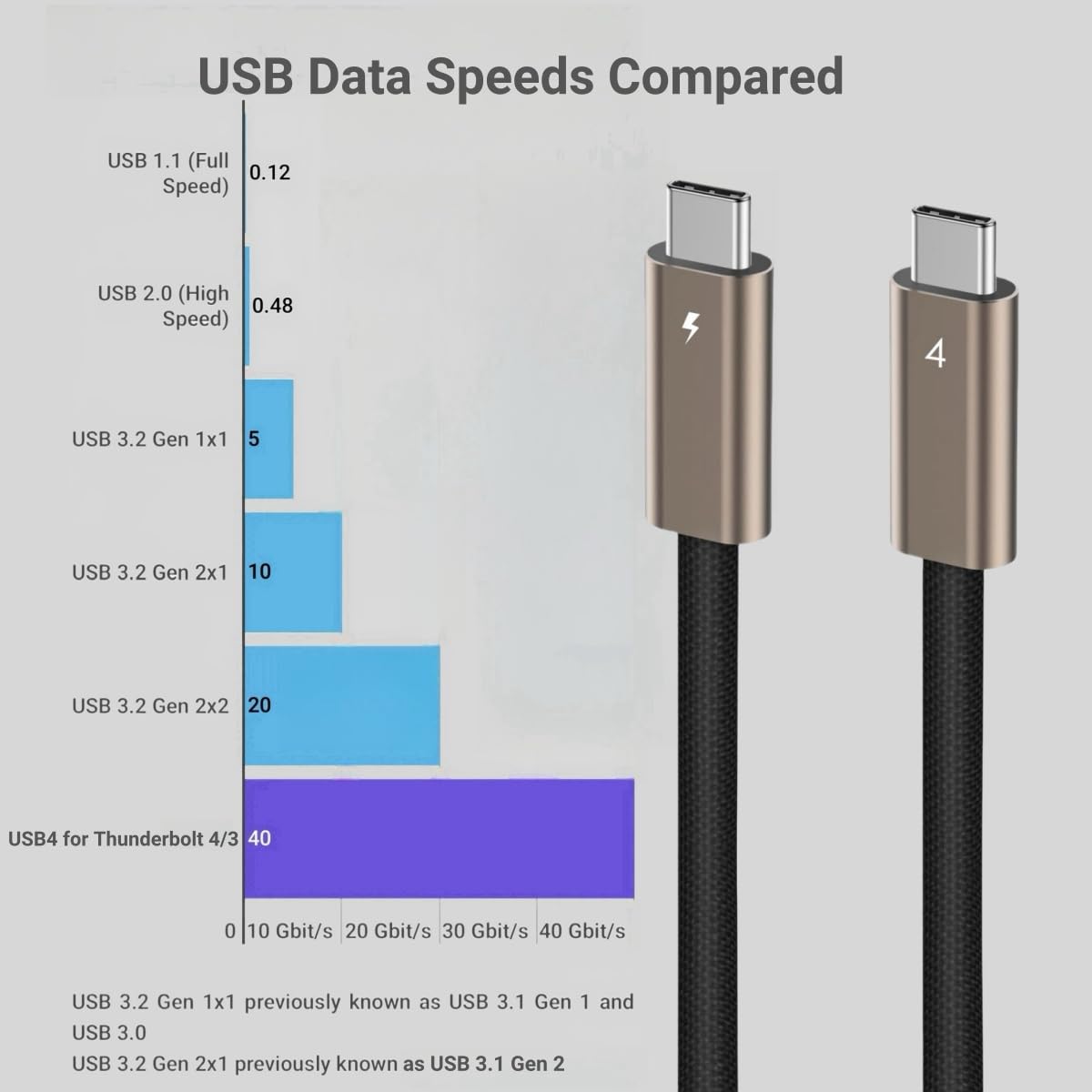
- Very high potential data rate (40Gbps) and broad feature set (Video, Audio, Data, Fast Charging, eGPU/PCIe tunnelling, DisplayPort tunnelling).
- High wattage support (up to 240W) with a range of PD profiles listed, which could make it suitable for charging capable laptops and power‑hungry devices.
- Nylon braided build and 3 m length add durability and practicality for desks or setups where outlets aren’t close.
What may not convince everyone
- Real‑world performance depends on the devices you pair it with. If your gear lacks USB4/Thunderbolt support or conflicts with certain PD profiles, you may not realise the full 40Gbps or 240W claims.
- The broad feature set is impressive in theory, but it’s common for cables to deliver reliably on some modes (e.g., data or charging) while others (like PCIe tunnelling to an eGPU) work less consistently, depending on the host and peripherals.
- The length, while convenient, can sometimes introduce signal drop or voltage drop considerations if used with older hubs or non‑USB4 ports.
Who it’s for

This cable seems best suited to users with a USB4/Thunderbolt ecosystem who want a single, long cable to connect laptops or desktops to displays, docks, SSDs, or eGPUs, while also needing robust charging capability. It could be appealing for creators, professionals with multi‑display workstations, or anyone seeking a consolidated charging/data/video solution without juggling multiple leads.

Who it’s not ideal for
If your devices are limited to USB‑C without USB4/Thunderbolt support, or you’re working with equipment that only supports lower PD profiles, you might not gain the full benefit highlighted in marketing. For casual mobile use or simple data transfers between phones, a simpler, lower‑cost USB‑C cable could be sufficient. If you prioritise absolute portability and the shortest possible cable, 3 m may feel excessive.
When it makes sense to buy
- You regularly run high‑bandwidth tasks across USB4/Thunderbolt devices and want one cable for video, data and charging.
- You need a longer USB‑C alternative for a clean setup with a desk, sofa, or multimedia station.
- You use an external GPU or PCIe‑via‑cable setup and want to ensure the wiring supports tunnelling features where possible.
What to check before buying
- Confirm your devices support the PD profile and power delivery you need (up to 240W) and that the cable’s PD negotiation matches your charger and laptop.
- Check whether your displays and hubs support USB4/Thunderbolt Alt Mode or PCIe tunneling to ensure compatibility with the claimed feature set.
- Consider impact of length on cost and handling, longer cables can be stiffer or less flexible in tight spaces.
Practical usage note
Imagine connecting a high‑end laptop to a 4K display and a docking station while charging from a single wall charger. In practice, you’d want to ensure the charger and host cooperate in PD negotiation to avoid under‑powered charging or intermittent connections. The cable’s versatility means you could swap in multiple devices over time without swapping leads, which simplifies cable management in busy workspaces.
FAQ snapshot
- Can it charge a laptop at 240W? The cable lists 240W PD support, but actual charging depends on the charger and device negotiation.
- Will it work with my DisplayPort monitor? If your monitor and host support DisplayPort tunnelling or Alt Mode over USB‑C, you should gain video handedness through the cable.
- Is it robust for travel? The nylon braid and 3 m length are conducive to mobility, though longer cables can be heavier and more prone to tangling if not stored carefully.
Final decision
Is it worth it? Worth considering if you need a single, long USB‑C cable capable of data, video and charging across a USB4/Thunderbolt ecosystem, and you value durability. If your setup relies on devices with limited USB‑C/PD support or you don’t need the extra length, you might prefer a simpler option.