

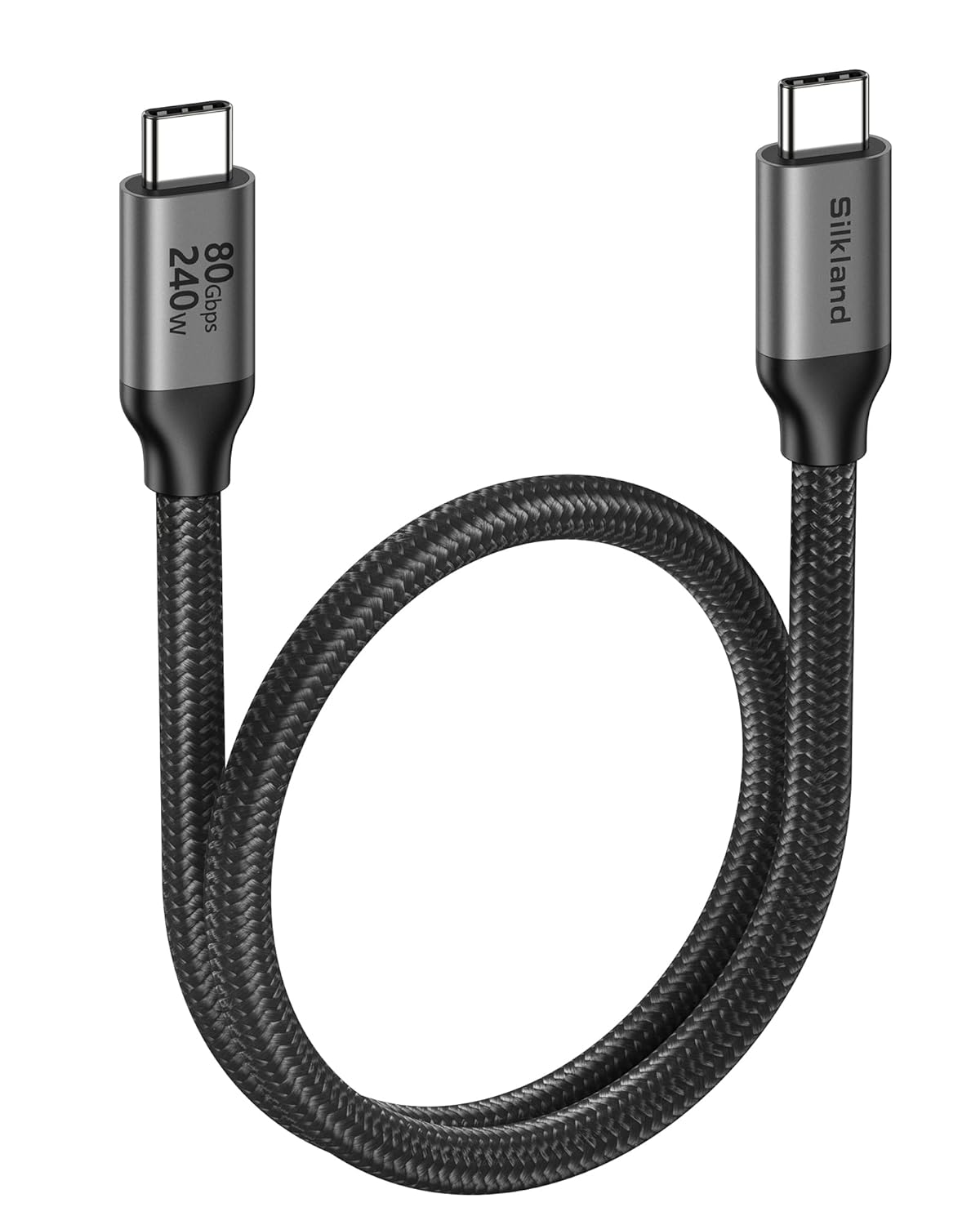
Silkland USB4 (Thunderbolt 5) Cable 0.5m – 80Gbps data, 120Gbps display, up to 240W USB-C charging
Product description
The essentials
If you’re building a high-speed desk setup, the Silkland USB4 cable is aimed at people who want one lead that can move data fast and carry demanding video connections, while also doing serious power delivery. It’s a 0.5m USB-C to USB-C cable positioned around USB4 Version 2.0 and compatibility with Thunderbolt 5/4.
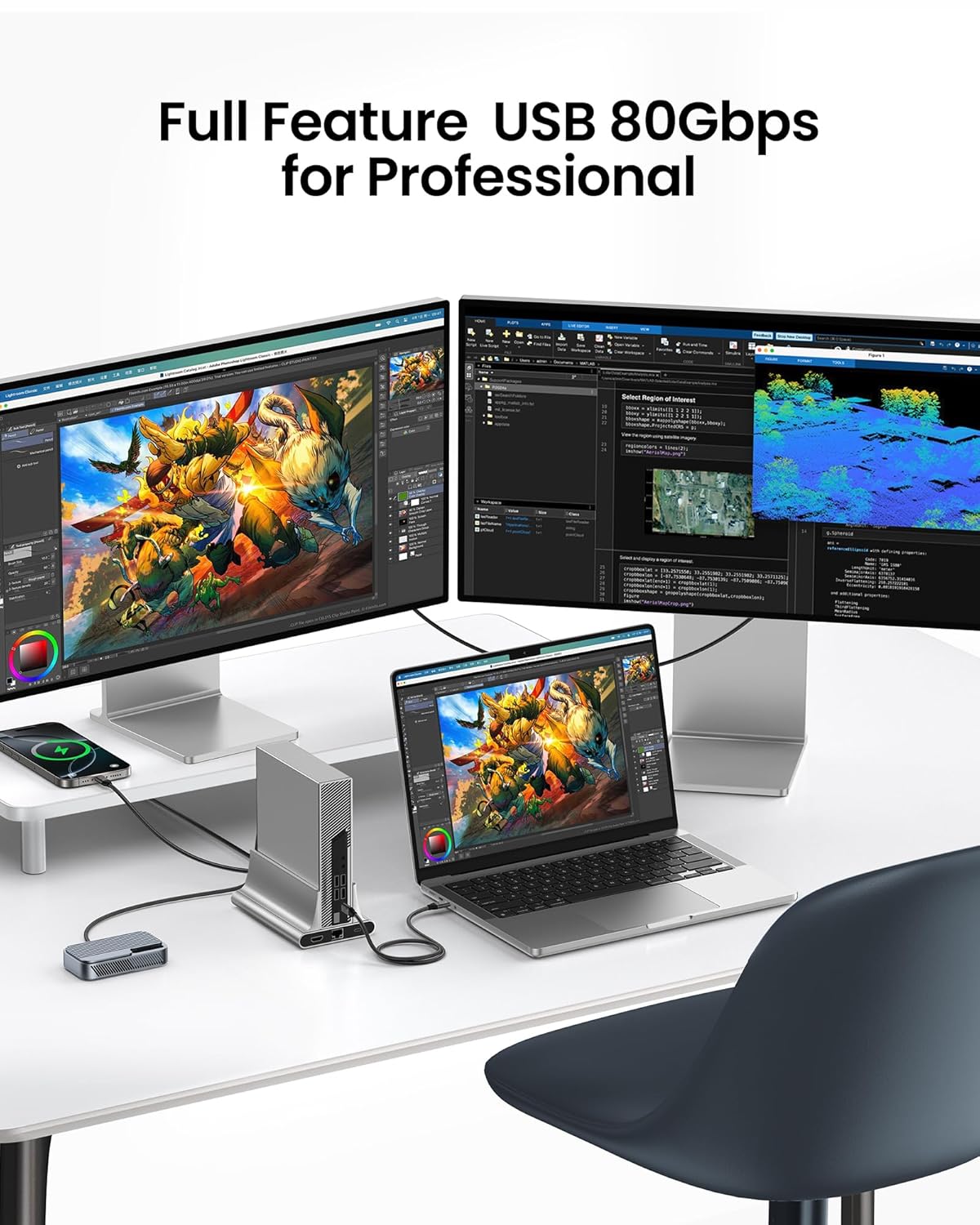
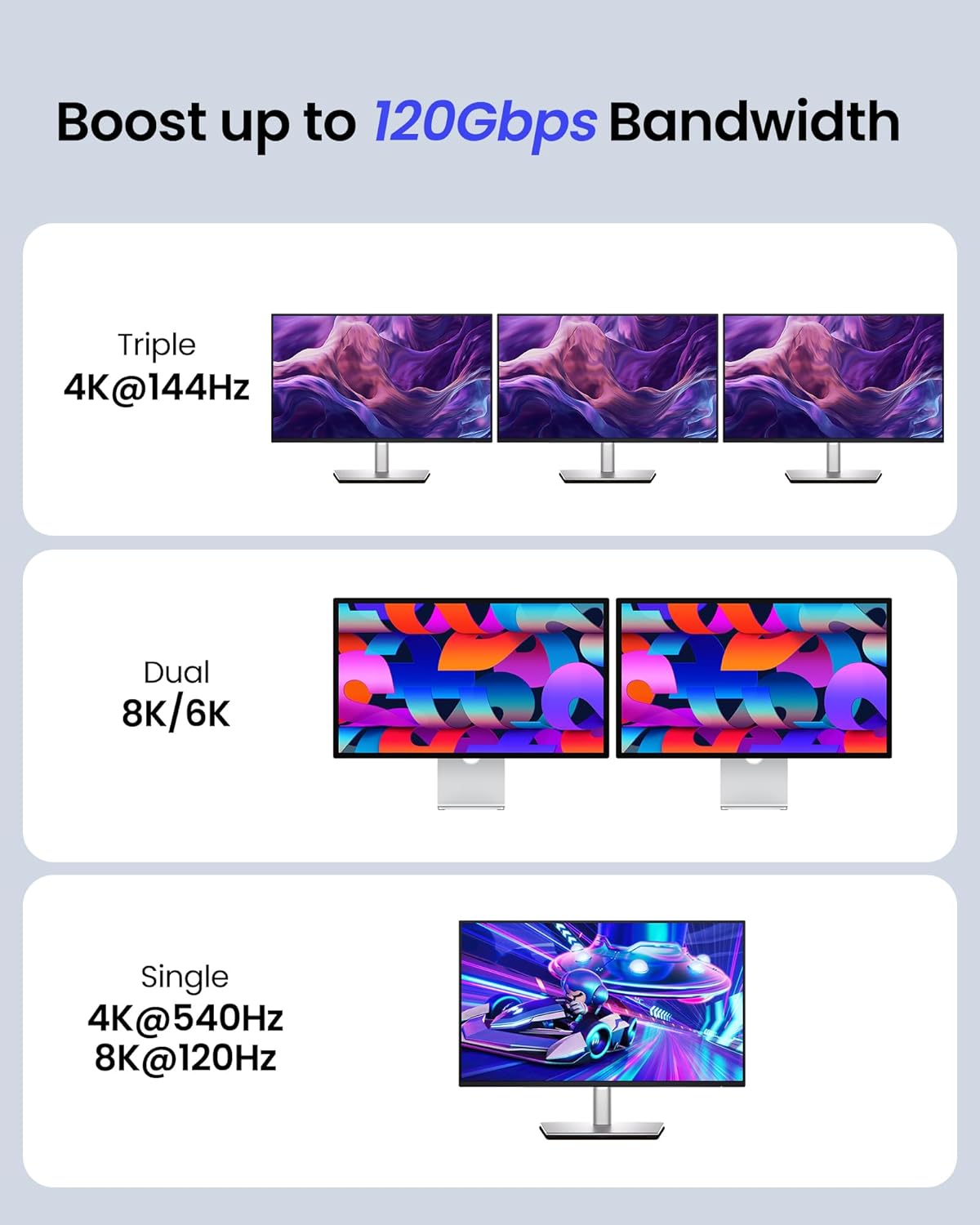
On paper, the headline numbers are the main hook: 80Gbps bidirectional data transfer and 120Gbps unidirectional display bandwidth, alongside support for up to 16K resolution, dual 8K/6K, or triple 4K setups. It also claims up to 240W USB-C power delivery using PD 3.1. That combination is unusual enough that it’s worth a careful look if your current cables feel like the bottleneck.
Worth noting though: cable performance depends on the device ports and how your setup negotiates capabilities. So yes, the specs look strong, but it still helps to double-check that your laptop/SSD/dock/monitor chain is actually set up to use the features you’re buying for.
What matters most for real-world use
This type of cable is most useful when you want “fewer cables on the desk” without sacrificing performance. The Silkland is described as working with Thunderbolt 5/4, Thunderbolt 3, USB4 and USB 3.2 devices, including SSDs, MacBook Pro, docks and USB-C monitors.
A practical example: imagine connecting a MacBook Pro to a dock that feeds multiple monitors. With the right dock and monitor support, you’re buying a cable that’s intended to carry both high-bandwidth video and fast storage/transfer traffic in one go. For editing workflows, design files, or large asset transfers, the faster data side can reduce waiting time in the moments where cables really do matter.
It’s also the sort of lead people choose when they’re tired of swapping between a “charging cable” and a “display cable”. If your setup supports PD 3.1 and high-watt charging, the 240W claim is designed to cover that use.
Key takeaways (by feature, not hype)
What stands out most here is the multi-purpose spec set. The cable is described as:
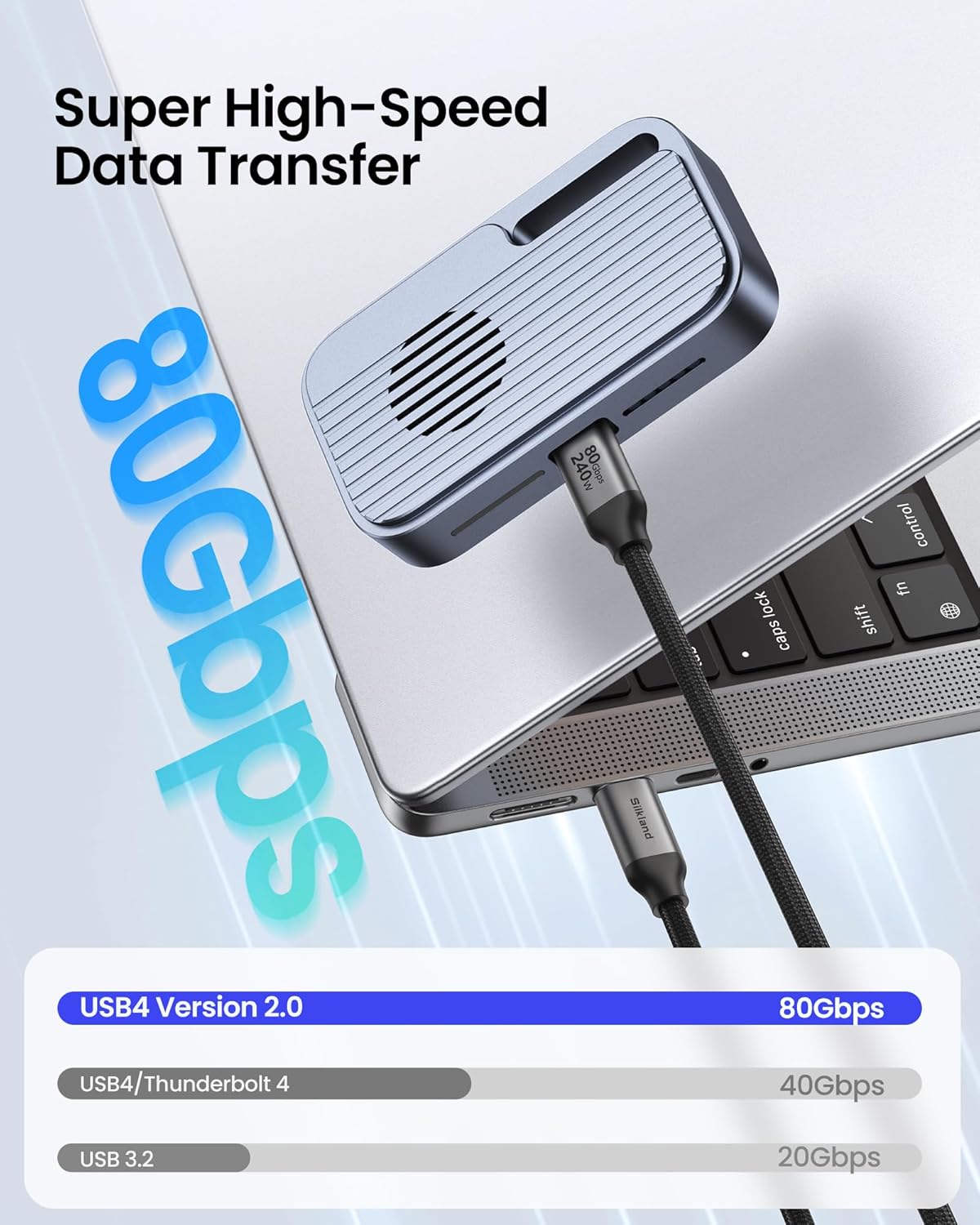
- 80Gbps bidirectional data transfer (USB4 Version 2.0), with an example claim of backing up 6GB files in 1s.
- 120Gbps unidirectional display bandwidth, with support for multi-screen configurations.
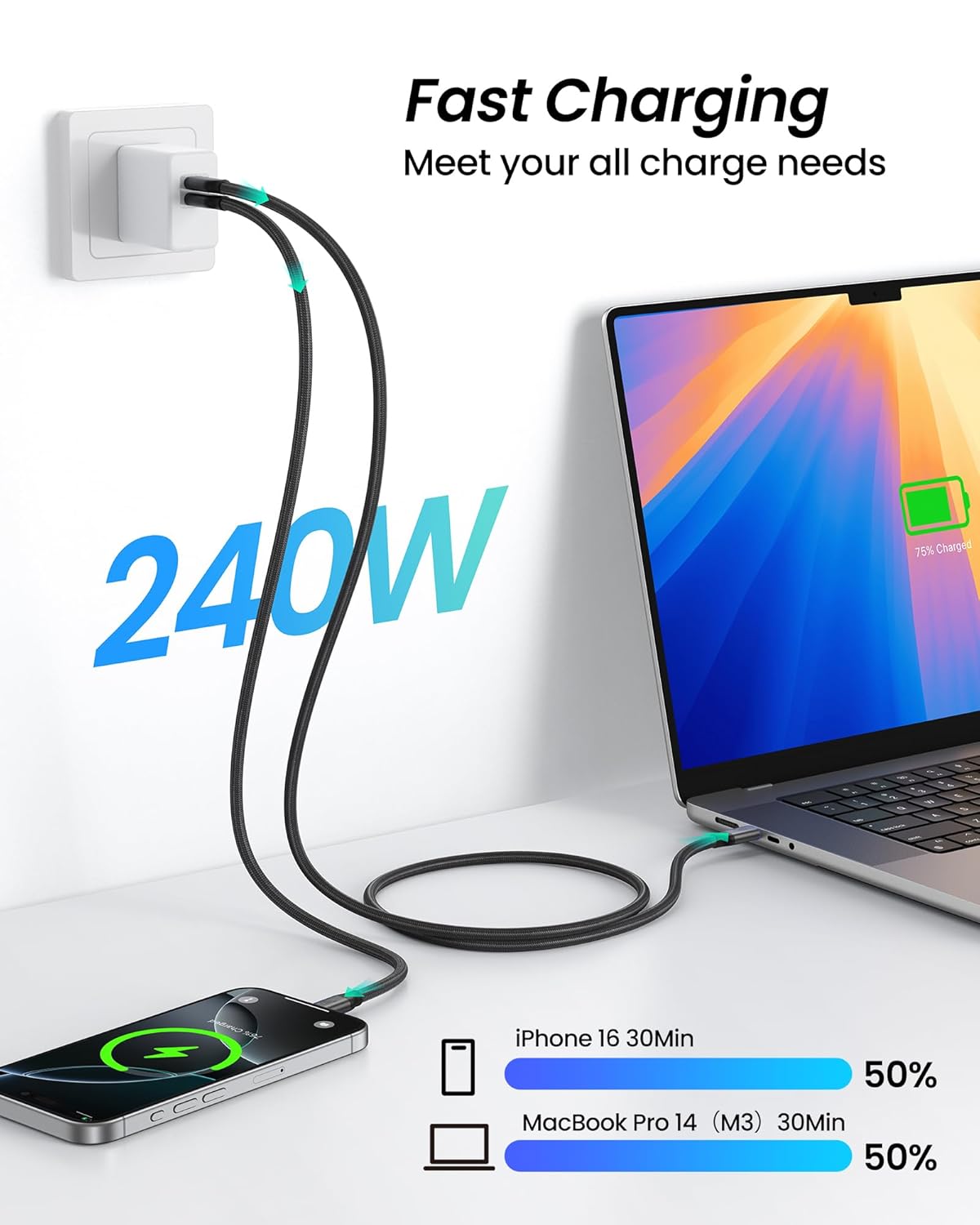
- 240W power delivery with PD 3.1, plus an E-Marker chip for safety/stability.
- “USB-IF Certified” listed in the description, which (if accurate for the specific listing) suggests it’s been designed to align with standards rather than being a random off-brand lead.
The limitation is obvious: even the best cable can’t force your devices to deliver the full refresh rate or resolution if they don’t support it. So if you’re only using a single basic monitor at modest settings, this may be more headroom than you actually need.
Compatibility and requirements
The manufacturer claims compatibility with Thunderbolt 5/4, Thunderbolt 3, USB4 and USB 3.2, and it’s marketed for use with laptops, smartphones, tablets, SSDs, USB-C monitors and docking stations, plus devices like a VR headset and GaN charger.
However, it’s sensible to be a bit picky here. To get the best experience, you’ll typically want your source device (e.g., laptop) and the rest of the chain (dock, monitors) to support the relevant bandwidth modes. If you’re plugging into older ports or using converters that limit features, you may end up with a fallback mode.
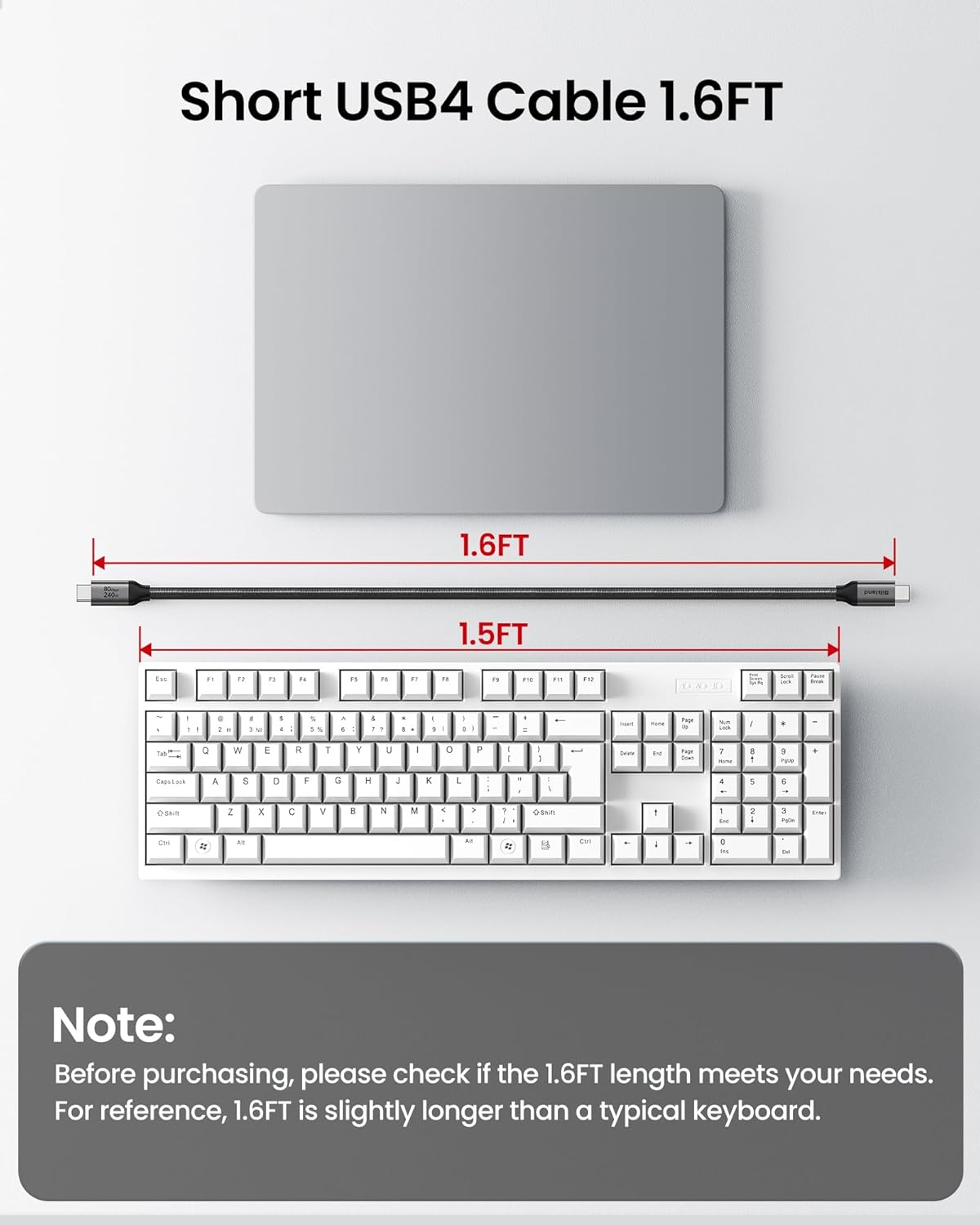
Cable length also matters. At 0.5m, it’s a short, tidy option for desk setups where your dock sits close to your laptop/monitor hub. If you need distance, you may find it too restrictive.
Tech specs
- Name: Silkland USB4 (Thunderbolt 5) Cable
- Type: USB-C to USB-C data & video cable
- Format: USB4 Version 2.0 (as stated)
- Size: 0.5m
- Capacity: 80Gbps bidirectional data transfer
- Refresh rate: Supports 4K@540Hz (as stated)
- Processor: E-Marker chip (as stated)
- Display: 120Gbps unidirectional display bandwidth, up to 16K maximum resolution, dual 8K/6K or triple 4K@144Hz (as stated)
- Charging: Up to 240W, PD 3.1 (backward compatible with 60W/100W/140W as stated)
- Compatibility: Thunderbolt 5/4, Thunderbolt 3, USB4, USB 3.2 (as stated)
Is it worth it?
Buy it if you want one compact 0.5m USB-C cable that’s designed for a demanding desk setup: fast USB4/Thunderbolt-class data transfer, high-bandwidth display output (including multi-monitor scenarios), and high-watt USB-C charging. It suits people using docks, SSD workflows, or creators who actually move large files and run demanding screen configurations.
It may not be the best choice if you’re only charging at low wattage or using basic display setups, because then the extra capability is largely “unused headroom”. Also, if your devices or dock can’t negotiate the Thunderbolt/USB4 display modes you’re expecting, you won’t see the full benefits.
A simple rule: if you’re building a chain where every part supports those higher modes, this cable can make sense. If you’re not sure, it’s worth checking your device and dock port specs before you commit.
Mini FAQ
Is this cable only for Thunderbolt devices?
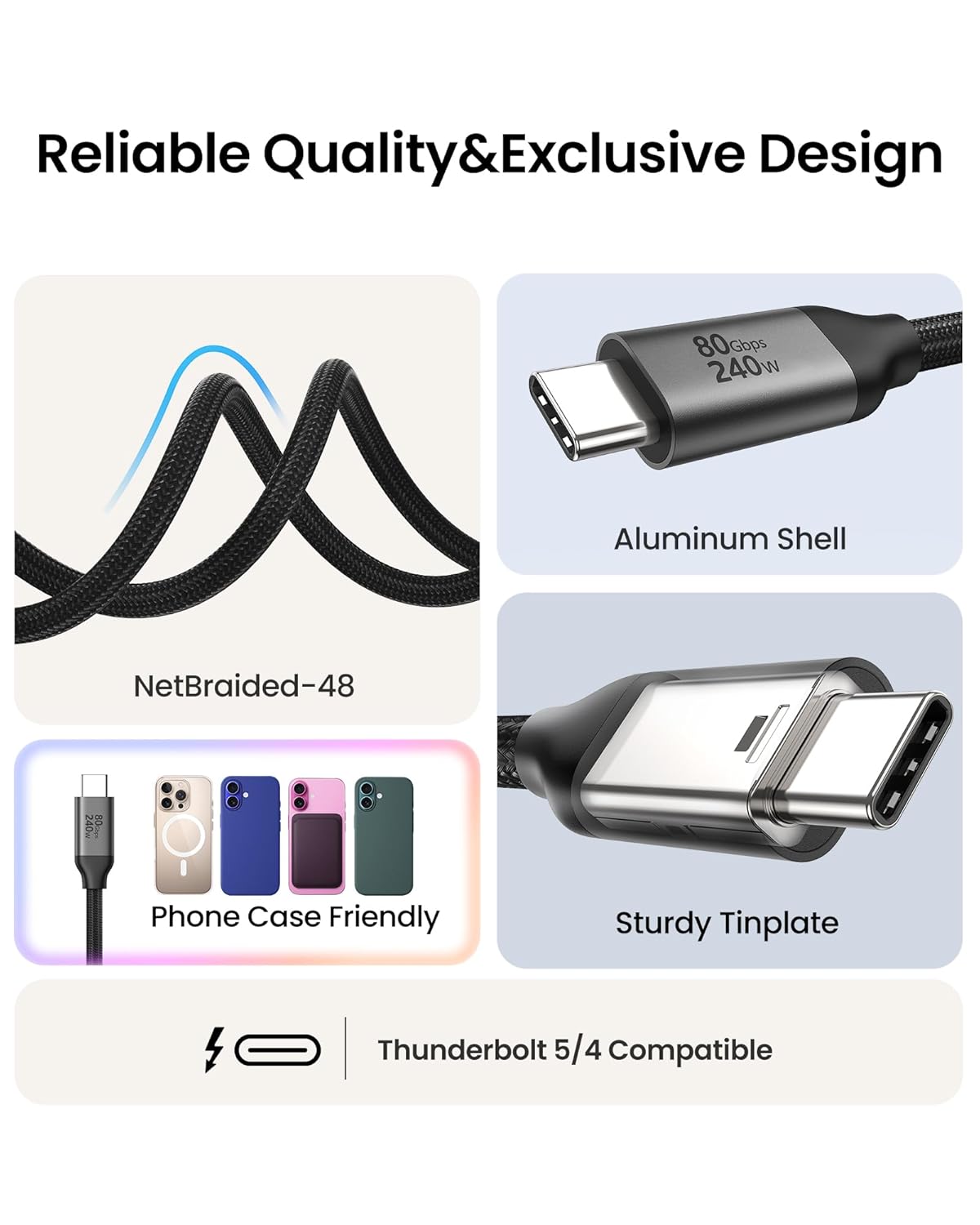
No. The description says it’s compatible with Thunderbolt 5/4, Thunderbolt 3, USB4 and USB 3.2, and it’s marketed for use with phones/tablets, SSDs, USB-C monitors and docking stations.
What length is it?
It’s a 0.5m cable, so it’s best when your laptop/dock/monitor connections are close together.
Does it charge at high wattage?
The listing claims up to 240W with PD 3.1, and says it’s backward compatible with 60W, 100W and 140W.
Can it handle 4K at high refresh rates?
The description claims 4K@540Hz, plus multi-monitor support such as triple 4K@144Hz (exact results still depend on device and monitor capabilities).
Is there any warranty or support?
The description mentions a 2-year service and that product issues will be resolved within 24 hours (as stated by the seller).