

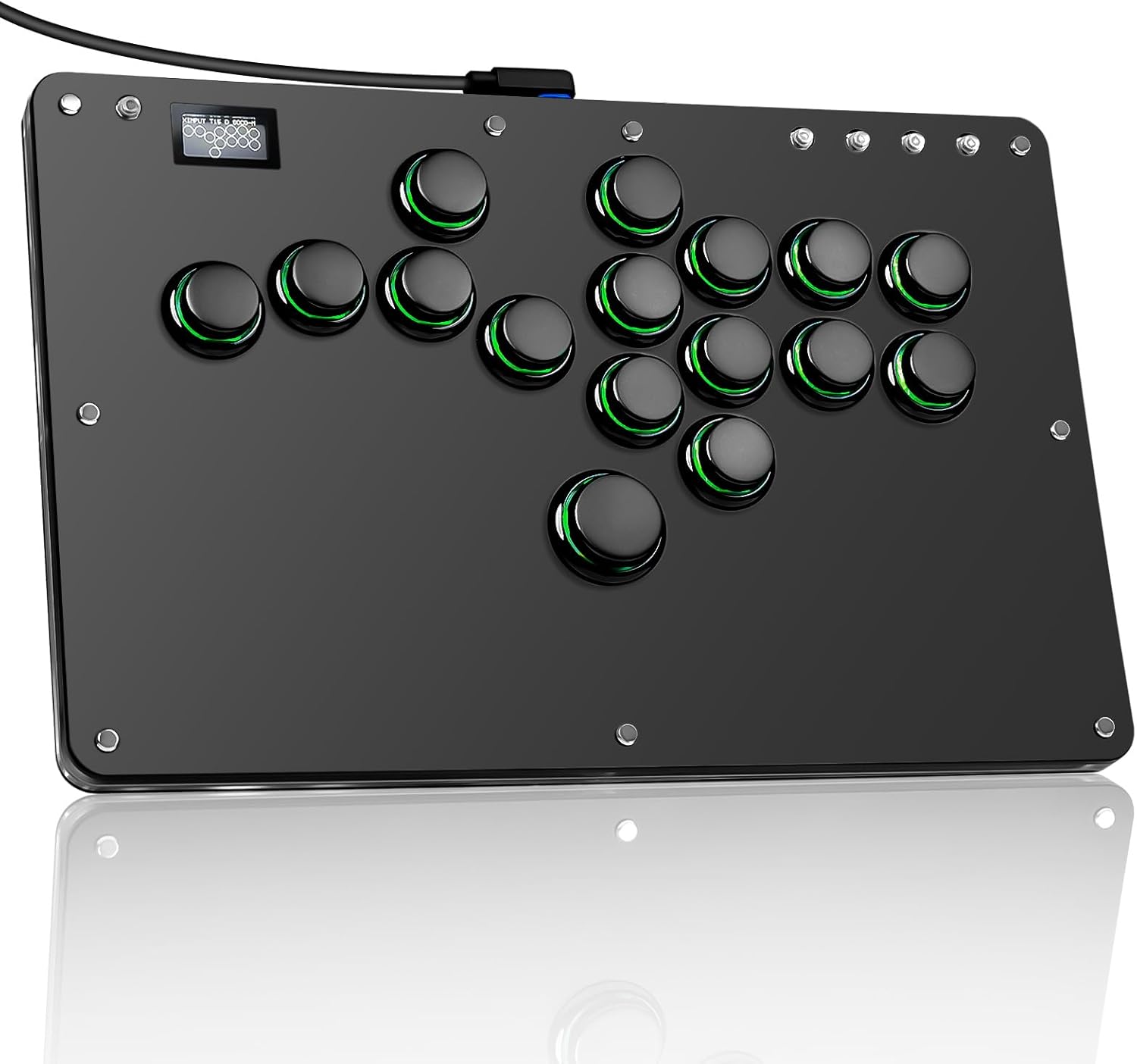
Sehawei Arcade Stick R16 All-Button Controller (16 keys) with custom RGB, turbo & hot-swap for PC/PS3/PS4/Switch/Steam
Product description
If you like fighting games, an arcade stick can feel instantly more “right” than a standard pad. The Sehawei Arcade Stick R16 is an all-button style fight stick built around a clear acrylic look with RGB lighting, and it leans hard into two things players often care about: customisation and keeping the inputs serviceable over time.
On paper, it’s the sort of controller you’d choose if you want 16-button layout, multiple operating modes (including keyboard and PS3/PS4-style options), plus hot-swap switches so you can swap your preferred switches without soldering. It’s not perfect for everyone, though—especially if you want plug-and-play certainty on consoles without doing any setup.
What it is and what it’s for
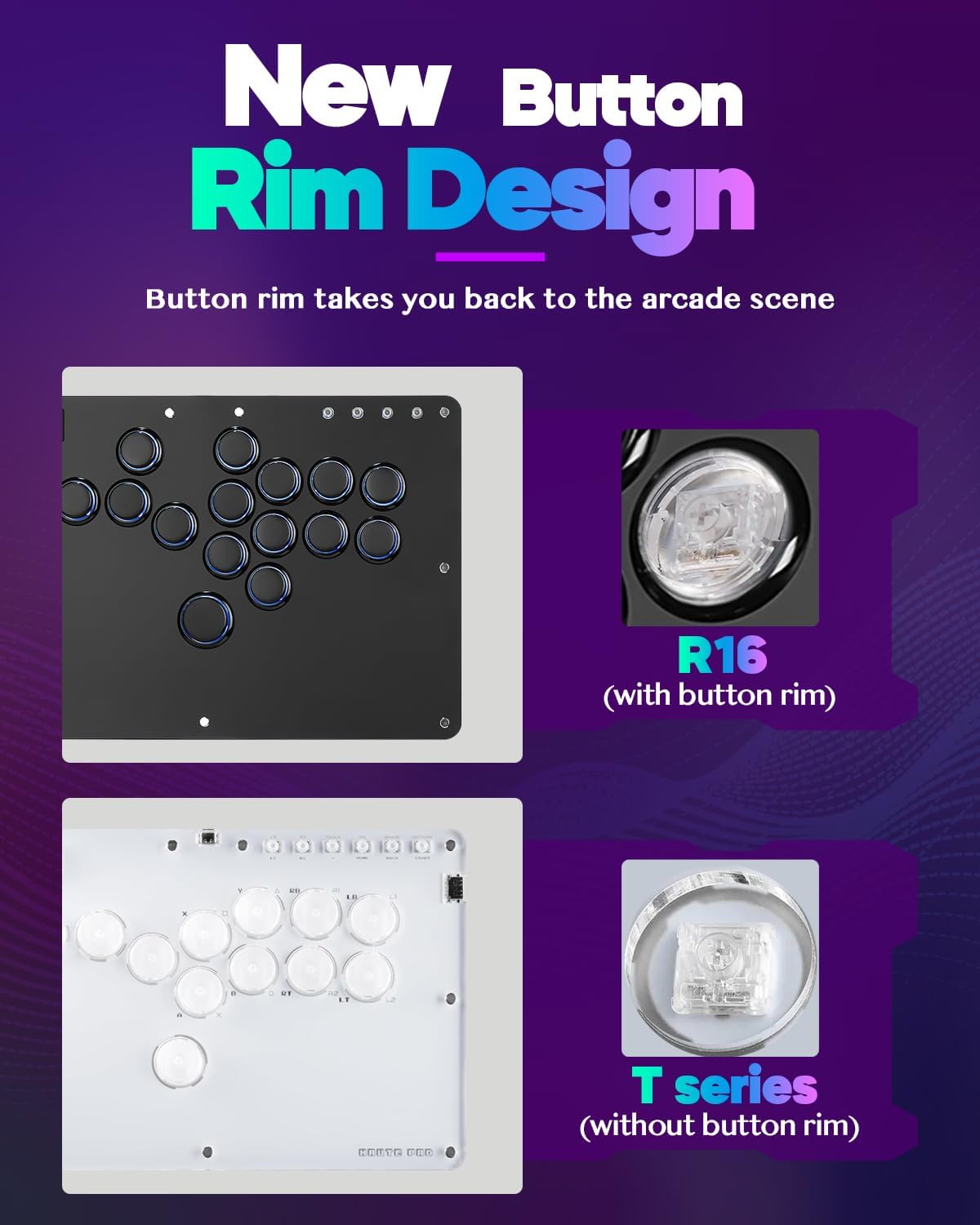
The Sehawei R16 is an arcade-style fight stick/controller designed for fighting games and arcade-like input. It uses crystal switches and an acrylic clear plate to show the RGB lighting through the body, aiming for that classic arcade scene look.
Beyond looks, the core pitch is that it’s built for tinkering: there are multiple controller modes, turbo functionality, and custom button support (with M1/M2 mentioned). If you enjoy setting up your controls once and then testing combinations in training mode, that kind of flexibility can matter more than raw “console compatibility” marketing.
The essentials (and what you’ll notice)
Where this controller stands out is the combination of visual customisation and input control:
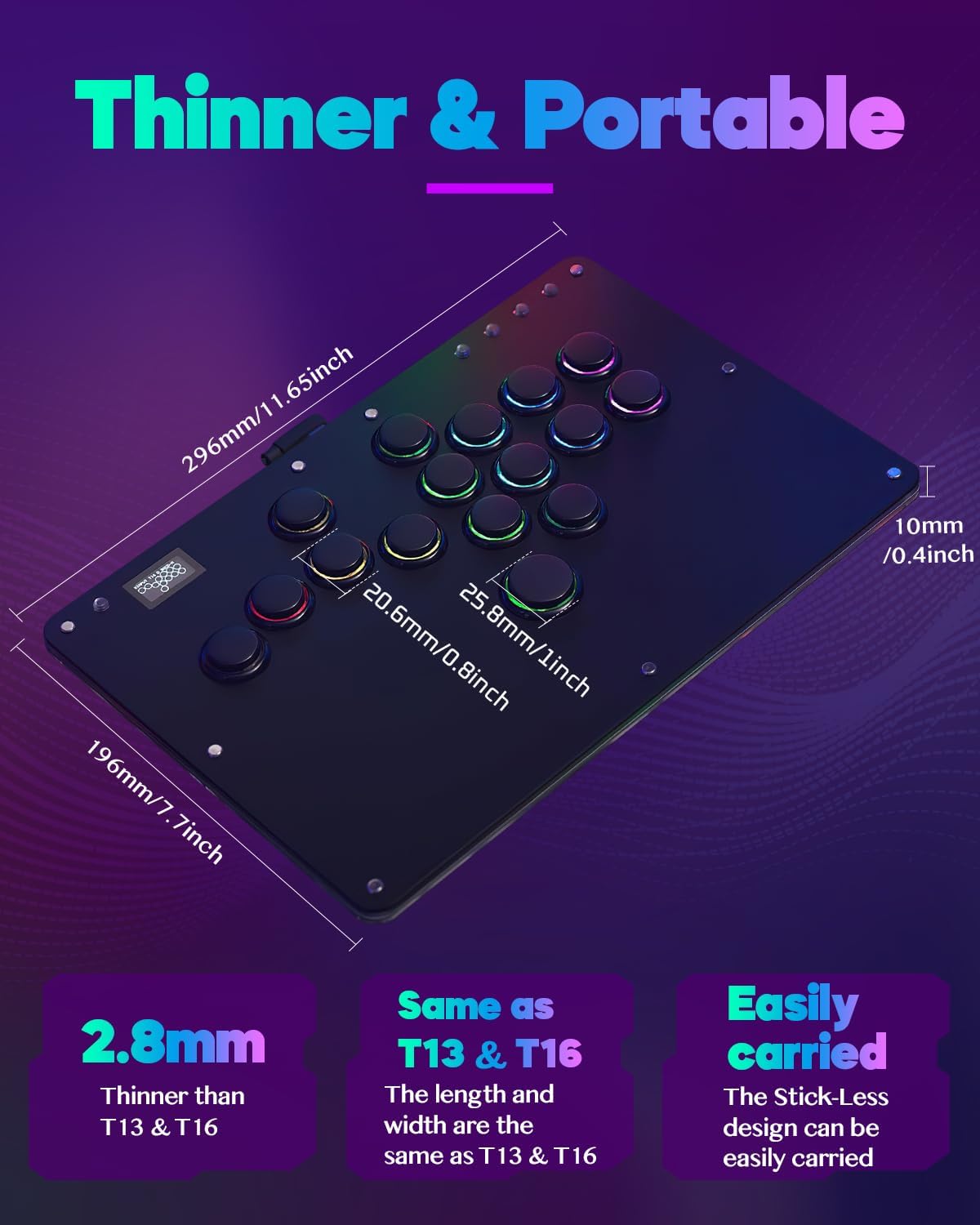
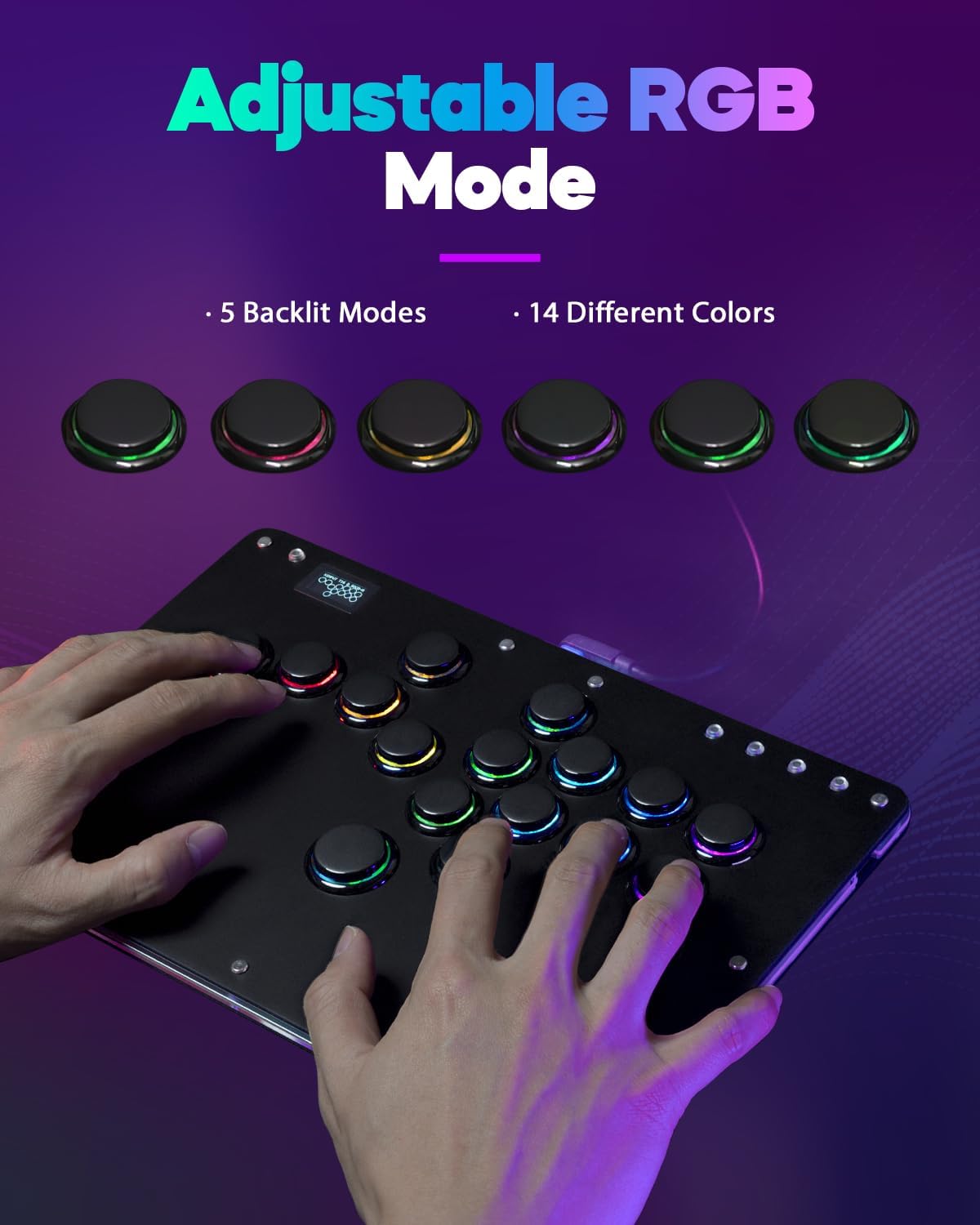
- RGB lighting with multiple modes (5 modes) and multiple colours (14 colours) is built into the design.
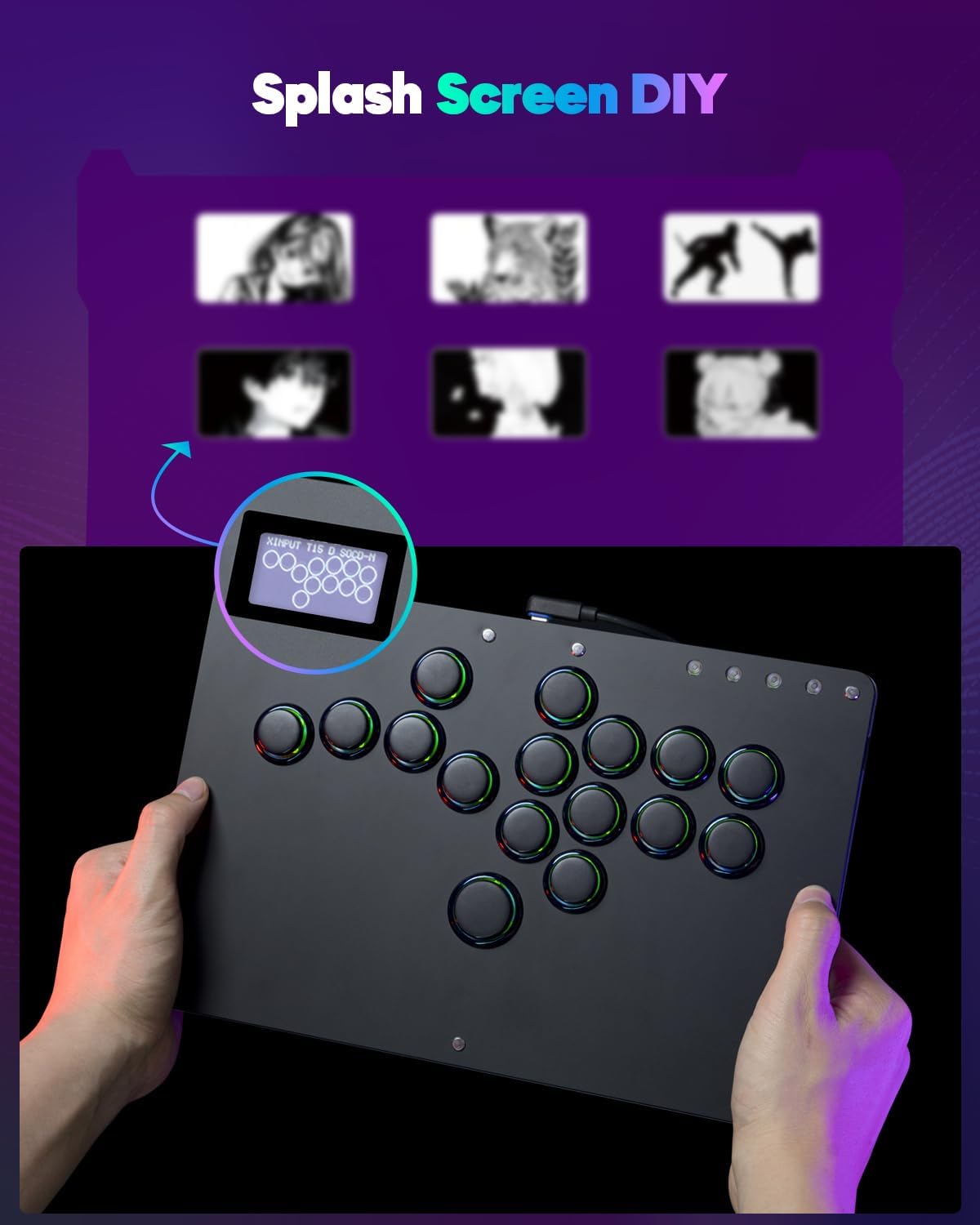
- The “custom RGB & DIY” angle is supported by the acrylic style and the idea that you can create your own skins to make the stick look more personal.
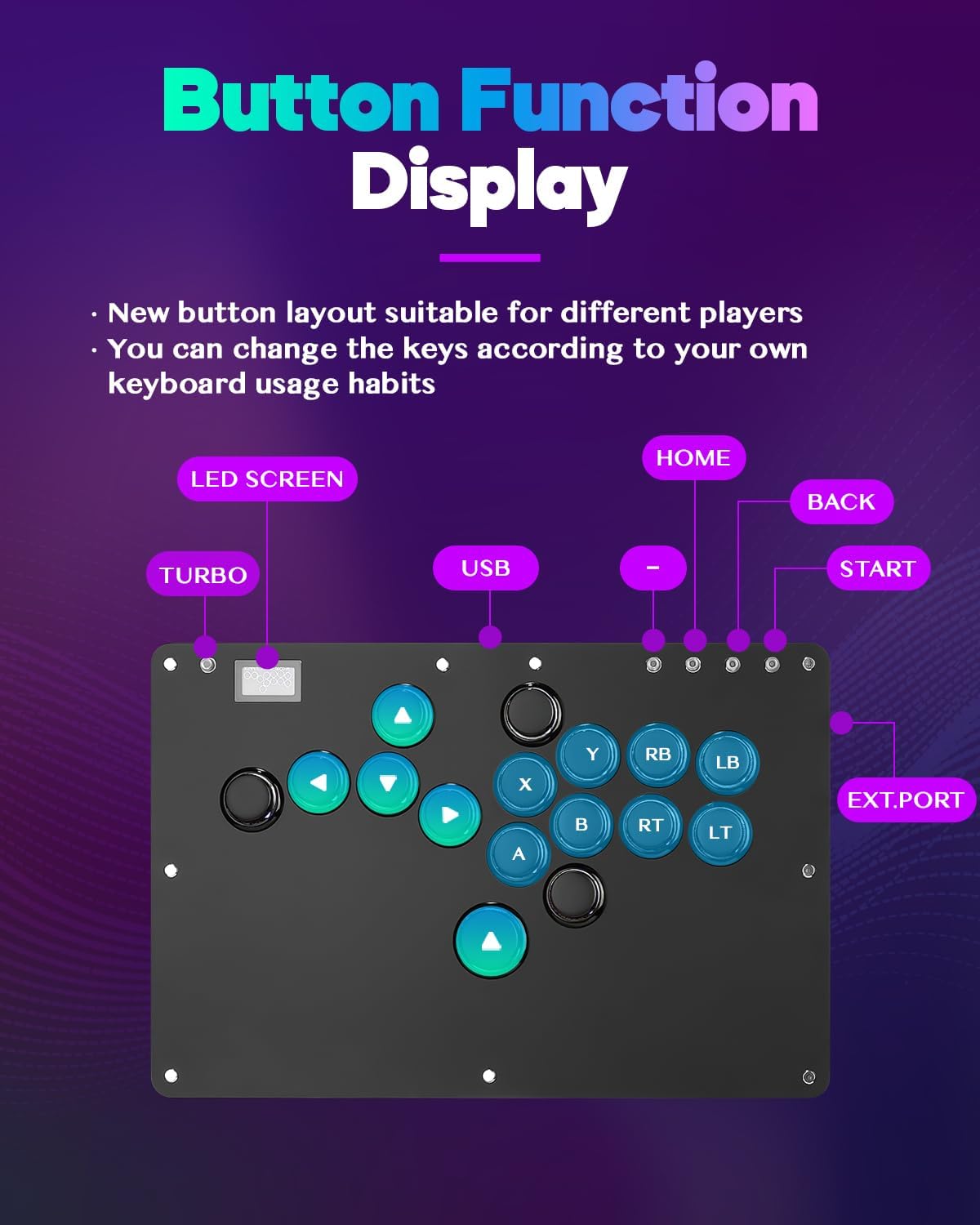
- The layout is 16-key/all-button style, which should suit players who prefer arcade-style inputs and a less cramped feel than many compact controllers.
In everyday use, the 16-key layout tends to make it feel like you’re “pressing commands” rather than relying on a few clustered buttons. Depending on your playstyle, that can be a real advantage for learning match patterns and keeping muscle memory consistent.
Still, it’s worth noting that RGB and a clear acrylic body are mostly an aesthetic and usability choice—great if you like the vibe, but not something that will automatically make your inputs more accurate.
Key takeaways for setup and compatibility
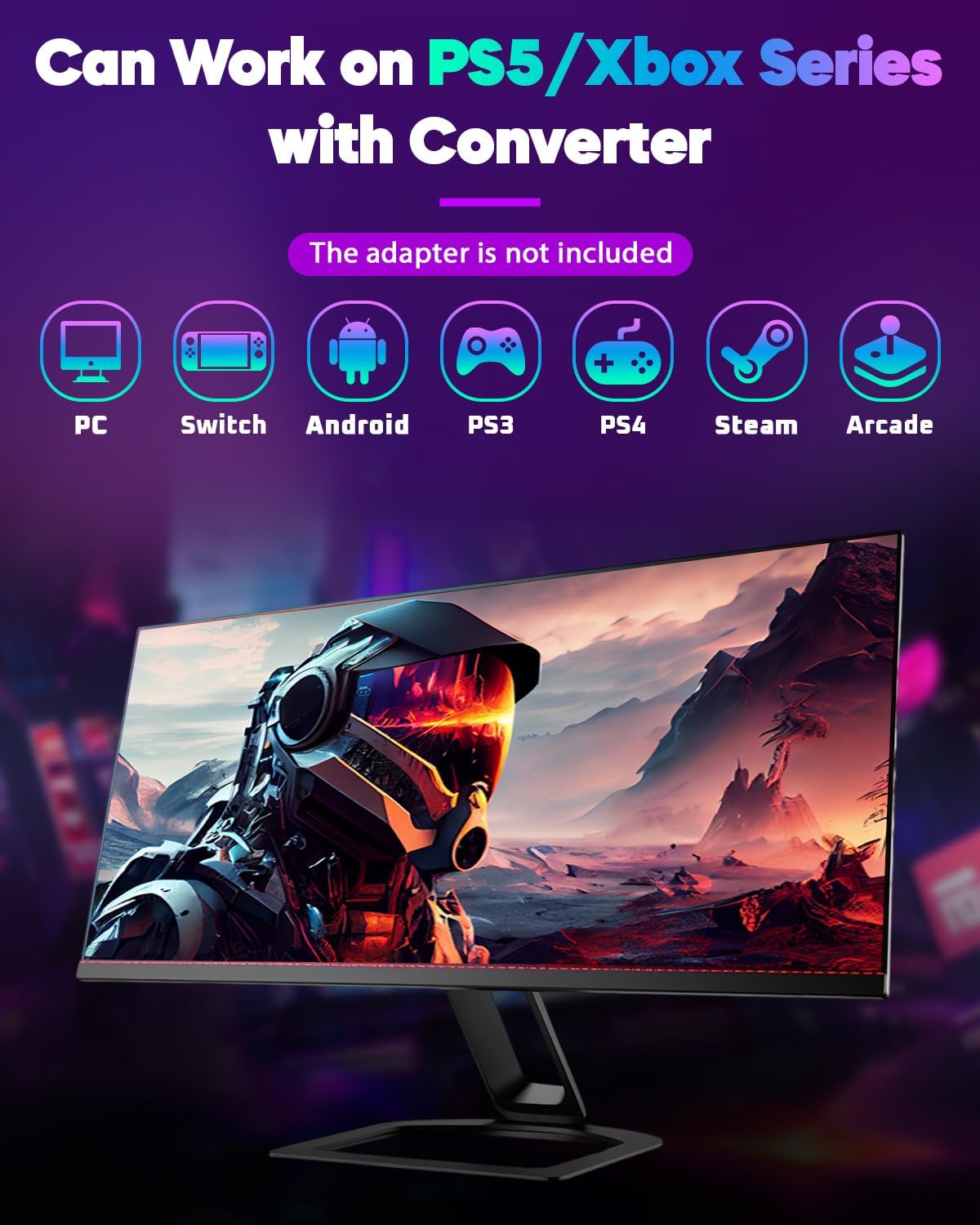
This is one area where you should read carefully before buying. The R16 lists compatibility across a broad range of systems: Windows 10 or later, Steam Deck, PS3, PS4, Switch, Steam, Raspberry Pi setups (Lakka, RetroPie, Recalbox, Batocera), MiSTer, Android, Linux, iPadOS, macOS, and Windows in keyboard mode.
However, it also includes a clear caution: for PS4/PS5 connection setup, you’re instructed to check the official website or the manual. That’s not unusual with arcade sticks, but it does mean this may not be the smoothest “connect and play” choice if you’re expecting console-ready behaviour out of the box.
Also, there’s an “EXT port” mentioned for extension functions—make sure you don’t connect your console through that port. If you’re the sort of buyer who hates reading setup notes, this could feel a bit fiddly.
Tech specs
- Type: Arcade fight stick / all-button arcade controller
- Switch type/material: Crystal switches, transparent acrylic body with RGB effect
- Display: RGB lighting (transparent acrylic effect)
- Dimensions: 296mm × 196mm × 10mm
- Connection: USB Type-C cable included
- Input modes mentioned: X-input mode, Switching mode, PS3 D-input mode, PS4 mode, Keyboard mode
- Turbo and SOCD: Turbo functions and multiple SOCD clean modes are mentioned
- Extra controls: Custom button support with M1/M2 is mentioned
- Hot-swap: Hot-swappable support for crystal switches (no soldering mentioned)
- Package includes: 1× R16 fight stick controller, 1× Type-C data cable, 1× keycap remover, 1× replacement crystal switches set, 8× anti-slip pads, 1× manual
What stands out vs what might not suit you
This R16 feels most compelling if:
- You want a fight stick with RGB that looks properly “arcade” on the desk.
- You care about longevity and maintenance, because hot-swap support suggests you can experiment with switches you prefer without soldering.
- You like control flexibility, with turbo, SOCD cleaning modes, and multiple controller modes.
It may not be the best match if you:
- Need guaranteed, effortless PS4/PS5 setup without checking documentation. The listing explicitly points you to the official site/manual for configuration.
- Prefer a simpler controller experience with fewer “tune it yourself” features. If you just want straight gameplay with minimal fuss, a more basic approach could be less stressful.
- Are expecting the “EXT port” to behave like a normal connection path—this is specifically called out as not for connecting a console.
There’s also a practical limitation to keep in mind: it’s described as a keyboard mode option for some systems. If your expectation is full console-native behaviour everywhere with no mode switching, you may find you need to pick the right mode first.
Everyday use tips
Before your first session, it’s worth mapping your expectations to the modes provided. If you’re using it like a keyboard on systems that support that, you’ll likely get more predictable results by selecting the keyboard mode rather than assuming it’ll “just work” under another profile.
For a quick micro-scenario: suppose you’re practising a basic combo on PC with a keyboard-friendly setup. You’d typically set your fight stick to the appropriate mode, then assign your key actions and turbo/SOCD preferences (where available) so your training inputs stay consistent. If later you decide a different switch feel is better, hot-swap support is the feature that should make that kind of experimentation less daunting.
Is it worth it?
Worth considering if you’re buying an arcade-style fight stick for fighting games and you want visible RGB customisation, 16-key all-button input, plus hot-swap support for crystal switches. It suits players who don’t mind setting up the correct mode for the system they’re using, and who like the idea of keeping the controller adjustable over time.
You may want to skip it if you’re after the simplest “plug in and forget it” experience—especially around PS4/PS5 setup where the listing tells you to consult the manual/official info. It might also be a bit more than you need if you don’t care about RGB, turbo/SOCD options, or DIY-style skin customisation.