

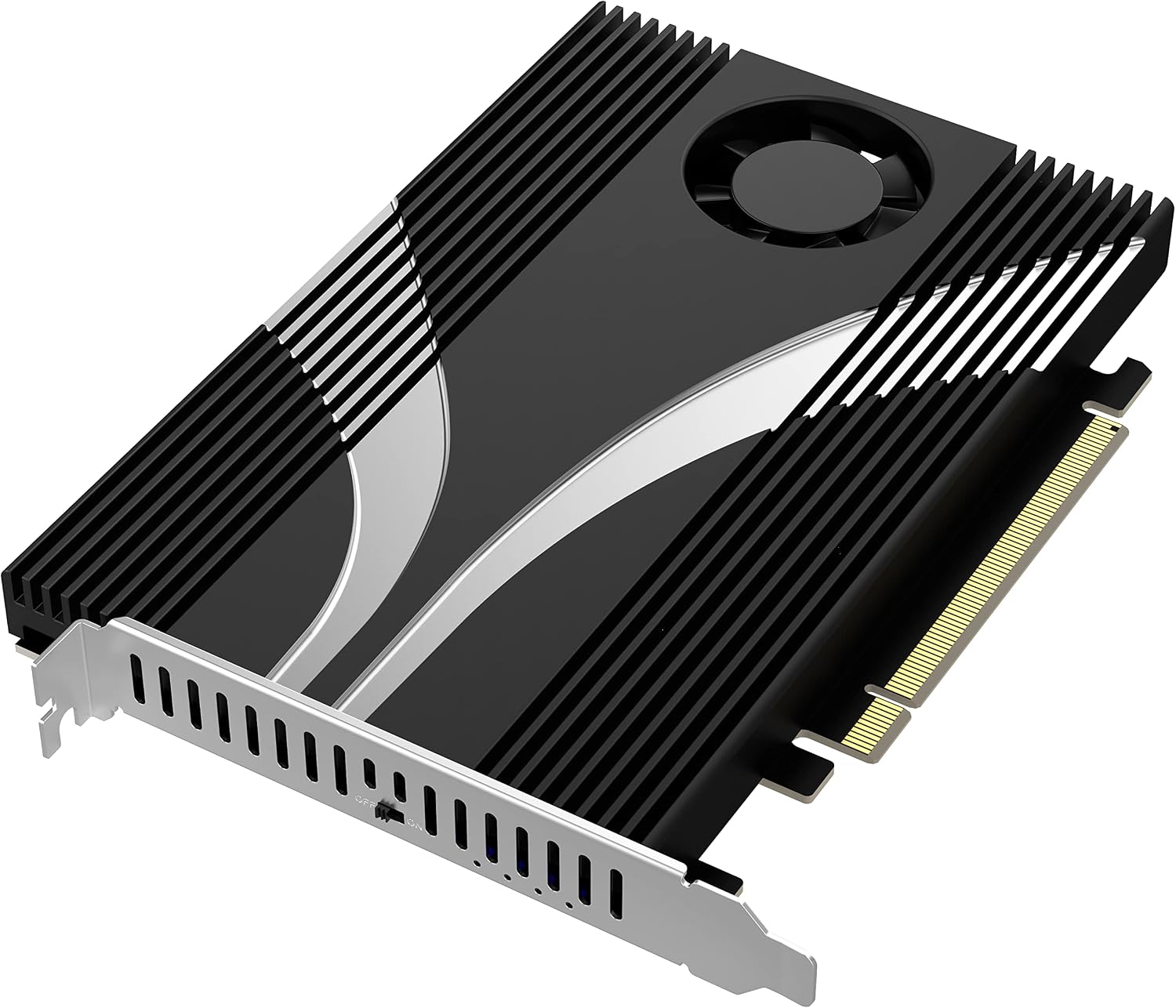
SABRENT M.2 NVMe to PCIe x16 Adapter for Gen5 SSDs (EC-TFPE) with Aluminium Heatsink
Product description
What it is and what it does
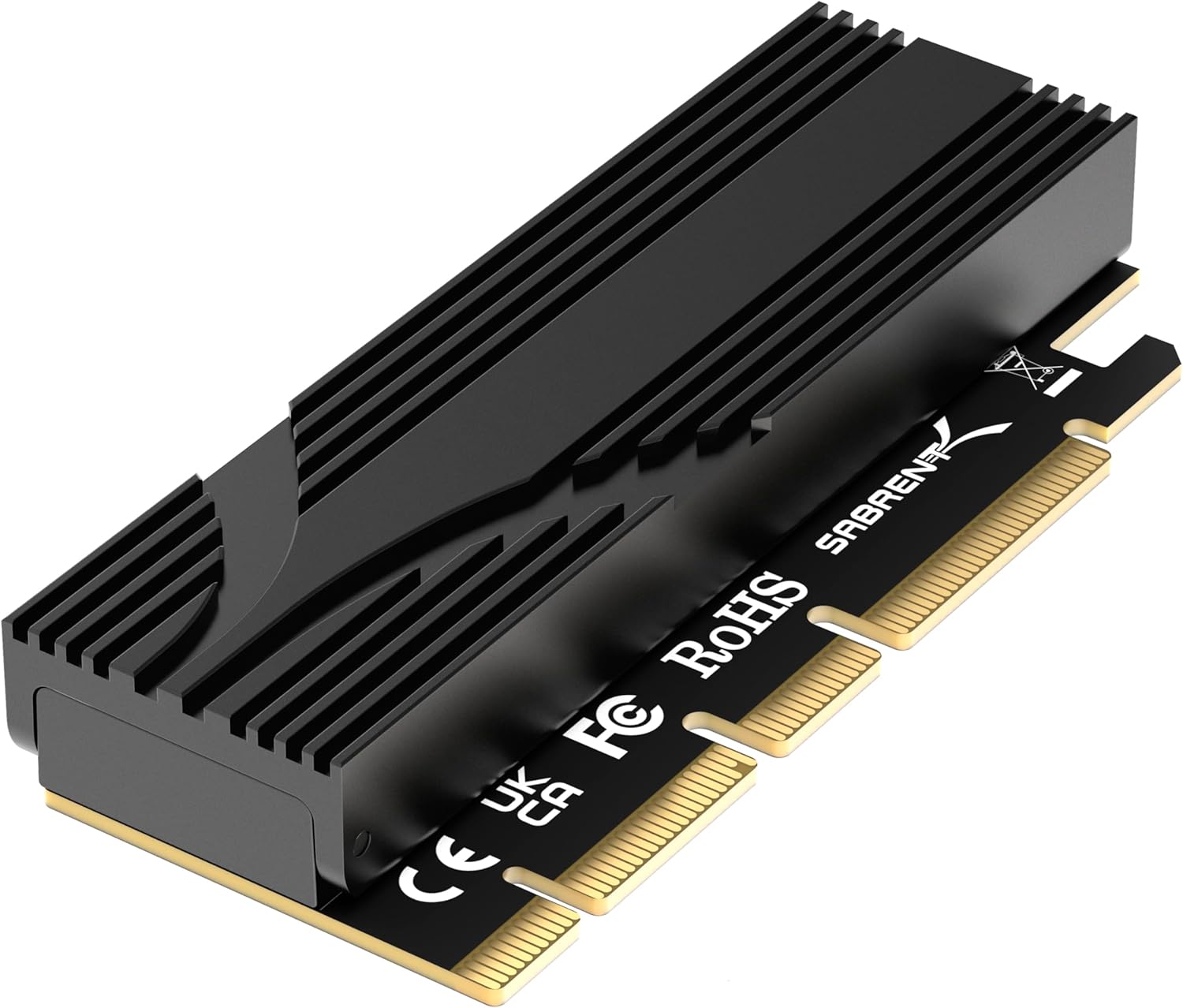
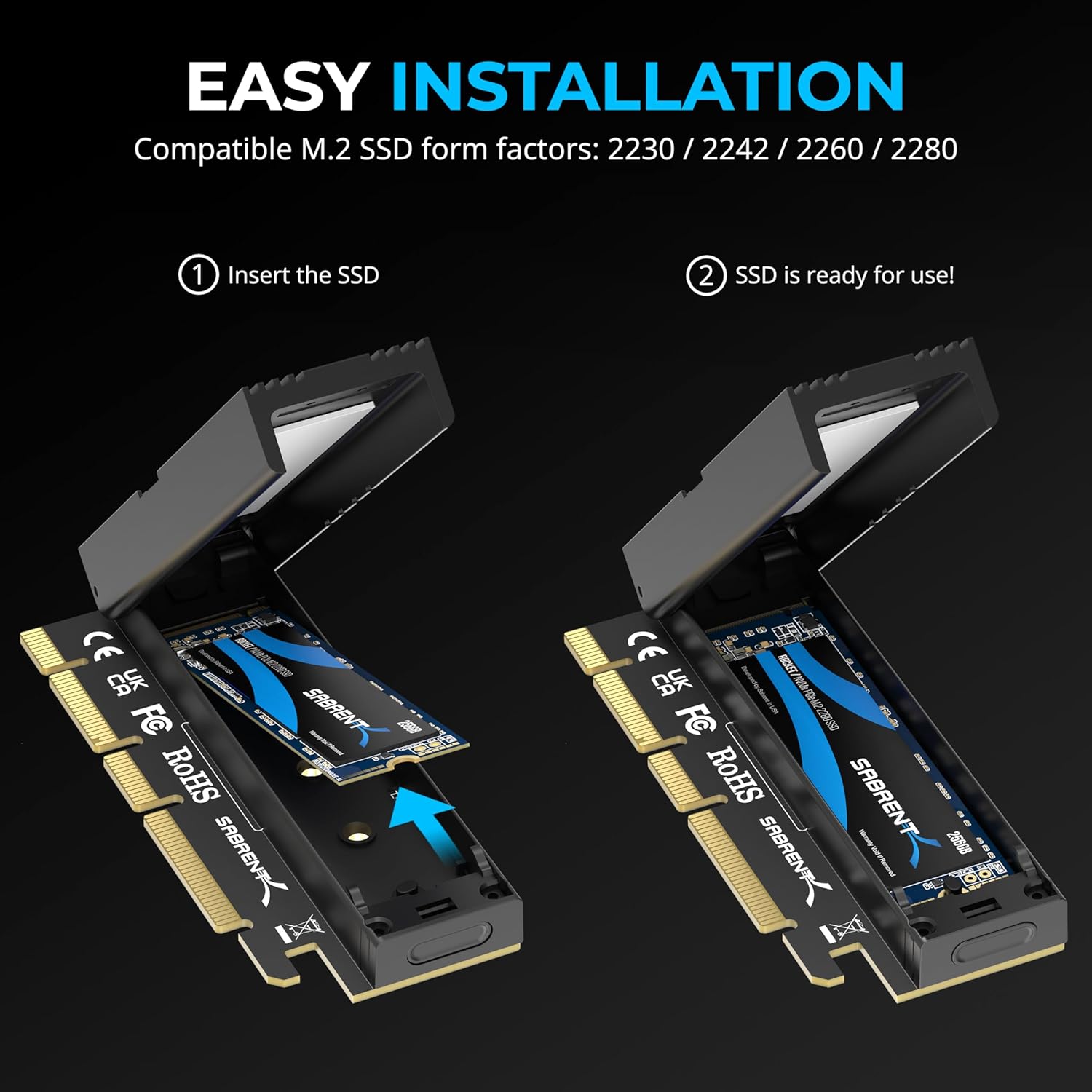
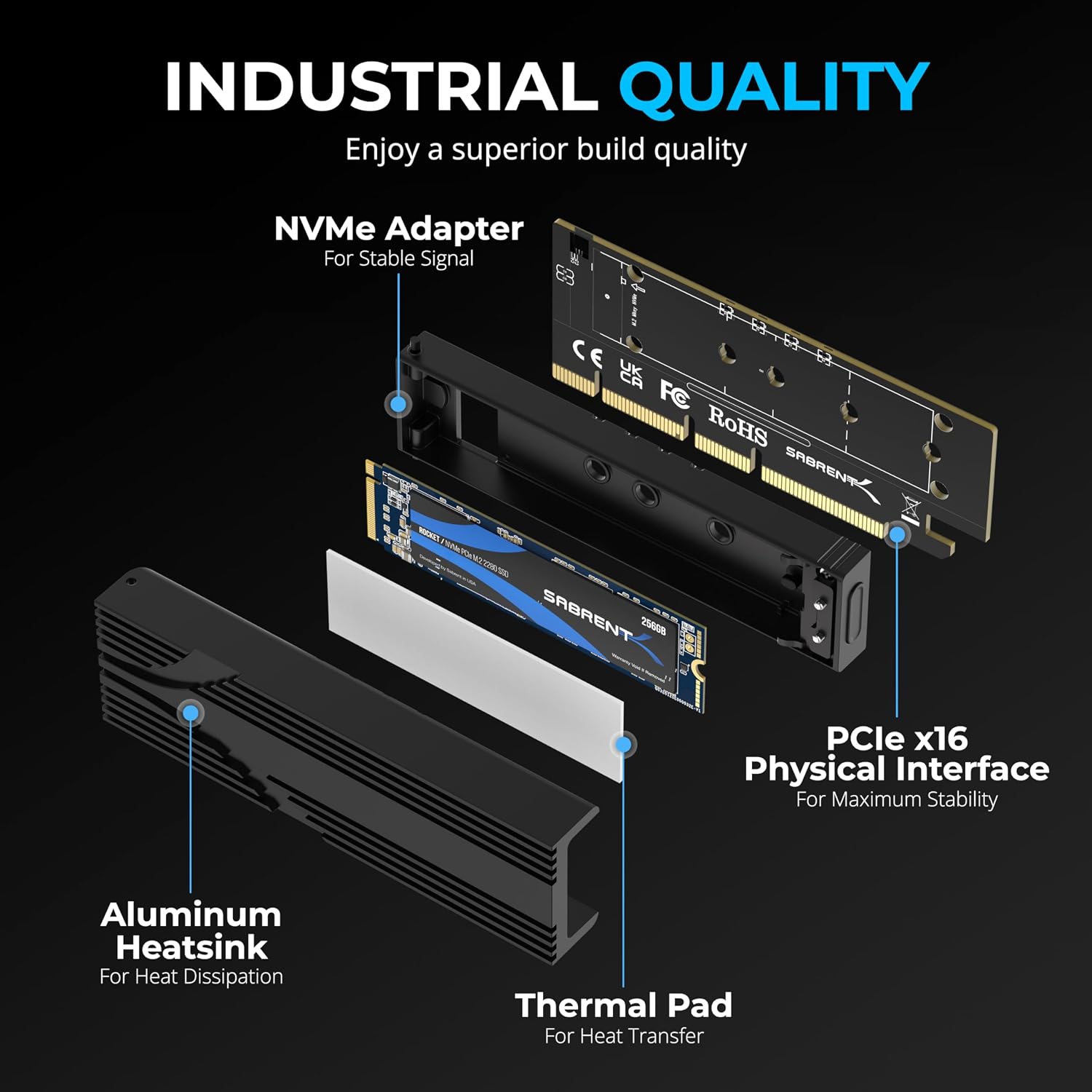
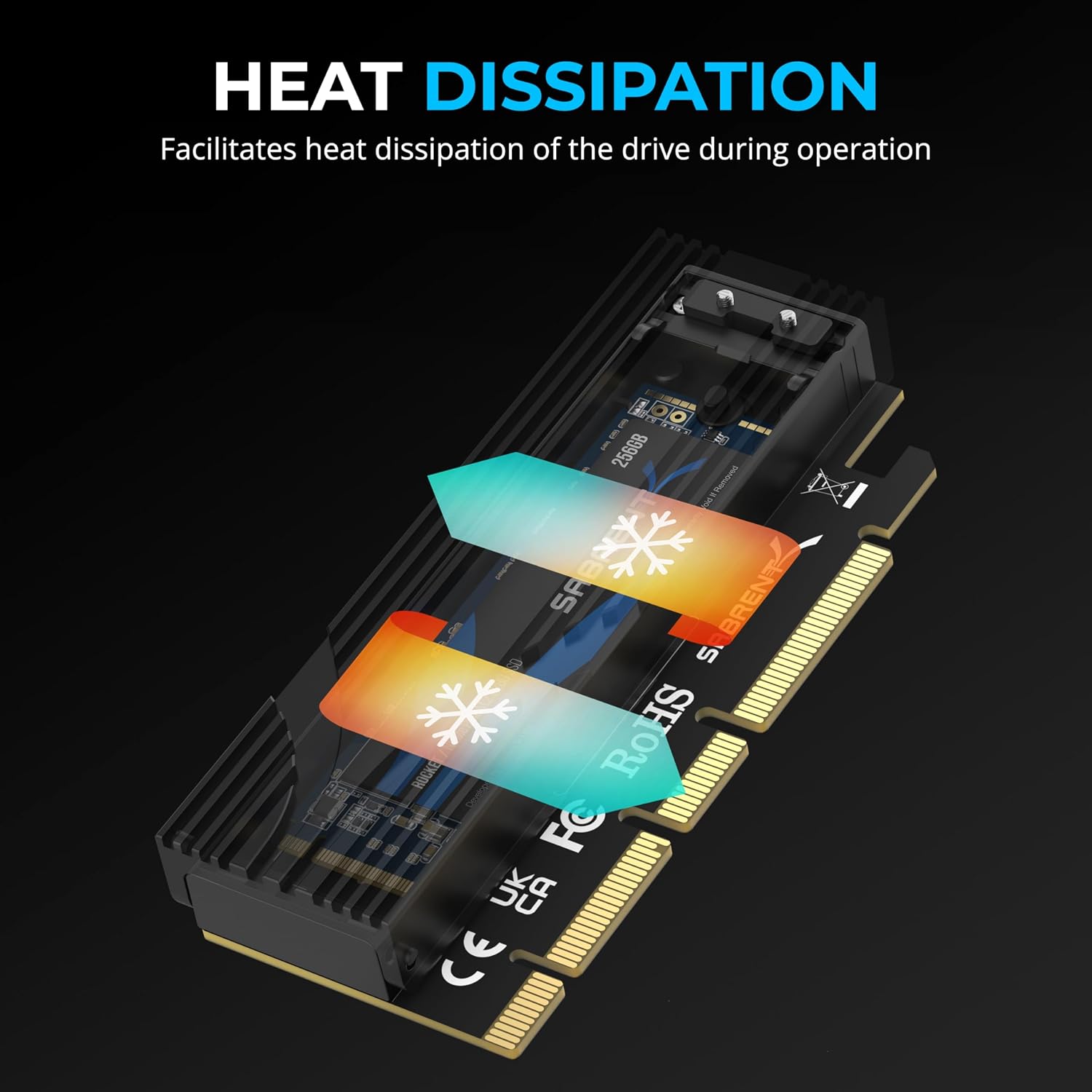
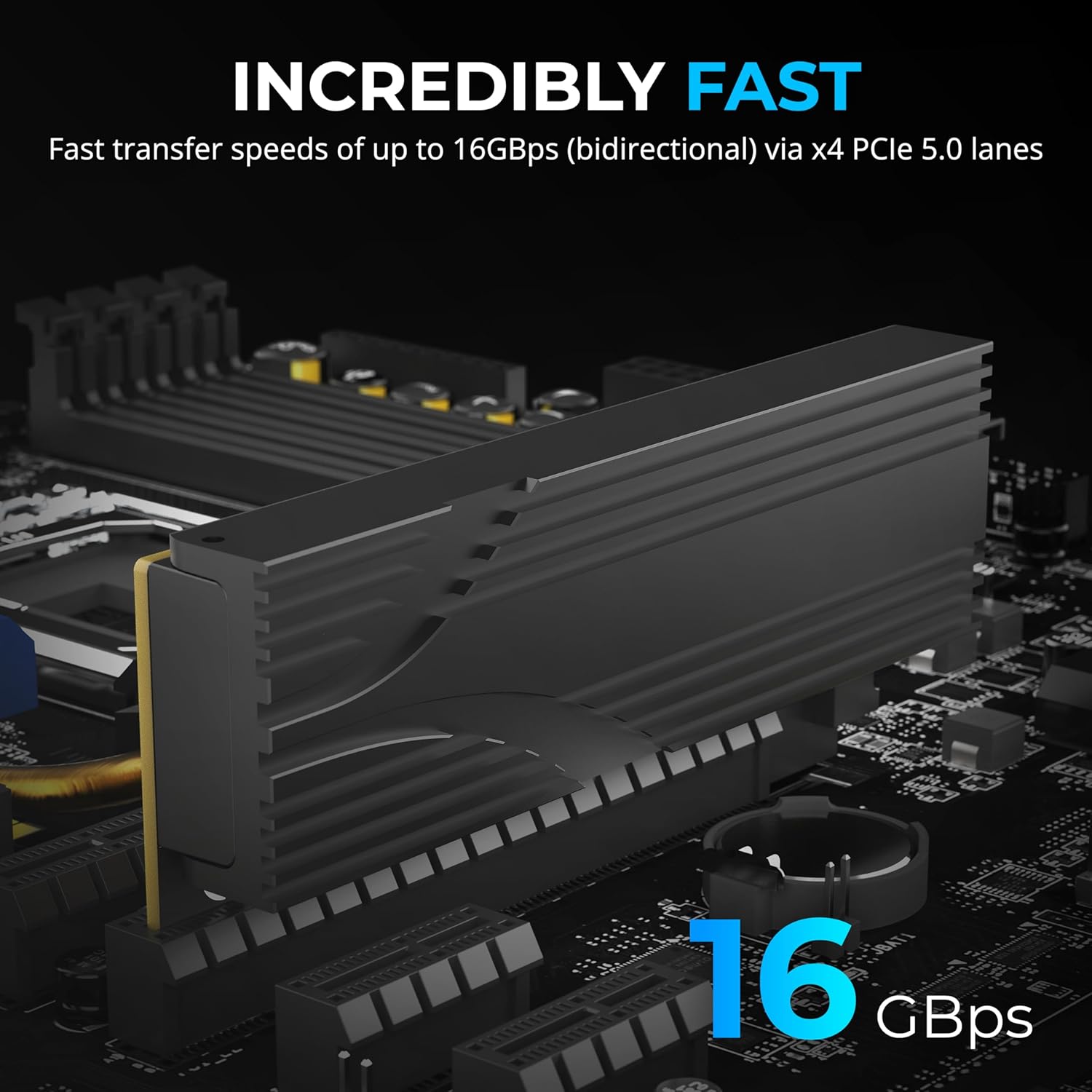
The SABRENT EC-TFPE is an add-on card that lets you connect an NVMe M.2 SSD to a PCIe x16 slot. It supports Gen5 SSDs and, when used in a suitable host, can run at up to PCIe 5.0 x4 speeds (up to 16GB/s, bidirectional). The design emphasises a tool-free installation and includes a built-in aluminium heatsink with thermal padding to help keep drives cooler without active cooling.
Compatibility and form factors
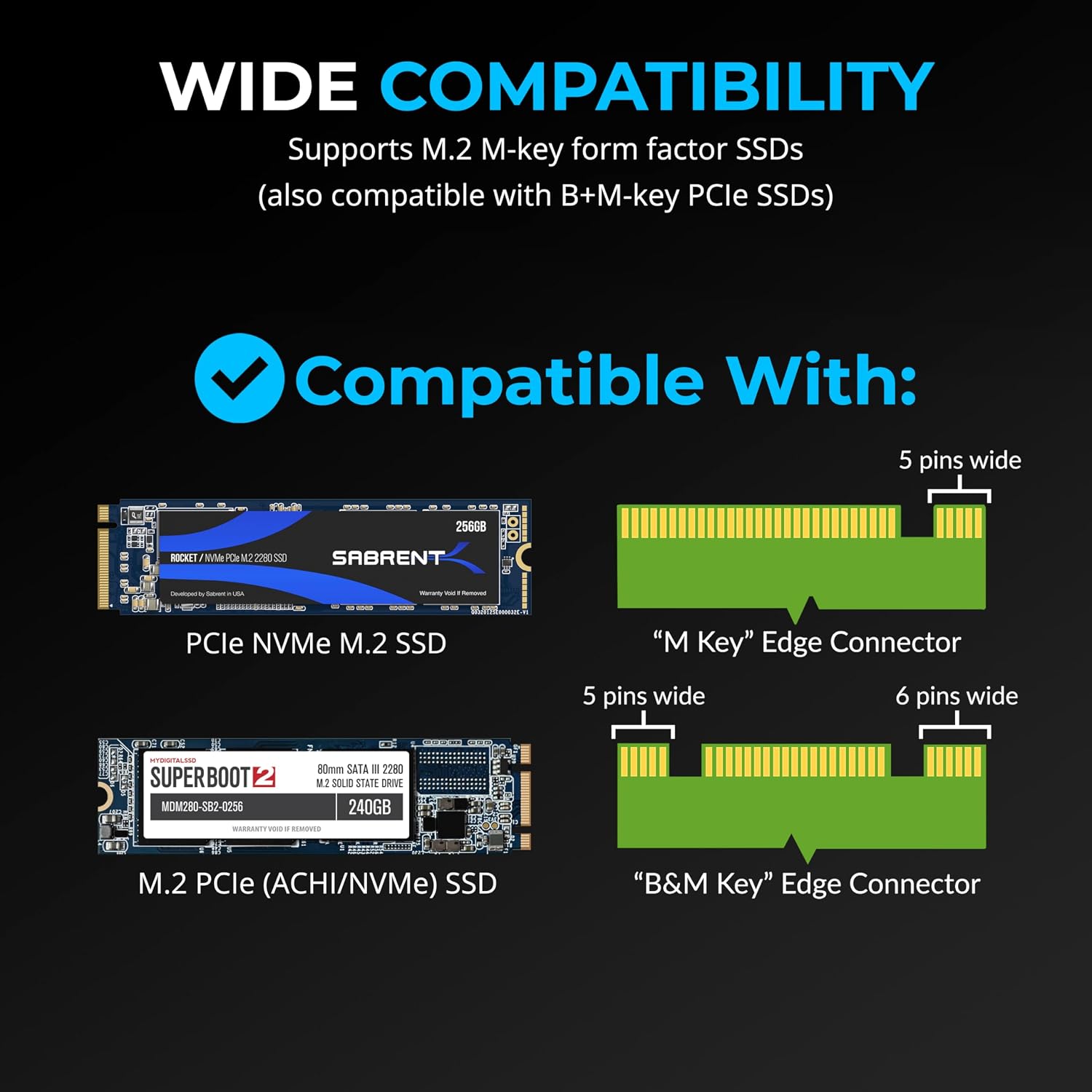
This adapter is designed for NVMe M.2 M-key drives and supports a range of form factors, including 2230, 2242, 2260 and 2280. It also accepts older B+M key PCIe SATA/NVMe drives, offering flexibility if you’re reusing an existing SSD. The card’s x16 connector prioritises physical stability, though it may be usable in x4/x8 slots that provide enough electrical bandwidth.
Performance considerations
On paper, you can achieve up to PCIe 5.0 speeds when the host system and SSD align with Gen5 capabilities. In practice, real-world speeds will depend on your motherboard slot and drive, as well as any thermal throttling. The aluminium heatsink and padding are designed to help prevent throttling during sustained transfers, which is particularly relevant for high‑speed Gen5 drives.
Heat management and noise
A key selling point is passive cooling: no fan means quieter operation, which is advantageous in quiet PC builds or compact enclosures. That said, if you’re planning heavy sustained workloads, verify your case airflow to ensure the heatsink can dissipate heat effectively.
Pros and limitations
What stands out: tool-free installation, compatibility with several M.2 sizes, built-in heatsink for cooling, and support for Gen5 SSDs up to PCIe 5.0 x4 speeds. Potential limitations: performance is contingent on motherboard support for NVMe and PCIe 5.0, and some users may find the x16 form factor restricts slot choice or clearance inside small cases.
Who it’s for
This adapter suits users who want to upgrade a slower system by adding a high‑speed NVMe SSD via PCIe, without a full motherboard upgrade. It’s practical if your motherboard supports NVMe in PCIe slots and you want a compact, quieter cooling solution for Gen5 drives.
What to check before buying
- Confirm the host PC/ motherboard offers NVMe support and PCIe 5.0 x4 for maximum throughput.
- Check space in the case for an x16 card with the heatsink installed.
- Ensure the NVMe drive is M-key and within supported form factors (2230–2280).
- Consider your thermal environment, although the heatsink helps, airflow matters for sustained workloads.
Practical usage example
Imagine upgrading an ultrabook or tower with a PCIe slot, you pop in a Gen5 NVMe SSD on the EC-TFPE, snap on the heatsink, and mount the card. In daily use you should notice faster drive responsiveness and quicker file transfers, with the benefit of quieter operation thanks to passive cooling.
FAQ
- Is it compatible with older PCIe generations? Yes, it remains backward compatible with older PCIe link speeds.
- Do I need additional cooling? The heatsink reduces the need for active cooling, but consider your case airflow for long transfers.
- Will it fit in every PCIe slot? It uses an x16 connector for stability but can fit into some x4/x8 slots depending on spacing and motherboard design.
Should you buy it?
It makes sense if you prioritise turning a current system into a faster NVMe workstation without extra fans and you have a suitable NVMe-enabled motherboard slot. If you rely on maxing out PCIe 5.0 bandwidth in a tight case or need active cooling, this solution may fall short. In short, a solid pick if you want a quieter, straightforward Gen5 upgrade that fits a variety of M‑key drives, but verify slot compatibility and case clearance first.