

RK ROYAL KLUDGE M30 Wireless Gaming Mouse (Orange) – 43g tri-mode with PixArt PAW3311 sensor up to 24000 DPI
Product description
The essentials
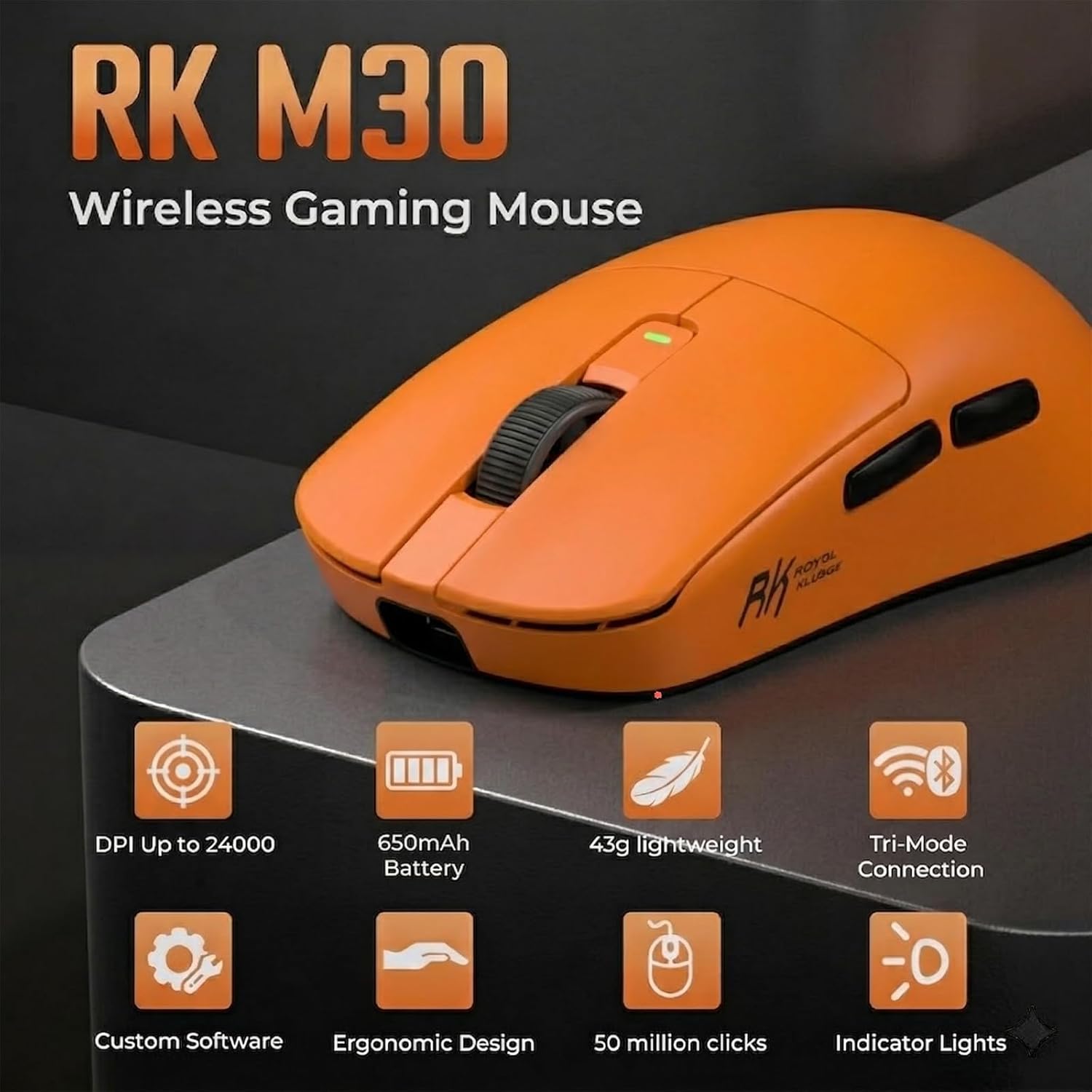
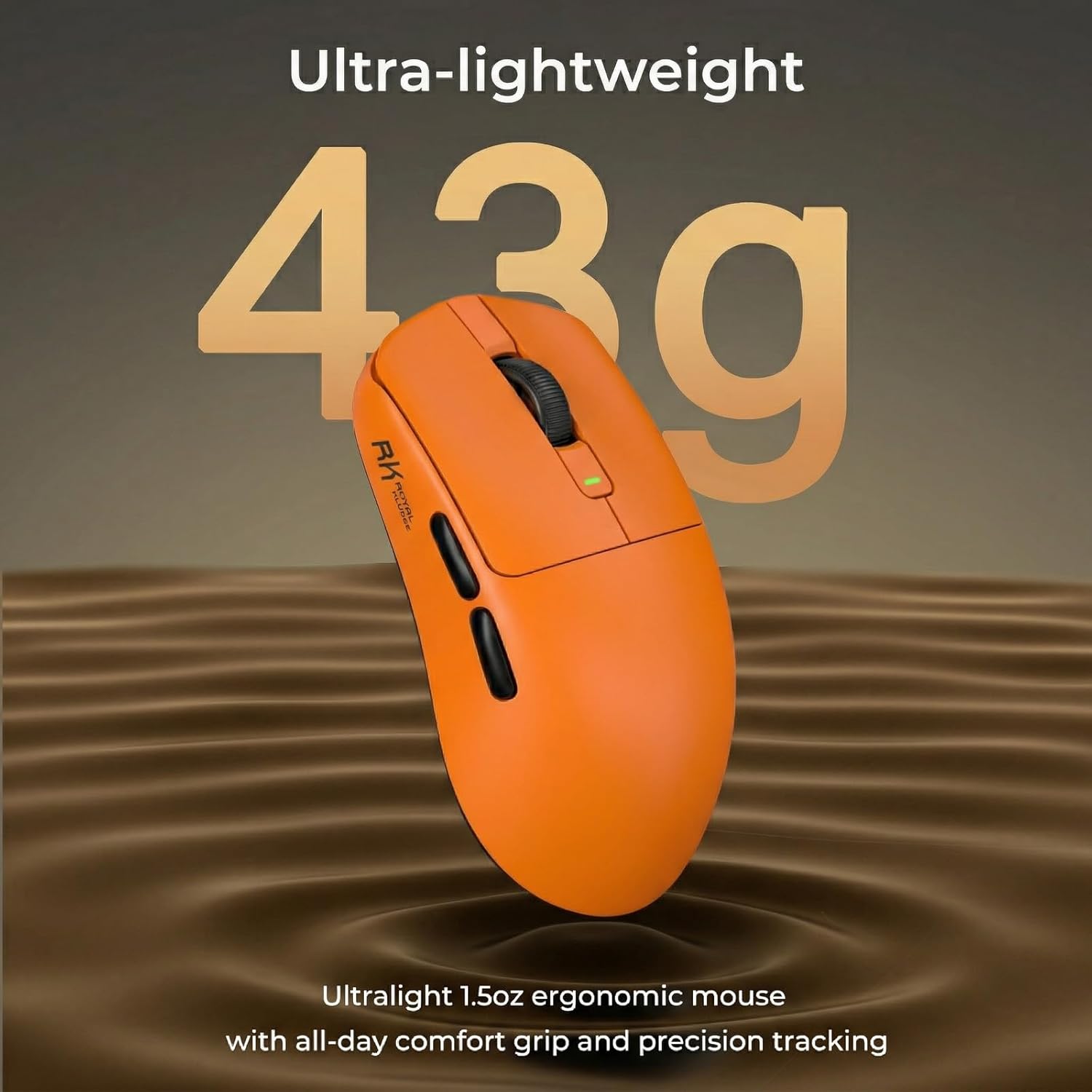
If you want a wireless gaming mouse that feels quick and light without turning your desk into a cable tangle, the RK ROYAL KLUDGE M30 is built around that idea. It’s an ultralight 43g mouse with a PixArt PAW3311 sensor rated up to 24000 DPI, plus a stated 1000Hz polling rate for responsive movement.
The “tri-mode” part is the practical appeal here: it’s designed to switch between Bluetooth, 2.4G wireless and wired mode. On paper, that makes it easier to use across different devices (for example, a PC setup alongside a tablet), rather than keeping separate mice for different connections.
Key features in plain English
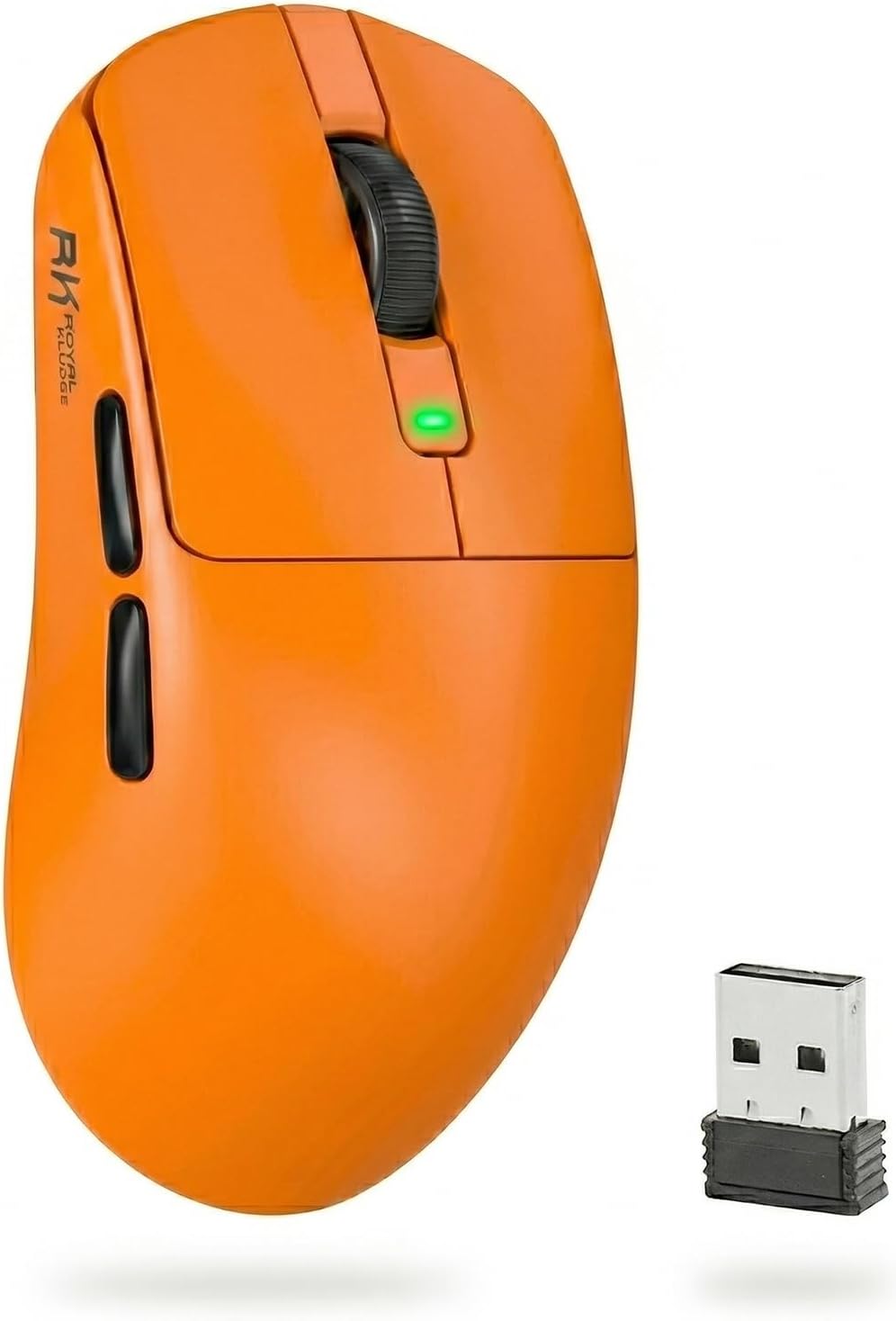
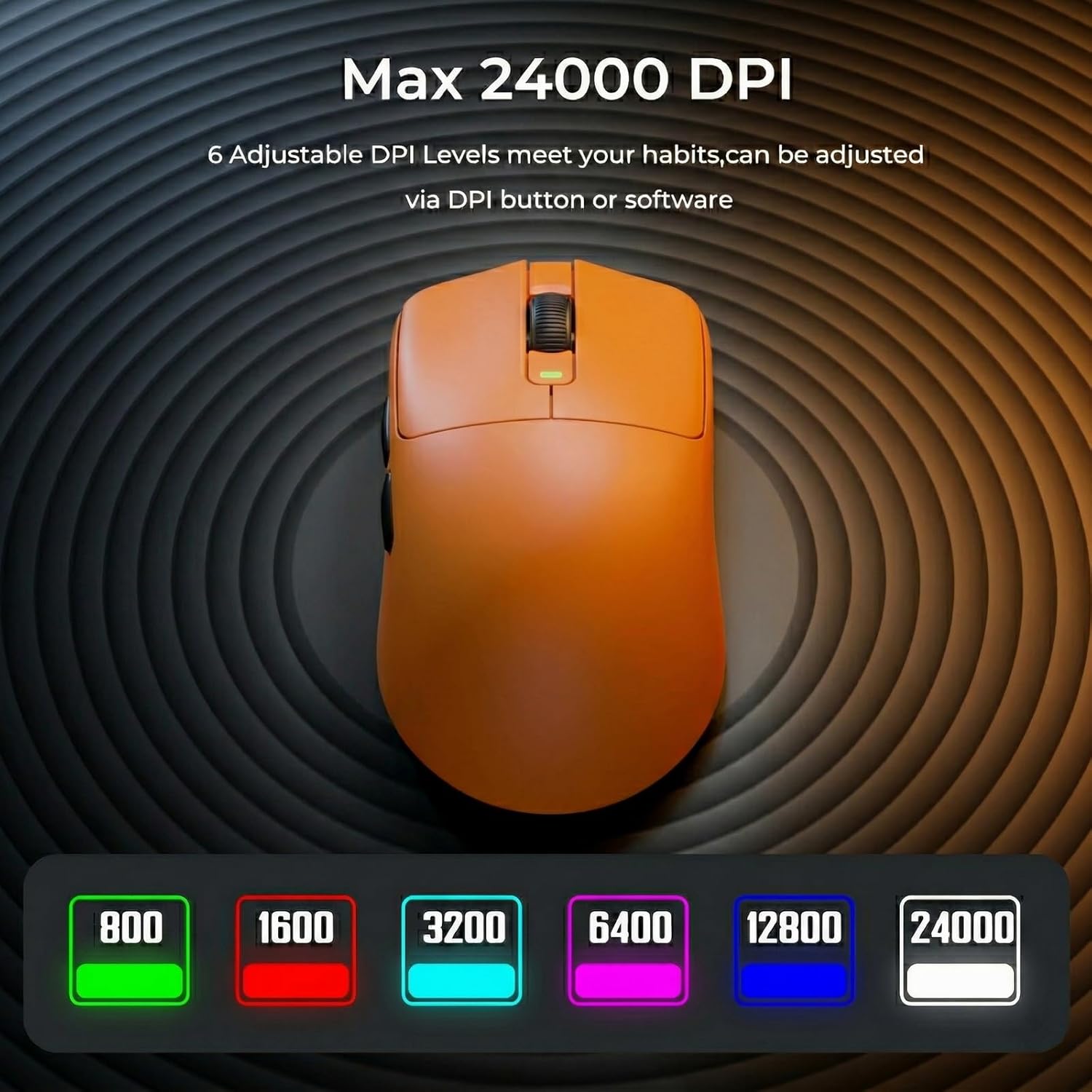
At the core is the PixArt PAW3311 sensor with up to 24000 DPI. You also get 6 DPI levels to switch between higher settings for aiming in FPS and lower levels for more controlled, everyday work. There’s also mention of 35G acceleration, aimed at keeping tracking consistent when you move quickly.
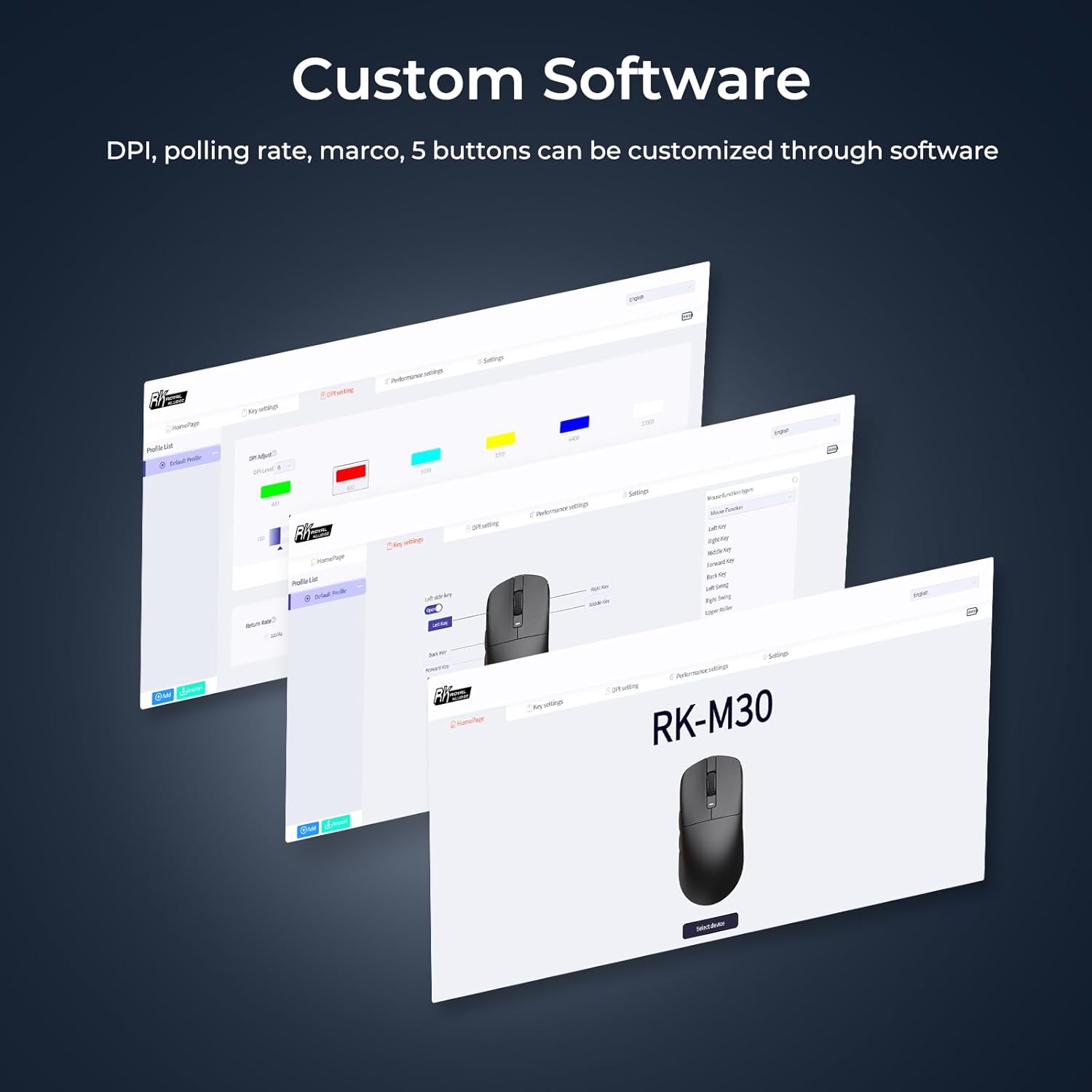
The mouse is also aimed at people who like to tweak controls. It has 5 programmable buttons and uses an intuitive software approach to set up things like macros and DPI changes. It even supports storing profiles in internal memory, which is useful if you want a more plug-and-play experience.
What stands out day to day
The most noticeable characteristic is the weight. At 43g, the M30 is positioned for longer sessions where a heavier mouse can start to feel tiring. It uses a minimal design, includes a contoured rest and textured, non-slip grips, and is paired with PTFE skates for smooth gliding.
There’s also the tri-mode switching, which can matter more than people expect. You can go wireless for low-latency gaming via 2.4G, then switch to Bluetooth when you’re on a different device without hunting for another peripheral.
One detail worth noting: the listed battery figures suggest a broad range of use depending on mode. That’s normal for multi-connection mice, but it does mean your real-world runtime will depend on how often you use each mode.
Battery and connectivity: tri-mode reality check
RK ROYAL KLUDGE rates the battery at 650mAh and claims up to 80 hours, with an initial figure of around 35 hours also mentioned. The key takeaway is that this is meant to reduce recharge frequency, especially if you alternate between work and play.
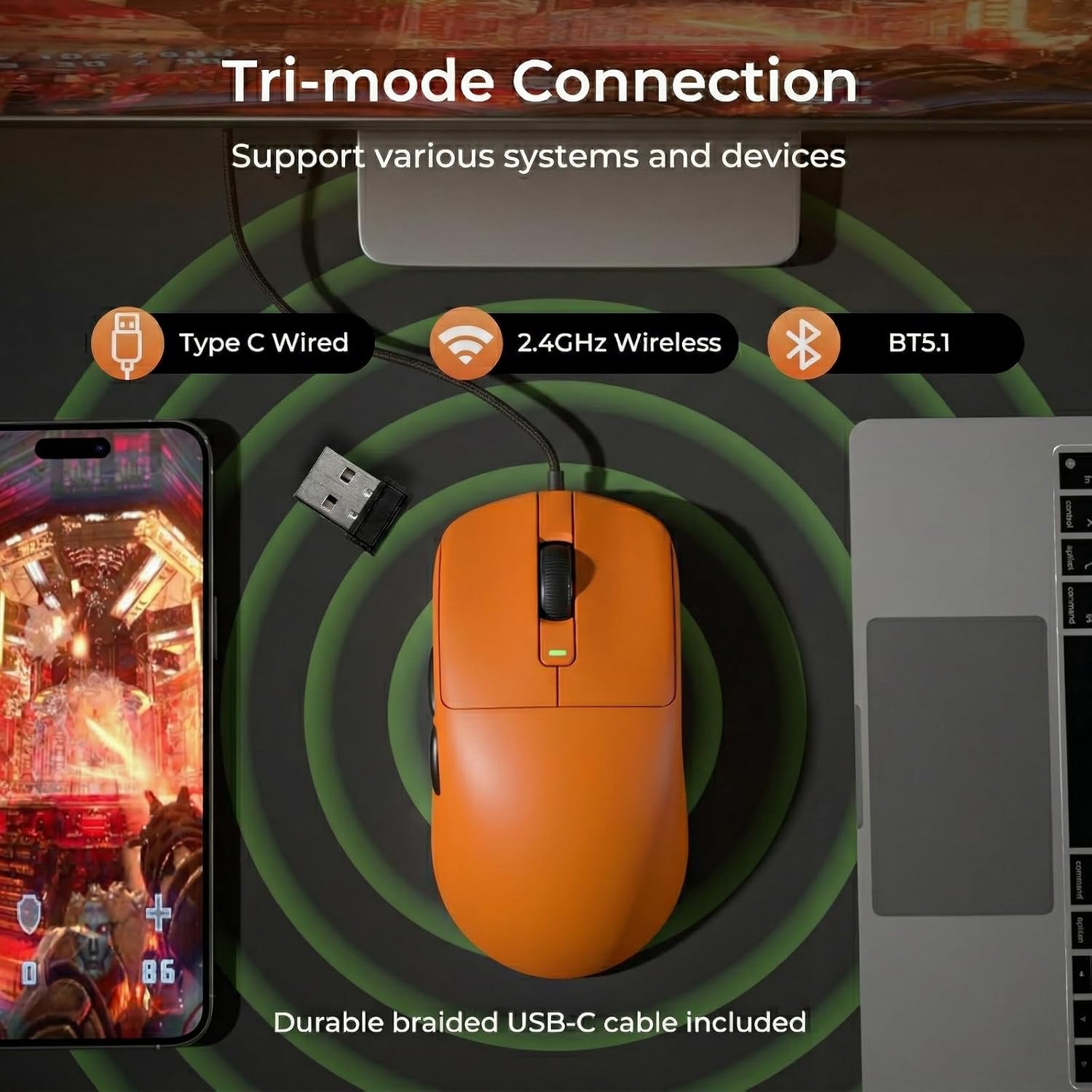
In terms of connectivity, the M30 supports Bluetooth 5.0, 2.4GHz wireless and wired mode, and it’s described as connecting to three devices simultaneously. That’s a strong “desk organiser” feature if you regularly move between devices.
Tech specs
- Name: RK ROYAL KLUDGE M30 Wireless Gaming Mouse
- Type: Wireless gaming mouse (tri-mode BT/2.4G/wired)
- Colour: Orange
- Weight: 43g
- Sensor: PixArt PAW3311
- Resolution (DPI): up to 24000 DPI
- Polling rate: 1000Hz
- Buttons: 5 programmable buttons
- Battery capacity: 650mAh
- Battery life (stated): up to 80 hours (also mentioned 35 hours)
- Battery modes: Bluetooth 5.0, 2.4GHz wireless, wired
- Maximum acceleration (stated): 35G
- Switch life (stated): 50 million clicks
Who it suits (and who should look elsewhere)
It’s a solid pick if you care about an ultralight feel, want 2.4G wireless for gaming, and like the flexibility of switching between Bluetooth and wired for mixed device use. The 5 programmable buttons and on-board DPI presets are also a sensible match if you prefer a more straightforward setup rather than needing lots of extra controls.
It might not suit you if you’re after a fully overbuilt, high-end mouse feel across every setting—this one reads more like a mid-range enthusiast mouse than a top-tier “no compromises” flagship. Also, if you need a lot more than 5 programmable buttons for complex profiles, you may feel boxed in compared to models with more controls.
Usage tips
For a practical setup, try this workflow: use 2.4G mode for FPS sessions, then switch to Bluetooth when you move to a tablet for notes or browsing. Keep one DPI level for fast aiming and another for calmer movements. If you plan to use the same mouse across different devices, the internal profile storage can reduce the faff of reconfiguring each time.

FAQ
How many devices can the RK ROYAL KLUDGE M30 connect to at once?
It’s described as able to connect to 3 devices simultaneously.
Does it have wired mode as well as wireless?
Yes, it supports tri-mode operation including wired mode.
What sensor and DPI does it use?
It uses a PixArt PAW3311 sensor and is rated up to 24000 DPI, with 6 DPI levels mentioned.
Is the polling rate important?
The mouse is stated as offering 1000Hz polling, which is aimed at smoother, more responsive movement, especially in fast games.
How many programmable buttons are there?
It has 5 programmable buttons.
Final verdict
Buying this makes sense if you want an ultralight 43g wireless gaming mouse with tri-mode flexibility, a PixArt PAW3311 sensor up to 24000 DPI, and 1000Hz polling—while also having enough configurability through 5 programmable buttons and stored profiles.
You may want to skip it if you’re looking for a model with a bigger control set than 5 buttons, or if your priority is purely maximum-end gaming refinement over practical cross-device switching. As always, double-check which connection mode you’ll use most, because battery life and everyday feel will depend heavily on that choice.