

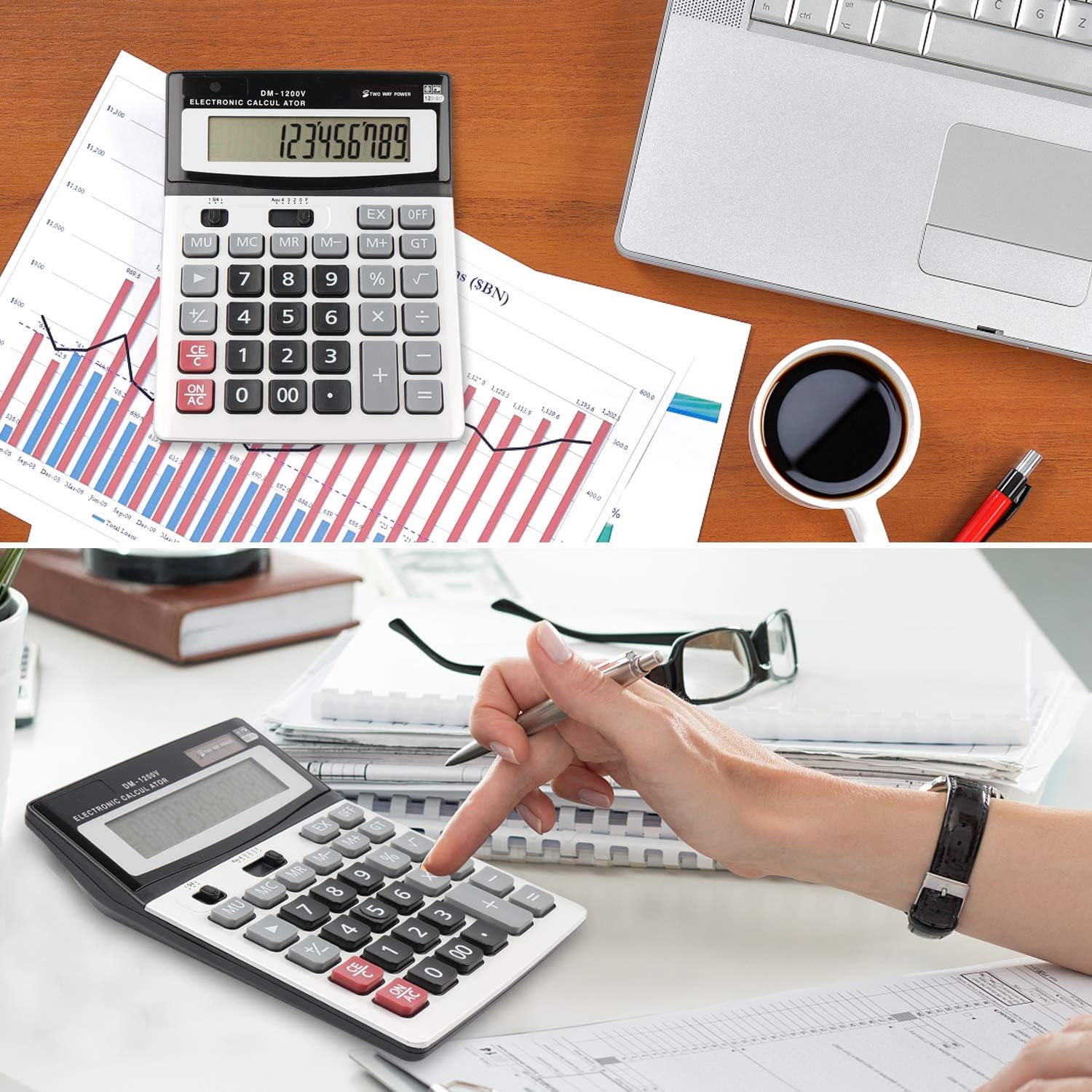
HIHUHEN Large Calculator (Solar & Battery) with 12-digit Display
Reviews
Price
Product description
What it is and why people buy it
The HIHUHEN Large Calculator is a desk-style calculator built around one simple idea: make everyday number work easier to see and quicker to do, whether you’re in an office, classroom, or working from home. On paper, the headline is the big 12-digit display, plus dual power so you’re not left hunting for batteries as soon as the light drops or usage ramps up.
It also leans into the kind of functions people actually reach for: tax calculations and currency conversion, a decimal point adjustment, and a handful of buttons designed for faster input (including things like ± and square root). If you’re comparing it to smaller, lighter calculators, this one’s more about readability and “button comfort” than portability.
It’s not perfect, though. With the information available, we can’t tell how durable the build feels long-term, or how responsive every key is in the real world—so if you’re expecting a premium, workhorse spec sheet with lots of technical detail, it may not fully scratch that itch.
The essentials: display, power, and core functions
The most noticeable practical advantage here is the 12-digit display. That matters when you’re doing anything beyond tiny sums—like checking totals, running through tax figures, or double-checking multi-step calculations. A larger display generally reduces the “did I misread that?” feeling.
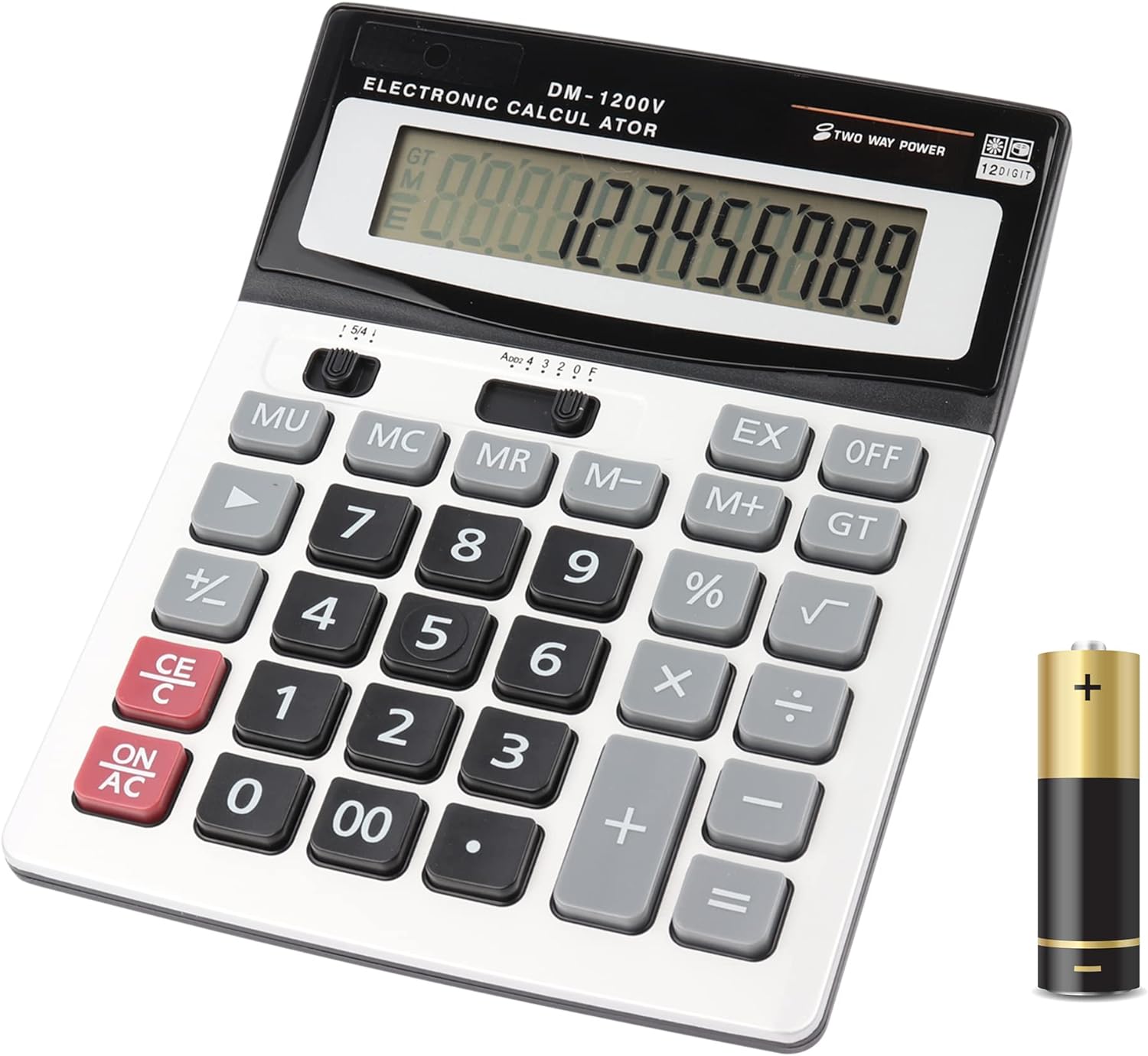
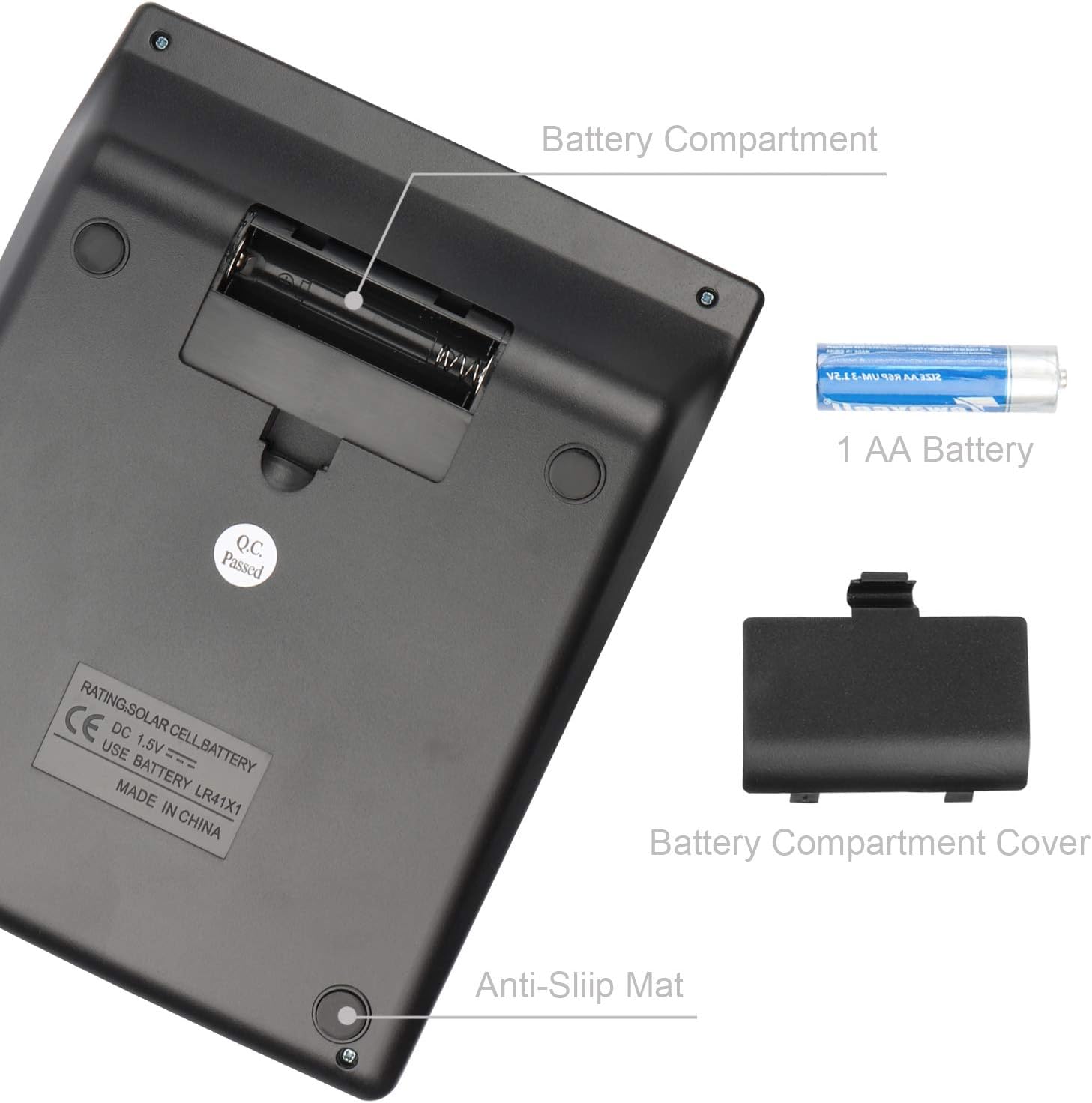
Power is dual: solar and battery. In daily use, that can be handy in bright rooms (solar can take over) but also means it shouldn’t become a paperweight in darker corners where solar alone might struggle. If you use calculators at different desks or in shared spaces, dual power tends to be more convenient.
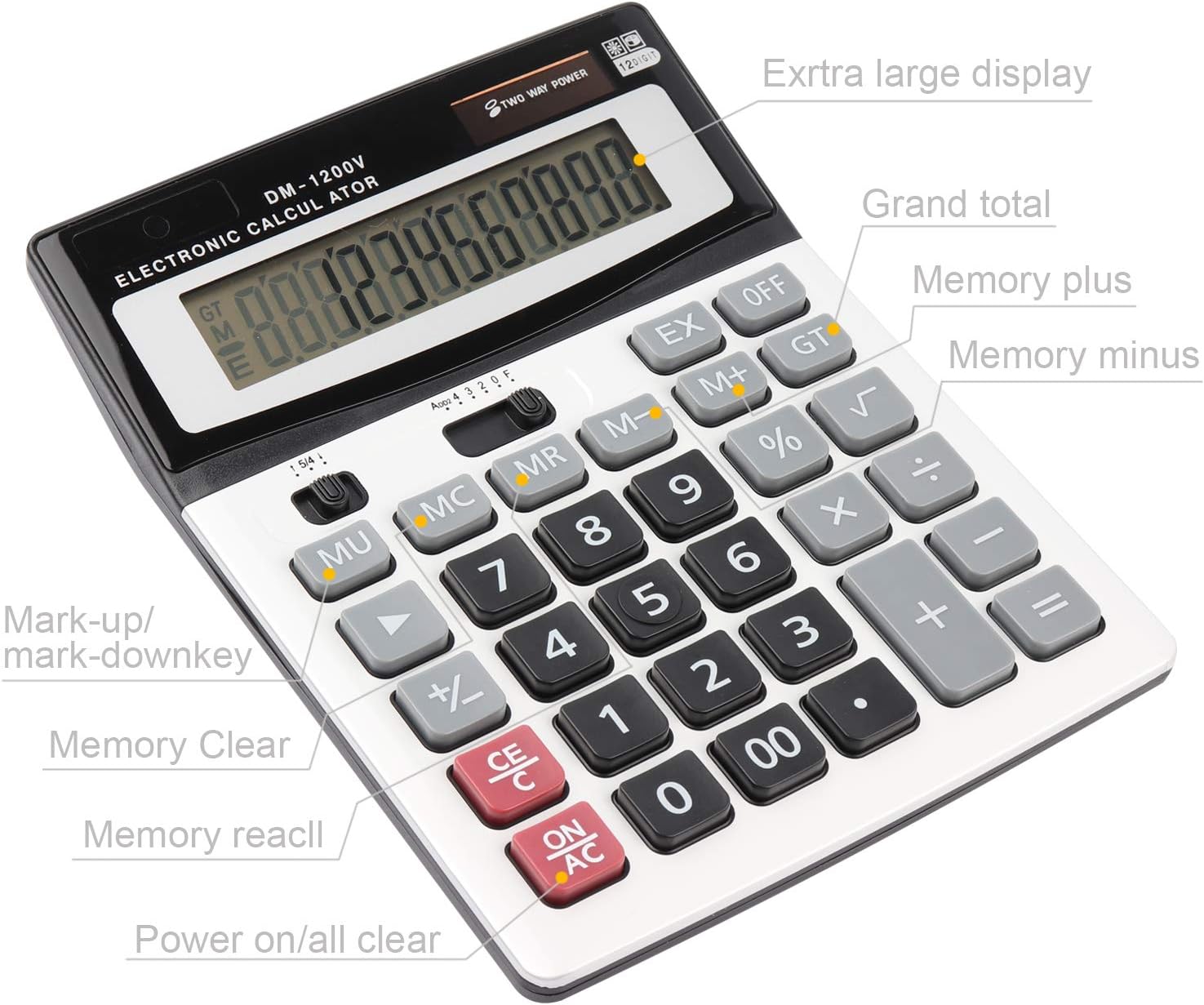
Feature-wise, the base description points to several real-world calculation helpers: - rounding/decimal handling via point decimal adjustment - tax-related calculations and currency conversion - function samples and a dedicated function control/handset-style key - quick-access operations like ± and square root (√) - a “markup/profit margin %” type of benefit feature - decimal rollover (as indicated by rollover of the key)
Worth noting: things like “currency conversion” and “tax” are great, but without the exact supported currencies or tax rules listed here, you’ll want to be sure it matches your use case.
What stands out in everyday use
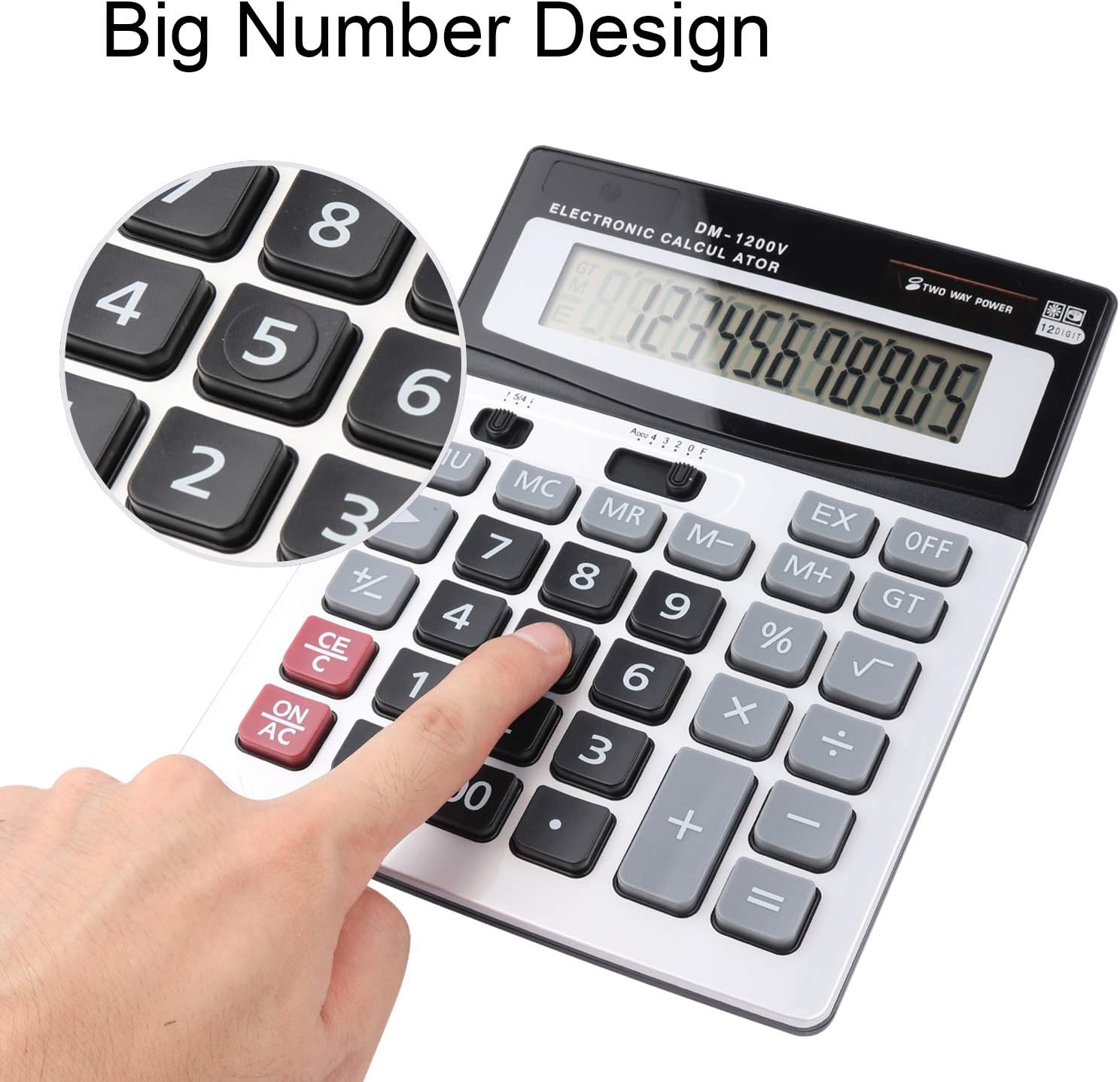
The big buttons and the emphasis on a large, readable display suggest it’s aimed at people who want speed without squinting. In an office setting, this is the kind of calculator you’d reach for when you’re adding invoices, checking totals, and confirming figures after calculating margins.
Here’s a concrete example: imagine you’re working through a spreadsheet breakdown for a client. You punch in values, use the profit margin % function, adjust the decimal point, and then apply the square root where needed for a specific calculation. With a 12-digit screen, you’re less likely to lose track of digits while you’re moving quickly between steps.
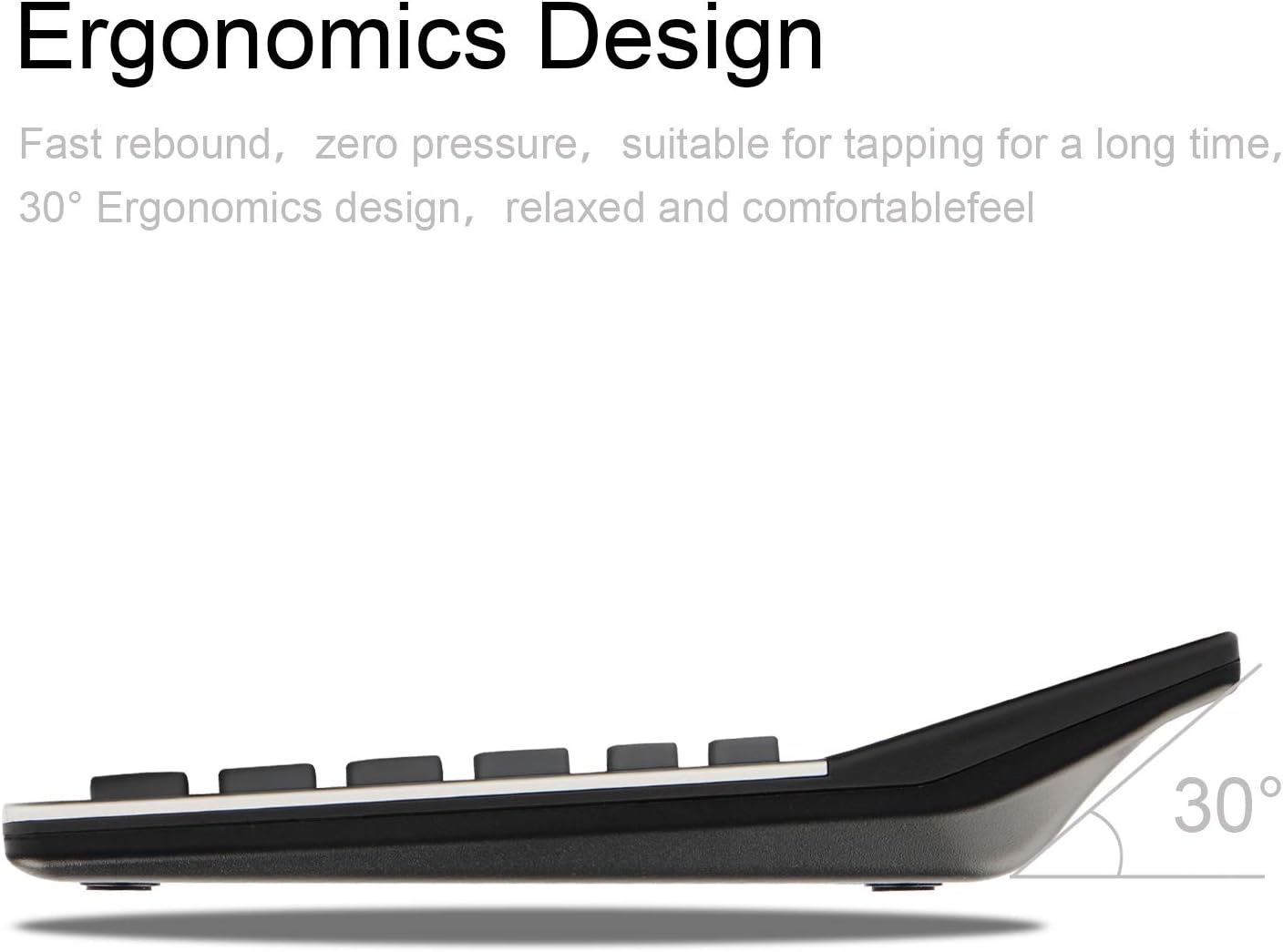
Another small but practical point is having both an on and off button. For shared desks or classrooms, that’s simply easier to manage than relying on automatic power behaviour.
If you prioritise display clarity and reliable day-to-day usability over sleek design, this is the sort of calculator that tends to make sense.
Potential limits to keep in mind before buying
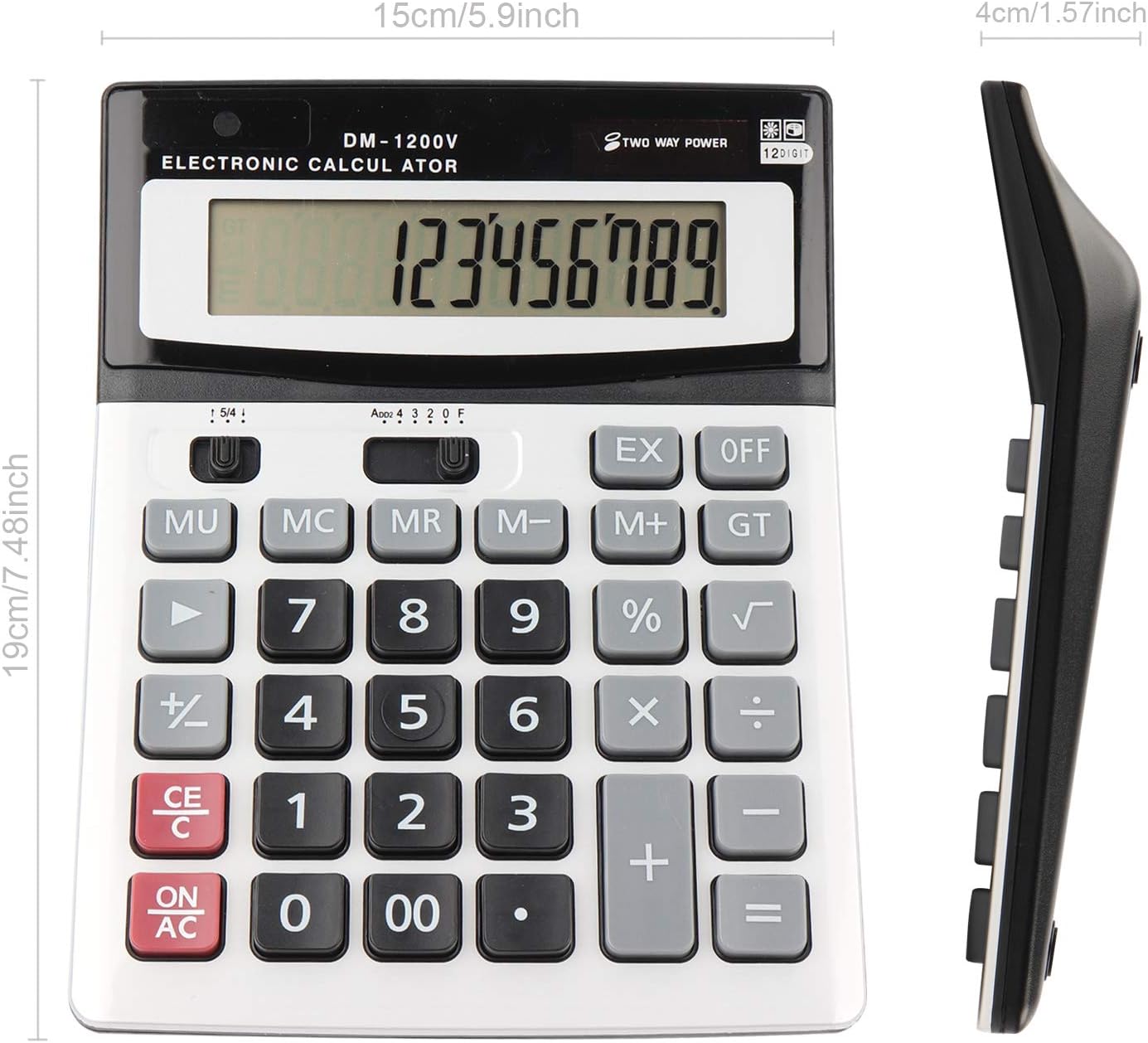
The name suggests a “large” calculator, but the description we have doesn’t include details like physical dimensions, weight, button feel, or whether it uses a standard battery type. That can matter if you’re replacing an existing calculator and you need the same kind of footprint or battery availability.
Also, while tax and currency conversion features are mentioned, the exact behaviour and supported inputs aren’t specified here. If you deal with a narrow set of taxes or multiple currencies, it’s worth double-checking compatibility with your requirements before committing.
And finally, the calculator sounds more geared towards business/office/school routines than advanced engineering workloads. If your calculations demand very specific scientific modes or heavy-duty functionality beyond what’s listed, you may find it stays at the “solid daily” level rather than the “deep technical” one.
What to check before you decide
Before you buy the HIHUHEN calculator, it’s sensible to verify: - whether the 12-digit display size suits your working distance (if you often read from far away, bigger usually helps) - that the decimal point adjustment and the functions you need (tax, currency conversion, profit margin %, ±, √) match your typical tasks - that the currency conversion and tax behaviour is appropriate for how you use it (since supported options aren’t detailed here) - that the solar + battery approach fits your environment (bright desk vs darker room)
If you’re buying for a classroom or shared office, dual power is particularly relevant because it reduces the chance of “it won’t turn on” moments.
Quick comparison mindset (so you don’t overbuy)
There are broadly two approaches when choosing a calculator: go for compact basic models for simple arithmetic, or go for larger display, multi-function calculators when you’re doing taxes, margin work, or multi-step checks. This HIHUHEN sits in the second camp.
If your day-to-day is mainly quick additions and subtractions, a simpler calculator might be cheaper and enough. If you regularly need decimal handling, tax/currency features, and a display that’s easier to read, it’s more likely to earn its place.
Buying verdict
When it makes sense
It’s a good fit if you want a large, 12-digit calculator for office, school, or everyday business calculations, and you’d prefer dual power (solar plus battery) for fewer power worries. It also makes sense if your work includes profit margin %, ± adjustments, and square root calculations, alongside tax and currency conversion.
When you may want to skip it
It’s not the best choice if you need specific tax/currency support details for your exact region or currency set, or if you’re replacing a calculator and battery type and dimensions matter more than the feature list.
Who it suits
A solid pick if your priority is readability and practical functions for routine business/admin tasks.
Who should avoid it
You may want to skip it if you’re expecting heavily specified scientific performance or if you can’t confirm that the tax/currency conversion behaviour matches what you actually need.
Mini FAQ
Does this calculator work on solar power alone?
It’s designed for dual power using both solar and battery, so it’s meant to handle different light conditions.
What kind of display does it have?
It features a 12-digit display, which should help with viewing totals and multi-step results.
What extra calculation functions are mentioned?
The description includes tax and currency conversion, decimal point adjustment, profit margin %, ±, and square root (√).
Is it suitable for school or office use?
Yes—on its face it’s aimed at business office and school calculating, especially where large digits and multi-function keys are helpful.
What’s the main thing to double-check?
You’ll want to confirm that the tax and currency conversion features behave in a way that matches your needs, since the supported options aren’t listed here.