

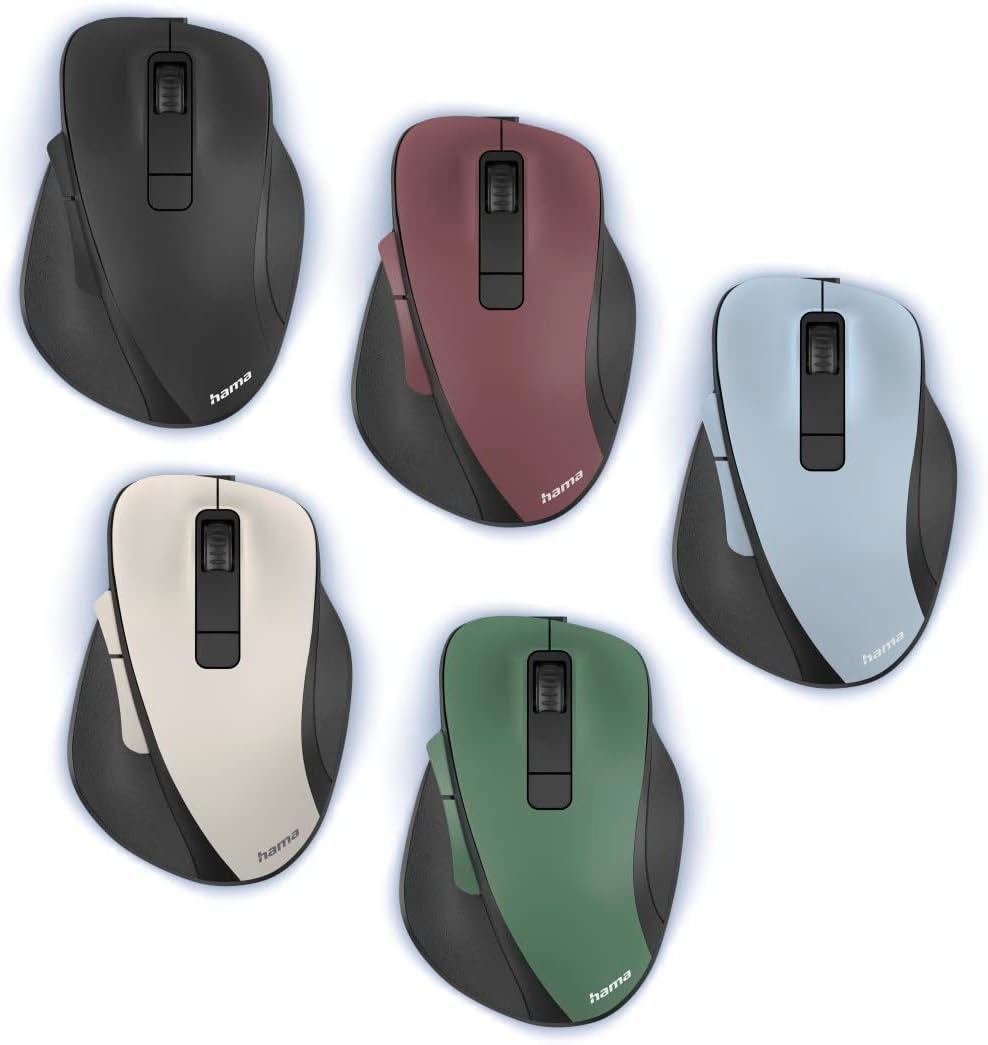
Hama MW-500 Recharge ergonomic wireless mouse (2.4 GHz, 6 buttons, 800/1200/1600 dpi) – Forest
Product description
If you spend a lot of time at a laptop or PC, a decent ergonomic mouse can quietly make the day feel less strained. The Hama Ergonomic Mouse (MW-500 Recharge) is a wireless, right-handed optical mouse with a comfortable shape, six buttons and a 2.4 GHz connection that’s designed to be steady for everyday work.
On paper it’s geared towards office-type use: smooth cursor control, programmable-feeling navigation buttons and a rechargeable battery to reduce the faff of swapping cells. It’s not a gaming-grade spec monster, but for general computing it looks like a sensible, practical purchase.
Key takeaways
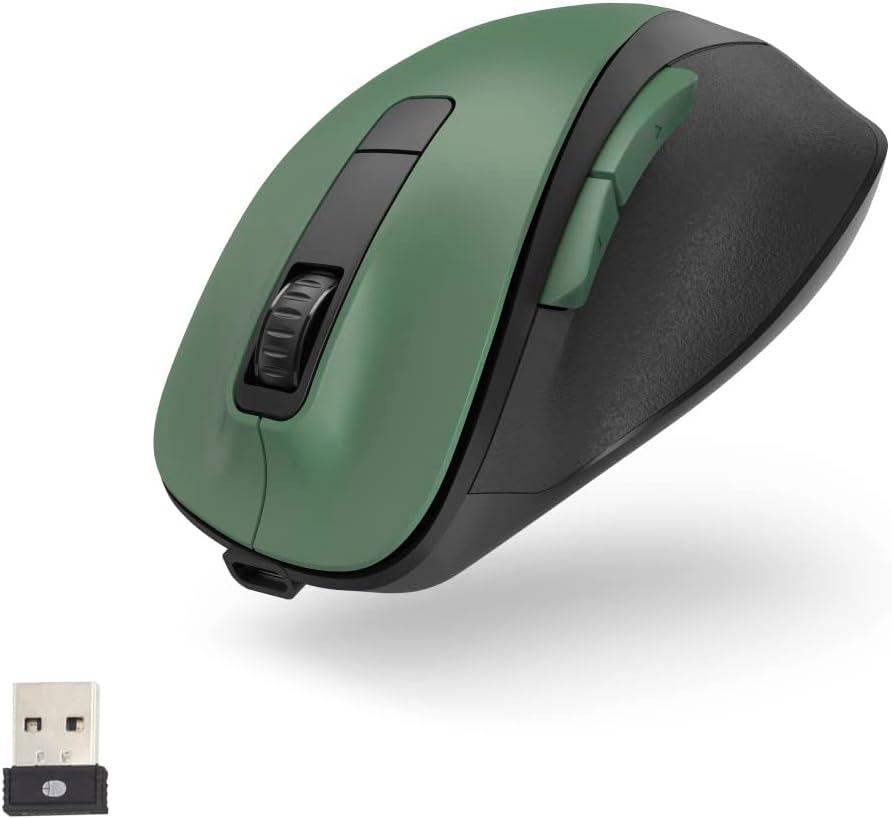
It’s a right-handed ergonomic wireless mouse with 6 buttons and a rechargeable lithium-ion battery. The 2.4 GHz wireless setup uses a very small USB receiver for a tidy desk and easy travel. Cursor sensitivity can be switched between 800, 1200 and 1600 dpi, and there’s also a separate on/off switch aimed at saving power.
It also leans into “quiet day-to-day use” with silent buttons, plus browser-style back/forward navigation buttons for web browsing. Overall, it’s the sort of mouse you buy when you want comfort and basic productivity features, not complicated software or extreme performance.
What it’s for (and how it feels in use)
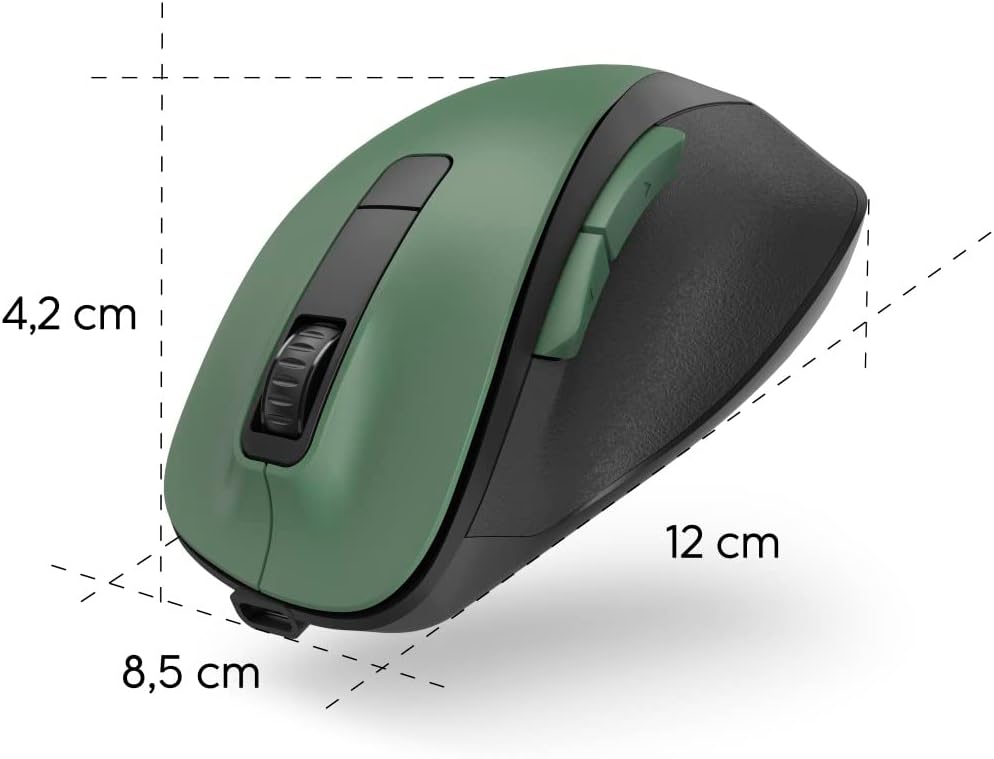
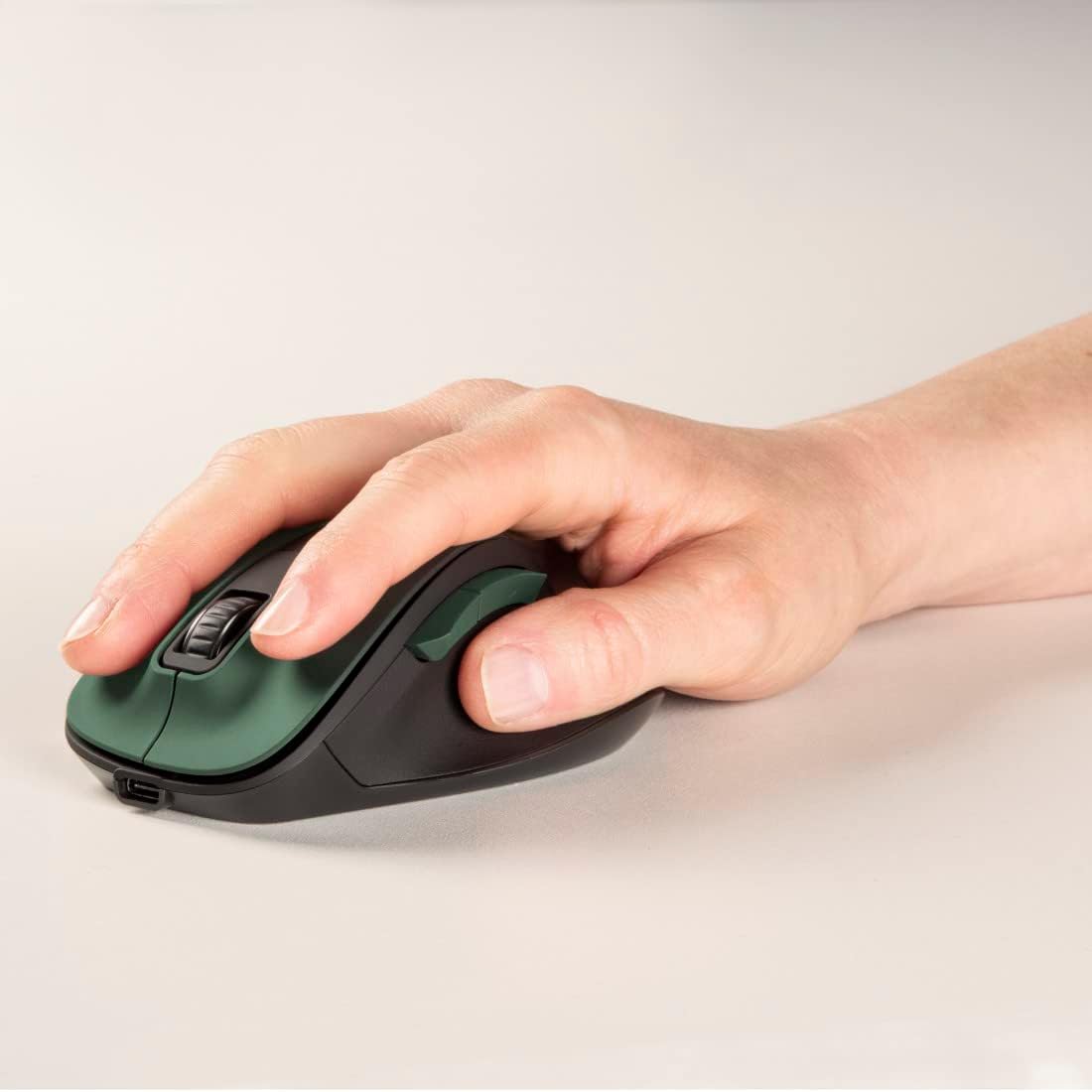
This mouse is built for people who mainly use a laptop or desktop for tasks like browsing, emails, spreadsheets and general admin. The ergonomic shape is meant to suit right-handed users and keep your hand in a more natural position during longer sessions.
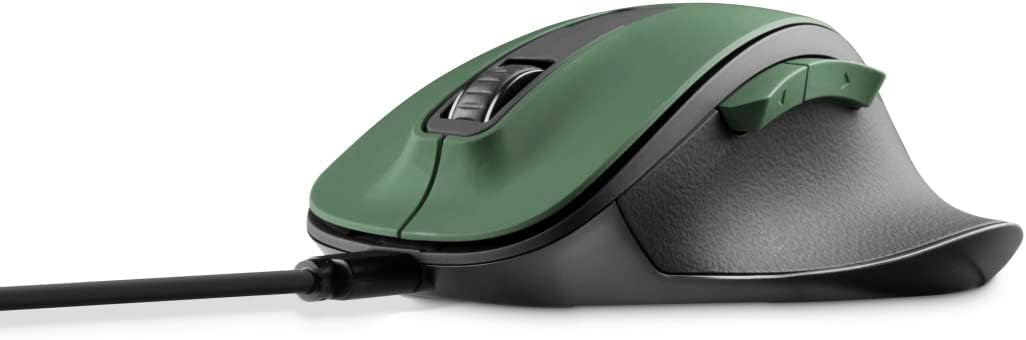
A small but real benefit of the included back/forward buttons is speed: when you’re moving through pages, you don’t have to rely solely on keyboard shortcuts. For example, you can click back to revisit an earlier page, then use the forward button to jump again without leaving your flow.
If you’re sensitive about desk noise, the silent button claim is worth paying attention to—though of course “silent” still won’t make every click vanish completely.
Where it stands out
A few things make this Hama model more than a generic office mouse.
- Rechargeable lithium-ion battery, with an approximate runtime of up to 75 days (so you can top up occasionally rather than constantly replacing batteries).
- Dedicated power on/off switch, which is a small detail but helpful if you leave it in a bag or on a shared desk.
- Optical sensor with a BlueWave approach aimed at precise cursor control.
- Adjustable dpi (800/1200/1600) so you can find a speed that suits your screen setup.
- USB receiver designed to be ultra-small for discreet use on the PC and for travel.
What to watch before buying
The spec sheet is broadly clear, but there are still a couple of points to keep in mind.
First, dpi switching is there, but there’s no mention of advanced tuning or ultra-high dpi levels beyond 1600. If you’re looking for something purpose-built for fast, competitive gaming, this may feel more “work mouse” than “performance mouse”.
Second, the included manual is mentioned as Spanish language not guaranteed. That doesn’t stop you using the mouse, but it’s worth remembering if you want instructions in a specific language.
Finally, the runtime is given as approximate, and wireless performance can depend on usage patterns—so treat the 75 days as a best-case planning figure rather than a promise.
Tech specs that matter most
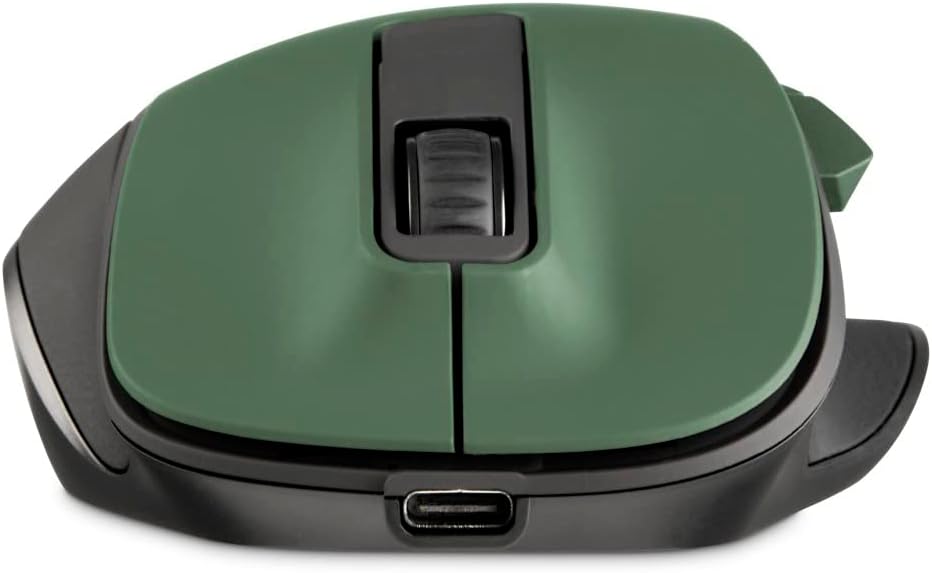
This mouse uses a 2.4 GHz wireless connection with a stated range of up to 10 m, which should be comfortable for most desk layouts and typical home office movement. It’s an optical mouse with sensitivity switching between 800, 1200 and 1600 dpi.
Physically, it’s designed with polymer-coated glide feet to support smooth movement, and it includes 6 buttons with navigation-style back/forward functionality plus quieter button operation.
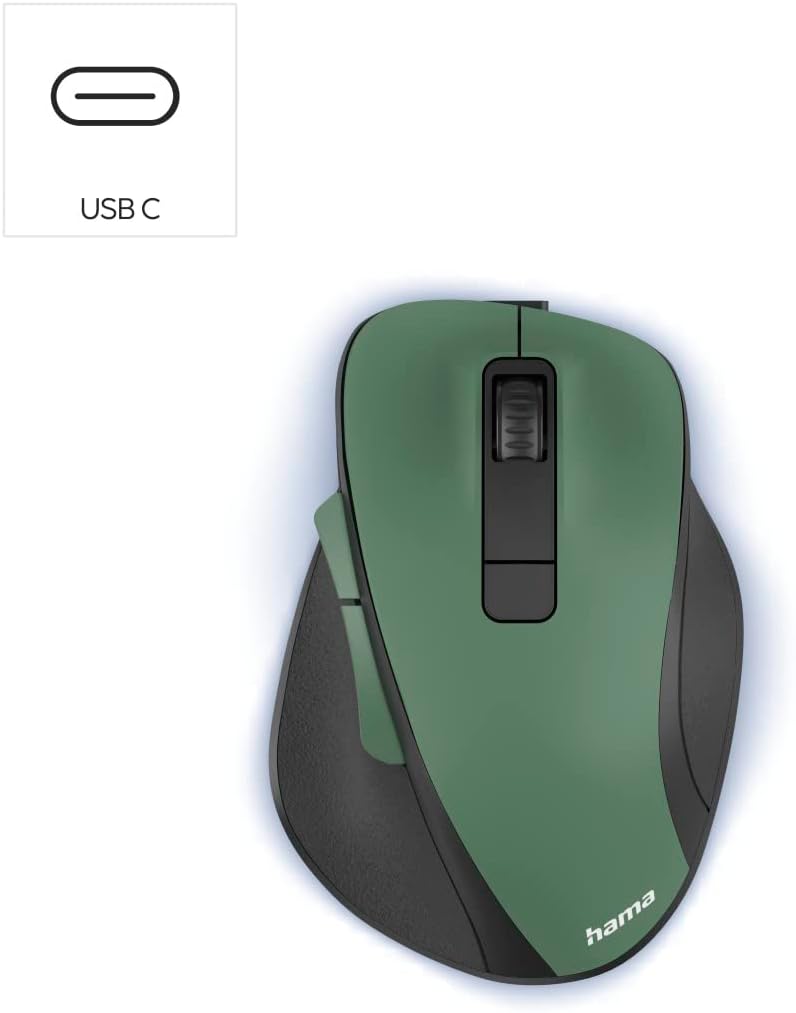
In the box you get the MW-500 Recharge mouse (Forest colour), a USB receiver, and a charging cable (USB A to USB C), along with an instruction manual.
Should you buy it?
It makes sense if you’re after a right-handed ergonomic wireless mouse for everyday work on a laptop/PC, and you want a comfortable shape, silent-feeling buttons and basic navigation controls without thinking about batteries too often.
It may not suit you if you need high-end gaming performance, want fully customisable software features (none are mentioned here), or you’re very strict about what language the instruction manual is supplied in.
Worth considering if you prioritise practical comfort, a tidy wireless setup via a small USB receiver, and a straightforward dpi switch for different screen or desk distances.
Mini FAQ
How long does the rechargeable battery last?
The battery life is stated as approximately 75 days. That’s a guideline, so real-world use may vary.
Does it work on laptops and PCs?
The product positioning says it’s for laptop and PC use, using a USB receiver that plugs into your computer.
Is it suitable for web browsing?
Yes—there are six buttons including browser-style back/forward navigation, which should help when moving between pages.
What dpi options are available?
You can switch sensitivity between 800 dpi, 1200 dpi and 1600 dpi.
Will the buttons be noisy?
The mouse is described as silent for optical wireless use. It’s still a mechanical click, but it’s designed to reduce the “clicky” feel during work.