

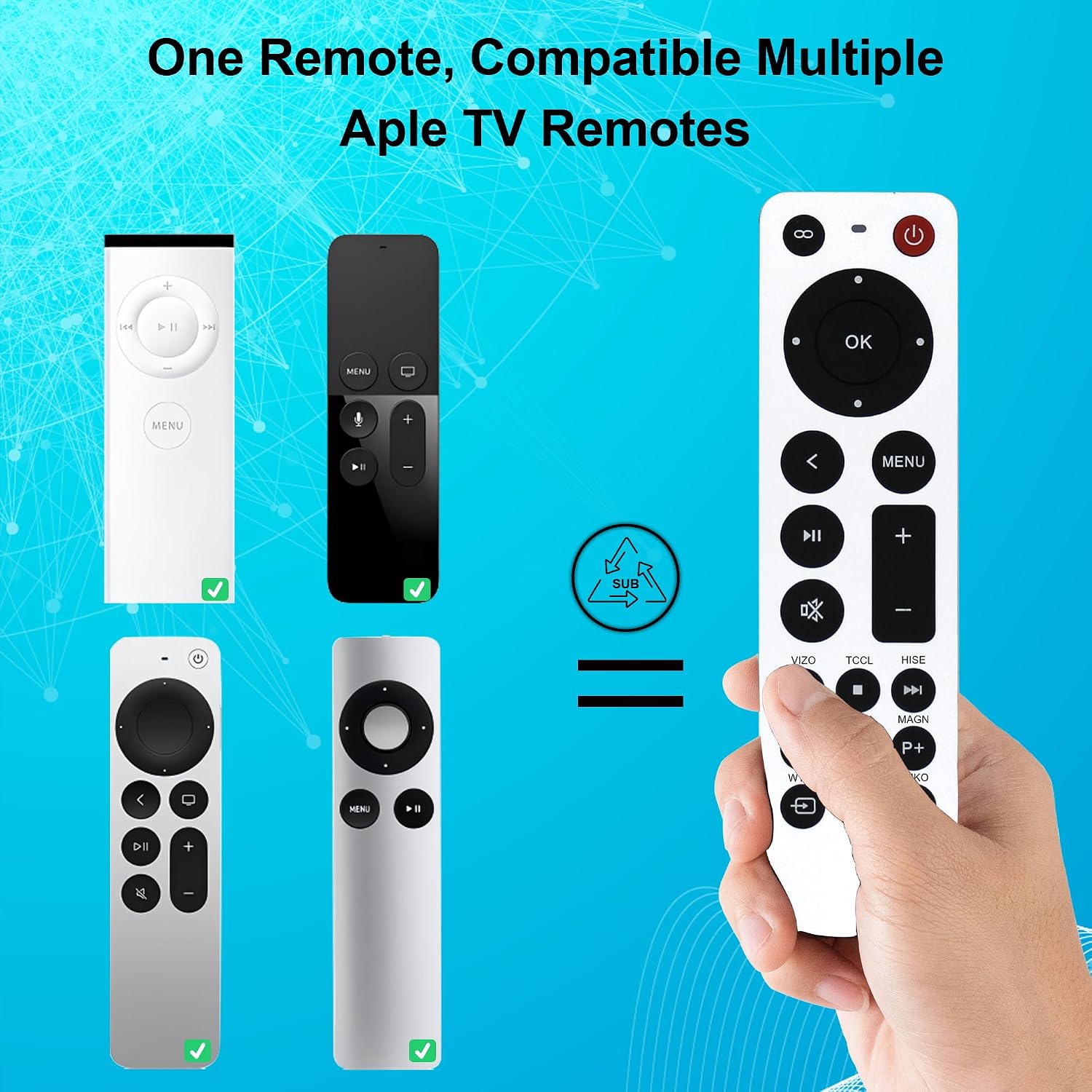
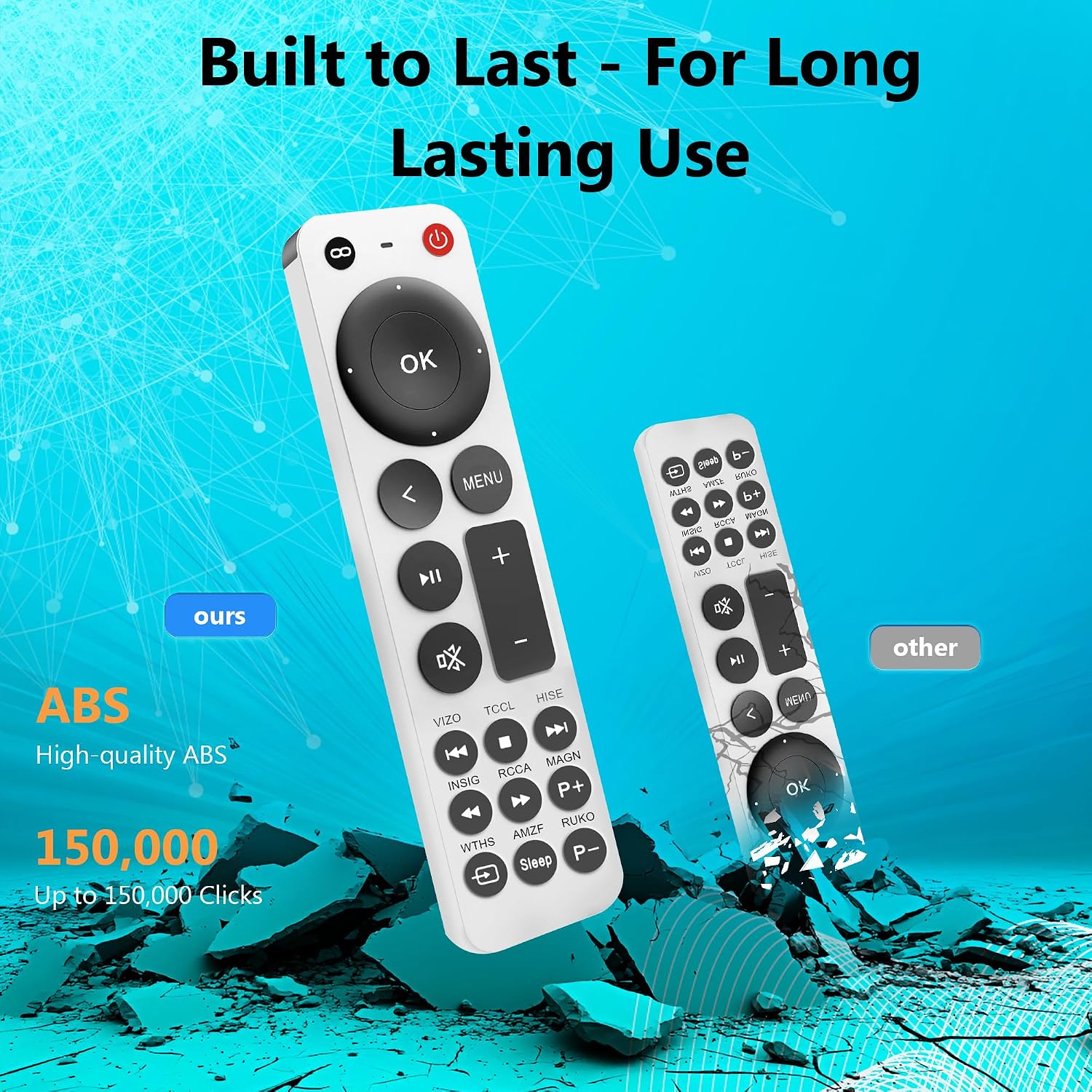
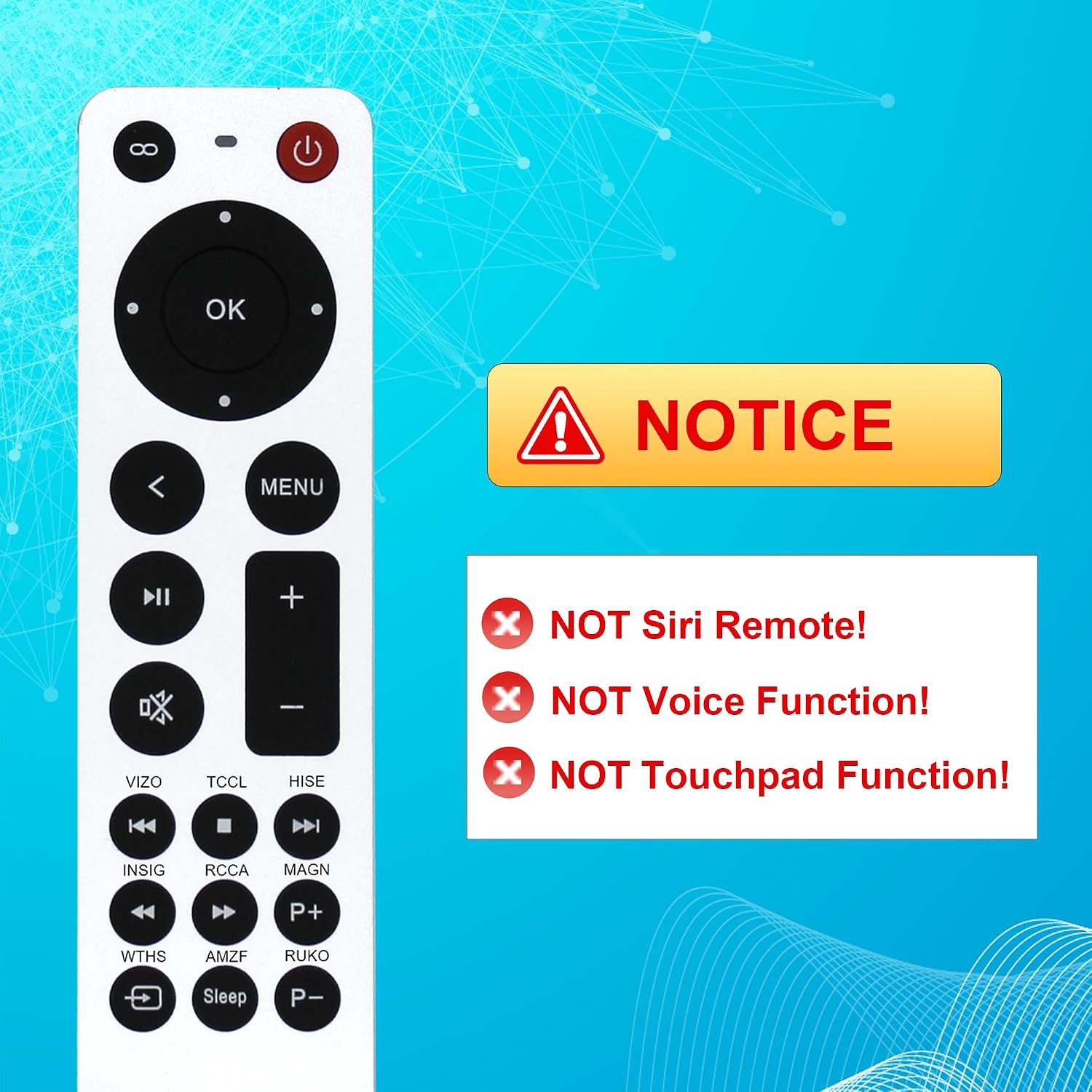
Replacement Apple TV Remote (No Siri)
Product description
This compact replacement remote from ZYK gives basic control over a range of Apple TV models and can restore simple navigation for users who do not need Siri or voice functions. It is aimed at operating menus, playback and basic volume and power for compatible TVs, making it a practical spare or direct replacement when the official Siri Remote is unnecessary.
Key Points
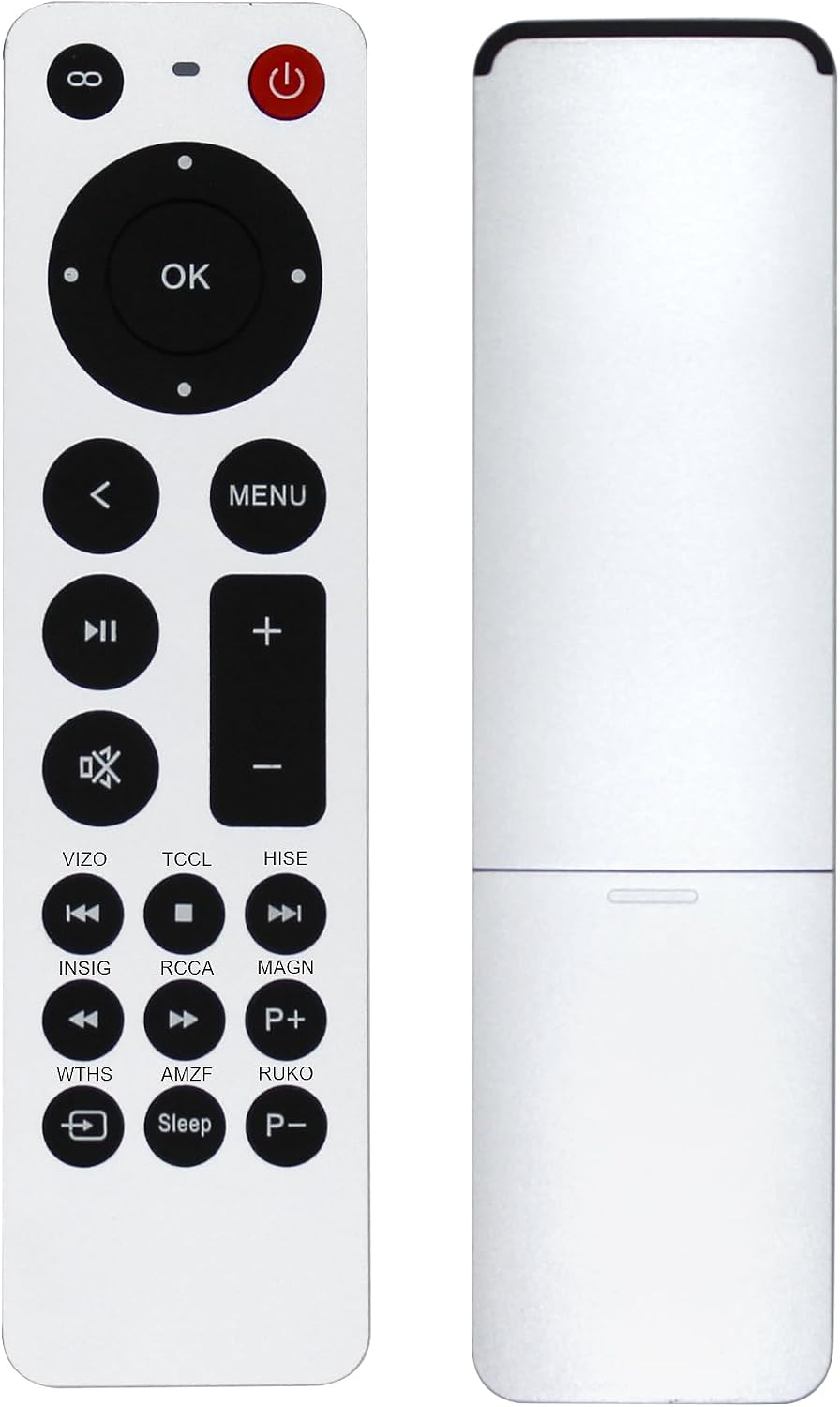
This is an infrared (IR) replacement remote that supports Apple TV 4K, Apple TV HD and several earlier Apple TV generations according to the manufacturer. It does not include Siri, voice control or a touchpad, so interaction relies on tactile buttons for navigation and media control. The remote requires two AAA batteries which are not included, and it arrives with a user manual which may not include Spanish.
Technical Specifications
- Name: ZYK replacement remote for Apple TV
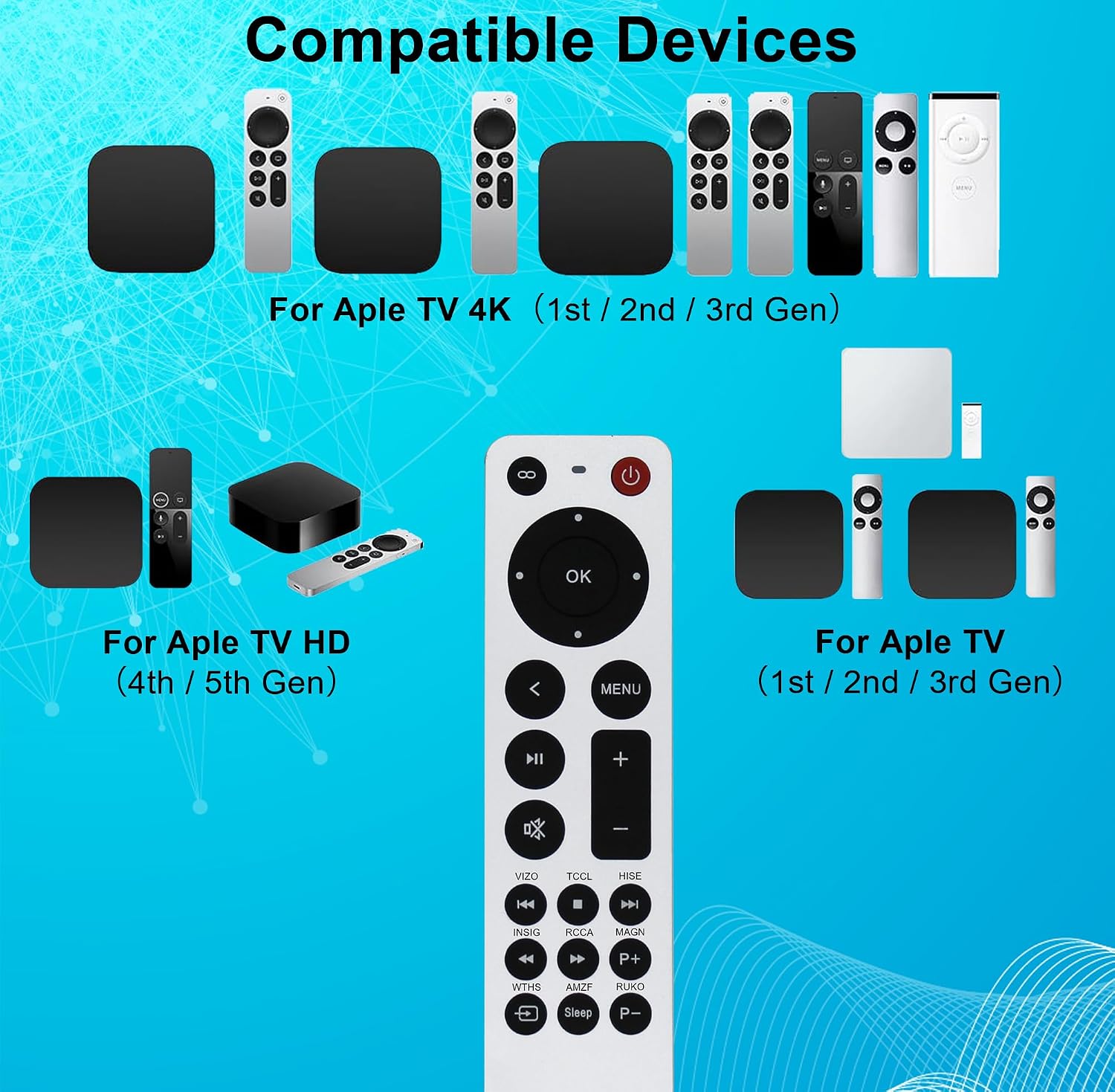
- Compatible models: Apple TV A1218, A1378, A1427, A1469, A1625, MHY93LL/A, A1842, A2169, A2737, A2843.
- Remote compatibility: replaces Apple TV Remote A1156 MA128LL/A, aluminium MM4T2AM/A, and earlier Siri/Apple TV Remote models MQGD2LL/A, MJFM3LL/A, MNC73AM/A.
- Connectivity: IR only, no Bluetooth, no Siri functionality.
- Power: 2 × AAA batteries required, not included.
Benefits
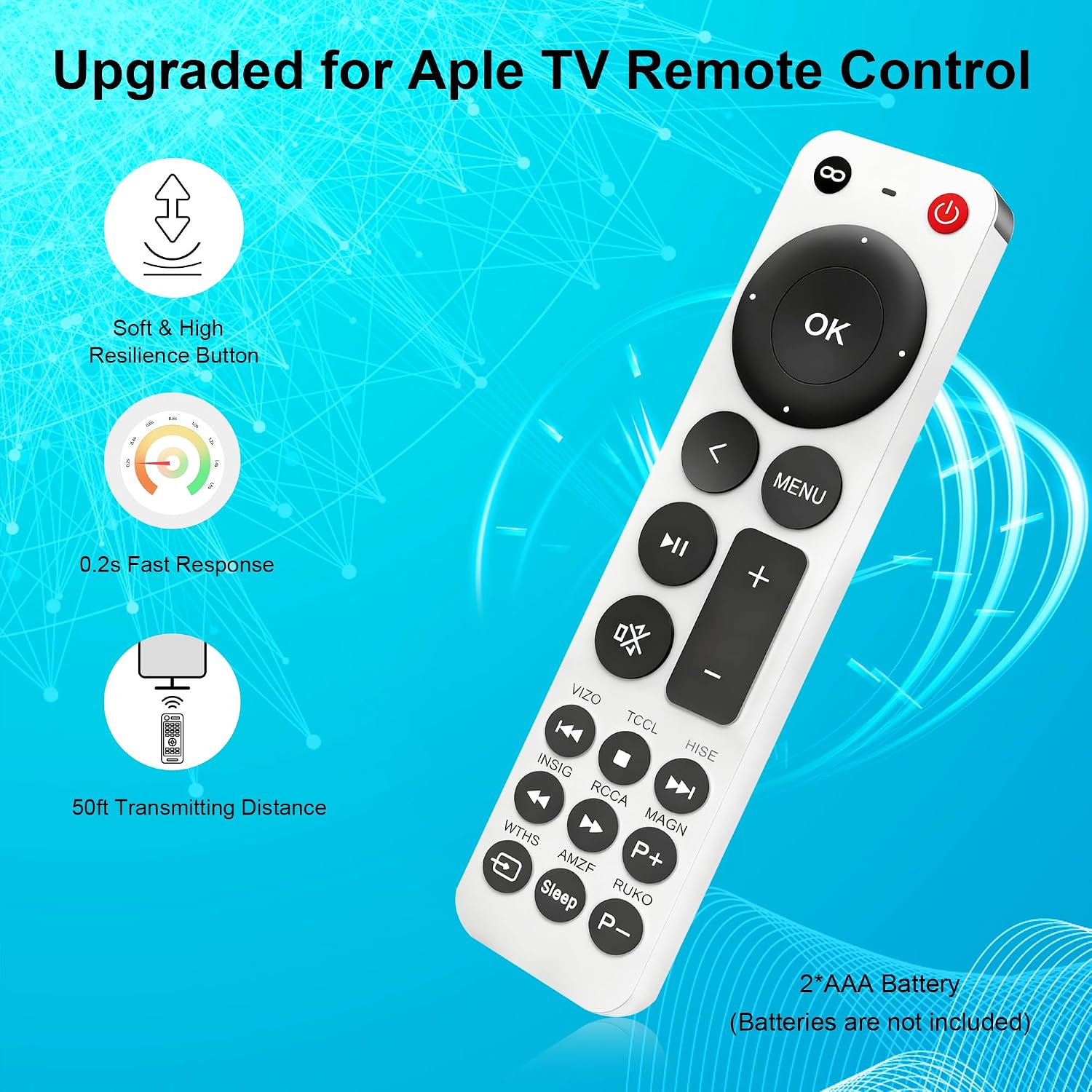
The absence of a touch surface and voice features keeps operation straightforward and familiar for anyone who prefers physical buttons. Setup is intentionally simple, with the remote working once batteries are installed and the Apple TV input is selected or the menu button is pressed. For televisions from certain brands there is partial support for power, volume and mute buttons when used with Vizio, TCL, Hisense, Insignia, Westinghouse or Roku sets, adding some convenience when it is supported.
Usage Recommendations
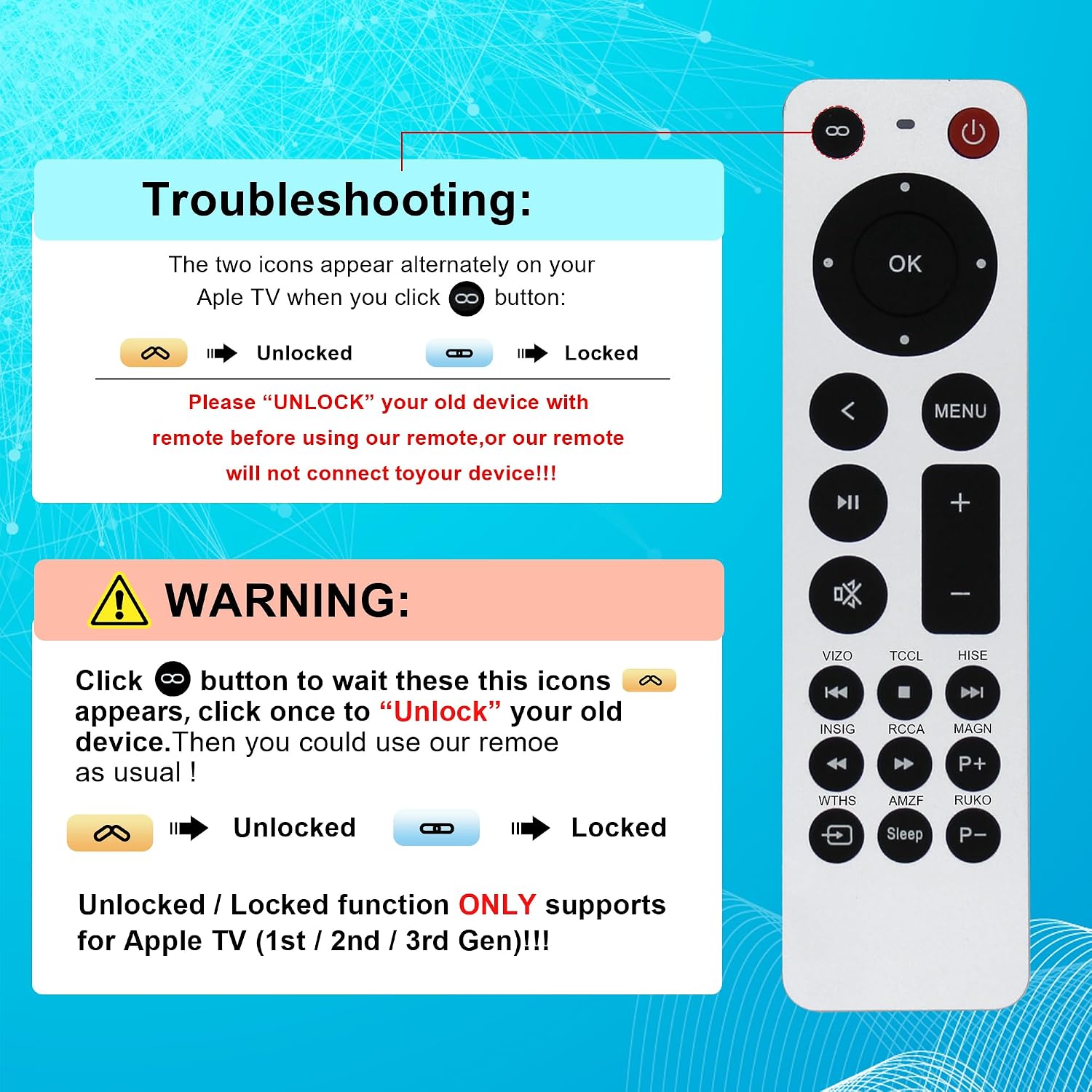
Before relying on all functions, verify your TV brand for volume and power compatibility, because these buttons may only work with certain makes. If you have an older Apple TV that is locked, unlock the device first so the replacement remote can pair and control the unit. Keep two spare AAA batteries handy for uninterrupted use, and consult the included manual for basic button layout and first steps. 😊