

Replacement Remote Control for Insignia Fire TV Stick & Smart TV (Voice Search, Shortcuts, Headset Button) – TV Stick 2nd/3rd Gen & Cube
Product description
What it is and why you’d buy it
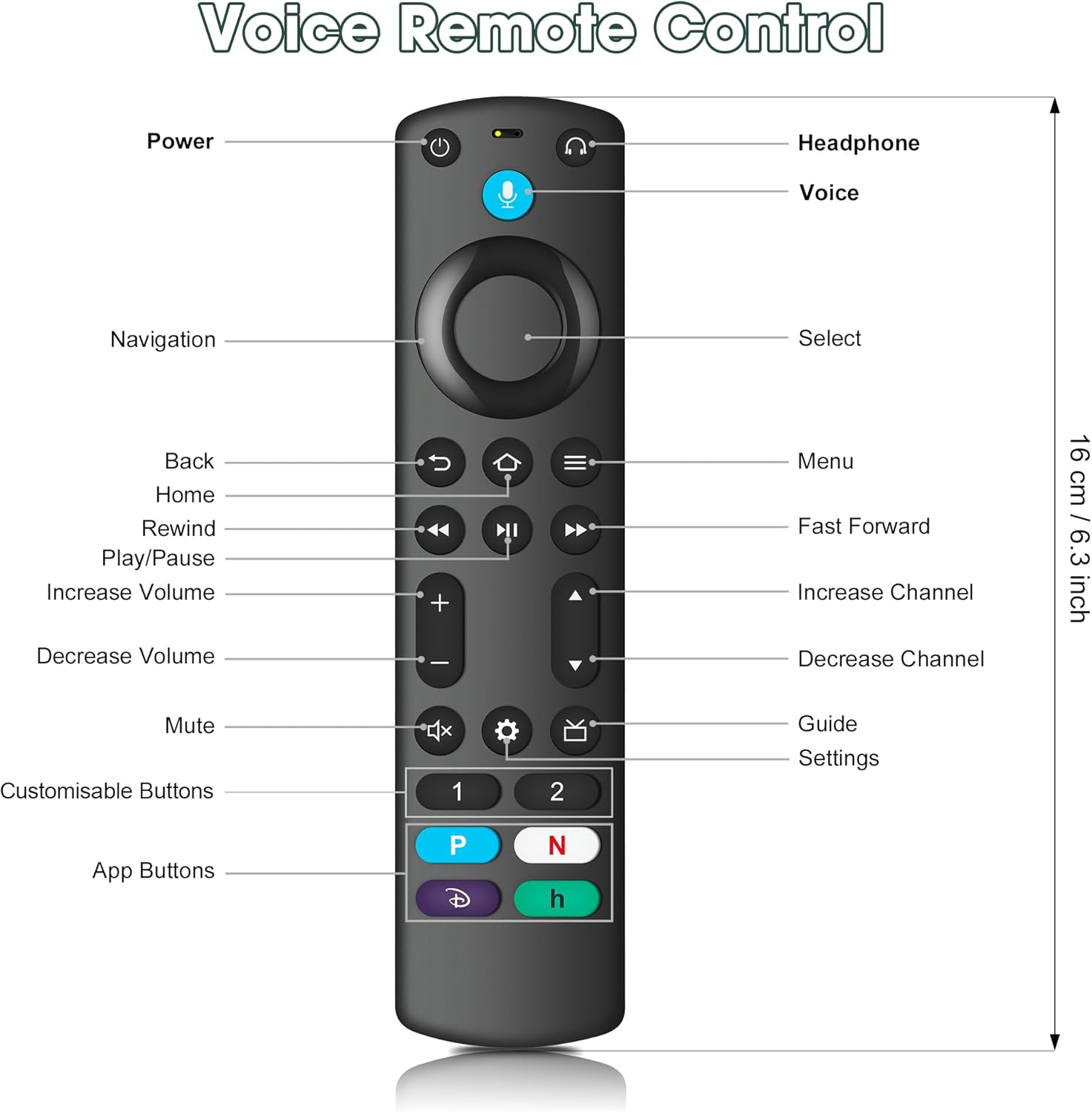
This replacement remote control is designed to restore day-to-day control of certain Insignia Fire TV Stick and related smart TV setups when your original remote is lost, worn out, or no longer responds properly. On paper, it focuses on the essentials people tend to miss most: quicker access buttons, voice search, and a dedicated shortcut/headphones button so you’re not constantly digging through menus.
It’s also clearly aimed at buyers who want a remote that “just works” with the right device family, rather than experimenting with generic remotes and hoping for compatibility.
Key points to know before pairing
Remote replacements can be a bit fiddly, and this one comes with a couple of notes that are worth taking seriously. The pack states that you should remove the batteries from the old remote before pairing, and that you should confirm the connection if it’s not linking within “more than 6 limits” (the wording is a bit unclear, but the intent is obvious: pairing may fail if the setup isn’t done cleanly).
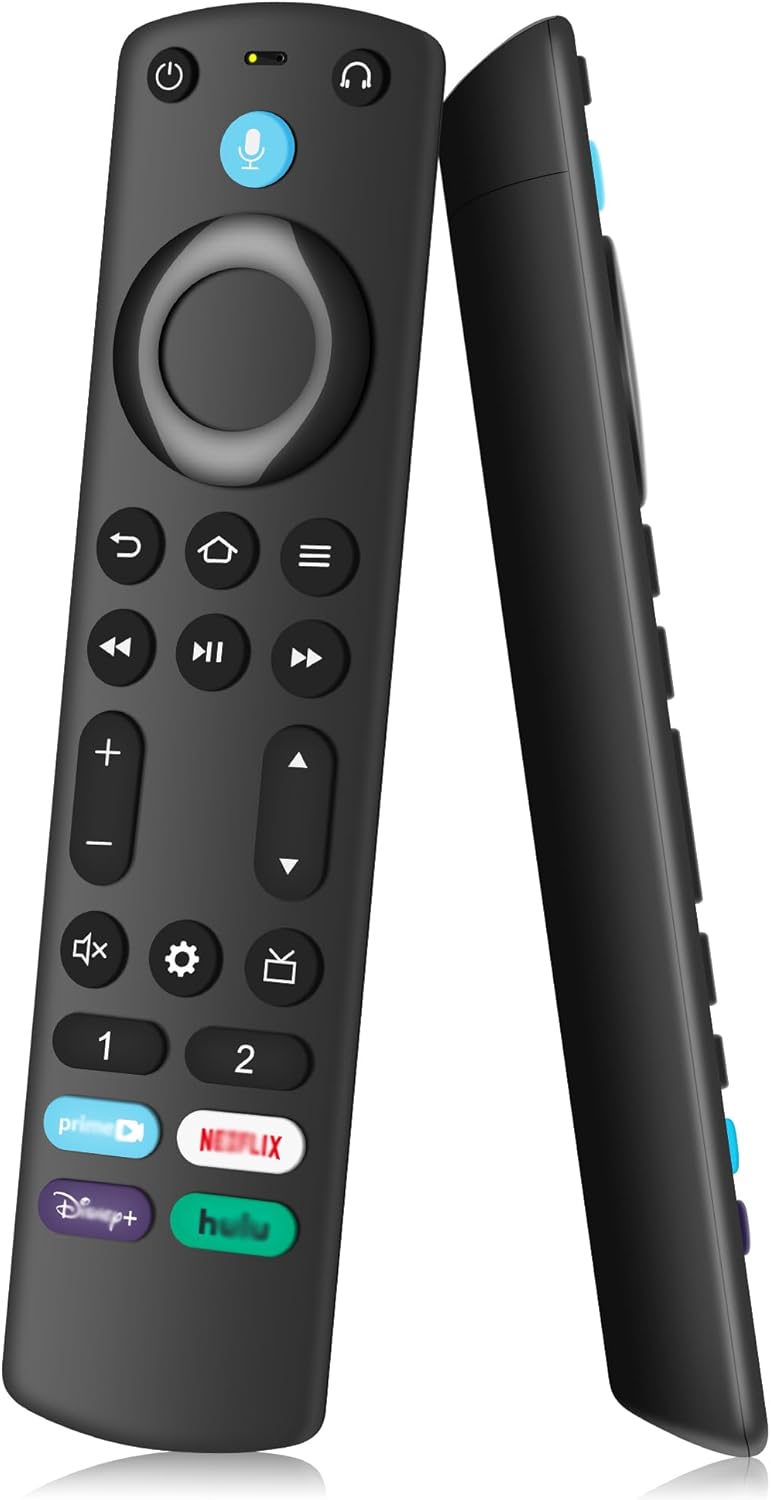
It also uses two AAA batteries, but they’re not included—so it’s worth checking you’ve got spares at home.
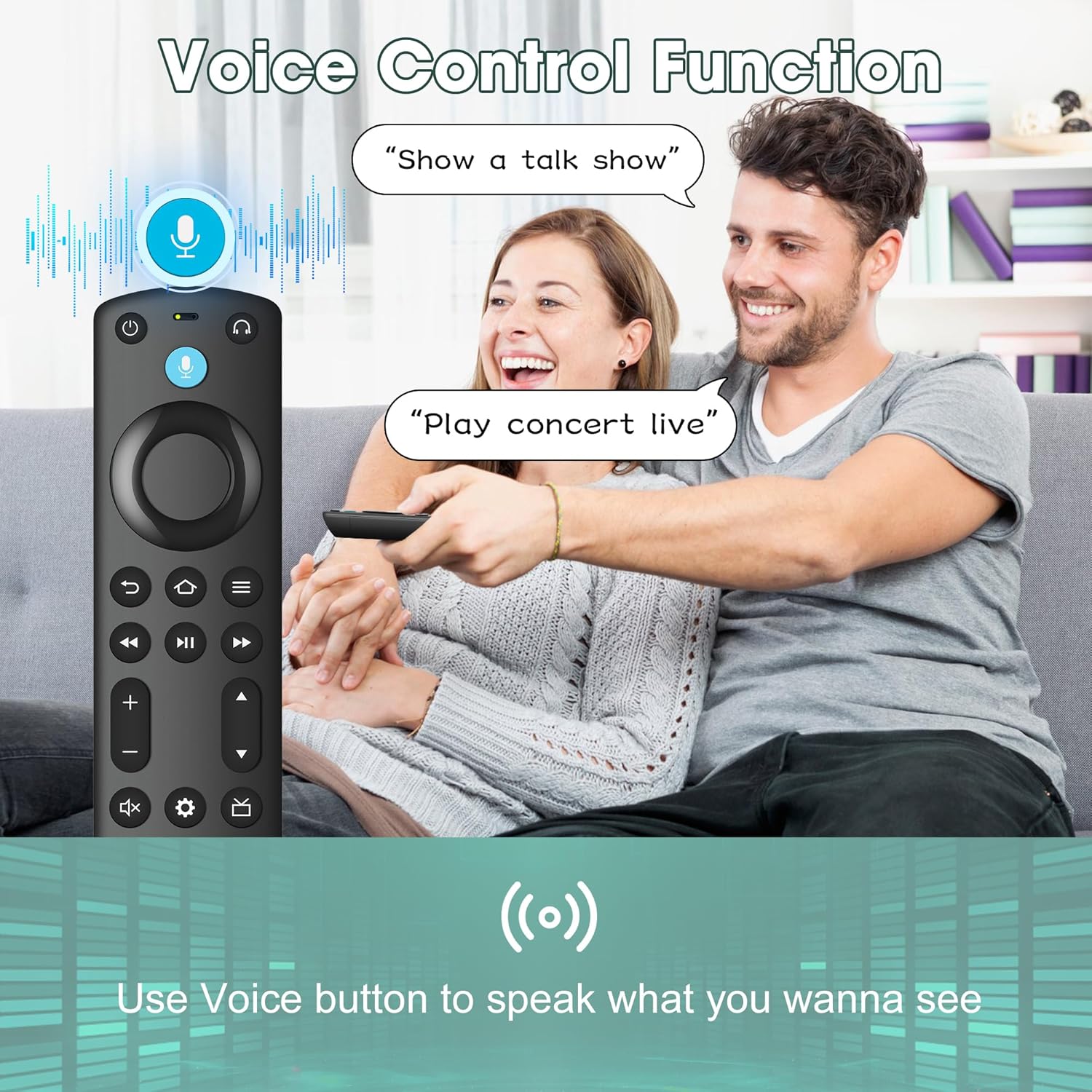
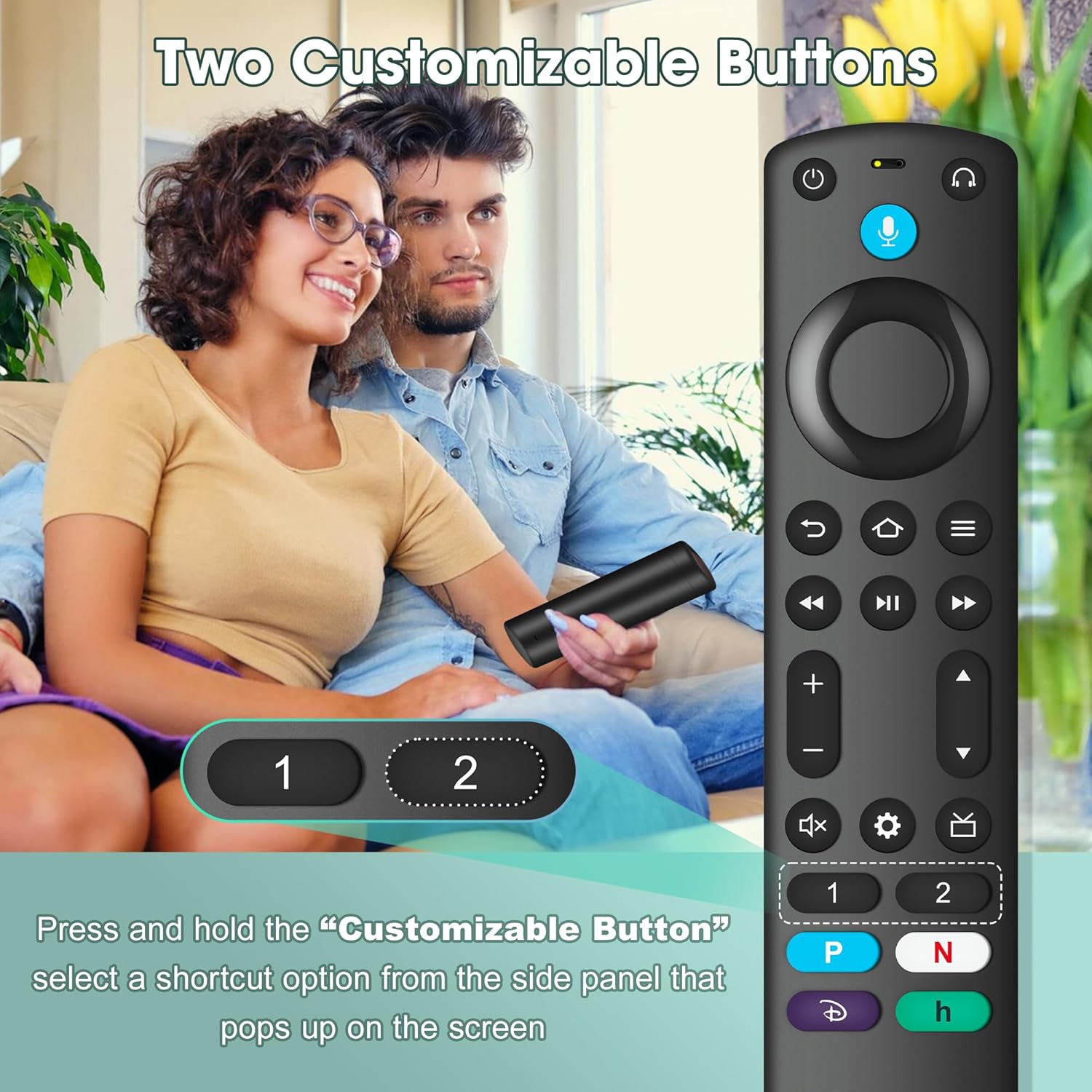
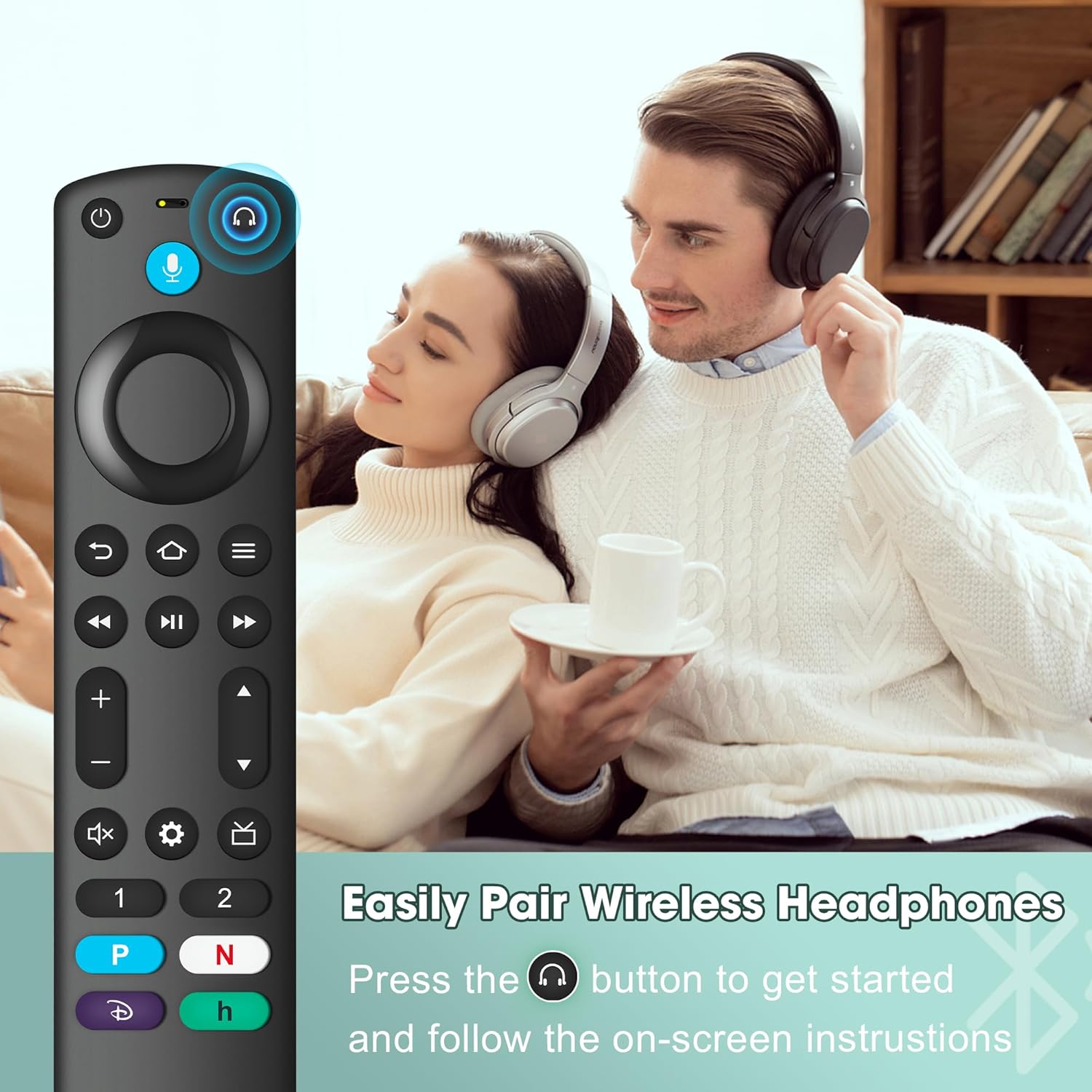
As for functions: the remote includes voice search and shortcut buttons, and it adds two customisable buttons that you can program by pressing and holding. There’s also a dedicated headphone button added to the remote menu for quicker pairing of wireless headphones.
What stands out in everyday use
The most practical difference, compared with basic replacements, is how it’s built around shortcuts and voice. If you often bounce between streaming apps, the pre-programmed shortcut buttons should reduce the number of steps you need to get back to the content you actually watch.
The voice search element is also a genuine convenience feature—especially when you’re trying to find something quickly without typing. And when you use wireless headphones, the dedicated headphone button for quick pairing is the kind of feature you only notice when you don’t have it.
Key features (in plain English)
- Voice search and shortcut access to popular content, designed to make finding things easier.
- 4 shortcut buttons (pre-programmed on the 3rd Gen Pro plus referenced version in the listing) for quicker entry to favourites.
- Customisable buttons: press and hold [1] or [2] to program your own shortcuts.
- Dedicated headphone button for quicker pairing of wireless headphones.
- Replacement designed for listed Fire TV Stick / TV Cube / smart TV ranges including models named in the listing.
No matter how good a remote looks on paper, it’s only as useful as your specific match. So it’s worth doing due diligence against the model ranges mentioned.
Compatibility & requirements to check
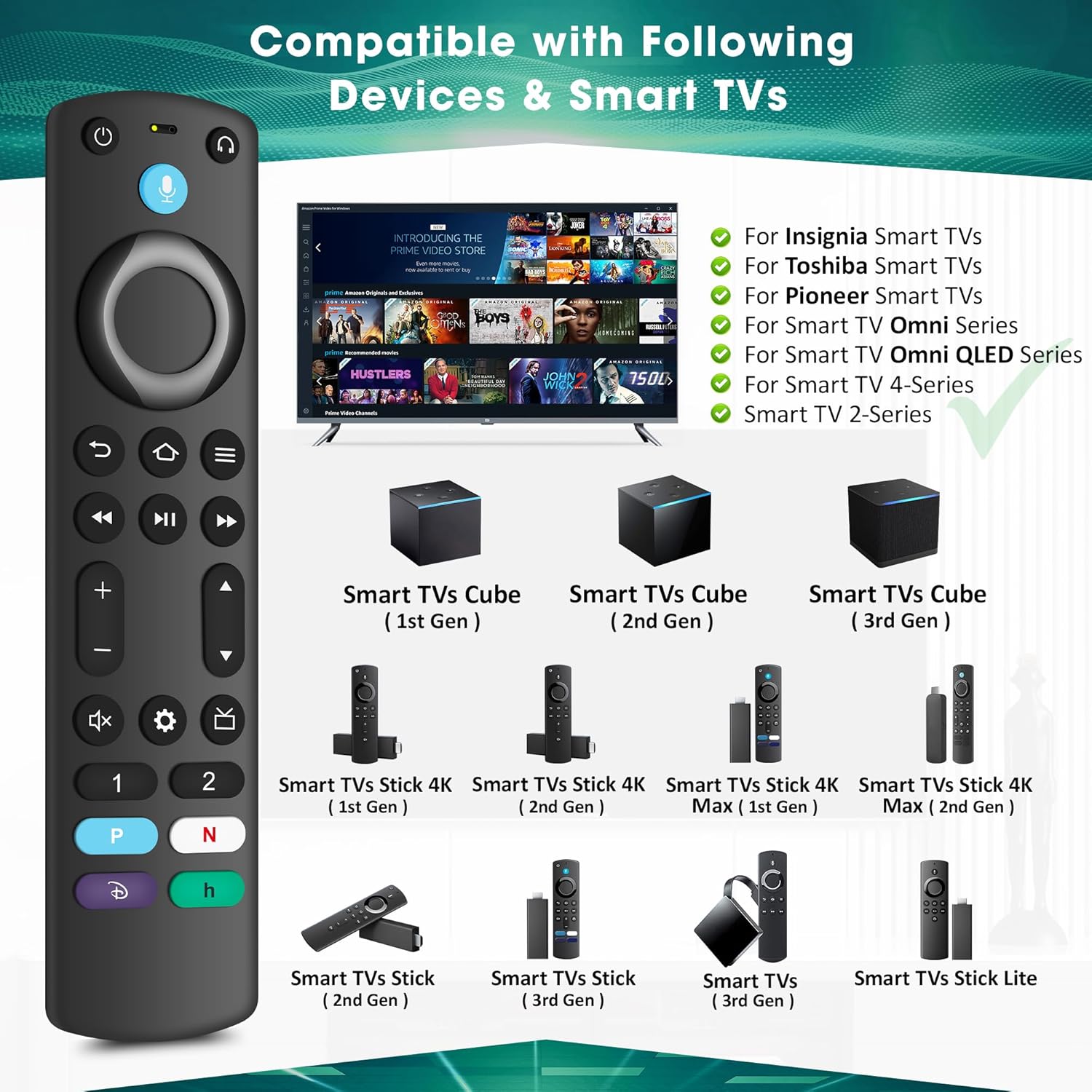
The listing provides a long set of supported devices and remote model names, including:
- TV Cube (1st / 2nd / 3rd gen)
- TV Stick 4K Max (1st/2nd gen), Fire TV Stick 4K (1st/2nd gen)
- TV Stick (1st/2nd/3rd gen) and TV Stick Lite
- Smart TV (3rd gen)
- Also mentions Omni QLED and Omni series smart TVs, plus specific Toshiba and Insignia smart TV series model numbers
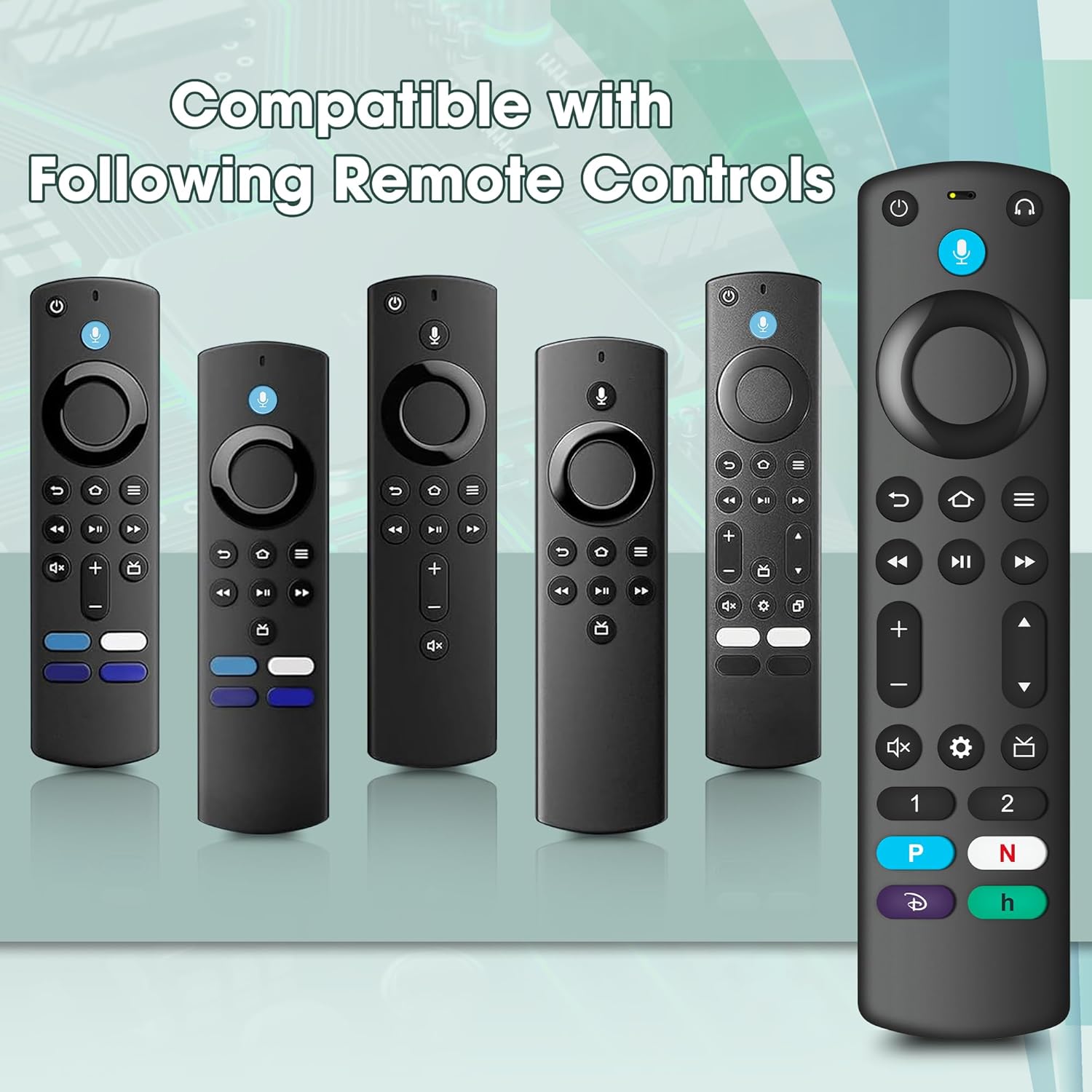
There are also “especially for” references to specific remote models like tv stick Voice remote (2nd Gen/3rd Gen) and some Insignia/Toshiba remote control identifiers (e.g., NS-RCFNA-21, CT-95018, CT-RC1US-21, and similar).
It’s a lot to compare, so the limitation here is simple: if your exact setup isn’t within those listed ranges, this could be a mismatch. It may still power on and show buttons, but you shouldn’t assume full functionality unless the model lines up.
The essentials: what you’ll get in the box
The package contains: - 1 × remote control - User manual - Note that 2 × AAA batteries are not included
That’s straightforward, but it means you’ll need to source the batteries yourself before testing.
Should you buy it?
Final verdict
It makes sense if you need a replacement remote for a compatible Insignia Fire TV Stick / related smart TV setup and you specifically want voice search, shortcut buttons, and a dedicated headphone pairing button. It’s also a solid choice if you prefer customisable buttons so you can reach your usual streaming apps faster.
You may want to skip it if your TV model (or your current remote model) isn’t clearly covered by the long compatibility list in the listing. Replacement remotes live or die on matching the right family, and the pairing notes suggest you should expect to follow the process carefully.
Worth noting: this is positioned as a replacement for the listed ecosystems, not a universal remote for everything.
Mini FAQ
Is the remote ready to use straight away?
You’ll still need to insert two AAA batteries (not included) and follow the pairing notes from the listing.
Does it support voice search?
Yes. The listing explicitly mentions a voice search function.
Are the headphone features included?
Yes—there’s a dedicated headphone button intended to help with quick pairing of wireless headphones.
Can I set my own shortcuts?
You can program two custom buttons by pressing and holding [1] or [2], according to the listing.
What should I double-check before buying?
Check that your TV device model and/or your existing remote model are covered by the specific ranges and remote identifiers mentioned in the listing.