

ZRZLMVP 2-in-1 USB Type-C Presentation Clicker (2.4GHz, rechargeable) for PowerPoint & Keynote
Product description
The essentials
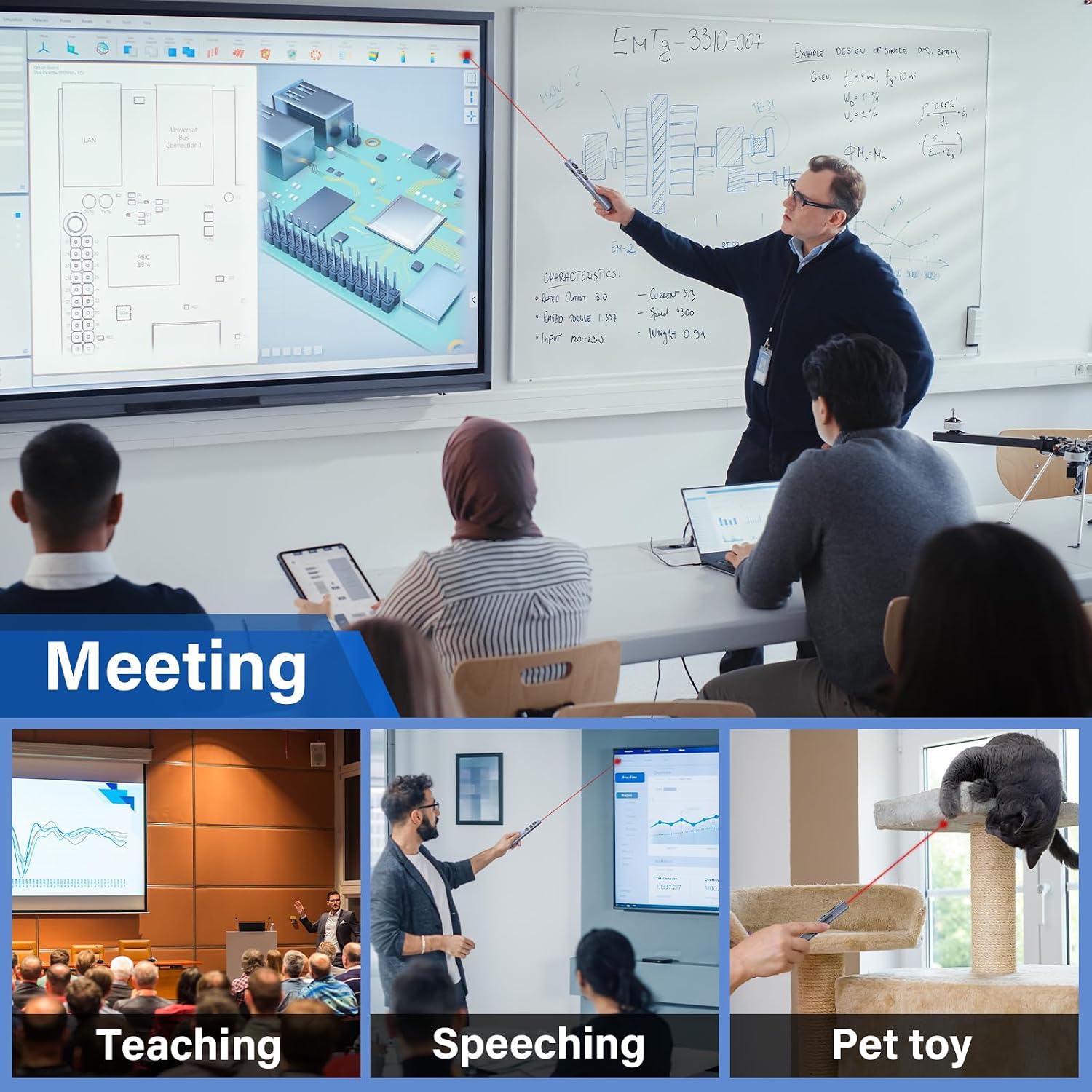
If you deliver slide-based talks, a presentation clicker is one of those small tools that can make everything feel smoother: less scrambling, fewer distractions, and more control over your flow. The ZRZLMVP 2-in-1 USB Type-C Presentation Clicker is designed to act like a wireless remote for slide advancing, with a red pointer-style option and classic controls such as page up/down, switching windows, and screen modes.
On paper, it’s aimed at everyday presenters who want straightforward navigation without installing software. It also leans into convenience by offering both USB Type-C and “traditional” USB connectivity, depending on what you plug it into.
The one thing to keep in mind: the light/pointer is not intended for TV/LED/LCD screens. If your setup is more “consumer display” than “presentation system”, you’ll want to double-check compatibility before relying on it.
What it does well in real use
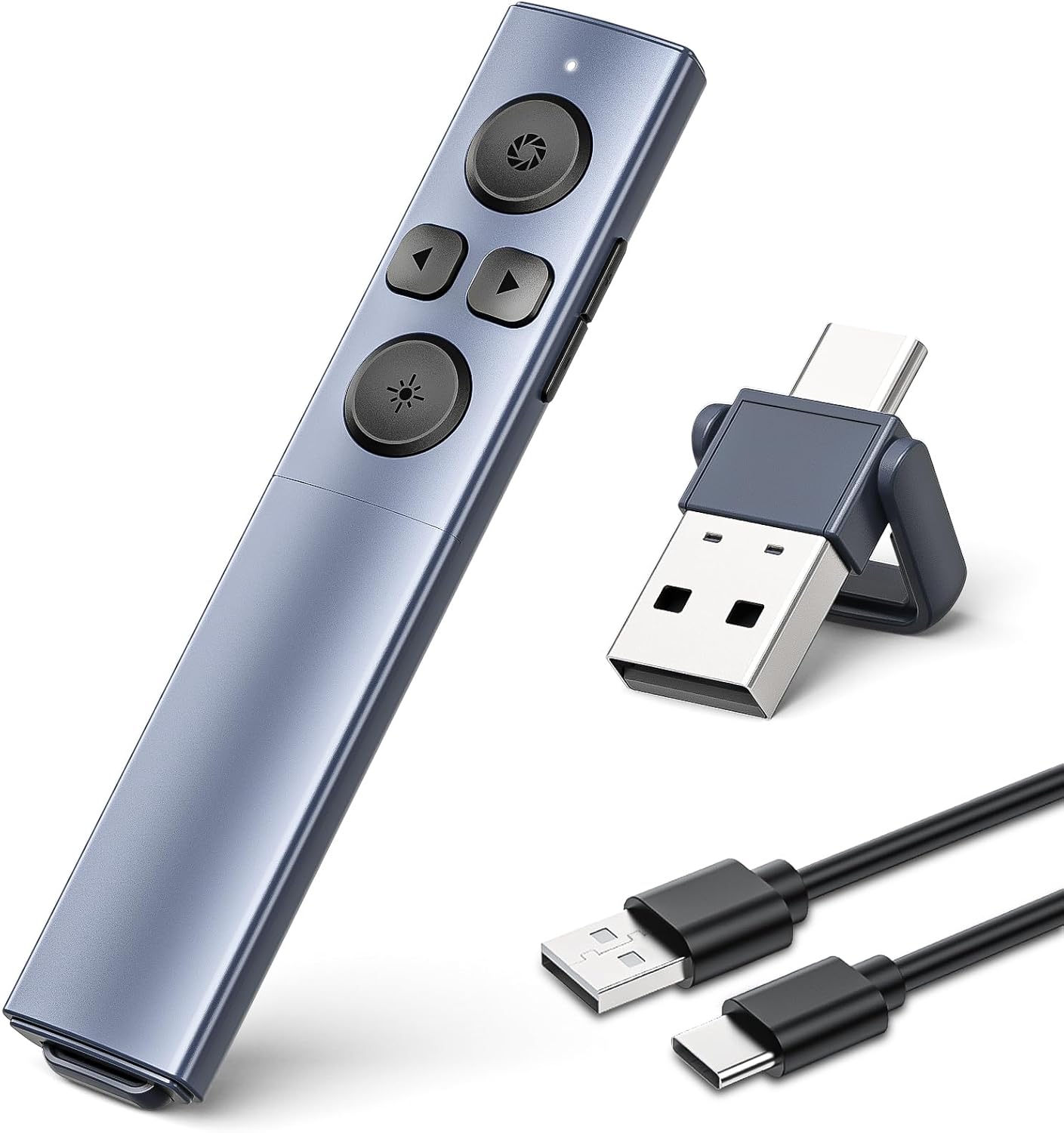
The core job here is simple: you plug the included 2.4GHz USB receiver in, then use the clicker buttons to move through slides and manage a few on-screen commands.
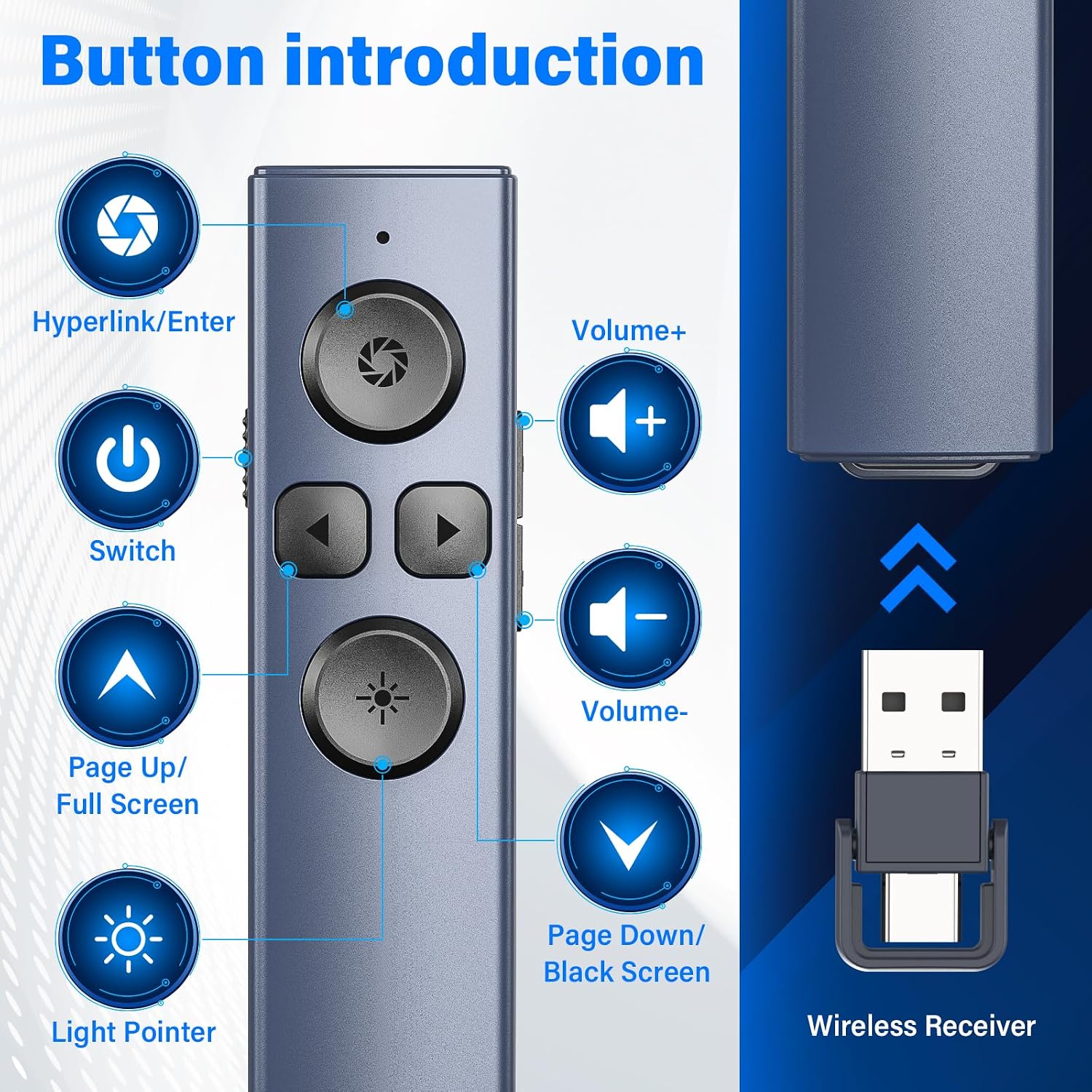
In a typical session, you can walk to the front of the room, keep your laptop closed or less in the way, and still advance slides with confidence. The included controls are described as covering red pointer-style indication plus functions comparable to page up/down, window switching, and full/black screen and volume control.
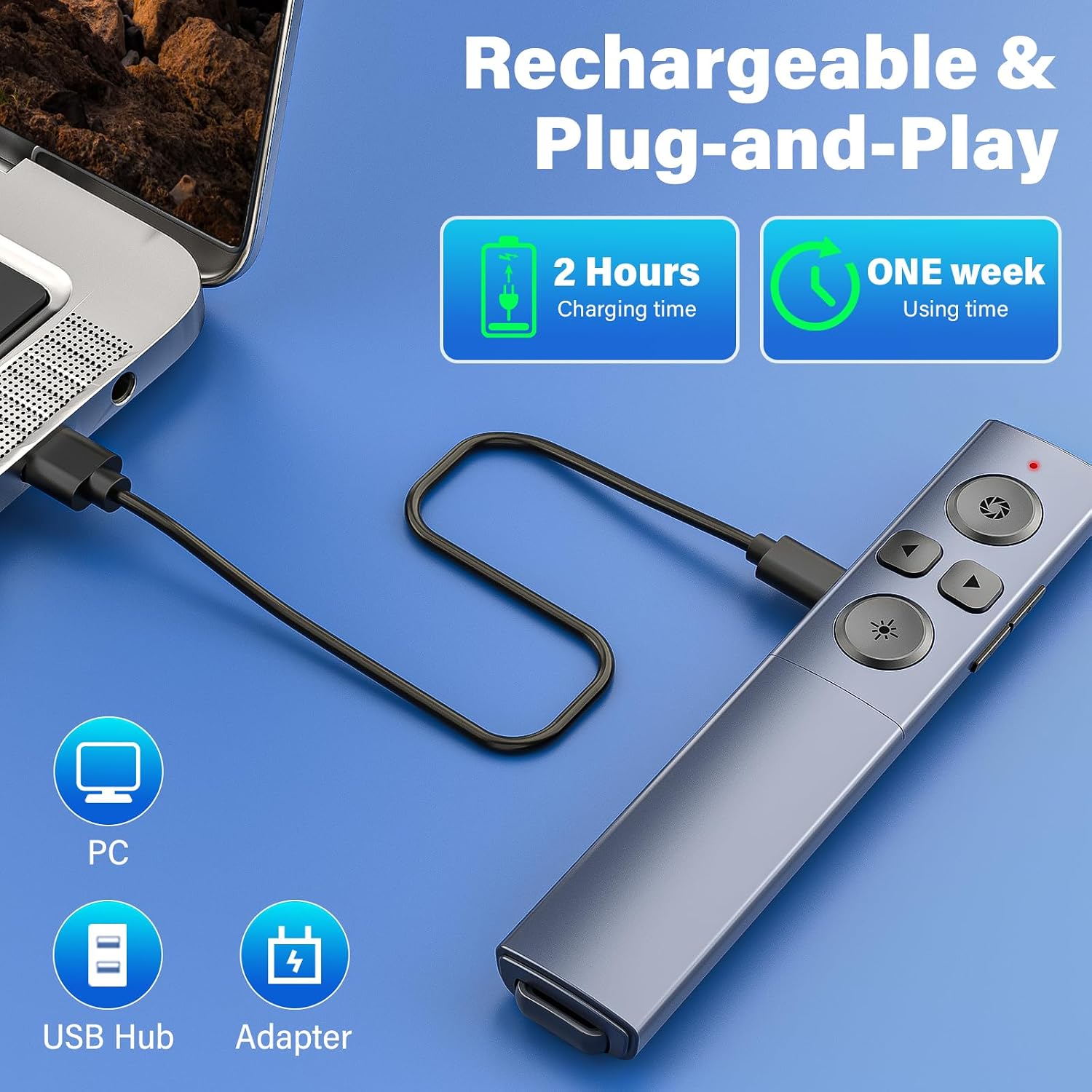
It’s also rechargeable, so you’re not constantly hunting for batteries. The product includes a low-battery reminder function (an indicator that slowly flashes four times after you press the button), which is the kind of detail that can genuinely save a stressful moment when you’re halfway through a talk.
Where the “2-in-1” idea helps
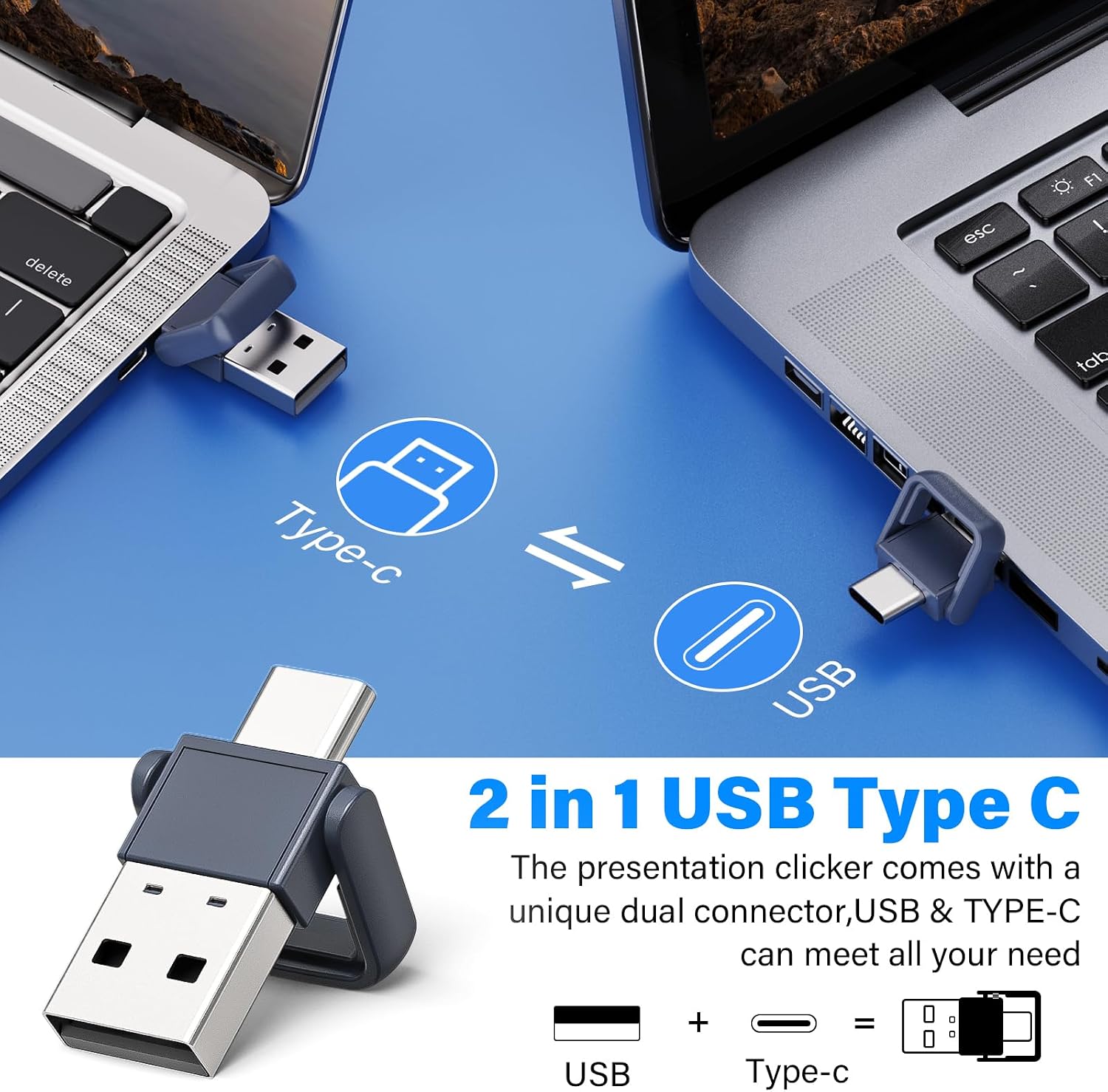
The main convenience angle is connectivity. This clicker is described as compatible with both USB Type-C ports and traditional USB ports. Practically, that means you’re less likely to get caught out when your laptop only has USB-C, or when you’re using an older machine for a meeting.
Just remember: it’s still a USB receiver situation. You’re not pairing over Bluetooth based on the information provided—so you’ll want a free USB slot (or a free USB-C port) where you can plug the receiver in.
Key things to consider before you buy
There’s a lot to like, but it’s worth being realistic about what the spec sheet suggests.
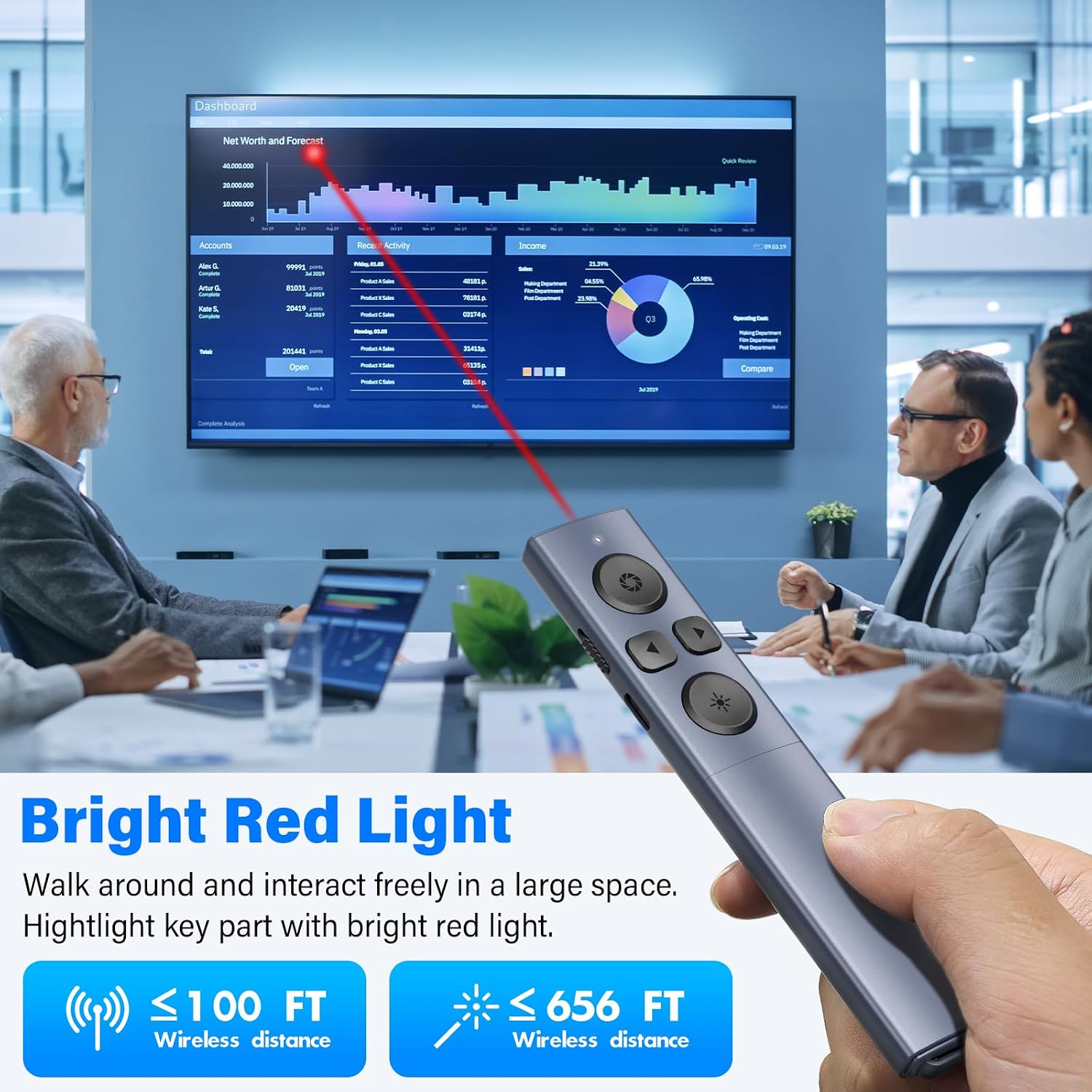
First, the wireless “presentation control distance” is stated as up to 100-foot, while the “red light irradiation distance” is stated as up to 656-foot. Those numbers sound impressive, but performance can vary quite a bit depending on the room and obstacles. Treat them as targets rather than guarantees.
Second, the pointer/light is specifically noted as not recommended for TV/LED/LCD screens. If your presentations are usually on a TV or a consumer flat-panel display, you may find it less suitable.
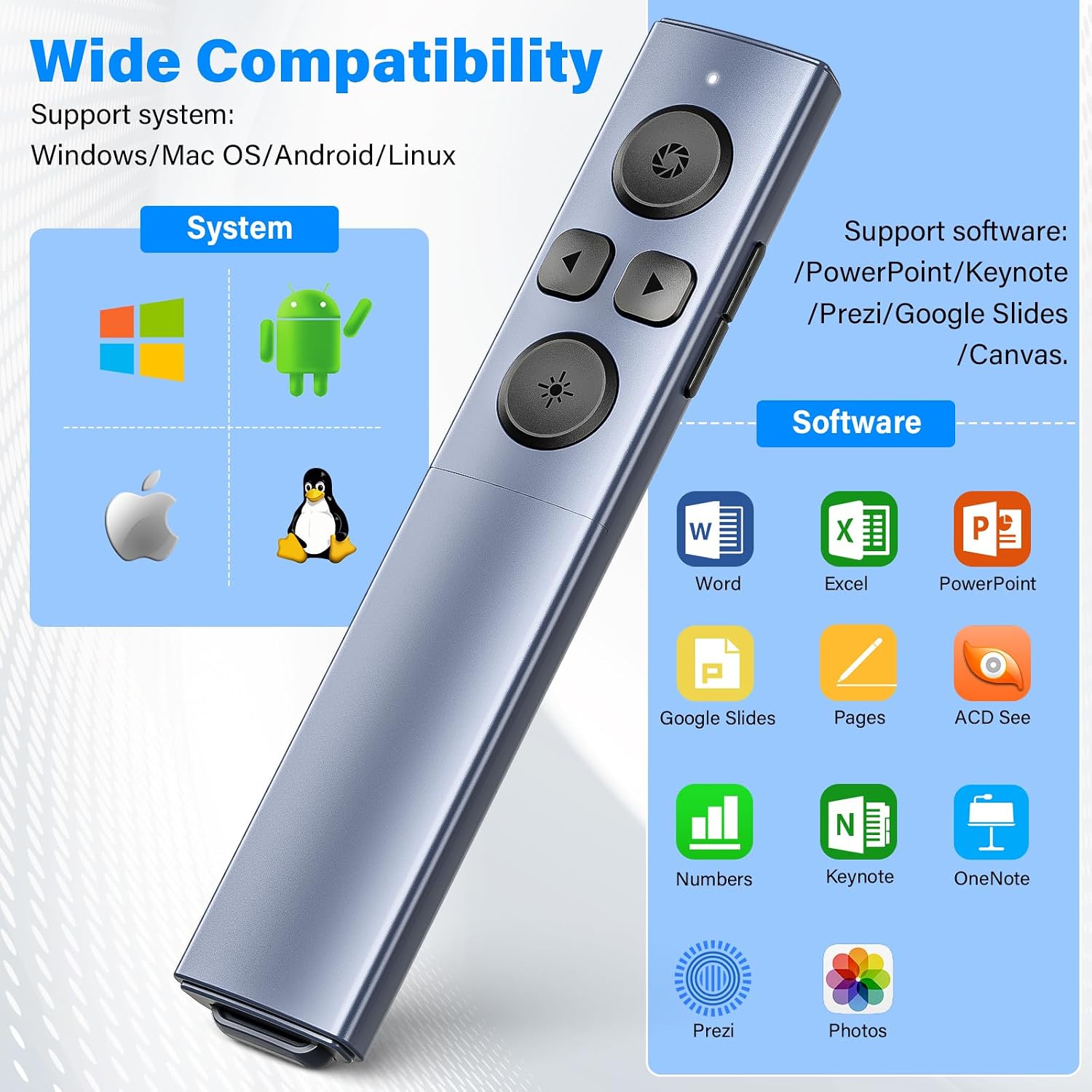
Finally, the compatibility list is broad (Windows versions, Mac OS, Linux, Android are mentioned, and PowerPoint/Keynote/Prezi/Word/Excel/iWork and other software are listed). Still, broad compatibility doesn’t always mean every button function will behave identically in every app—so if your workflow depends on a particular shortcut, it’s sensible to test with the software you actually use.
Tech specs (as stated by the listing)
- Type: Presentation clicker / presenter remote (2-in-1 USB Type-C & USB)
- Wireless technology: 2.4 GHz
- Range (presentation control): up to 100-foot
- Range (red light irradiation): up to 656-foot
- Battery: built-in 300 mAh lithium battery
- Recharge time / estimated use: up to about one week after charging for 2 hours (as described)
- Standby: up to 180 days (as described)
- Battery reminder: indicator light slowly flashes four times after pressing when power is low
- Receiver: USB receiver included
- Output class / maximum output: Class 2, maximum output < 1 mW
- Compatibility (systems): Windows 2003/XP/Vista/7/8/10/11, Mac OS, Linux, Android
- Compatibility (software): PowerPoint, Keynote, Prezi, Word, Excel, ACD See, iWork, etc. (as stated)
- Caution: do not point at eyes of people or animals
Pros
- Rechargeable battery rather than disposable cells
- 2.4GHz USB receiver setup for responsive slide navigation (no software installation stated)
- USB Type-C and traditional USB support for more flexible laptop use
- Includes a low-battery reminder indicator
- Ergonomic design described as comfortable for longer holds
Where it may fall short for some people
This clicker is likely best viewed as a practical, mid-range class presentation tool rather than something “premium” in feel or feature set. If you need very specific multi-monitor behaviour, deep configuration options, or you mostly present on TV/LED/LCD screens, it may not be your most reliable choice.
Also, if you’re expecting it to work without a USB receiver (for example, tablet-only setups without a suitable USB port), you’ll likely have to rethink your approach.
Is it worth it?
It makes sense to buy the ZRZLMVP 2-in-1 USB Type-C Presentation Clicker if you want a rechargeable wireless remote for slide changing, you can use a USB receiver on your laptop/PC, and you’d like the flexibility of USB-C support. It’s especially handy for anyone who gives repeat talks and wants a device that’s easy to plug in and use, with basic presentation controls.
You may want to skip it if your presentations mainly rely on TV/LED/LCD screens, or if your setup can’t provide a free compatible USB Type-C/USB port for the receiver. As with any wireless presenter light feature, also consider that real-world range and brightness can vary by room conditions.
Mini FAQ
How do I connect it for PowerPoint or Keynote?
You plug the included wireless USB receiver into your computer, then use the clicker to control slides. The listing states it’s plug & play and does not require software installation.
Is it battery powered or does it use disposable batteries?
It uses a built-in rechargeable lithium battery (300 mAh). The listing describes charging via a computer or charger.
Does it work with USB-C laptops?
Yes—this is a 2-in-1 design described as compatible with USB Type-C and traditional USB ports.
Is the red pointer suitable for TV screens?
The listing explicitly says it is not recommended for TV/LED/LCD screens.
What operating systems and apps does it mention?
It mentions Windows (multiple versions), Mac OS, Linux, and Android, and lists software such as PowerPoint, Keynote, Prezi, Word, Excel and iWork (among others). For anything very specific, it’s sensible to test your exact workflow.