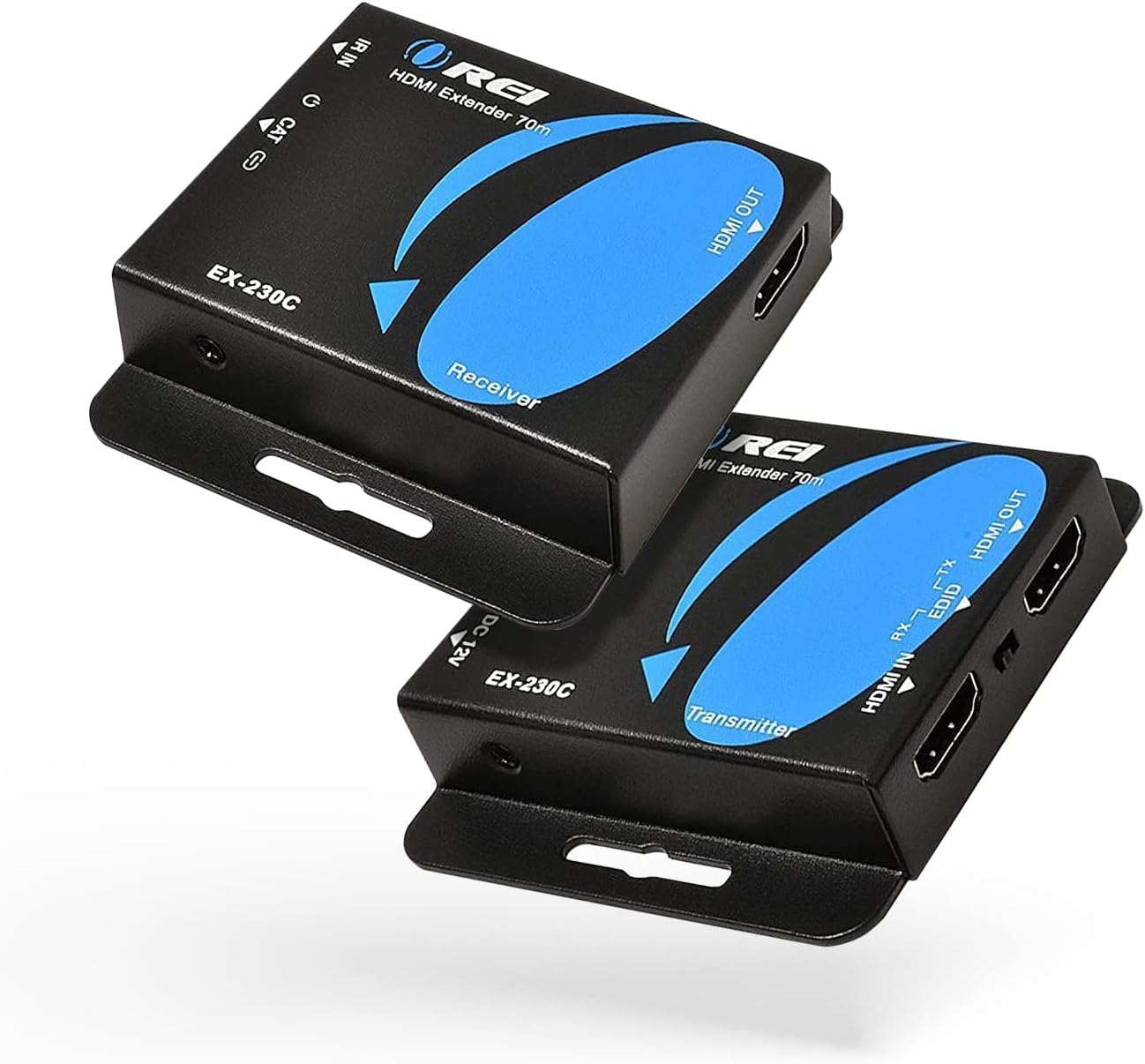
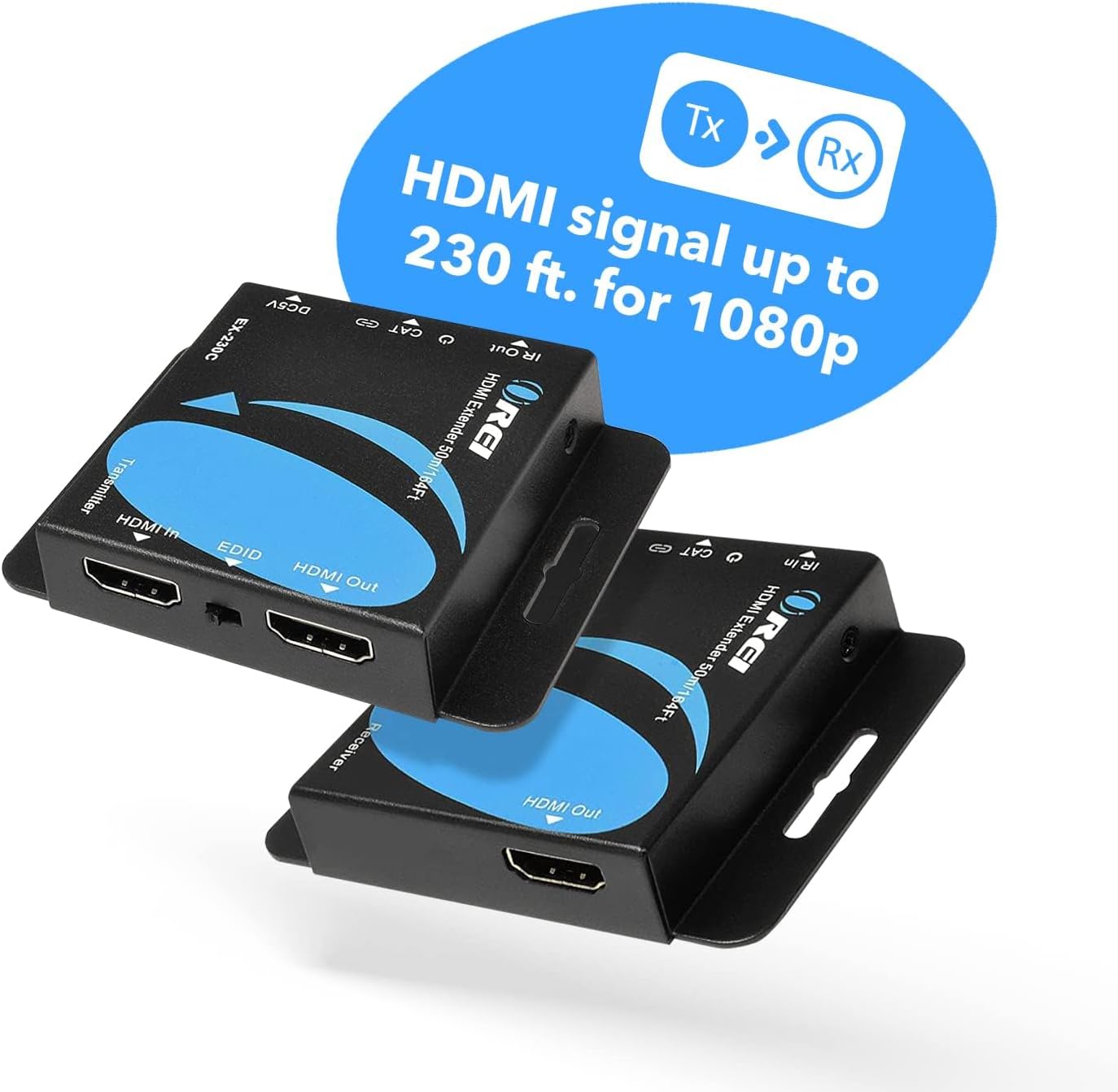
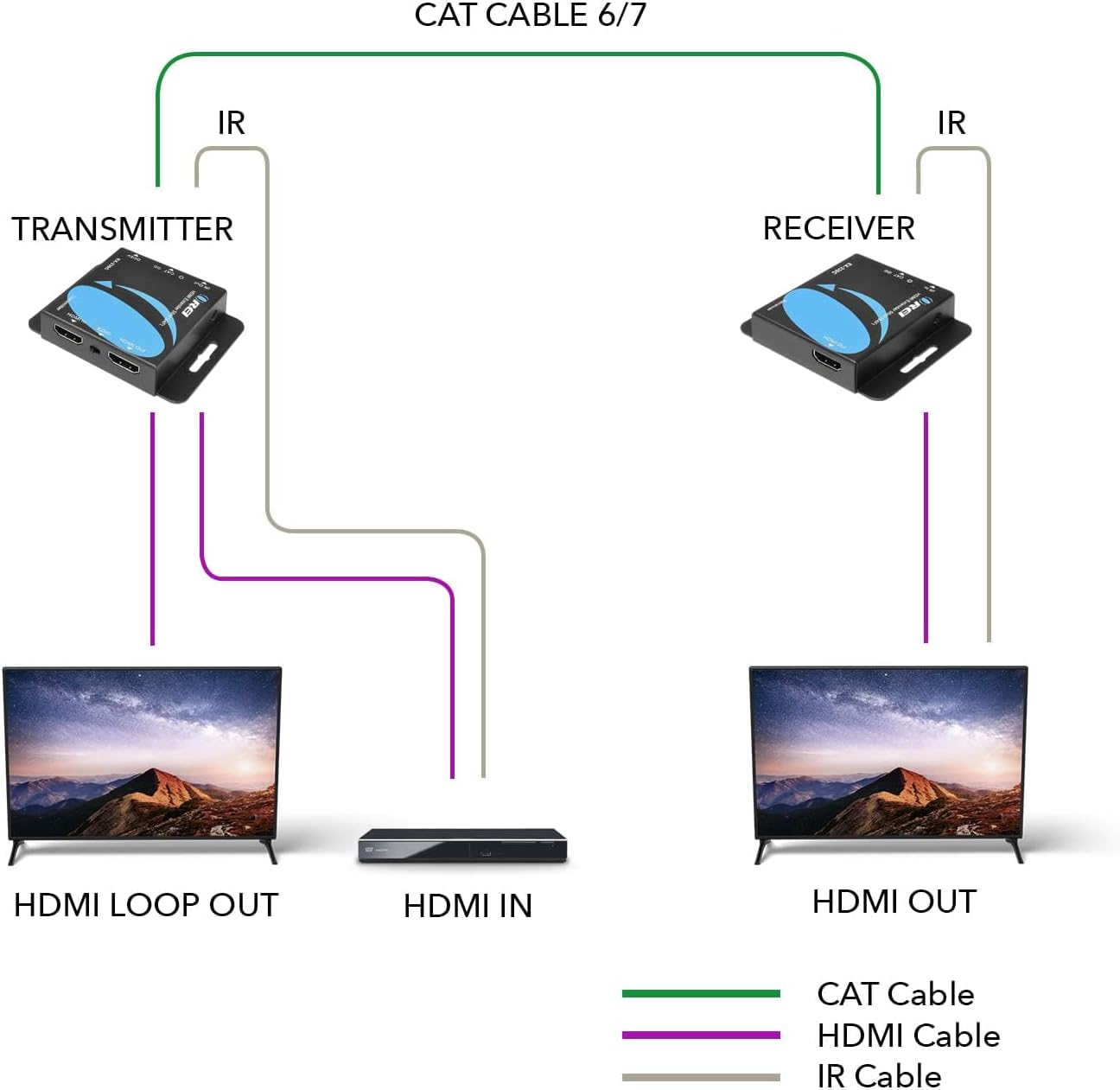
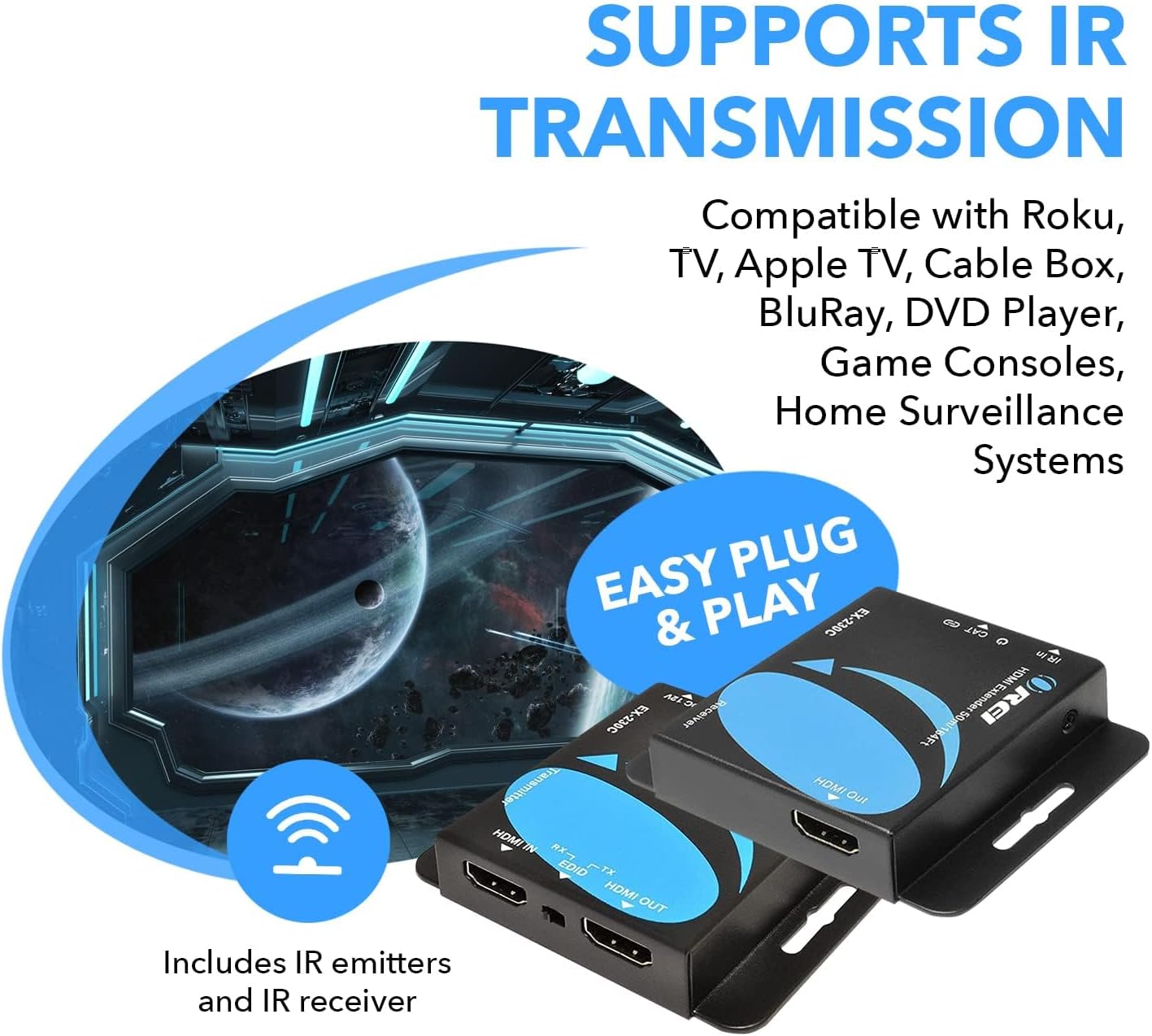
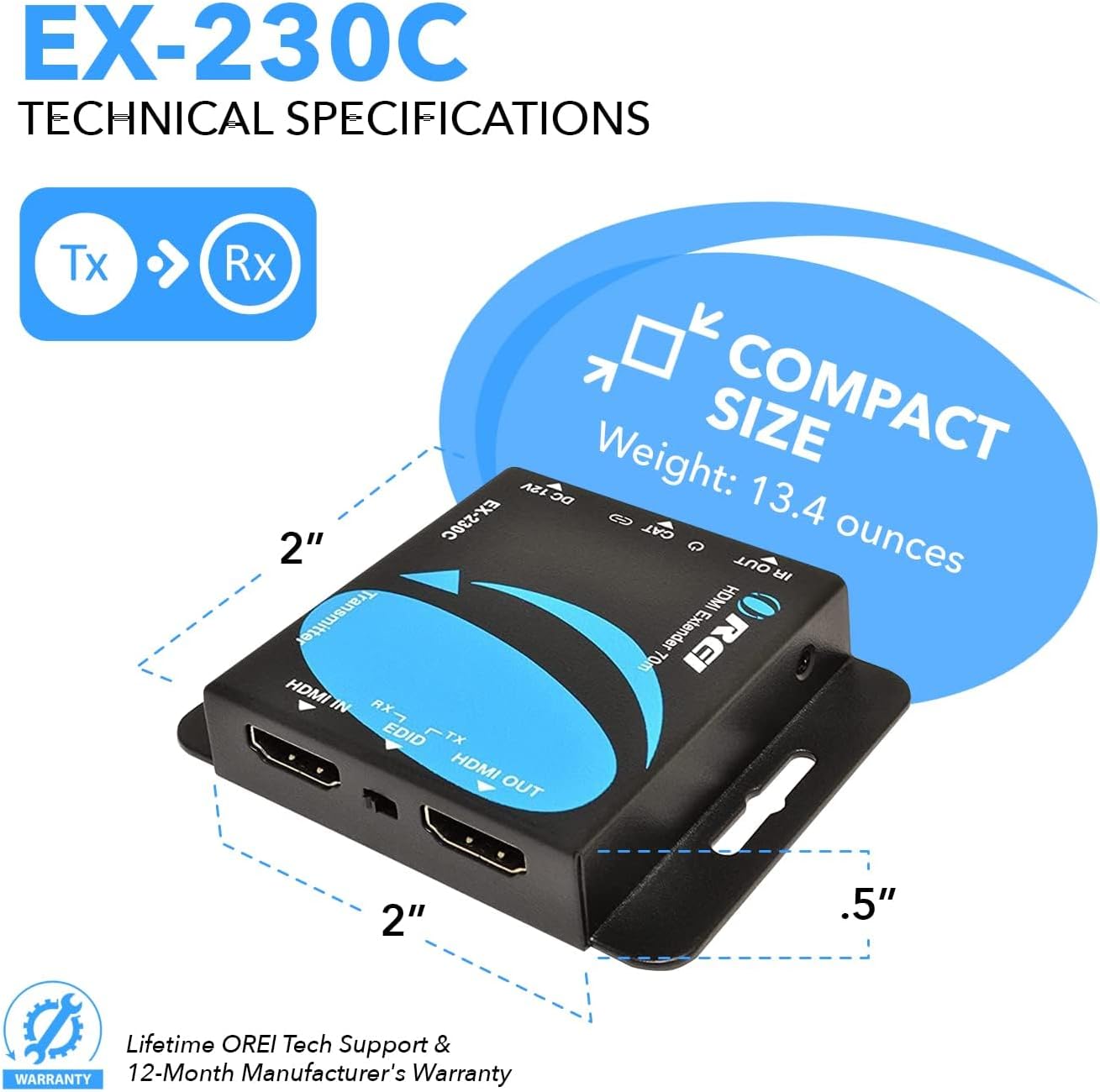
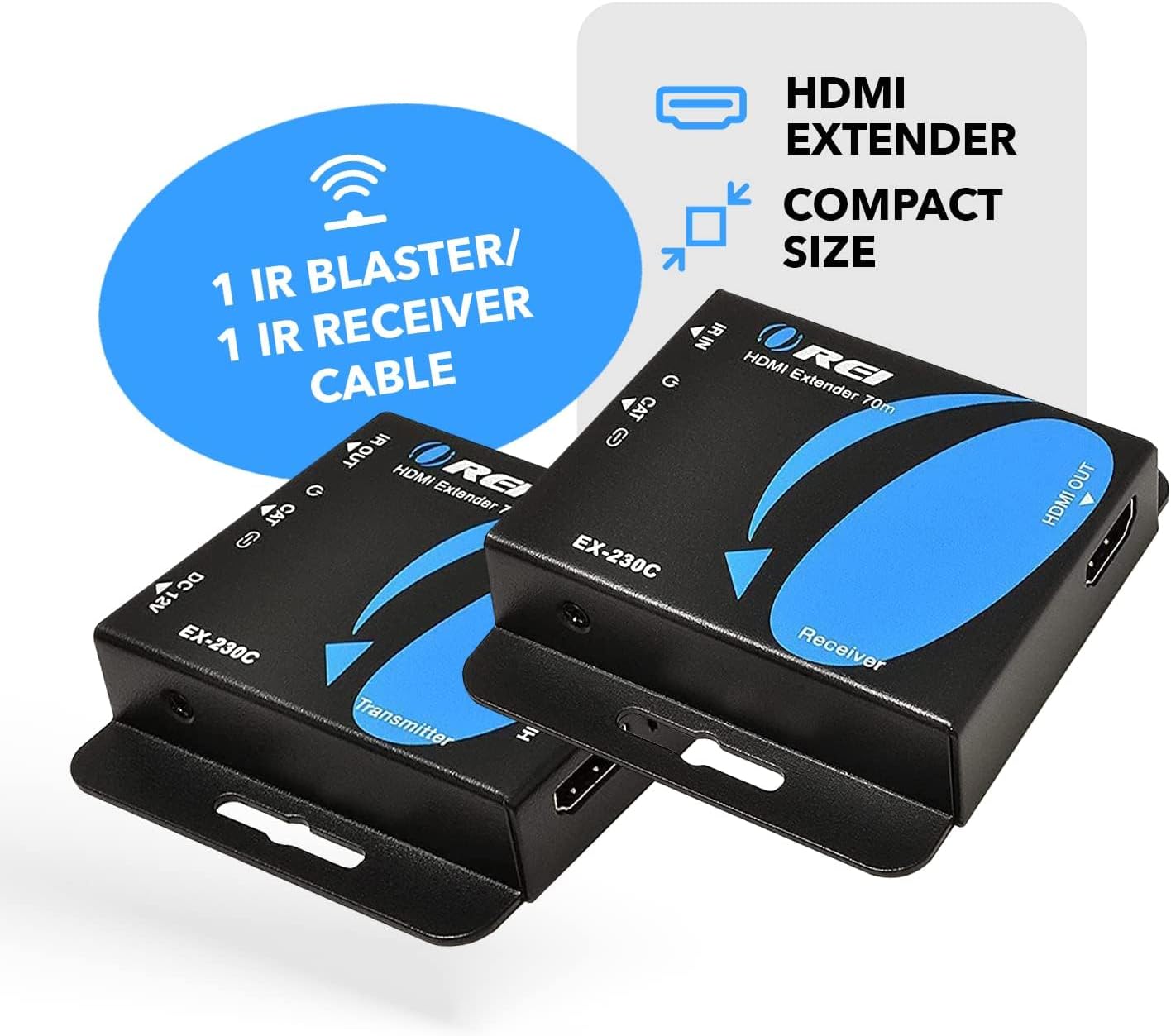
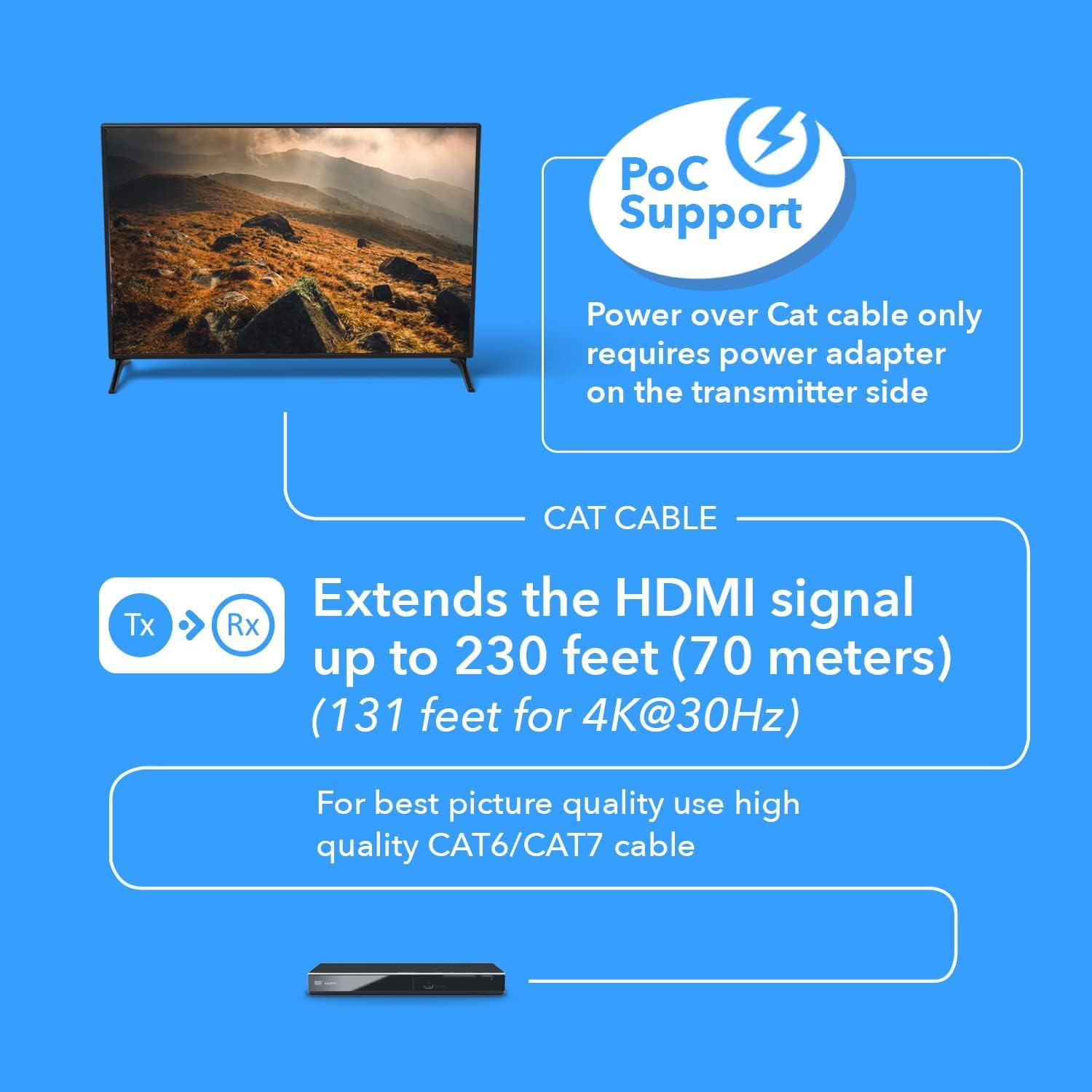
What it is and what it does\nThe OREI EX-230C is a plug‑and‑play HDMI extender that uses CAT6/CAT7 cables to send high‑definition video signals over long distances. On paper, it can transmit 4K at 30Hz up to 130 feet and 2K at 60Hz, or Full HD up to 230 feet, with power supplied via Power over Cable (POC). This means you only need one power supply at the transmitter to run both ends. The kit includes a transmitter and receiver, plus IR blaster/receiver cables for basic remote control of connected equipment from the display side.\n\n## How it works in practice\nThe system uses CAT6/7 cabling and recommends shielded cables for best picture quality. It’s designed as a practical solution for homes or small offices wishing to place a display away from the source—think a PC, game console, Blu‑ray/media player, or a smart box in another room or a meeting space. It supports EDID management with a copy option (local or remote EDID), so you can tailor the display behaviour to your setup. The included M‑JPEG processing helps keep the bandwidth reasonable with some compression, though expect a slight trade‑off in peak image fidelity compared with a direct HDMI run.\n\n## What to consider before buying\n- Cable quality matters: a shielded CAT6/CAT7 helps maintain picture stability, especially at longer runs.\n- 4K at 30Hz is common for this type of extender, if you need 4K at 60Hz, this model may not meet that spec.\n- The system uses a single power adaptor for both ends, but note the transmitter must be powered for the whole setup to work.\n- EDID options can be handy if you’re juggling multiple displays, but the exact behaviour may require a test in your environment.\n- It’s not a universal upgrade path for every HDMI source, some devices or edge cases may require alternative extenders or direct runs.\n\n## Pros and what stands out\n- Truly does extend HDMI over Ethernet, with a basic 4K/HD support and long reach for full HD.\n- Power over cable reduces clutter and the need for multiple power supplies.\n- Local loop out lets you mirror to a display at the transmitter end, which can simplify certain layouts.\n- Includes IR in/out for basic remote control from the receiver side.\n\n## Cons and limitations to keep in mind\n- 4K is specified at 30Hz, so fast motion may not be as smooth as 4K60 setups.\n- Image quality relies on cable quality and EDID handling, limitations are inherent to the technology and compression used.\n- No driver installation required, but it’s still a fixed, dedicated link rather than a general purpose HDMI over IP solution.\n\n## Who it’s for\n- People who want to place a display far from the video source without running long HDMI cables.\n- Small offices or teaching spaces where a single transmitter/receiver can cover room‑to‑room video with basic remote control.\n- Those who appreciate a single power supply and a straightforward, plug‑and‑play approach.\n\n## Who it isn’t ideal for\n- If you require 4K at 60Hz or higher bandwidth for very fast gaming or high‑motion content, this extender may fall short.\n- Environments with very long, uncontrolled cable runs or interference may degrade performance more than in controlled tests.\n\n## When it makes sense to buy\n- When you need to locate a display in a different room up to around 130 feet for 4K content at 30Hz, or much further for 1080p sources, and you want a tidy, powered solution.\n- If you want a simple setup with EDID copy options and a basic IR control path, without investing in more complex HDMI over IP systems.\n\n## What to check before you buy\n- Ensure you have shielded CAT6/CAT7 cabling for best results.\n- Confirm your source and display support 4K@30Hz or 1080p as required by your setup.\n- Plan your layout to make the transmitter’s power supply easily accessible.\n\n## Practical use example\nA home cinema corner where a Blu‑ray player sits in one room and the projector is in a separate area could use the EX‑230C to feed 1080p content across the house, or 4K at 30Hz if the source supports it. The IR Blaster/Receiver helps you pause or play from the seating area without getting up, and the local loop out lets you monitor a display in the source room as well.\n\n## In the box\n1x HDMI Transmitter, 1x HDMI Receiver, 1x Power Supply Adaptor, 1x IR Blaster Cable, 1x IR Receiver Cable, 1x Product Manual.\n\n## FAQ (tested questions based on available data)\n- Does it need drivers? No, it is plug‑and‑play.\n- What resolution can I expect over long runs? Up to 4K at 30Hz or 1080p at longer distances, depending on cable and EDID handling.\n- Is there a power requirement on the receiver side? Power is supplied via the transmitter using Power over Cable, the receiver is powered through the link.\n\n## Final verdict\nIs it worth it? Worth considering if your priority is to extend HDMI over a CAT6/CAT7 run with a simple, powered setup and you’re okay with 4K at 30Hz. It offers practical long‑reach capability, a clean power solution, and basic remote control support, but it isn’t the best option if you need 4K at 60Hz or very high‑motion performance.