

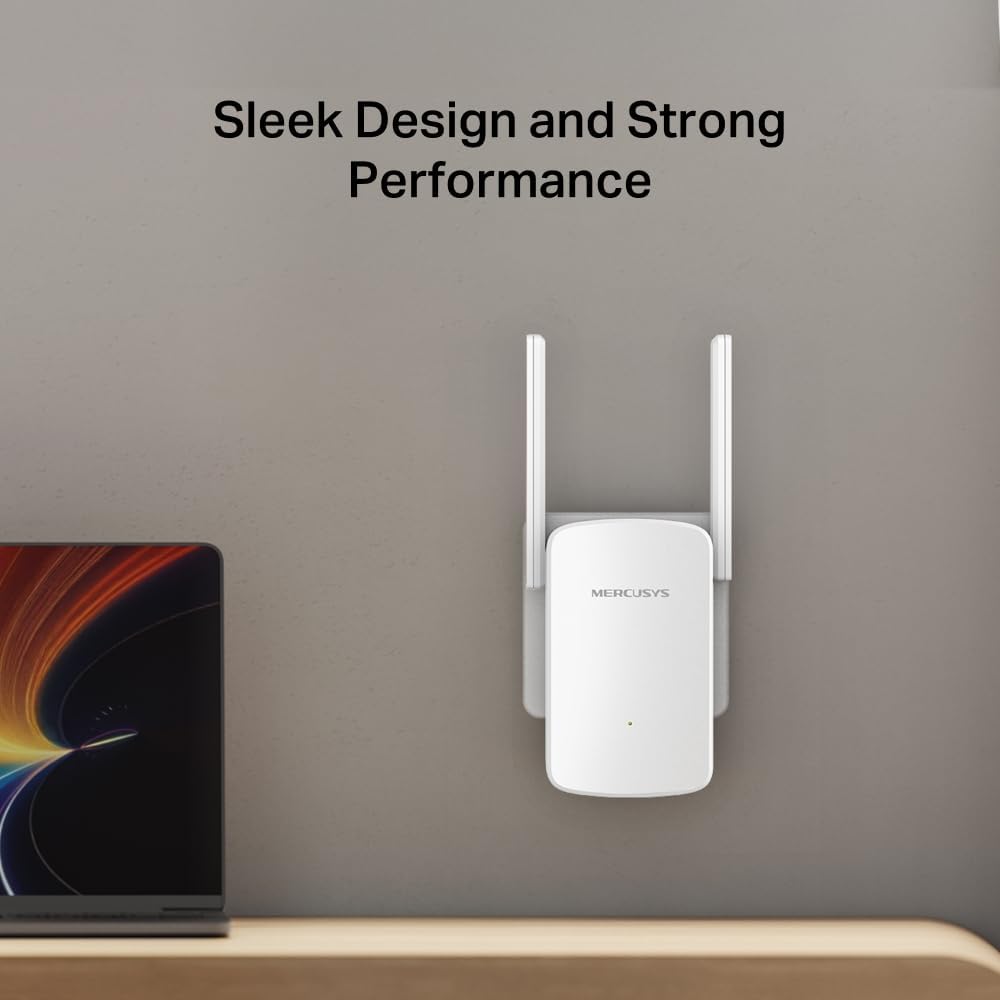
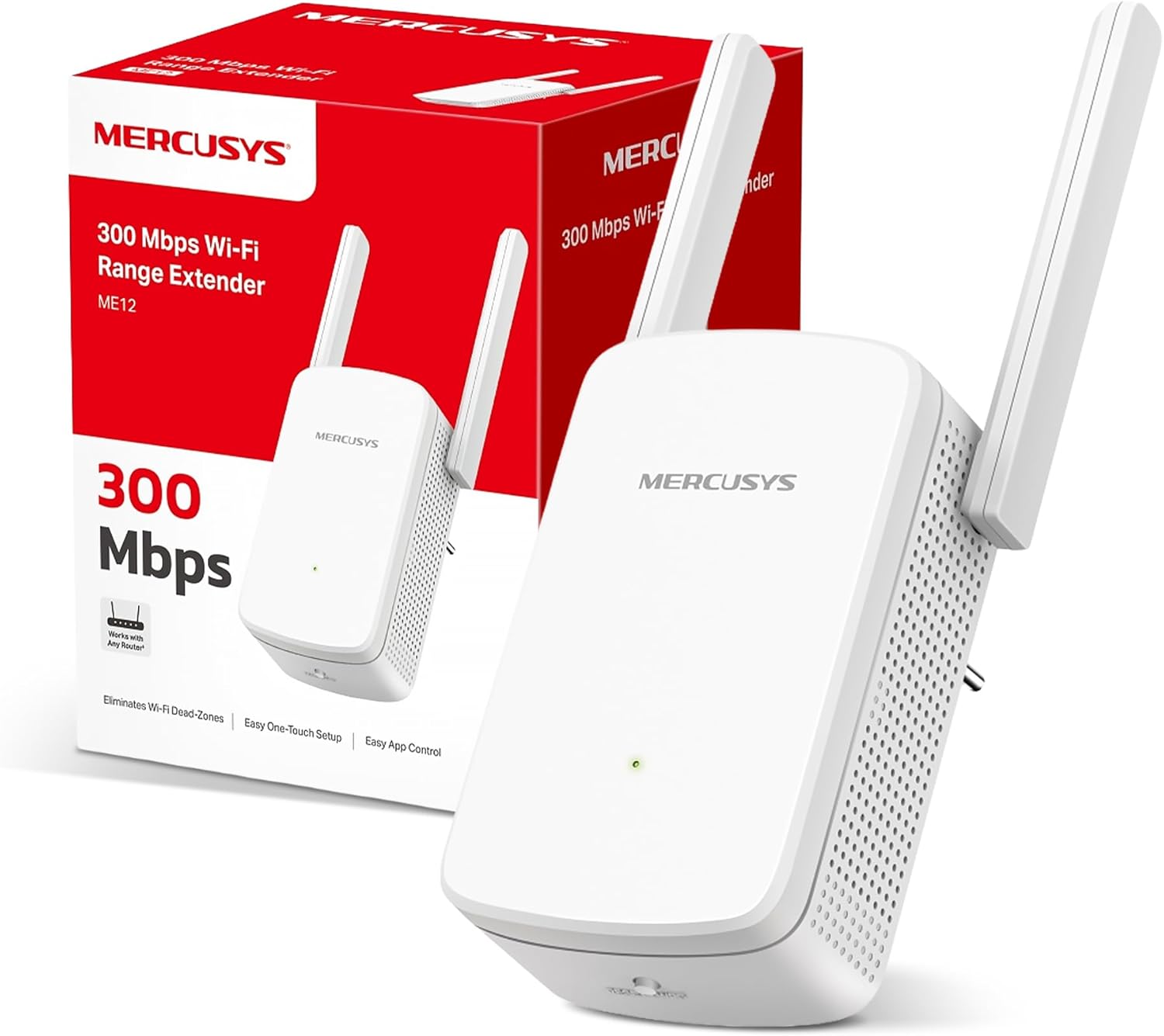
MERCUSYS ME12 WiFi Extender Booster with 2 External Antennas (ME12) — app control, plug and play
Product description
If your Wi‑Fi signal feels fine in the kitchen but goes missing in the hallway or upstairs landing, a WiFi extender is often the quickest fix. The MERCUSYS ME12 WiFi Extender Booster is designed to push your existing wireless coverage into areas that are hard to reach or awkward to wire.
On paper, it’s aimed at everyday coverage gaps: simple setup, guidance for placement, and a straightforward way to extend an existing network. It’s not trying to be a high-end mesh system, so you’ll want to set expectations accordingly, especially if you need whole-home performance rather than targeted dead zones.
The essentials
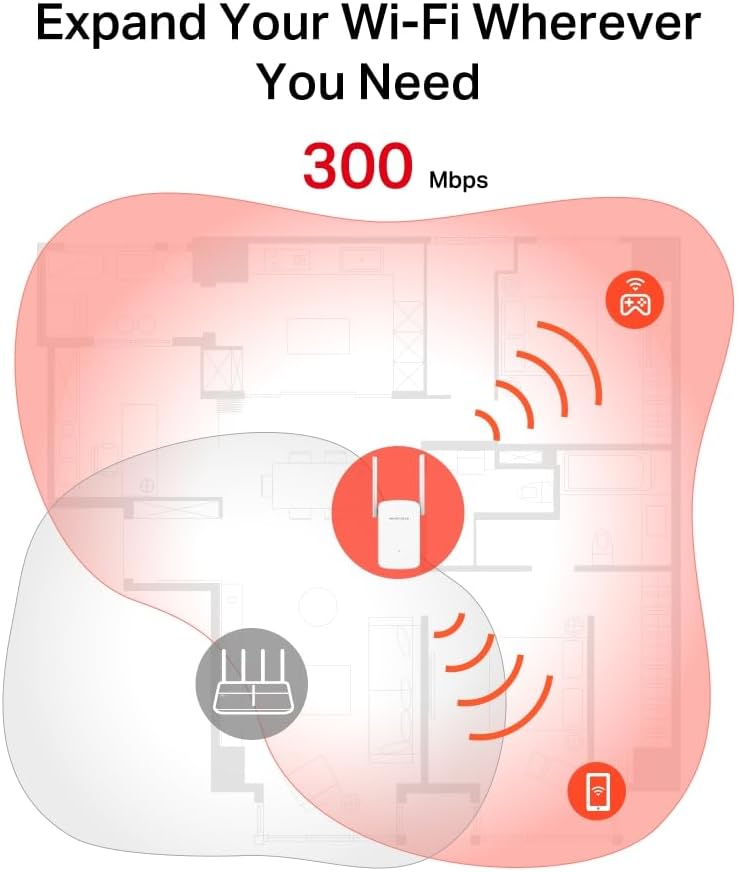
The ME12 is a WiFi extender/booster that expands your Wi‑Fi coverage using a plug and play approach. The core idea is to take the Wi‑Fi you already have and rebroadcast it further, so devices in previously unreachable or hard-to-wire spots can stay connected.
Setup is intended to be quick. You can press the WPS button from the extender to expand coverage in seconds, rather than dealing with complex configuration steps. There’s also an app control element mentioned in the product name, which can be helpful if you prefer managing settings from your phone rather than relying purely on buttons.
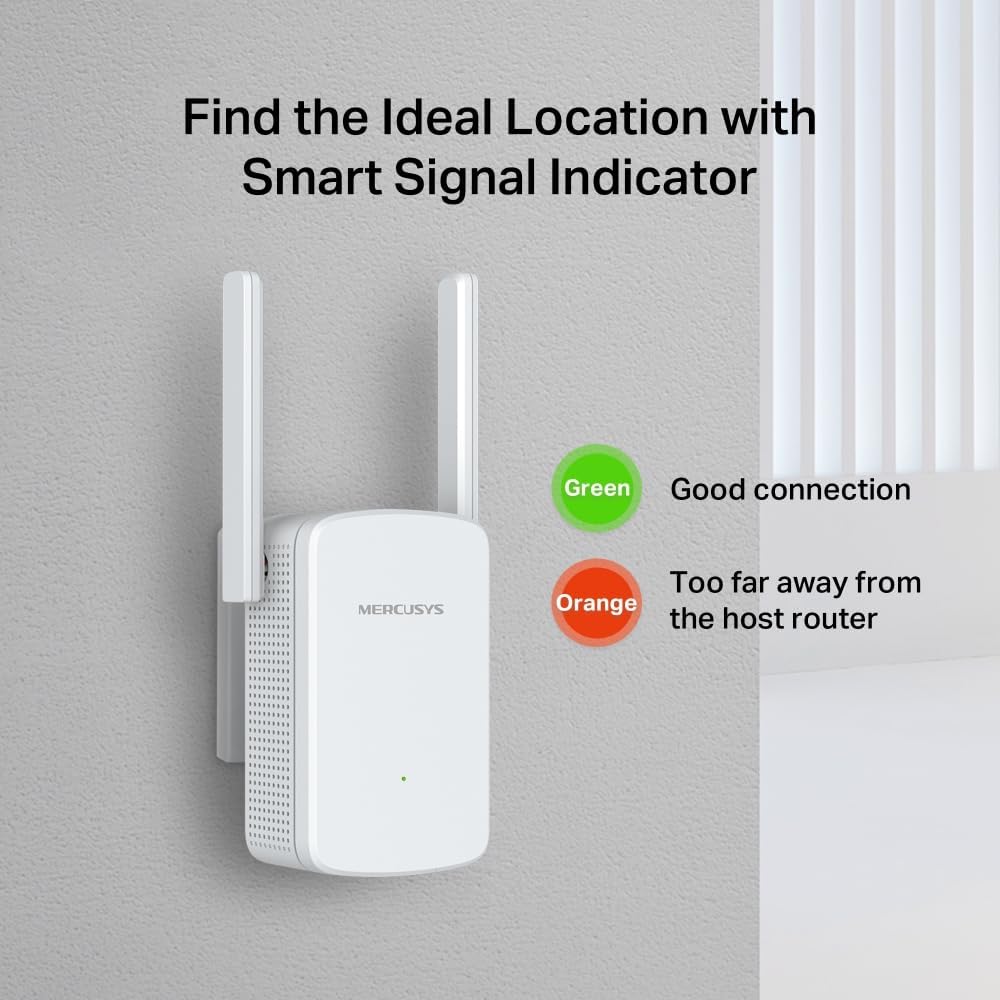
A multicolour LED signal indicator is included as well. That matters in real life because where you plug the extender in often has more impact than people expect. The indicator helps you choose a location for the best extension.
What you’ll notice day to day
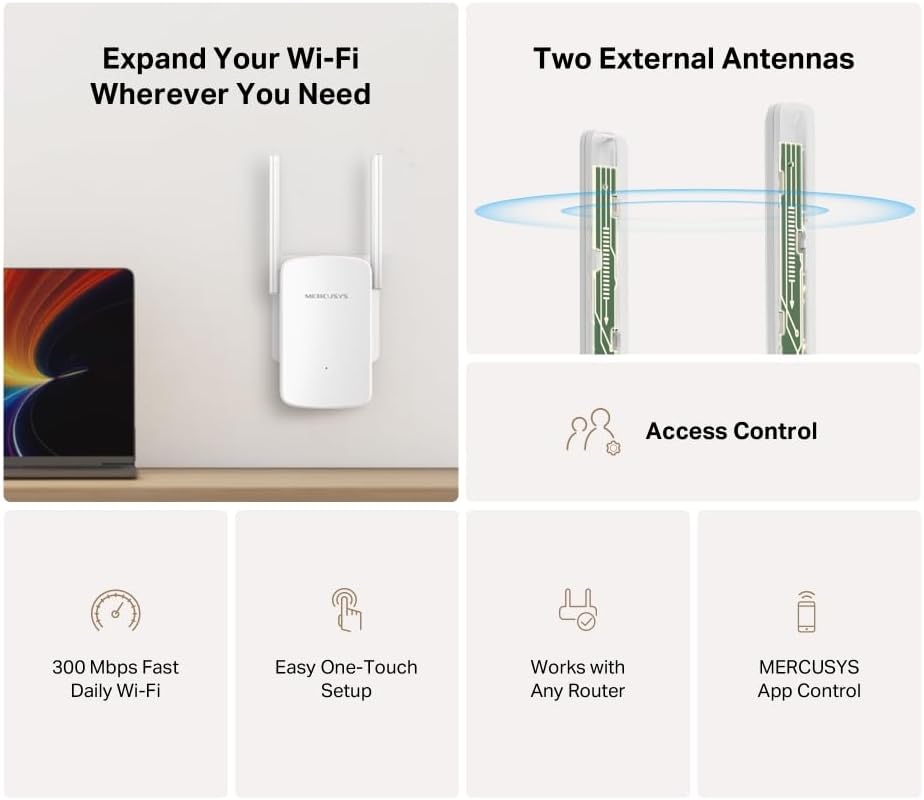
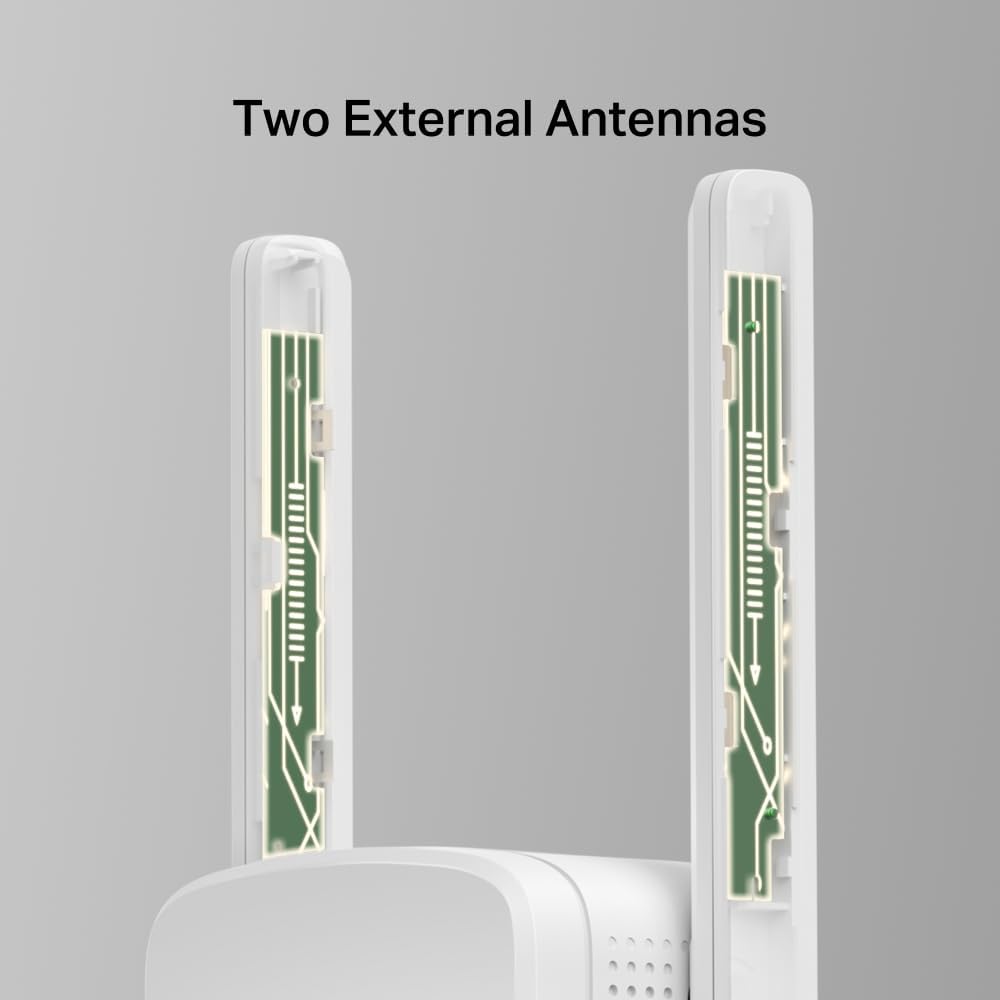
Two external antennas are part of the design, which generally signals a more deliberate “reach” focus than simple plug-in boosters with no proper antenna arrangement. In day-to-day use, that translates to fewer weak-signal moments in the rooms you’re most likely to use—things like streaming, browsing, and video calls—assuming your original router signal is decent where the extender sits.
There’s a practical limitation to be aware of, though. Extenders typically depend on the strength of the Wi‑Fi they receive first. So if the ME12 is placed where the parent router’s signal is already quite poor, you can end up extending “weakness” rather than improving things dramatically.
If you want a micro-example: plug the ME12 into a mid-way room (between your router and the problem area), watch the multicolour LED, and only then move it closer to your target zone once the indicator shows you’ve got a better link. That small bit of placement time can be the difference between “it’s working” and “it’s actually useful”.
Key features that help with the decision
The ME12 is described as working with any router or wireless access point. That is one of its main selling points if you’re not sure whether it will be compatible with your current setup. It’s also positioned as a 300 Mbps WiFi extender booster, which suggests it’s best suited to normal home tasks rather than heavy, simultaneous bandwidth demands.
You also get an “easy one-touch setup” angle through the WPS button. For anyone who doesn’t want to spend time fiddling, that’s a genuine convenience.
Who it suits (and who should think twice)
It makes sense if you’re dealing with a specific coverage problem—say, a room at the far end of the house, a small office, or the bedroom where the signal drops. It’s also a reasonable pick if you want something that’s quick to install and doesn’t require changing your whole home network.
It’s not the best match if you’re trying to build full-home, wall-to-wall coverage without any signal loss. Because the ME12 is a traditional extender approach, performance can vary depending on the layout of your home and how strong your router’s Wi‑Fi is at the extender’s location.
Worth considering if you just need to “fill the gap”, but you may want to skip it if your priority is consistently high performance everywhere, including areas where the router barely reaches in the first place.
Tech specs
- Type: WiFi Extender / WiFi booster (extender booster)
- WiFi speed: up to 300 Mbps
- Antennas: 2 external antennas
- Setup method: WPS (one-touch)
- Signal indicator: multicolour LED
- Compatibility: works with any router or wireless access point
Buying verdict
If you’re looking for a straightforward way to tackle Wi‑Fi dead zones without rethinking your entire network, the MERCUSYS ME12 is a solid “coverage gap” tool. The WPS one-touch setup and multicolour signal indicator are exactly the kind of practical touches that help people get it right quickly.
It might not be the right choice if your goal is seamless, premium whole-home coverage—especially if the area where you’d place the extender doesn’t currently receive a strong signal. In those cases, you’ll likely get only modest improvement.
Final verdict
Choose the MERCUSYS ME12 WiFi Extender Booster when you want plug and play extension for everyday use in specific dead zones, and when you’re willing to spend a minute finding the best plug-in location using the LED indicator. Better avoided if your Wi‑Fi is already very weak where the extender would need to sit, because extenders can end up amplifying a poor link.

Mini FAQ
Will it work with my existing router?
It’s described as working with any router or wireless access point, so it’s meant to be broadly compatible.
How easy is the setup?
The product mentions an easy one-touch setup using a WPS button, which should suit anyone who wants minimal configuration.
What does the multicolour LED do?
The multicolour signal indicator is there to help you place the extender in a location that should improve the Wi‑Fi extension.
Is 300 Mbps enough for day-to-day use?
Up to 300 Mbps is positioned as a usable home extension speed, but real-world performance will depend heavily on your router signal and placement.
Is it good for whole-home coverage?
It’s more of a coverage-gap solution than a system built to guarantee top performance everywhere. If you need consistent performance across multiple floors and far reaches, you may find it falls short.