

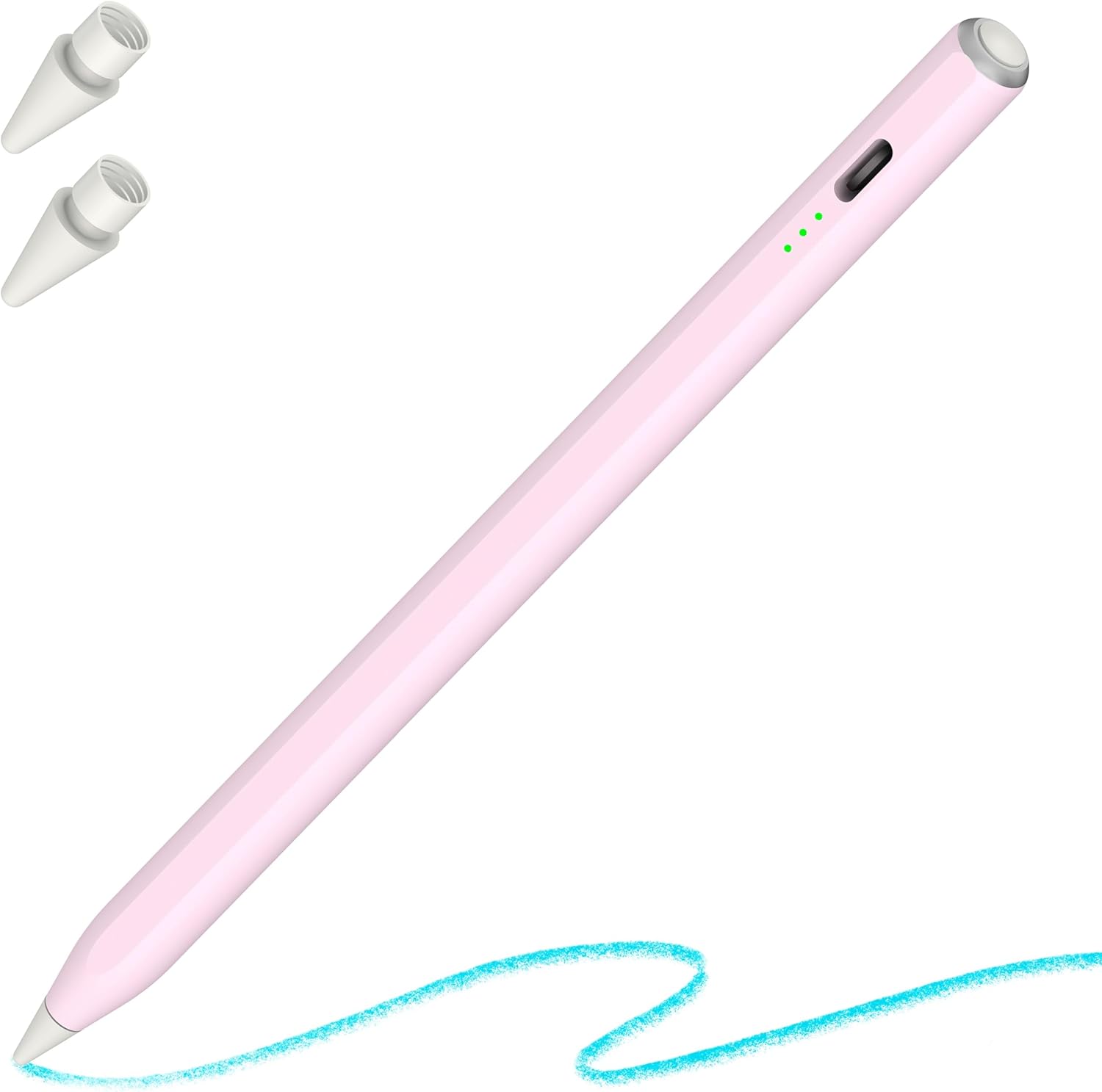
OASO iPad Pen with Palm Rejection & Tilt – Compatible with iPad 2018-2024 (All Generations)
Product description
What it is
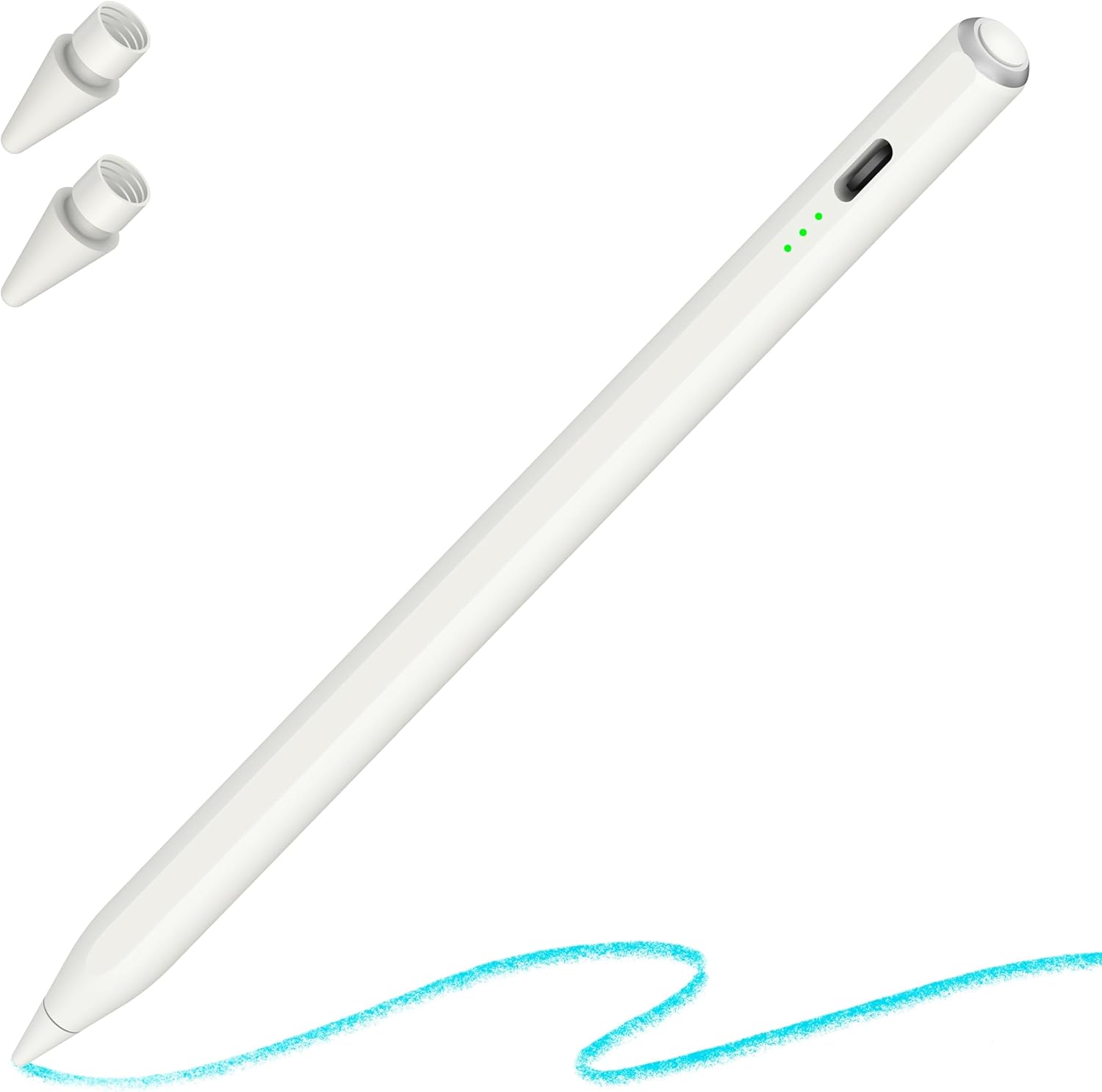
This is a digital stylus designed for use with iPads from 2018 onwards. It offers palm rejection and tilt sensitivity, aiming to provide a drawing and writing experience closer to using a traditional pencil without needing Bluetooth pairing. It is pitched as a cost-conscious alternative to the original Apple Pencil.
Who it’s for
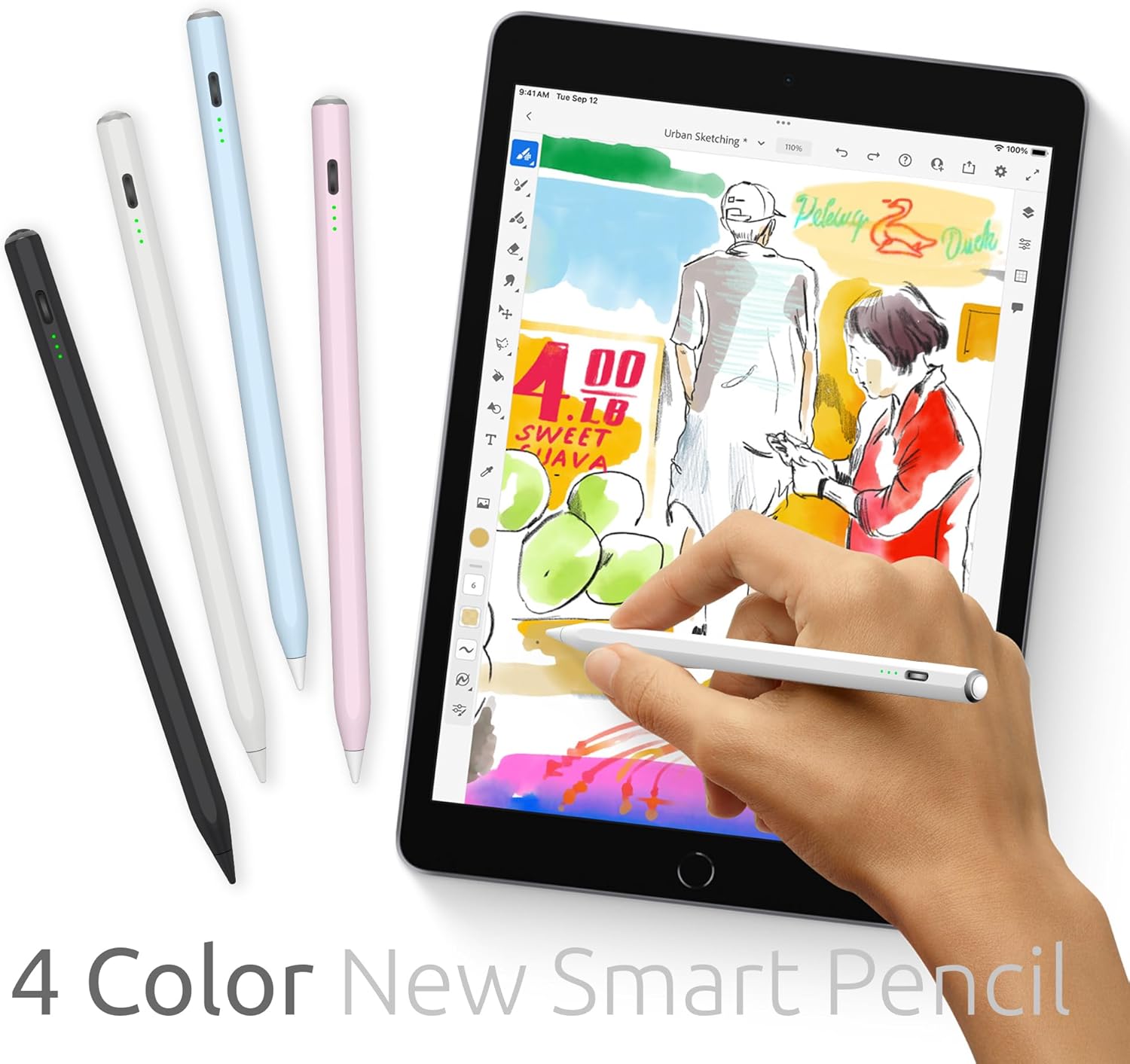
If you’re seeking a straightforward, cable-free stylus that works directly on your iPad without setup, and you aren’t chasing ultra-high-end features, this may fit. It’s positioned for students, hobbyists and creators who value practicality and value-for-money in daily note-taking, sketching and light drawing tasks.
Compatibility and setup
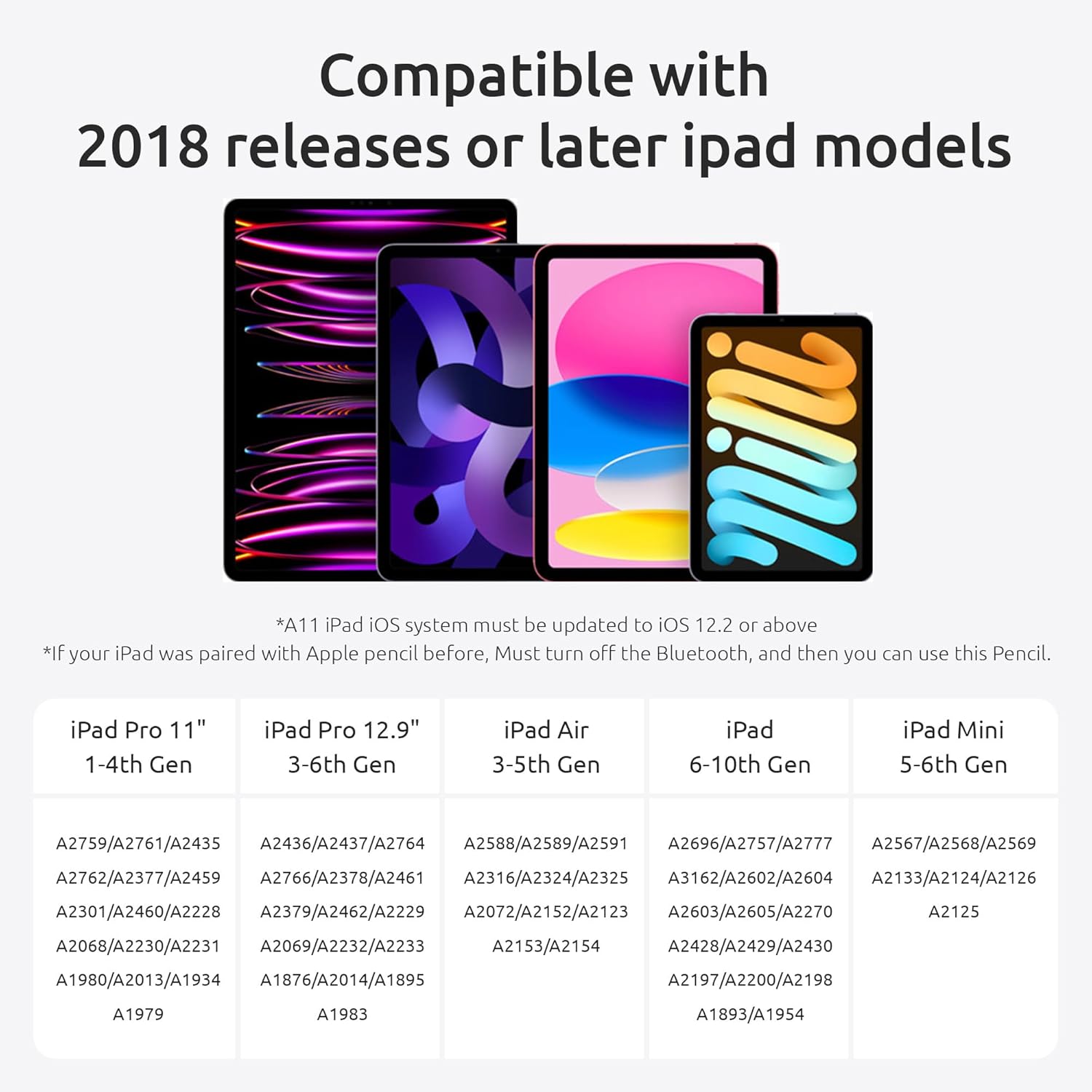
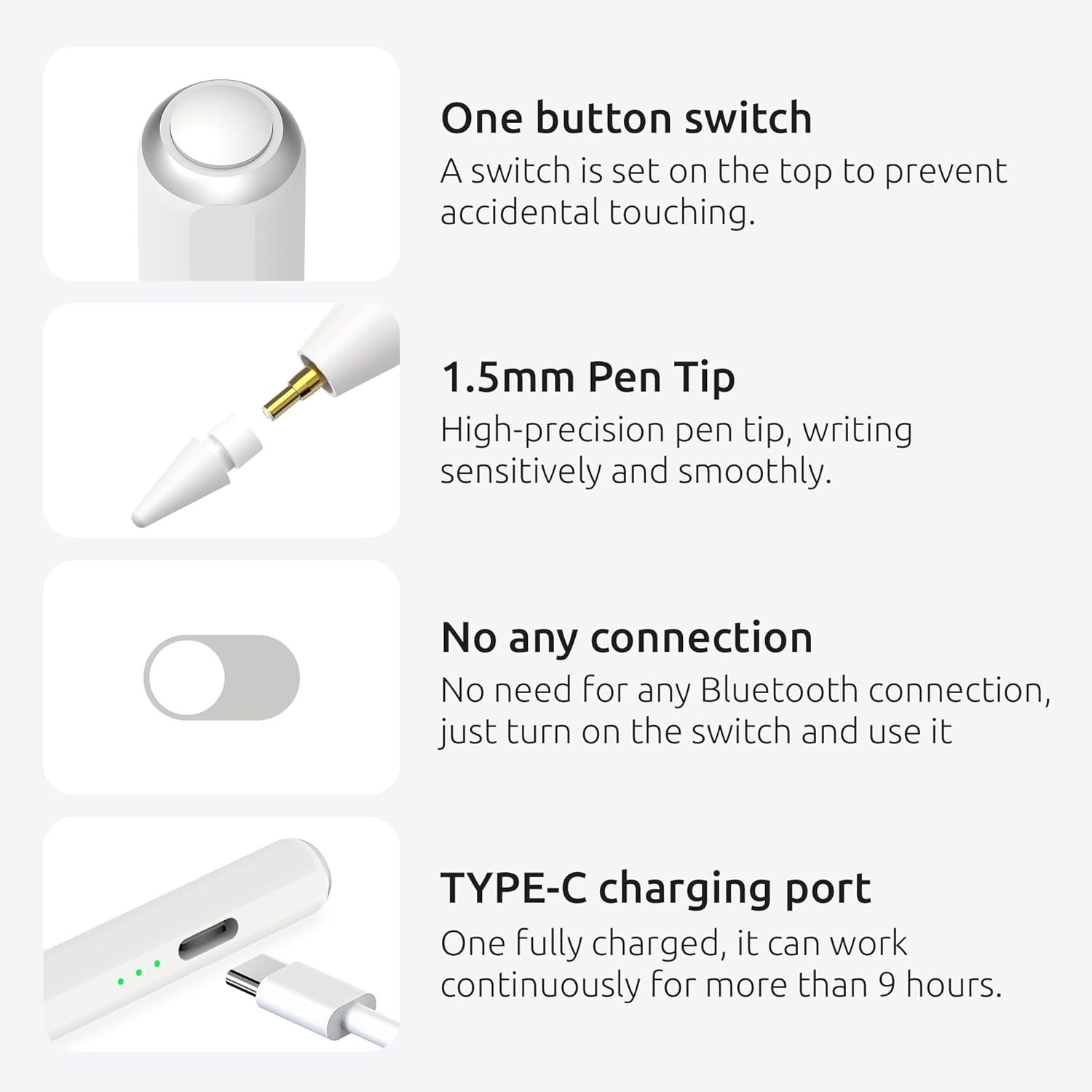
On the iPad side, it supports many generations listed in the product note, from iPad 6th generation through to newer iPad Pro models and iPad mini lines. The product highlights compatibility by model code starting with Axxxx on the back of the iPad. The claim is that it works without Bluetooth pairing, relying on an active input method when connected directly.
How it performs in use
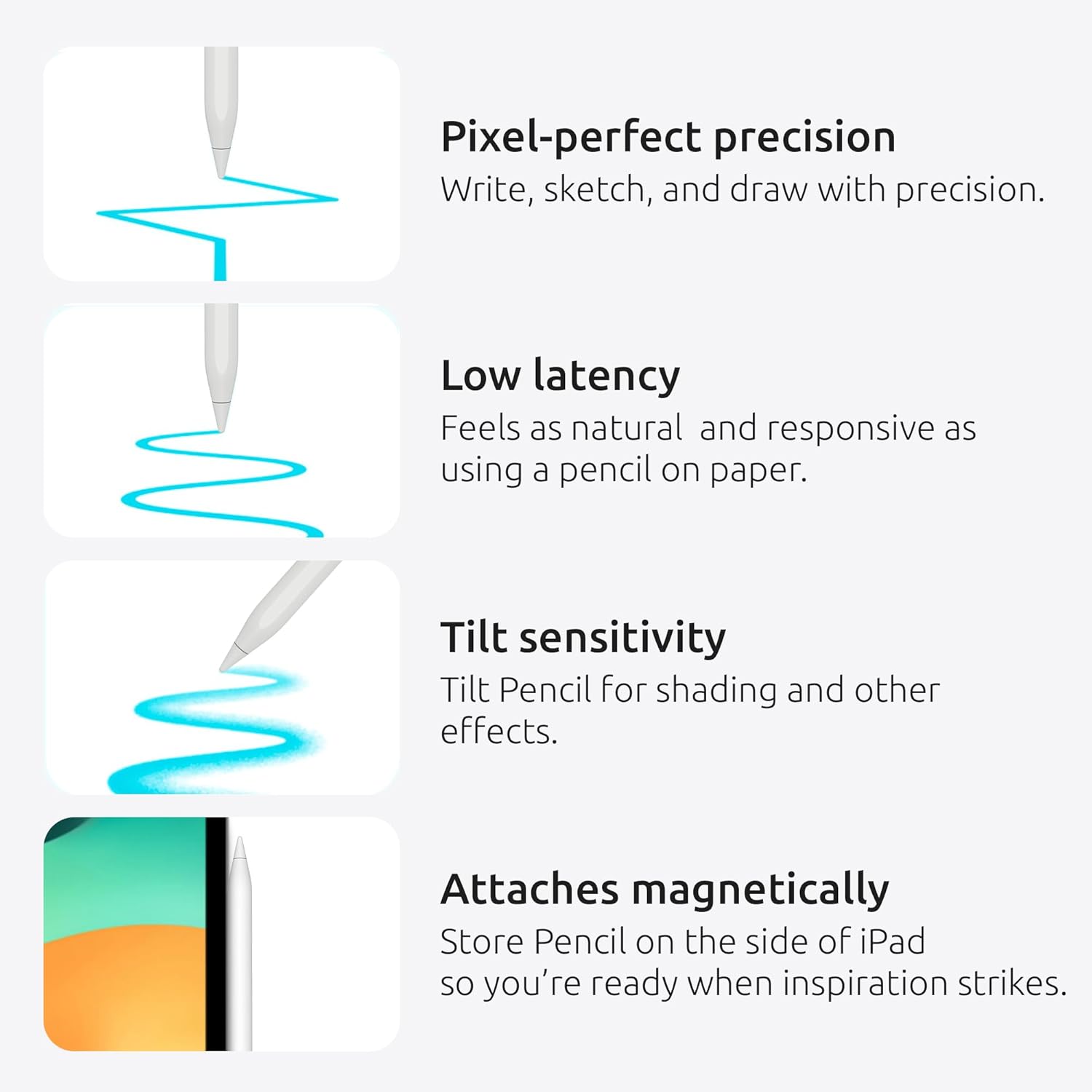
Palm rejection is designed to stop stray palm contact from affecting your strokes, and tilt functionality should let you vary line weight and shading by the angle of approach. The nib is described as soft and focused on reducing noise and lag, which matters for a more natural writing experience. Power management includes a simple on/off switch with automatic sleep after five minutes of inactivity to save battery life.
What stands out
- Broad compatibility claim relative to the original pencil, potentially covering multiple generations.
- Palm rejection and tilt support aimed at smoother drawing and less hand fatigue.
- Simpler, cable-free use and a two-nib package in the box, which can be convenient if you’re starting out or replacing worn tips.
What might not convince everyone
- It’s described as a practical alternative to the Apple Pencil, but it’s not clear how its precision, latency or pressure sensitivity compare in professional contexts.
- No Bluetooth pairing required could imply limitations in feature depth on certain apps or iPad models, depending on software updates and app support.
- The marketing emphasis on “more compatible” may raise questions about accuracy on specific iPad models or updates over time.
For whom this makes sense
This pen is worth considering if you prioritise ease of use, value for money and broad compatibility over cutting-edge features. It could suit casual note-taking, classroom tasks, basic design work, and sketching where a responsive stylus is beneficial but not mission-critical.
When to buy and when to pause
- Buy if you want a simple, non-Bluetooth stylus that works across many iPad generations and you’re not chasing elite drawing fidelity.
- Pause if you require highly precise pressure sensitivity, professional-grade tilt effects, or guaranteed peak performance across the latest iPad Pro software updates.
Quick checks before purchase
- Confirm your iPad model code starts with A for compatibility.
- Consider how you’ll use the stylus: casual notes or light illustration vs. demanding graphic work.
- Check the number of nibs included and the expected durability of the tip for your typical use case.
Practical use case
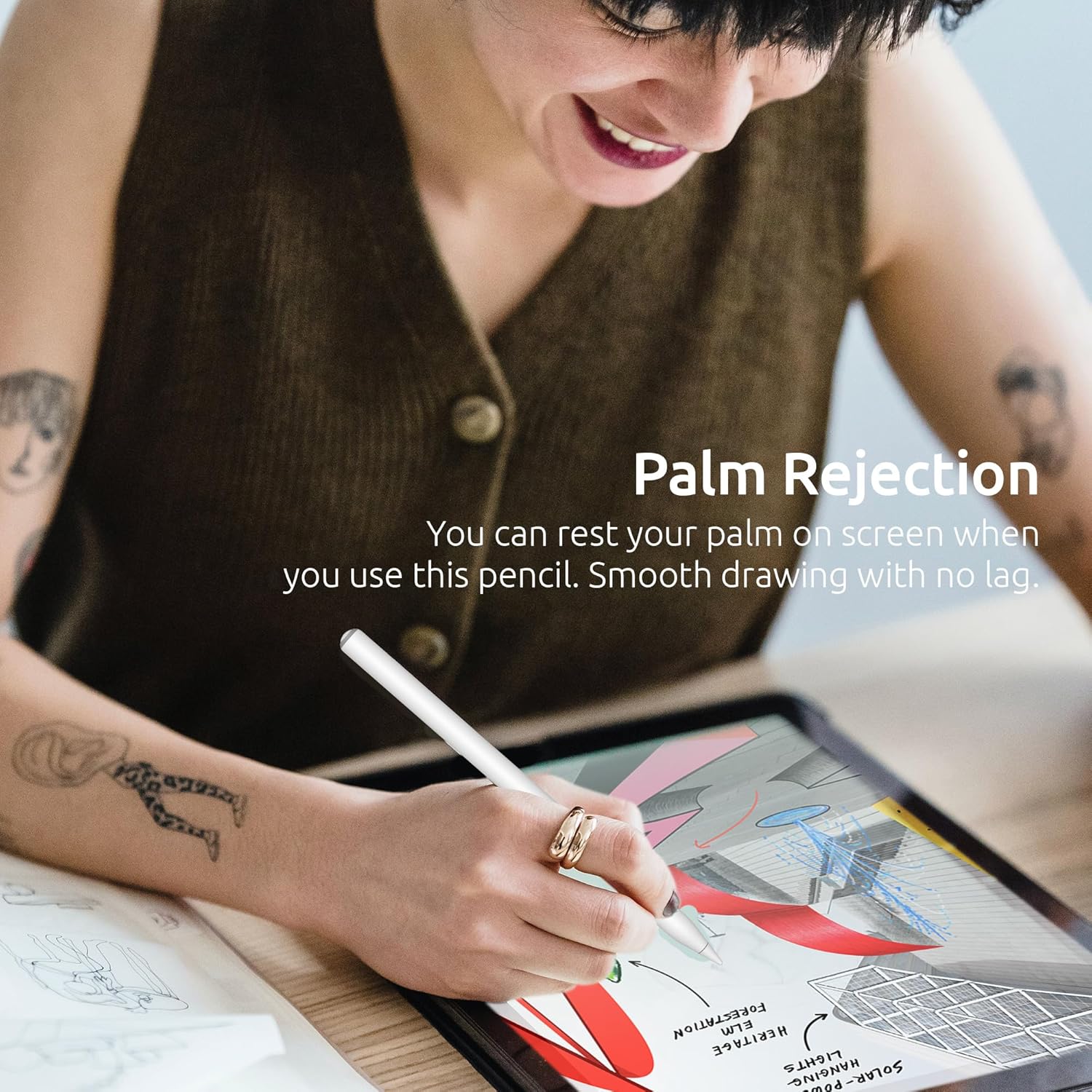
Imagine taking handwritten notes in a notebook-style app, then switching to light shading with tilt for a quick doodle during a meeting. The palm-rejection feature should allow your palm to rest naturally on the screen without interrupting the stroke, which helps when you’re jotting ideas on the go.
FAQ
- Q: Do I need Bluetooth or drivers to use it? A: No. It is described as a direct-use stylus without Bluetooth pairing.
- Q: Will it work on my specific iPad model? A: It lists compatibility with iPad models from 2018 onwards, check the model code on the back starting with Axxxx.
- Q: Is the tilt function useful for shading? A: Tilt is mentioned as a feature for drawing different lines and shadows, though the depth of that capability may vary by app.
Final verdict
Final verdict
It makes sense if you want a practical, cost-conscious alternative that works across a broad range of iPads and prioritises palm rejection and tilt input for everyday drawing tasks. If your needs are more demanding—precise pressure control, professional-grade accuracy or the latest accessories—you may want to compare with higher-end options.