

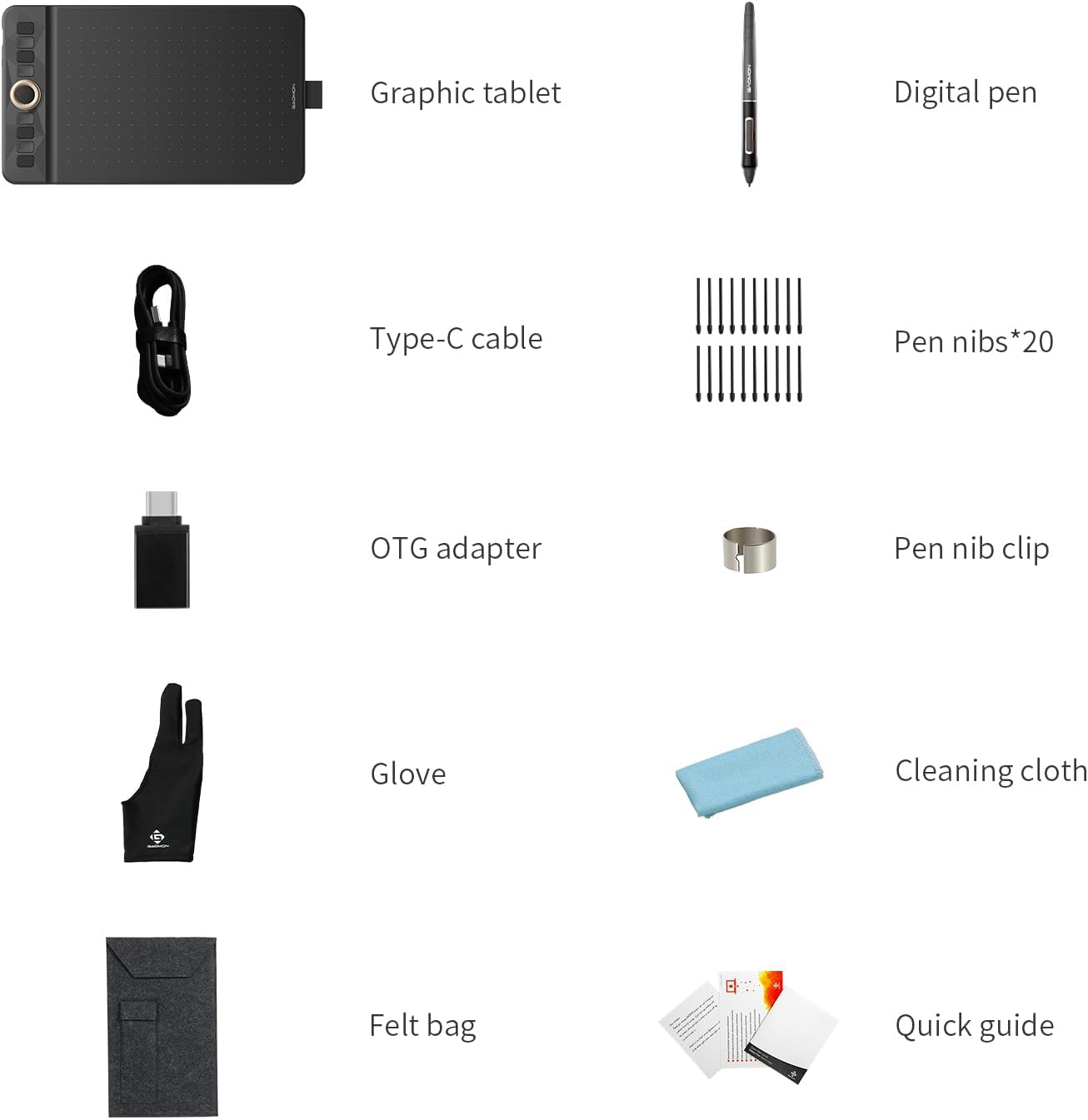
GAOMON WH851 Bluetooth Drawing Tablet (8 x 5 inches) – Wireless Graphic Tablet for Windows, Mac and Android
Product description
What it is and who it suits
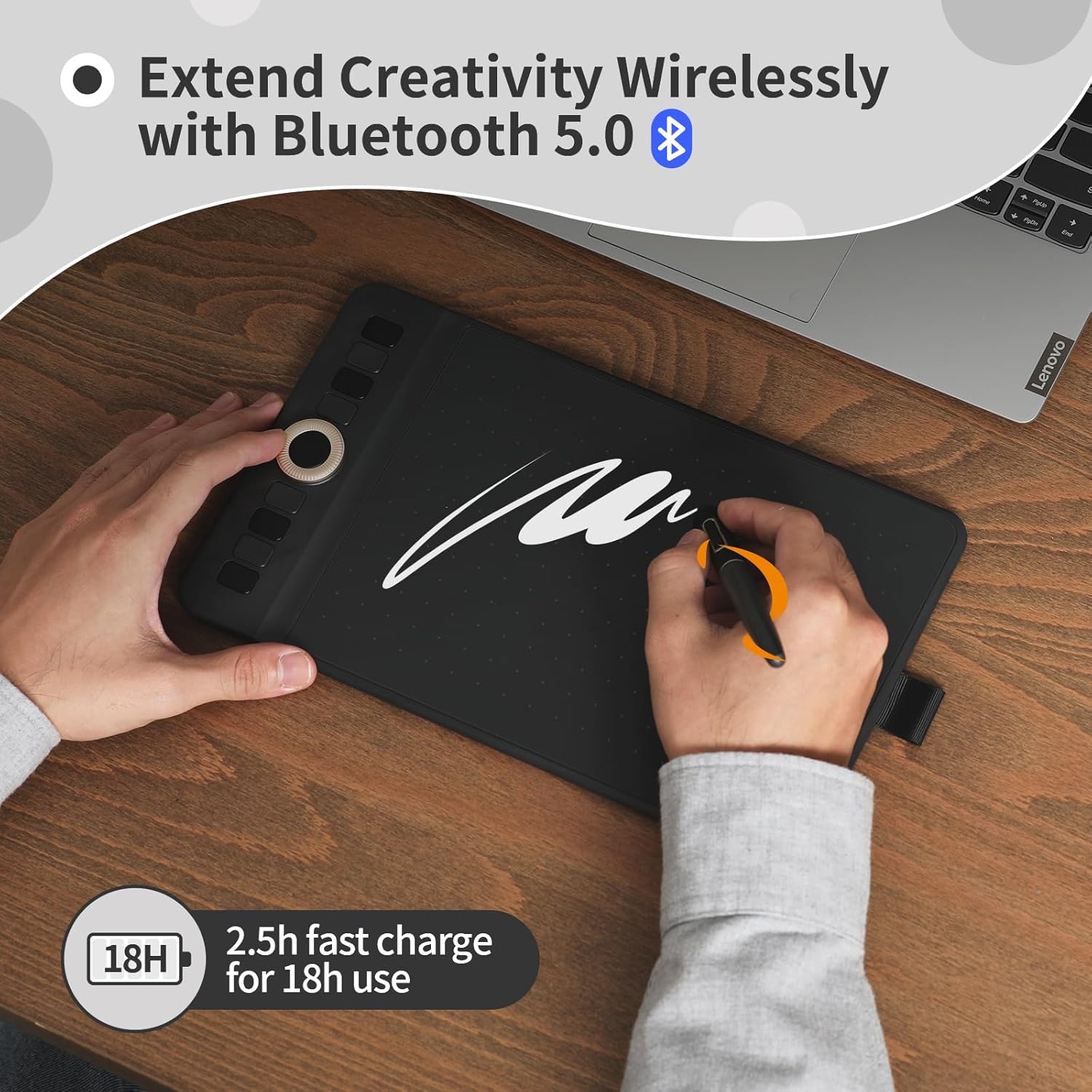
The GAOMON WH851 is a compact wireless drawing tablet designed for digital artists, designers and hobbyists who want a hands-on drawing experience without being tethered to a computer. With Bluetooth 5.0, it offers the freedom to work away from your main device while still sending accurate strokes to your software.
Key strengths that matter
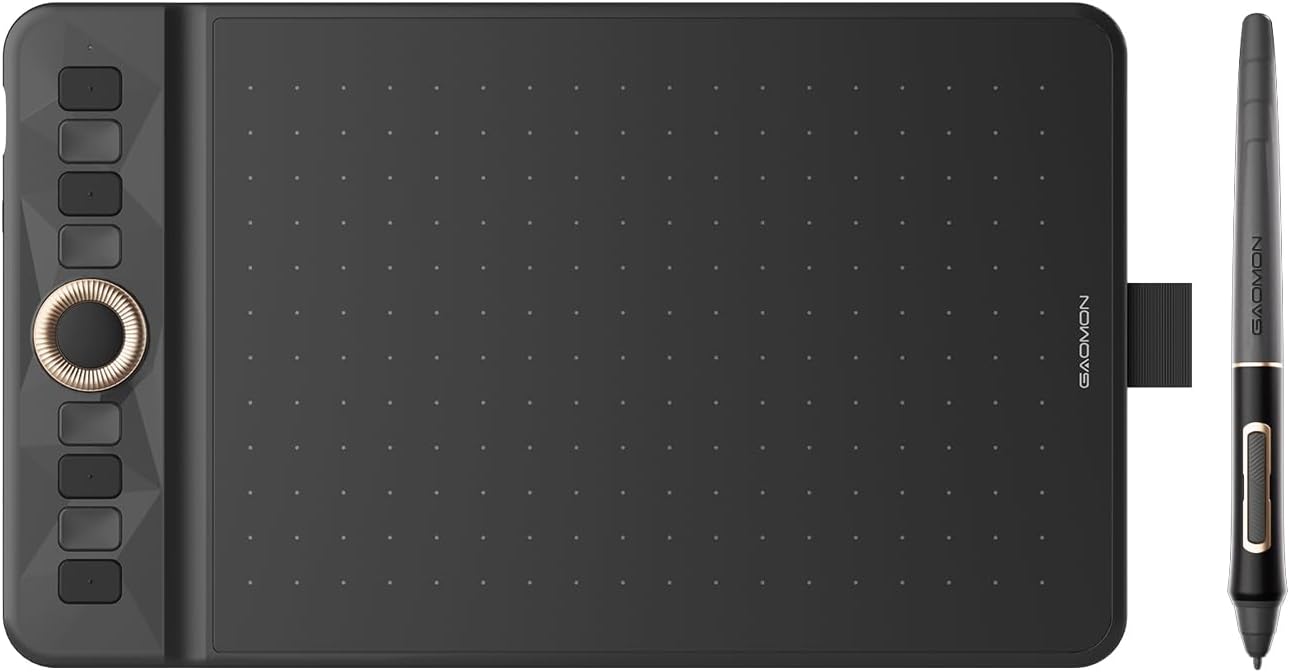
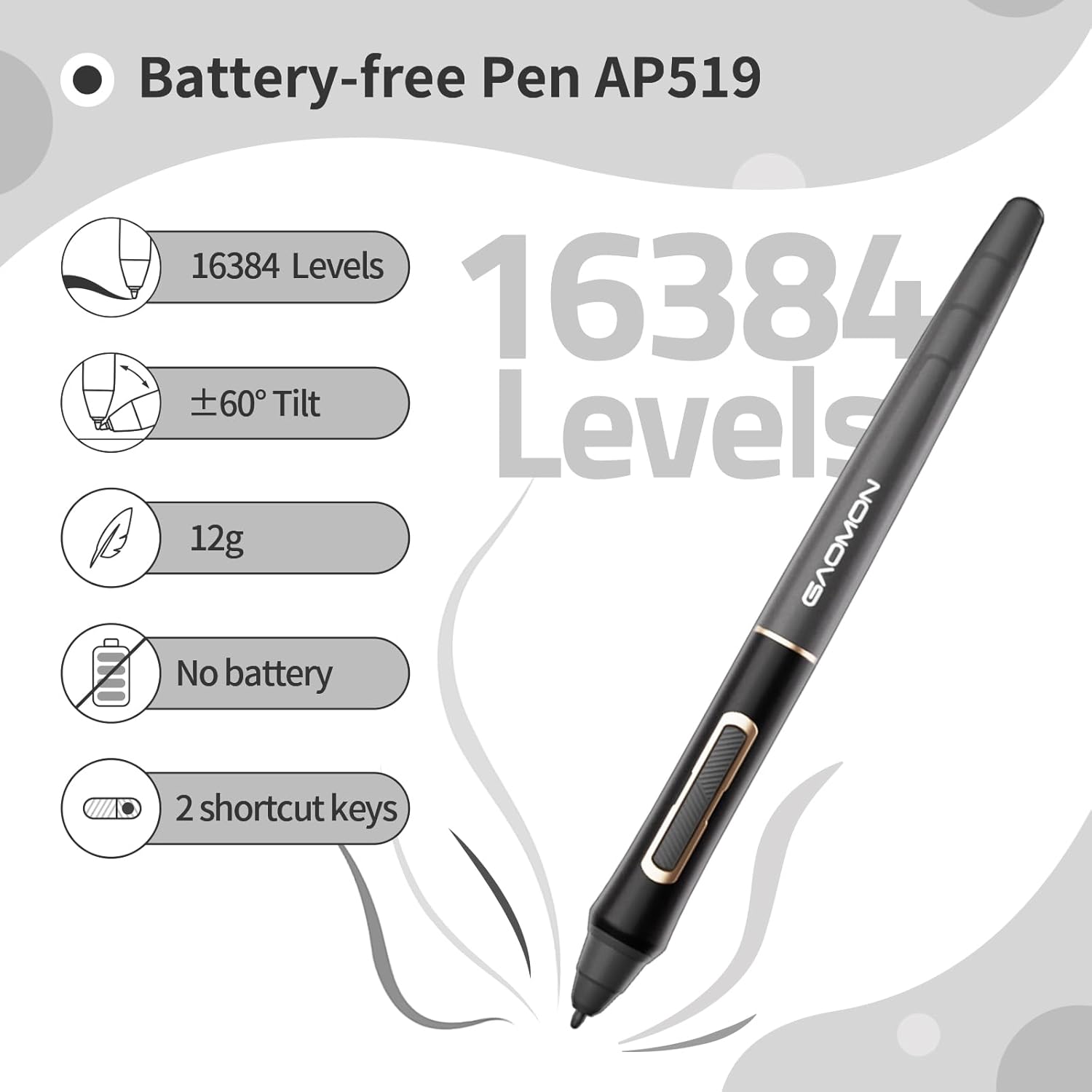
On the paper, the WH851 delivers a generous 16384 levels of pressure sensitivity and a battery-free pen, which means you don’t have to worry about charging mid‑session. The tablet reports a resolution of 5080 LPI and a positional accuracy of ±0.3 mm, which translates to smooth lines and reliable hand‑eye coordination when you're sketching, inking or doing precise editing.
What stands out in use
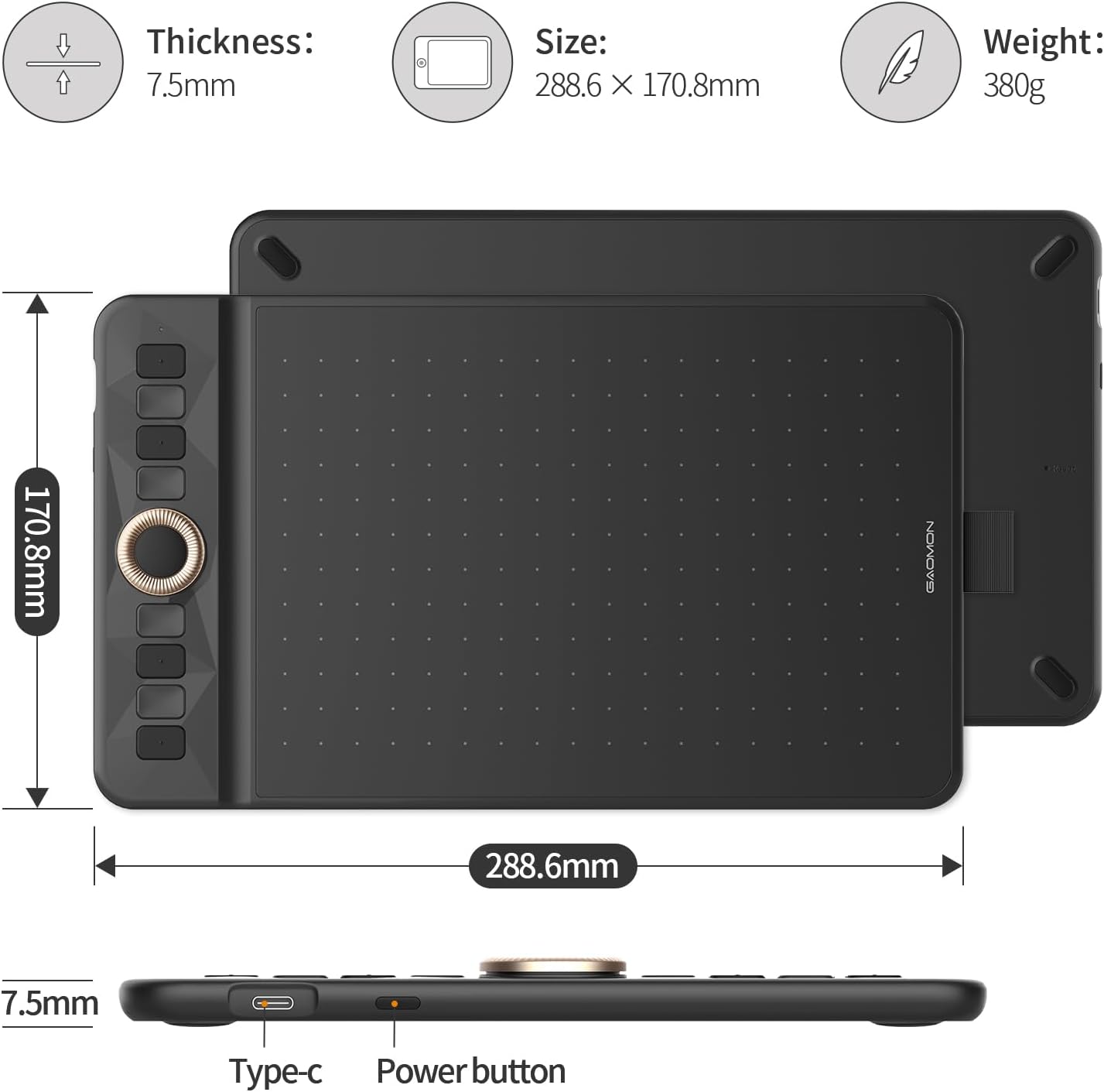
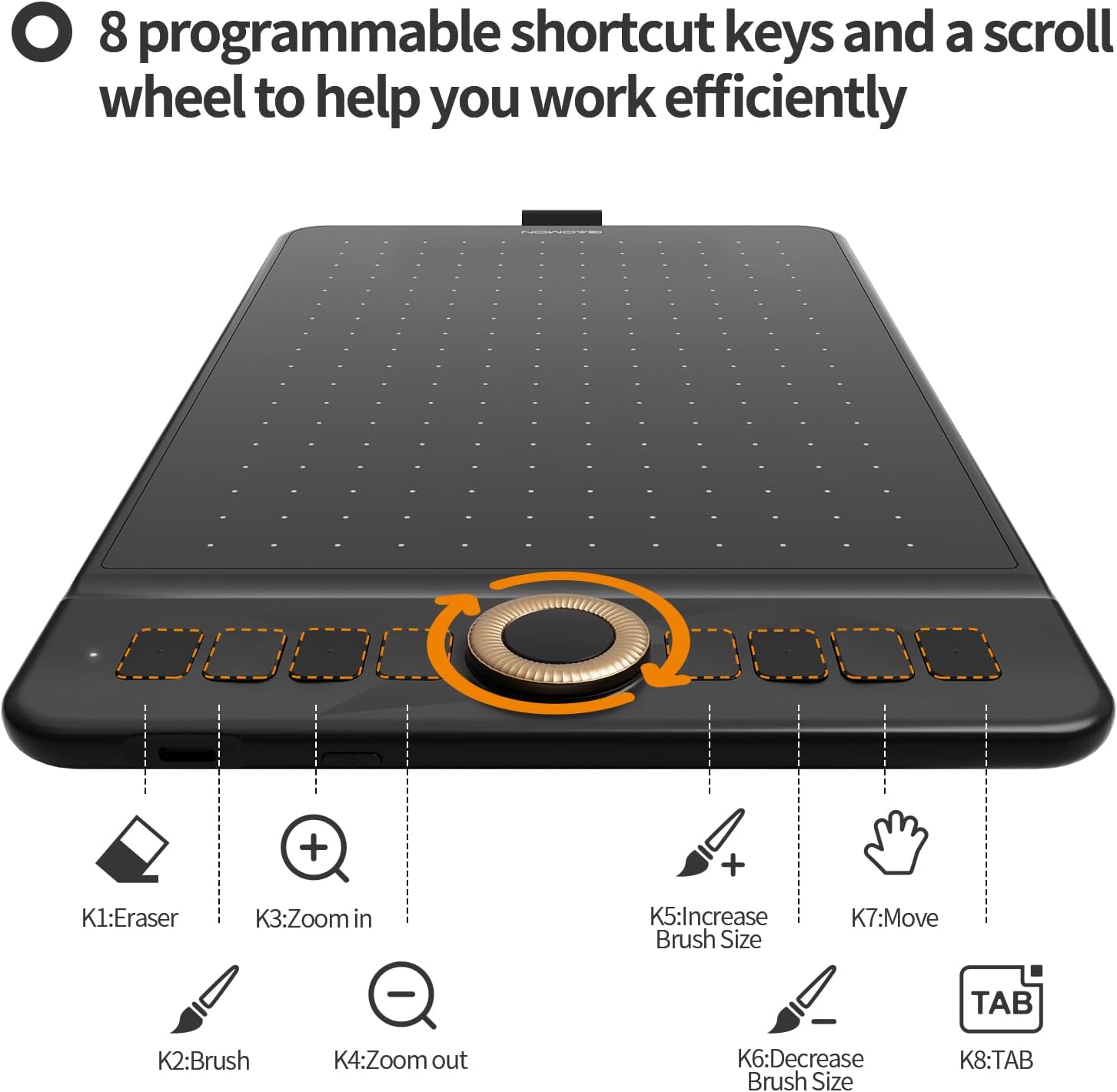
A practical feature set includes an 8‑button express ring (dial) and eight shortcuts that you can customise through the driver. This setup helps speed up tasks like switching brushes, zooming or undoing, making it a solid option for people who value workflow efficiency. The Type‑C port adds modern connectivity and can help keep cables tidy during longer sessions.
Limitations to consider
Battery life is listed at up to 18 hours, but real-world usage depends on your drawing intensity and Bluetooth activity. An automatic sleep mode after 15 minutes of inactivity is helpful for saving energy, yet you may need to reconnect or wake the device when inspiration strikes again.
Why it could be right for you
If you prioritise wireless freedom, native support across Windows, Mac and Android, and a pen that never needs charging, the WH851 covers a broad range of use cases—from simple note‑taking to detailed digital art. It’s particularly practical for online teaching, casual artwork, or as a travel companion when a laptop isn’t convenient.
When it may not be the best choice
It isn’t described as a wide drawing surface, at 8 x 5 inches, it’s best for compact setups or on‑screen work rather than large, expansive canvases. If your work relies on larger tablets or you frequently push very high‑volume workflows in Photoshop or Illustrator, you might notice the size constraint. Also, while compatibility lists Windows, Mac and Android, feature parity depends on driver support and app integration.
What to check before buying
Ensure your main device supports Bluetooth 5.0 and that your preferred creative apps (e.g., Photoshop, Illustrator, SAI) are compatible with the GAOMON driver and tablet input. Consider your usual screen size and desk space—the WH851 is compact, but if you need a bigger drawing area, you may prefer alternatives.
Practical use scenario
Imagine grabbing this tablet for a quick sketch during a web conference or annotating a document on a tablet or PC from your sofa. The wireless setup means you can sit back, sketch with a relaxed posture, and save work via your usual software after a short pairing process.
Technical snapshot (brief)
- Active area: 8 x 5 inches (approx.)
- Pressure levels: 16384
- Pen: battery-free, no charging needed
- Resolution: 5080 LPI, accuracy: ±0.3 mm
- Connectivity: Bluetooth 5.0, Type-C port
- Shortcuts: 8 keys + dial
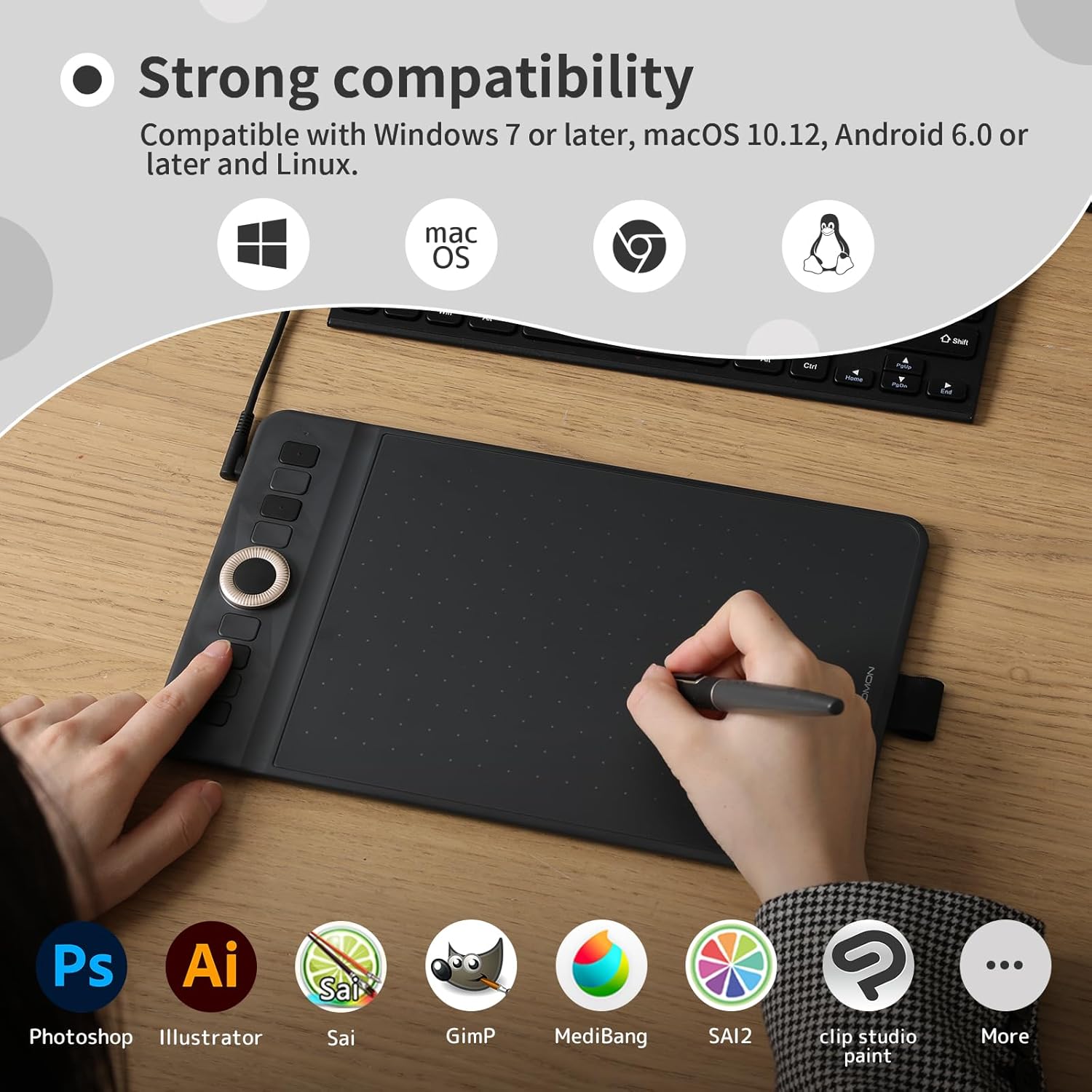
- Compatibility: Windows 7/8/10, Mac 10.12+, Android 6.0+
- Software compatibility: Photoshop, Illustrator, SAI and more
Final verdict
Is it worth it? It makes sense if you want a compact, wireless drawing tablet with plenty of pressure sensitivity and a customisable shortcut setup, good for everyday creativity and online teaching alike. It may not be the best option if you need a larger drawing area or peak performance that demands more advanced features.
FAQ
- How does the battery-free pen work? It uses passive technology to detect pressure without needing a charge.
- Can I use this with Android devices? Yes, it’s listed as compatible with Android 6.0+.
- Do the shortcut keys work with all software? They are configurable via the driver, practical use depends on software support.