

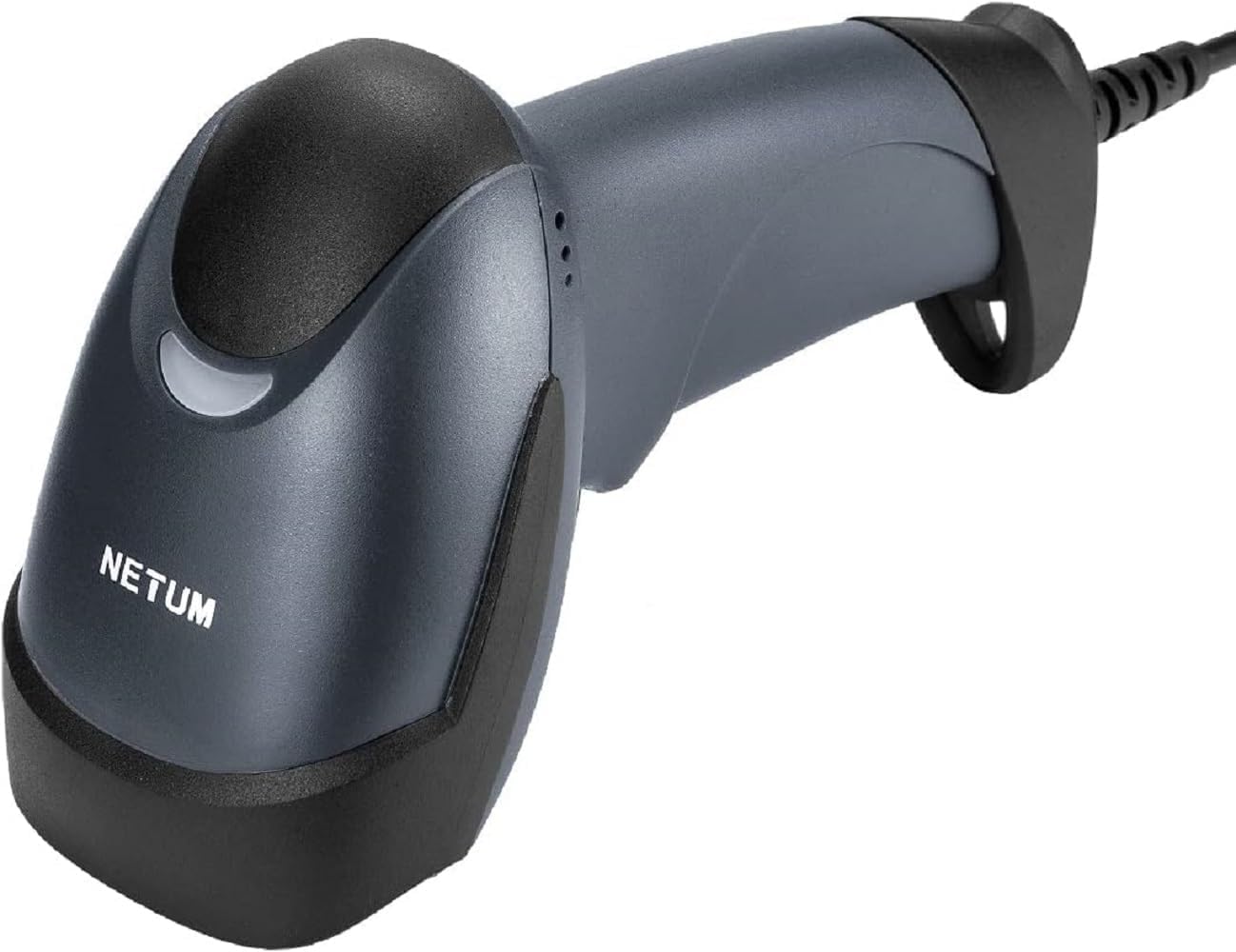
NETUM M8 3-in-1 Wireless 2D QR Barcode Scanner with Stand (Bluetooth, 2.4GHz & USB)
Reviews
Product description
What it is and why people buy it
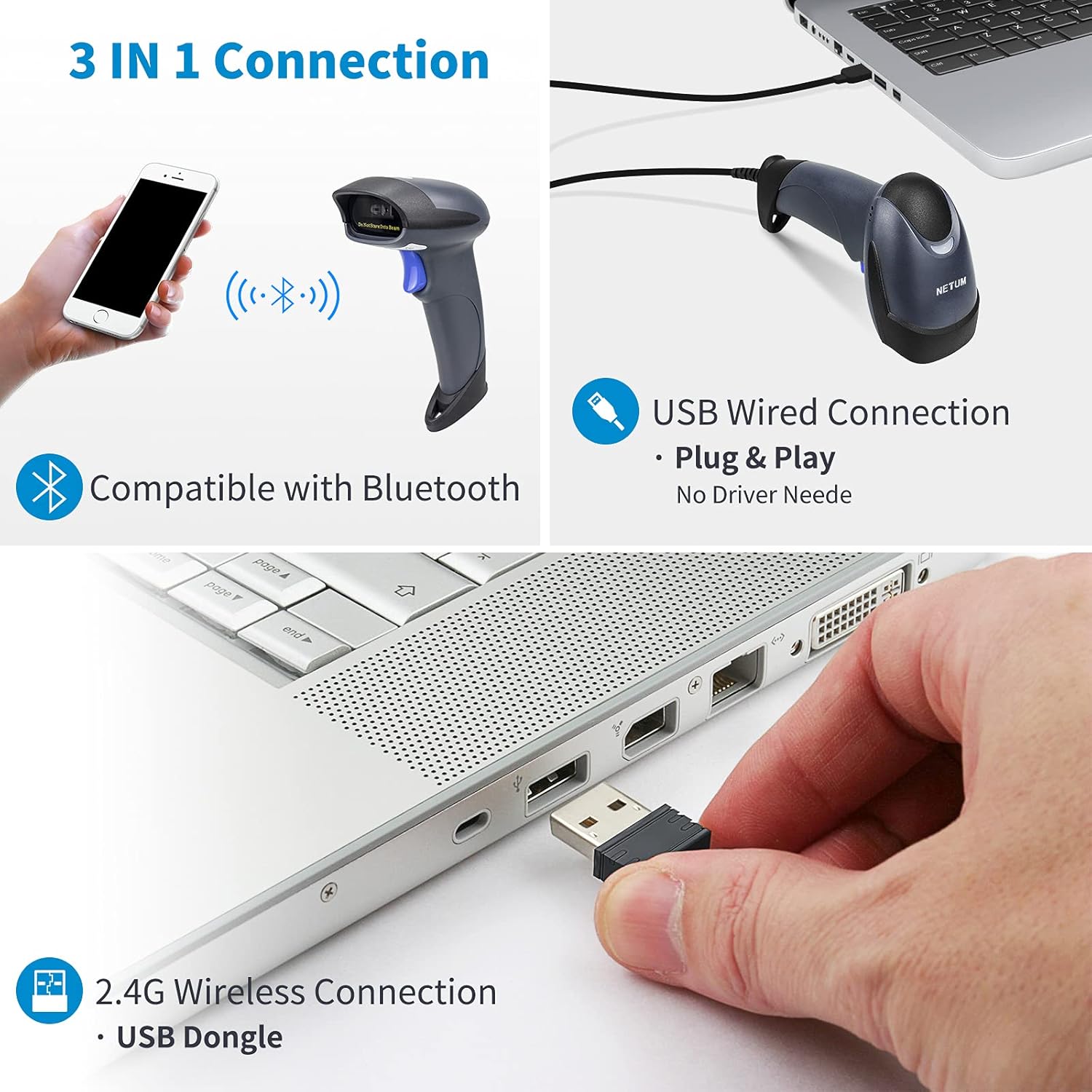
This NETUM wireless 2D QR barcode scanner (model described as M8) is built for day-to-day scanning where you might need a bit of flexibility. It’s a handheld imager that can connect three ways: Bluetooth, 2.4GHz wireless, and USB wired. That “3-in-1” approach matters in workplaces where equipment setup isn’t always the same—sometimes the scanner needs to pair with a laptop, sometimes it has to sit a little further away from the receiver, and sometimes you just want a straightforward wired connection.
On paper, it targets common retail and operations scenarios such as supermarkets, malls, logistics, postal, banks, and even medical institutions. If your use is mostly scanning barcodes from paper or from a screen (for example, tickets, labels, or computer-displayed codes), a 2D imager design like this is a sensible fit.
Key points on performance (without overpromising)
Where this scanner looks strong is in decoding capability. It’s described as supporting a wide range of 1D and 2D symbologies, including Code 128, Code 39, EAN/UPC formats, and for 2D it covers QR, DataMatrix, PDF417, Aztec, and Micro PDF417. That breadth is useful if you don’t control what barcode formats you’ll get handed during the day.
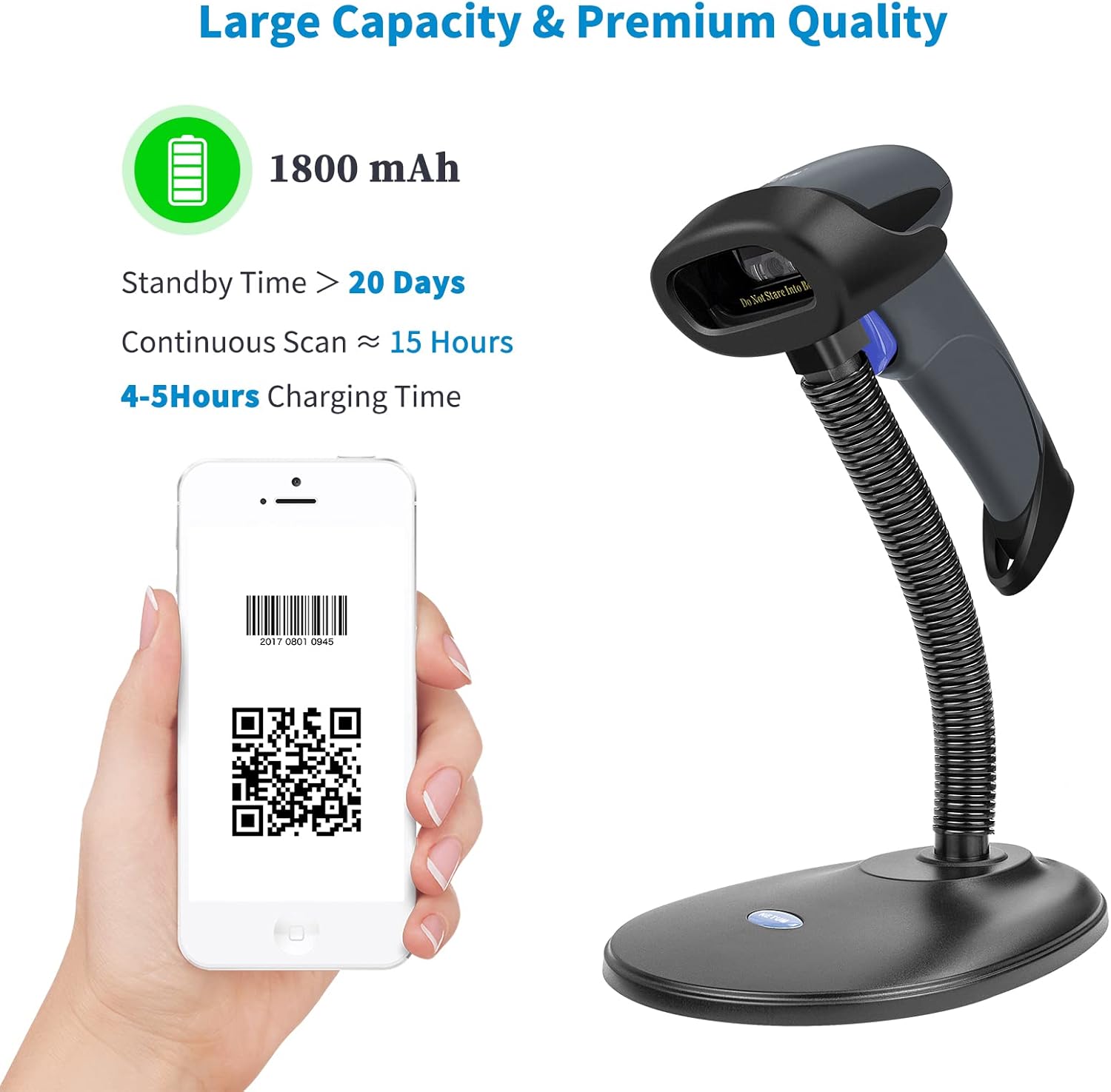
It also includes features aimed at smoother scanning at a desk: an adjustable stand and an auto-induction scanning / continuous scan mode. In practice, the stand can help if you want semi-hands-free scanning for frequent items, while the handheld style still makes sense for scanning labels on shelves, parcels, or mixed environments.
One limitation to keep in mind: the description is very broad about “almost all common software”, but it doesn’t spell out specific integration steps, drivers, or how it behaves with particular POS systems. If you’re relying on a niche workflow, it’s worth checking compatibility with your setup before you commit.
The essentials: connectivity, upload modes and offline storage
This model supports three connection methods: - Bluetooth - 2.4GHz wireless - USB 2.0 wired
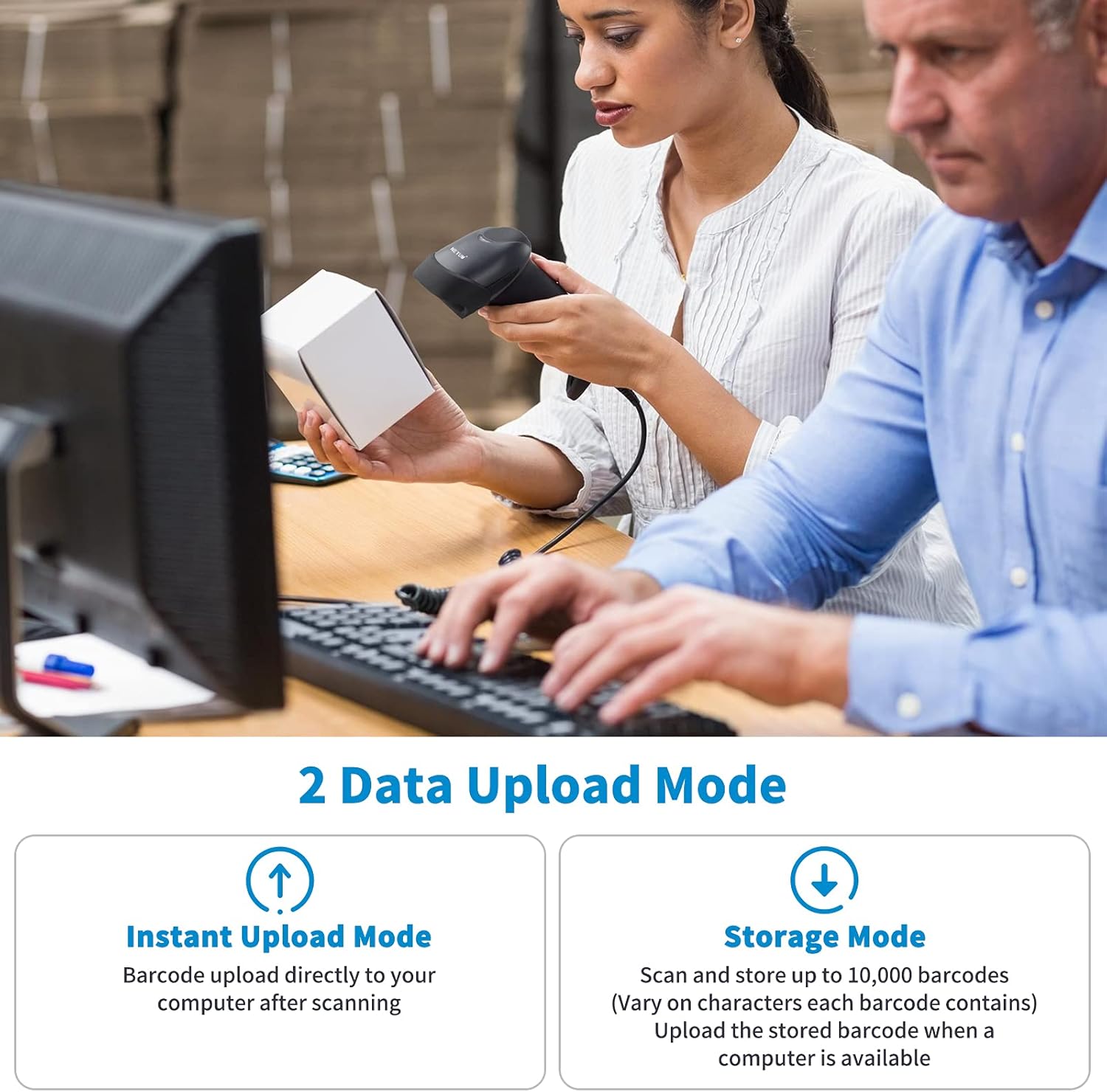
It also mentions two upload approaches. There’s an instant upload mode and a storage mode. In storage mode, the scanner can save barcodes internally (up to 130,00 barcodes is stated in the description) and then update later when you’re back within range or ready to sync. The practical takeaway is that if you sometimes scan away from your receiver—say, on a different end of the shop floor or while working through a batch—offline storage can help you keep moving rather than stopping for connection.
What you’ll notice day to day: battery and durability
Battery life is a headline feature here. The scanner is described as having an internal 1800mAh battery, with standby time claimed up to 60 days. Continuous scanning time is stated as up to 16.5–19.5 hours when fully charged. For many businesses, the question isn’t “will it work on paper”, it’s whether you’ll be constantly recharging—these figures suggest it’s designed to last a working stretch.
It also includes an anti-shock design angle: a silicone protective cover plus a balancer at the bottom to help avoid scratches and friction if it’s dropped from a desk or shelf. That’s not a guarantee against damage, but it’s the kind of real-world consideration that can matter in busy counter or warehouse environments.
Who it suits (and who should think twice)
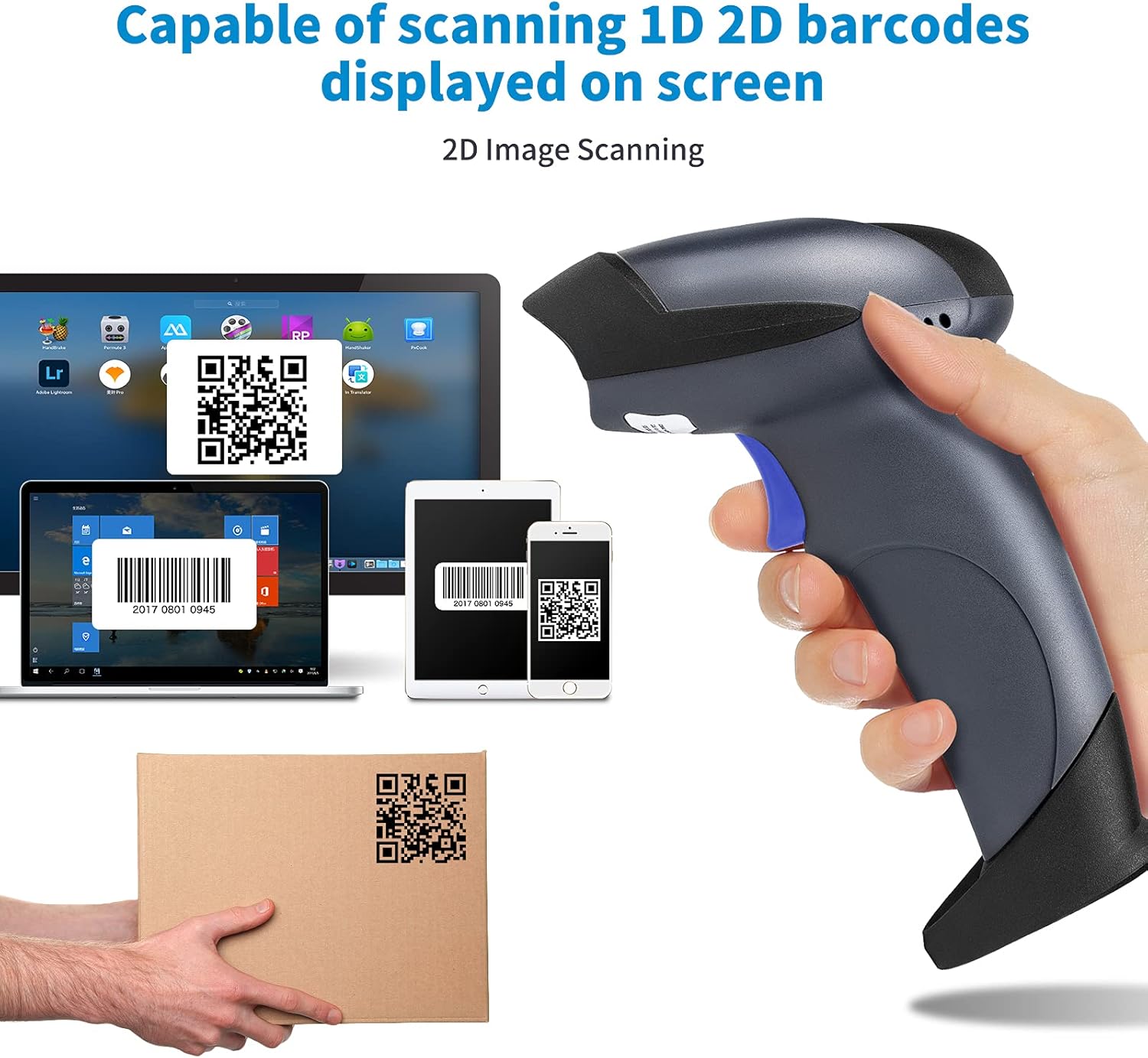
It makes sense if you want one scanner that can cover multiple connection situations—office laptops today, a POS station tomorrow, and maybe a more basic wired setup when needed. If your team scans both paper labels and codes on computer screens, this 2D imager approach is likely to be more accommodating than scanners limited to 1D.
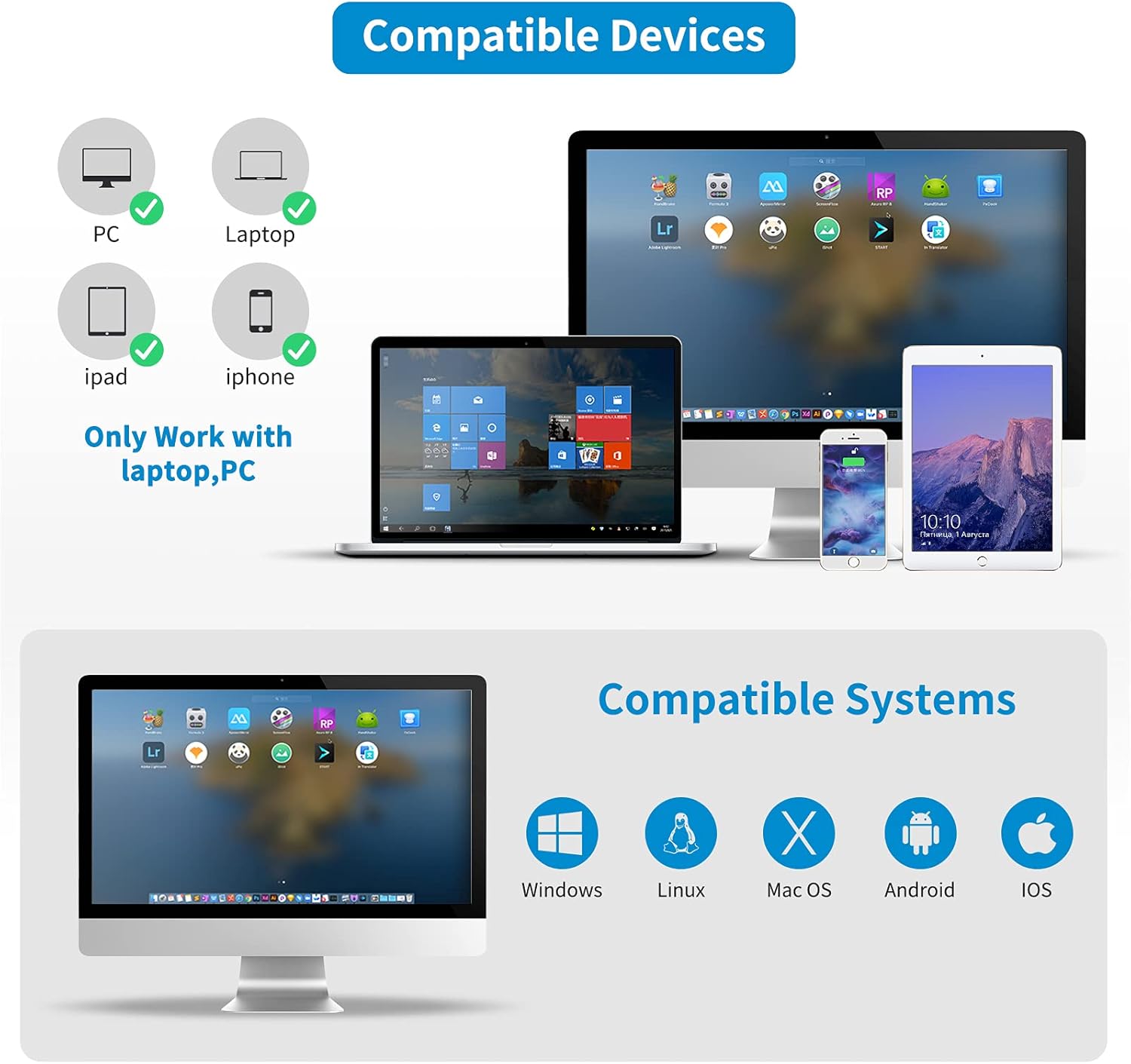
It might not be the best match if your operation needs very specific, documented POS integrations, or if you prefer to validate compatibility with your exact software and hardware combination up front. The description mentions support for Windows and Mac OS, and smartphone use for iOS and Android, plus references to software like QuickBooks, Word, Excel, and Novell—but it doesn’t confirm everything in detail.
Practical tips for getting reliable results
A simple workflow can make the most of the stand and continuous scanning. For example: place the scanner in the stand at the checkout or packing desk, then scan items one after another in a steady rhythm. When you move away to handle parcels, use the wireless mode and rely on storage mode if you expect to step outside the receiver’s range before syncing.
Also, because it supports both printed codes and codes displayed on monitors, you can keep your process consistent rather than swapping tools depending on whether staff are reading paper labels or on-screen codes.
Should you buy it?
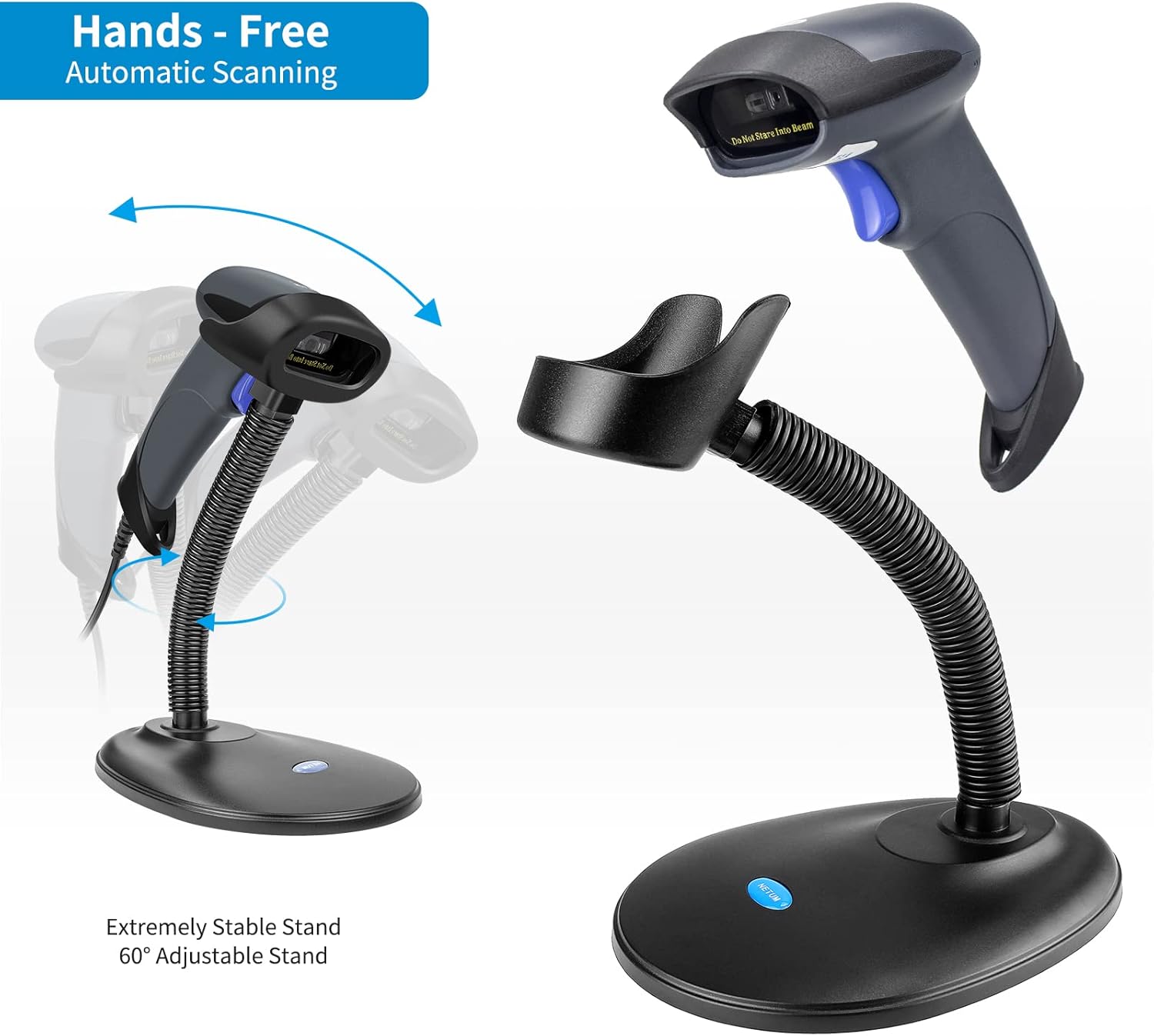
Worth considering if you need a 2D QR barcode scanner with flexible connectivity (Bluetooth, 2.4GHz, and USB), broad 1D/2D decoding support, and the option to scan and store when you’re away from the receiver. The adjustable stand and continuous scanning are practical touches for repeat scanning at a desk, and the stated battery figures suggest it’s designed for real shifts rather than constant charging.
You may want to skip it if your setup depends on very specific software/POS integration details that aren’t clearly covered in the description, or if your barcode types are extremely narrow and you’d rather buy a more specialised (and possibly simpler) tool.
Mini FAQ
Can it scan both paper and codes shown on a computer screen?
Yes, the description says it can read barcodes displayed on a computer monitor and printed on paper.
Does it work with different connection types?
It supports Bluetooth, 2.4GHz wireless, and USB 2.0 wired, which is handy if you change devices or prefer different setups.
Is there offline storage?
Yes—there’s a storage mode with internal offline storage, with the description stating support for up to 130,00 barcodes.
What barcode formats does it cover?
It’s described as supporting many 1D and 2D symbologies, including QR and DataMatrix for 2D, and common Code and EAN/UPC formats for 1D.