

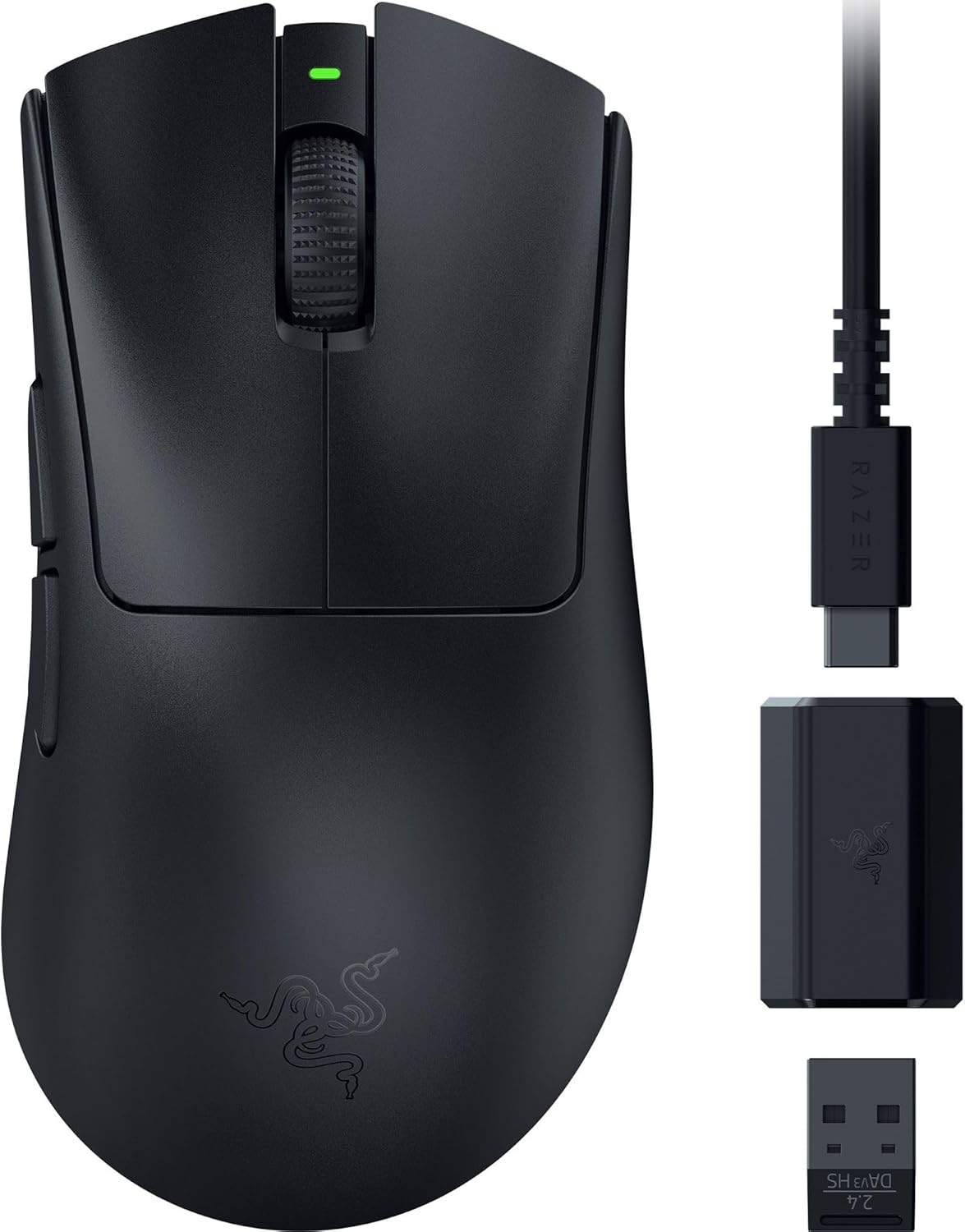
Razer DeathAdder V3 HyperSpeed wireless gaming mouse (55g, 26K DPI, USB-C) – black
Reviews
Price
Product description
If you care about wireless that feels responsive, the Razer DeathAdder V3 HyperSpeed is built around that idea. It’s a very light, ergonomic e-sports mouse with a soft-touch coating, aiming to keep your hand comfortable during long scrims.
On paper, it leans into precision and reliability: a high-end optical sensor, optical switches designed for a long click lifespan, and Razer HyperSpeed wireless support. It’s not a “general office mouse” kind of product, though—this is for players who notice the difference in feel, latency and consistency.
The essentials
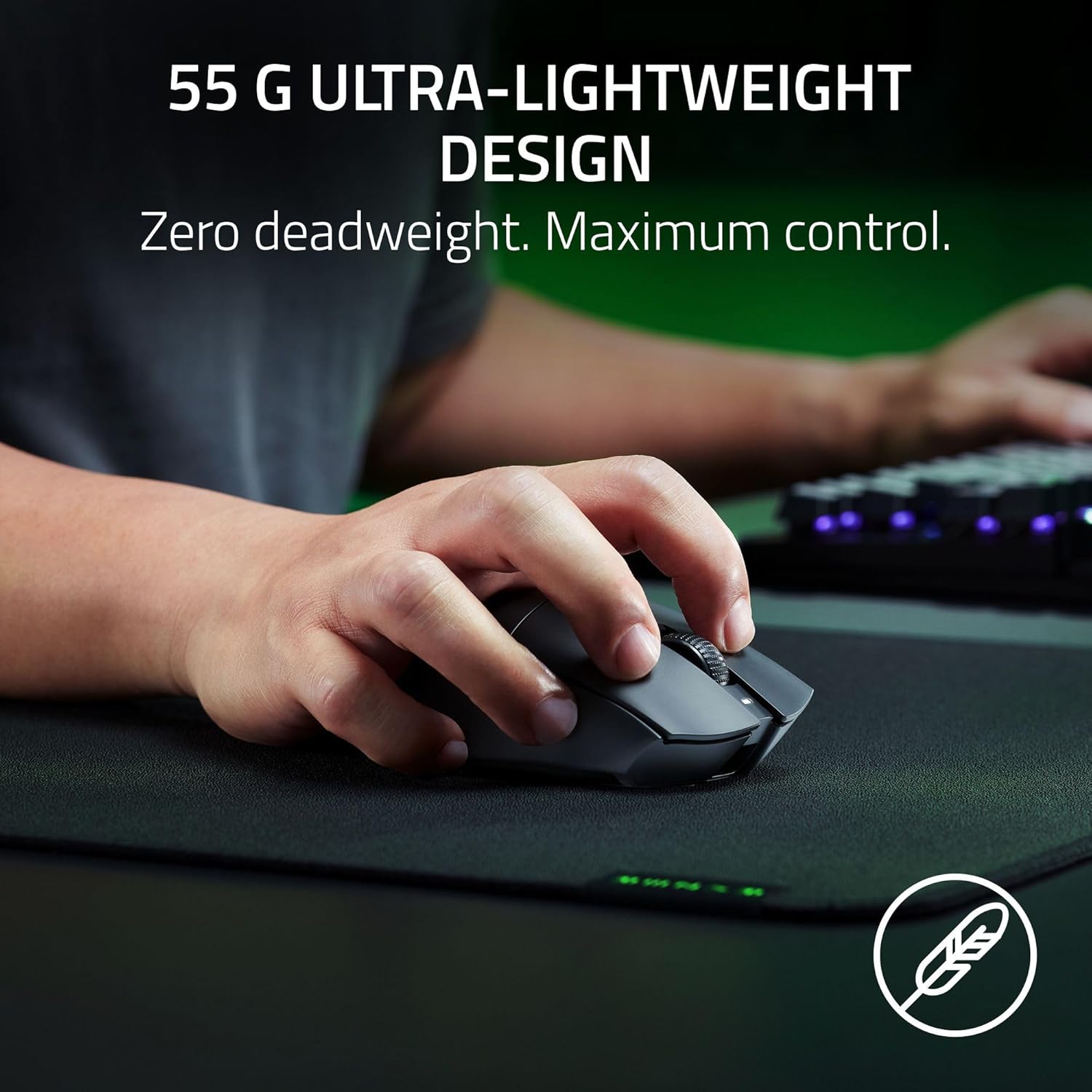
The headline spec is the weight: at only 55 g, it’s clearly designed for players who prefer fast, low-effort mouse movement. Coupled with a mass-centred, balanced design, the intention is that your swipes and micro-adjustments feel controlled rather than wobbly.
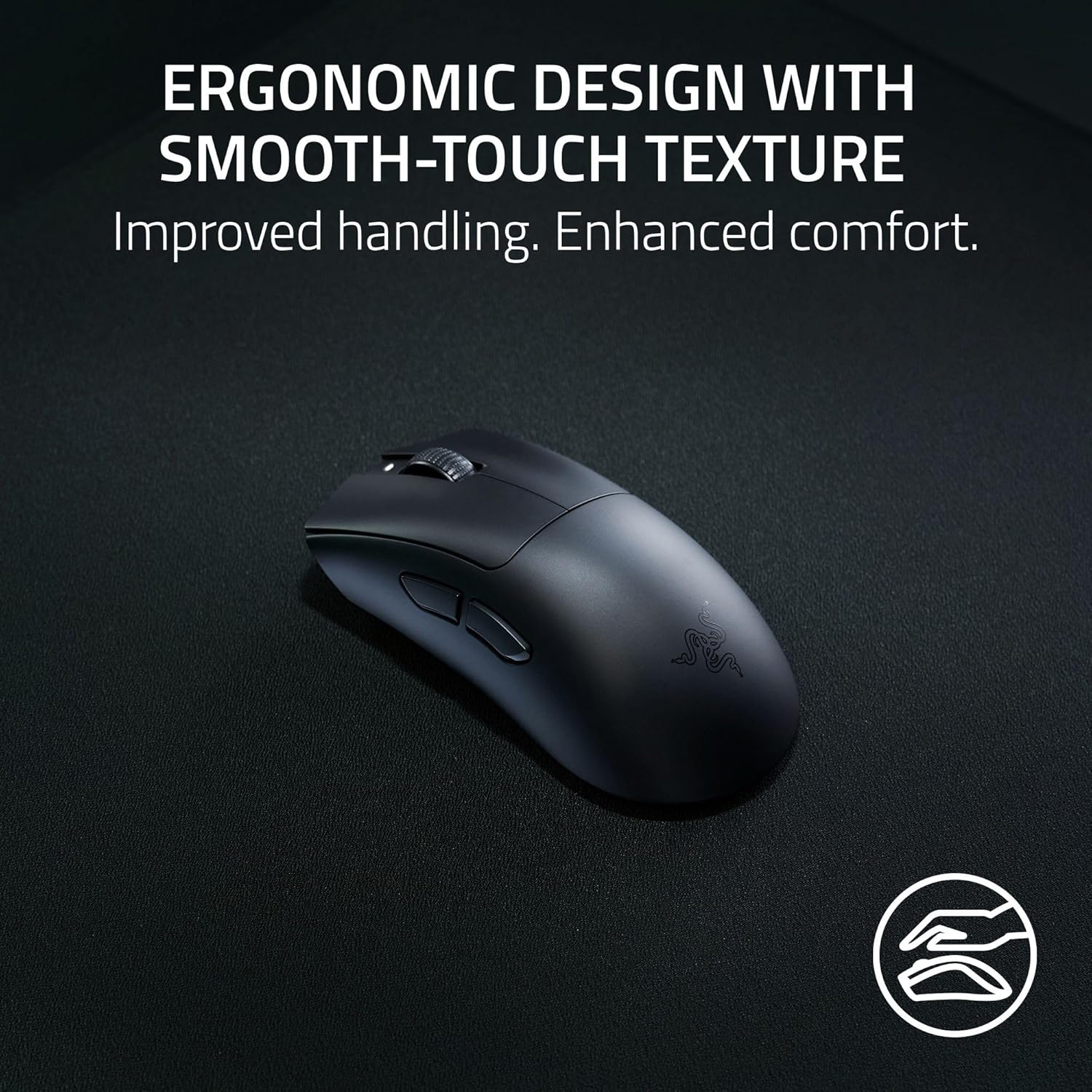
Ergonomics matter here too. The shape is designed to sit naturally in your hand, and the soft-touch coating is meant to make long sessions less fatiguing. That sort of detail doesn’t always show up in cheaper wireless mice, so it’s one of the reasons this model sits more in the competitive space than the entry level.
What to know before you buy
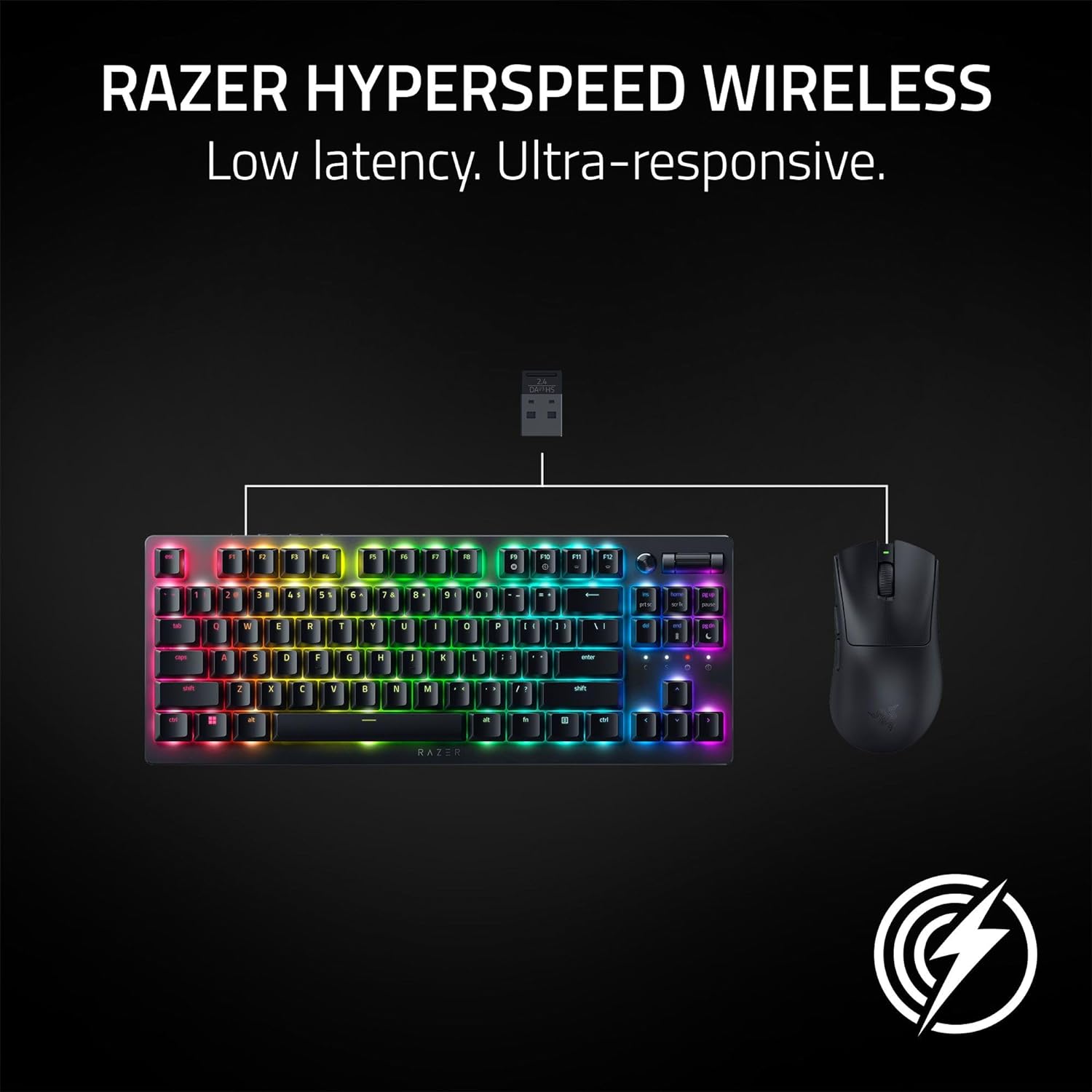
Wireless performance is only half the story, the other half is what you’ll need to run it smoothly. This mouse uses Razer HyperSpeed Wireless, and it’s noted as compatible with the Razer HyperPolling wireless adapter for a true 8000 Hz wireless sampling rate. If you don’t plan to use that adapter, you may not reach the very top-end wireless polling figure mentioned in the product description.
There’s also software involvement. It references using the Razer Synapse app to optimise mouse accuracy, and it suggests disabling the Windows “Enhance pointer precision” option for better results. If you prefer plug-and-play with minimal settings changes, it might feel a bit more hands-on than you’d like.
Where it shines for gaming
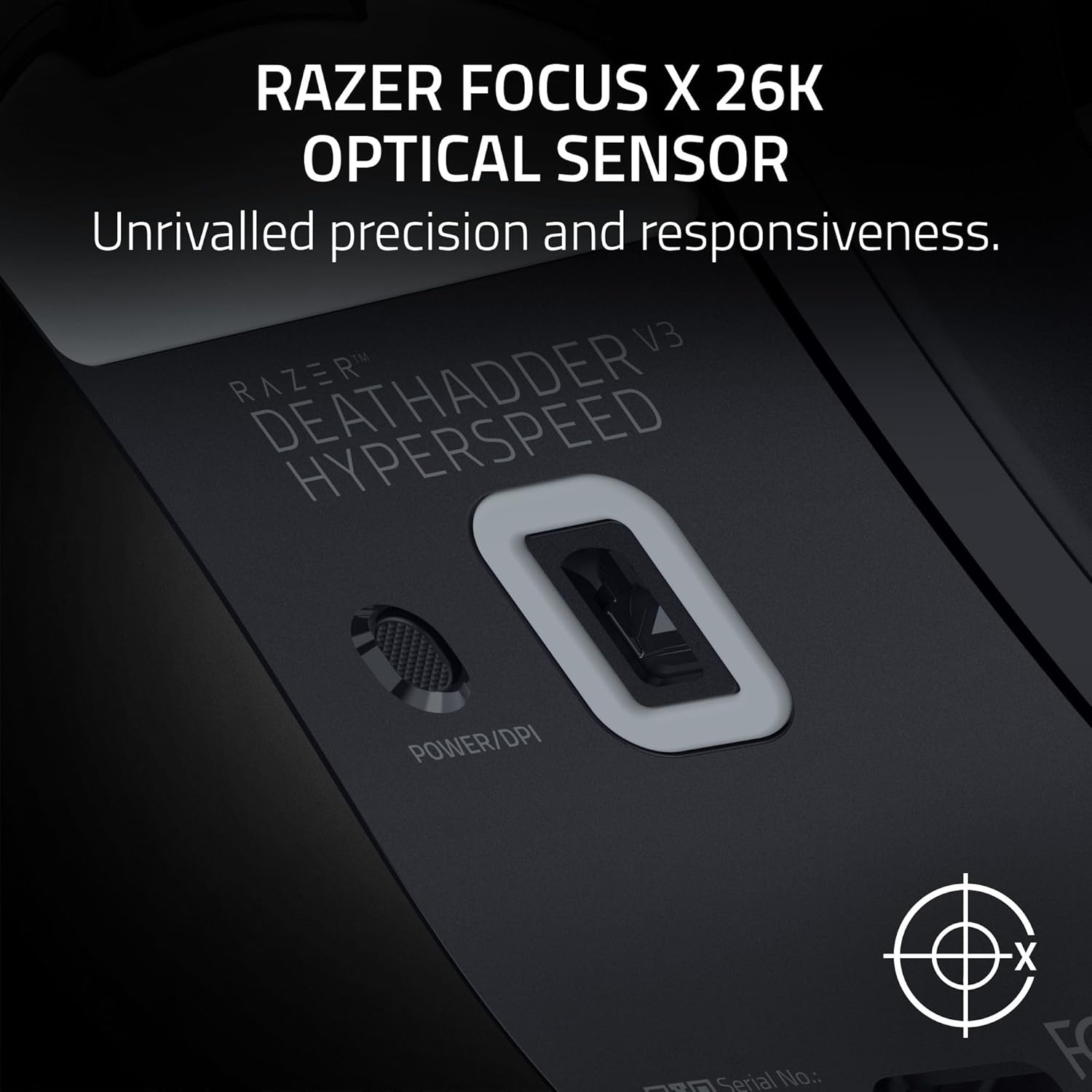
This model is aimed at competitive play where responsiveness and consistency are non-negotiable. The Razer Focus X 26K optical sensor is positioned for responsive, pixel-perfect aiming, with 26K DPI and 99.4% resolution accuracy.
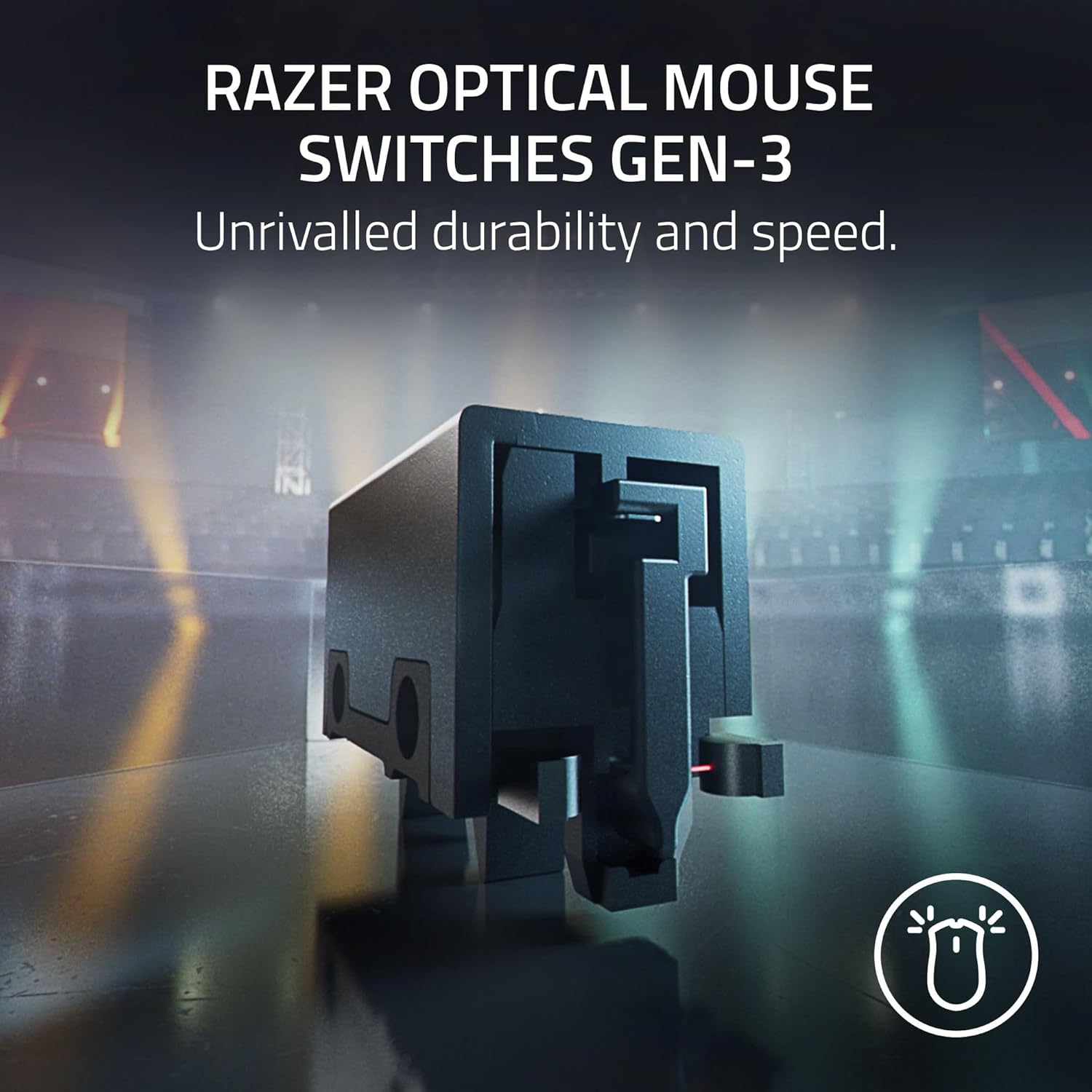
The switches are another big part of the pitch. Razer states the 3rd generation optical switches are rated for a 90 million click lifespan, with a fast trigger time of 0.2 ms and no debounce delay. In normal use, the practical benefit you’re hoping for is fewer weird mis-feel moments—especially during rapid clicking.
A quick everyday example: in a tactical FPS round, you typically do repeated burst taps and then switch into fine crosshair tracking. This mouse’s combination of fast trigger behaviour and a light, balanced shell is the kind of setup that can help keep your clicking rhythm consistent without forcing your wrist to do extra work.
Battery life and charging in real life
Battery life is quoted as up to 100 hours of use in professional competitive gaming, and charging is via USB-C. The “up to” wording is important—battery life always varies with usage, brightness, polling and settings—but the key point is that you’re unlikely to be charging constantly.
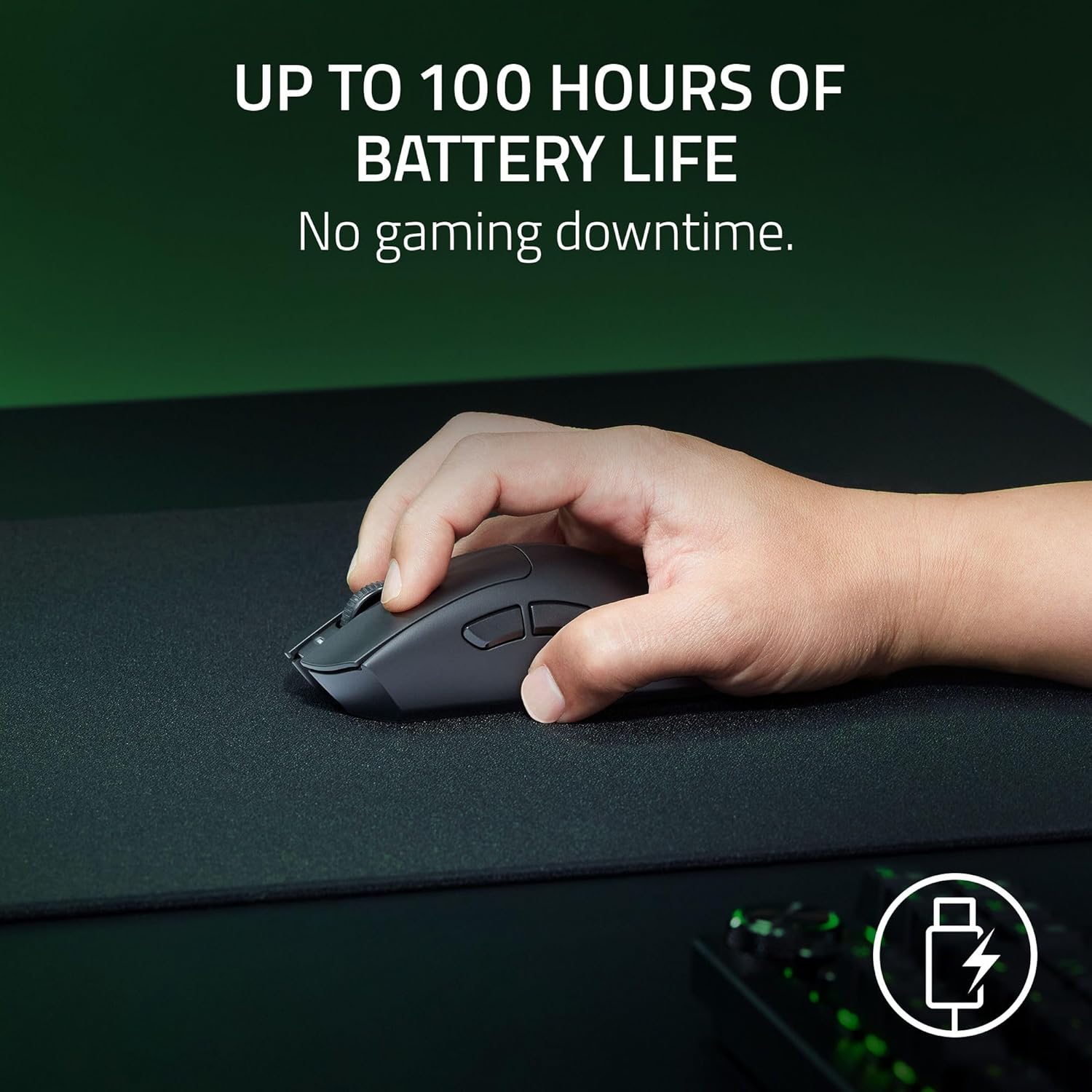
If you’ve ever had a wireless mouse where the battery starts dropping mid-event, the value here is straightforward: longer stretches between charges, plus quick top-ups via USB-C when you do need them.
Key specifications (as described)
- Weight: 55 g
- DPI: 26K
- Battery life (up to): 100 hours
- Wireless performance: HyperSpeed with 8K Hz (with compatible adapter)
- Charging: USB-C
- Optical switch lifespan: 90 million clicks
- Optical switch trigger time: 0.2 ms
Is it worth it?
It’s worth considering if you want an ultra-light wireless gaming mouse with an ergonomic shape, soft-touch comfort, and a competitive focus on precision and switch responsiveness. It makes sense if you’re already willing to tweak Windows mouse settings and/or use the Razer Synapse app for tuning.
It might not be the best choice if you want a mouse mainly for general browsing and office work, or if you’d rather avoid any setup beyond plugging it in. Also, keep the HyperPolling adapter note in mind: if you’re chasing the very top sampling rate claim, you’ll need the right setup.
Mini FAQ
Does the 26K DPI mean it will feel precise for everyone?
Not automatically. DPI is only one part of the feel. The description also points to disabling “Enhance pointer precision” in Windows and using Razer Synapse to optimise accuracy, which suggests setup and tuning still matter.
How long does the battery last?
Razer quotes up to 100 hours in professional competitive gaming. Real-world runtime will depend on your settings, but it’s clearly positioned for long sessions between charges.
Is it truly an 8000 Hz wireless mouse?
The listing says it’s compatible with the Razer HyperPolling wireless adapter for a true 8000 Hz wireless sampling rate. Without the adapter, you may not see that figure.
What makes it different from heavier wireless mice?
The main difference, based on the description, is the 55 g weight and mass-centred balance. For many players, that translates to easier flicks and less effort in repeated movements.
Should I choose this over a more basic wireless mouse?
If you’re the type who cares about click feel, fast trigger behaviour and sensor responsiveness, the DeathAdder V3 HyperSpeed is designed for that. If not, a simpler wireless model may suit you better and reduce the need for tuning.